Imagining Apple HomeView placement

I know where I’ll install Apple’s upcoming HomeHub… sorry, HomeView1, when I can get my hands on it. It needs to be central but not distracting when it displays photos2. Central enough so I can ask questions and get audible answers, like with the HomePod3. Close enough to reach and interact with on a whim. HomeView capabilities could be a deciding factor in where it lands in my house, or whether I get more than one.


  1. What a bad name. HomeHub would be much better. Come on, Apple! ↩︎

  2. I like it when I pass by a photo frame, peek at what is currently shown, then move on. ↩︎

  3. HomeView should have been the HomePod instead of a dumb speaker. ↩︎

I’m considering selling my RODECaster Video S. I never recorded a video with it. I realized that software-only solutions and setups are more flexible and easier to operate. I’m not a hardware guy when it comes to video production. 😔

The guessing game

I’m really looking forward to Apple’s new home device. I wish it would be called “the HomePod” because it reflects what the device is about. Now that Apple already uses that name for their rather dumb speaker, reusing it would be tricky, but not impossible. Apple could rename the current HomePod and the HomePod mini, yet it’s tricky. HomeHub might be the second-best name and would fit the personal-hub concept John Ternus discussed recently. Your iPhone is your personal hub, while the HomeHub is your home hub… duh. You can see a great device design approximation on YouTube from ‘fpt’. It’s rather cute.

I’m already trying to figure out where I will install it in my house.

Introducing Apple's Intelligent Home Hub

According to the latest rumors:

“The hub is about as thick as an iPhone, and its display is surrounded by a quarter-inch, black bezel reminiscent of older iPads. It has rounded corners and no sharp edges. The device lacks a battery, so it has to be plugged in at all times, and there are no volume or power buttons. The product comes in Apple’s standard gray aluminum finish and includes a USB-C port for power. The screen sits above a metal, round base with multiple rings of perforated speaker holes and connects to it through a polished metal arm. Users can manually tilt the display forward or backward. And the base has a rubberized bottom to help it stay on a table. The standard version looks reminiscent of the famous iMac G4 from 2002 that has a large display that sits on a half-dome-shaped base.”

The Intelligent Home Hub might be a good name that fits the Intelligent Personal Hub moniker John Ternus used recently when referring to the iPhone.

While waiting for a foldable iPad

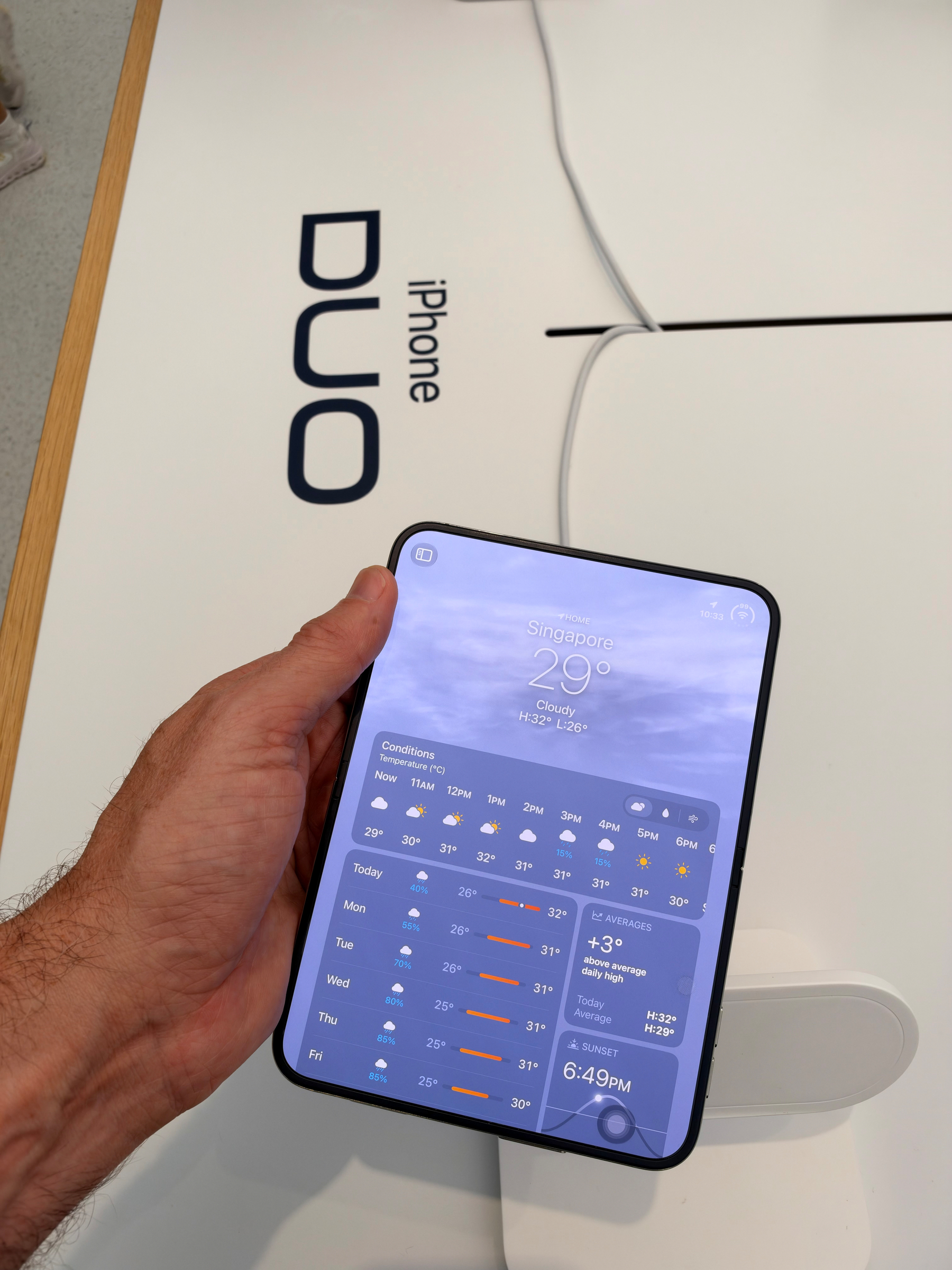
I rewatched Apple’s Surprise and Shine event today and found the iPhone Duo segment really good. In fact, the device seems to have a magical touch. Even though it doesn’t make sense, I would love to get a foldable iPad. I would love an iPad mini when folded and a large iPad when unfolded. While I wait for such a device, I would gladly use the new multitasking gesture to put two apps side by side on my current iPad Pro. Apple, I hope you get the message.

The upgrade from the Ubiquiti Dream Router to a pair of UniFi Express 7 units is now complete. The process is similar to upgrading to a new iPhone and uses the previous router configuration backup. Overall, two Wi-Fi 7 devices meshed together offer better house coverage and support the latest Wi-Fi standards. The Ubiquiti Network UI is also much faster to work with.

On 18 Pro colours

I went to the Apple Store today to see the iPhone 18 Pro in other colours. Burgundy is much darker than I expected, but not as bad as I was expecting. The light blue could have been my first choice because it’s really nice. The nuances vary depending on the lighting. It’s a great one. I’m still happy with my silver 18 Pro Max, though.

I decided to upgrade my Ubiquiti Dream Machine Router (acquired in 2020) and Beacon HD to a pair of Unifi Express 7. I should be getting this today. I can’t wait to set this up (hopefully I’ll restore my settings from my backup).