Upcoming blog post on Numeric Citizen Blog: more than 2800 words 😳 to talk about how I tweaked and made macOS Big Sur a powerful and productivity friendly desktop experience for me with the use of more than 20 third-party utilities. 👨🏻💻
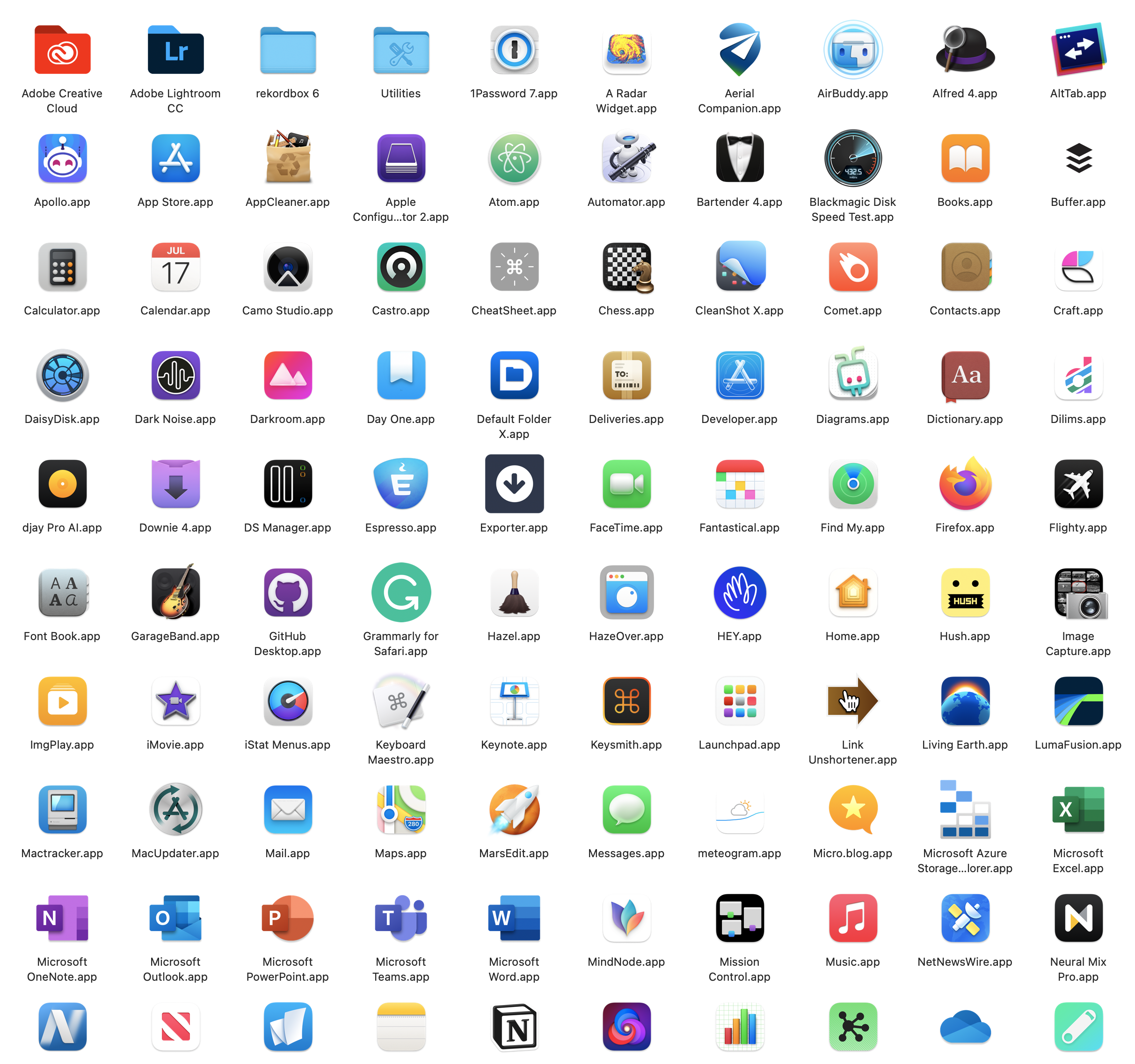
Upcoming blog post on Numeric Citizen Blog: more than 2800 words 😳 to talk about how I tweaked and made macOS Big Sur a powerful and productivity friendly desktop experience for me with the use of more than 20 third-party utilities. 👨🏻💻
Well, if that was the case, this would add fuel to any anti-trust initiative. No?
iMessage Kept Off Android for iOS Lock-in initialcharge.net/2021/04/i…

Consider the following App Store screenshot of a recently introduced game in the Apple Arcades service.
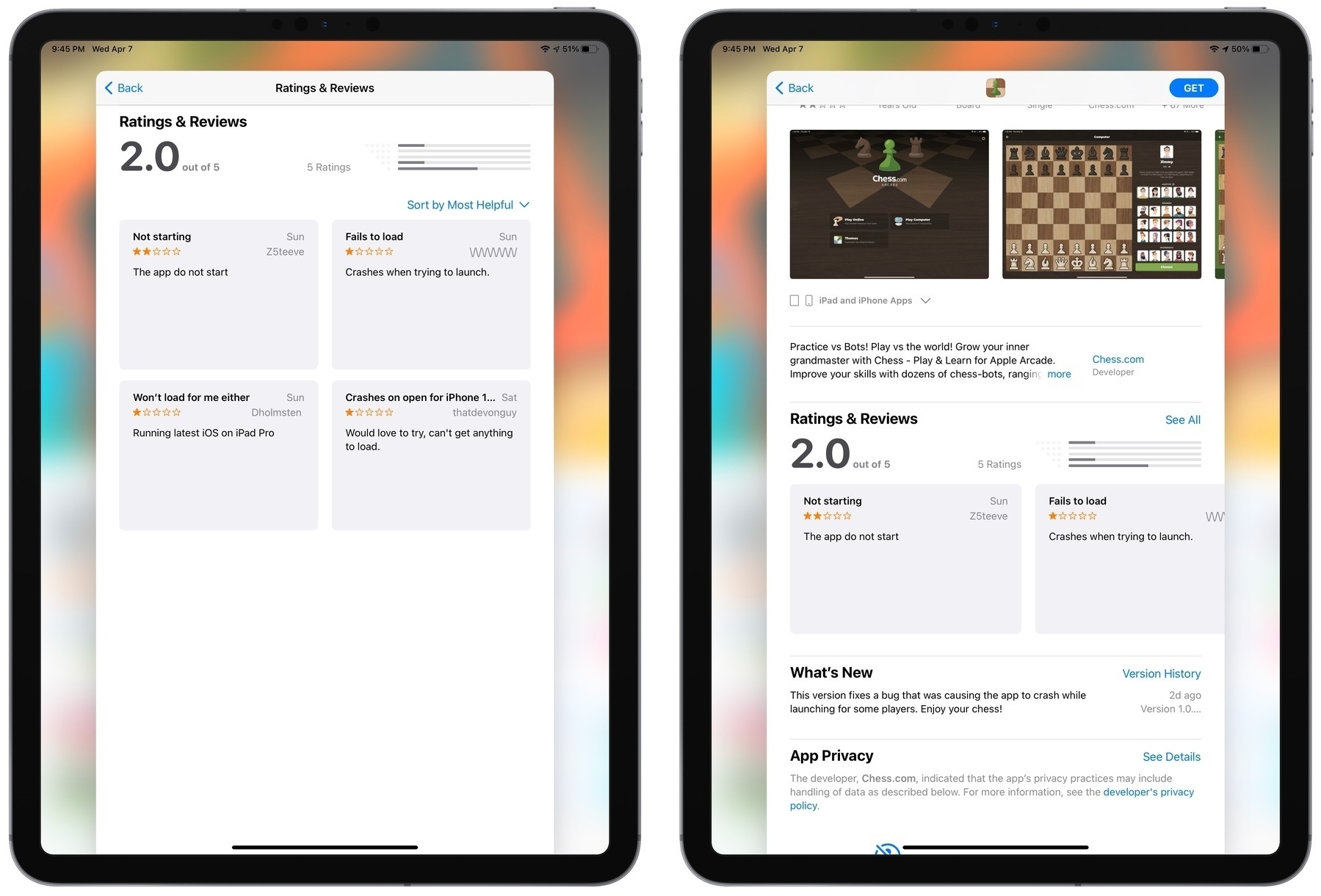
Reviews of this game are really bad because the game doesn’t load on people’s devices. Does Apple really test their stuff before putting them out? Tim Cook et al. brags all the time about being a mandatory gatekeeper for iPhone security and quality control with the App Store. In this illustrative case, and there are many others, Apple is failing big time to play his role. I just can’t understand why this shit is possible.
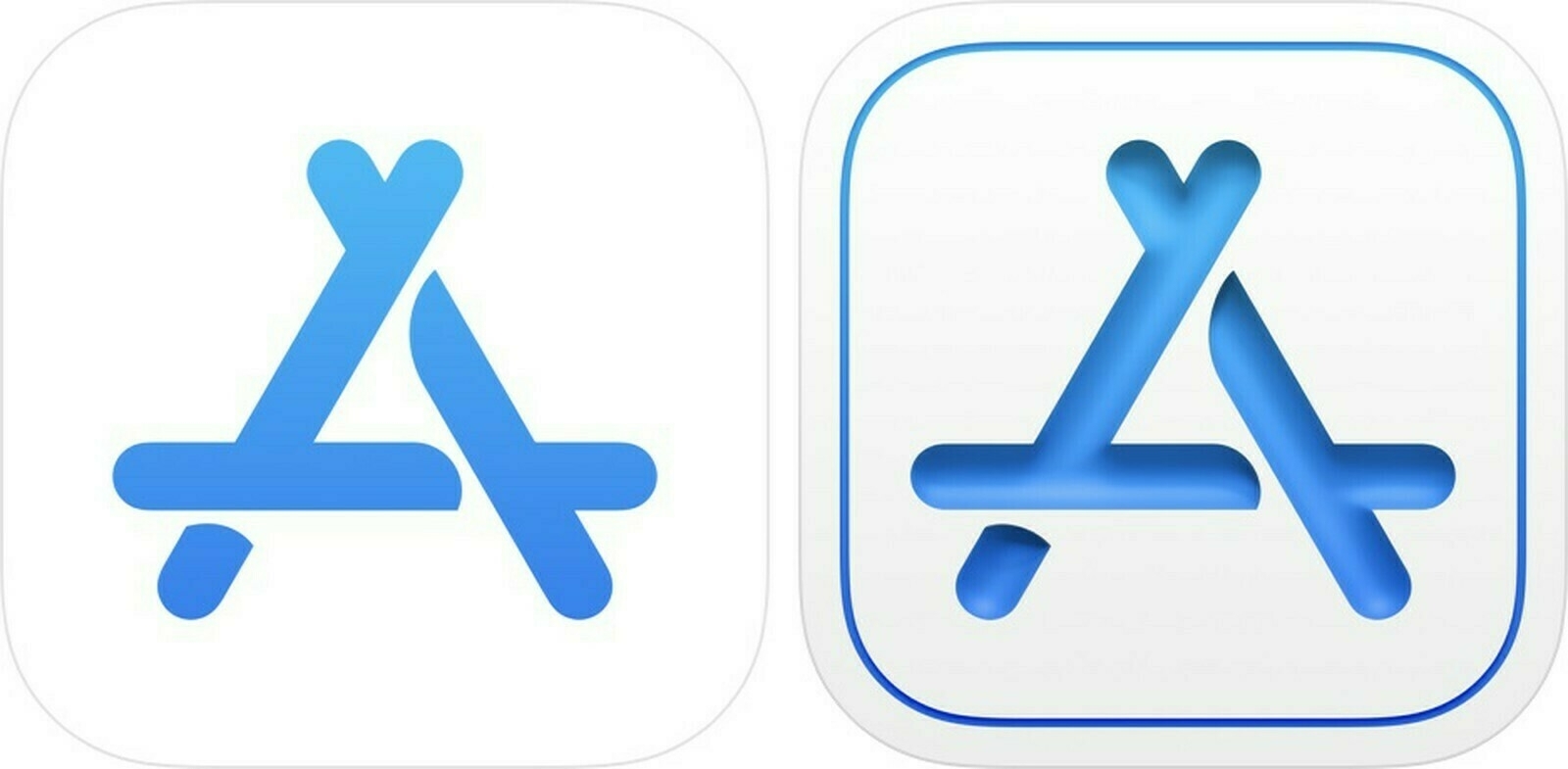
I rarely comment on rumours from highly speculative reports, but this report from MacRumors is different:
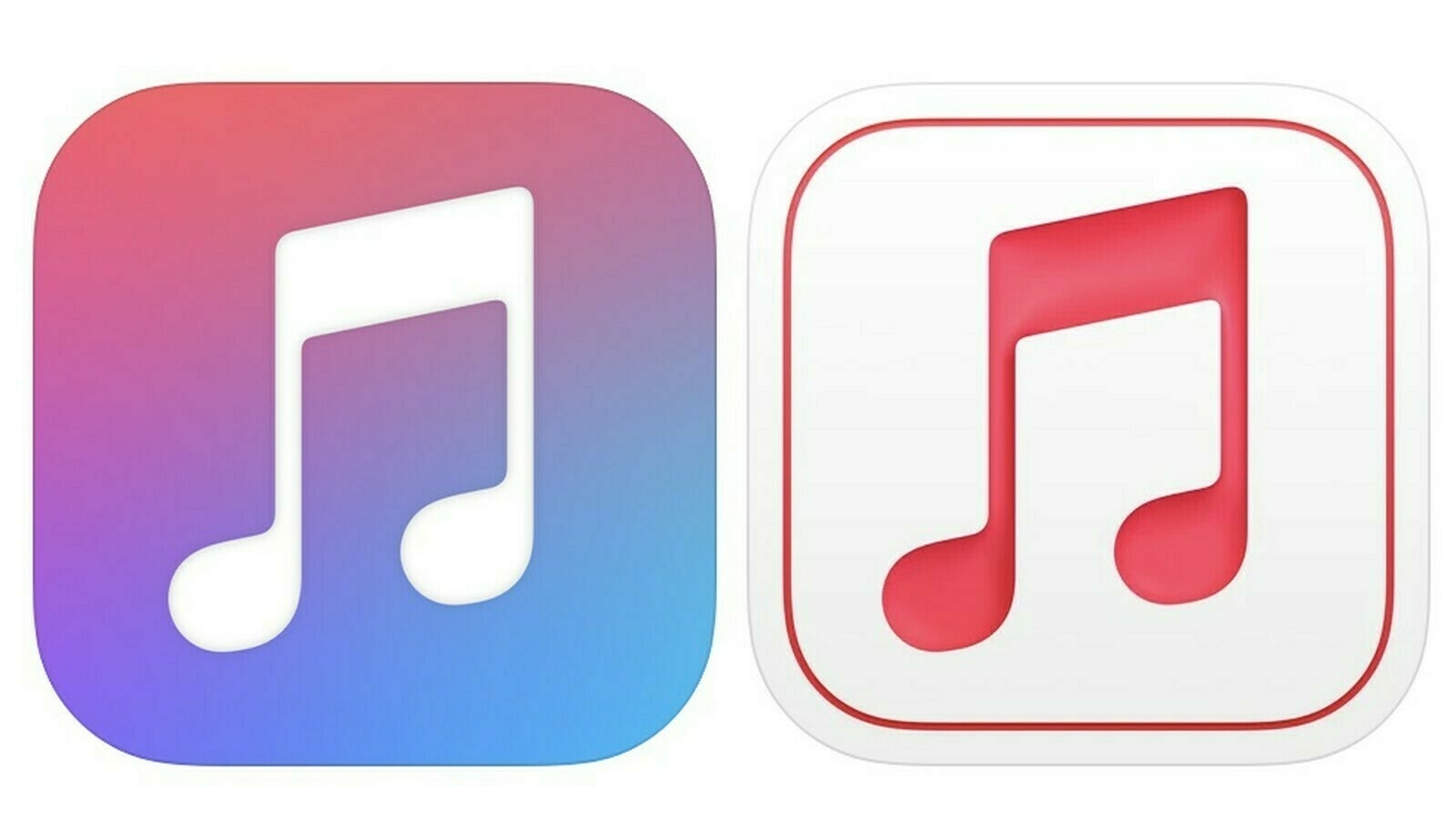
“The Apple Music for Artists app now features a simpler, streamlined icon with a pinkish red music logo rather than the multicolored logo that was used before. The icon also has an embossed look that makes it stand out from other Apple icons.”
and
“App Store Connect in October was updated with a refreshed icon that’s similar to the Apple Music for Artists icon, which means Apple has now updated two app icons with this new design.”
The simple fact that two icons got updated with similar look at several months interval could signal a trend leading to the upcoming design update with iOS 15. I much prefer the right version of these icons, particularly the embossed design. This 3D effect adds some depth and dynamism to the design, and yes I like the fine line marking the icon boundaries.
I wouldn’t be surprised if those two icons were part of an A/B testing program, within Apple. Second, what Apple has done with macOS Big Sur was only the beginning destined to encompass all platforms, in some form or another (icon design wise).
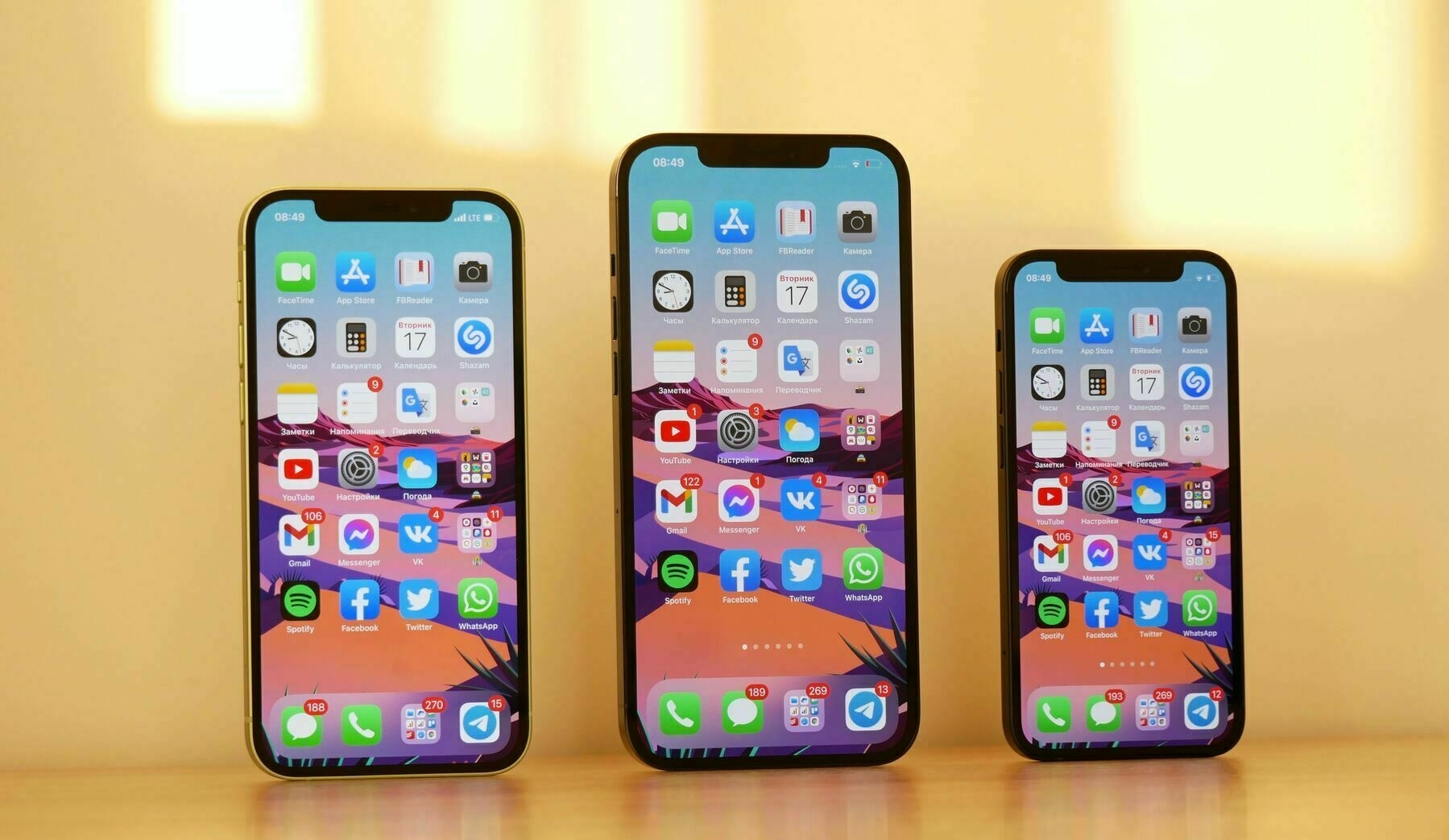
Today, I have come to realize that, since its introduction, I didn’t see the iPhone 12 lineup in person. It’s the first time that I didn’t go to an Apple Store to see, manipulate and experience a new Apple product release. How big is the Max? How small is the mini? What about this new edge? The same goes for the Mac Pro.
The pandemic has really put a dent in our lives in some unexpected ways, big and small. But, do I really miss something? After all, the iPhone 12 is the return of the beloved iPhone 5, which I owned. I guess I’ll have to wait for the iPhone 13 or whatever it is called.
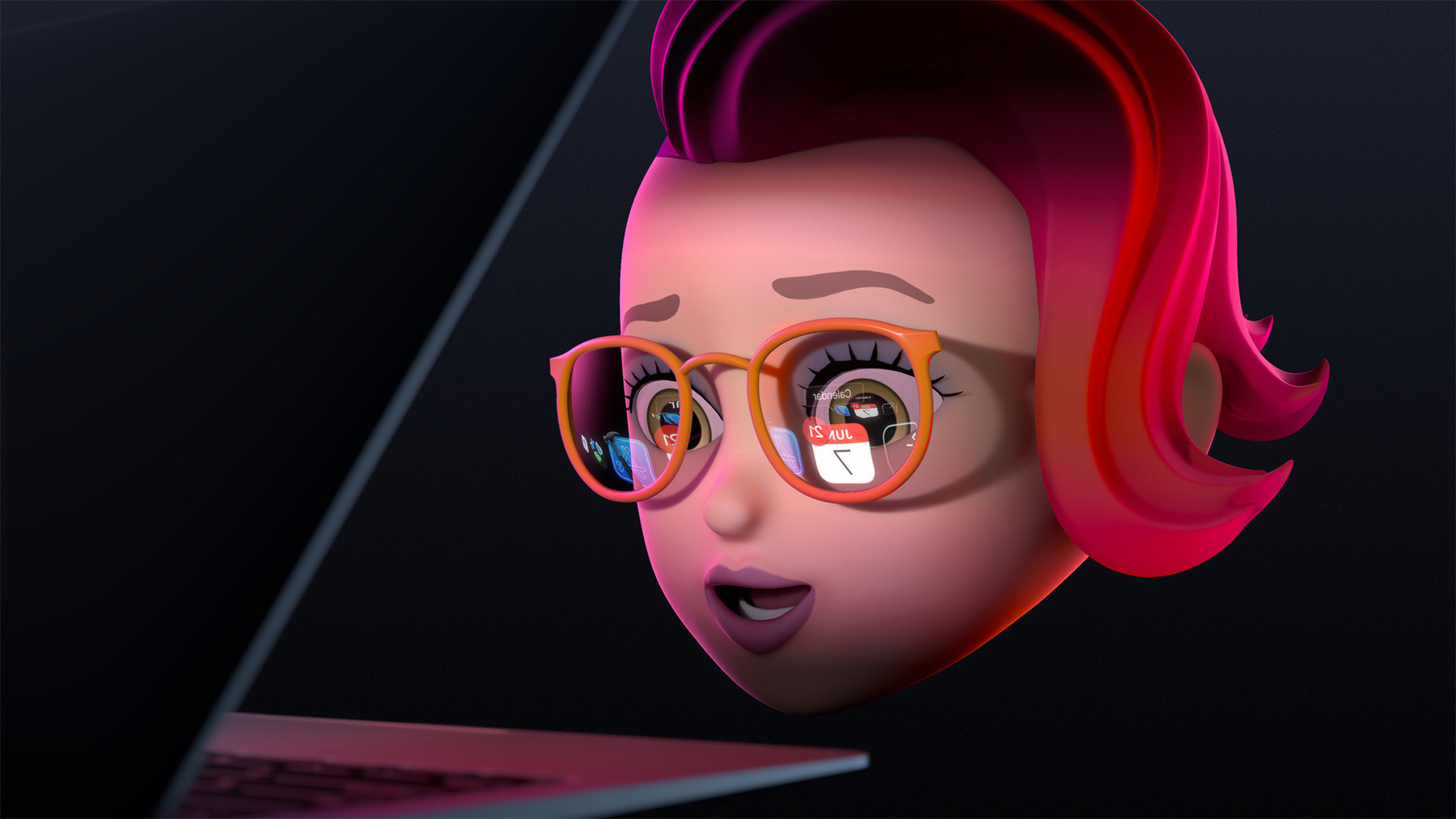
Apple just kicked off the 2021 season of high expectations, endless wishes lists, criticism, betas, crashes, deception, no-show products, expected hardware refreshes, iPad deceptions, etc. Again, this year, it will be a digital-only version, thanks to the lingering COVID-19 pandemic. I’m happy with that. As I wrote in the past, my hope is that this type of event stays digital. I’ve never been to a real WWDC so I don’t miss anything.
Now, trying to read into WWDC’s announcement art: sure, there is this reference to last year’s Craig Federighi with its MacBook Air, but it is also clear to me that Apple is set to announce their AR Glasses. Yep. Remember, you read it here first guys. 😜
How funny is that? It seems Intel is applying its “tick-tock strategy” to its relationship with Apple. One week, Intel is slamming Apple’s M1 Macs with highly questionable ads featuring Justin Long, the week after Intel is luring Apple’s business to make their future processors.
So obviously you’ve seen some of the competitive energies resume because there’s a lot of great innovation to be done, and we haven’t seen PC demand at this level for a decade and a half. The world needs more of that, and there is competitive fun going on with Apple and the Mac ecosystem” — Gelsinger
I don’t know if this competitive landscape is fun like Gelsinger is mentioning, maybe we could ask Tim Cook?
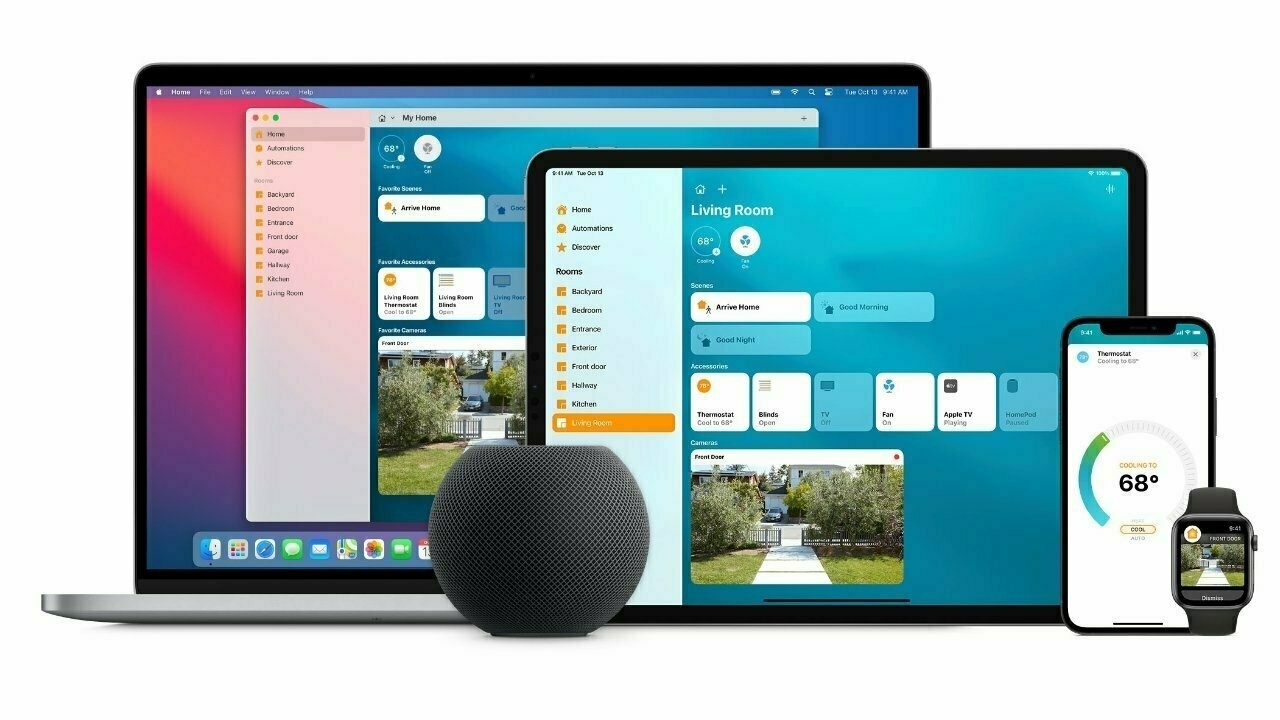
Apple needs to release new products to compete in the home. Be it an “Apple TV 6” or “HomeHub,” something needs to change the customer’s perspective in order to get traction in the space.
The article fails to mention a feature a HomePod replacement could and should include: home networking. I wrote about this many times. Apple left home networking market at a time where it was transitioning to WIFI 6 and home automation really started to pick up pace, thanks to things like HomeKit.
Mesh networking is something critical these days with the new work-from-home trend caused by the pandemic. Only Apple could create an easy to use networking product, à la Ubiquity or something like the AirPort product line. Speakers like the HomePod mini could evolve to be mesh extenders. I don’t really care if this product does have a screen or multiple mics. Sure it has to be HomeKit integrated. No, I don’T want it to be a successor to the Apple TV. Pricing would be too out of control. It has to be a separate product.
Leaving the home networking space could be one of the worst Apple decision in recent years. We keep seeing the consequences of it now.
Image credit: taken from AppleInsider’s article.

According to 9to5Mac, users from Russia, upon setup of their brand-new iPhone:
Apple users will see a dialog box upon initial setup of new devices that features web browsers, antivirus, messenger, email clients, and more to be installed by default. The list of apps is provided by the government.
At first, I thought it was a bad decision from Apple, to allow this to happen. Bending to state laws from a country like Russia doesn’t look good. Who’s next? China? What about smartphone carriers?
The headlines are scarier than the reality, though. Users will be able to uninstall those state-sponsored apps. Otherwise, it is easy to imagine many scenarios like the dreaded PC bloatware we had to endure in the nineties from Microsoft’s OEMs. Or even worse, what about state surveillance applications? How will Apple say no to those? Are PCs subject to the same requirements? If not, why?
On the flip side, I can see some situations where apps could be suggested that would make sense, like contact tracing apps. It could have made a difference if we had this feature implemented before the pandemic. Another case is to suggest a government sponsored app that gives access to services sponsored by the government (immigration, finance, security, etc.). Finally, what are those apps that will make the list when setting up a new iPhone in Russia? I hope someone will share their experience once the law comes into effect.
Photo credits: Steve Harvey on Unsplash
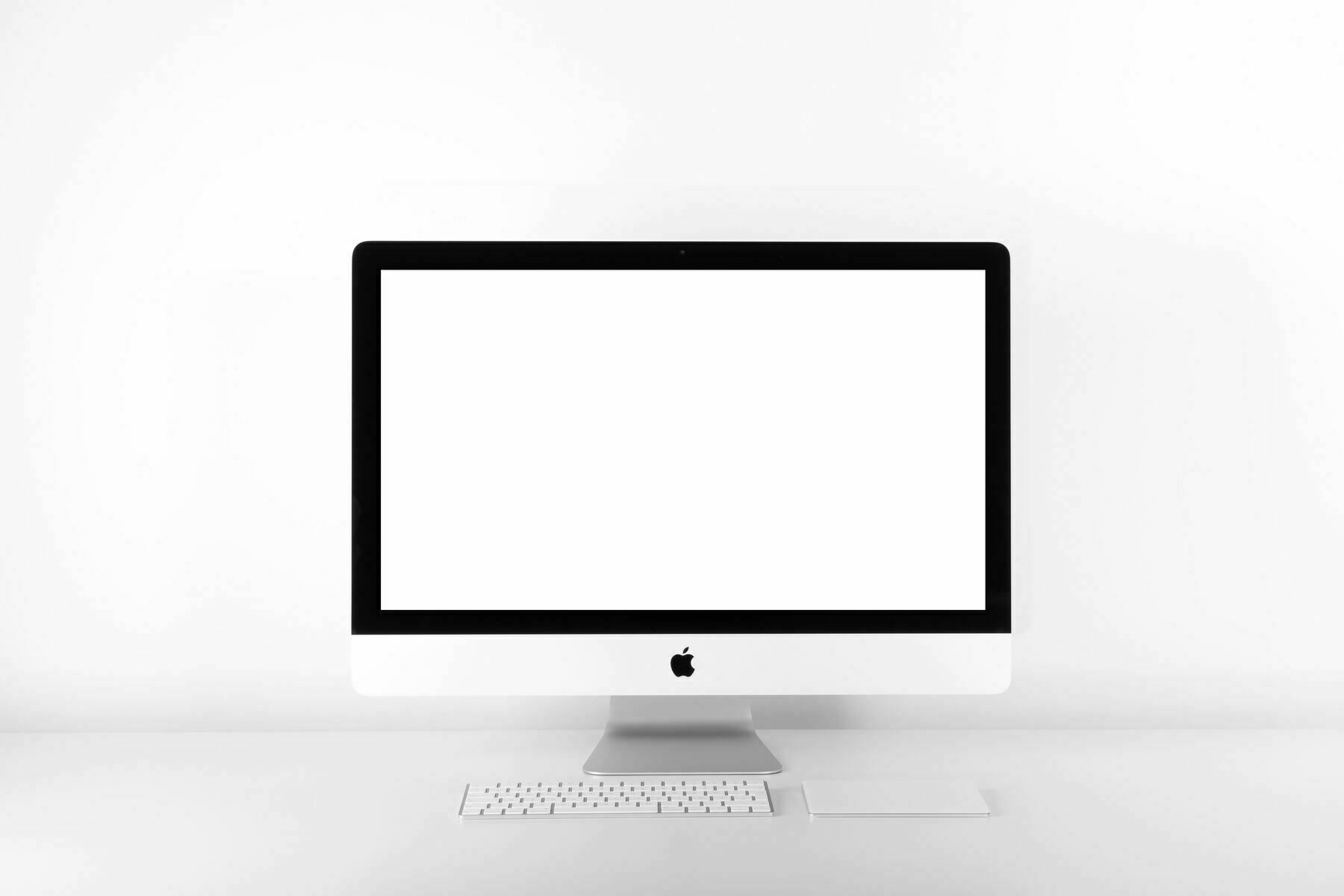
Well, rumours abound, changes to the Apple Store options for the iMac, the demise of the iMac Pro, something is really going on with the iMac line. As Apple is currently in the midst of their transition to a full Apple Silicon future for the Mac, we may find what’s coming next, sooner than later.
I always loved the iMac because it is the most truthful version of the Mac original vision. I owned a 24” 2005 white iMac, then a 2007 aluminum version before my current 2017 iMac, on which I work on every weekday, for my day time work. I’m really looking forward for Apple to inject a new dose of design language in general, but especially for the iMac. The chin, the bezels, the rounded back all feel quite dated and tired. The ultimate form factor is to get a screen, nothing more. Think of it like a big iPad Pro on a svelte stand. The next design has to be iconic. It should differentiate itself from the current iPad Pro or the ProDisplay XDR. Apple’s industrial design team must enter new territories, they have to put a clear mark on Jony Ive’s era. Everything in Apple’s current Mac product lines look and feel like Jony Ive’s team work. We are due for a new beginning.
Will this new machine come in April? I feel like Apple should use a more important event like WWDC or one of the fall keynote to release such a landmark product. Current movements on the Apple Store and recent discoveries in Apple’s latest beta software points to a sooner than later release. We shall see very soon, I guess.