Here is why Microsoft should start to worry (#microsoft #surfacego #macbookair #apple #m1chip)

In light of Apple’s recent products introduction, consider the recently introduced Microsoft Surface Go. A Windows laptop that starts with 4 GB of RAM, 64 GB SSD, 12.4” touch screen using the Intel Core i5 which will get you 13 hours on battery for 550$. If you want a 8 GB of RAM, 256 GB SSD, the price goes up to 899$, but you keep the same lame CPU.

Now, compare this to the new MacBook Air (a much more powerful laptop) for 899$ (education pricing), same amount of RAM and SSD, 5 hours more of battery life, a much better non-touch display.

How is Microsoft supposed to compete against Apple in this market now?

They simply can’t, and they should start to worry.

Massive Big Sur Review (#macos #bigsur #macosbigsur #apple #review)

Ars Technica put together a massive review of Apple’s macOS Big Sur. It is quite impressive. It’s exactly the kind of review that I’m looking for. Visuals and internal architectural features are exposed, explained but rarely justified, only when it serves a purpose of contextualizing the matter. Kudos for the author: Andrew Cunningham

Now, I’m so anxious to get this thing running on my upcoming Mac mini. Big Sur is not only a refresh of the user interface but also an important sum of things under the hood that is being upgraded and modernized.

On Big Sur - Maybe I was wrong (#apple #macosbigsur #widgets #design)

Maybe I’m wrong with my perception of the disaster Apple created with the introduction of widgets in combination with notifications center (read my comment here on micro.blog). After reading the excellent MacStories.net review of Big Sur, I finally saw the combination in action. Notifications are see big improvements and look closer to what we get on iOS.

Still, Apple lost the opportunity to make widgets available in their own space, something like what we used to have, the Dashboard. It’s ridiculous to confine widgets in such a small space, considering modern screen sizes. Oh, and I hope the interaction feels much more fluid on M1-based machines because the last time checked on a 2017 MacBook Pro, with Big Sur beta 10, it was super laggy

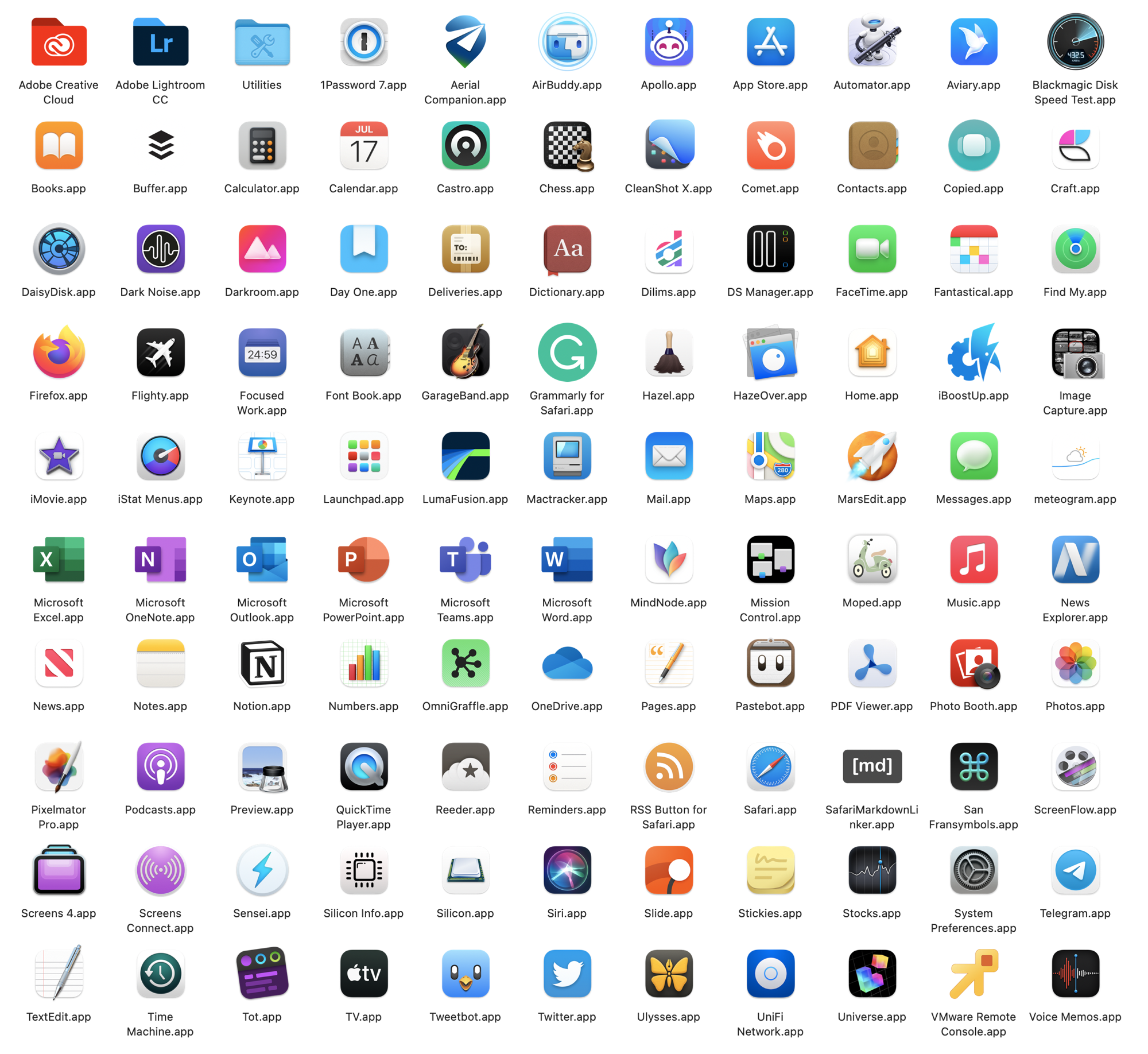
Picture credits: from MacStories’ review of Big Sur.

One Computer, Three form factors (#apple #macbookair #macbookpro #macmini)

“The new M1-based MacBook Air, 13-inch MacBook Pro, and Mac Mini are best thought of not as three different computers, but rather three different manifestations of the same computer.”

Astute observation by @Gruber in his commentary post on “One More Thing" event. People are trying to figure out why there is so few differences between the three Macs Apple announced this week. Sometimes, the answer is simple.

PC Gimmicky features rarely used (#windows #windowslaptop #microsoftsurface)

PC laptops introduced pencil support, touch screen, screen-based touchpads, et. al. because these are the only things they could do to try to stay on top in a commoditized technology platform. I will take in a heartbeat 3X or 5X performance gain and 6 more hours of battery life over the gimmicky features. This is one of the many reasons I’m so upbeat with the M1-based Macs.

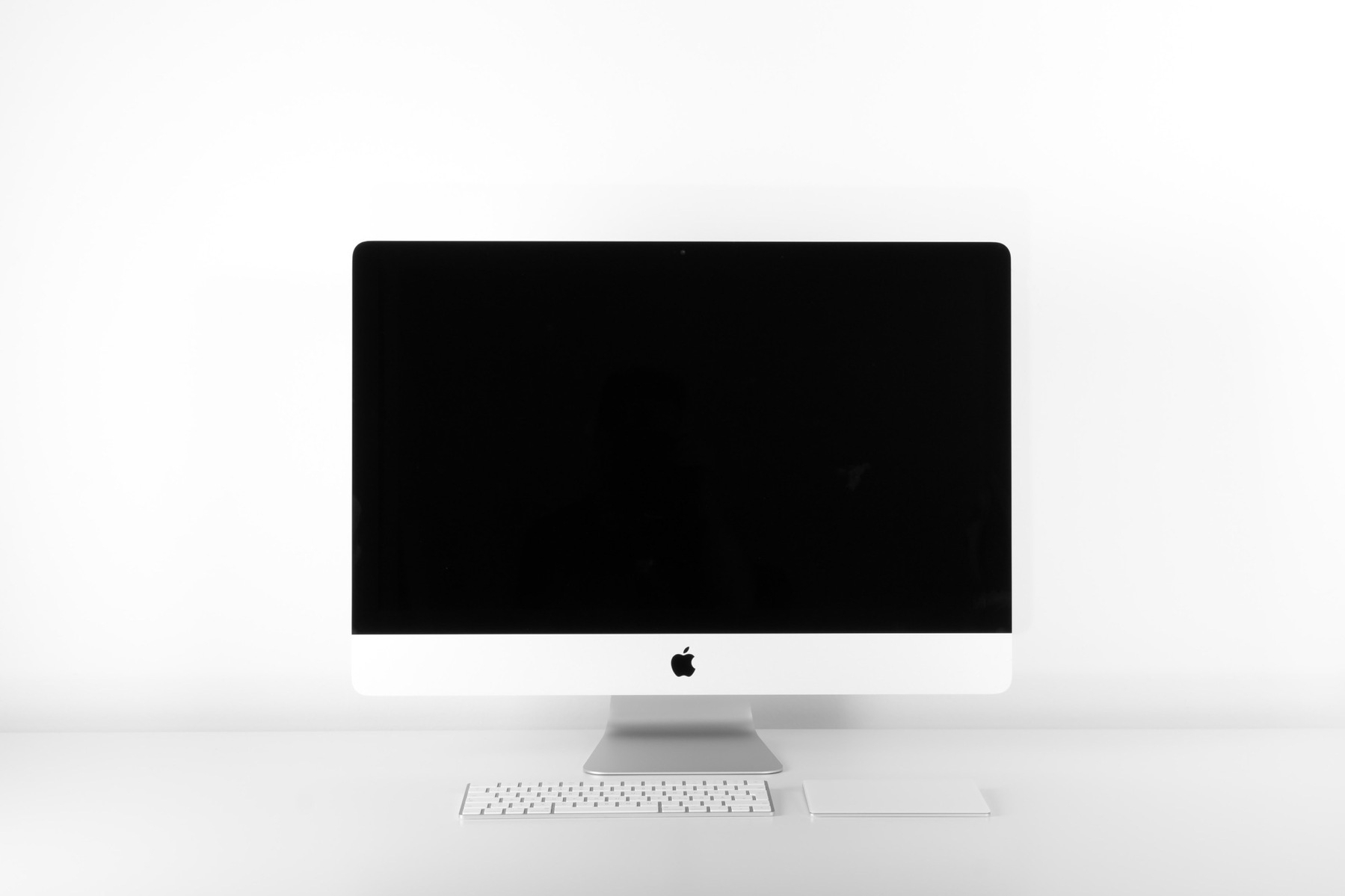
Photo credit: Alexander Andrews on Unsplash.

When the low-end beats the high-end... (#apple #macbookair #M1processor)

Twitter is ablaze since yesterday when first benchmarks of the MacBook Air were published. They show the M1-based and fan-less Mac to surpass the top of the line iMac! It’s impressive if not mind-blowing!

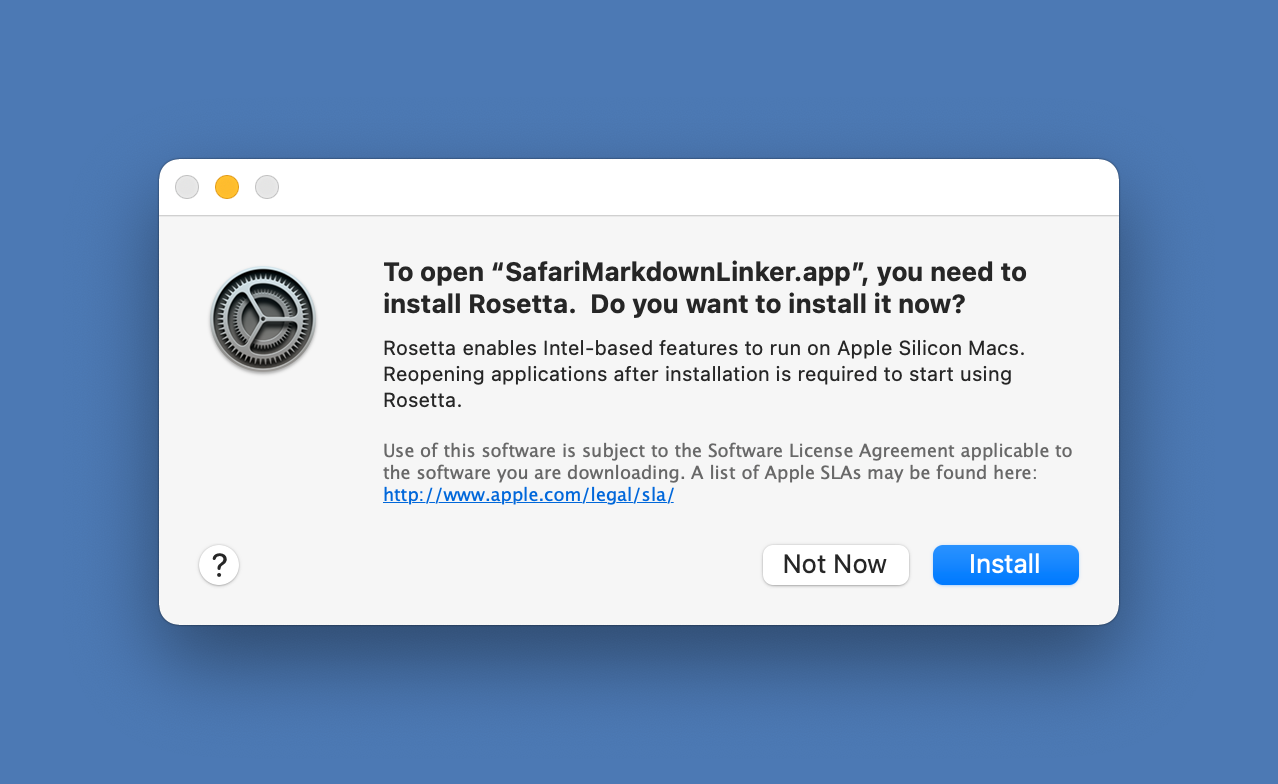
Now here is a simple theory: native apps will certainly perform really well but non-native apps will run under the Rosetta layer, which happens to consume CPU cycles. This performance room being consumed by Rosetta, the actual performance of a non native app will probably fall down to a more reasonable level.

Impressive nonetheless.