So far this year, AI and Claude Code have completely changed my plans to learn writing extensive Apple Shortcuts. In fact, I would even argue that Apple has to find a way to enable a Claude Code like experience to write Apple Shortcuts (and why not AppleScript while at it).
How long will it take Apple to fix the Apple Watch setup process involving restoring from previous backups? It’s been an issue for many people for years! My setup process when I upgraded from Series 6 to Series 8 was hindered by this issue. Same when I upgraded from Series 8 to Series 10. Either the backup found wasn’t recent, or there was no backup to restore from. Michael Tsai is one such person. Anyone at Apple is setting up a new watch? 🤔
First visit to the new Ste-Catherine Apple Store in downtown Montreal. It’s quite a different vibe than the previous store. More to come in a short article.
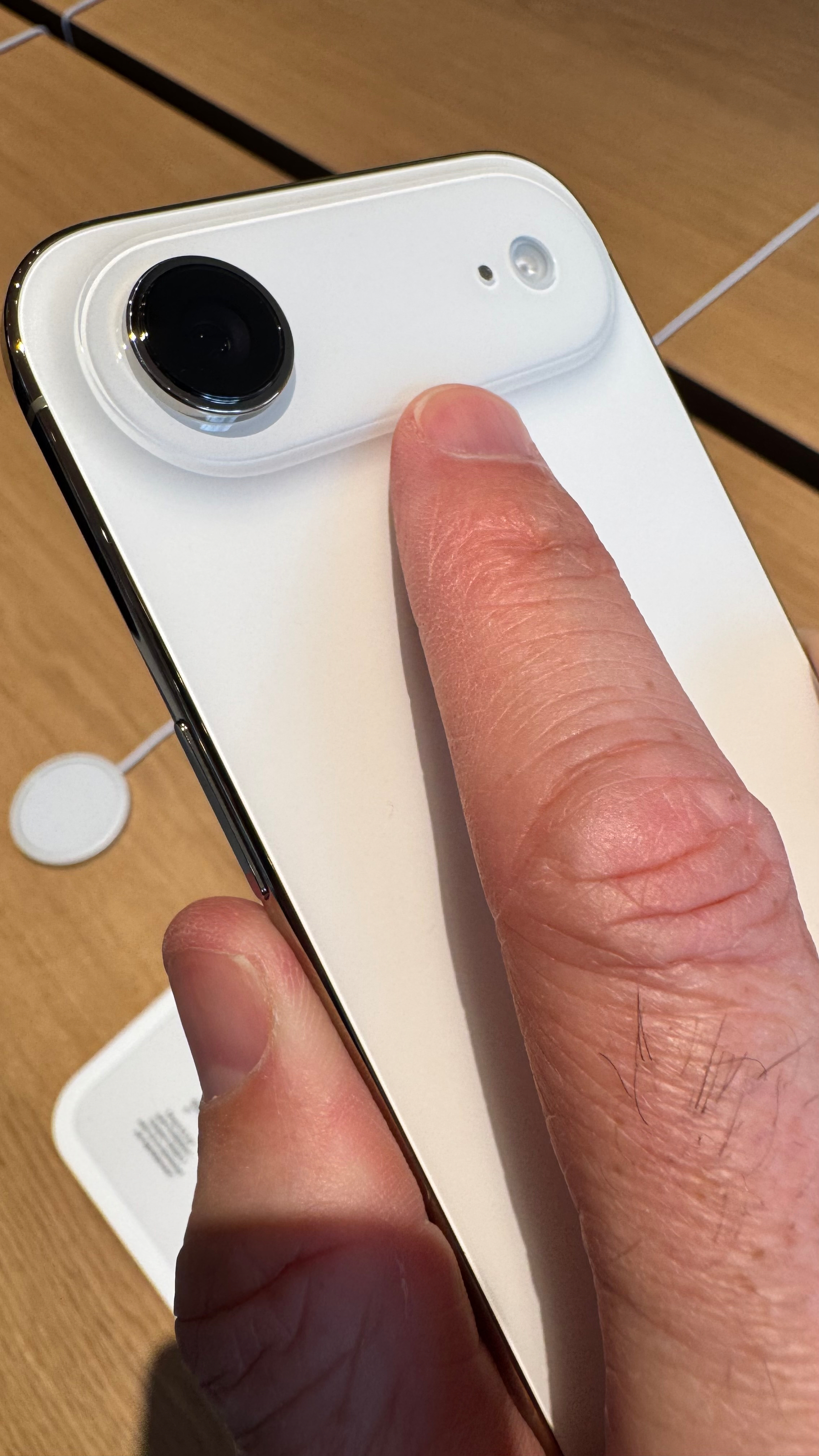
On the impossibly thin iPhone Air, the camera protuberant area acts like a place to help secure the phone in my hand using my finger.
The end of an era.
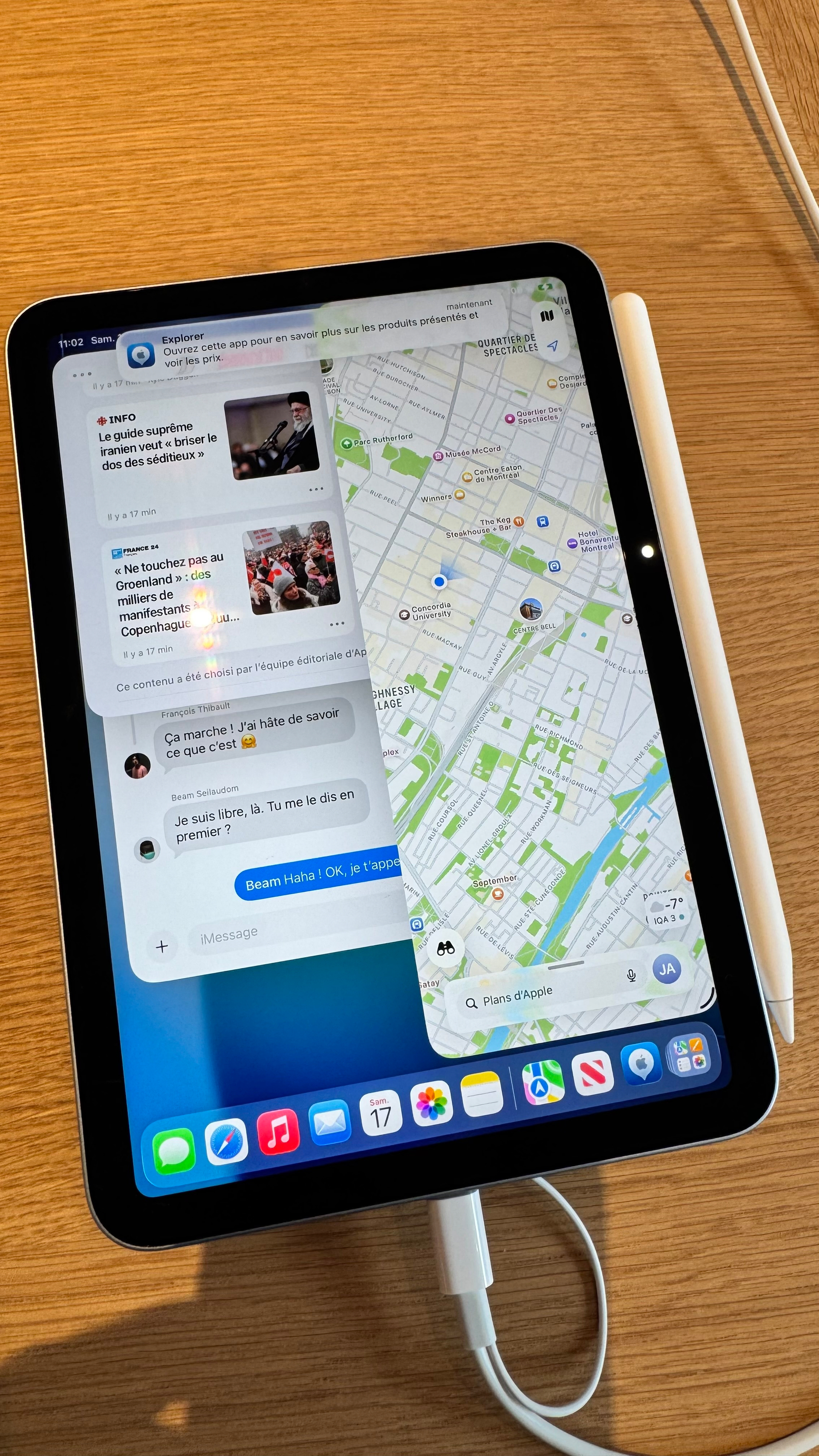
Doing multitasking on the iPad mini is… really? 🤷🏻♂️ Who is actually doing this?
Tomorrow, I’m planning to visit Apple’s new Ste-Catherine store in downtown Montreal. From the outside, it certainly looks much better than the previous store on the same street, 100 m further west. I don’t plan to buy anything; I just want to look at the architectural details, the crowd, and the mood. Expect some photos and maybe a short video.

Apple Creator Studio - A Few Comments
On today’s announcement by Apple:
- Now we know why it took so long for Apple to update Pages, Numbers and Keynote. Where is iWork? Why no iWork subscription without the pro stuff?
- I don’t understand this bundling of pro apps with consumer-generalistic apps. Is Apple trying to upsell Pro Apps to consumers via a new subscription? They might be. I don’t think pros want to get Numbers or Pages, though.
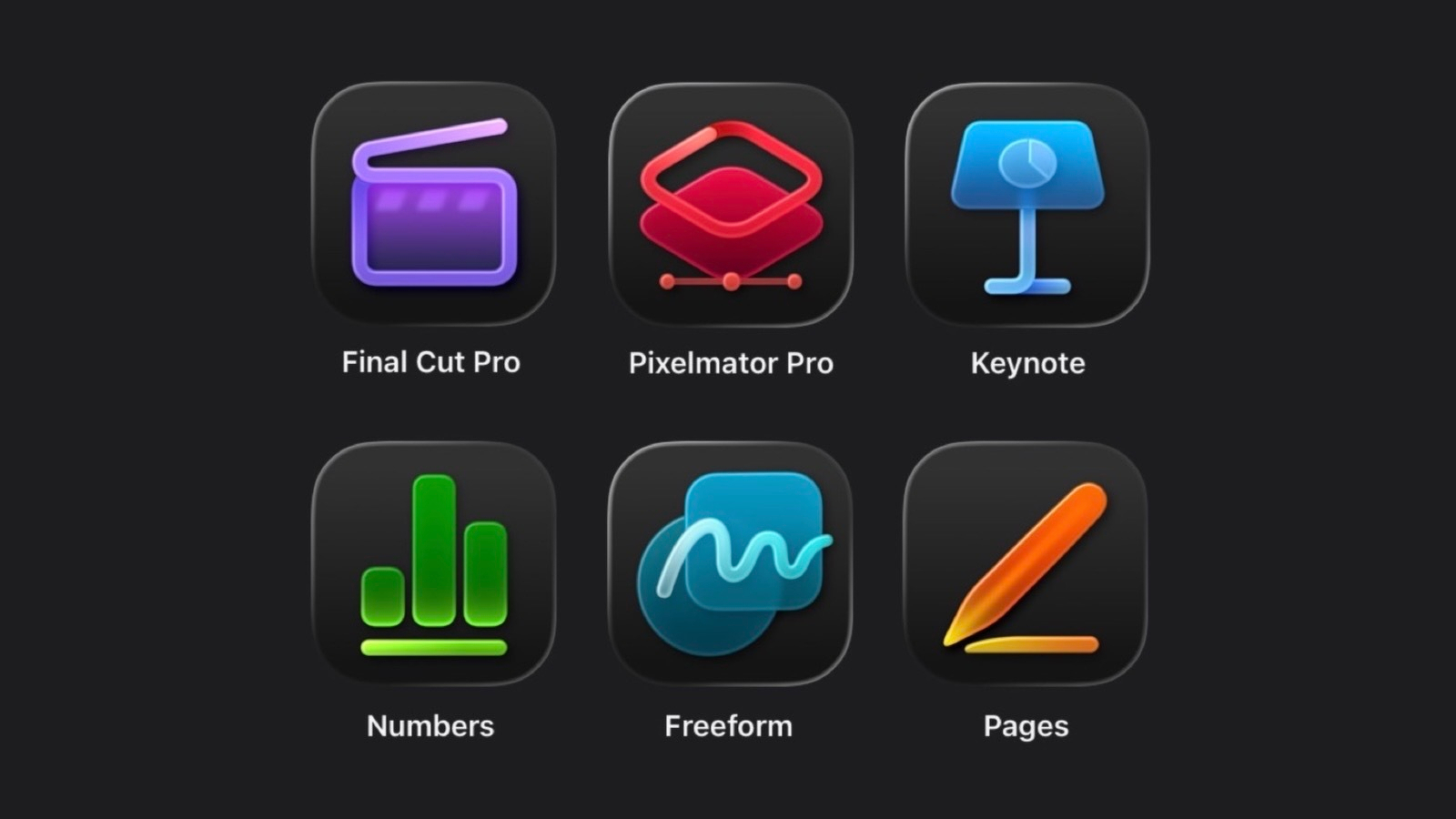
- Icons are utterly un-Apple, or Apple has become something I no longer relate to software-design-wise. It’s not a good sign.
- Yes, Apple does look like Adobe and … Microsoft. And less, Apple.
- No mention of Photomator. I believe merging Photomator into Photos is not a good idea; combining a photo browsing app with a photo editing app isn’t ideal. Currently, Photos functions more as a photo browser than as a dedicated editing tool, and both aspects risk becoming mediocre. I want a focused, serious photo-editing app that doesn’t try to rival Photoshop. Is that too much to ask? The challenge lies in Apple’s prioritization of profit over user needs, which makes it difficult to develop such an app.
What a strange start to the year.
I’m sorry but Apple no longer knows how to do icons. Serious downgrades. WTF is this? I could do better in a weekend.
/rant on
Can you believe it? I updated my M4 iPad Pro today to beta 2 of iPadOS 26.3, thinking I would see some much-needed fixes, but elas many visual bugs are still unfixed, bugs that were there in 26.1 or even 26.0. I mean, bugs that are very easy to catch and experience. I can’t believe I’m the only one experiencing those. One example: when sliding up an app to return to the home page, the background briefly disappears.
Please, Apple, stop piling up new features and fix your shit.
/rant off