With Liquid Glass, Apple really missed the huge opportunity to revisit the Mac beachball. So flat. So sad.
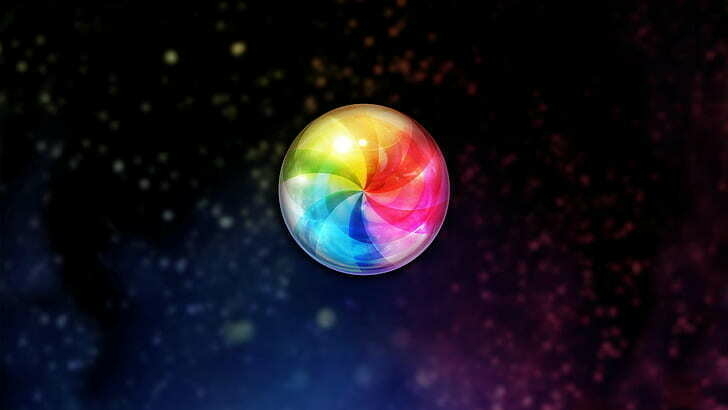
With Liquid Glass, Apple really missed the huge opportunity to revisit the Mac beachball. So flat. So sad.
Remember Apple Clips? Adobe Premiere for iPhone is coming soon… Was Clips another waste of time by Apple?
Apple seems to be closer to repeating with Google what they do for search, but this time with AI. I would prefer Apple to do search, too, and I understand the challenge in offering LLMs that have a chance to compete, at the perception level, at least.
When all apps look pretty much the same, there is no fun, no distinctiveness. Looking at you, Apple and your stock apps with whateverOS 26.
What are the mistakes Apple, under Tim Cook’s leadership, did since 2011? I’m working on something, your input will help define what I’m working on.
Can’t wait to see Apple Liquid Glass on a Pro Display XDR. 👀😳🫣
With my new job, I get to use a Windows 11 laptop. It’s not a powerhouse, but it is decent—except when it’s not plugged in. As a Mac user at home, I take for granted the speed and battery life that an Apple Silicon Mac offers. It’s night and day. I don’t notice any difference when using the Mac on battery; I never hear the fan because there isn’t one. It’s night and day. We should always remember that.
iOS 7 > Liquid Glass. There, I said it.
We’re getting close to the end of August and moving into September, which means Apple’s usual rush of new product launches. We already know quite a bit about Apple’s upcoming iPhone. We also know that Apple’s unifying Liquid Glass is likely to cause major issues when it encounters hundreds of millions of devices. We can probably expect Apple to be in damage control again. And I’ll probably have to explain why Apple did this to my friends and colleagues.
Usually, around this time of year, I would have one or two articles ready to publish about all this. But not this year. I won’t upgrade to the iPhone 17 Pro Max, even though I normally would every two iPhone generations. I’m voting with my dollars by skipping this year, because I disagree with Tim Cook’s (and Apple’s) stance on the orange clown.
Something is wrong.
Out of curiosity, are you considering getting more RAM with your next computer to run local LLMs in the future?