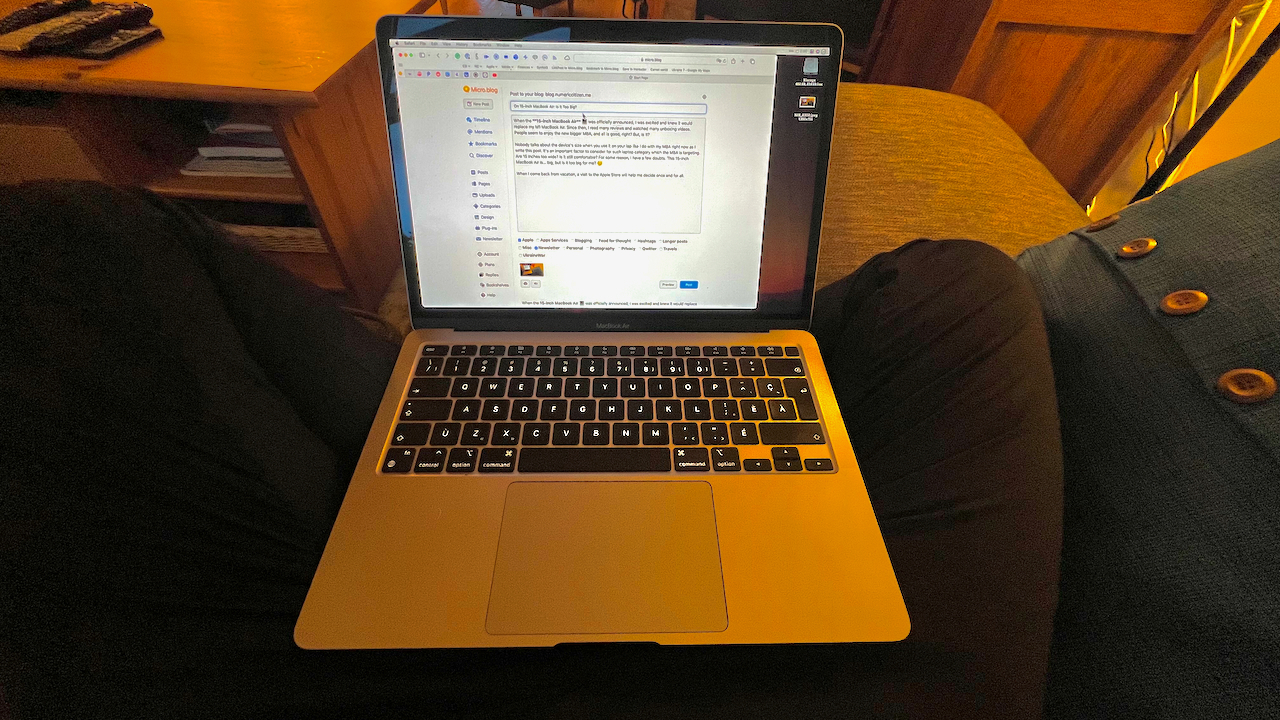
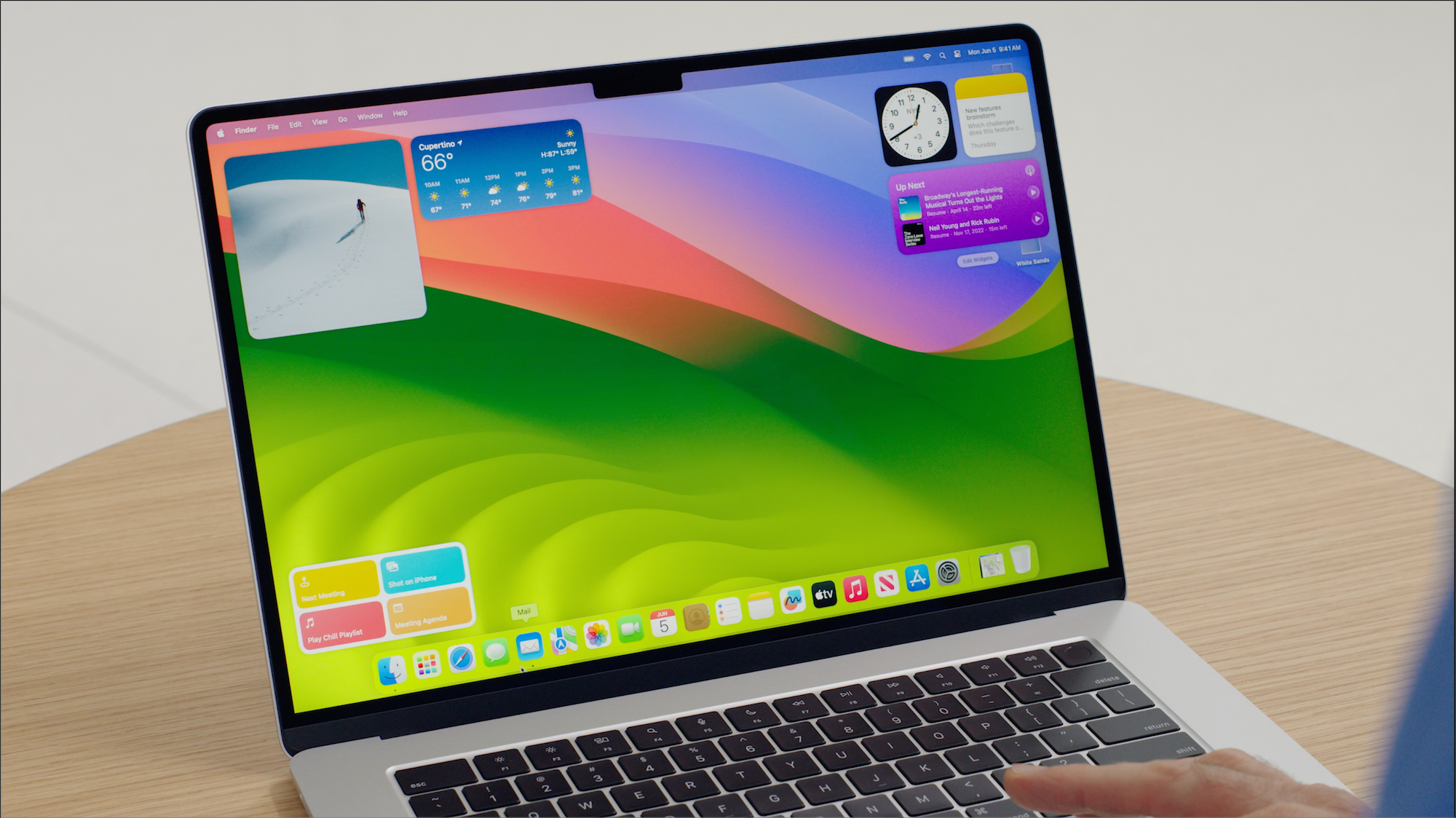
Continuing with this usability musing on possible touch-based MacBook, Jack Wellborn writes in response to an article by Federico Viticci:

The Mac was also built for a mouse, and while I would argue macOS is more usable than Windows, there is no getting around the fact that controls optimized for pointers are inherently unfriendly to touch input. It’s foolishly optimistic to think that Microsoft or even Apple can make pointer interfaces as touch friendly as iPadOS without also destroying the very thing that makes them more productive than iPadOS — information density. Smaller controls means these platforms can disclose more information and interactivity to their users at once. That’s why a bunch of windows on even a 11″ MacBook Air feels natural while only four windows on a “large” 13″ iPad feels ungainly.

Conversely, it’s impossible to make iPadOS more information dense without sacrificing the very thing that makes it the best tablet OS — touch friendliness. iPad users want more information on screen because that will help them be more productive, but the only way to present more information in iPadOS without sacrificing touch friendliness is a larger display. Not only is a larger display not portable, iPadOS’s support for larger displays still sucks. There’s nothing Apple can do about large displays not being portable, but better support for larger displays? That’s a problem Apple can solve. Source: Touchability, Productivity, and Portability — Pick Two – Worms and Viruses

I couldn’t put my finger on it (pun intended), but this article brings up an interesting point that might explain something I couldn’t do myself: The size of controls in a user interface largely dictates information density. Many longtime Mac users decry the iPadification of its UI. I’m not one of them but I value information density a lot.

Benjamin Mayo commenting on laptops with touch screen:

All the time, I see people swipe up and down on their vertical laptop screens to navigate webpages and zoom into photos with a pinch gesture. The ergonomics of this are naturally poor. Stretching your arm out forwards to reach the laptop screen quickly becomes uncomfortable. And yet, people still do it frequently. The touch screen is used as an accessory to primary mouse input. They swipe around a bit, then they go back to the mouse. They read a screenful of content, then they swipe to the next page, and put their arm back down. It’s a surprisingly subconsciously natural thing to do. Source: Apple Working On Touchscreen Mac Laptops — Benjamin Mayo

I wonder if Apple could get away with only supporting minimal gestures on their touchscreen Mac. I’m thinking about things like “pinch to zoom” or “swipe” but nothing else… I could imagine using my left hand for a vertical swipe and the right hand on the trackpad to click on a button or text field. This way, I see only a need for a minimal macOS user interface rework.

In the “Competition in the Mobile Application Ecosystem” report published by the NTIA recently:

Pre-installed apps, default options, and anticompetitive self-preferencing should be limited, including in search results. Source: Biden Administration Report Recommends Sweeping Changes to Apple’s Ecosystem - MacRumors

Can you imagine unboxing your brand-new iPhone, powering it up, and after completing the initial setup process, you end up on a mostly empty home screen? What should the user do next? Could Apple provide a single icon pointing to their App Store to download “The Full iPhone Experience” package? Would Apple even be allowed to do just that? Reading the recommendation again, I think it would go against it. It there a more effective way at killing a product?

Rumours and articles like this one about Apple’s upcoming headset, supposedly called “RealityPro” is simply getting out of hand. I wish we could put an end to them. I mean, this is ridiculous.

Even if Apple actually comes out with something this year, I’ll consider this as a technological proof of concept, nothing compared to the actually useful and usable iPhone we got back in 2007.

Use cases for a headset are not what the tech pundits would like us to believe. Family reunions with everyone wearing these things on our heads will not happen. Office meetings with people wearing them don’t make sense either. We can barely stand meetings in hybrid modes where some employees are working from home and appearing on the big screen while others are “present” in the meeting room staring at their laptop or tablet screen and doing something else.

The Apple headset could be the next HomePod or the next iPod HiFi. Set your expectations accordingly and better pay attention to what will come out from Hu.ma.ne, instead. Something that looks to be much more natural and less rebarbative.

Tim Cook’s introductory comment on Apple’s latest quarter:

“As we all continue to navigate a challenging environment, we are proud to have our best lineup of products and services ever, and as always, we remain focused on the long term and are leading with our values in everything we do,” said Tim Cook, Apple’s CEO. “During the December quarter, we achieved a major milestone and are excited to report that we now have more than 2 billion active devices as part of our growing installed base.”

How many devices count as being active if a user has an iPhone and two Apple Watch, two HomePod and an Apple TV? Six. That’s a lot of devices but not as many users.

DHH’s concluding words about testing an Android phone:

I’m no fan of Google in general. And I still prefer the fit and finish of iOS over Android, but there’s something deeply appealing about having a phone where at least it’s actually possible to install Forbidden Software, like Fortnite, without wild interventions like jailbreaking. The fidelity gap is real, but the freedom gap is bigger. Source: Another Android

His post is a reminder for me that I never tried or used an Android device for real. Never ever. Should I? Why would I? But then I read this article from Gruber commenting about his perception of the Android app landscape:

Android enthusiasts don’t want to hear it, but from a design perspective, the apps on Android suck. They may not suck from a feature perspective (but they often do), but they’re aesthetically unpolished and poorly designed even from a “design is how it works” perspective.

After all, I might never waste my time testing an Android phone. Life is too short.

Highly Troubling—Ops are Taking Over Apple My Friends

Don’t bother reading too much into the latest Apple financial numbers. They’re not too bad. What you should be paying attention to is this:

Apple is eliminating one of its most high-profile executive positions. According to a new report today, Apple is eliminating the role of “industrial design chief” as part of a broader shake-up. This role was once held by Jony Ive, and most recently held by Evans Hankey.

More specifically:

Under this new structure, the design team will report to Apple’s chief operating officer Jeff Williams. Source: Apple is eliminating its iconic ‘industrial design chief’ position

This comment by one of the 9To5Mac staff members is not reassuring at all:

I think it’s important to keep in mind, however, that Williams has been involved with the design team for several years at this point. Hankey has reported to Williams since 2019. The difference now is that the middle ground between Williams and the rest of the design team is being removed.

Maybe Hankey saw this coming and couldn’t adhere to this direction. Here’s my take: ops are taking over Apple, and design is no longer the top priority. It is utterly troubling to read rumours of Williams possibly replacing Cook which looks like being more of the same if you ask me. Maybe Williams has more design experience, but not as a first-party involvement. Troubling.

CarPlay in 2023 will see its most significant upgrade since its launch. I don’t know when we’ll actually be able to get this in a real car, but I certainly look forward to it.

I recently spent some travel time in a high-end Mercedes. The Dashboard was very impressive. Still, the future CarPlay version seems a bit pale in comparison.

Why did Apple choose to make this early announcement?

Wow, I spent 10 minutes searching for “how to save an email into a .EML file on the iPad”. It’s not in the action menu. The only way is to do a “drag & drop” of the mail into Files.app (or any app that understands this file format, for that matter). Who knew it could be that hard to discover such a simple thing. It should really be in the action menu too.