As hard as I wanted to get extensibility in Craft (with APIs, for example), I still fail to see a practical use case for me. The APIs are really simple, but what am I going to do with them? I just don’t know. 🤷🏻♂️🤦🏻♂️
With just-released support for vertical tabs and Passkeys, ChatGPT Atlas is two more steps closer to replacing the ARC Browser.
iPadOS 26.2 with External Display: Are We There Yet?
I’m giving the iPad Pro with external display another try (under 26.2 b3). As far as I can see, it’s not all Apple’s fault if there are many paper cuts: third-party apps support with external display is lacking. Make no mistake: iPadOS 26.2 as come a long way… but iPad-only rules still make the iPad a bit too far from the macOS experience. Borderless-windows in dark mode makes it hard to distinguish which app is which.
Long story short: no.
Something must be going on with Apple’s iWork not being updated with Liquid Glass at this time of year. Apple might be working on better integration with Photomator and PixelMator Pro beyond Liquid Glass adoption. What is your take?
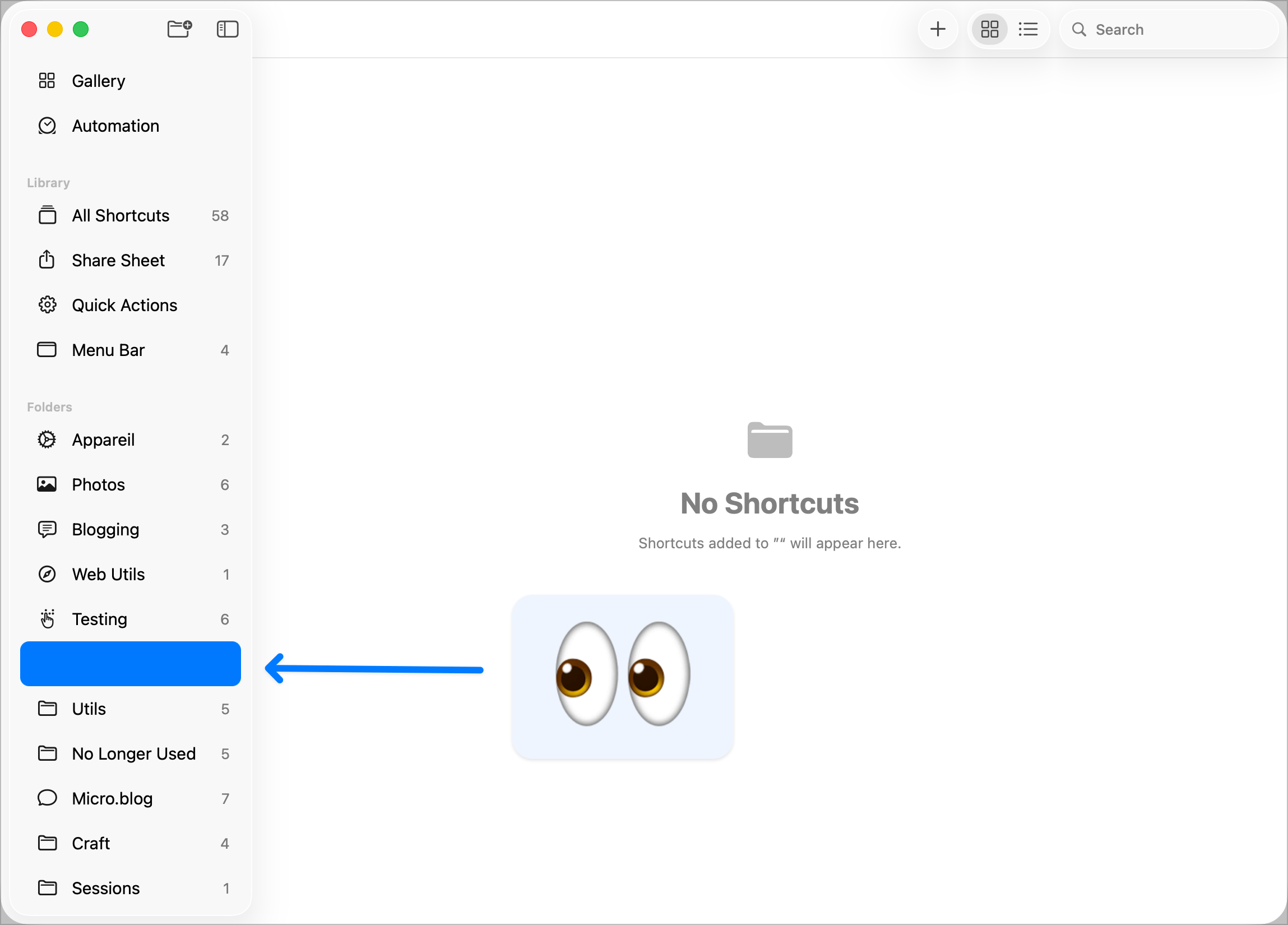
A bug in the Apple Shortcuts editor on the Mac. One of so many. Can you imagine if Apple allowed third-party Shortcut editors to create shortcuts? That would be awesome.
Bye Bye Zapier, IFTTT, Still a Keeper
I have finally deleted my Zapier account after a few years of inactivity. It’s significantly more complicated than IFTTT and much more expensive. IFTTT is far from perfect. It seems to be stagnant even. But, for my needs, it’s ok. I have two applets: 1) Save all posts on my RSS superfeed into a **Day One **journal, 2) Save a link into a Google sheet of a YouTube video that I like. The latter could probably be eliminated.
I might have made some progress… last try for today. Please, ignore. 🙏🏻
I’m not particularly skilled at making API calls, apparently. 😔
Like I said, things never work the first time. And rarely the second time, too.
Currently testing Craft API capabilities to save this blog post via my blog’s RSS feed via IFTTT. Let’s see what happens. Things never work the first time.