These are my custom-built apps. Icons aren’t the best and my goal is to refresh them to create a visually coherent set. Eventually.
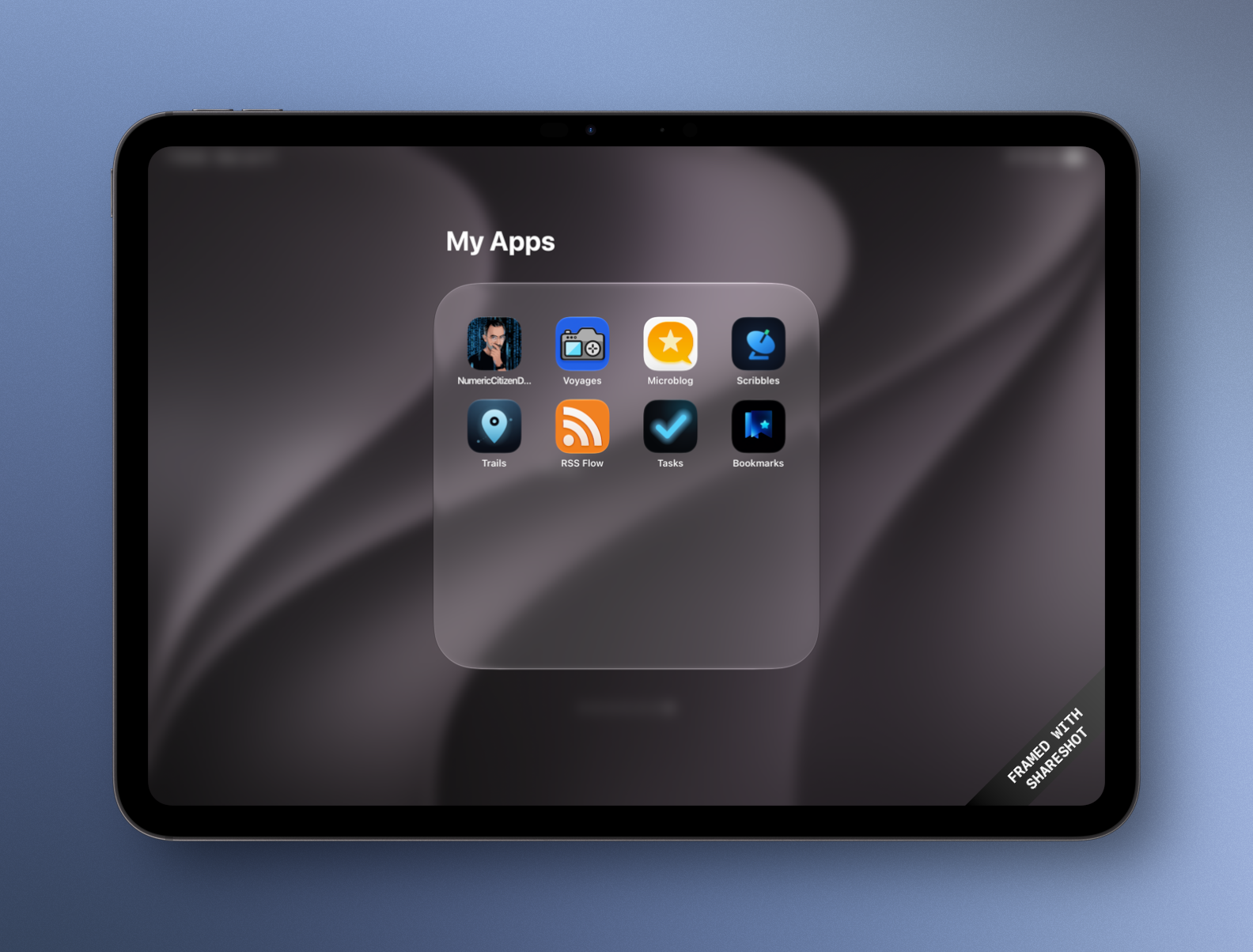
These are my custom-built apps. Icons aren’t the best and my goal is to refresh them to create a visually coherent set. Eventually.
At my job, I spend most of my time on Microsoft 365 office products, especially Teams and Outlook. I spend a lot of time preparing meetings, sometimes with 15 or 20 participants. I don’t understand why Microsoft hasn’t invested in tools to help plan these meetings.
For example: I need to prepare a meeting with 15 participants; if the 4 or 5 must-have participants are available, those time slots should be clearly highlighted to make it easier to spot the best time to schedule the meeting. But that’s not what happens. Although some participants are mandatory, they don’t all carry the same weight.
I wish Microsoft would improve this aspect of their products; in fact, I wish they would show more empathy in their functional design. I feel like today’s Outlook is very similar to the one from ten years ago.
When reading about SwiftUI and how it leads to less than optimal Mac apps, I’m not convinced that rewriting Notion in SwiftUI is a good idea. Why not use Catalyst instead? Craft is a great example of a Catalyst-based app.
I think the time to upgrade to a beefier Mac is coming… maybe this fall. Even if it’s a native Mac app, I think I prefer my custom-built Microblog Poster web app. Now, returning to normal programming.
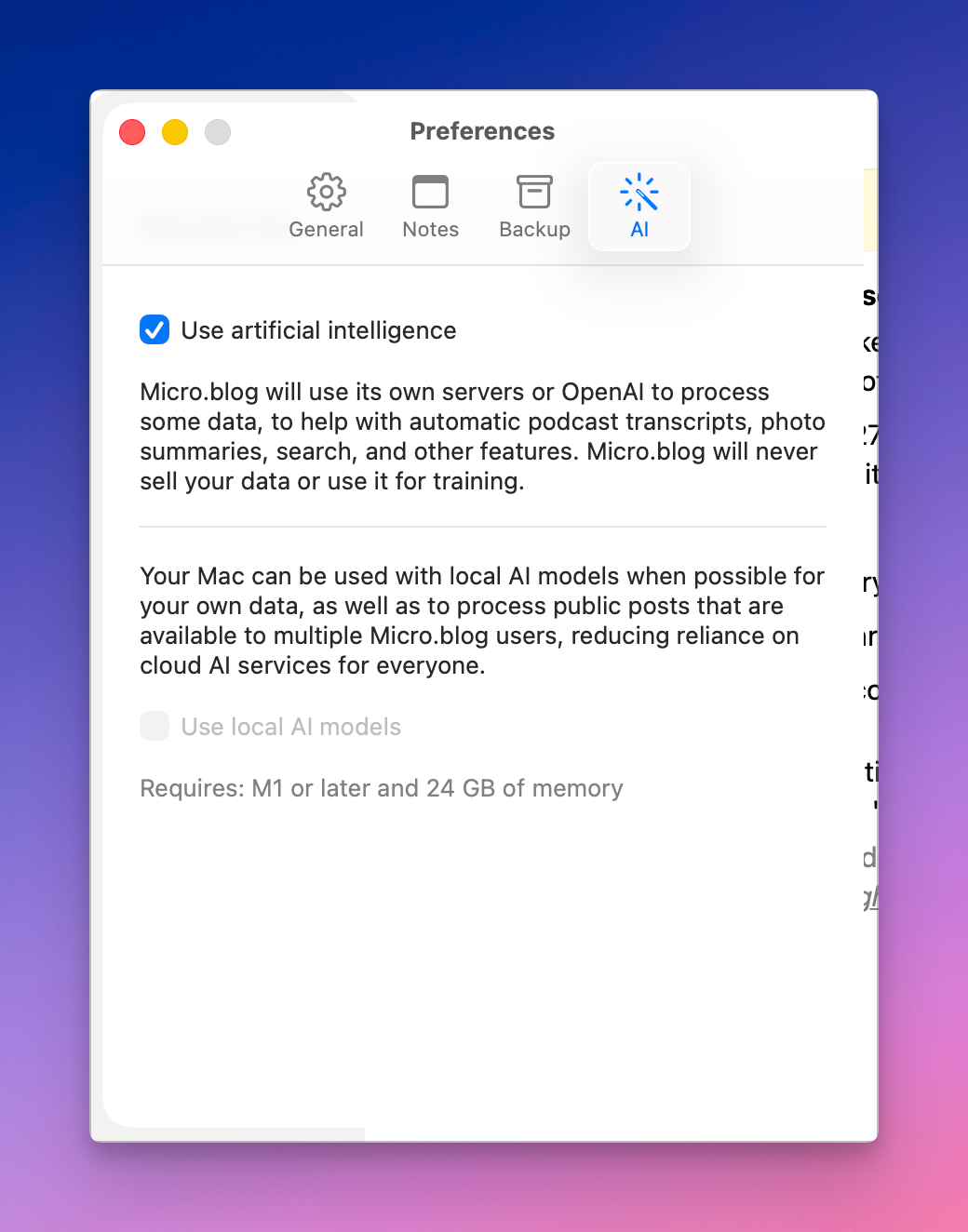
Google’s Gemini Mac App Is Native, in a Distinctly Google Way, But Annoyingly Presumptuous, but John Gruber had this to say:
(Sidenote: The Gemini Mac app is a native Mac app, but it is … weird. Gus Mueller poked around at it and found that it’s the product of a Java-to-Objective-C converter that Google made, and much of it was originally written for Android.)
A trillion dollars company can’t make great Mac app, i.e. native Mac app. 🤢 Pass.
Working on my iPad and Microsoft apps during lunch while attending a webinar… if you think Apple software is full of paper cuts, you ain’t see nothing because Microsoft apps like Outlook and Teams are literally full of bugs, mostly user interface related. 😩🫤
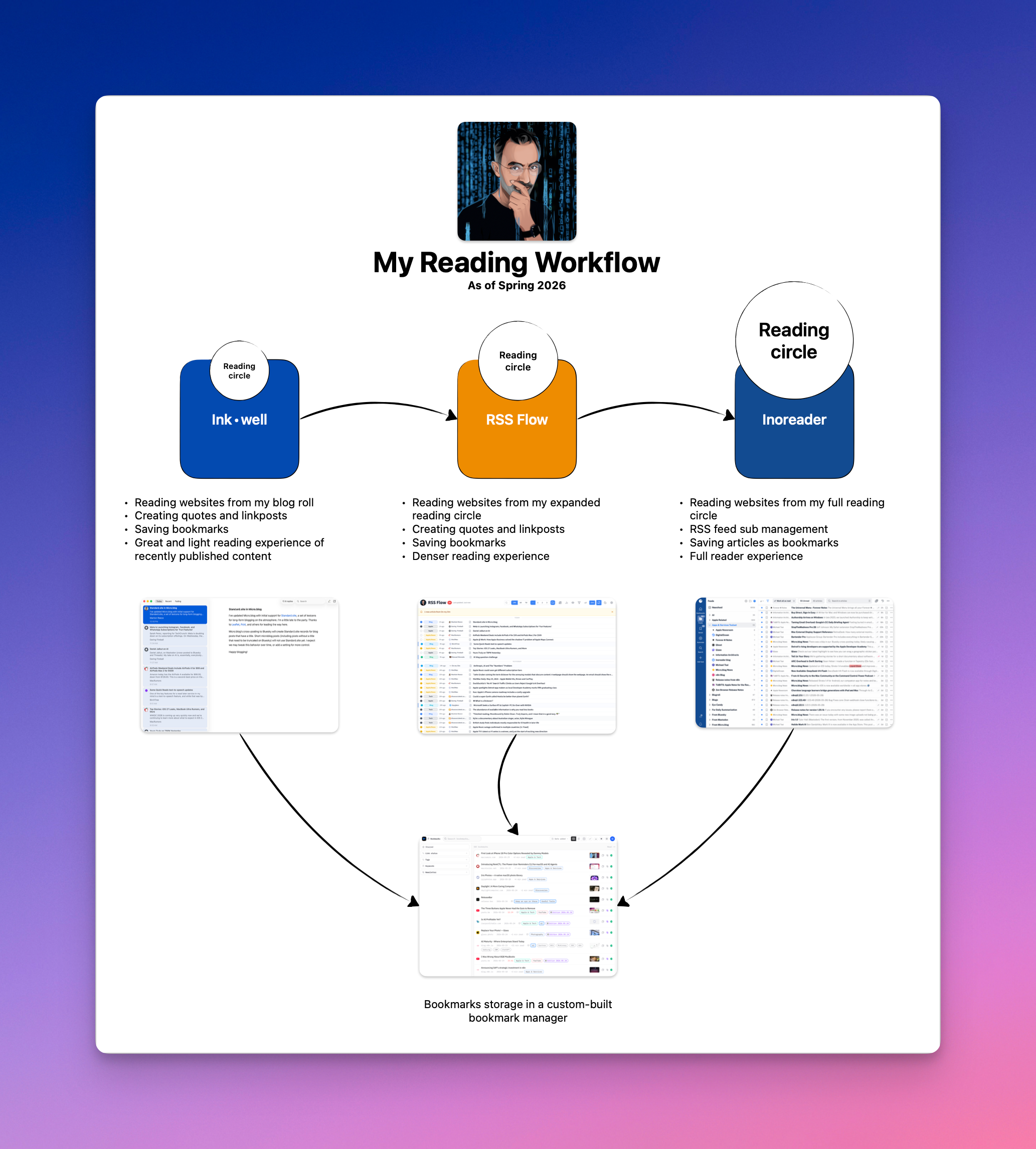
I’m getting there… by myself. I’m finally getting the reading workflow and tools that I always dreamed of. It might sound complex, but it isn’t. I can start at any reading circle level; no need to go with the smallest one (my blog roll). Seventy percent of the time is now spent in Ink⋅well. More to come.
From time to time, I open a different browser to see if I’m missing anything. I tried the Dia Browser again, but I still don’t quite like it. I feel unsure about it. Its design doesn’t appeal to me, and it seems slower than the ARC Browser. My default choice remains Apple Safari. Oh, I want to like the Zen browser, but I don’t like it to be based on Firefox.
In “Google Betrayed the web”, Mike Elgan argues that Google has broken the foundational “Grand Bargain” of the internet—trading traffic to content creators in exchange for indexing their content. Google now uses creator content to train AI models and serves answers directly to users, bypassing the original sources. This shift eliminates referral traffic to publishers and independent sites while allowing Google to profit from their work twice over. Elgan calls for a post-Google internet as a response to this betrayal. His response centers on Google’s alternatives: Kagi, Perplexity, Fastmail, and Antropic. All alternatives that I personally use, except Perplexity.
Why is Inkwell stuck in review:
I submitted Inkwell for iOS to Apple for review on April 21st. It has gone through numerous rejections, code changes, resubmissions, clarifications, one phone call, and one appeal to the review board, which I’m still waiting to hear back on.
What a bizarre yet expected journey for a small developer trying hard to secure a little place in the App Store sun. I wish Manton a sooner-than-later resolution to this matter. It would be sad to see such a nice, little, and useful app not make it to the App Store. An app that can exist because of the open web, but can hardly live on a closed platform. How ironic. 😔