Here is a weird one: I’m using iCloud+ Custom Domain with an email address (hello@numericcitizen.me). Mail on iOS 17 doesn’t allow me to set the “From:” as the email address for this custom domain. It’s only possible on iCloud.com. Am I missing something?
I Rarely Visit the App Store
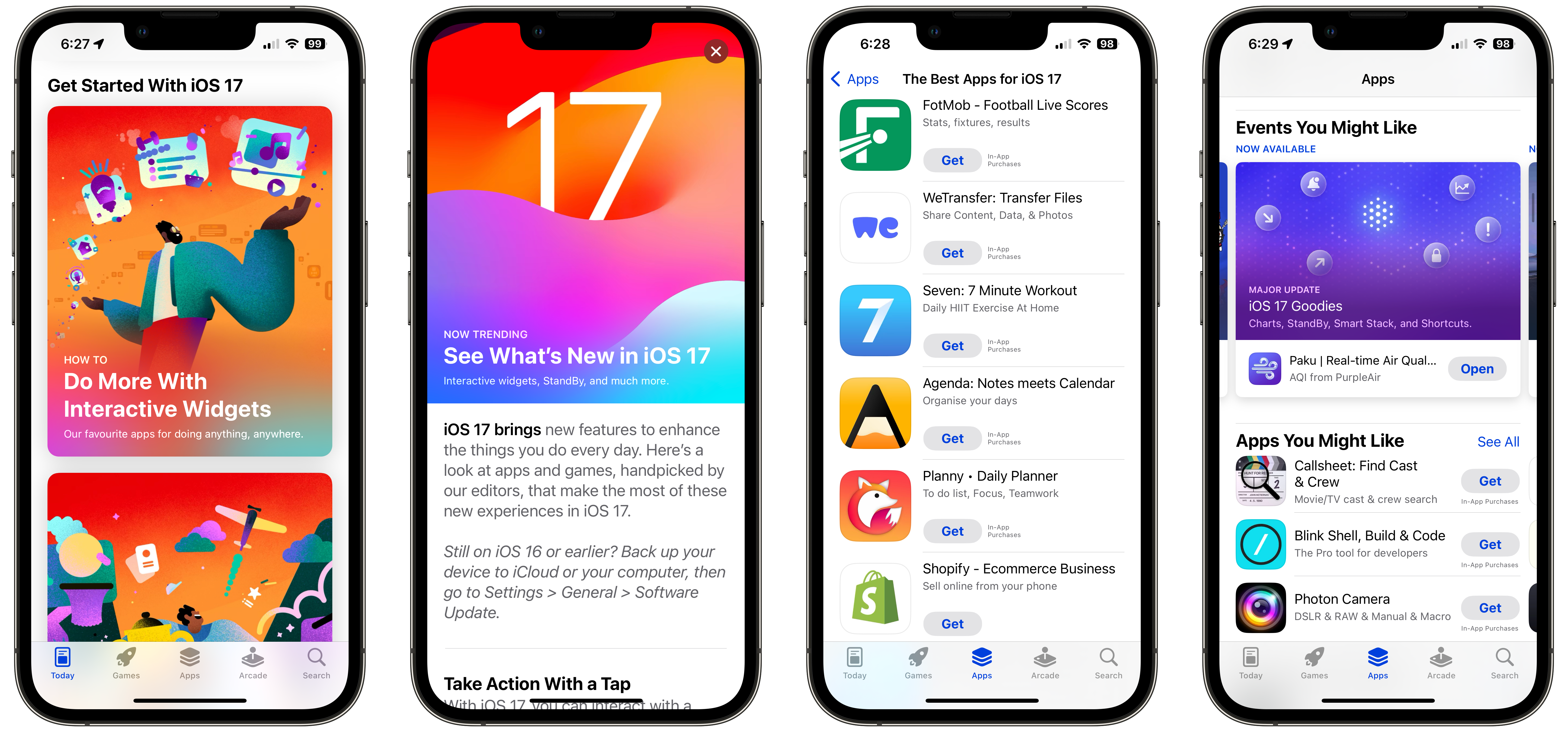
I opened the App Store this Monday to see how Apple would promote new app releases supporting iOS 17. Then I realized that I rarely open the App Store except to go and get app updates. When was the last time I went to browse the productivity category? When did I last browse the store for popular photography apps or new utilities? I can’t even remember when I last bought an app discovered in the App Store1. I wonder if this is only me or reflects a more general trend.🤔
-
I usually make my discoveries by external reference. ↩︎
Playing with recently updated apps and their respective interactive widgets. They all come out to their default view. Rebooting the iPhone is mandatory to fix this issue. Adding another widget and again defaults to the blank screen.🤦🏻♂️ iOS 17.0.1, I guess, will help fix this.
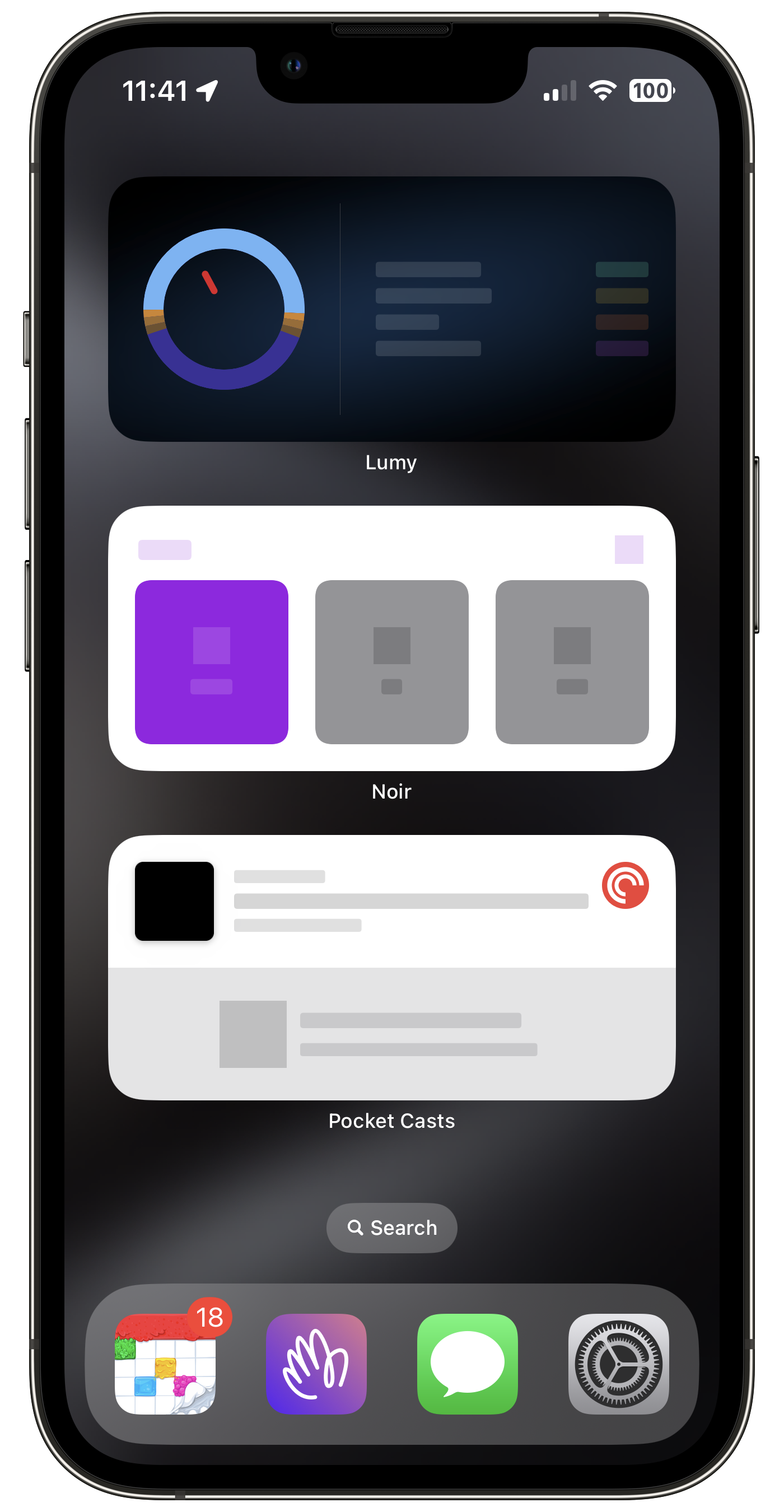
Some Thoughts About Apps Support of StandBy Mode and Interactive Widgets
Many apps are getting updates today and this week. Yes! 😃 But, so far, I have found some bugs in iOS 17 to display interactive widget content once they are added. They often stay blank with a white background. Rebooting doesn’t help. I don’t know if it is an iOS 17 bug or an issue with the app. 🤔 One design issue: if an app supports the StandBy mode1, it should also support the landscape orientation, not only the portrait orientation. Tapping a widget to launch the app and the app comes up in portrait mode. It’s bad. WaterMinder is such an example, and… Apple’s Stocks app! The latter is inexcusable. In general, StandBy mode seems a work-in-press, to be honest.2
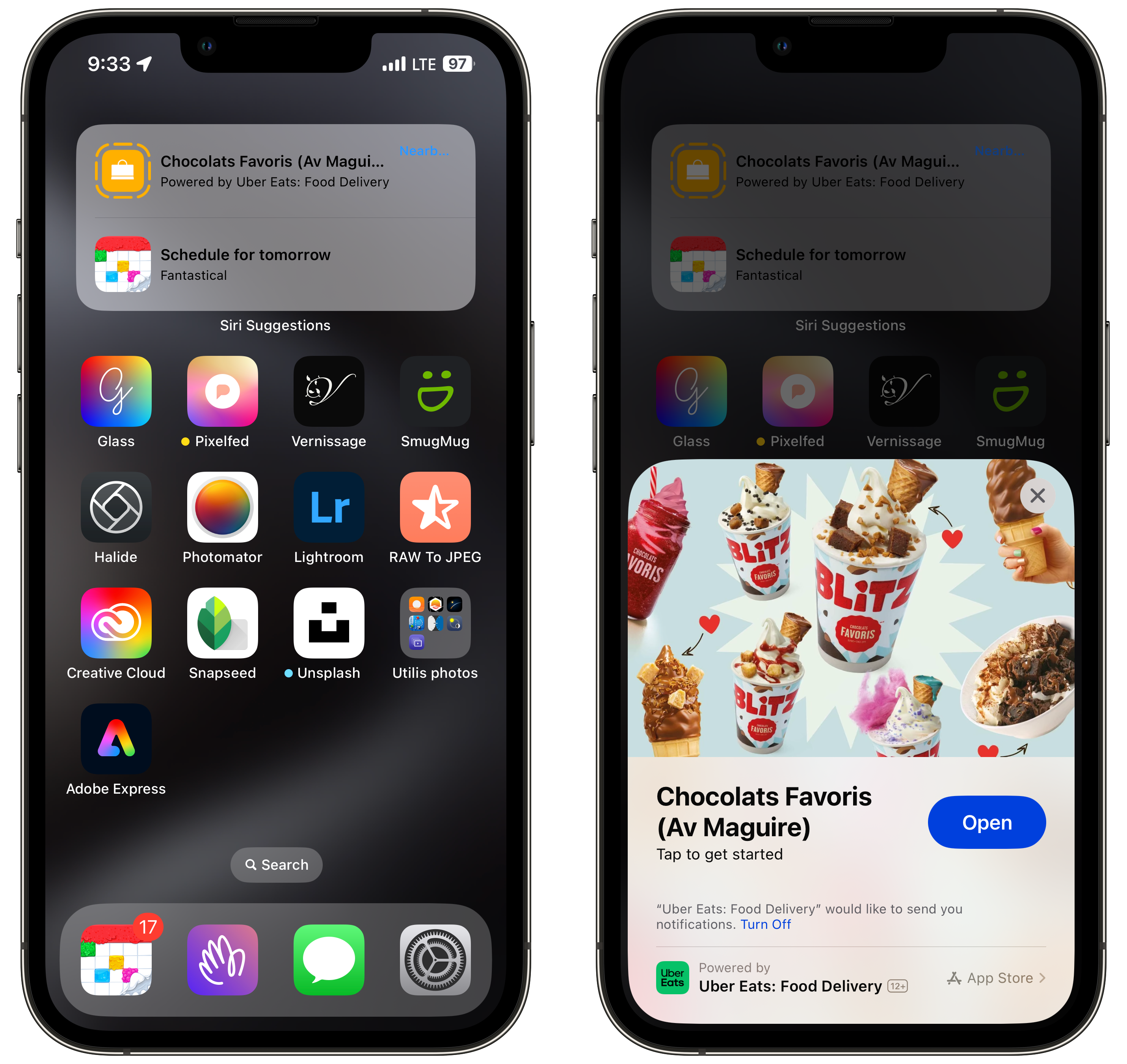
After three years of availability, I experienced the first App Clips case today. I was close to a Dairy Queen-type so I was presented with an App Clips allowing ordering from my iPhone. There aren’t a lot of App Clips, apparently.
Testing Apple's USB-C to Lightning Adaptor with iPad Pro
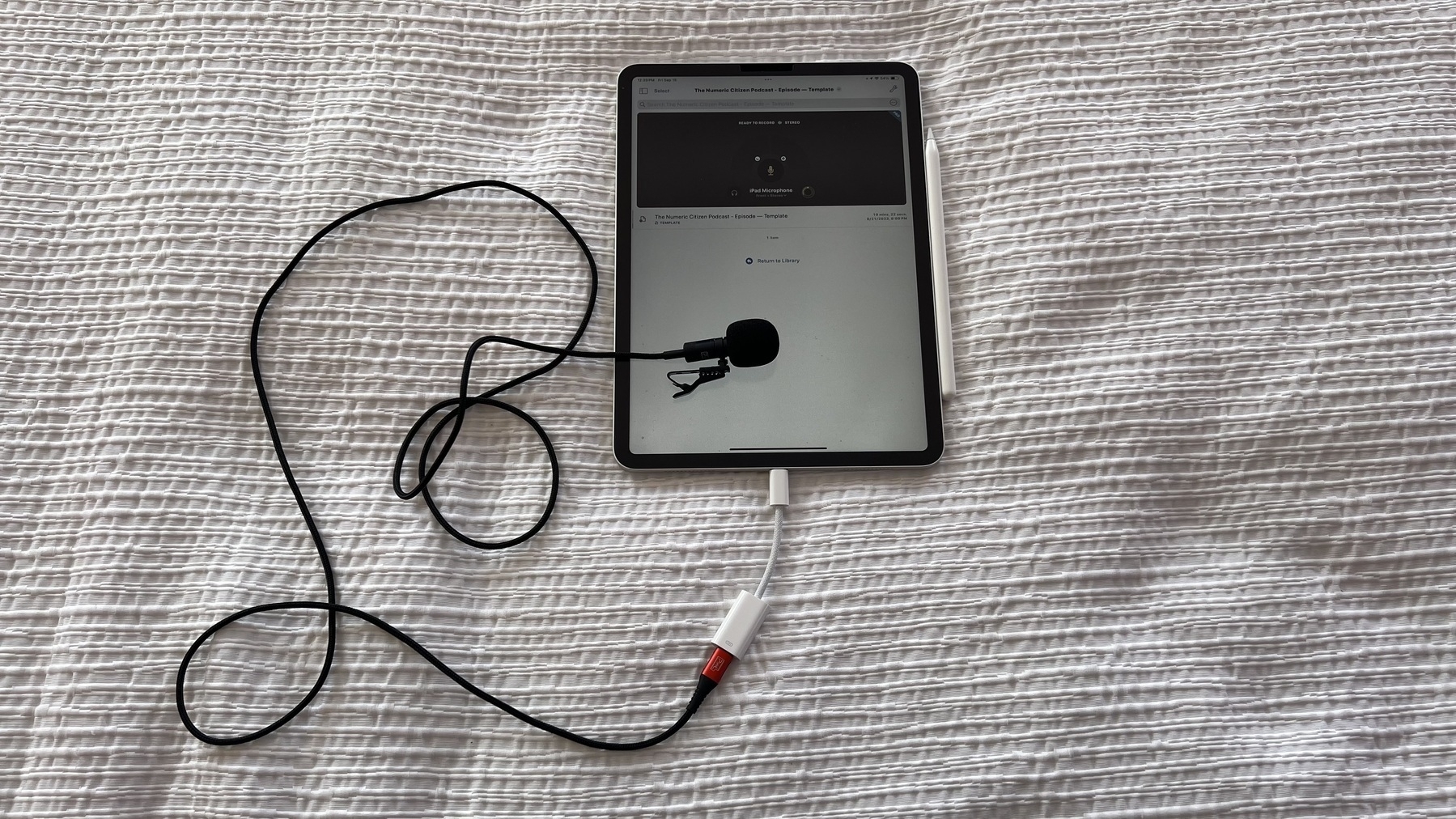
I wanted to follow up a previous post of mine about using my Lightning-based Lavalier microphone with a USB-C device, like my 2018 iPad Pro1. I ordered the USB-C to Lightning adaptor on the day of the Apple keynote. I got it this morning. If you are wondering if it works with Ferrite and Apple’s Voice Memos on my iPad Pro? No, it doesn’t.😔
-
A positive conclusion would have been a good sign on the prospect of making it work with the upcoming iPhone 15 Pro Max. Now, it’s not sure at all. ↩︎
An Update About My New Quest of Leaving Adobe Lightroom
Yesterday night, I spent nearly an hour reading articles and forum posts about the implications of closing my Adobe Photography subscription1. The implications and how to recover my photos differ for Lightroom Classic and Lightroom CC. It’s not that hard, but it will be a tedious process if I want to keep some organization that the Lightroom catalog currently provides. I’ll put this project on my list of things to do in 2024. This will give me some time to plan for the migration2.
How do you get out of Adobe Lightroom? What if I want to focus on Photomator and Pixelmator instead?
Waiting for more interactive widgets…
✅ WaterMinder
✅ Longplay
Timery 👀
Focused Work 👀
What else?
Pixelfed Is Working on “Solo”
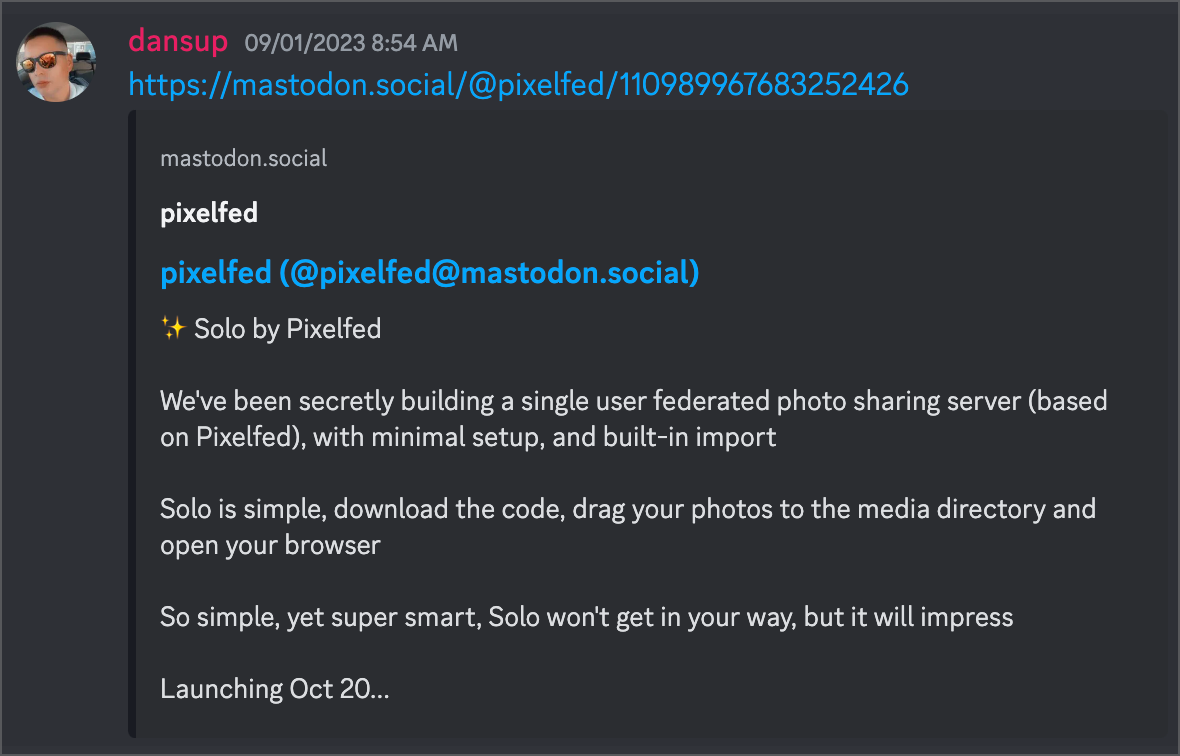
I’m really curious about this. The idea of having my personal instance of Pixelfed is tempting. I like the idea of having full control and not being at the mercy of some other admin, updating the codebase as I wish while being part of the Pixelfed federation1. It’s expected to be released on October 20th. I should start planning my domain name and username.2