Mailbrew, Typefully and Twitter

I finally found how to reconfigure my Mailbrew account to log in without using Twitter. Good thing. I don’t log in often in Mailbrew, but this morning I learned that I’d need to adjust many things when I close my Twitter account. As an example, this newsletter setup will need to be revisited to remove any references to Twitter as a data source.

Mailbrew is an excellent tool for generating newsletters, but it hasn’t been updated for quite a while (October of 2021, according to the change log). The developers behind Mailbrew are too busy working on their other product: Typefully, a web service for writing Twitter threads. I’m subscribing to both services. Typefully was cool when it launched but being entirely dependent on Twitter puts them in danger IMHO. I don’t use Typefully much, preferring Buffer for scheduling cross-posted content to Twitter, something Typefully doesn’t support. 

It’s sad to see Mailbrew coming to a halt. Typefully will go down the drain with my Twitter account closure next year.

Twitter’s Essentials

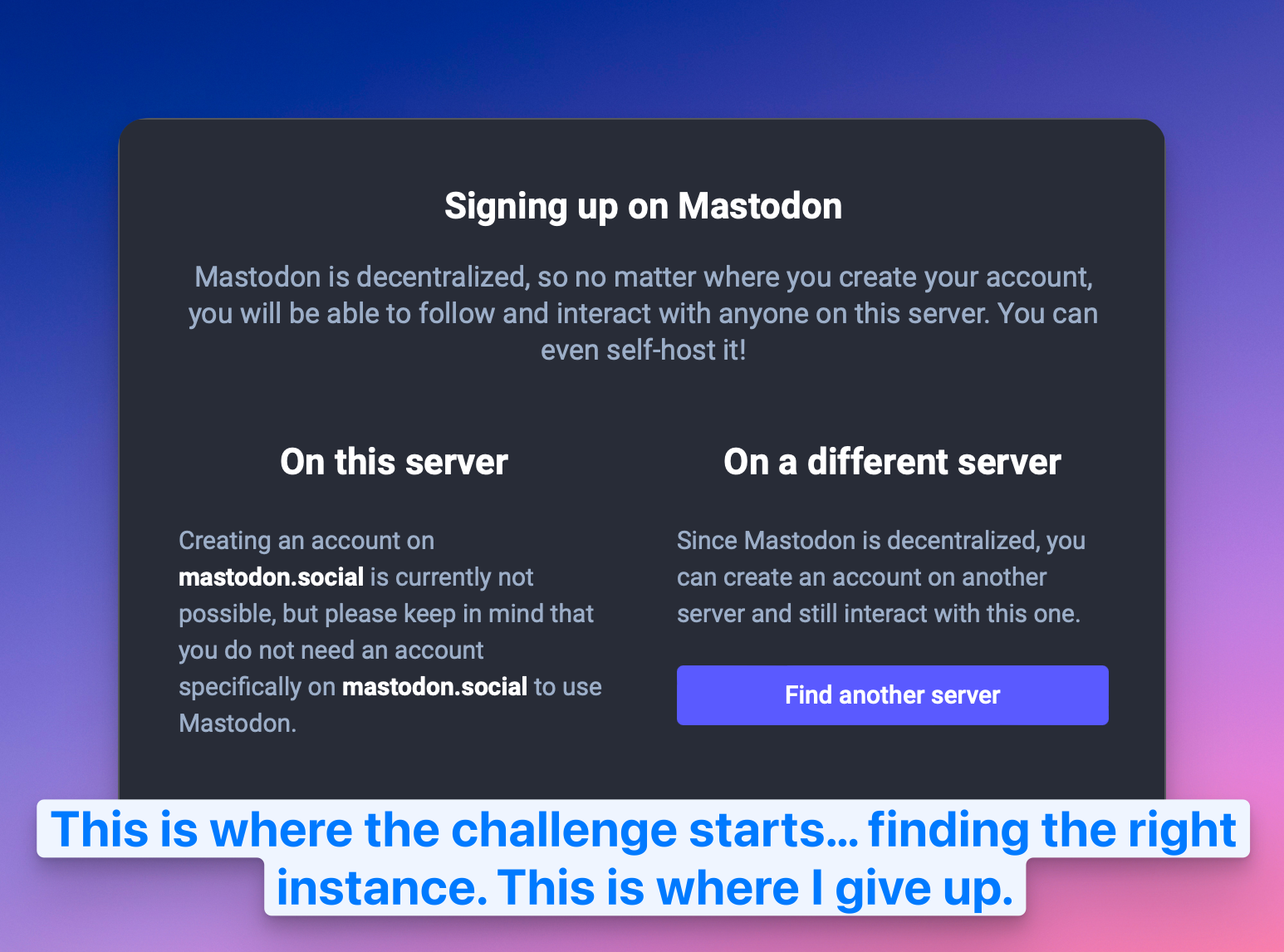
I read about so many people flocking to Mastodon, leaving Twitter behind. I actually started to see a definitive decline in my followers number. Something is really going on. I myself started to think about the possibility of leaving the platform too. Just like I did with Facebook, Flickr, and Tumblr, only to leave a place where my content is simply cross-posted from another source without a real and active presence of mine. Twitter could be next. Really. I could live without the traffic influx from Twitter, which represents about 15% of all my visitors.

There is one thing that it would be hard for me to leave behind, though. If it wasn’t about the war in Ukraine, it would be an easy decision. The problem is that I follow a few people and news sources that diffuse their content on Twitter. Is there a Twitter equivalent for this type of small blips of nano content? I don’t see that in Mastodon yet. RSS feeds are not a platform but transport. The next Twitter has yet to emerge.

How fast do you need your internet to be?

A recent post from MereCivilian about subscribing to a fast Internet service triggered this one. Here are a few reasons for having fast Internet at home:

1. You’re many people (four or more) living under the same roof who are active Internet users;
2. You’re many users who are doing streaming at the same time;
3. You’re downloading or uploading really big files all the time;
4. You’re playing online games;

Other than that, high-speed internet is useless as each micro-transaction (small HTTPS requests) won’t benefit from the bandwidth available. In other words, a 100K web page on a 100 Mbits or 400 Mbits or 1000 Mbits link will take about the same time to load and render within your browser. Finally, consider the DNS service, which plays a big role in the latency involved while browsing the Internet.

As much as I like #Ghost as a hosting service for my monthly and weekly newsletters, the lack of community, commenting, and recommendations by other readers make me wonder if I made the right move when I left #Substack.

When Uber is Being Rude

I recently came back from a one-week vacation in Cancun, Mexico. The first thing I did before leaving the airport to go home was to call an Uber taxi. My last experience with Uber went well, but it was quite a while. Boy, this time it was a surprising and unexpected experience. After ordering the car, I was met with a plethora of notifications and ads within the application and via Uber Eat to order food on the go or before arriving at home. Those ads took the form of notifications, but also big popups taking the whole screen within the application. It was so intrusive, it wasn’t always clear how to dismiss the ad to return to the actual trip details.

I understand the idea of integrating two different services from the same company, but doing so at the expense of a great user experience with the basic feature of the application is not the way to go with me. Even Apple sometimes seems to be going in that direction. Not good.

On Time Machine Backups Over Network

If you own a desktop Mac, you probably use an external drive for Time Machine. If you use a portable Mac, most likely not, and according to the Tidbits article, you’re not alone. The portability of the Mac is hindered by having an external drive hooked permanently. I, personally, have a different strategy: I use a Synology NAS DS720+ with Time Machine enabled to do my backups over the wireless network. It works perfectly, but I don’t do a full backup of my MacBook Air. Files that are part of iCloud Drive are excluded (read more here, you’ll find out why it’s a good idea). In fact, most of the files are excluded, except a few critical folders, outside the scope of any cloud syncing services. Applications aren’t backed up either (easy to recover in case of lost). Backups are small but are just what I need to protect my work.

On Carrot Weather — Is It That Cool?

Why is Carrot Weather so popular? I’m a weather enthusiast and I like trying new weather-related applications. I use many all year long, but Carrot Weather is not part of my application arsenal. They recently introduced updated weather maps, but to get a sense of them, I would need to subscribe for a year subscription. Most of the interesting features are available in the premium tier. I like the maps feature, but I wonder how better they will get compared to the ones that I’m already using in MyRadar. iOS 15 brought a significant update to the weather too, but I find the maps lacking radar resolution.

If there are users of Carrot Weather subscription, tell me more, tell my why it is so nice?

Challenge of the day: exporting posts from WordPress to Ghost

Well, well, well, it seems that data portability among CMS is an issue. Who knew! I’m trying to find an easy way to move a few posts from my WordPress blog into my Ghost website. Exporting data from WordPress seems like an all-or-nothing situation. There are a few plugins available for this. The problem is that the content isn’t easily imported into Ghost. The latter does have a plugin, but it doesn’t support selecting posts. I don’t want to do this manually.

Any idea or suggestions?

Update 2022-02-16: There is a follow-up to my quest, read all the details here

I’m mostly done with my love letter to Cleanshot, a screen grabber utility for the Mac. I’m close to 500 words. I should be paid for doing this. Oh well… what passion can make us do…