AppleOne - Expired or Tired? (#apple #appleone #subscriptions)

My AppleOne signup went weird when it was announced by Apple. I was billed for some of the individual services as well as the bundle. I’ve been looking for credits since then, which are still yet to come. I think it will be a mess to fix unless Apple gets their act together before then. Now, it looks like my subscription has ended and I cannot renew it. Something bad is really happening. I’m not alone feeling the pain, according to MacRumors.

Building his ideas and pushing boundaries on the way (#apple #iosdev #developer #designer @jsngr)

A few weeks ago, I wrote about the TestFlight App Store and how cool it was. The guy behind it, Jordan Singer, is also on Substack. I’m already a big fan of his work.

As a former indie iOS developer (2009-2013), I find it interesting to see other people’s ideas, work and initiatives. This guy is on a roll and tests some App Store review process boundaries, which is more than needed these days. I wish him success with Airport.

Apple is no longer doomed. Intel is. (#apple #intel #applesilicon)

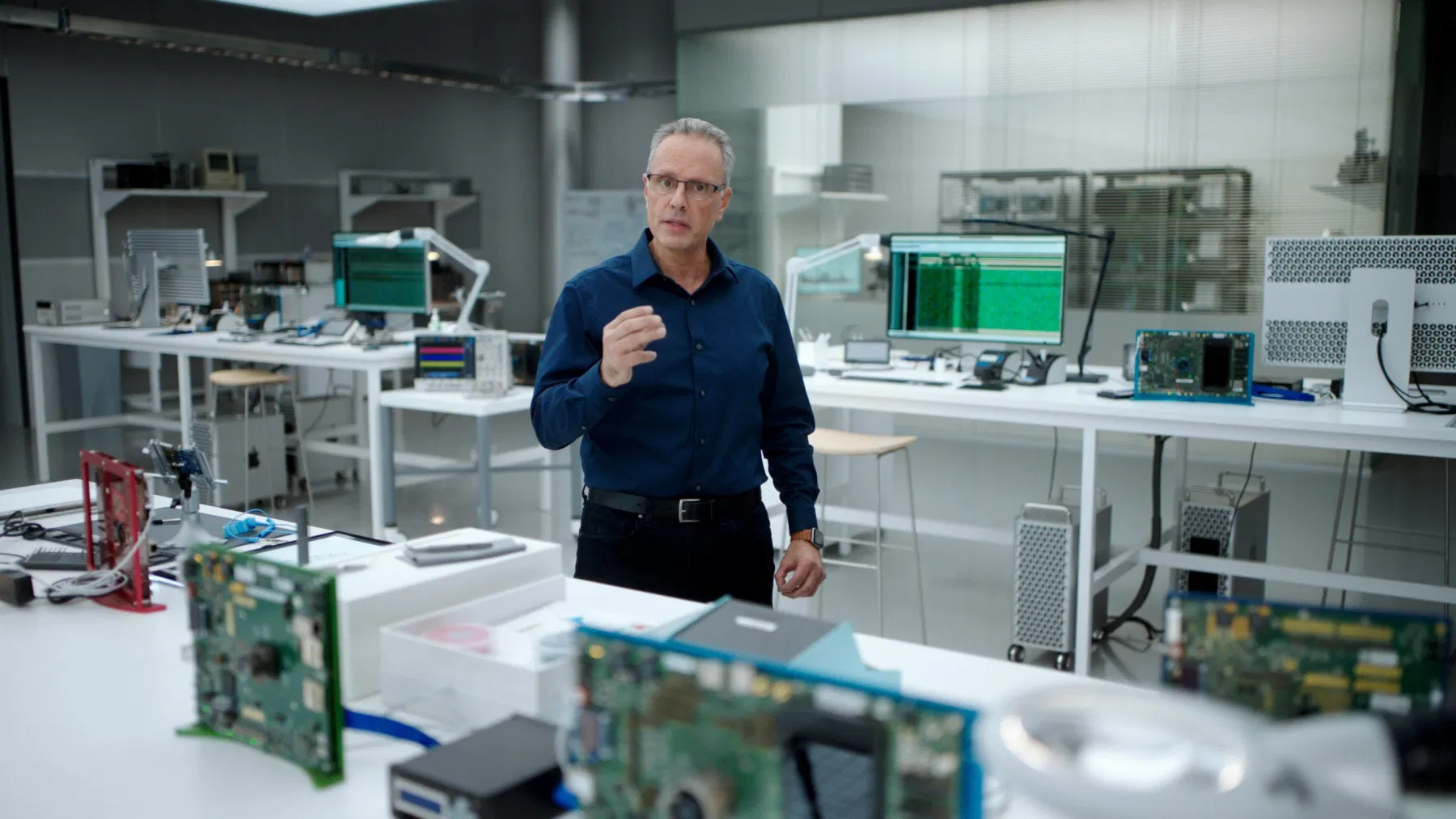
Who is winning between Apple’s M1 chip and Intel’s Tiger Lake chip? Well, if benchmarks are to be believed, Apple is winning, by a wide margin. The results are pretty worrisome for Intel which seems incapable to go beyond a 10 nm process. Intel will become the emblematic image of inefficient processors for years to come. Dell, HP et al. should be worried too because they are in the exact same position Apple was just before their M1 announcement. The only thing now favouriting the Wintel world is the need for Windows for a vast majority of users.

Shortcuts to frustration (#apple #shortcuts #ios #ipados)

Let’s put it straight: Apple’s Shortcuts are the weirdest, most cumbersome and utterly frustrating thing to build, test and eventually use. I cannot count how many hours I spent trying to understand their intricacies and most useful use cases. As much as I want to get empowered by them, it often ends in frustration. Here is why.

You cannot disable old shortcuts that are no longer used but that you want to keep as a reference. There is no way to export them in a clean and readable PDF format. There is a lack of some form of runtime debugging tools. The editor doesn’t scale beyond a few dozens instructions. There is no way to write shortcuts in a text editor à la AppleScript. Share sheets bad design and organization make shortcuts invocation a trial and error experience. As your shortcuts collection grows, it hard to remember which shortcut does what in what context and what is required to launch it. And the list goes on and on. Documentation within the Shortcuts editor is lacking, very limited. A big part of the story is dependant on the willingness of developers to support them. It’s so frustrating to see an app lacking any form of exposure to the shortcut engine.

Make no mistake, I like the idea of automation on the iPad or iPhone. I’m happy to see Apple improving on them with each release of their operating systems. But, there is so much left to cover.

On using Lightroom on a Mac (#apple #adobe #applesilicon)

Let’s set the tone: Adobe software, Lightroom in particular, is not a very efficient piece of software to use on the Mac… even on a higher-end configuration. Recent updates in the last year or so tried to improve things a little bit, but there is still a long way to go. It’s not clear why Lightroom Classic is so bad. Is it because it is a multi-platform software? Probably. If so, we pay the price at every single use.

Does the M1 chip in a Mac can change the game? Well, yes and no. The following YouTube video compares Lightroom Classic running on an Intel-based MacBook Pro to an M1-based MacBook Pro. With Rosetta 2 translation layer running to support the non-optimized version of Lightroom Classic, we could think the experience would be awful. In fact, not only it isn’t, the M1-based Mac makes the experience a bit better. Who would have thought.

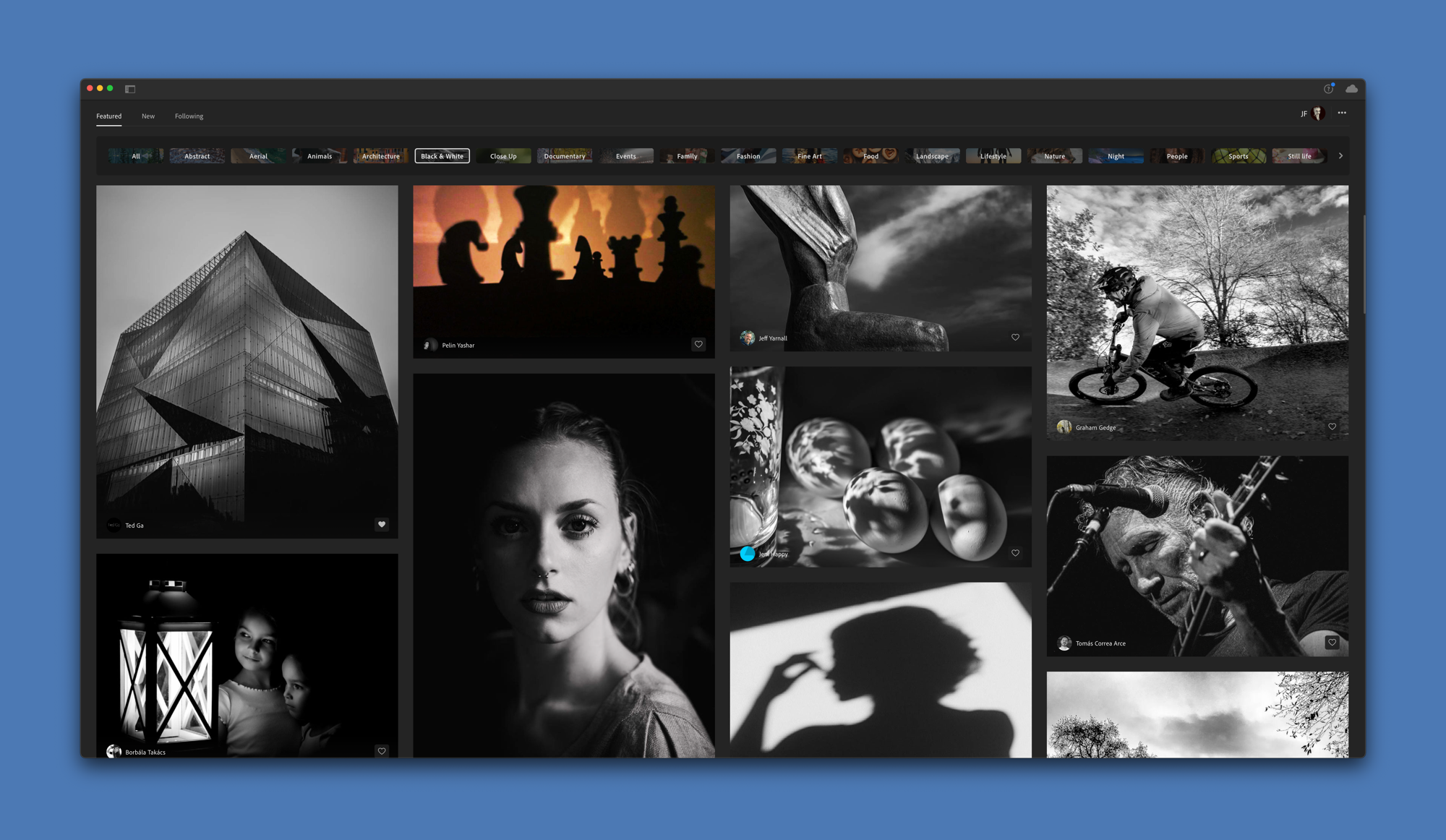
Now, Adobe is working on a native or universal version of Lightroom for the M1 chip. Note that I’m referring to Lightroom CC here, the cloud version of Lightroom, not the Classic version. Depending of who you are and what is your relation to photo processing, it may be a good or a bad news. Nonetheless, the prospect of a universal of Lightroom CC is certainly exciting. Will Adobe take advantage of the GPU cores or the ML cores of the M1 chip? I highly doubt it. If the iPad version of Lightroom CC is any indication, though, not all is lost. We’ll see.

Selling a piece of my Apply history (#apple #imac #2007 #elcapitan)

Today I sold my oldest Mac in the house: a 24 inches 2007 iMac running El Capitan. When I look at this computer, I see many similarities with the current iPad Pro design: round bezels, boxy frame. I hope Apple will return to this design, albeit in a refreshing way, for their upcoming M1-based iMac.

Now, waiting for my M1-based Mac mini. 24 days before adding another piece to my long story with Apple products.

24" 2007 iMac

A must have utility for Mac: HazeOver. (#apple #mac #utility #minireview)

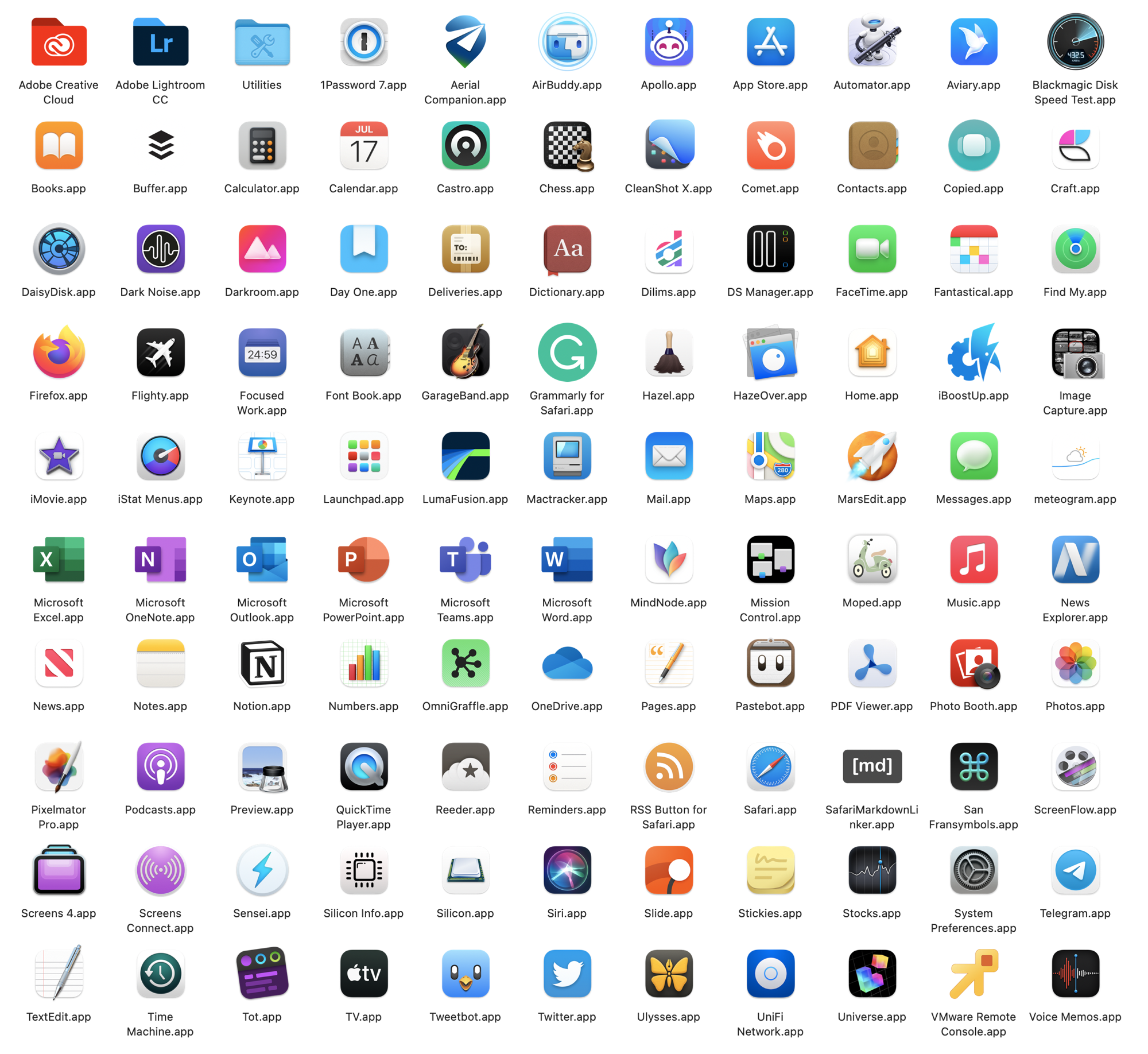
Just bought a Mac utility: HazeOver! How come I didn’t know about this one?? What is it? It’s a small utility which helps bring better focus to the active application on your Mac. It does this by dimming the out-of-focus application windows. It works with multiple displays. If you prefer to work in Light mode over Apple’s Dark Mode, it will make things a lot easier on your eyes. Think of it as a visual compromise. Makes Big Sur even better. Highly recommended.

The M1 chip never cease to amaze (#apple #applesilicon #m1chip #tech #amdryzen)

Another excellent Twitter thread about the M1 chip. This time, it is a comparison with the AMD Ryzen. From a thermal design power, the M1 chip is simply unique and unmatched. On a per-core basis, top of the line AMD Ryzen chip and Apple’s M1 chip are of equal performance. On top of that, the M1 chip is much more than a standard CPU. Oh, and it is only the beginning. Who thought 2020 was such a bad year.

The future of widgets on iOS (#apple #ios #ipados #widgets)

There is a lot to like from this short video showing vivo’s OrigiOS in action. Expandable widgets, user-adjusted widget size, dynamic content, super clean animations, a few touches of skeuomorphism where it counts, dynamic icons, immediate feedback on touch, all those things which are lacking on iOS home screen could see the light if Apple choose to. Widgets 1.0 were long to come for us, iPhone and iPad users, but here they are. Yet, there is still so much untapped potential.

What are your thoughts?