Just Made an Unexpected Discovery

Oh. My. God. 😳😍 How on earth I wasn’t aware about this great utility for macOS: CleanShot X? Fully featured, cleanly designed, with a lot of use cases for me. A cross between Apple’s builtin screen capture and Screencast. Instant buy.

Side note: I never bought that many apps since the beginning of the great confinement. Second side note: it isn’t an ad. 🤷🏻‍♂️ CleanShot X for Mac

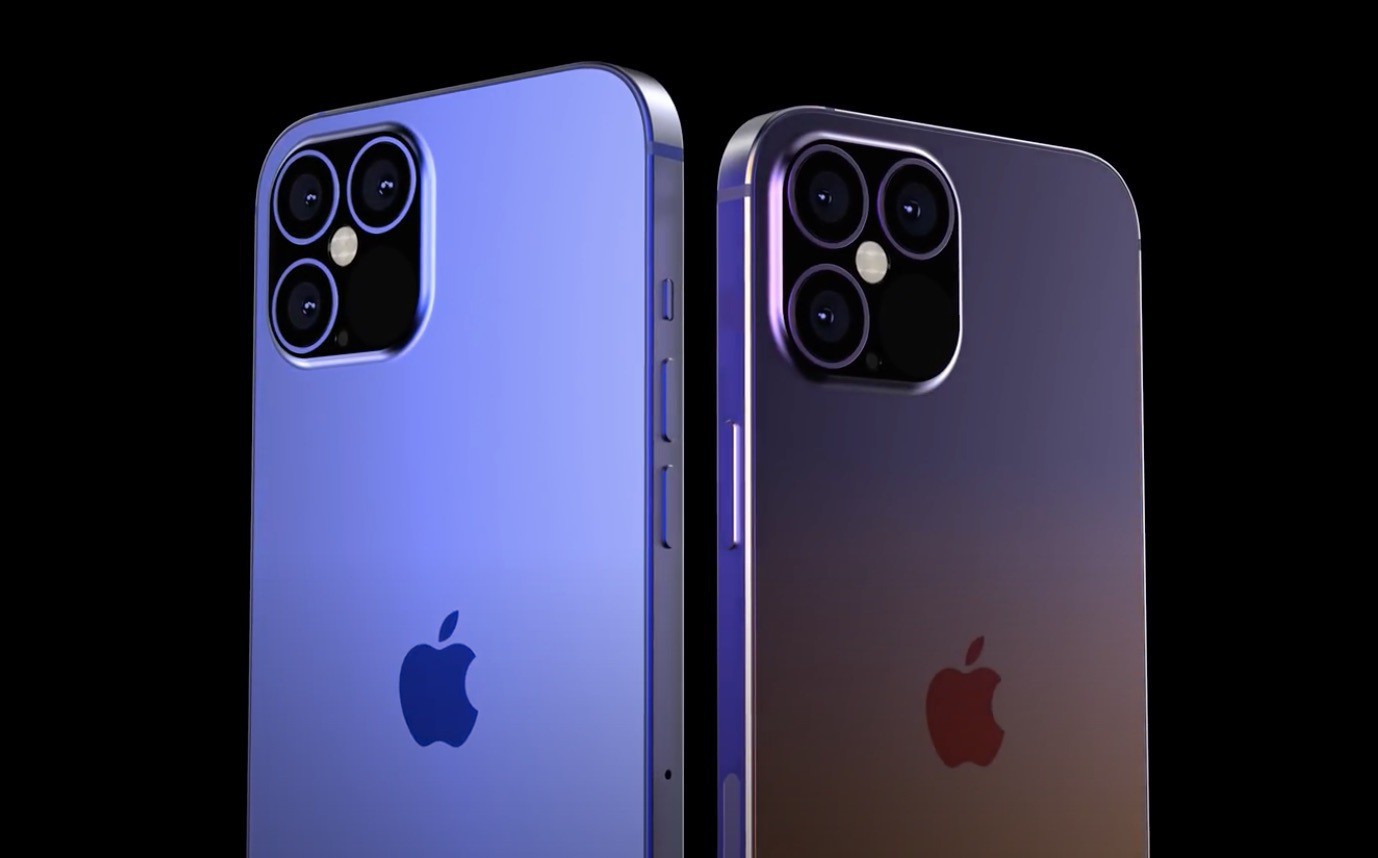
Apple, you are playing with words. #iphoneSE

Thanks Apple but this is not an iPhone SE. Ask every previous iPhone SE owners and they will confirm. To call it an iPhone SE, you have to change one thing: its size. You are playing with words here. it is an iPhone 9 (looking at this is enough to be convinced). My guess is that we will never see the return of the previous iPhone SE screen size.

BTW, I never ever liked this iPhone SE naming. It is utterly ugly. I cannot come over this one.

How to switch to “Sign in with Apple” with an existing account?

Here is something that bugs me with “Sign in with Apple” or with services that are supporting this feature.

The easy and fun part is when you sign up as a new user of a service supporting “Sign in with Apple”. But what if I’m an already signed up user for many years then I want to switch to “Sign in with Apple” without creating a new account? Some service are providing a way to link an Apple ID in order to enable “Sign in with Apple”. But it is the minority. WordPress.com is such an example.

Am I missing something?

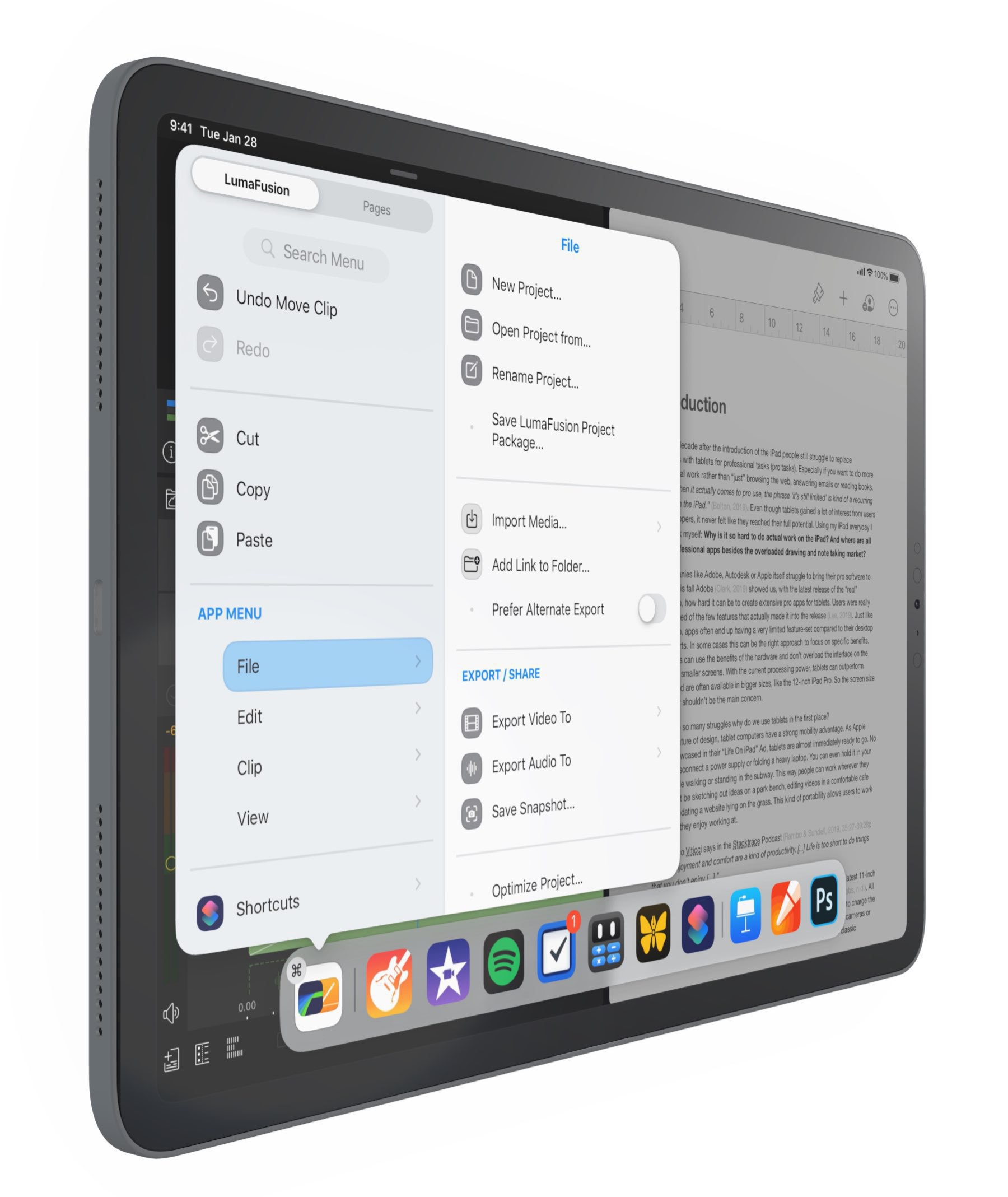
Another potential iPadOS game changer: introducing the iPad Main Menu.

I think I just saw the future of iPadOS. Please, if you are an avid iPad user, take a moment to take a look at a potential feature that could be the next big game changer after the mouse support introduced with iPadOS 13.4. The following website perfectly illustrates a potential new system wide feature: iPad Main Menu. Dear Apple, please, oh please, consider this for iPadOS 14. 🙏🏻🥺

www.ipadmenu.study