I rarely do and share selfies! But here’s one. Walking on the “Promenade des anglais” in Nice, France.
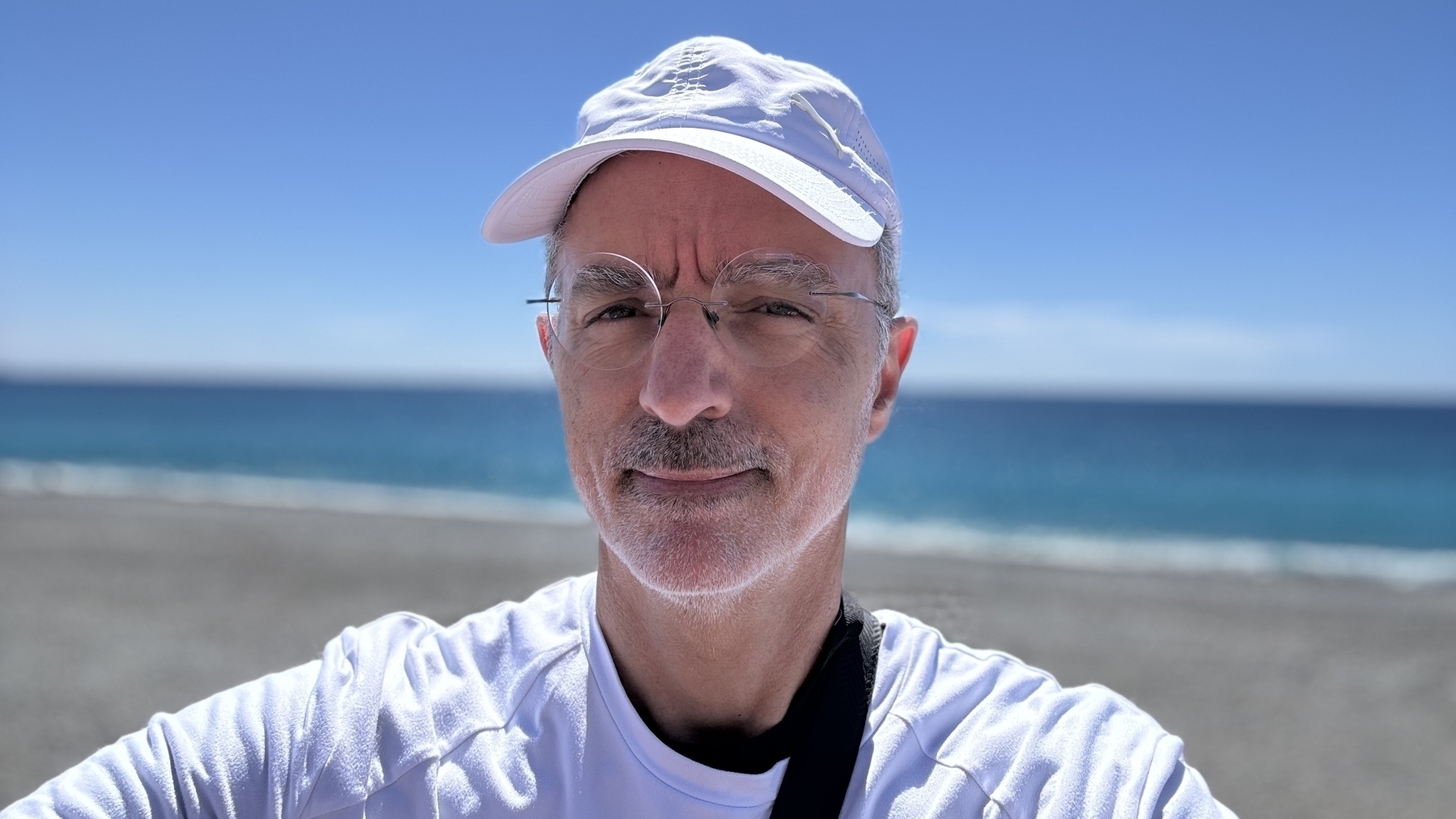
I rarely do and share selfies! But here’s one. Walking on the “Promenade des anglais” in Nice, France.
It’s funny how my subscribers count can vary after I share a new video on my YouTube channel. In recent days, I got many new subscribers, thanks to a video about building a dashboard with Craft. Then, I share this video about Micro.blog, and many people suddenly quit and unsubscribe1. 🤷🏻♂️
We can’t please everyone, I guess. ↩︎
Tempted to start watching “The Last of Us”. But I need to subscribe to Crave apparently. Is it really good? I’m a mild science fiction type of huy. 🤔
Can you imagine having spent $12,000 up-front for Tesla’s “full self driving” only to see it descoped to “supervised driving” and then price slashed to $99/mo? Congrats on being given the privilege of training Elon’s model for a huge fee!
Can you spell “class action lawsuit”?
Hello to my Bluesky followers! Reply and say hello Numeric Citizen! (Posted from Micro.blog)
Happy April Fools day guys!!! 😀😂 I’m not going anywhere!!! You are stuck with me! Returning to normal programming! 🤗😂
After much thinking I decided to do some cleaning in my life. And this begins with the closure of my website here. Too much noise. Too much to maintain. Life should be about life, not digital life.
Still not clear if it will only rain or if we will get heavy and abundant snow. Weather forecast is predicting only rain. I’m ok with this. This winter has been so warm so far, that’s incredible. We will probably be in a drought this summer because of the lack of snow this winter. And you know what it means? Forest fires.
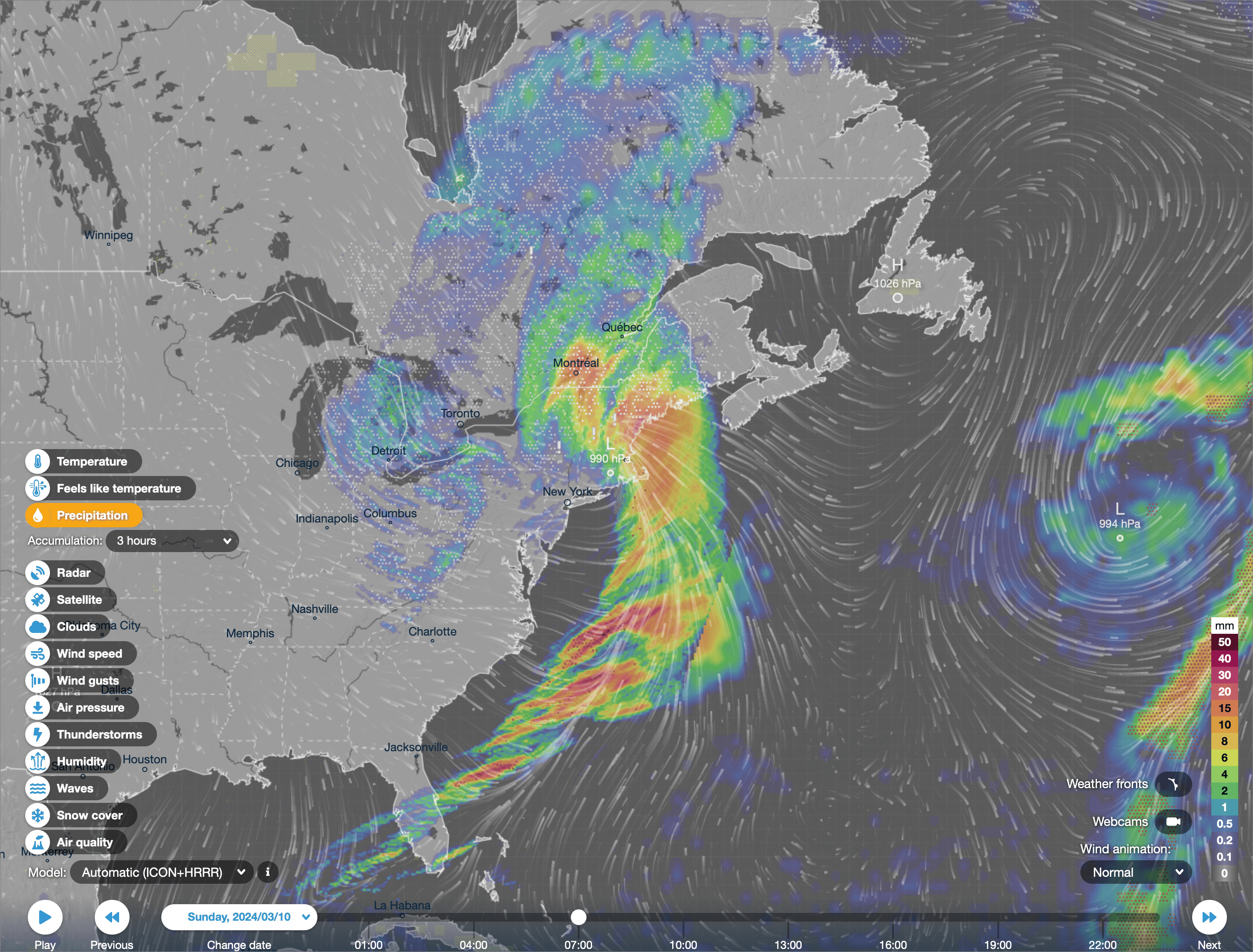
Wow, there is a thunderstorm ⛈️ right now in Montreal! Just like what would get during summer! +11C, winds. Thanks to this cold front moving in. Thanks to climate change. Tomorrow -13C. 😳🫣⛈️