Mailbrew is getter better and better (#mailbrew #newsletters)
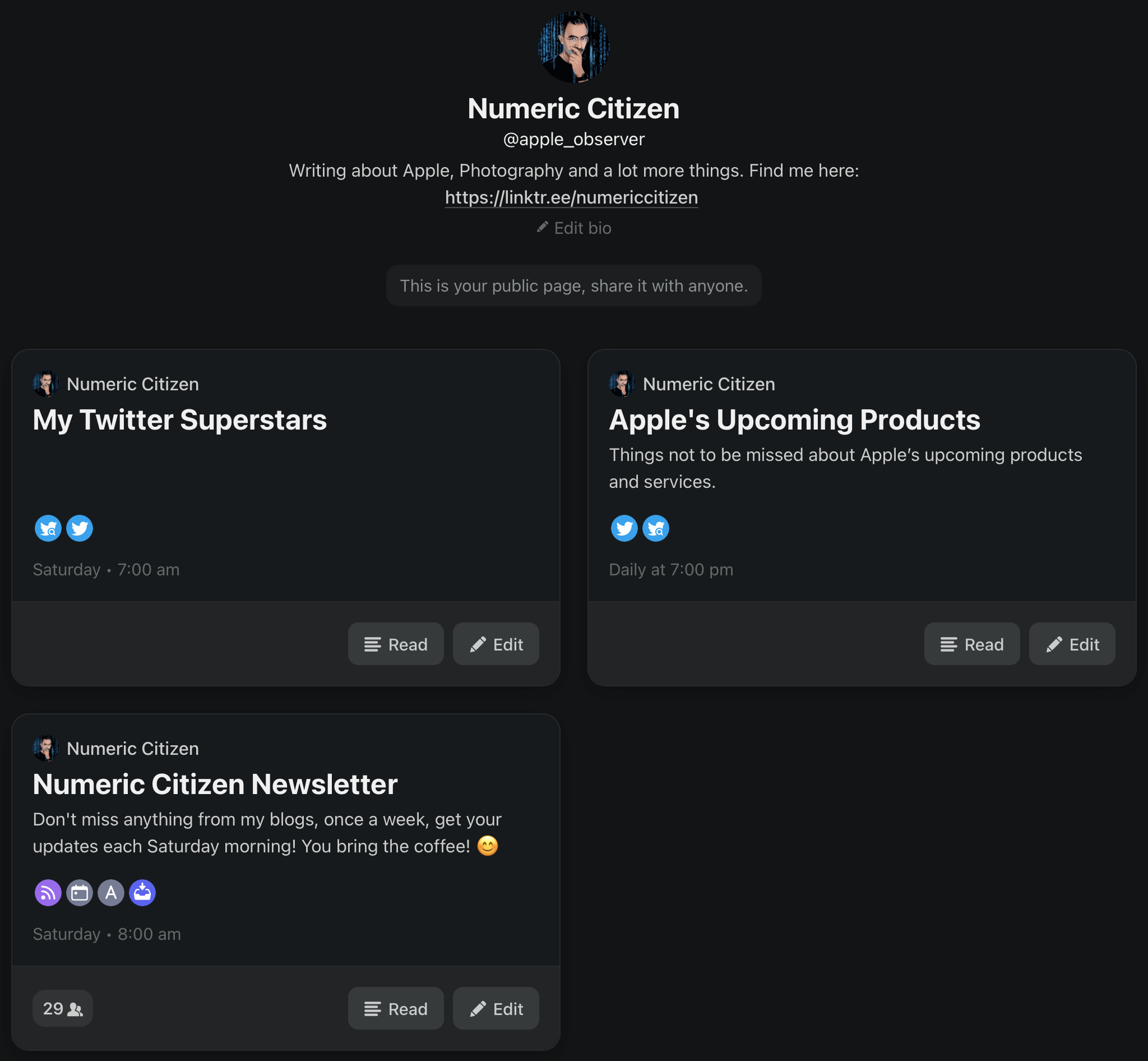
My Mailbrew profile page

Mailbrew received a big update this week. The change log is pretty extensive. The most important change is that the home page and the whole user experience for that matter is now more about reading your digests than the brews edit view. I like this change a lot. Digests are presented in the order they were received. You can go from one issue to another easily for a specific brew. You can also select a specific brew to see associated digests. The reading experience is better overall compared to HEY’s Feed view. The only missing thing is a “save clip” option.

Beside links to external content, within a digest, when it is appropriate, there is a button for entering a reader view. In this view, a minimalist browser will let the reader immerse himself to limit distractions. It reminds me of the Safari reader view. There is always the save button available to put aside an article in case you don’t have time to read it at the moment. Mailbrew provides a separate list for those saved items.

There are a ton of other small change and improvements. Sharing our brews is easier. Sharing a digest also is closer at hand. All in all, this is a solid update to an already excellent service. You can read my initial review of Mailbrew here. If you want to subscribe, please do me a favour and use this link.
Programming, mathematics and brain activities (#research #computers #computerscience)

Florian olivo Ek9Znm8lQ1U unsplash

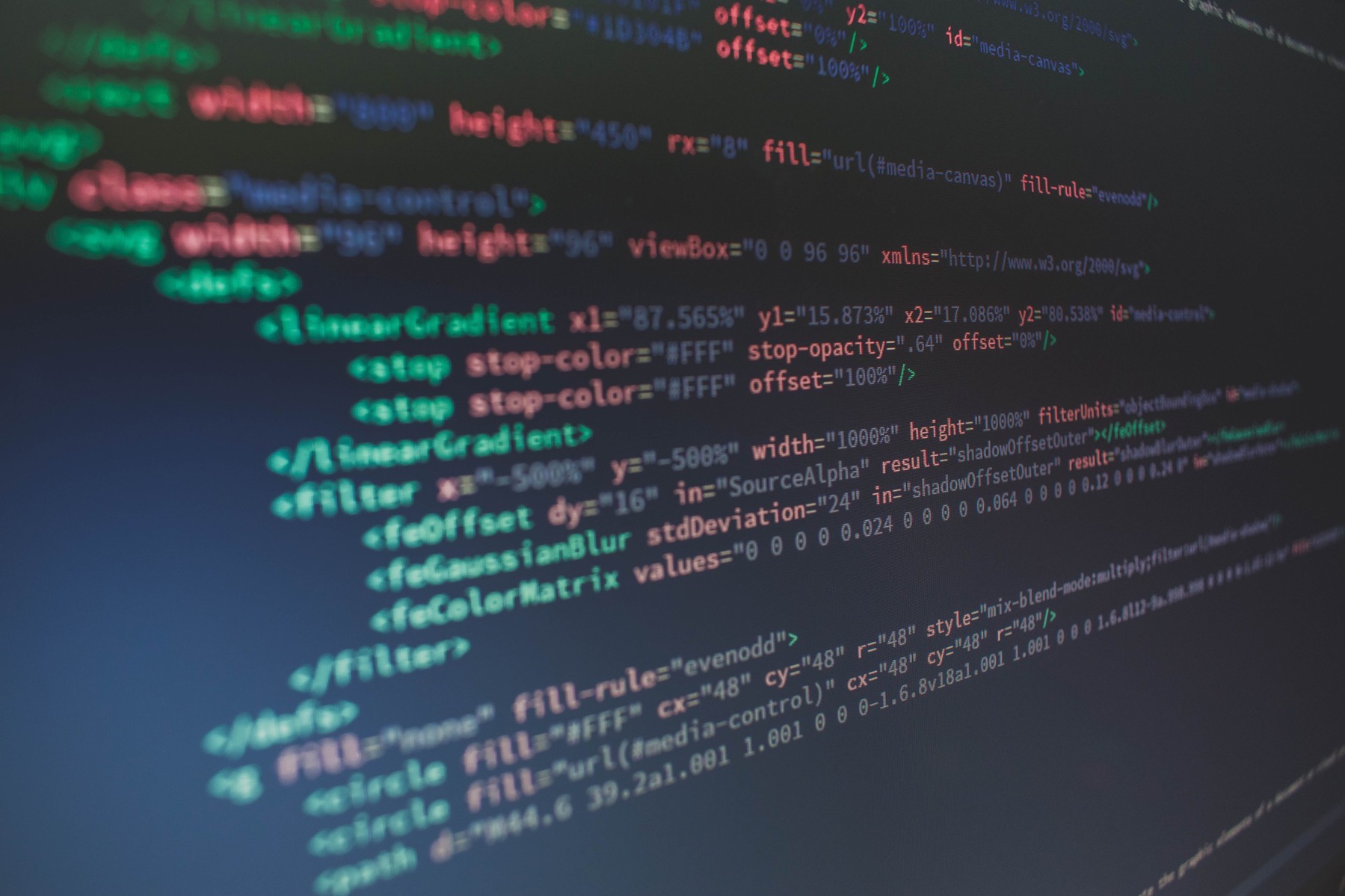
What does it take to be a hood programmer? Or better yet, what does it take to like programming hence writing or reading algorithms? Math? Language? Arts? A combination? When I started in computer science at the University, my friends thought that I was good at maths. It wasn’t the case. Before deciding which field I would like to study, I was afraid of computer science, thinking myself that we had to be really good with mathematics. My experience shows that it is not the case. I’m average at maths but good at programming and in computer science in general. Is it surprising? According to this article, no. In fact, computer programming isn’t the same thing as doing maths from a brain activity perspective. It is more like something very demanding where a totally different part of the brain is solicited. Fascinating. It may (or may not) explain why you can be good in computer science but not as good in mathematics. Who knows.

By having a better understanding of what parts of the brain are solicited, we may find common ground with other disciplines. It is really hard to attract people in computer science and knowing what it takes from a brain perspective could help direct efforts of recruiting the right people who will like to read and write algorythms but are not good at maths!

Ten Reasons to love RSS feeds (#rss #openstandard)

Piotr bene P3w6VgaRaFI unsplash

Alan Ralph, in a blog post, exposes ten reasons why he loves RSS feeds. I agree on all accounts. When I look closer, it all comes down to: control. Control is something we don’t have these days on social networks and social media. We live in a numeric world full of algorithmically-generated feeds and content. We lose control of our feeds. George Orwell was right.

RSS feed, a simple and open standard, is the key, within an RSS reader, of a more open and user-centered and mostly ads-free Internet. RSS feeds are important.

Next week - back to a "normal" day job (#blogging #writing #personalnews)

Annie spratt DnbWWWTclSM unsplash

Next week marks the end of a three-week vacation. I’m lucky. Three weeks where I forgot about my work and became a full-time blogger, writer, content creator. Time flies. There is a need for normality, I guess, and this means returning to work.

Expect a less frequent publishing schedule. Don’t worry; I won’t go very far, thanks to our new confinement and curfew starting this very Saturday. Oh well.

Another wild Microsoft rumour about Outlook (#microsoft #rumours #outlook #office365)

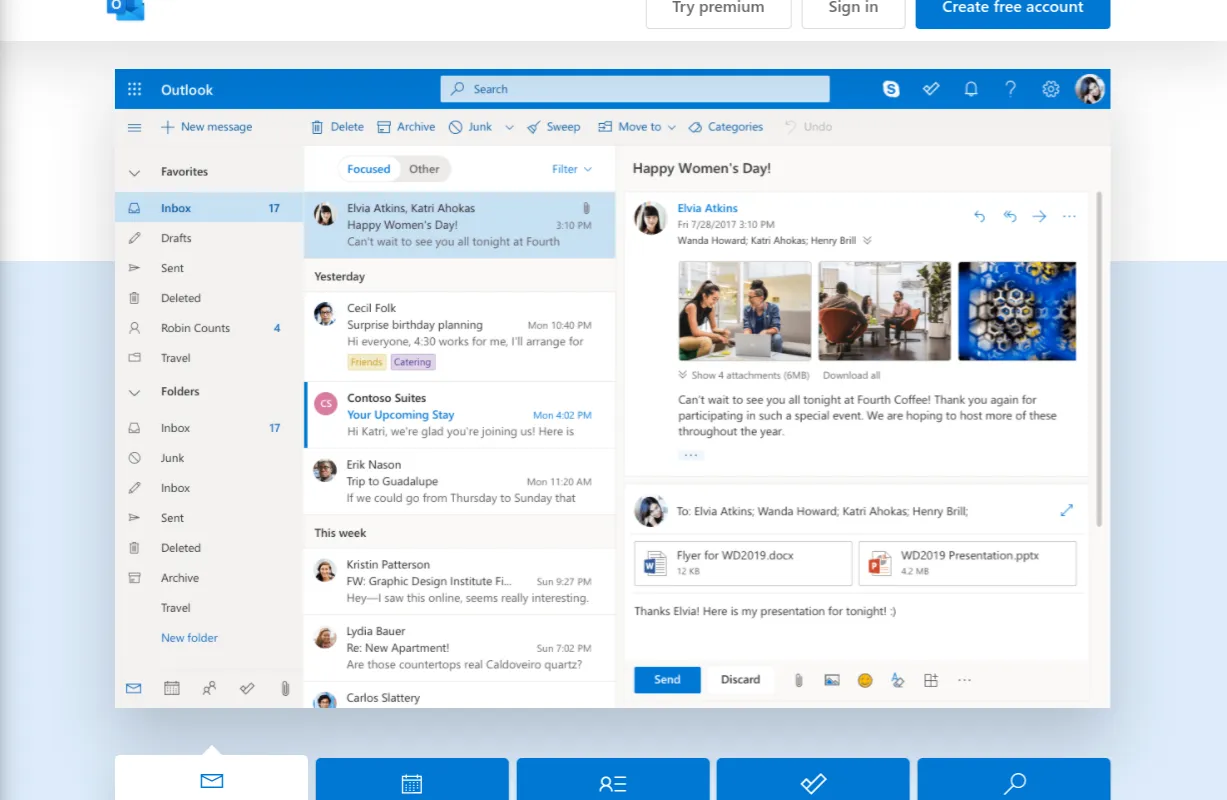
Microsoft converts Outlook website into a progressive web app

Here is another wild one: Microsoft is reportedly working on making Outlook a progressive web application for all platforms. Progressive web application isn’t new and Microsoft already makes a version of Outlook in this format. What is new is that it would replace all native versions of the Outlook client: no more are native versions of Outlook for Windows or the Mac.

I’m not sure if this is good or bad news. I’m always wary about cross-platform tech. There is always something lost in translation. The other question that comes to my mind, why is Microsoft moving way from native applications in its ecosystem?

Yet, not all is lost, a good side effect of this move would be to reduce memory consumption on the client. As use can see in this tweet, the native version of Outlook can use large chunk of your computer memory.

About this rumoured big Windows visual overhaul (#microsoft #windows)

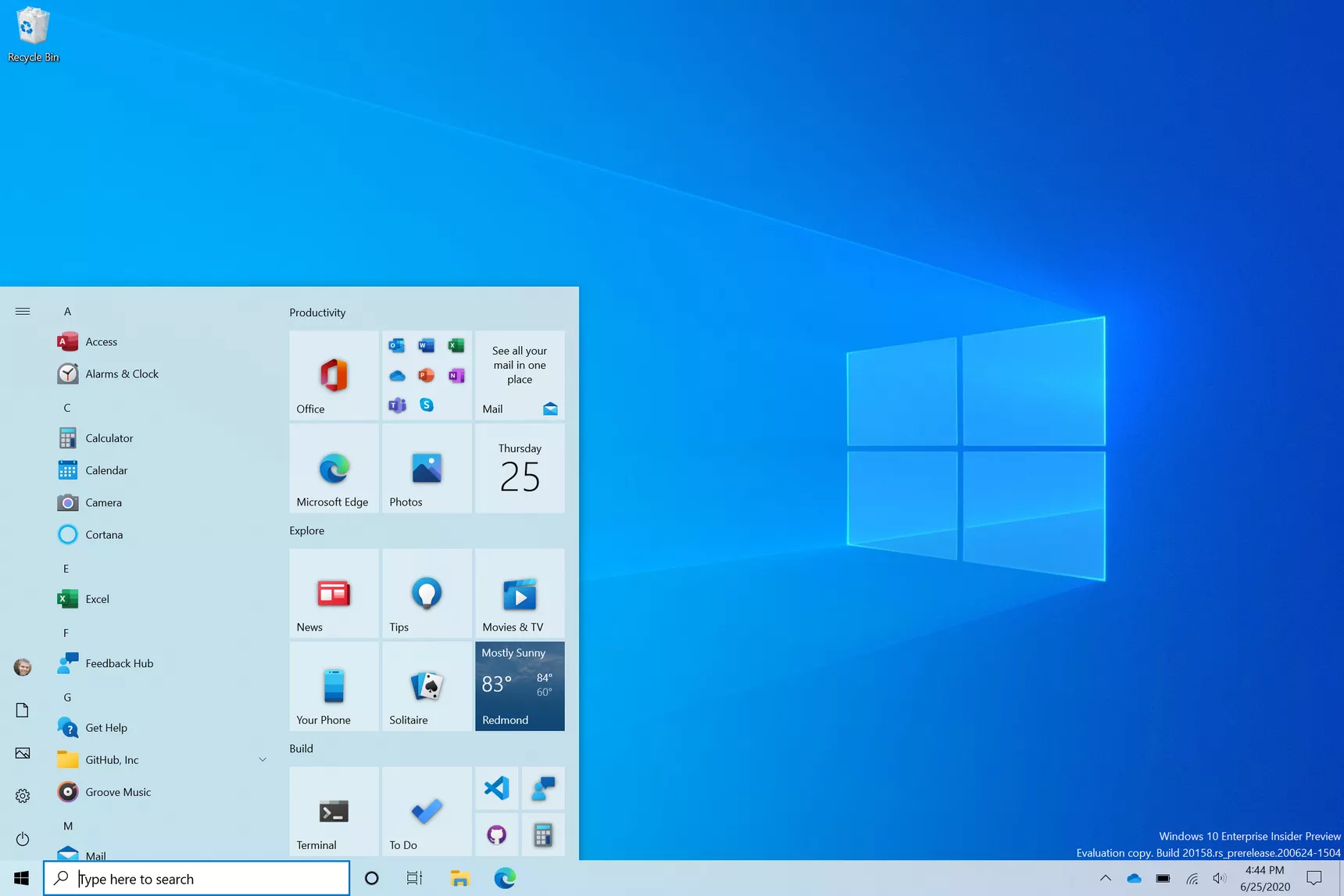
Newwindows10startmenu png

If only Microsoft could finish the job started with Windows 7. Windows 10 user interface is a bunch of previously used visual elements that Microsoft doesn’t care to clean up. For example, consider the computer settings area. On the surface, the iconography speaks the recent visual langague defined by Microsoft. But, as you try to go deeper to change a less frequently used setting, you’re back to a pre-Windows 10 era. I don’t believe Microsoft will do this “major” refresh as recently reported by Windows Central, not in a way they refused to do in the last ten years, anyway.

As a side note, colour me Apple fanboy if you want, but many pundits will grumble when Apple is actually refreshing the user interface like they did with macOS Big Sur (or iOS 7, remember?). At least, it is either consistently clean or consistently ugly, depending of your aestheticism tastes. You won’t as easily find a macOS Yosemite visual asset in macOS Big Sur or even macOS Catalina. Inconsistencies do exist in macOS but they are usually limited to very specific visual tweaks (like to trafic lights placements).

I'm afraid your maths are right, @brentsimmons (#covid19 #vaccination #usa)

COVID-19 Virus Rendering

Brent Simmons trying to determine where the US should get back to normal. After some maths, he asks:

“(Is any of my math wrong? There’s no point in being overly-precise here — but please tell me if I’ve made some error that changes things significantly.)”

I’m afraid his maths are right, even if they aren’t precise. Things could change, though, after Biden is officially in his Office. Even though, change of government takes a lot of time in the US.

I said it in the past: COVID-19 shows how weak the US is as a country to fight this non military war.

Documenting our numeric life (#journaling #tools)

My DayOne Journal for blogs

Basic Apple Guy on DayOne, a popular journaling app:

“My current journaling habit is to make one entry per day, typically at night. However, I may add multiple timestamps to the entry throughout the day to capture a specific occurrence or thought. This daily journal is currently on a 2,668-day streak, with 4,325 total entries, and 3,297 photos.”

A streak of 2,668-day to capture thoughts, events, etc., manually? Consider me impressed. I used to write my thoughts too in DayOne, but eventually I stopped as I couldn’t keep up because of all my writing projects. Yet, I found a way to keep using DayOne, by automatically documenting my numeric life. I wrote a piece about it in 2018 that is still absolutely valid today: “Documenting my Numeric Life”. I’m using IFTTT as the engine to push updates into my many journals, inside DayOne. Works like a charm.

Not the best way to build brand loyalty, @LGUS (#smarttv #airplay2)

LG 4K OLED Smart TV

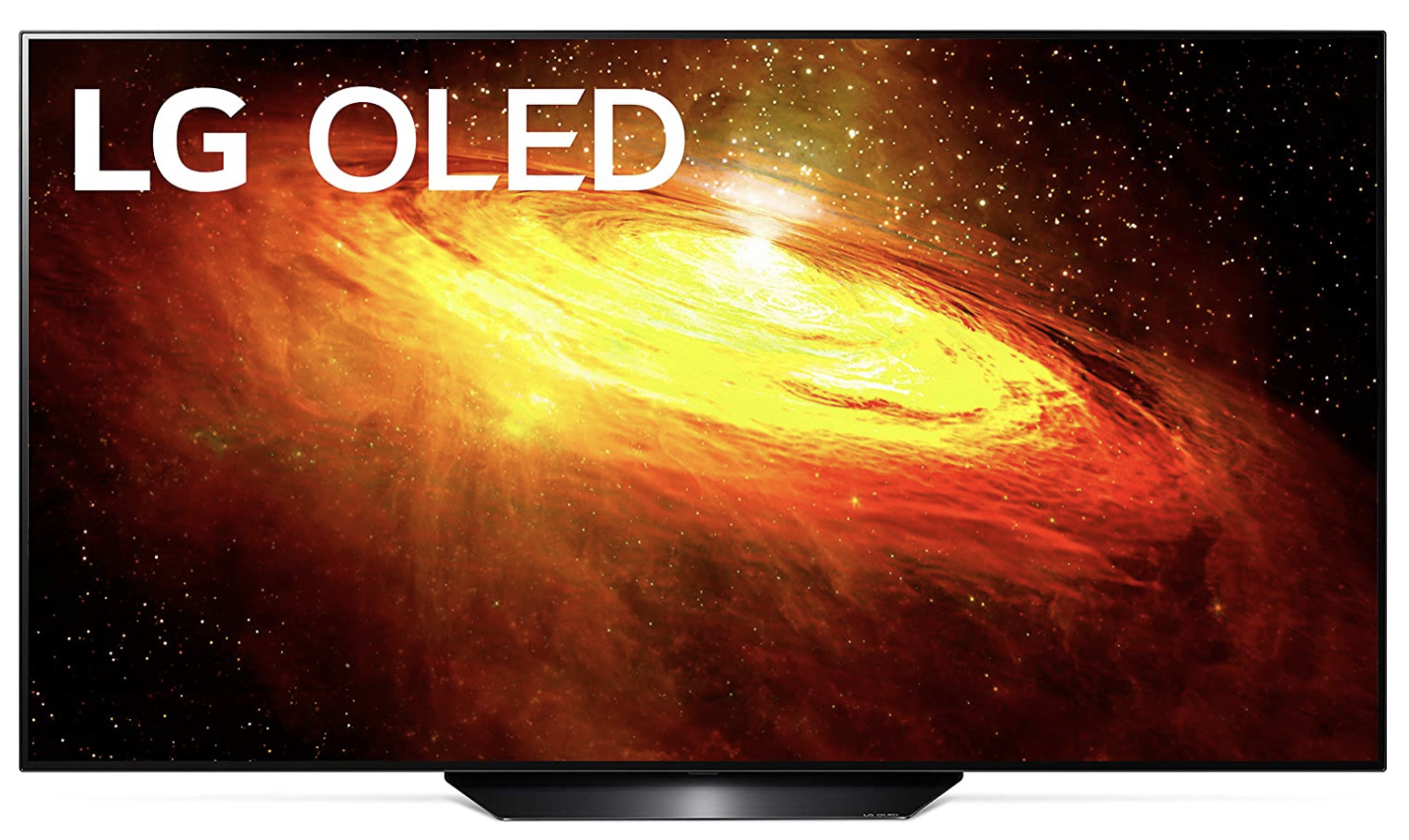
According to an article from MacRumors, LG is rolling out a software update to its 2018 Smart TVs to enable AirPlay 2 and HomeKit support. I personally own a 2016 model and I don’t expect to receive such update anytime soon. As a software-only solution, I don’t see why they couldn’t make it happen for 2016 models too. When you think about Apple supporting iPhone models dating back to 2015 with iOS 14, we have to wonder who’s playing programmed obsolescence here. As someone who’s looking to upgrade its 2016 LG Smart TV to a 2020 model, which will support HDR, Dolby Atmos, AirPlay 2, HomeKit and have a 120 Hz refresh rate, I don’t appreciate LG approach to brand loyalty building.