Eight years, really? Time flies.
Dear Apple, Think Differently, Again.
Tomorrow is Apple keynote. I want to be surprised. I want something different. I want to see Apple push harder, differently. I want this “one more thing”. I want to see Apple think outside the box. I want them to show the way, the right way. I want them to not be afraid, and do it differently. I want them to stop looking at their past successes. Think like the underdog. Think Differently, again.
The first edition of my third-generation newsletter “The Ephemeral Scrapbook”, edition 2024-35, is out! Email version coming out later today! Consider becoming a supporter on my Ko-fi page. 🙏🏻
I returned to Medium with enthusiasm but was disappointed by the clickbaity titles that we can find. For example, I read an article titled “iPhone 16 Pro Max Unveils New Features That Left Me Stunned!” only to discover that the author was excited about a potential new photo mode with the telephoto lens (macrophotography) without citing sources for the rumors. The author speculated on the revolutionary nature of the device without testing it. It raises questions about the possible involvement of generative AI in crafting this story. Oh, and the other article: “Why I Stopped Upgrading to the New iPhone Every Year (And You Should Too)”… I can’t wait to let someone tell me what to do. 👀🤷🏻
Compare this to my latest post about the M4 Mac mini: “The M4 Mac mini Will Be My Best Mac Ever”. I speak for myself only in the title.
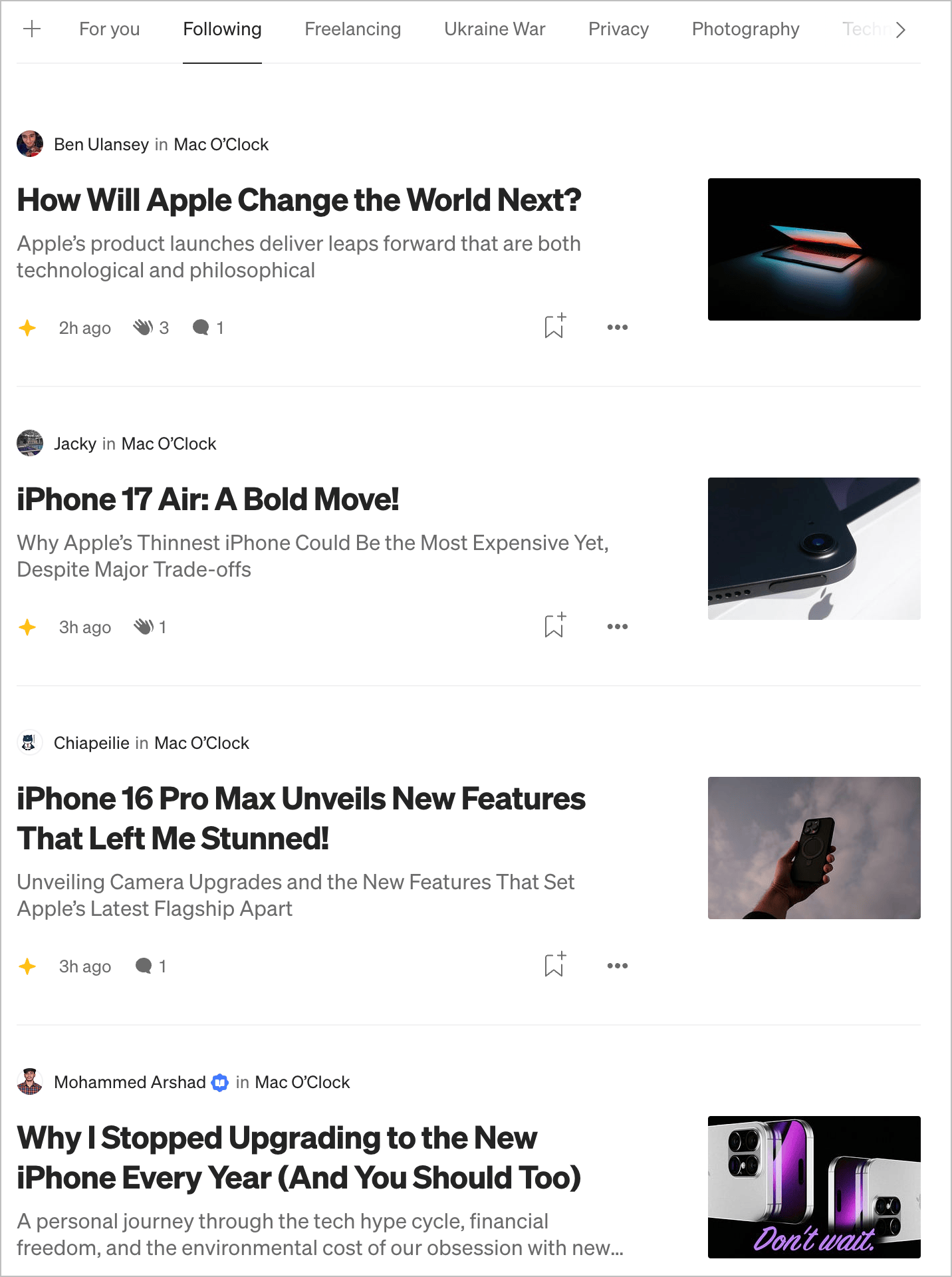
I did a test login to my Twitter / X account. It still works, but didn’t post anything. Scrolled my timeline for a few minutes. 👀🫣 What. The. Actual. Fuck. Is. This. Place. Now? Super random and controversial content appearing. This place has become the Internet dumpster.
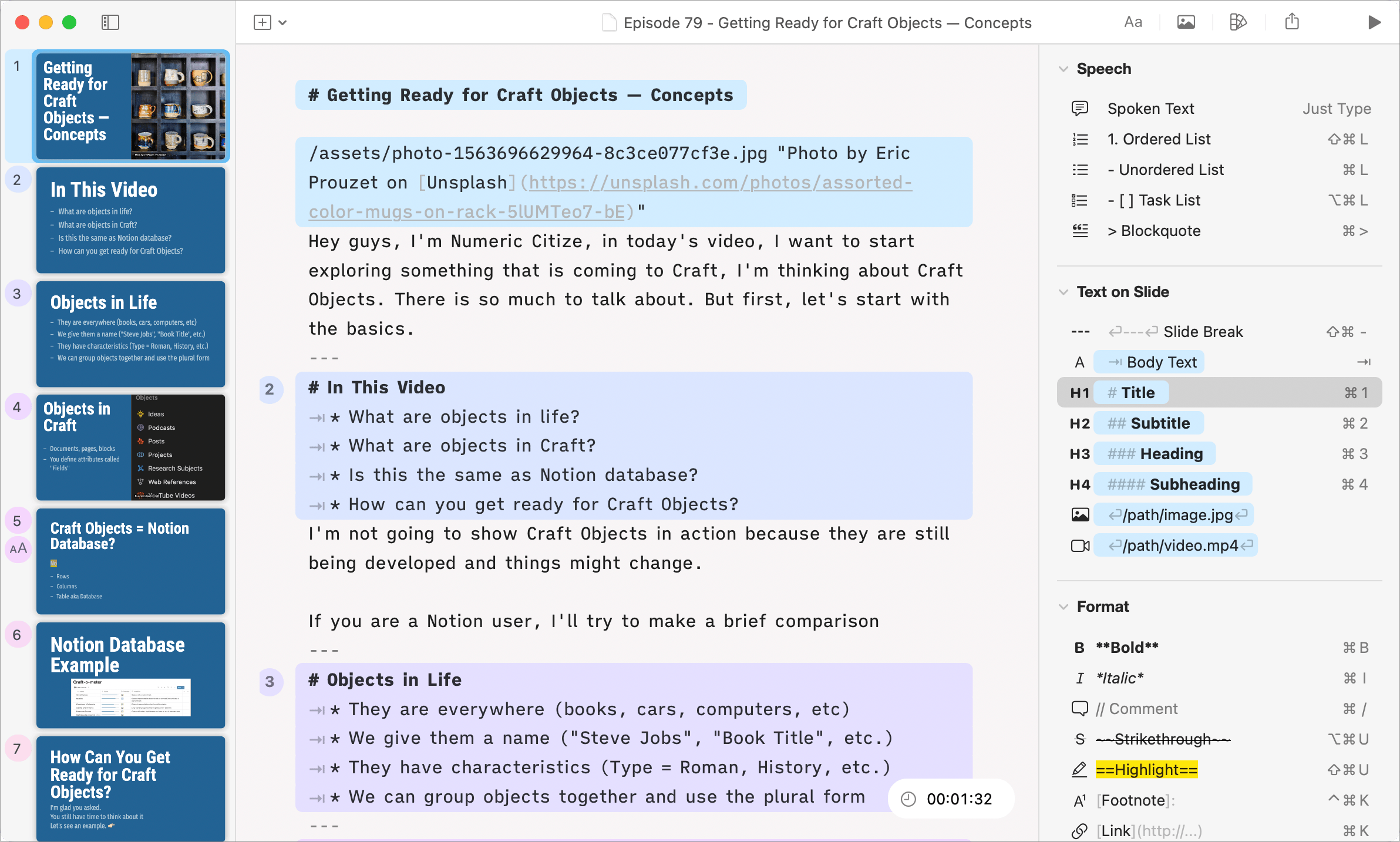
Today, I’m again giving a serious try to iA Presenter. I want to love this app. It is so different from any other presentation app. I’m working on a YouTube video explaining concepts around Craft Objects.
My newest Craft video, this time for beginners: what should you do when you are just starting using Craft? I chose to organize these actions into five categories.
I have one thought regarding apps like Reeder (the new one) and Tapestry. I fail to see any comments regarding the inherent limit of those apps. How do they fare when you are adding a few dozens of sources, some with high volume of posts? Merging those feeds into a single timeline make the latter rather overwhelming to consume.
Today, I had no choice but to request the use of a Cloud PC by Microsoft for using a crappy app: Visio. I like this idea of renting a PC instance in the cloud, though.