I feel relieved this morning because I finally moved out of Adobe and wrote an article about it. Spoiler alert: moving out of Adobe is not as hard as you might think, especially if your Lightroom setup is simple like mine. Open to questions. 😃
Is Apple TV Really Improving With tvOS 17?
I’ve extensively used Apple TV (the physical device), Apple TV+ and the Apple TV app during the holidays to play music, videos, movies and series. One thing is clear: tvOS 17 is a regression in terms of usability, for me anyway. I especially don’t like the new left sidebar in the TV app. Navigating back to the home screen is cumbersome, requiring too many “<” back clicks. I often wonder if I’m in the Apple TV app or the Apple TV+ service. Up Next queue is intertwined with the rest of the content, it feels less obvious, to me. Content promotion (while starting a new episode, ending a series, etc.) is annoying. Apple feels like Amazon. Apple isn’t quite there after so many years of iterative updates.
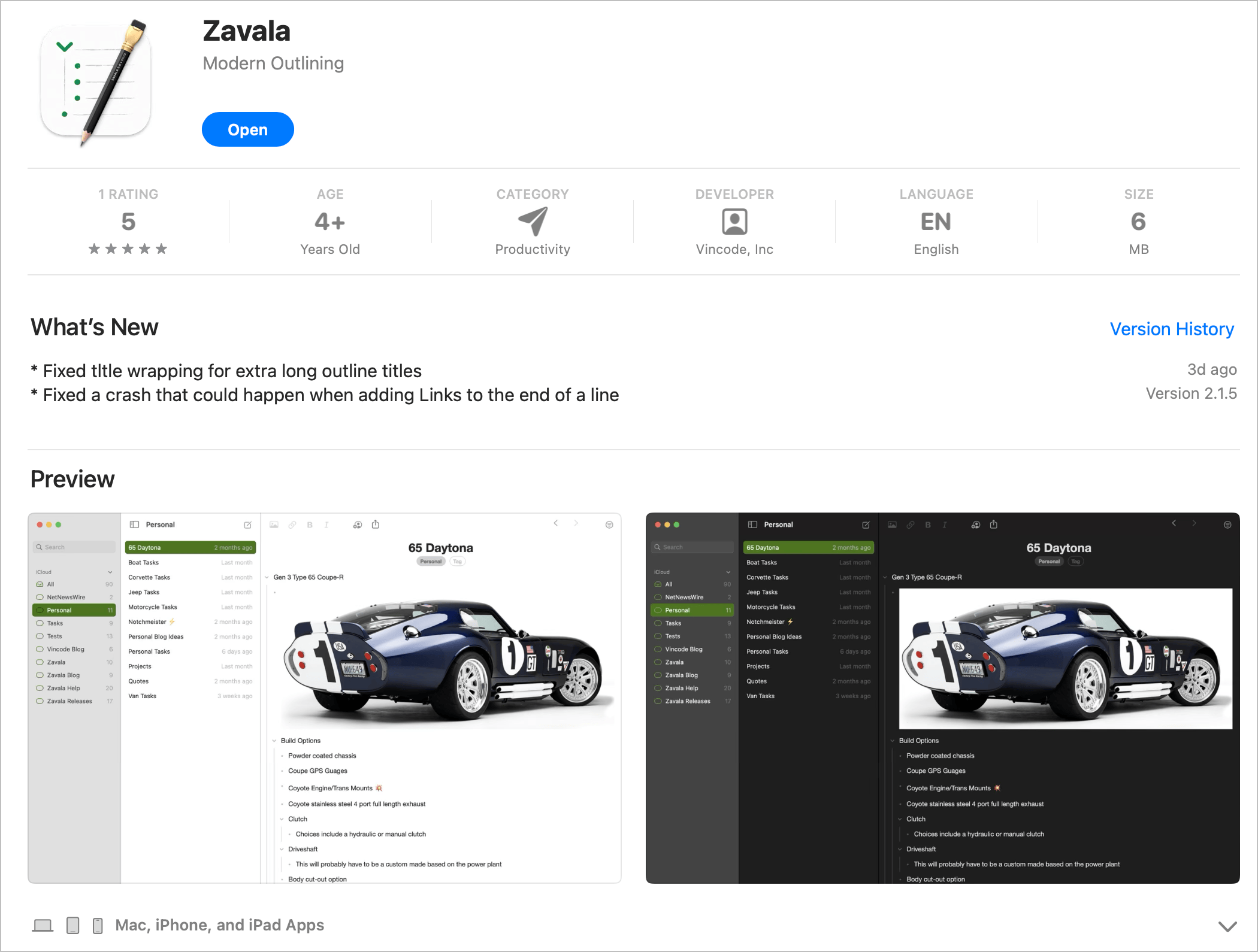
Zavala, an outliner for the Mac, iPad and iPhone, recently got a series of updates after a year of silence. I’m happy to see this app is still alive and well.
Hey Calendar First Impressions
HEY Calendar is being rolled out to a limited set of users. It will be free, and a separate app will be released for the Calendar in the near future. It’s not as controversial a take as the email counterpart. Day view and week view only, by design1. I’m not sure if this is a deal-breaker for many.
Time tracking seems limited and cannot replace Toggl / Timery in my workflow. Data can be exported as a CSV file. I wonder if it can be really useful in its current form. The jury is still out on that one.
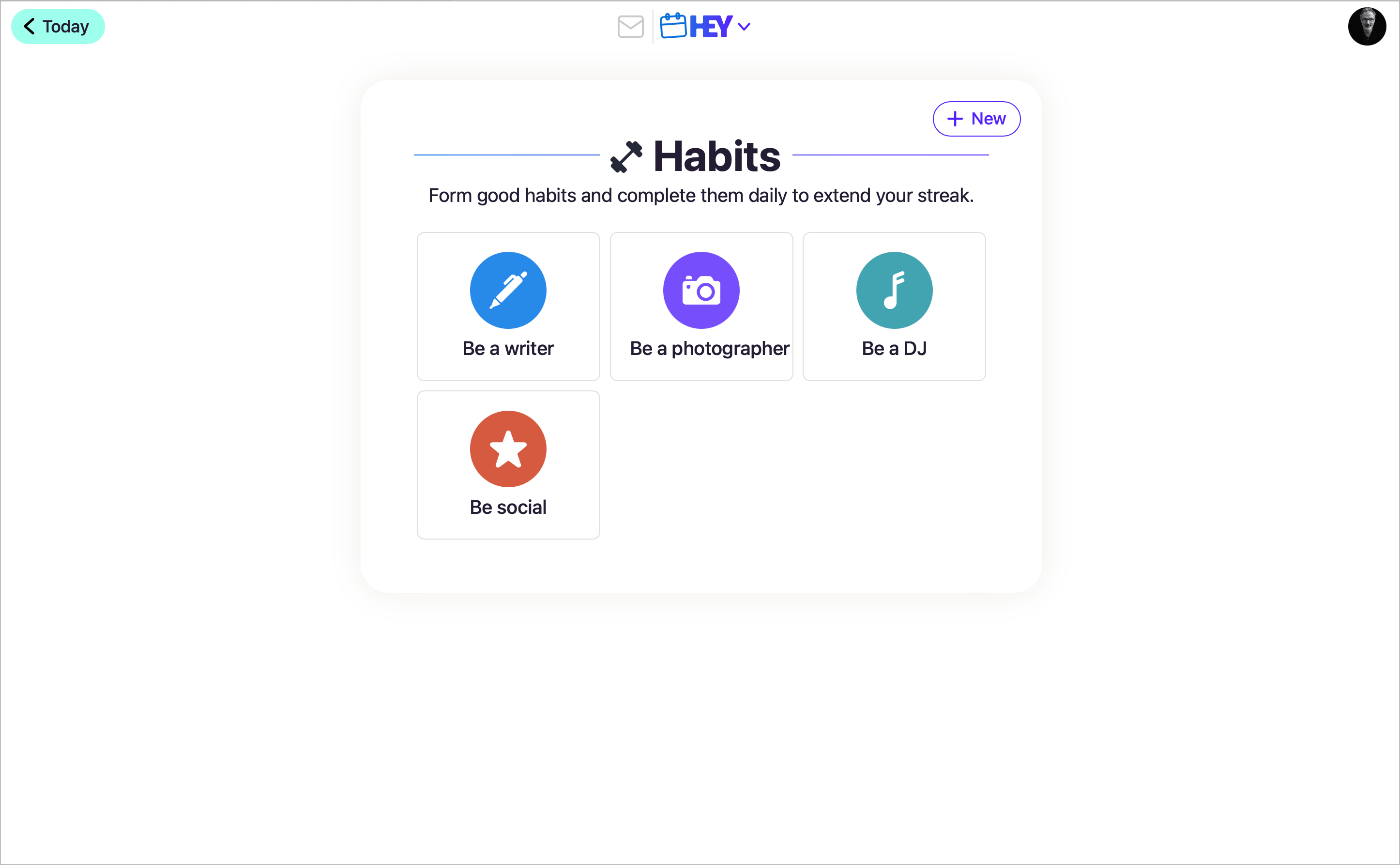
Interesting habit tracking support: simple enough to be useful. Limited icon selection, though. No iOS app just yet, only web and desktop. No Microsoft Office 365 support yet. iCloud calendars can be integrated, but they must be made public to get an iCal URL that HEY Calender subscribes to. Same for Google calendars. Some tasks are managed as things to do eventually in the week, appear at the bottom, and move to the next week if not completed.
My initial impressions of HEY Calendar are neutral. That’s it for now.
-
This could be controversial. ↩︎
This year, my writing habits will be impacted by my desire to spend more time interacting with the community here. Reaching out and connecting might lead to new opportunities and writing triggers.
Just finished going through my monthly newsletter come out of Micro.blog. 😳 It’s long and feels a bit messy. 🤨 For 2024, I decided to be more selective of the posts that will make it to the gate each month. Not everything is worth being summarized.
It’s the time of the year where the page is white, everything feels possible and in its place. It’s up to me to decide how 2024 will unroll as a creator.
I wish you all a happy new year! May 2024 be a better one than what 2023 was. It shouldn’t be that hard. Peace.

Each year, at about the same period, I always feel a return of my desire for photography. It is as if photography is always the thing I drop first when I’m busy in life, preferring to keep the rest (writing, blogging). I hope this will change a bit in 2024.