If Apple’s ‘Solarium UI’ is the UI unification of all Apple platforms, which platform will give up the most of its personality the most? 👀🤔
Will Apple’s Solarium UI refresh make us forget about Apple Intelligence and Siri’s lackluster performance or App Store litigation or developers mounting disdain for Apple or Tim Cook questionable leadership in the age of AI?
Catching up recent Micro.blog updates and I really like the new AI-generated categories feature. Coupled with filters, it’s a great way to organize posts not only for me but for the readers. It’s tempting to add many categories, but it could make my blog homepage a little bit crowded. 😅
I think we over estimate Jony Ive design capabilities in general if you consider that design is also how it works. We have plenty of examples with bad design choices after Jobs death. Ports removal in a pro laptop, butterfly keyboard are just of them.
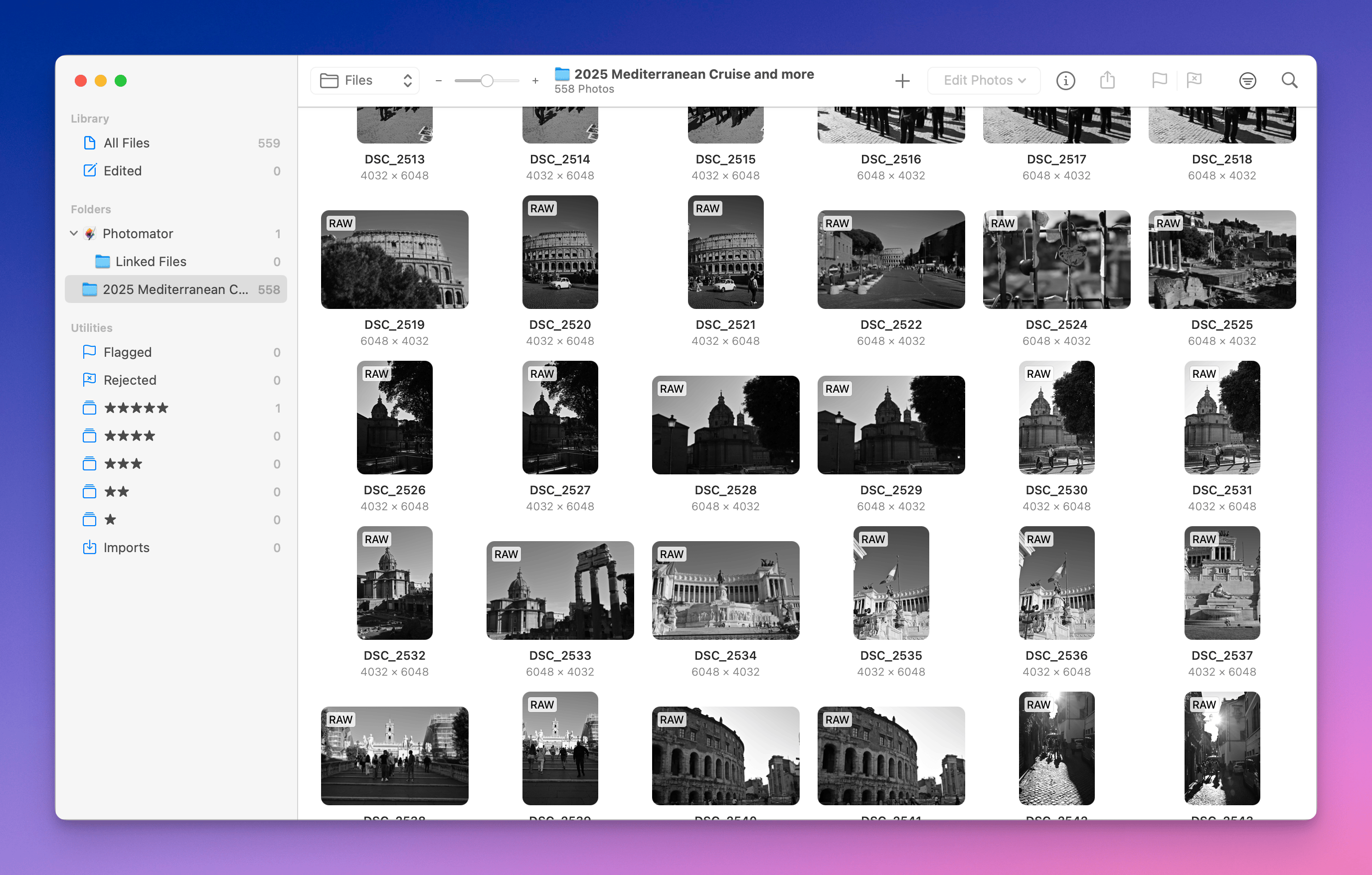
I’m getting ready to pack my things and offload 559 photos from my Nikon Zf to my MacBook Air for in-flight processing with Photomator (8 hours, mind you). It should be fun to relive my just-completed trip.
Reading a lunch menu in Spanish with Apple Translate. First experience with live translation. Pretty cool and useful. I know this has been available on the other platform for a long time but using in a real situation is handy. No need for an English menu.
Who’s rooting for adding or integrating Apple Intelligence models into their apps? Apple Intelligence is not well regarded, not many is going to rush to add this to their apps after WWDC2025.
Travel update: I’m currently in Valencia, Spain, still figuring out if we will go off the ship today for a walk in a city that we already visited back in 2017. One idea would be to revisit some places but with this idea of trying different photo takes with more modern photo gear (was using an iPhone 7, Nikon D80 back then if I remember correctly).
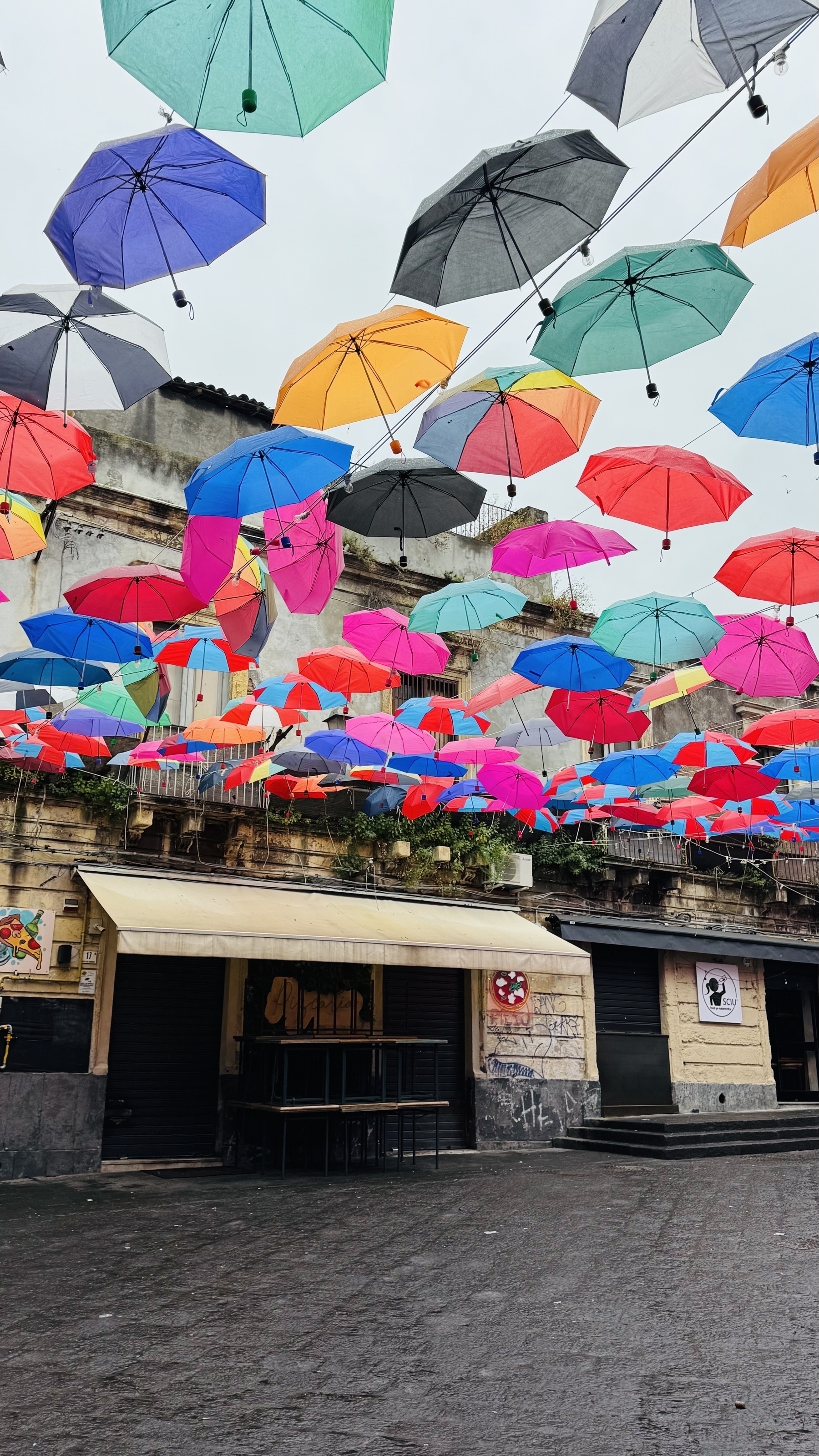
Currently in Catalina, Sicile. Rainy day. Brought my camera with me but got no inspiration to take photos, except that one which is in line with the current weather.