Today I’m getting a brand new 15" M4 MacBook Air at work to replace my aging 2017 MacBook Pro with Touch Bar. I won’t miss the Intel world, but I’ll somewhat miss the Touch Bar. 🤷🏻♂️
Connection isn’t just personal. It’s political.
A healthy democracy requires relationships, trust, physical presence, and shared stakes. If we don’t have anyone in our lives who voted differently than we did, if the only time we talk to our neighbors is when we have something to complain about (if we even bother), if we haven’t been in a room with strangers in months trying to solve a real problem without a mute button or a string of emojis—then we are actively making it easier to divide. Easier to manipulate. Easier to radicalize. Easier to rule.
We collectively dropped the ball. I honestly don’t know what to do and where to start to undo things. I feel alone on my island crying and shouting how wrong and off everything is right now.
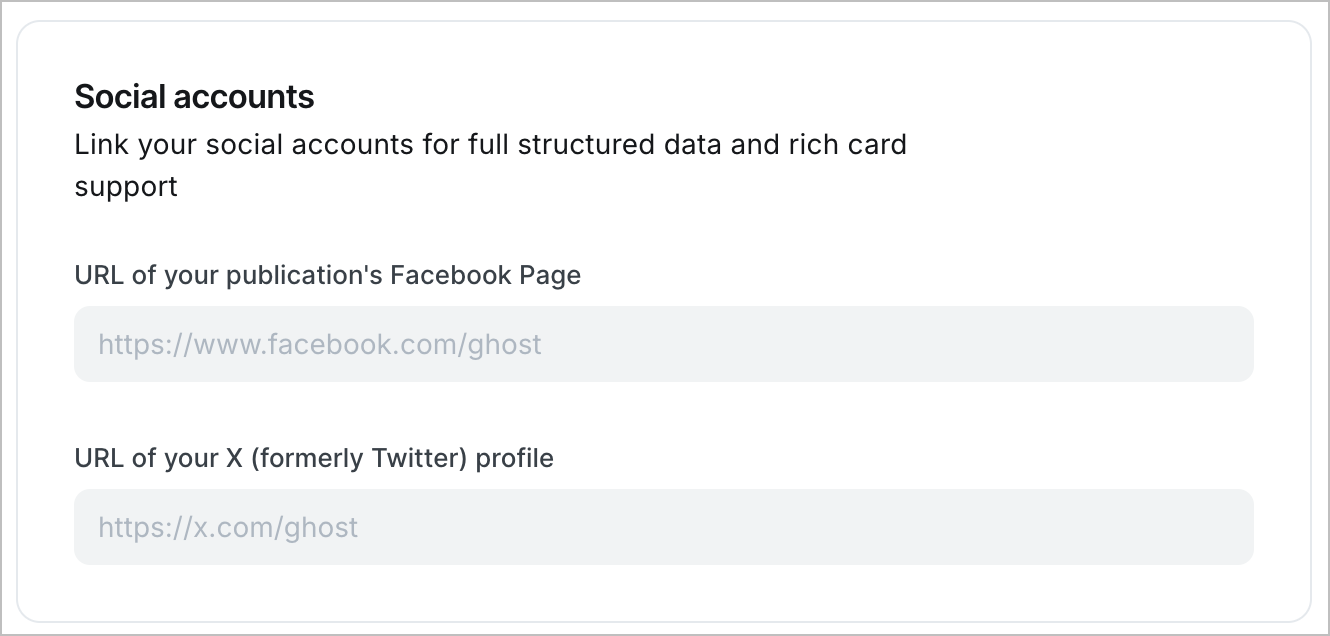
I wish Ghost would expand their support for what are called “social accounts.” Given our current situation, I find this approach short-sighted. I wish Mastodon and Bluesky received more attention for this type of configuration.
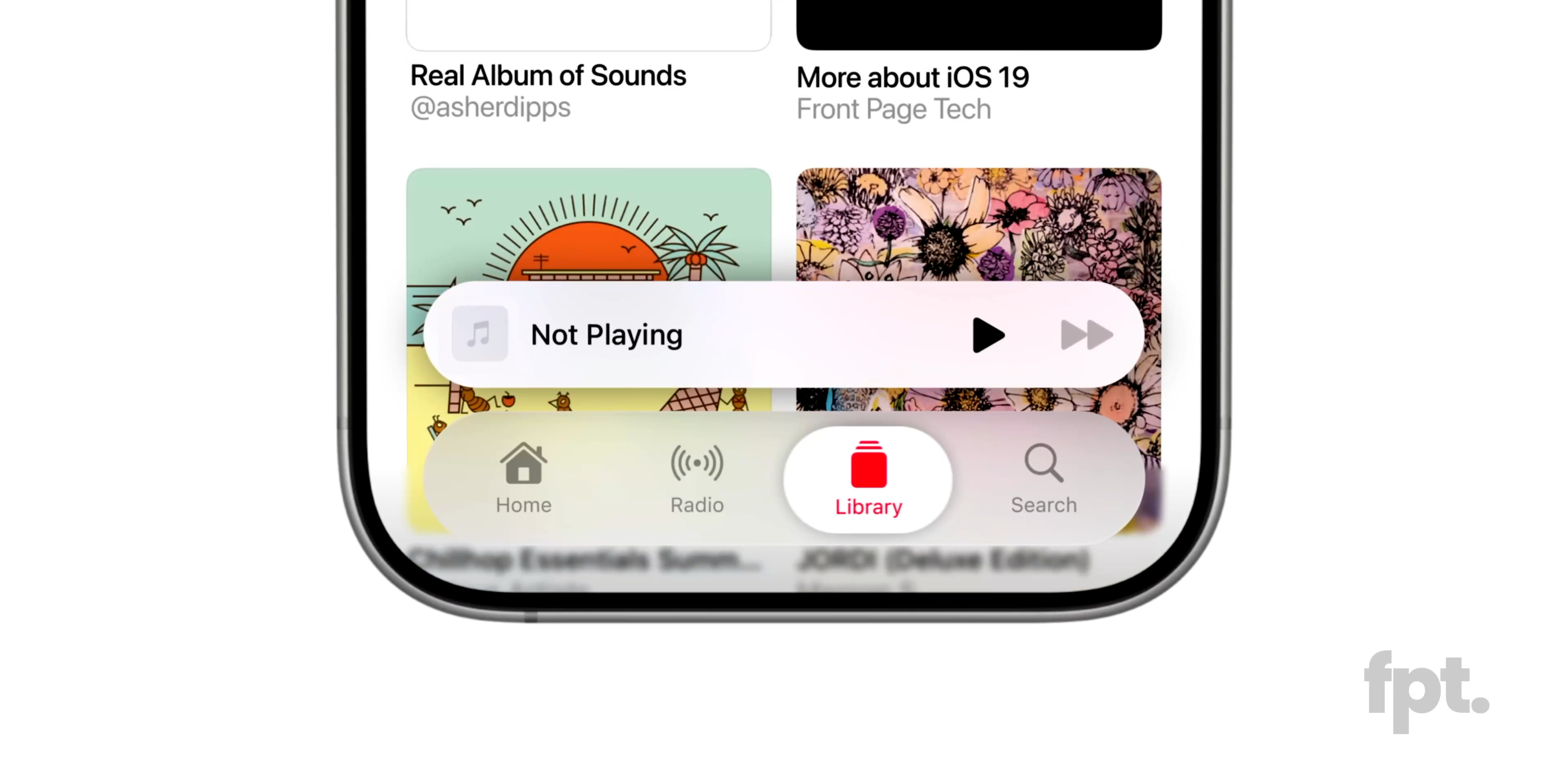
Still about the iOS 19 mockup, the redesigned Tabbar is so much better. 😍
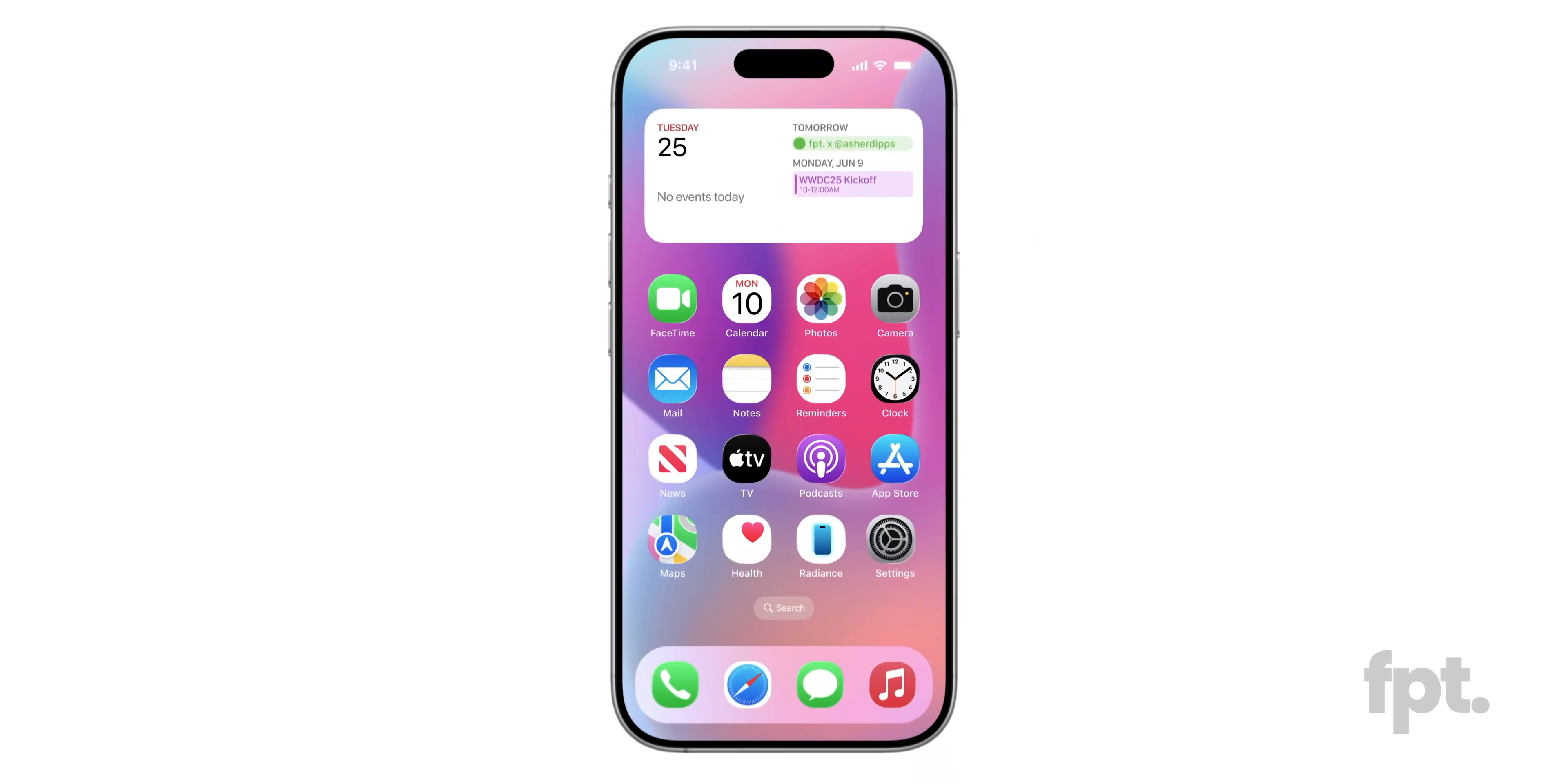
There is a lot to like about some of the iOS 19 redesign mockups, but the “rounder” app icons is certainly not one of them. 🤢
Gumroad is going open source!? Are they ok is it a last-resort move? They have a detailed roadmap, though.
That’s a useful website for Markdown lovers: Online Markdown.
Must Have Features in a Read Later Service
Read later service for me should have these features and attributes.
- Be cloud-based to enable access and syncing across different devices and platforms.
- Support metadata (tags, folders & description).
- Offer a well-designed share sheet implementation on iOS and iPadOS.
- Offer a great browser extension.
- Offer a native mobile application.
- It should work well with my go-to RSS reader, Inoreader.
- Be good at data mobility. In other words, it offers a data export option.
- Support article summarization with generative AI.
- Should be free if possible.
- It must support all Apple platforms.
Inoreader check them all.
Can you say Chaps?
Intriguing new product coming from the makers of Craft: Chaps. It seems to be a conversational service where users can build their own AI-based agents. Not integrated with Craft in any way, at least for now. The demonstrated UI seems polished as we can expect from them, but sadly we don’t get to see how those agents are built. I think “Ch_apps_” would have been a better name than “Chaps”, though. I hope they don’t get too much distracted from Craft because it still needs a lot of work and long-lasting issues are yet to be addressed.
Each time I select a few emails in Outlook at the office and then move them into a folder I think of Severance’s employees working on their computer to gather numbers and drop them in a bucket. Every. Single. Time. And now you’ll probably do, too. You’re welcome.