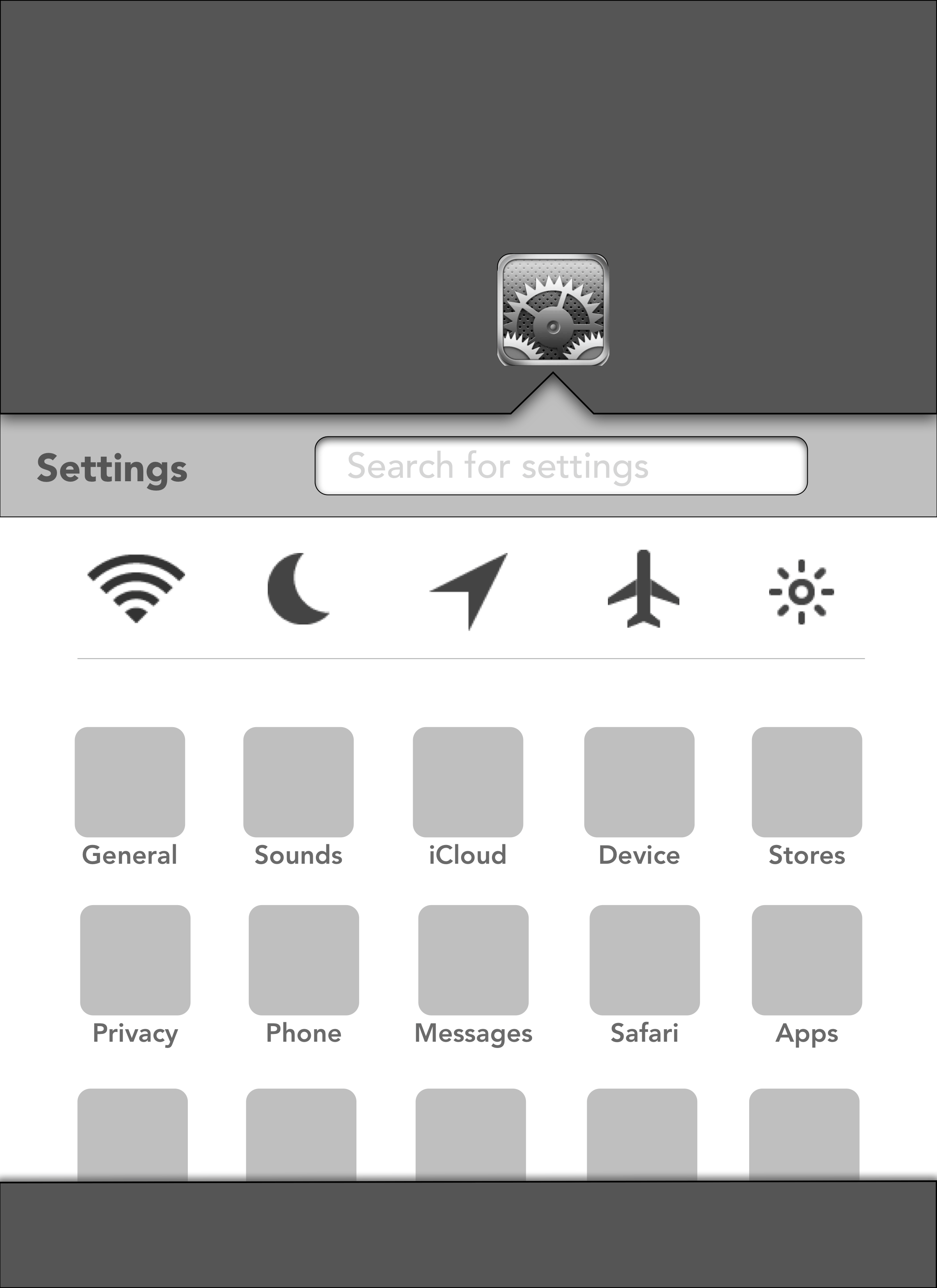
A long time ago, around iOS 7, I played with my iPad to do some mockups, like this one: a redesigned Settings.app.
Now that I’m no longer in Adobe’s ecosystem for my photo processing needs, I depend on Photomator and Synology Photos. I need to create an optimized workflow: upload photos to Synology1, browse and tag the pictures I want to process using Synology Photos tags, then edit them in Photomator. This is the last is a challenge: RAW images need to be converted to a DNG format2, and then edited in Photomator before exporting the end results in JPEG. I need to download RAW images manually out of Synology Photos then import them in Photomator for processing. Processed images should then be imported into Apple Photos for easy access.
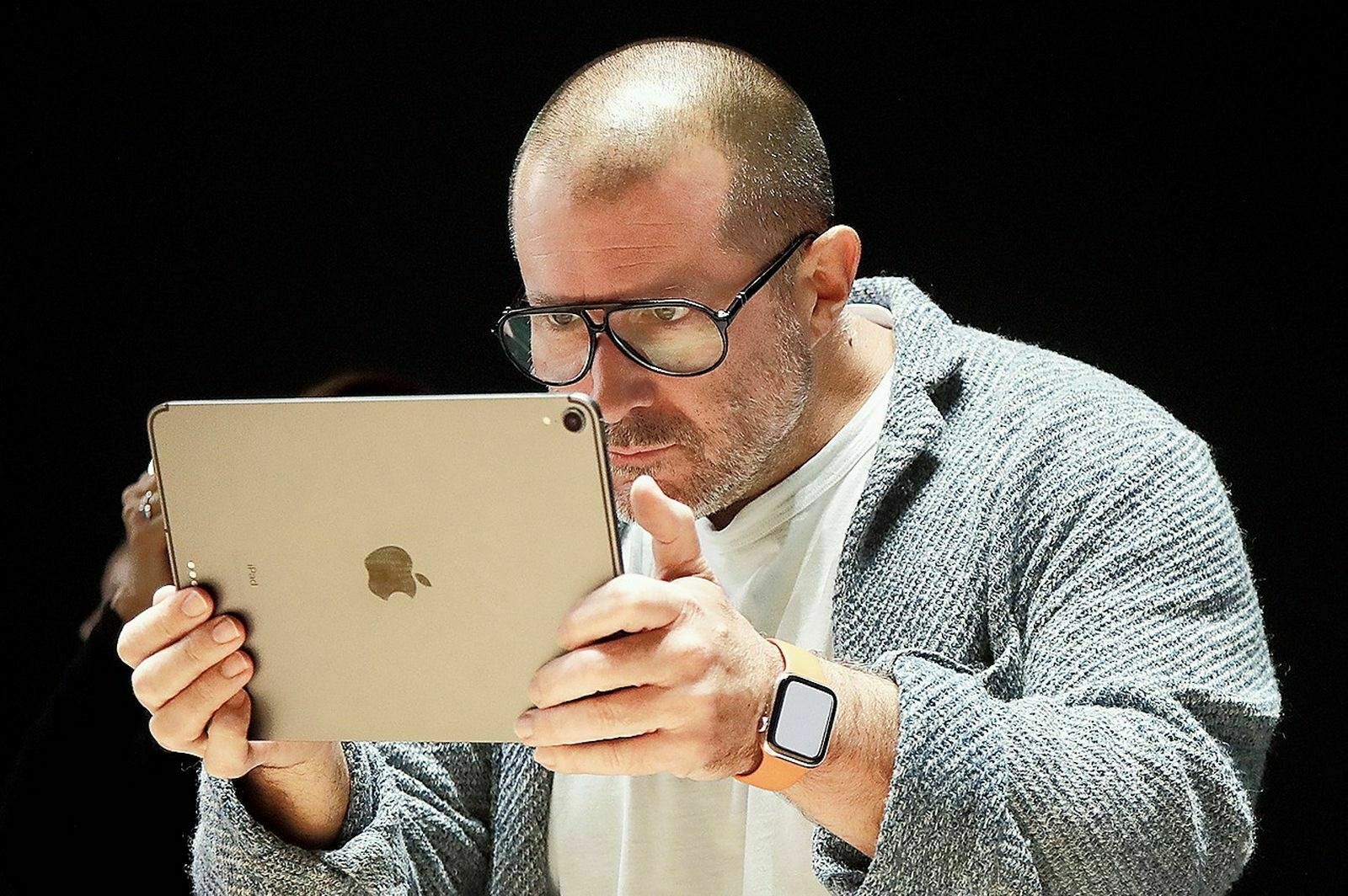
Jony Ive searching for funding to help develop a dedicated AI device. I hope he will succeed with his iPad.🤣
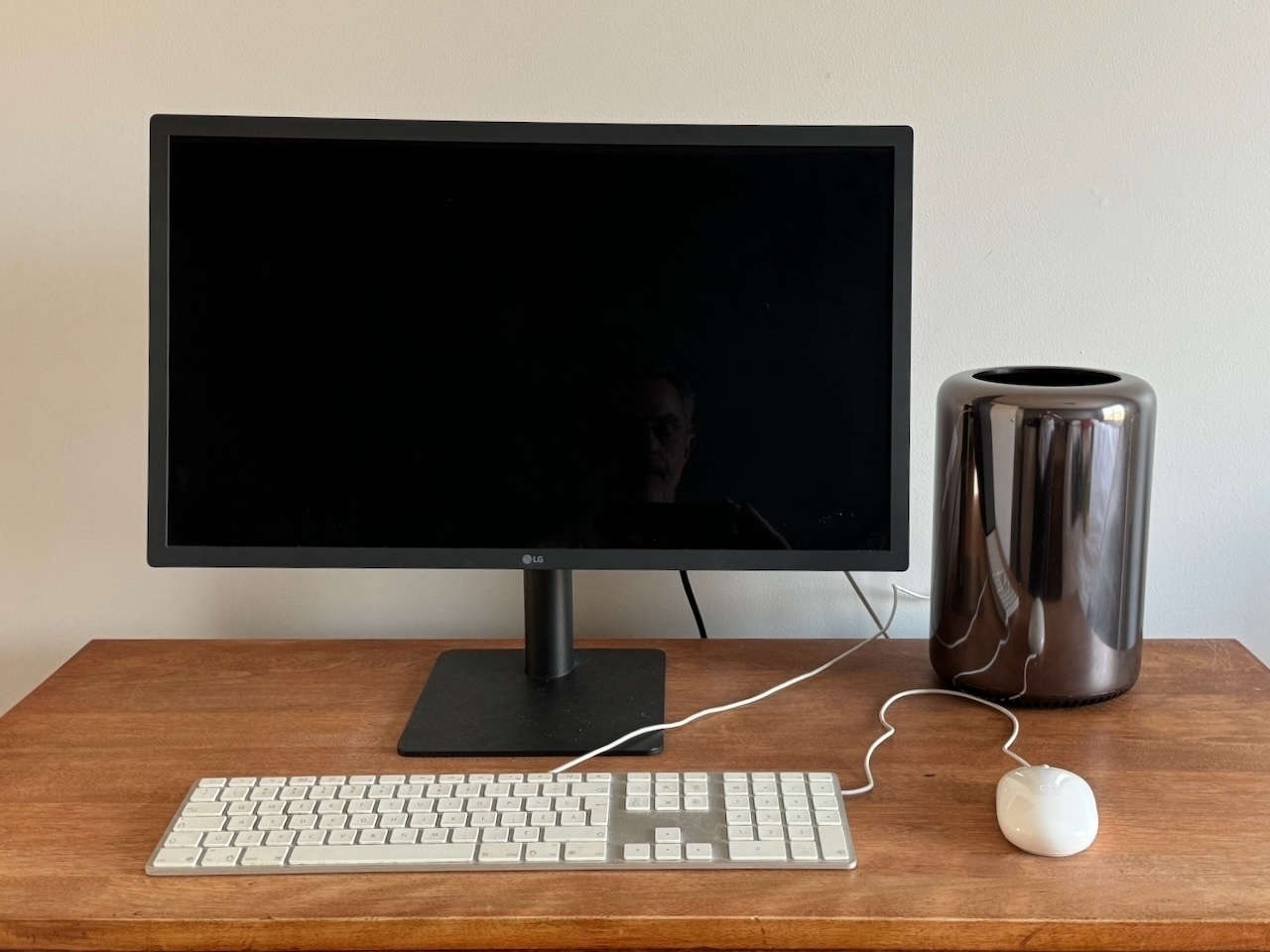
Sold my little Mac Pro trash can for $600 CAN1. Not bad for a 1TB SDD, 128GB of RAM and the 12-core Xeon 2.7 GHz configuration. And the Thunderbolt 2 cable and TB 3 to TB2 adaptor. Not the keyboard or mouse, as they are still useful for me. Sometimes. 🙂
I barely knew it. It’s sad because I loved this little machine. ↩︎
For your information: Nikon Zf RAW files aren’t yet supported with macOS and Photomator1. You need to first convert them to DNG using Adobe DNG converter. With this conversion, you will lose some information along the way, like lens correction. Strangely enough, Synology Photos does display these RAW images correctly, unless it is showing the embedded JPEG part? 🤔
No preview available in Finder and Apple Preview can’t open the RAW file. ↩︎
I log quite a lot of things I do online using Things 3 Logbook feature to use this in my weekly creative summaries. I log what I do intentionally, of course, otherwise this would be way too noisy. One example is watching this video about Siegfried Hansen, a respected street photographer1. Reading an article in Omnivore is another intentional action that I want to log.
The process is simple: I have many pending tasks in Things 3, in a project called “To Read, Watch, Listen & Process.” I do select a task, do it, then mark it as completed. It then goes into Things 3 Logbook. It’s cool.23
Reading product reviews through Kagi’s summarize page feature is rather cool and a great time saver.

Here’s an idea: get a generative AI bot to browse all my photo posts on my Pixelfed profile page and generate a lengthy description of my photography style.