I’m going to Morocco this early summer for two weeks. I’ll bring my big camera gear but I wish I had the iPhone 14 Pro or better yet, the upcoming iPhone 15 Pro Max for this trip. The iPhone convenience is hard to beat and the big camera gear is heavy and the benefit from me getting this thing around is probably not much worth these days. It could be one of my last trip with the discreet camera. On my to do list: get my captor cleaned!
Still alive. Only on vacation. 😎

You know what? I don't want this future.Percentage of the moment: 4%
https://9to5mac.com/2023/04/04/4-percent-of-teens-use-vr-apple-headset-challenges/

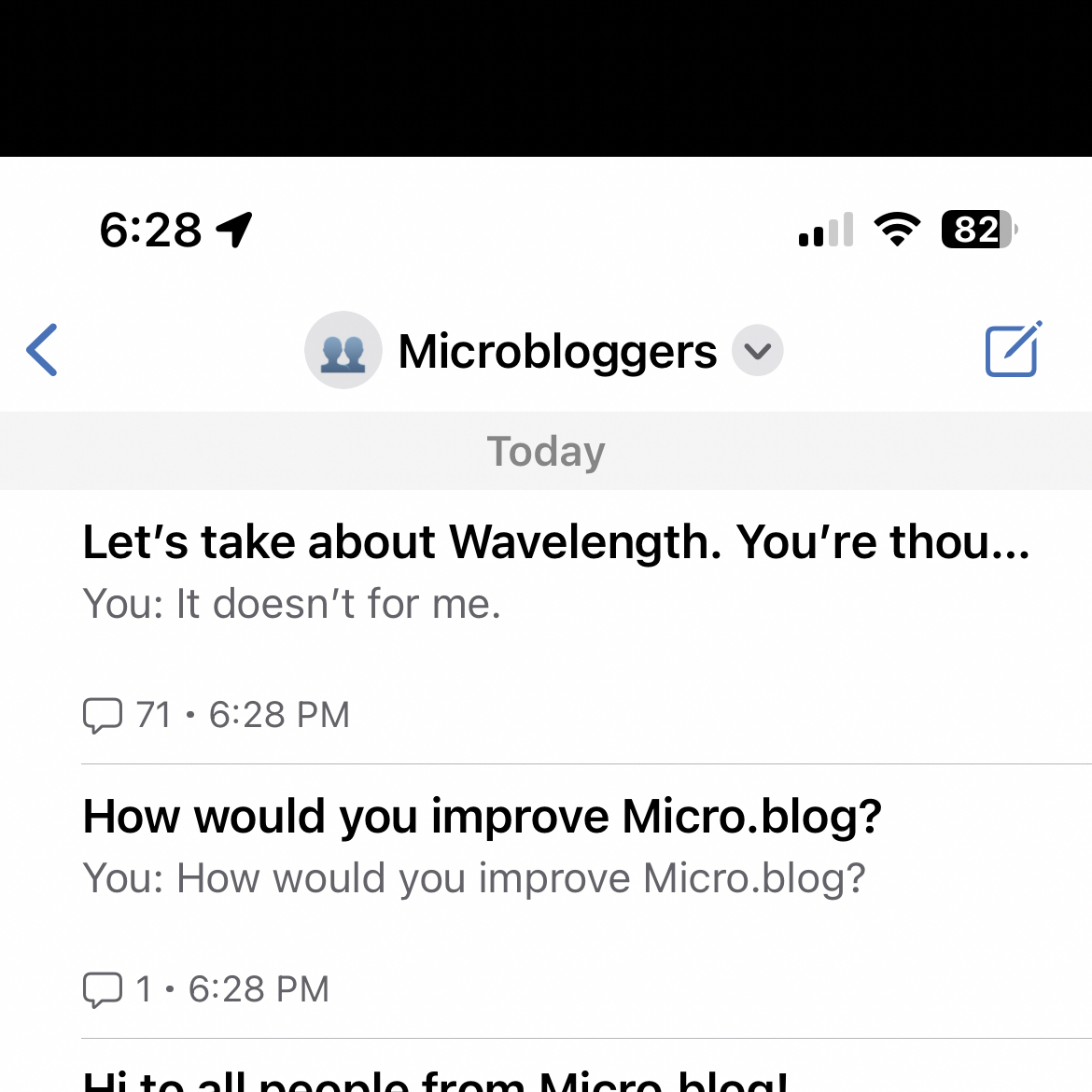
Testing the latest Micro.blog beta with picture upload. This is a screenshot of the current list of threads on Wavelength (invite link). 😎
5G+ Is this new?

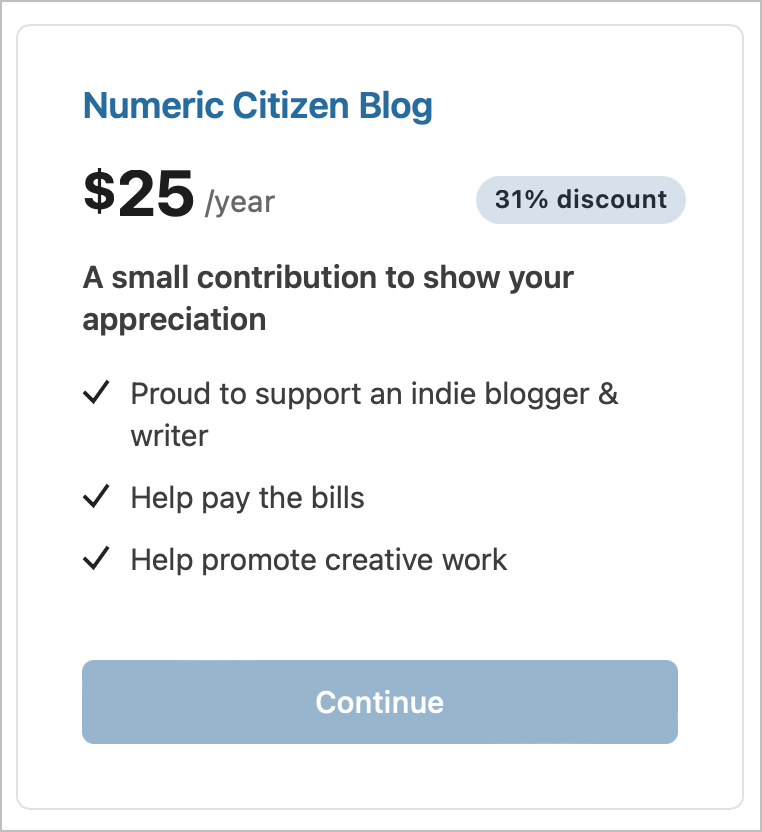
Yesterday, I got my first ever paid subscriber to Ghost website, even though it is basically a free website. Thanks to Ghost newsletters feature, I’m offering a way for users to pay anyway as a way for showing their support toward my writing efforts.
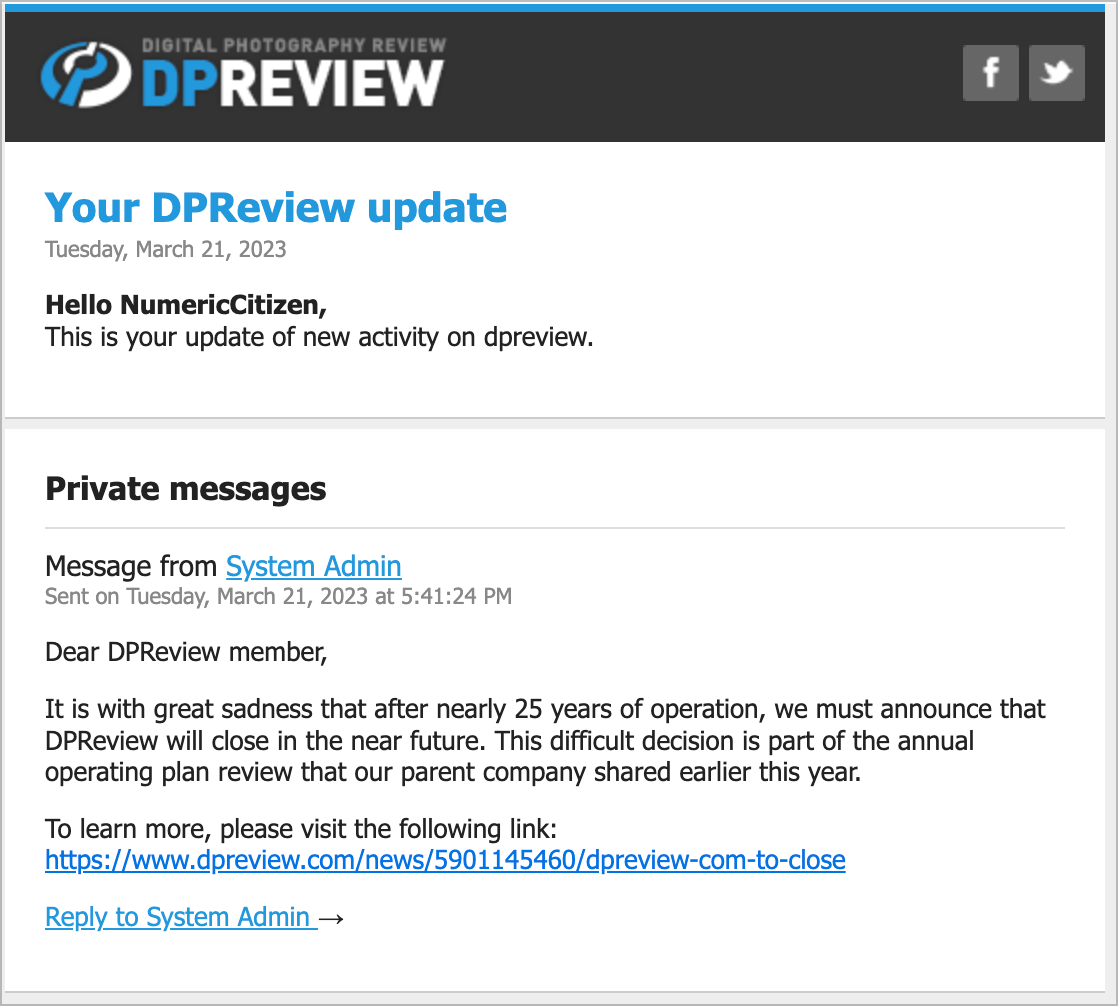
Sad news. DPReview is going away. 😔
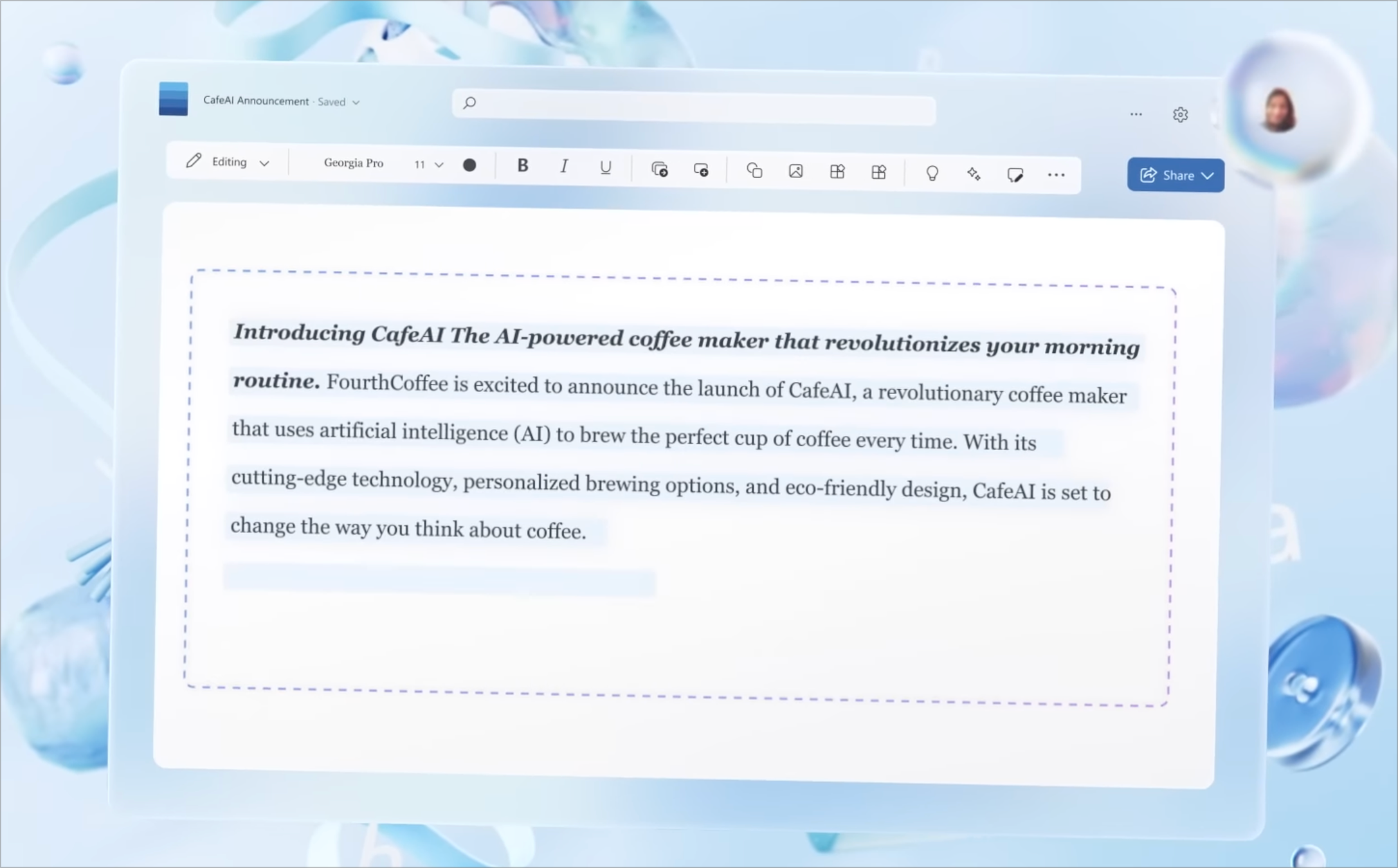
Microsoft:
Today, we are bringing the power of next-generation AI to work. Introducing Microsoft 365 Copilot — your copilot for work. It combines the power of large language models (LLMs) with your data in the Microsoft Graph and the Microsoft 365 apps to turn your words into the most powerful productivity tool on the planet. Source: Introducing Microsoft 365 Copilot – your copilot for work - The Official Microsoft Blog
It’s funny how great some of Microsoft’s promotional videos are in regards to Office and Windows user interface. But why, in actual usage, does Microsoft products’ UI suck anyway? We never seem to get the UI that Microsoft is presenting in their videos. Office doesn’t look like that at all. Windows doesn’t either.
Good morning! The third video in the series “Understanding Micro.blog” is out! It is about understanding the cross-posting feature of Micro.blog. This is something people are struggling with at first when they come to MB. I hope some of you will find it useful.
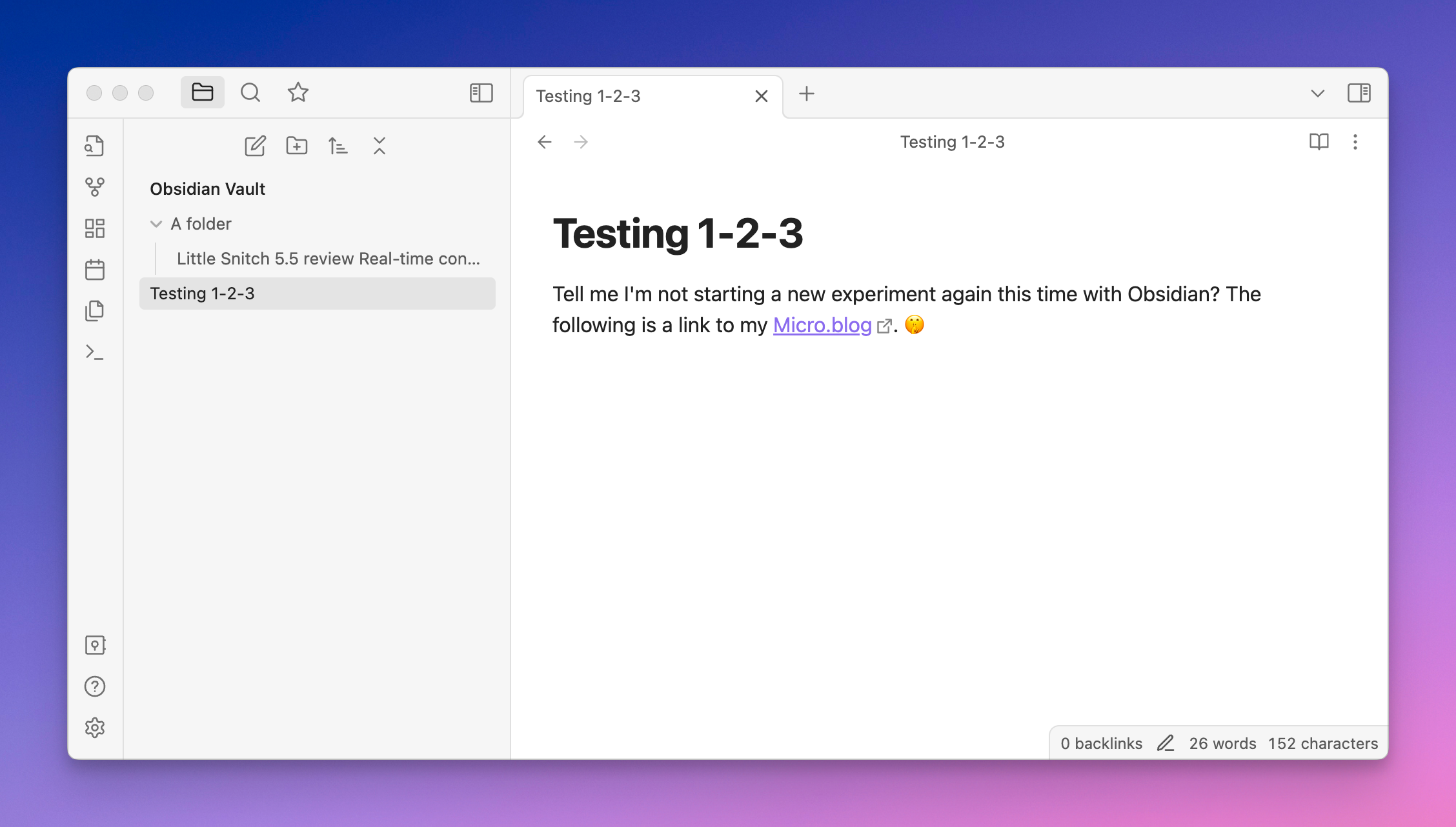
For the time of my life, I downloaded Obsidian and launched it. Wrote something. Clicked here and there. Then, I closed it. I’m afraid. 🫣