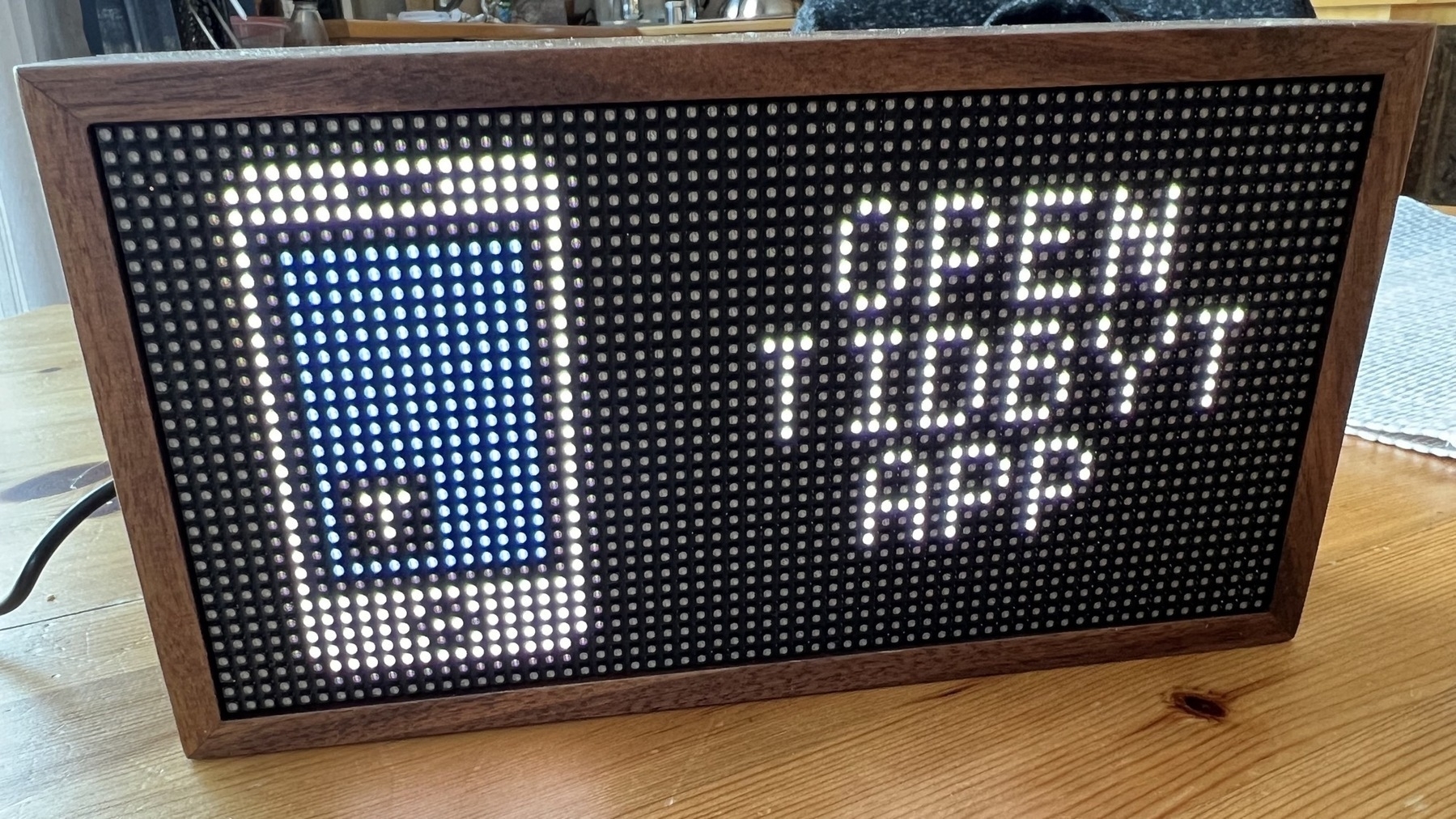
After six weeks of waiting, I finally got this little LED-based display called “Tidbyt”, a reference, I guess, to the old Lite-Brite game which came out in 1967 (I had one when I was a child).
Tidbyt is an intelligent wireless LED-based panel that displays content configured from the Tidbyt app available on a smartphone. Physically, the device feels high quality and well-designed and is framed with real wood, reminiscent of mid-century furniture.
Content is configured using applets that you put together on a canvas. The display content will switch from one applet to another in the order defined on the canvas. Applets can be set to display only on a specific schedule, but the scheduling options are rather limited. It’s very simple to set this up.
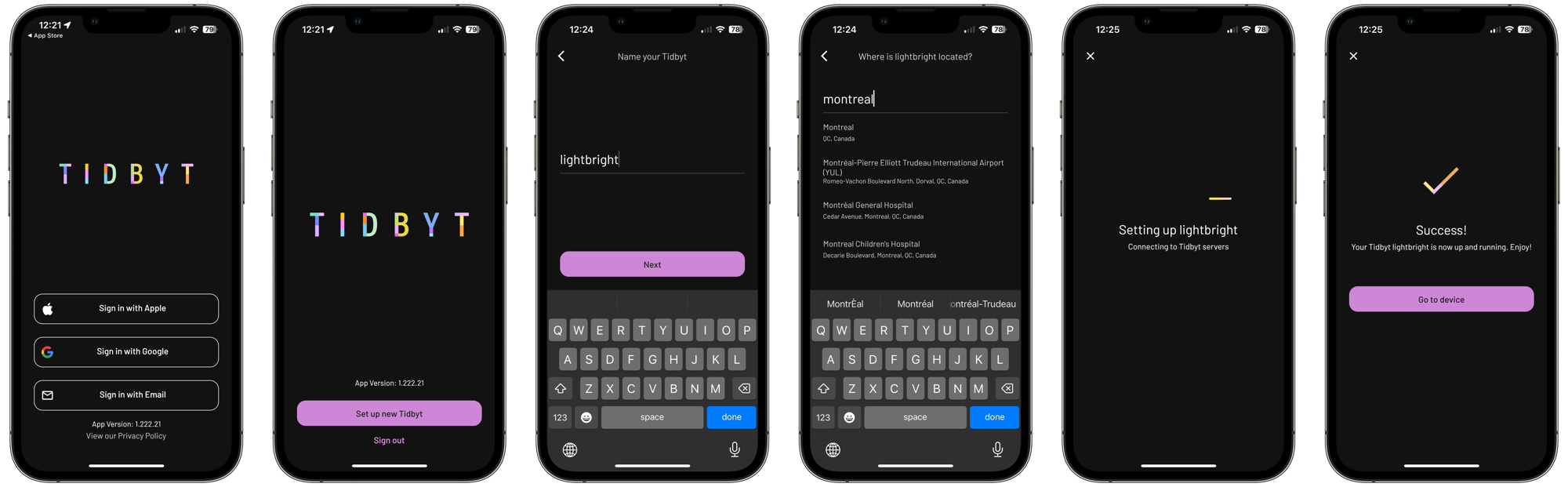
Once the display is plugged into power via its USB-C cable, it will wait for the configuration to be done from the smartphone, a six-step process. Bluetooth is required to detect the display, and a Wifi network is required for the display to get its data from the Internet. 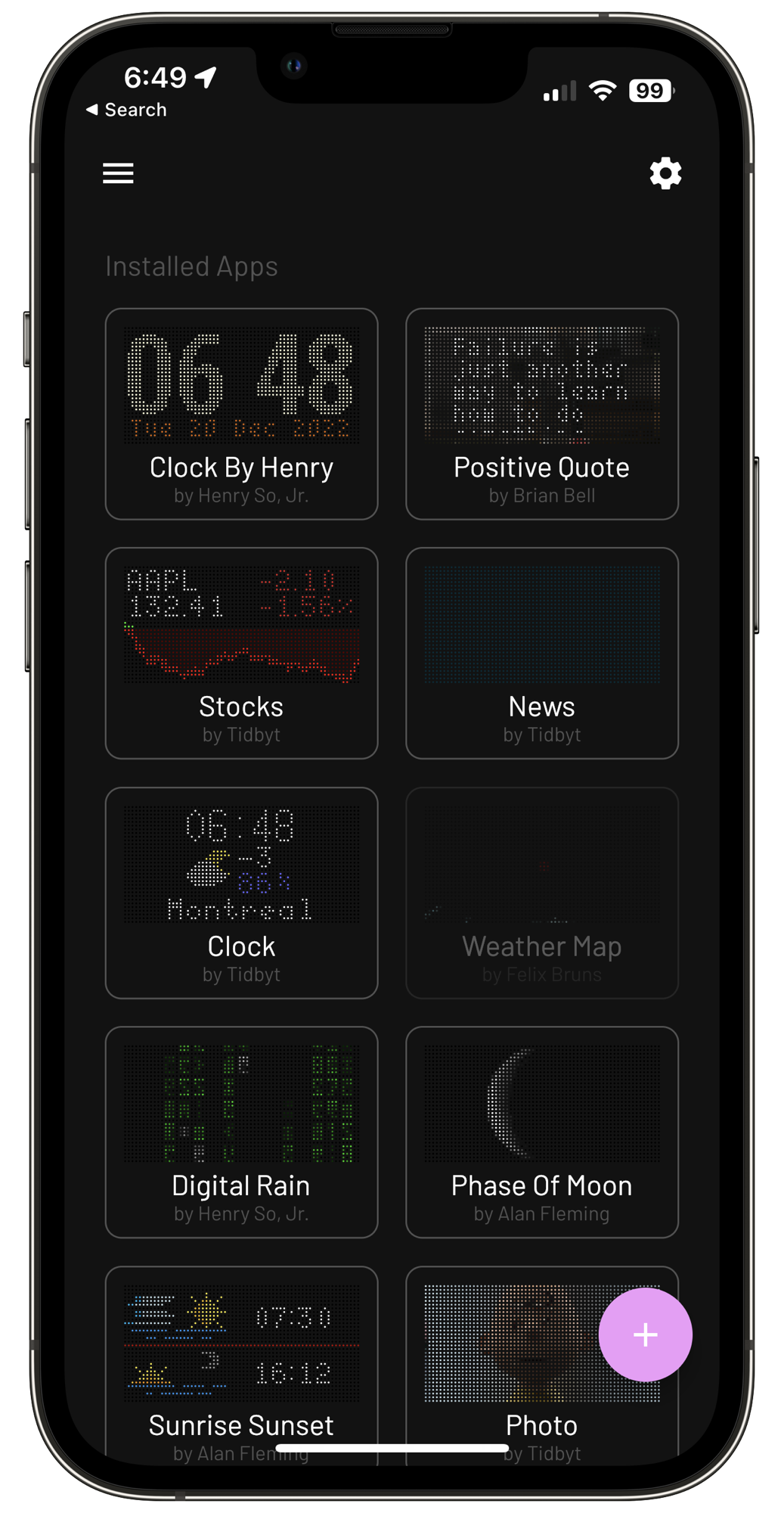
The applets catalogue is growing but still is relatively limited. Thanks to an SDK and open APIs, developers constantly add new ones. The display is bright and can be adjusted according to a manual setting or time of the day. There is a night mode, too, if you want to put the device in one bedroom.
The screen resolution seemed low at first, but from a distance, it is surprisingly good, enough to display small images.
All in all, the Tidbyt makes a great addition to my home office, and people at work have already noticed it during Teams meetings and are asking questions about this little thing sitting on the shelf behind me.
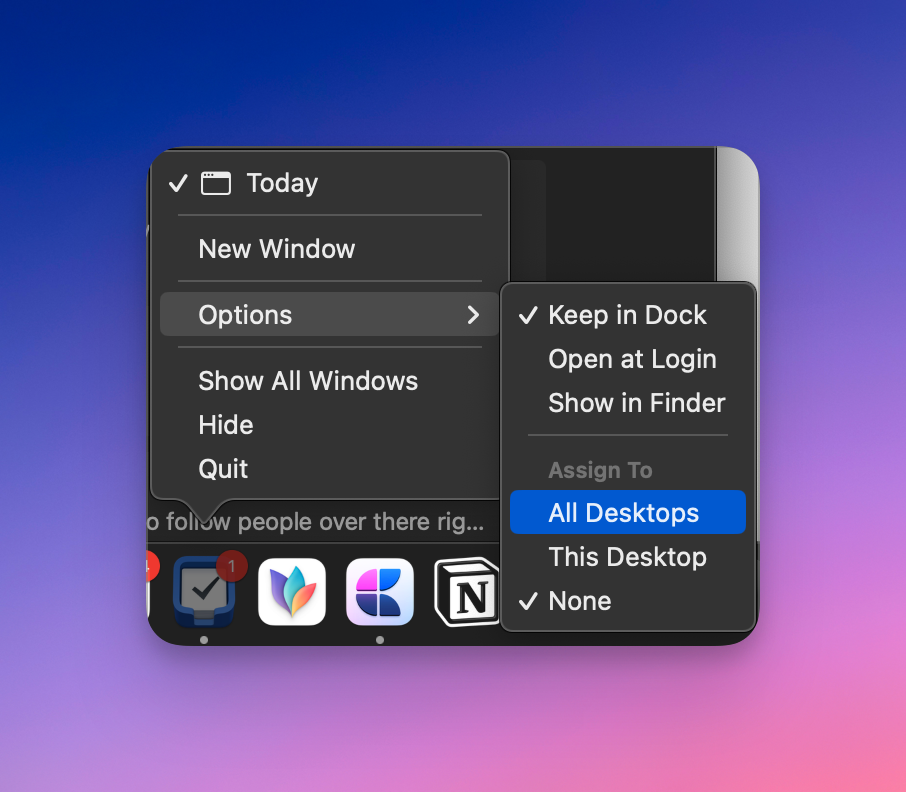 If you want to have an application always visible, make sure to select “Assign To: All Desktops” from the application icon in the Dock. This is particularly useful with the Finder so we can easily do drag & drop of a file into the active window; the Finder needs to always be available for this to be possible.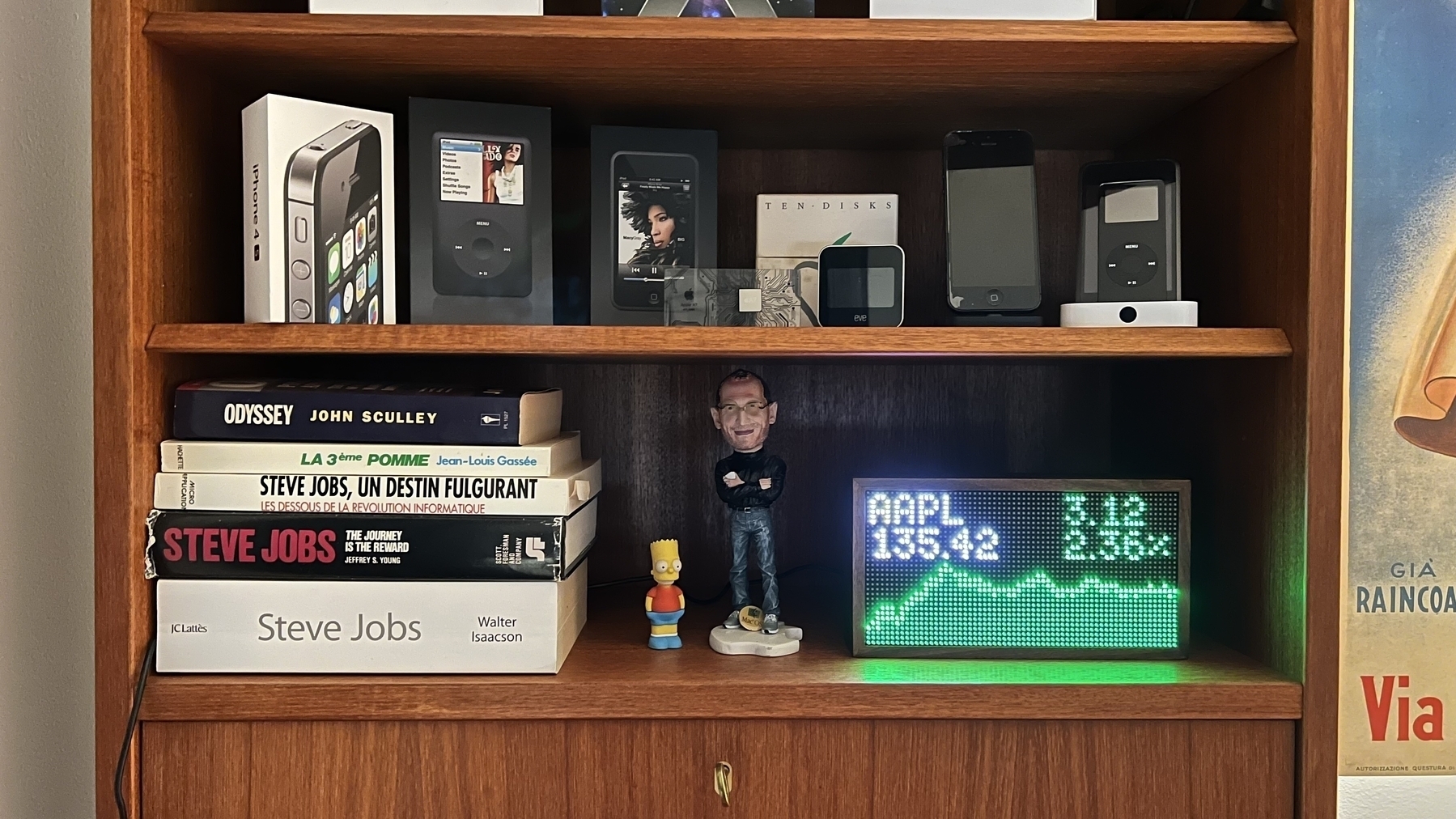
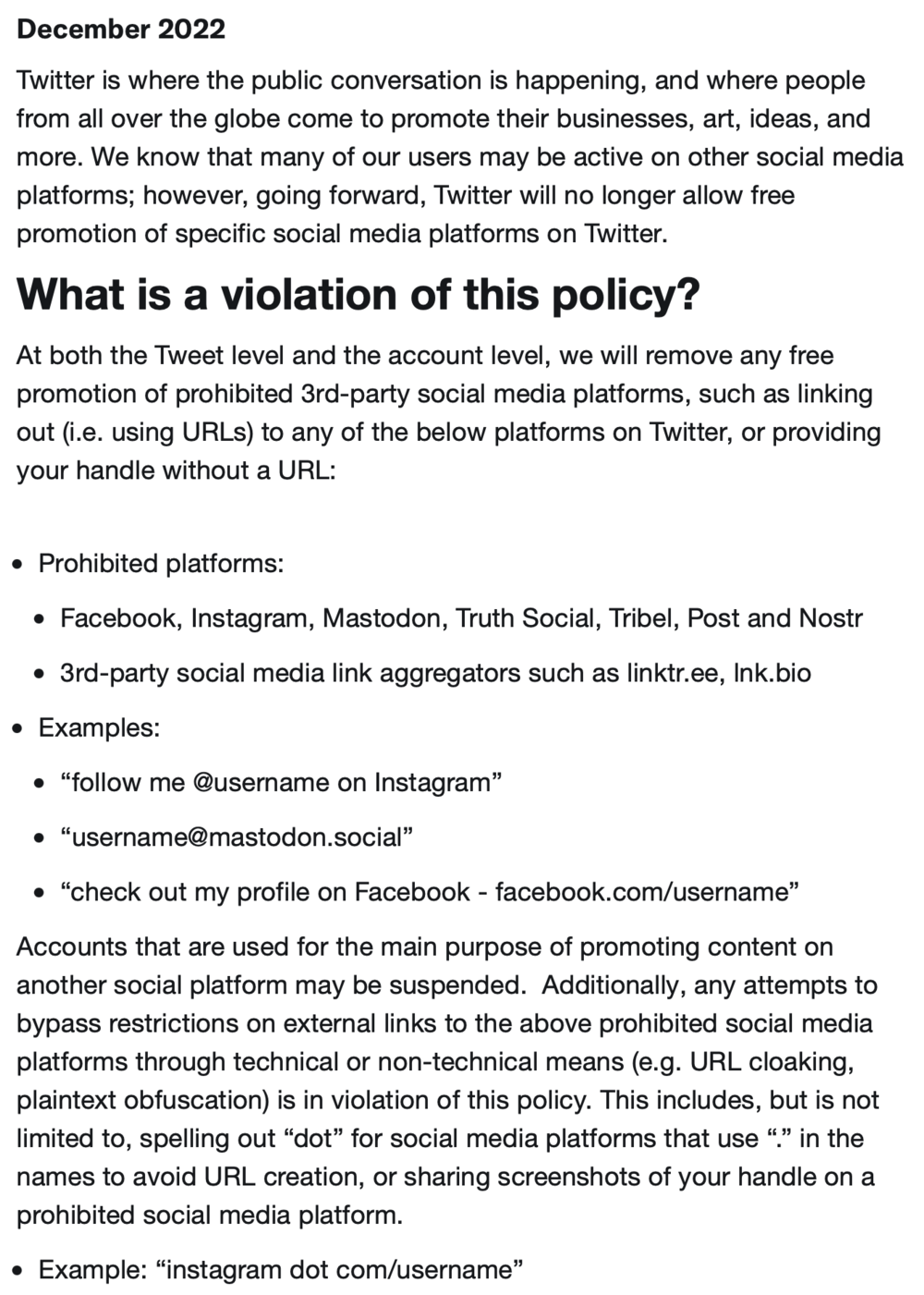
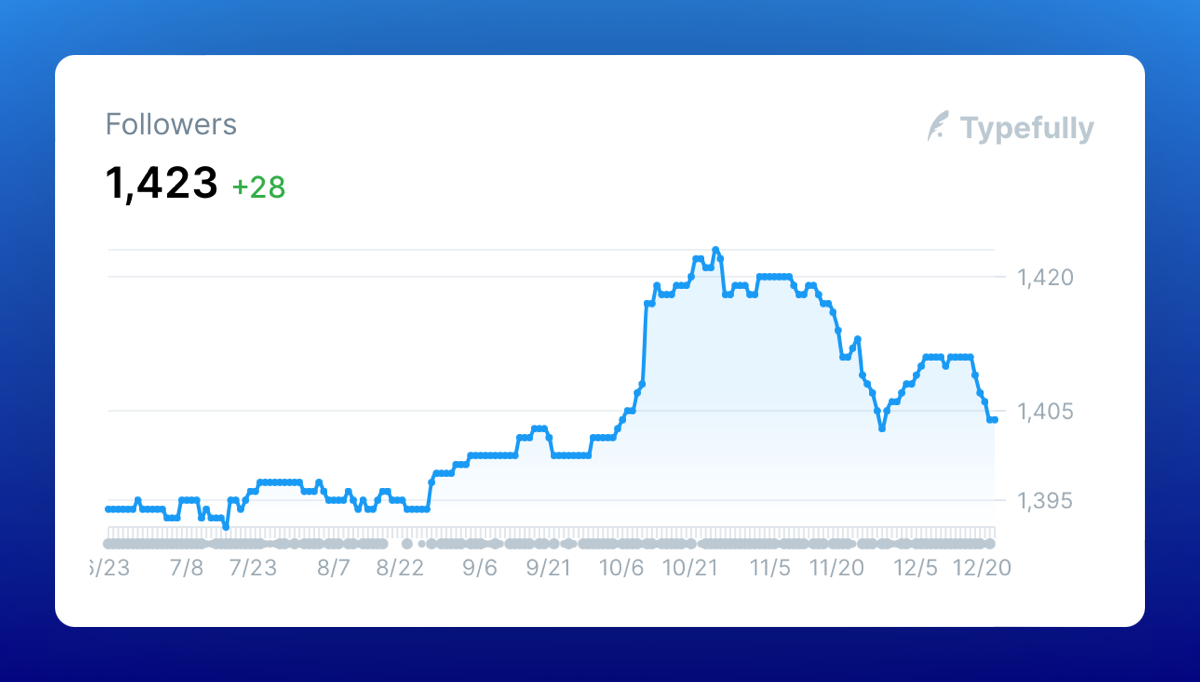 The trend is clear: people are leaving Twitter. This is my follower count since June of 2022. If there was any doubt left about my decision to quit Twitter, no more.
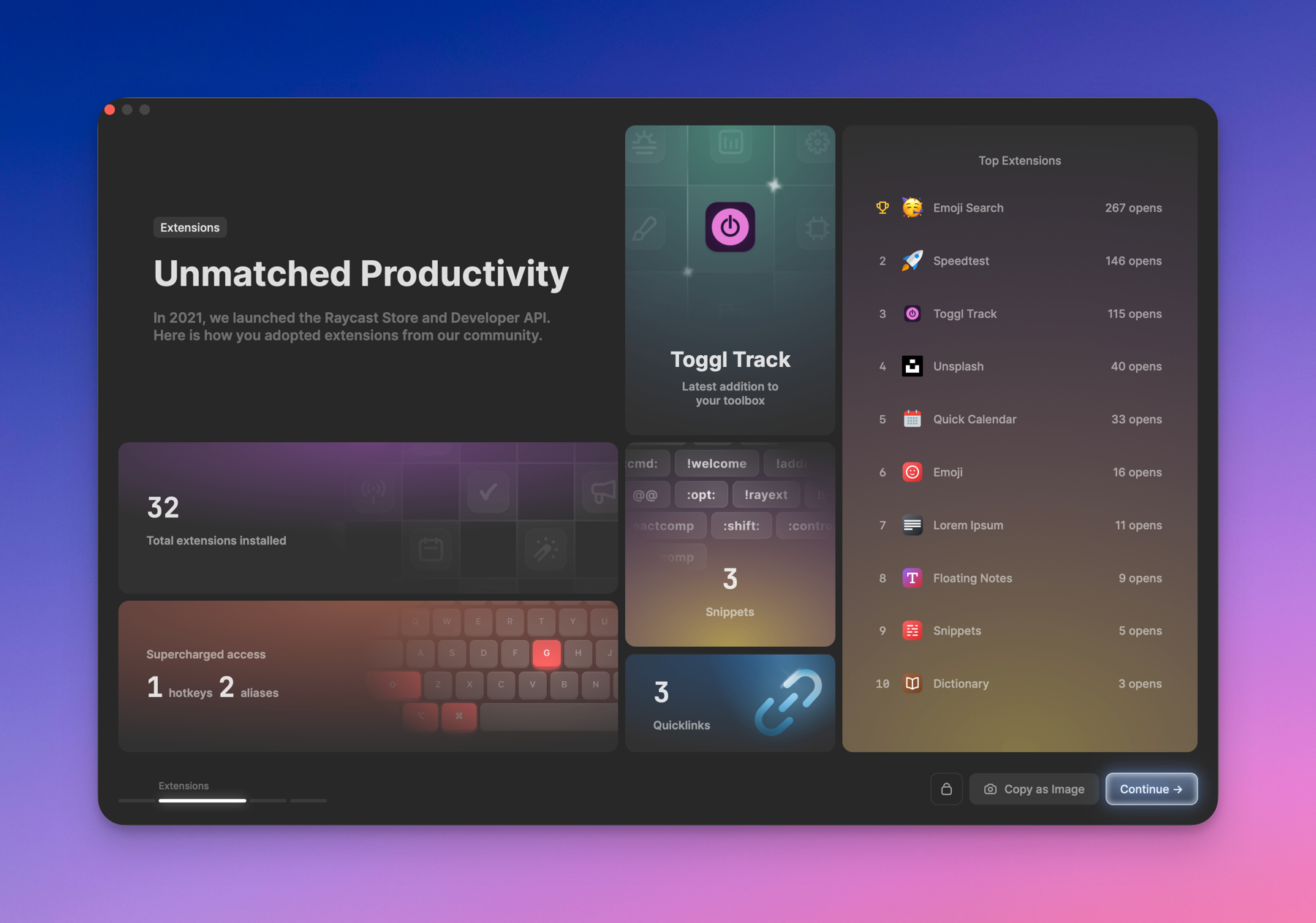 If I look back at my software usage in 2022, three stars stand out:
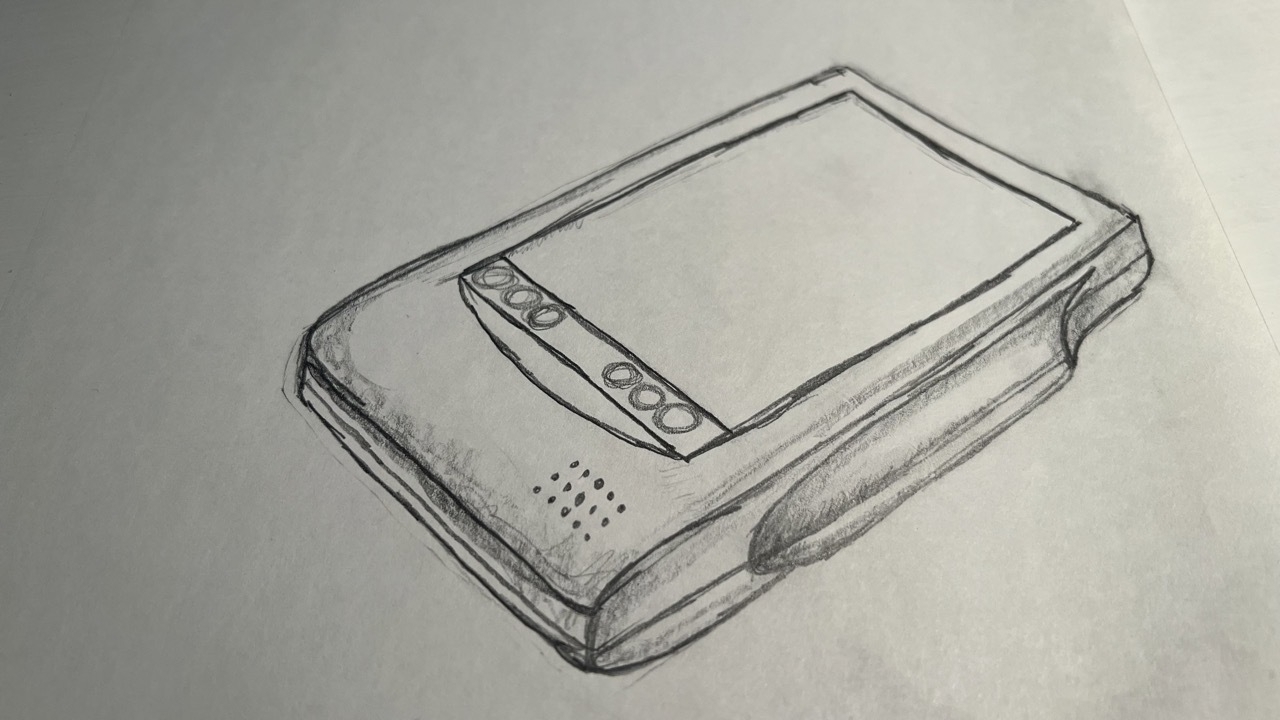 Back in the nineties, I tried drawing a few things, like this Apple's Newton MessagePad. Not bad, hen!?
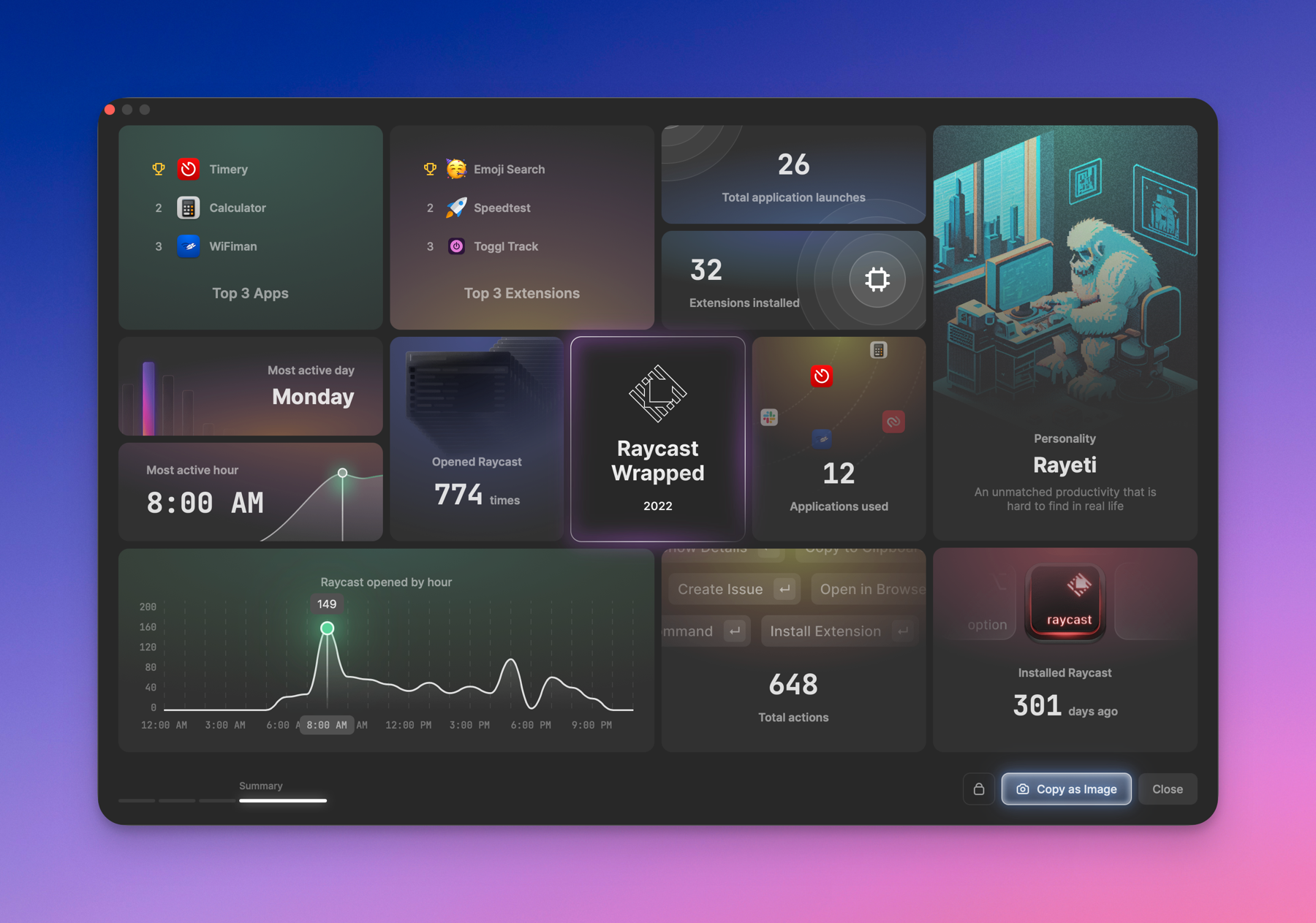 Raycast year in review. Wow. I love this thing so much!