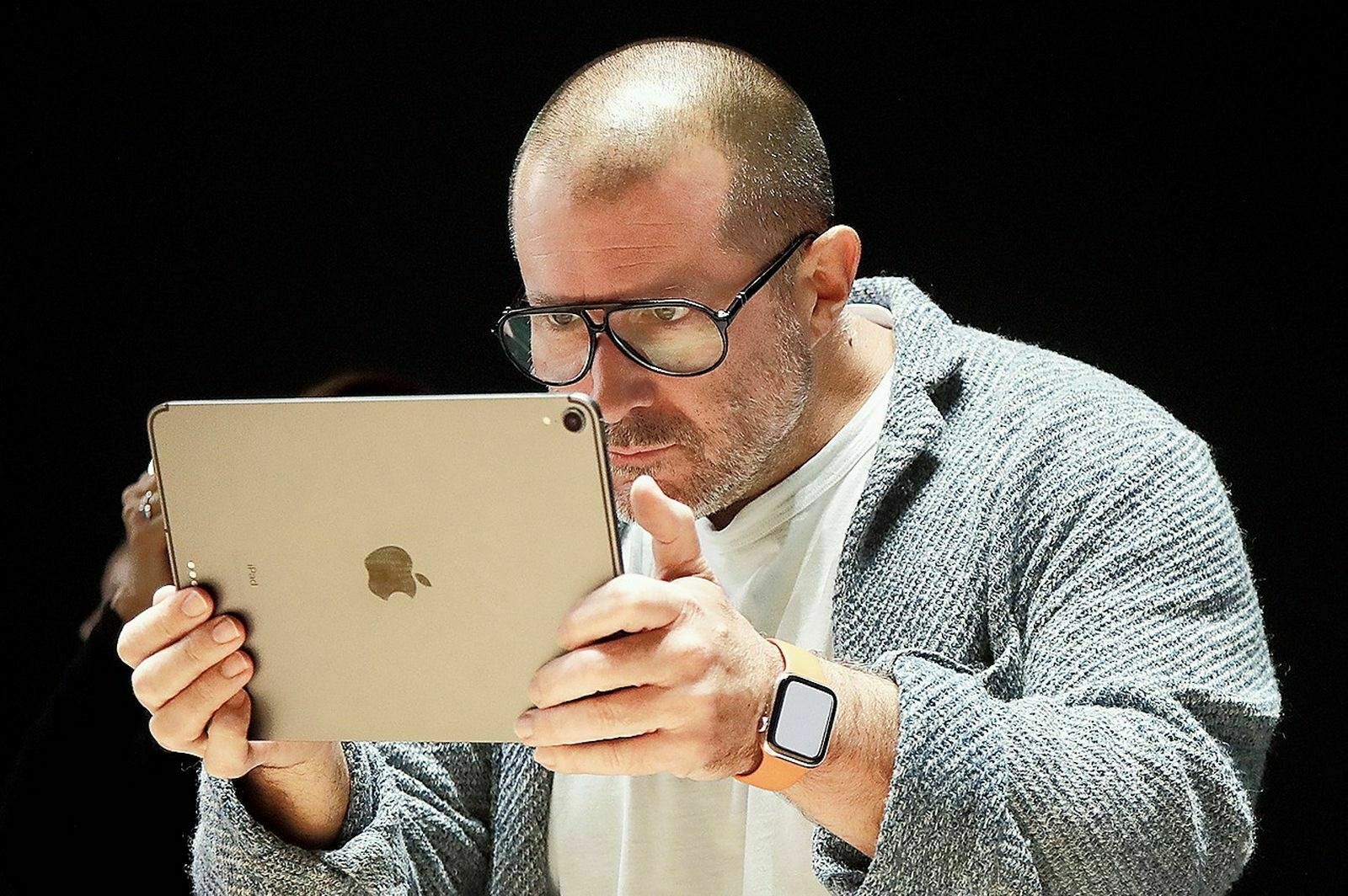
Jony Ive searching for funding to help develop a dedicated AI device. I hope he will succeed with his iPad.🤣
Sold my little Mac Pro trash can for $600 CAN1. Not bad for a 1TB SDD, 128GB of RAM and the 12-core Xeon 2.7 GHz configuration. And the Thunderbolt 2 cable and TB 3 to TB2 adaptor. Not the keyboard or mouse, as they are still useful for me. Sometimes. 🙂

-
I barely knew it. It’s sad because I loved this little machine. ↩︎
I’m seriously considering selling my 2018 11-inch iPad Pro, Apple Magic Keyboard and Apple Pencil as a bundle, very cheap, before the new iPad Pro comes out, while dollars value is still reasonable. The thing is that I don’t want to setup my new iPad from an iCloud backup, these are slow and are missing quite a few pieces of data. The Migration Assistant method is so much more effective. I should decide this weekend. 🤔
I hate to put things like Apple gear for sale on Facebook Marketplace. Most people are rude, lacking any civility, and not trustworthy. Still looking for a serious buyer for my 2013 Trashcan Mac Pro. 🤷🏻♂️
Raycast is becoming a powerhouse; it’s almost unbelievable. I just finished testing the latest release, which includes a Chrome companion extension. This extension allows invoking Raycast to perform tasks within the context of the currently open website in the browser. It’s super handy for summarizing an article or a YouTube video. I’m considering upgrading my Raycast subscription to support more advanced ChatGPT integration and models. 🤑
“One way or another, real competition may be coming to the iPhone” - The Platformer about the DOJ vs Apple lawsuit.
Oh, come on.
DOS vs Apple - Am I Getting Too Old?
I’m unsure if I’m getting too old, but topics like DOJ vs Apple and everything preceding it are too complex for me to dive into. It may be a vital part of Apple’s current history, but I struggle to grasp it. I appreciate the efforts of non-professional tech pundits and Apple enthusiasts who delve deep into this and share their perspectives tirelessly. I’m not reading all the comments and takes on this, again because there as way too many. I do understand too that the course of the iPhone experience might see an inflection point in the coming years, if what is currently happening in the EU is any indication. I think it’s sad because the bases for this aren’t forming a consensus; something probably unachievable.
This all explain my indecision about who’s right, who’s wrong. I don’t trust governments’ capabilities in understanding our tech world, that’s for sure, which means I’m not optimistic about the future of this particular case. Apple is big. So is Google. Facebook. And the like. They are the fruit of the “American way”. I guess that at some point, we prefer mediocrity in the name of “open markets” and to give an “equal” chance to all who wold like to compete.
Wow, I’ve been out for a few hours and what do I get when I come back? DOJ vs Apple. 🫣😳🥴
It’s an “Apple Store visit” day. I like those. Even if I don’t plan to buy anything. 😬