Old Computer-Related Memories

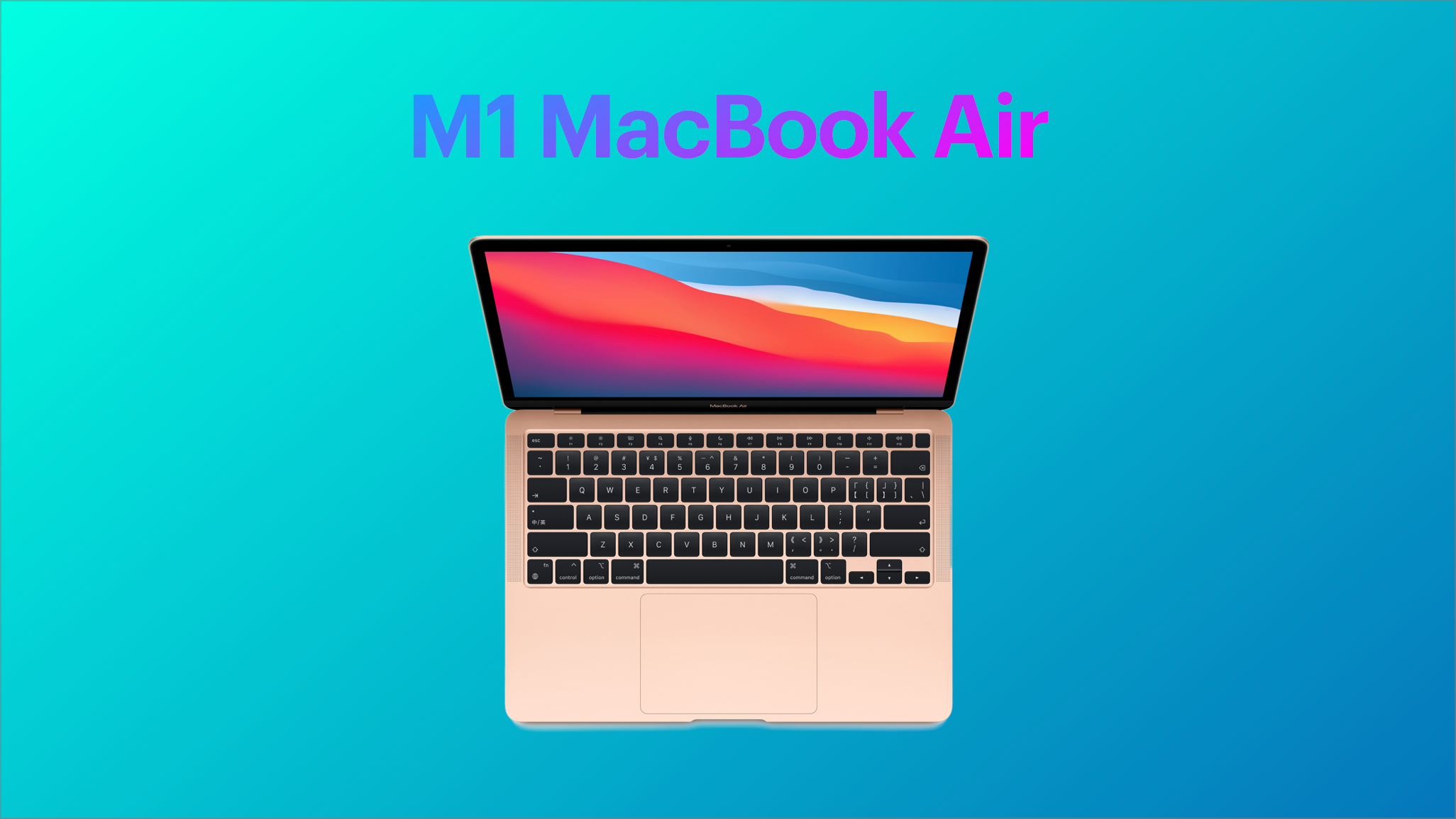
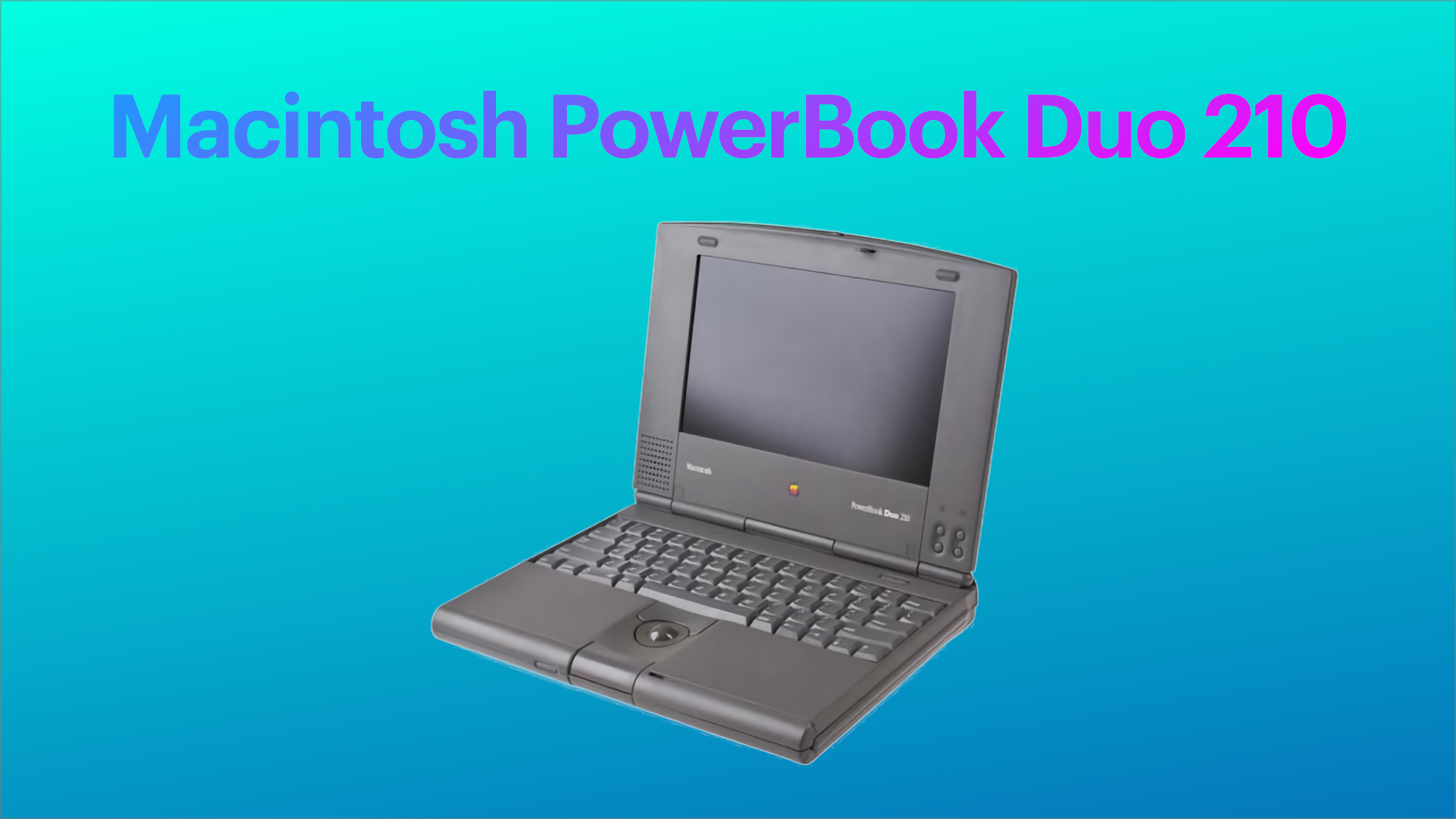
From 1993 to 1994, I owned a PowerBook Duo 210 sporting a trackball, a low-profile keyboard and a grayscale screen. I didn’t like the trackball as the pointing device. The keyboard wasn’t that great either. But, it was small, highly portable. Coupled with the Duo Dock and an external monitor, it was a cool and novel setup. It’s been a long time ago. This article was written using a M1 MacBook Air, in a coffee shop.

Health of Developer Relations with Apple in Free Fall

According to this year’s Six Colors Report Card, relationships between Apple and its developers’ community is in terrible shape. The trend isn’t looking good either.

Marco Arment said, “Apple’s tightening grip on App Store fees, attempts to reach into other parts of businesses that they don’t deserve, and extremely entitled and galling statements on the matter continue to be distasteful and extremely damaging to their reputation. It seems like a huge strategic blunder to inflame developer relations, generate bad PR, invite more regulatory scrutiny, and risk governments imposing much worse changes for such a small percentage of their revenue.”

Is Apple still able to read the room temperature, or it is blind because of its financial successes? For once, I think Apple should copy Microsoft’s leadership.

Replacing (Another) Aging AirPort Extreme With…

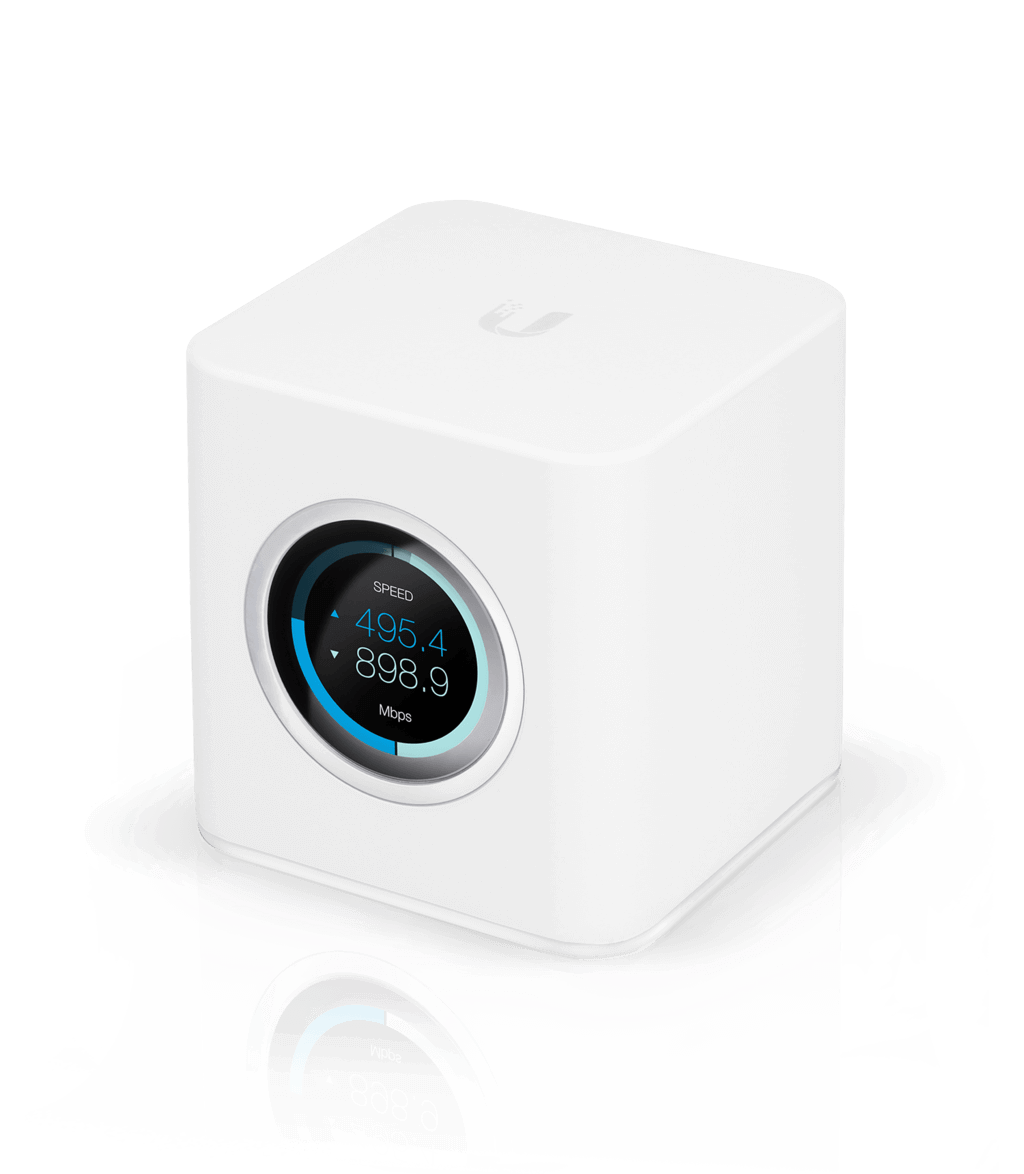
In mid-2020, I wrote about my experience of replacing an aging Apple AirPort Extreme with an Ubiquiti’s Dream Machine. Today, I’m kind of repeating the experience, but this time with the Amplify HD router, also from Ubiquiti, for my sister. Don’t expect a complete review, but expect a post with a few observations. My sister is having weak WiFi issues in her house and I suggested her to get the kit to form a mesh network. I’ll be taking measure before and after to see if it brings meaningful improvements in her big house. Stay tuned.

Universal Control — Finally!

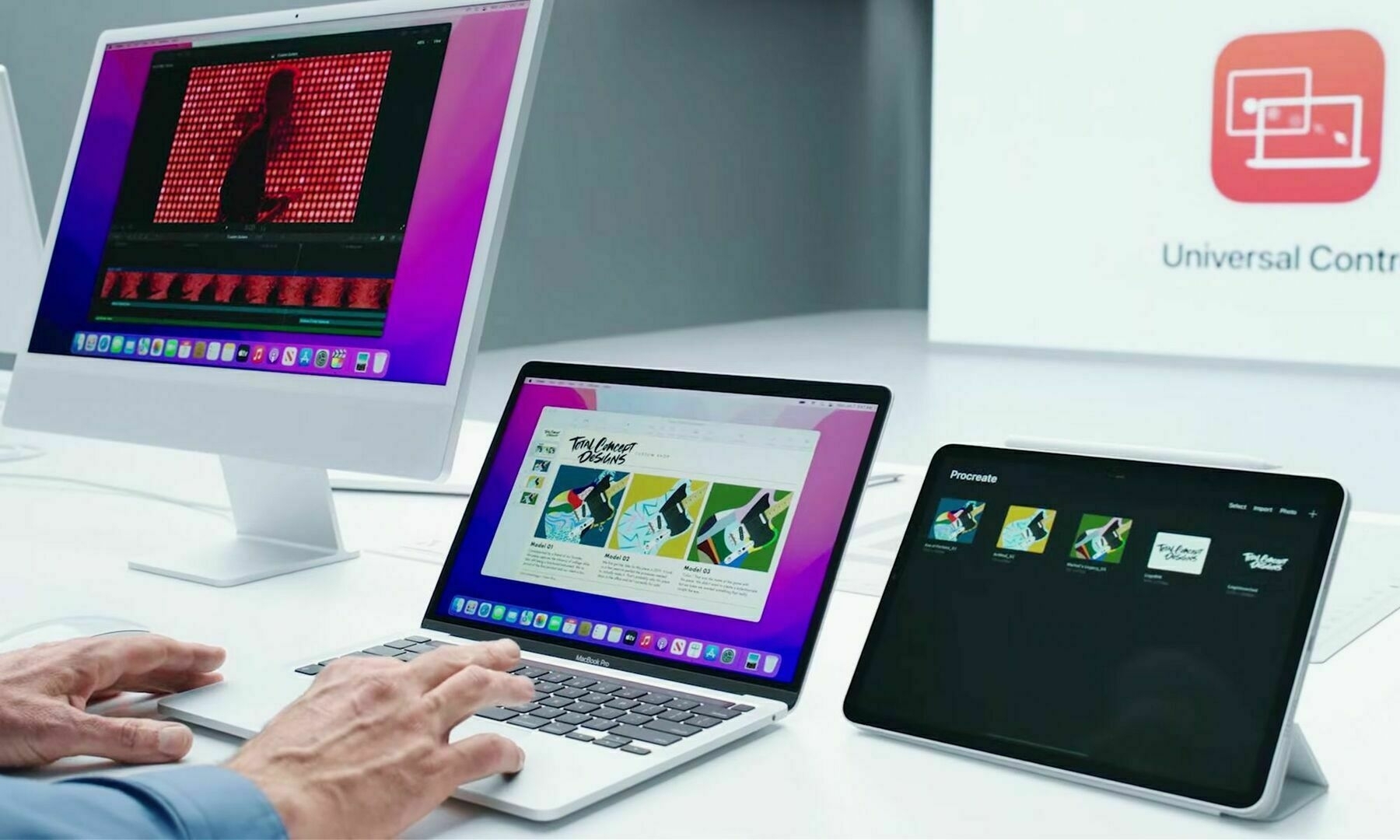
I’m a big fan of Apple’s Sidecar. I frequently use it for work. When Apple announced Universal Control at the 2021 WWDC keynote, I was blown away by the technical challenge it might have represented for Apple’s engineers. It really makes for great demos. Then, I started to wonder if this feature would enable new workflows, and I failed to find meaningful ones. With Sidecar, the iPad acts like a passive device most of the time, and I’m happy with this configuration. Then, following the release of iOS 15.4b1, videos (like this one from MacRumors) demonstrating Universal Control in action started to pop up. I changed my mind.

Under a Universal Control configuration, the iPad acts like an intelligent extension of the Mac desktop. It’s like Sidecar Pro Max (just kidding here). The iPad becomes a second computing device readily available to the Mac. The user simply and seamlessly can take advantage of this second screen in a matter where the computing power of the device adds up to the Mac, the screen, the system memory. It’s absolutely clever.

I can see myself using Craft on the MacBook Air and Ulysses on the iPad Pro, all using the MacBook’s keyboard and trackpad. Or vice versa. Clever. Really.

I’m considering updating my M1 MacBook Air and my iPad Pro to this beta.
On HomePod mini with a screen - STOP!

Consider this recent article from 9to5Mac: Concept: How Apple could turn HomePod mini into a delightful and adorable smart display - 9to5Mac.

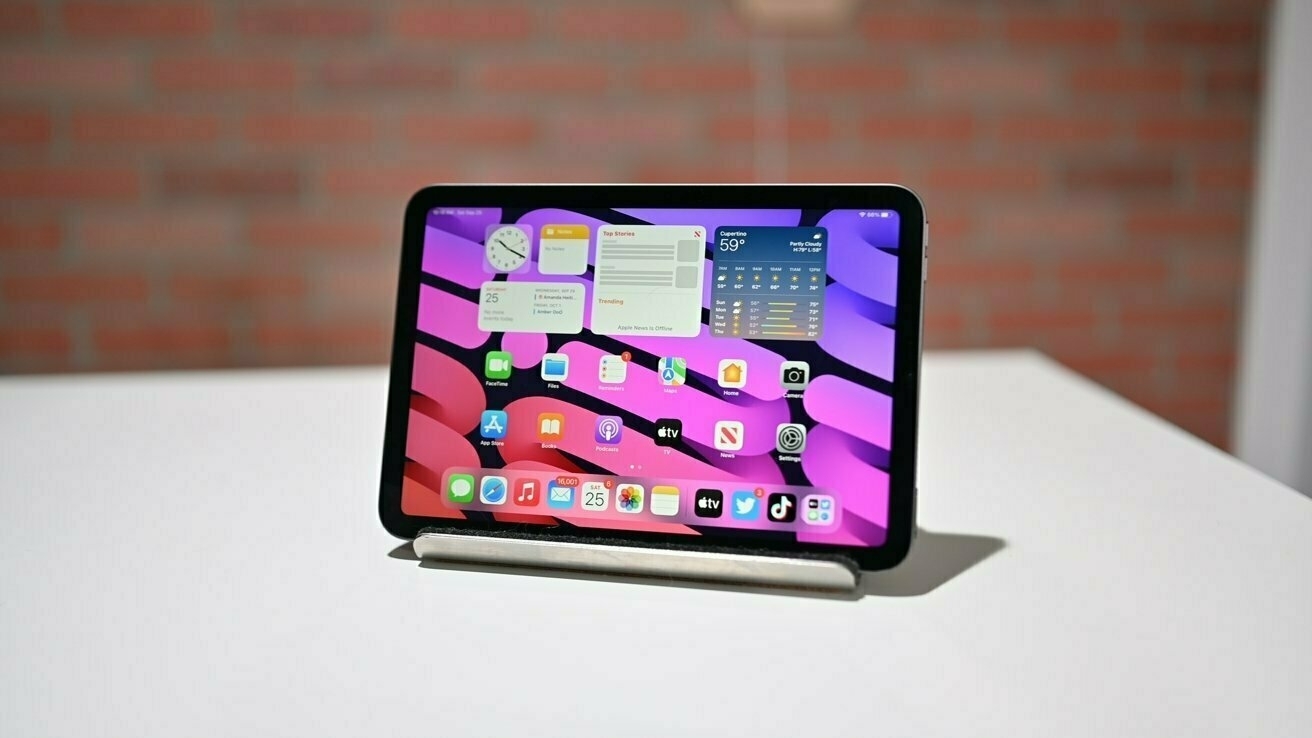
Please, stop thinking that a screen on the HomePod mini makes sense because it just doesn’t. Why? Well, by looking at where we put these devices in our house, most of the time, you wouldn’t be able to see the screen from a distance. What Apple really wishes is that you buy an iPad mini with a Smart Folio cover for that purpose.

Dear Apple: Bring Back the Dashboard

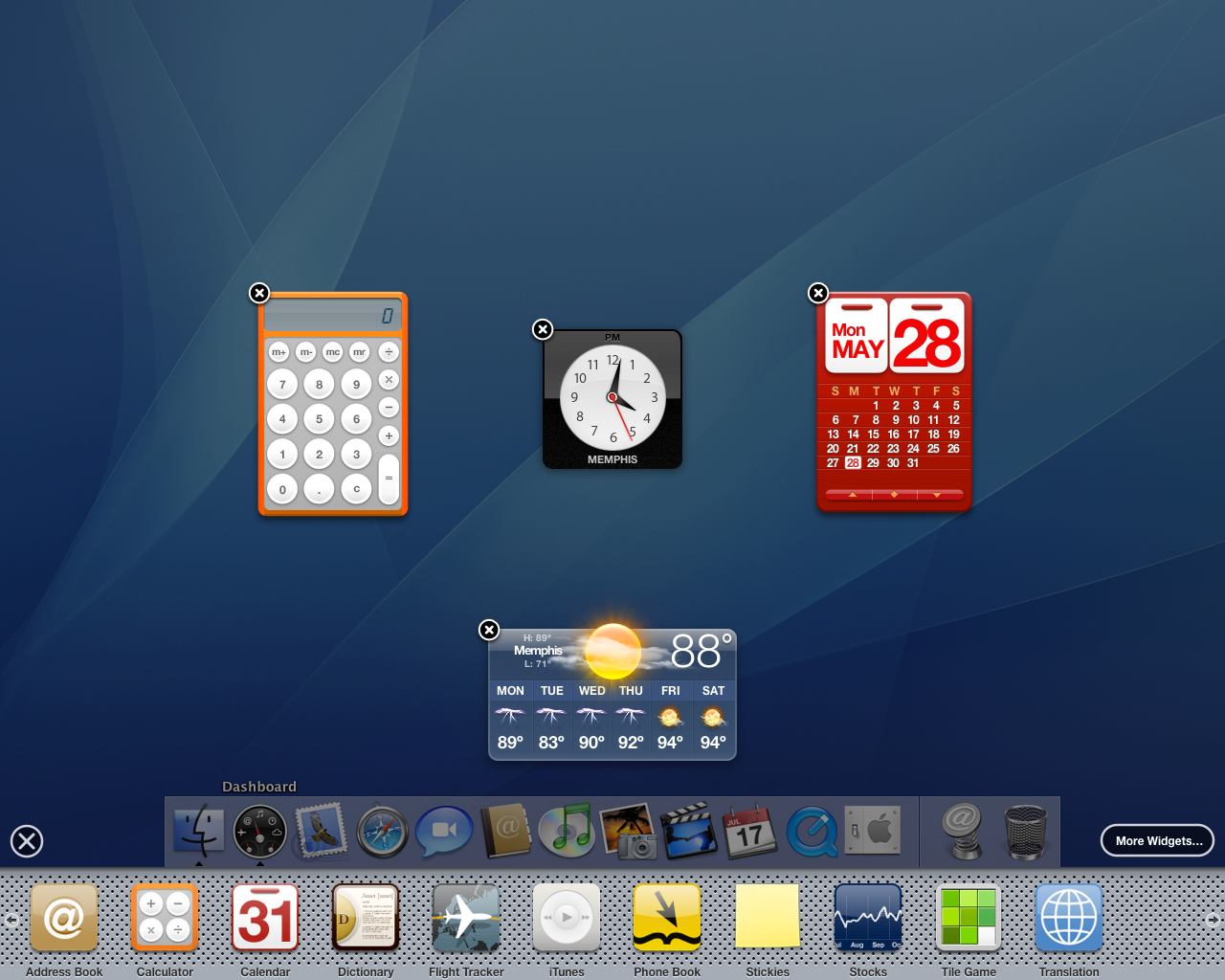
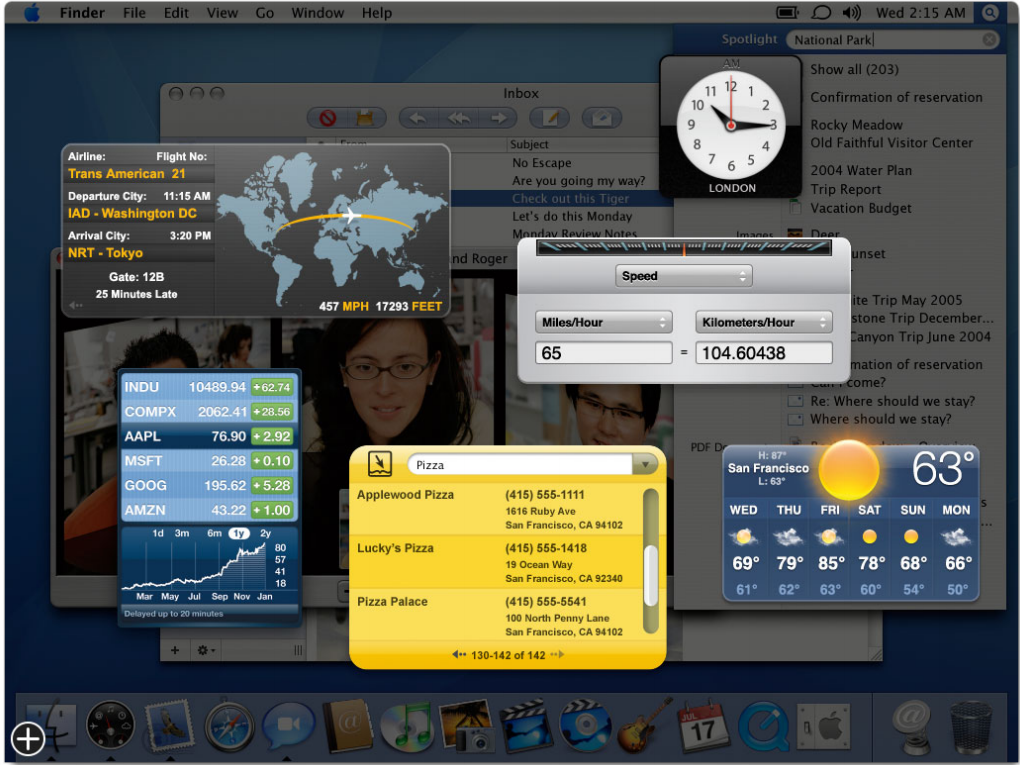
I want this so much. We have to voice our desire to get back the Dashboard on macOS. As explained by 512px a long time ago:

Jobs pitched widgets as mini-apps that let you look up a quick bit of information without ruining your workflow or train of thought. They allowed for quick interactions. They were present when you needed them, and disappeared when you didn’t.

Why try to imagine new solutions to fix the widgets conundrum on macOS? The Dashboard was the only good solution where you could put widgets anywhere on the screen, then invoke them as needed. Dear Apple, are you reading this? 🥺🙏🏻

Let’s enjoy one more time the Dashboard in its full glory.