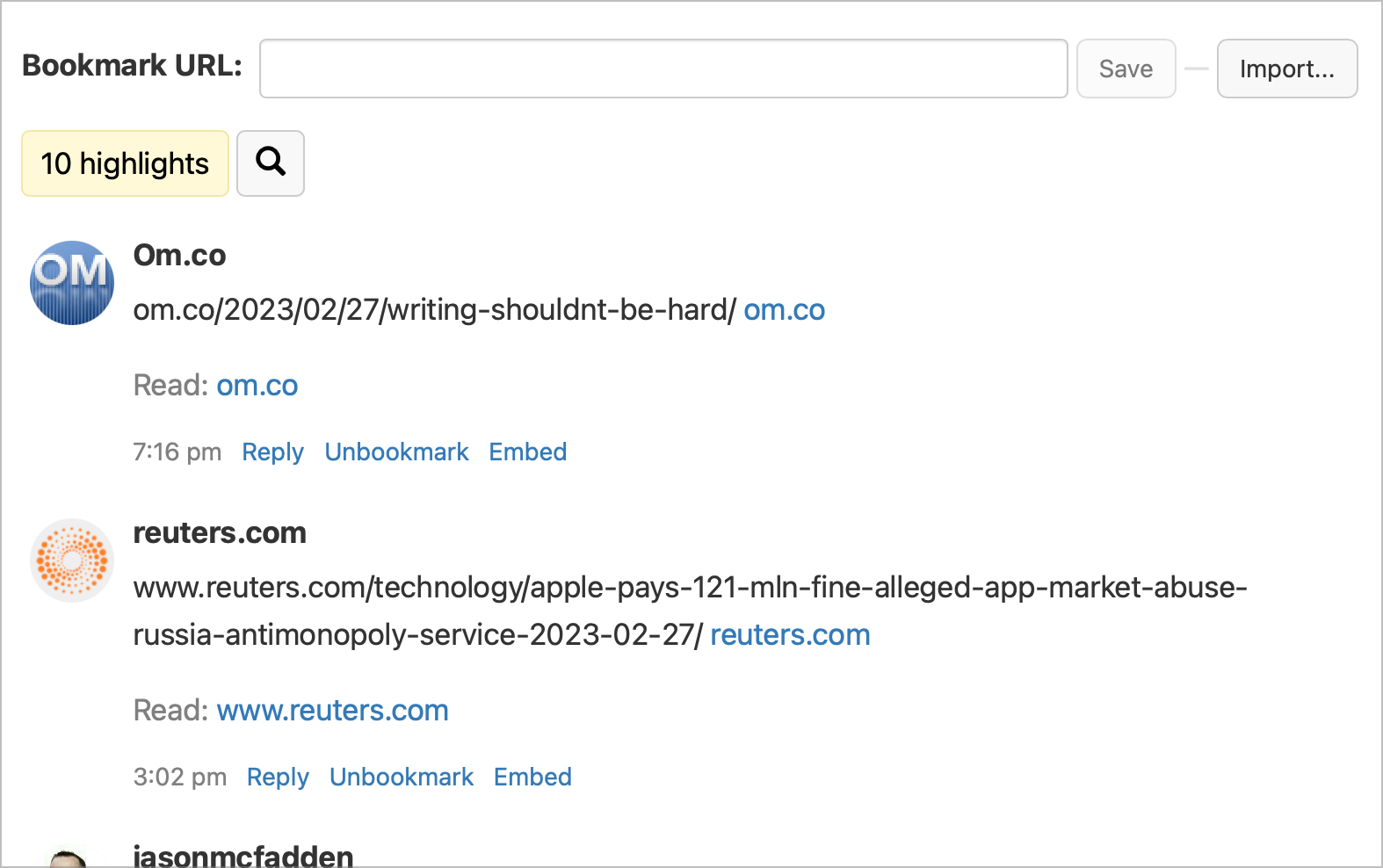
Are there any Inoreader subscribers here? How do you take advantage of the service’s features? Do you use the Broadcast feature? How about tags and annotation features?
Eternally Unsatisfied With My Reading Apps
I’ve been a News Explorer RSS reader user for a long time. It’s a less-known RSS reader compared to Reeder or anything else. It’s really good, but missing a few things that keep bugging me. There is no web version, no filtering feature, and no text highlighting either.
I started testing Inoreader yesterday and Feedbin. Both seem good RSS readers, but none of them is satisfying. In fact, I’m never satisfied with anything when it comes to RSS readers and reading applications or services in general. It’s been going on forever.
Read-later apps are unsatisfying, too, for me. None of Instapaper, Pocket, Matter, and Readwise’s Reader satisfy my needs. Readwise is too busy and still immature, Matter is nice, but some things like tags handling don’t scale well.
The perfect combination of a read-later function with an RSS reader doesn’t exist. If I were twenty years younger, I would write my own.
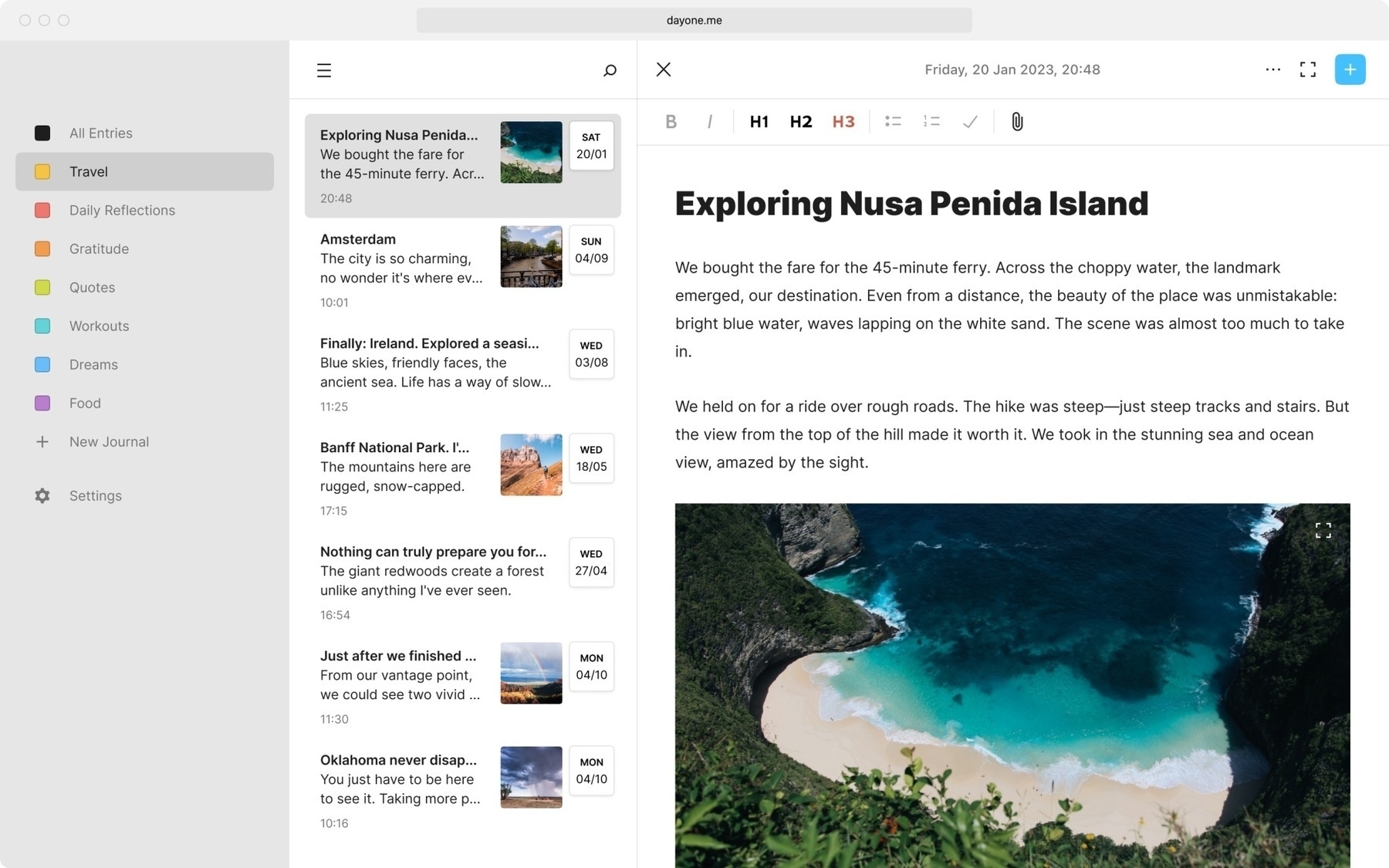
Just found out about iA Presenter, from the makers of iA Writer. Looking at the website, this app looks like a superb macOS app! I can see a specific use case here for me: writing queue cards for when I’m recording my YouTube videos. Is anyone on the beta from TestFlight here? Any thoughts?
Any Little Snitch users here? Thoughts? I’m using NextDNS to block tracking sites, but what would be the added value of using Little Snitch?
I’m super happy to see Ivory going out to light and all. I was on the beta, downloaded the official release and played with it a bit. It’s really a great client. For now, I’ll let things settle down and see how Tapbots delivers on its promise. I’m focusing on Micro.blog for now, but I’m curious about Mastodon ecosystem evolution. I don’t want a new Twitter in disguise. Micro.blog in its current form is a very good compromise.
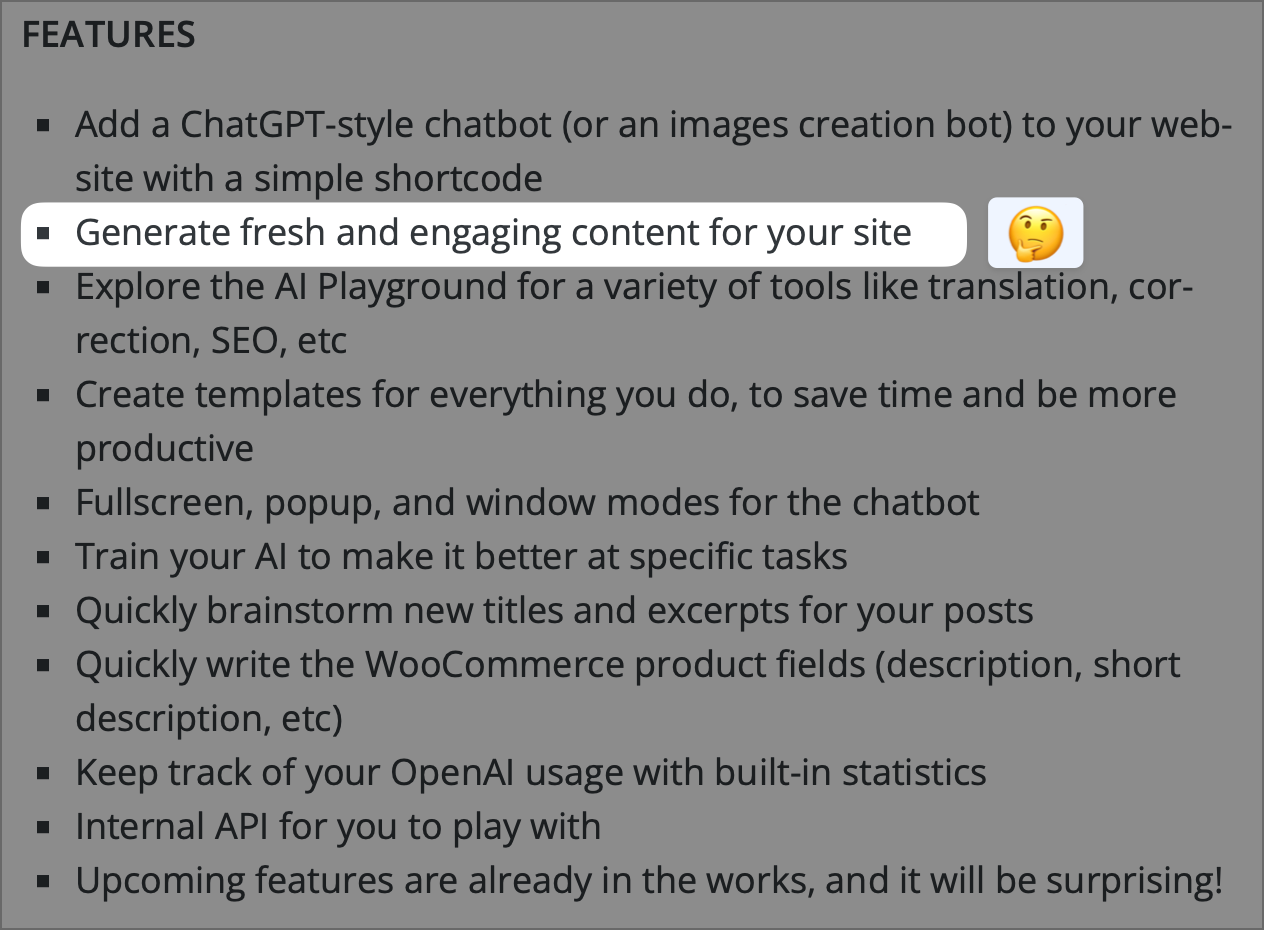
I’m seriously warming up to Readwise Reader. I get the feeling that I’ll be able to build a database of references and notes while I’m reading. The close proximity to Readwise is also a plus. It’s really geeky stuff for power readers, which I’m probably not. I’m waiting for the filtered view builder, they are working on a simplified and more visual version. Filtering the feed’s content by removing things like “Deal” or “Special Deal” would help remove some noise. I also keep an eye on the mobile app.
So, the only way to set a profile image in IFTTT is to use one of the following services?? Not possible to upload a picture. My profile image is now blank because I deleted my connection to Twitter. Weird.
On the web, I prefer Matter, but on the iPad, I think I prefer the Readwise Reader. In particular, I prefer the customizable home screen of the latter. But I prefer the reading experience of the former. Today that is what it is. Tomorrow? Who knows. 🤷🏻♂️
Integrating Adobe Enhance Voice Tech Into My Video Production Workflow — In Search of a Solution
I don’t know if anyone knows about this free web tool by Adobe: Enhance Voice (link), but it is really impressive (@MattBirchler knows about it). Here is what I’d like to do: find a way to integrate this tool into my video production workflow.
So, I’m producing YouTube videos with ScreenFlow (my YouTube Channel). So far, I’m ok with the results, but I think my voice, and the sound in general, could be improved (I’m using the Blue Yeti Microphone, but Adobe Enhance Voice is really impressive).
So, how can I:
- Do my recording sessions as usual
- Do my video montage as usual
- Extract the audio track
- Use Adobe Enhance Voice to re-process the audio track
- Replace the audio track in my Screenflow document
- Export the final video
Step 3 and 5 are not possible in the current release of Screenflow. Any suggestion of tools I could use instead?
Here’s what I know or already use:
- Permute allows for easy conversion of audio files, including converting video files into the audio-only version.
- QuickTime Player can export the audio track only out of a video file.
- I know how to use iMovie.
- I’m a happy user of Audio Hijack
- I don’t really want to get rid of Screenflow. LumaFusion, FinalCut Pro, etc., maybe could do the job here, but it would be ok if I could find a simple utility that can replace the audio track easily instead.
This question has been posted to the Screenflow Telestream forum.
Update #1: corrected a few typos but added the solution using iMovie. Here’s the solution.
- Do my recording sessions as usual
- Do my video montage as usual and export the video
- Extract the audio track using Permute in .MP3 format
- Use Adobe Enhance Voice to re-process the audio track
- Convert .WAV into .MP3
- Launch iMovie and create a new Project
- Import the produced video in step 2
- Detach the audio track and delete it
- Add the enhanced version of the audio track
- Export the final video using iMovie’s share option
Voilà!
Update #2: there is a major issue with this process, the video and audio are not in sync over time, even though both files are of the same duration. This is not something easy to fix. Back to the drawing board. 😒
Matter is officially a paid service (if I want to get all the goodies). Well, my queue is full of unread articles. So this should be an excellent indicator to decide whether or not to subscribe.