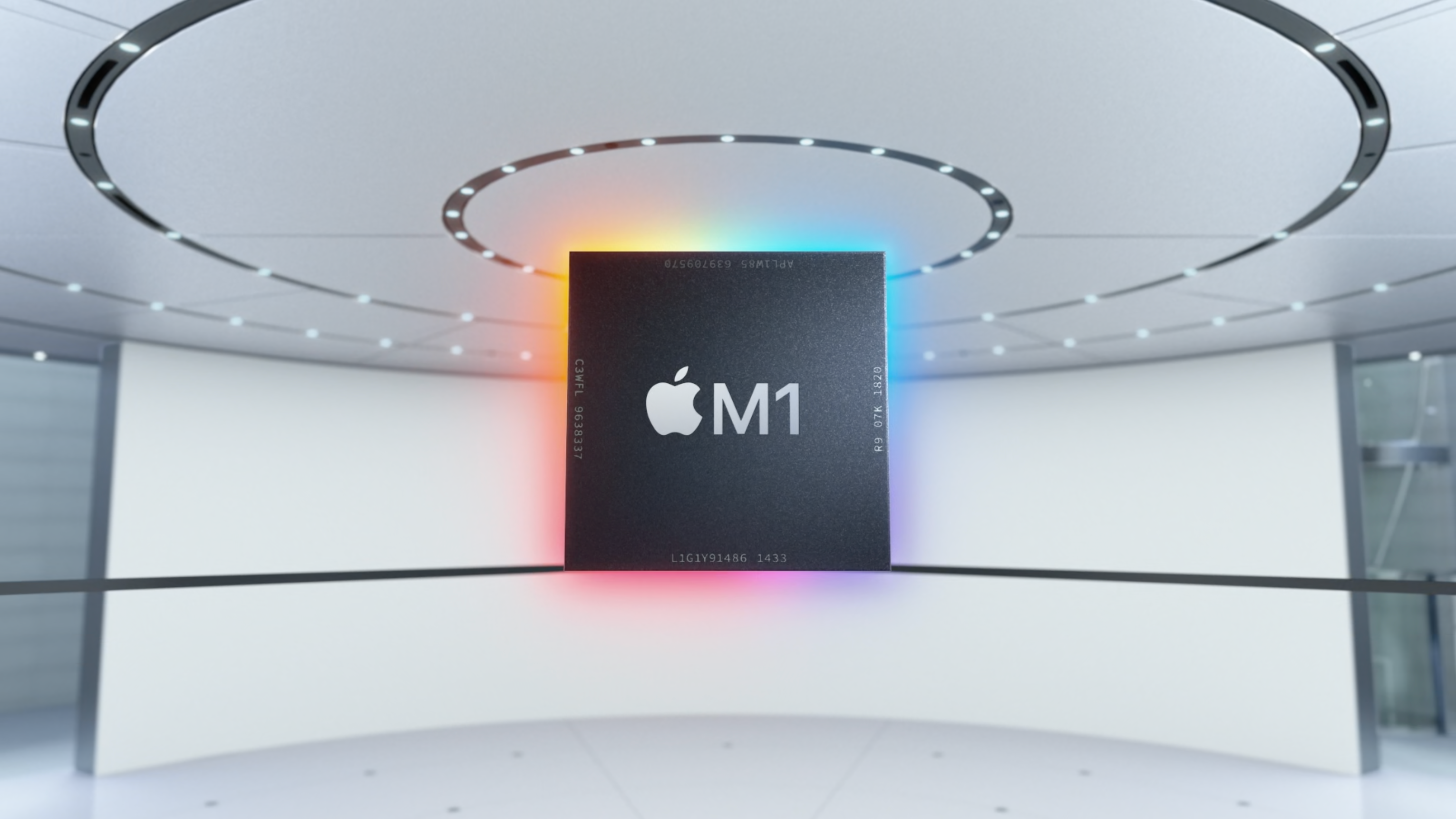
Here is a super fascinating Twitter thread that I reproduce here. Find the original tweets here. It’s is about Apple Silicon wizardry. For techy people only!
“In case you were wondering: Apple’s replacement for Intel processors turns out to work really, really well. Some otherwise skeptical techies are calling it “black magic”. It runs Intel code extraordinarily well. The basic reason is that Arm and Intel architectures have converged. Yes, the instruction sets are different, but the underlying architectural issues have become very similar. The biggest hurdle was “memory-ordering”, the order in which two CPUs see modifications in memory by each other. It’s the biggest problem affecting Microsoft’s emulation of x86 on their Arm-based “Surface” laptops. So Apple simply cheated. They added Intel’s memory-ordering to their CPU. When running translated x86 code, they switch the mode of the CPU to conform to Intel’s memory ordering. With underlying architectural issues ironed out, running x86 code simply means translating those instructions to the Arm equivalent. This is very efficient and results in code that often runs at the same speed. Sometimes there isn’t a direct equivalent, so the translation results in slightly slower code, but benchmarks show x86 being consistently at least 70% of the speed. In any case, a surprising number of popular apps already run on it. Apple seeded developer systems a few months back, allowing people to get their code ready. Normally, that wouldn’t have been enough time. When you recompile code for a new architecture, it usually breaks. But as I said above: Arm and Intel architectures have converged enough that code is much less likely to break, making recompiling easier. Apple has made surprising choices. They’ve optimized JavaScript, with special JavaScript-specific instructions, double sized L1 caches, and probably other tricks I don’t know of. Thus, as you browse the web, their new laptop will seem faster and last longer on battery, because JavaScript, even though other benchmarks show it roughly the same speed as Intel/AMD. The older MacBook Air had a dual core CPU that ran at 3.8 GHz, but when in low-power mode, 1.2 GHz. Switching between fast and slow modes is how it conserves power for mobile. But it’s ultimately inefficient. The Intel CPU is designed to run at 5 GHz. Downclocking to 1 GHz saves power – but not as much as if you’d designed the processor to run at 1 GHz to begin with. Apple’s strategy is to use two processors: one designed to run fast above 3 GHz, and the other to run slow below 2 GHz. Apple calls this their “performance” and “efficiency” processors. Each optimized to be their best at their goal. When they need to conserve power, they turn off the “performance” processors and run code on their “efficiency” processors. They have 4x performance processors (twice that of their older Macs) plus 4x efficiency processors. All 8 can be active. When doing something that can use 8 processors, such as compiling code, it goes real REAL fast. 8 processors vs. 2 processors in their old notebooks make a difference. A big part of this story is that Intel is about 3 years behind on Moore’s Law. Apple Silicon uses the latest 5nm tech from TMSC, while Intel uses the older 10nm/7nm generation. Much of Intel’s product line uses the even older 14nm/10nm generation. None of this is actual “black magic”. It’s all pretty understandable. It’s just all the various things have been executed really well, leading to a combined result that is a great leap forward. Another “magic” trick is how their “Swift” programming language uses “reference counting” instead of the “garbage collection” in Android. They did something in their CPU to double the speed of reference counting. …even when translating x86 code, all that reference counting overhead (already more efficient than garbage collection) gets dropped in half. Yet another weird performance enhance to add to all the others.”