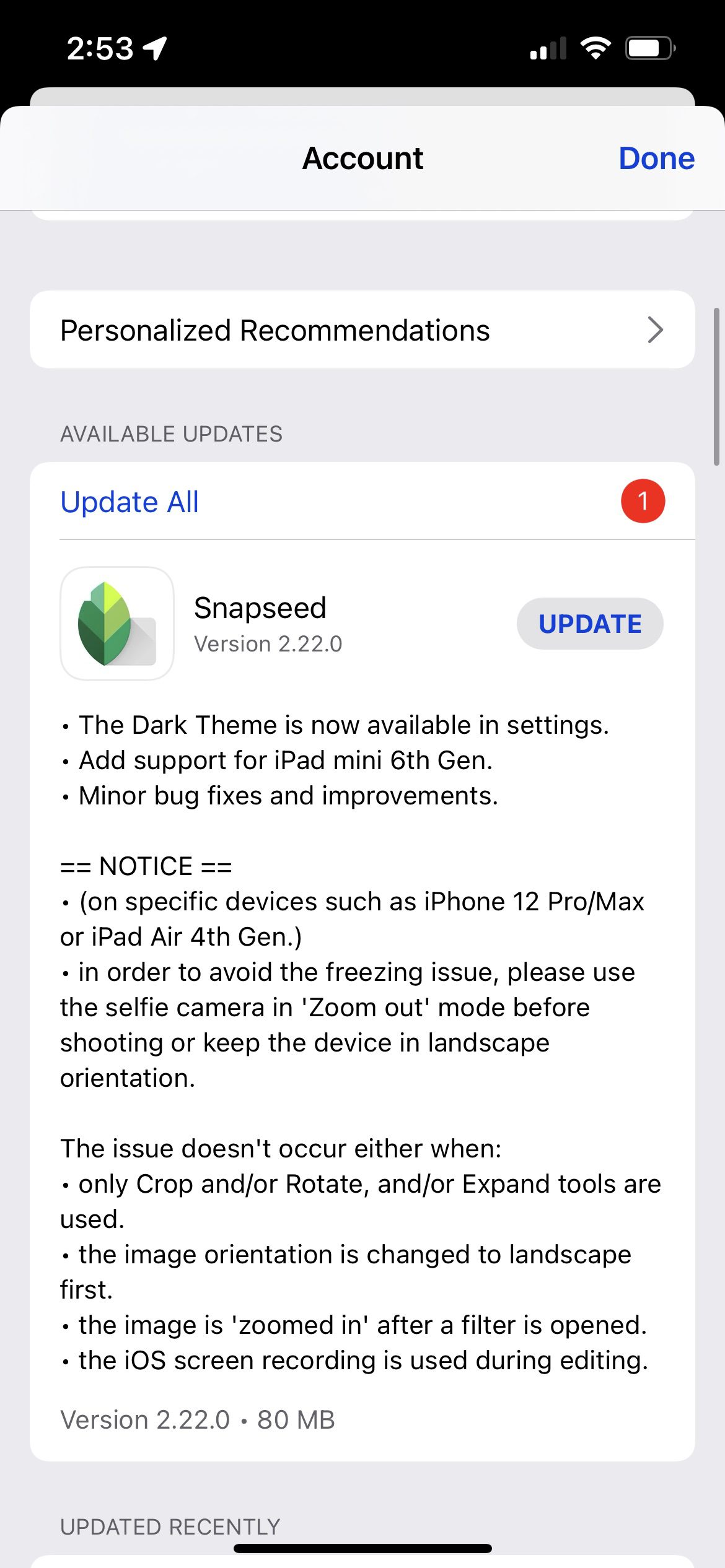
About Those Tiny Release Notes (#apple)
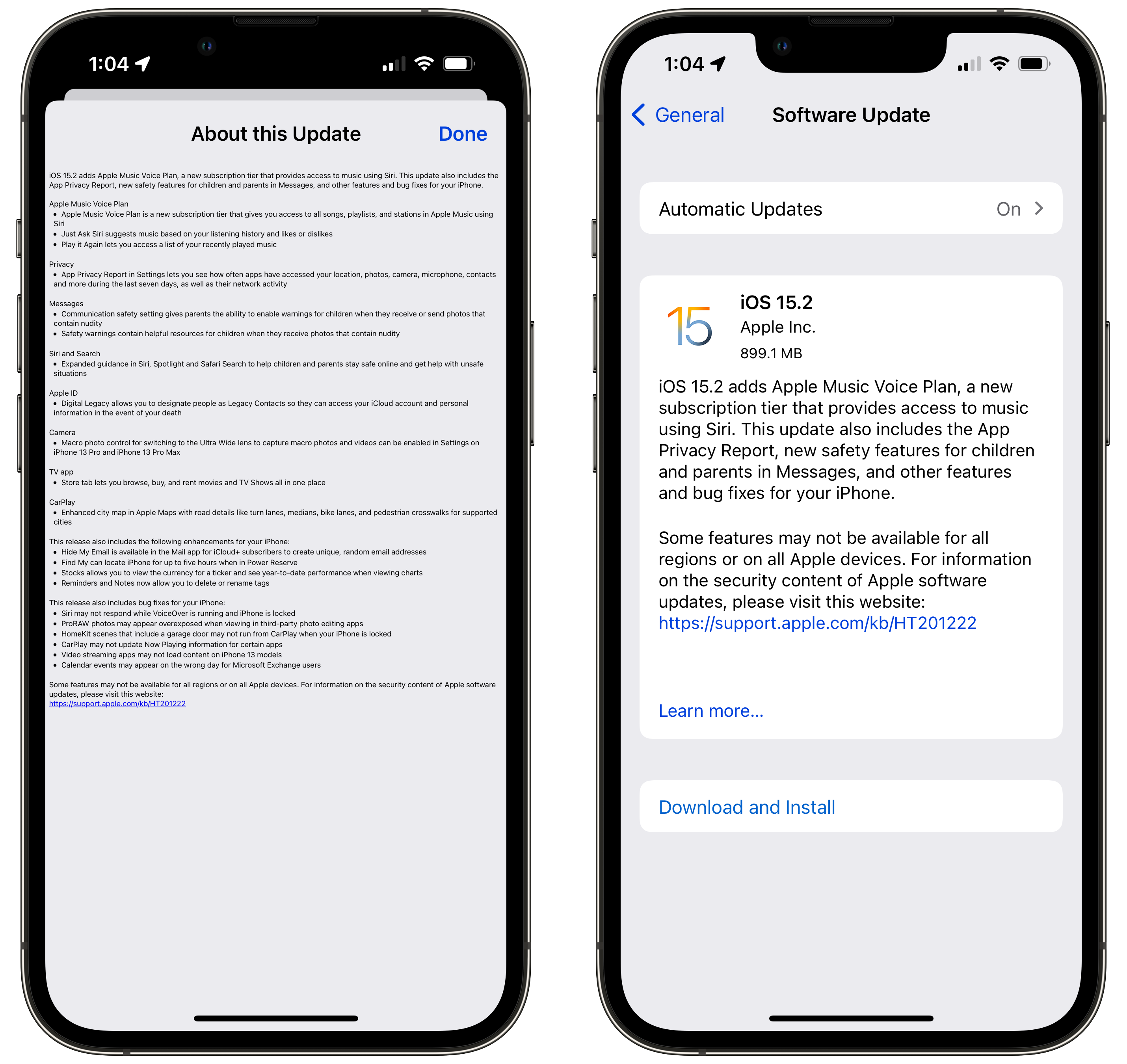
I wonder when Apple will fix the issue of tiny release notes, on the iPhone. I can’t remember since when the issue started, but it’s been a very long time. It’s all the details, Apple, all the details.
To support users with limited mobility, Apple is introducing a revolutionary new accessibility feature for Apple Watch. AssistiveTouch for watchOS allows users with upper body limb differences to enjoy the benefits of Apple Watch without ever having to touch the display or controls.
Source: Apple previews powerful software updates designed for people with disabilities - Apple
The demo on Apple’s Newsroom website is really impressive. Surprisingly, it looks like the feature will work on recent Apple Watch generations (Series 4 and up).
One question: why announce these initiatives now? We’re 17 days away from WWDC. Looks like WWDC will have more room to announce even more exciting stuff. 😀
Another question: if you look at the following screenshot taken from today’s announcement, we can see that table cells are narrower than what we have on iOS 14. Is this a first glimpse of what is coming in iOS 15? I certainly hope so because it looks much better, friendlier. It reminds me of the pre-iOS 7 era.
First:
Apple is very efficient at pursuing their business model, which is based on selling overpriced, obsolete hardware to customers locked in their ecosystem," Durov wrote. “Every time I have to use an iPhone to test our iOS app I feel like I’m thrown back into the Middle Ages. The iPhone’s 60Hz displays can’t compete with the 120Hz displays of modern Android phones that support much smoother animations.
And:
Durov added that the worst part about Apple’s technology is not “clunkier devices or outdated hardware,” but that users who have an iPhone are a “digital slave of Apple.”
”You are only allowed to use apps that Apple lets you install via their App Store, and you can only use Apple’s iCloud to natively back up your data,” he said.
“It’s no wonder that Apple’s totalitarian approach is so appreciated by the Communist Party of China, which – thanks to Apple – now has complete control over the apps and data of all of its citizens who rely on iPhones.”
Source: Telegram founder says iPhone users are digital slaves | AppleInsider.
Mr. Durov can go to hell. Typical talk from an Android guy. Nobody his forcing him to develop for the iPhone. Nobody. He is a digital slave of Apple himself. I can’t stand this attitude and I’m voting with my digital means: closing my Telegram account.
For the new MacBook Pros, Apple is planning two different chips, codenamed Jade C-Chop and Jade C-Die: both include eight high-performance cores and two energy-efficient cores for a total of 10, but will be offered in either 16 or 32 graphics core variations.
Source: Apple (AAPL) Readies MacBook Pro, MacBook Air Revamps With Faster Chips - Bloomberg(https://www.bloomberg.com/news/articles/2021-05-18/apple-readies-macbook-pro-macbook-air-revamps-with-faster-chips)
The “one chip SKU to rule them all” won’t last forever it seems. Apple will take advantage of its ability to decide what goes in its chips to help differentiate each models within the same product line. We already witness this with the 7-core vs 8-core variant of the M1 chip in the 2021 iMac, but this variability will increase over time. My hope is that Apple doesn’t try to hard to be greedy with this strategy and keep the product’s differentiation simple to grasp.
The keyboard flaked out on me once. I wanted to spend time testing the Touch ID button, so I moved an application to the Trash, which requires authentication. That worked. Then I tried to move the app back to the Applications folder, and … Touch ID just didn’t work. After 30 seconds of trying, I realized the whole keyboard just wasn’t working. I turned the keyboard off and on again, and boom, everything has been normal since — including Touch ID recognizing my finger very quickly.
Source: Daring Fireball: The 24-Inch M1 iMac(https://daringfireball.net/2021/05/the_24_inch_m1_imac)
Ah, ah, another moment of Apple’s Bluetooth device not working as expected. Since I got my 2017 21.5” iMac, I’ve experienced unstable Bluetooth connectivity with Apple’s mouse and keyboard. I don’t know when it started, if it’s related to a certain release of macOS, but it is happening all the time. The worst part is the mouse being jerky while moving on the screen. Bluetooth’s instabilities also impact my AirPods usage with the Mac. My AirPods simply drops from receiving the Mac audio while in Zoom meetings. It is infuriating. Eventually, I need to reboot the Mac to reset the Bluetooth stack.
When I got the M1 Mac mini, I thought Bluetooth connectivity issues would be a thing of the past. I couldn’t be more wrong. It was worst. The mouse and the keyboard are both having instabilities. They need to be turned off and on to temporarily fix the problem, but eventually the Mac needs a full reboot. Again, this is exasperating. It is a well documented issue which macOS 11.1 and 11.2 tried to fix but the problems still happen, albeit a bit less often.
There is something wrong with Apple’s Bluetooth implementation in general. Is it the driver, the firmware, the chip, a combination of these that is at fault? I don’t know but the fact that this shiny new iMac with the wireless keyboard with TouchID stops working like Gruber experienced is not a good sign.
I know a lot of people are concerned that the white bezel surrounding the display will be distracting. In practice, I found that it just disappears. If there can be such a thing as a muted white — a white that most certainly looks white, not light gray, but yet not white white, this white is that white. I didn’t need time to get used to it
Source: Daring Fireball: The 24-Inch M1 iMac(https://daringfireball.net/2021/05/the_24_inch_m1_imac)
There is a lot of talk regarding the white bezel of the new iMac. I still don’t know what to think about them. They make it look like if there was a white masking tape all around the display. But the thing is, considering the fact that Apple’s macOS overall user interface is so “white-ish” in general, this should help make the bezel kind of disappear in reality and just be an extension of the user interface.
The iPad is a mighty device considering its form-factor. Many people are asking for Apple to make Xcode available for the iPad. I wonder: who are asking for this? Are they serious developers or just hobbyists? I would find it surprising if it was the former because there can be so many tools besides Xcode that is needed I order to build an app, and not all those things are available on the iPad. Serious developers would need to bring in a Mac to complete the development picture. If this is the hobbyists, does it even matter?
Would it be the full version of Xcode or a diminutive version? If it is the latter, what kind of apps would it be able to create, and what are the others it wouldn’t? Would it be Swift-only with SwiftUI? If that’s the case, are we in the “tech proof of concept” territory or if it is a viable path going forward? What would iPadOS 15 need to make Xcode for iPad a viable solution? Better file management? External monitor support? A link to a Mac for certain tasks and features? Is the 12.9” iPad Pro the only supported device or is the 11” version be supported too?
If you are a developer reading this post, would you use Xcode for iPad to build your apps if Apple made it available?
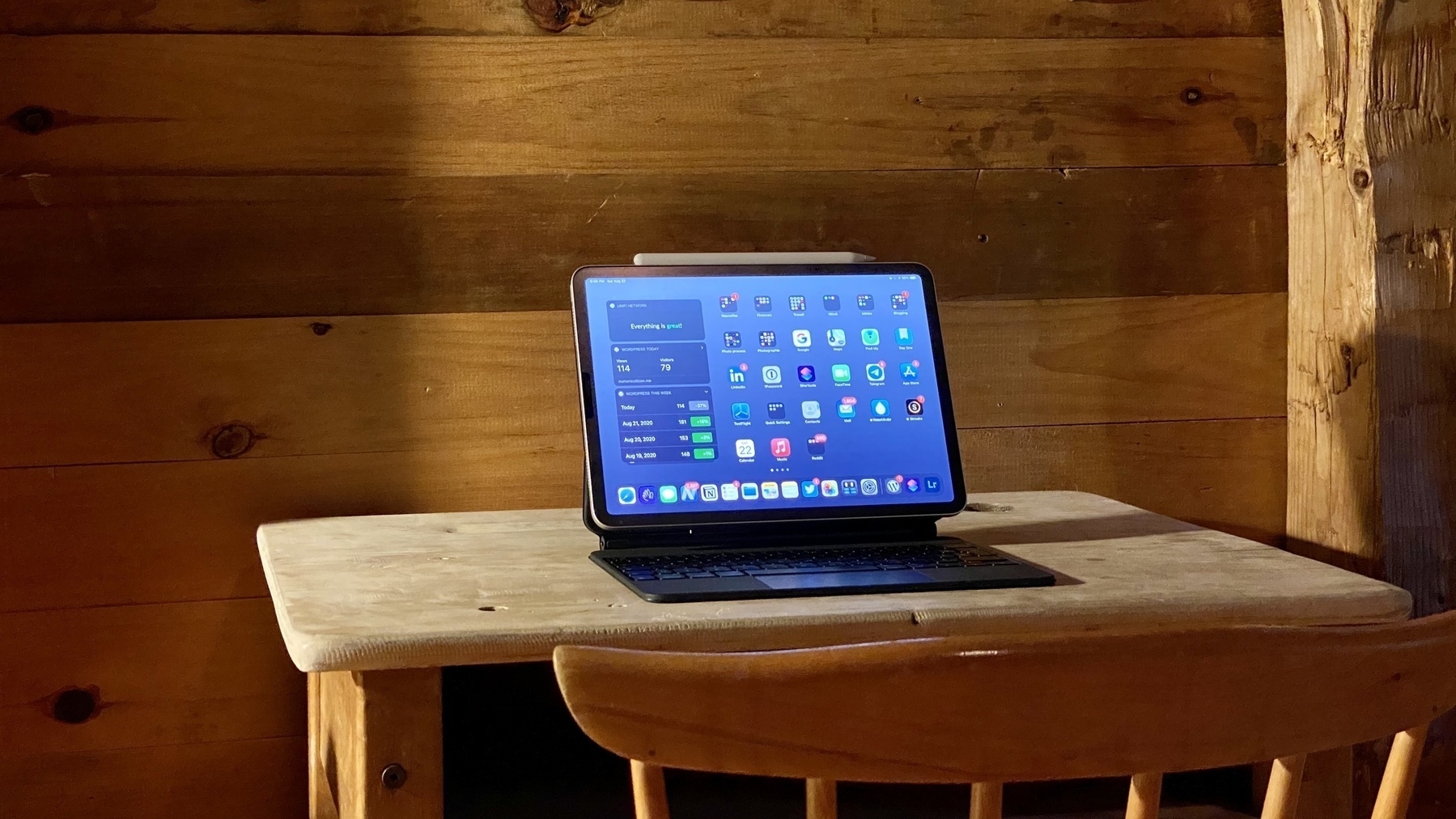
Can’t wait for Apple’s embargo to be lifted this week so we can get a better appreciation of the 12.0" 2021 iPad Pro. Some people got their device, early. I’ll never be able to get an XDR display from Apple, but the one that within an iPad, seems a bargain. The possibility of getting this device just increased a bit.
Parker Ortolani for 9to5Mac:
But what if you could add other kinds of things to your Home Screen too? (…) Apple could add the same ‘Add to Home Screen’ button to the share sheet in Music, in Podcasts, in News, and in TV. Each content type could have a distinct shape for differentiation. Albums, podcasts and publications could have more squared off icons. Magazines could be more narrow to show off covers. TV Shows and movies could use the same artwork that appears in app.
Frankly, I love this idea. On the iPad, it could be the ultimate playground to play with this feature, thanks to the device size. I can see me adding all kind of stuff like my wife iMessage contact, an RSS feed to my favourite content creators, a shortcut to a podcast or an Apple Music playlist or artist. So much possibilities.
The idea of adding all sort of content on the home screen is not new, yet on iOS and iPadOS, current design feels really restricted. We are ready to go to the next phase in evolution. I want freedom in folder size and placement, I want Apple Watch complication-style widgets. I want freedom. Apple, by any chance, are you listening?
Consider this added to my WWDC, iOS and iPadOS 15 wish list.
Nope. Better chance next time. No easy way to ask for help either. Tried different variations of the RSS feed URL. Nope, doesn’t work. There is no option to expert from within HEY either. As you can see, looking for some easy way out of HEY World. 👨🏻💻