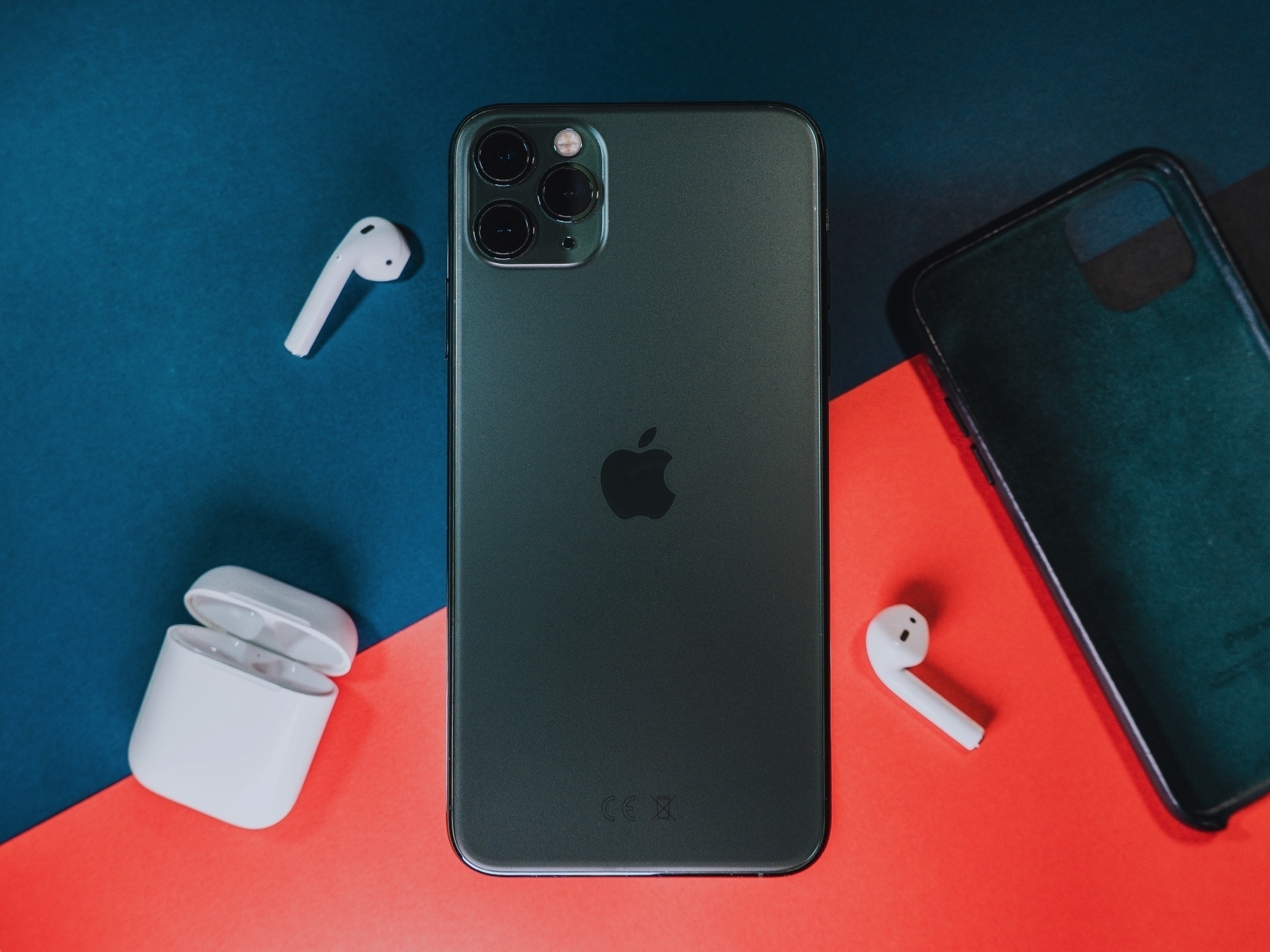
On this unexpected and mysterious macOS Big Sur 11.5.2 update
Dear Apple, as an owner of an M1 Mac mini, a MacBook Air and an iMac, don’t you think that I’m entitled for an explanation about what does this update fix? I think I do.
Dear Apple, as an owner of an M1 Mac mini, a MacBook Air and an iMac, don’t you think that I’m entitled for an explanation about what does this update fix? I think I do.
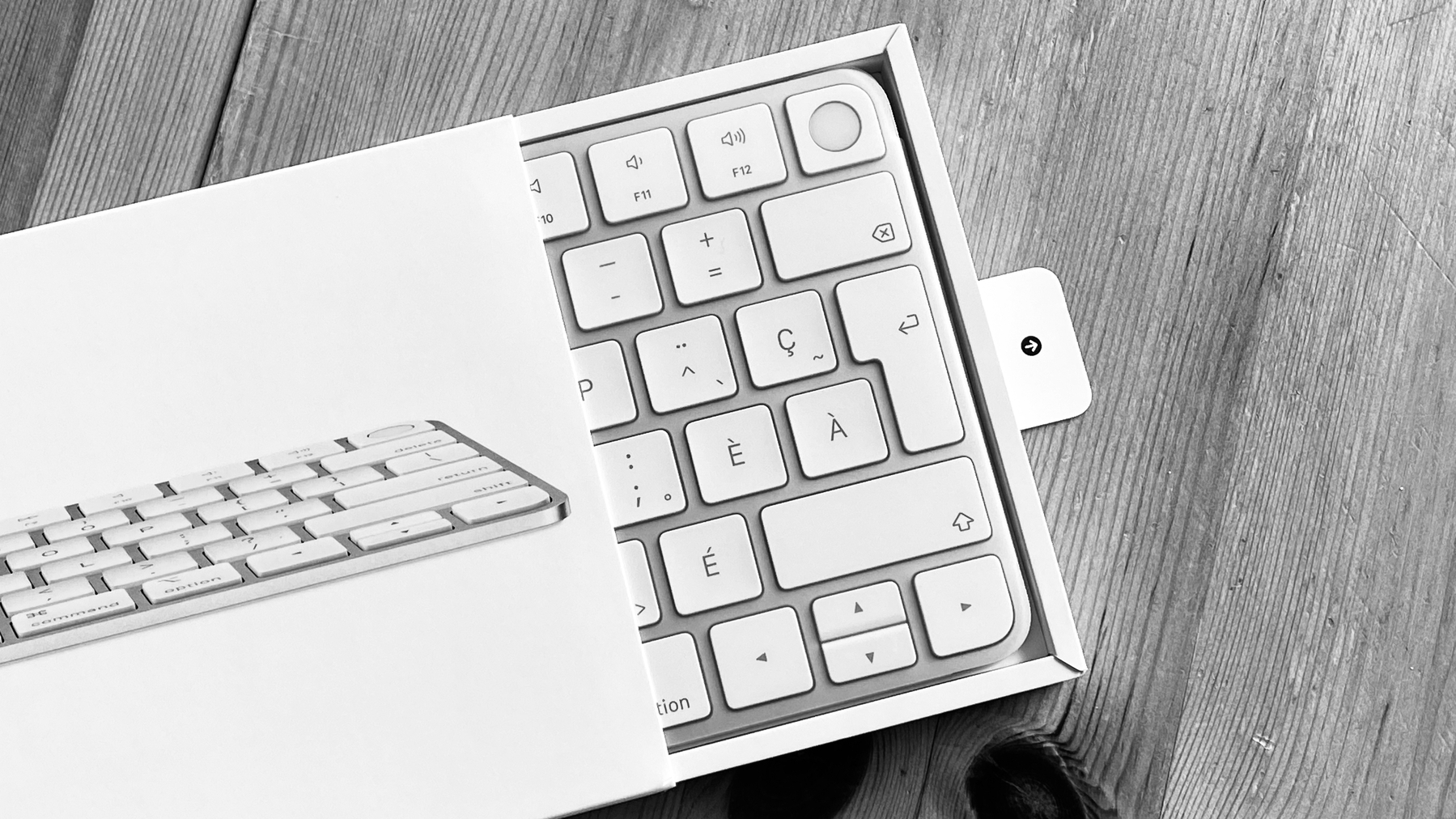
I got the new Magic Keyboard with Touch ID. I chose the one without the numeric keypad; the desk space being scarce. Setting this thing up took one minute. I had to read the (slim) manual as I wasn’t sure how the pairing would work: connect the keyboard to my M1 Mac mini with the provided USB-C to Lightning cable, quickly press the M1 Mac mini power button two times to trigger the setup process for Touch ID configuration (Bluetooth is automatically configured). The Touch ID setup screen looks similar to the one on the iPhone when settings up Touch ID for the first time. It’s one of the best Apple keyboard; keys feeling is similar to the previous generation. Touch ID is the star of the show here, and I love it. Only works with M1 Macs. This Magic Keyboard brings to the Mini, a feature otherwise only available to the MacBooks (and the M1 iMac). That’s why I bought the keyboard. It’s not cheap, but convenience has a price for Apple.
There is so much to think or write about a simple “Store” tab. Something so “obvious” can lead to weird design decisions, even for Apple. I love this (rare) blog post from Ken Segall.
Sarcasm ON: “I’m feeling inspired by Apple’s new way of thinking. It’s liberating. Who needs “Apple” when you have “Store”? Generic is just so much easier, don’t you think?” - Ken Segall
To be honest, I don’t remember when there was a dedicated Store section on the Apple.com website. Apple brought it back, leaving “Buy” buttons scattered around every single product pages. It is now so much easier to buy something from Apple these days.
Sarcasm OFF
Yesterday, Apple made some changes to their website with the introduction of a new Store tab at the top of their website. Not only that, but the store design has been completely redone. I find it a bit disorienting at first, but after a few minutes, I think the elements and general reorganization make sense; I find it easier to navigate in general. Apple chose the horizontal scrolling sections instead of going vertical. I’m not always sure this is the best way to go, though. The bouncing effect is inconsistent, it’s there while going to the right but not when hitting the limit on the left. AirTags have their section, which is surprising for such a small device.
It’s interesting to note that Apple’s top navigation bar is now spanning a store, physical products, services, support, search, and a shopping cart.
Apple is getting ready for this fall slew of new products. Oh, one of the first thing I noticed is that the Magic Keyboard With Touch ID that is bundled with the 24” iMac is now sold separately. I ordered one for my M1 Mac mini. It will take less space on my desk and Touch ID will so much more convenient for the mini. One last thing: convenience has a price: 179 CAN$. Ouch.
It is light, fast and an absolute design gem. Small, but not too small. It runs a powerful operating system. It’s highly portable. It is venerable. It is a rare “species”. There is something really special about it. Furthermore, it has a real keyboard that I can trust. Battery life is good. It is out of the way. It’s the perfect device for writing and blogging.
It’s a 2013 11” MacBook Air.
I’ll explain in the coming week or so.
Matt Birchler had an interesting blog post this week about a screenshot of his 2013 iPhone home screen. There are a few interesting things to note. In 2013, it was the arrival of the controversial iOS 7 redesign. It’s interesting to look at the Camera+ icon design which was still not updated for the new style. The dock design style was pretty basic and felt out of place. A few apps are not longer among us these days: Path (which was really a great design example) but most of the third-party apps are still available today.
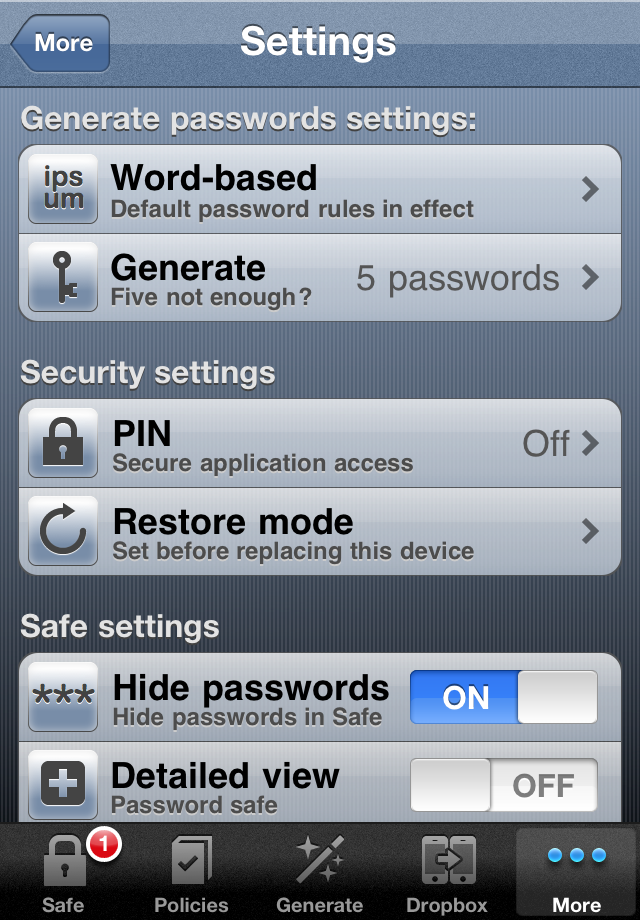
I wish I had kept screen shots of previous home screen arrangements in the past. Something that I have kept is many screen shots of my password manager user interface dating back pre-iOS 7 era. Here is an example below. When I saw iOS 7, I didn’t have the courage to rework my design. The development of my app stopped right there. I made five thousands dollars with this adventure, between 2009 and 2013. Now I’m using a combinaison of 1Password and Apple’s passwords vault.
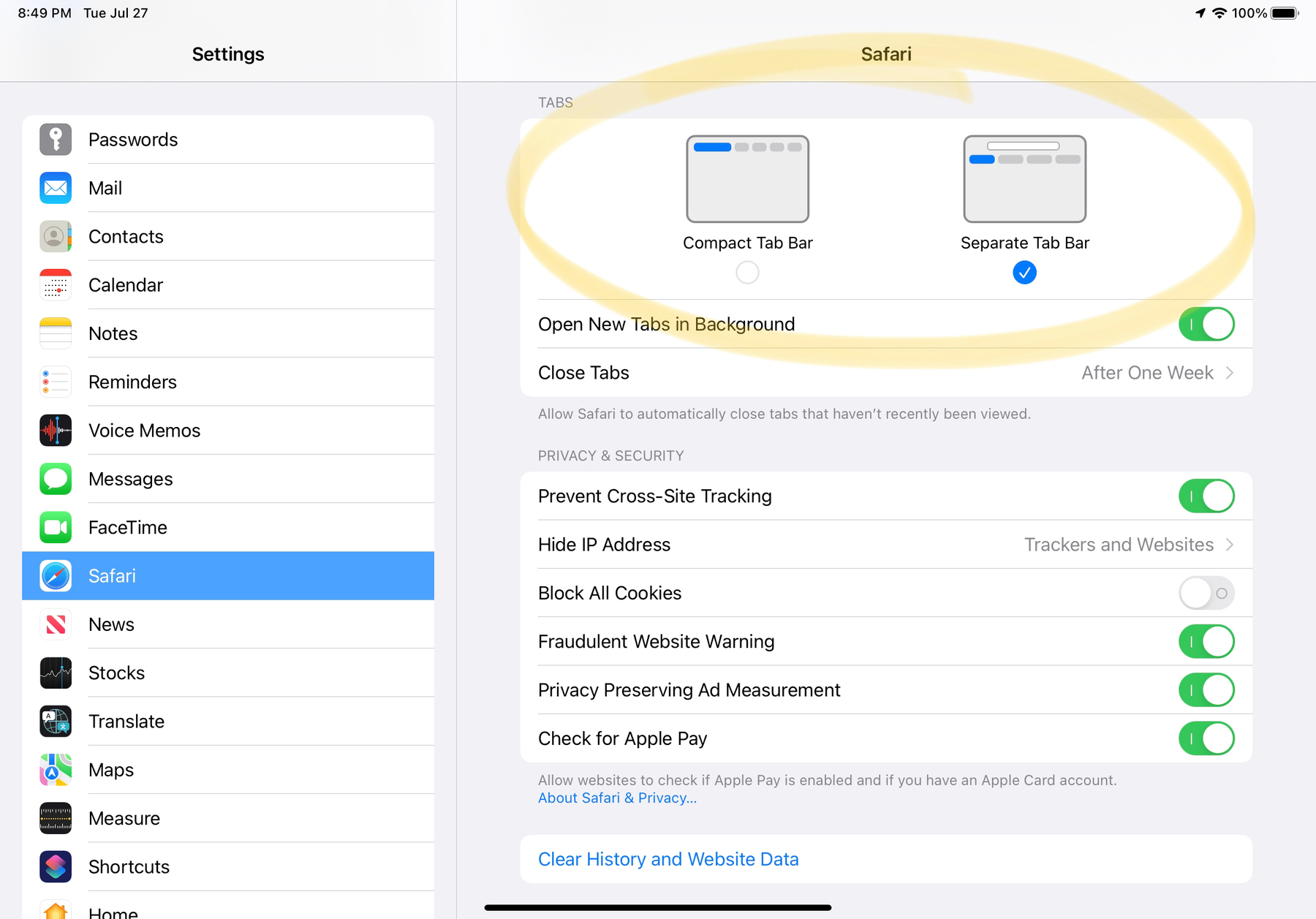
Apple is slowly but surely getting there with this release of beta 4 of iPadOS 15 and Safari 15. I like what I’m seeing, on the iPad. Yet, “when you don’t know what is best, just add an option to Settings so the user can decide” strategy seems to be the way to go this time. You know what’s my choice, don’t you?

I’m going to jump in because on macOS, I don’t see the change as controversial as on iOS 15. I find it surprising that Apple seeks feedback on the new design. It’s a good thing but also surprising has they tend to do their thing alone. Now, they look a bit in distress while searching for a solution.
Again, Matt Birchler:
technology and improved general productivity always had the promise of letting us work less, and yet today we work more than ever and have less than before Source: A Four Day Work Week? Yes, Please!
I sure wish we had this four days work week. I cannot see the day it will become reality. The problem in IT where I work, there is a worsening trend of a lack of qualified people for many IT fields. This trend puts pressure on those who are qualified to do more working hours.
Matt Birchler writing about Apple ecosystem stickiness:
“As I buy more and more Apple products, all of those Apple products get better. My iPhone is more valuable because of the HomePod Mini I AirPlay my podcast to while I’m working. My iPad gets more valuable because it has seamless file sync with my Mac. Reminders is better because it works with Siri in a way no other app is allowed. The list goes on. But this is of course also a bit of a trap. I can’t really get an Android phone, even if I think I would enjoy it more than my iPhone, because then my HomePods become worse, my Mac gets worse, my iPad gets worse, and my Apple services get worse. Because each additional Apple product makes all my other Apple products better, likewise removing something from that mix brings down everything else.”
You cannot use an Apple Watch with an Android smartphone. In Apple’s garden, every product has an extension that takes the form of a service or another physical product from Apple. Did we forget that once upon a time we made a switch from platforms like Windows or OS/2? When a new offering is really making a difference, we tend to switch. Back in the days, a Windows PC was an island, leaving it for the Mac meant that you had to re-buy new software, a few accessories. All things equal, the switch wasn’t necessarily funny. Today’s digital world is quite different, for sure, but pose a similar kind of challenge when switching.
Photo by Miguel Tomás on Unsplash