Found a great place for my Tidbyt.
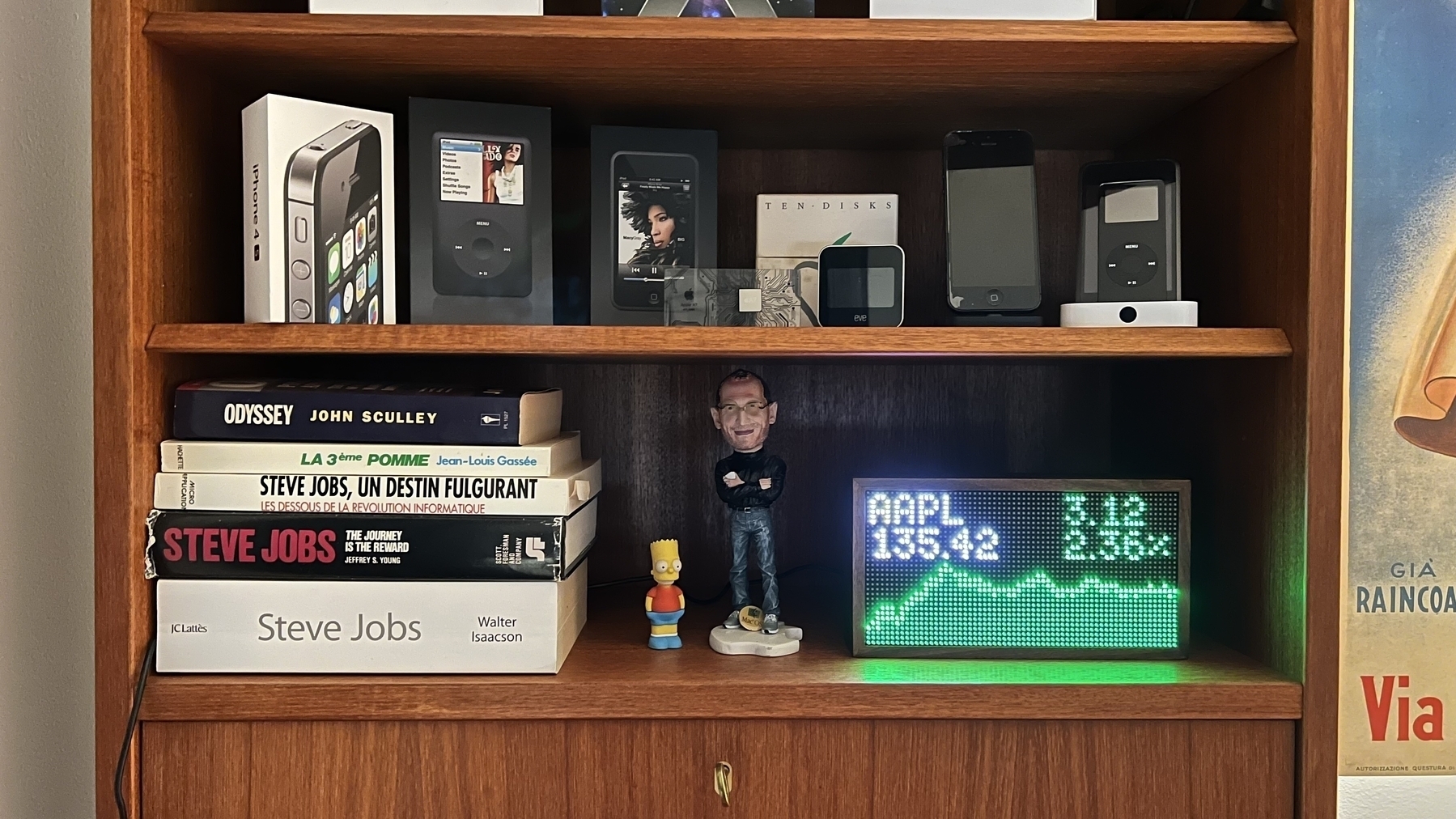
Found a great place for my Tidbyt.
I just spent part of my morning installing Windows 10 version 22H2 on a virtual machine with VMware Fusion 12 on my recently acquired 2013 Mac Pro. God, it’s been a long time since I experienced the Windows installation process. It is so freaking slow (way faster to install a Linux machine, BTW) and with so many reboots. I still prefer Apple’s macOS in that respect.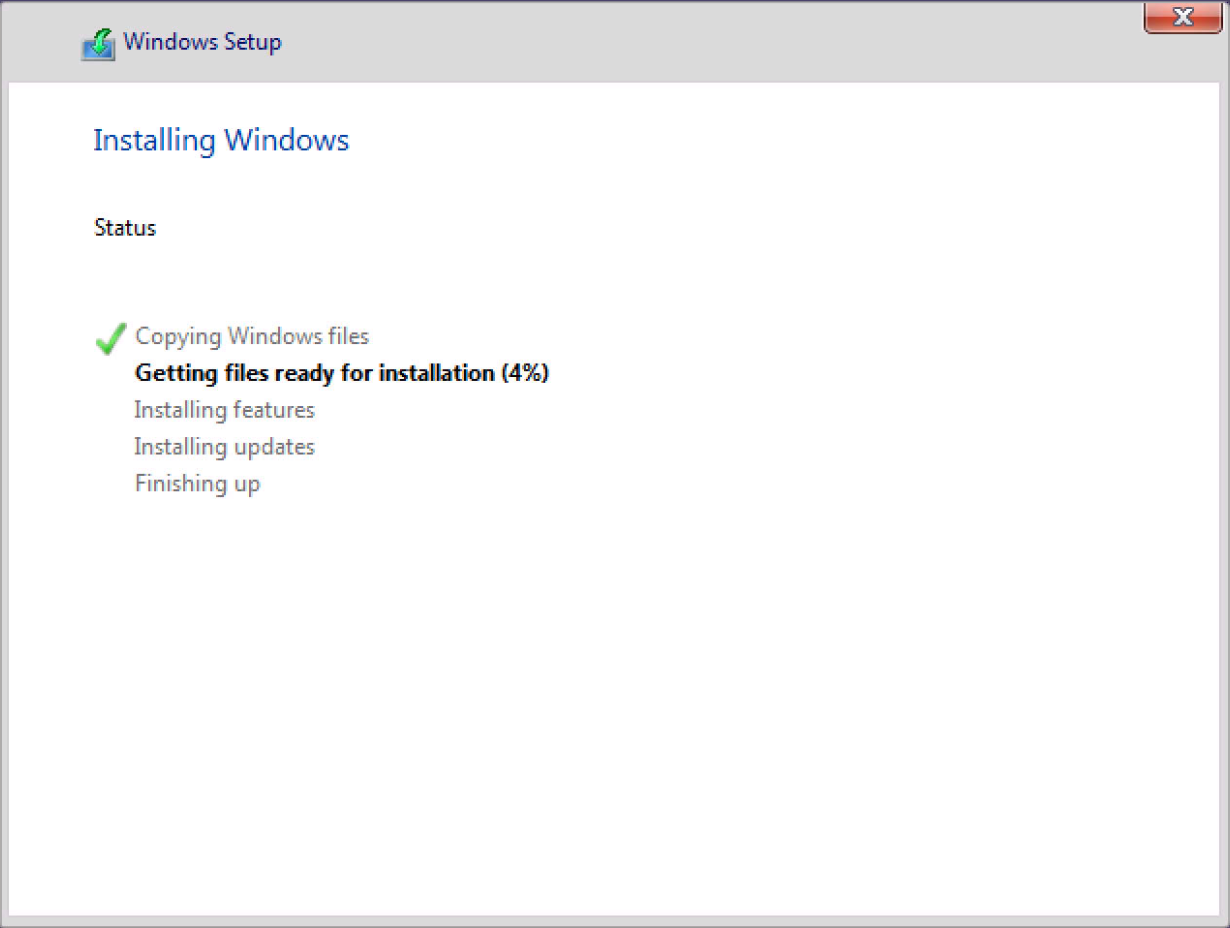
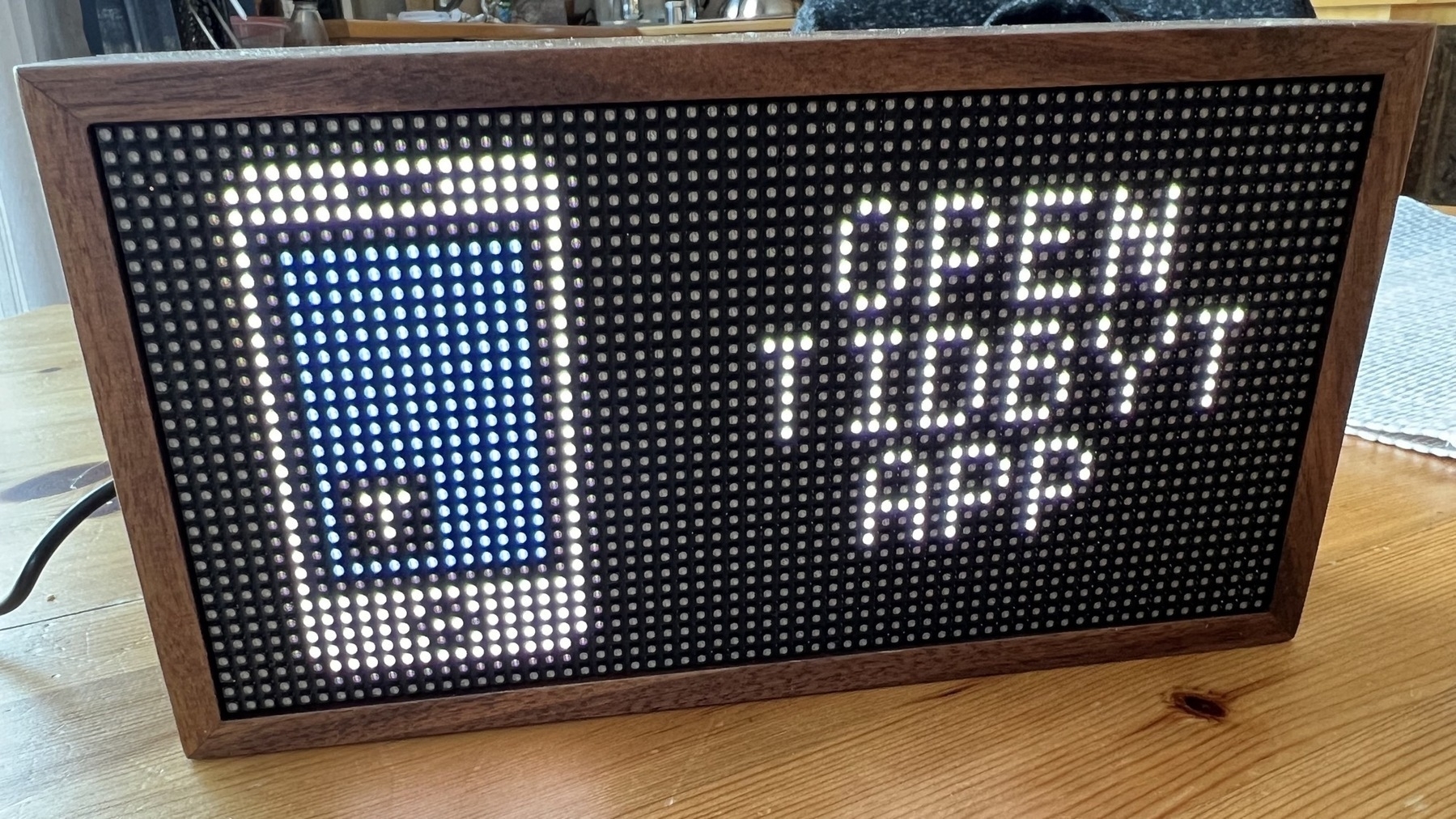
After six weeks of waiting, I finally got this little LED-based display called “Tidbyt”, a reference, I guess, to the old Lite-Brite game which came out in 1967 (I had one when I was a child).
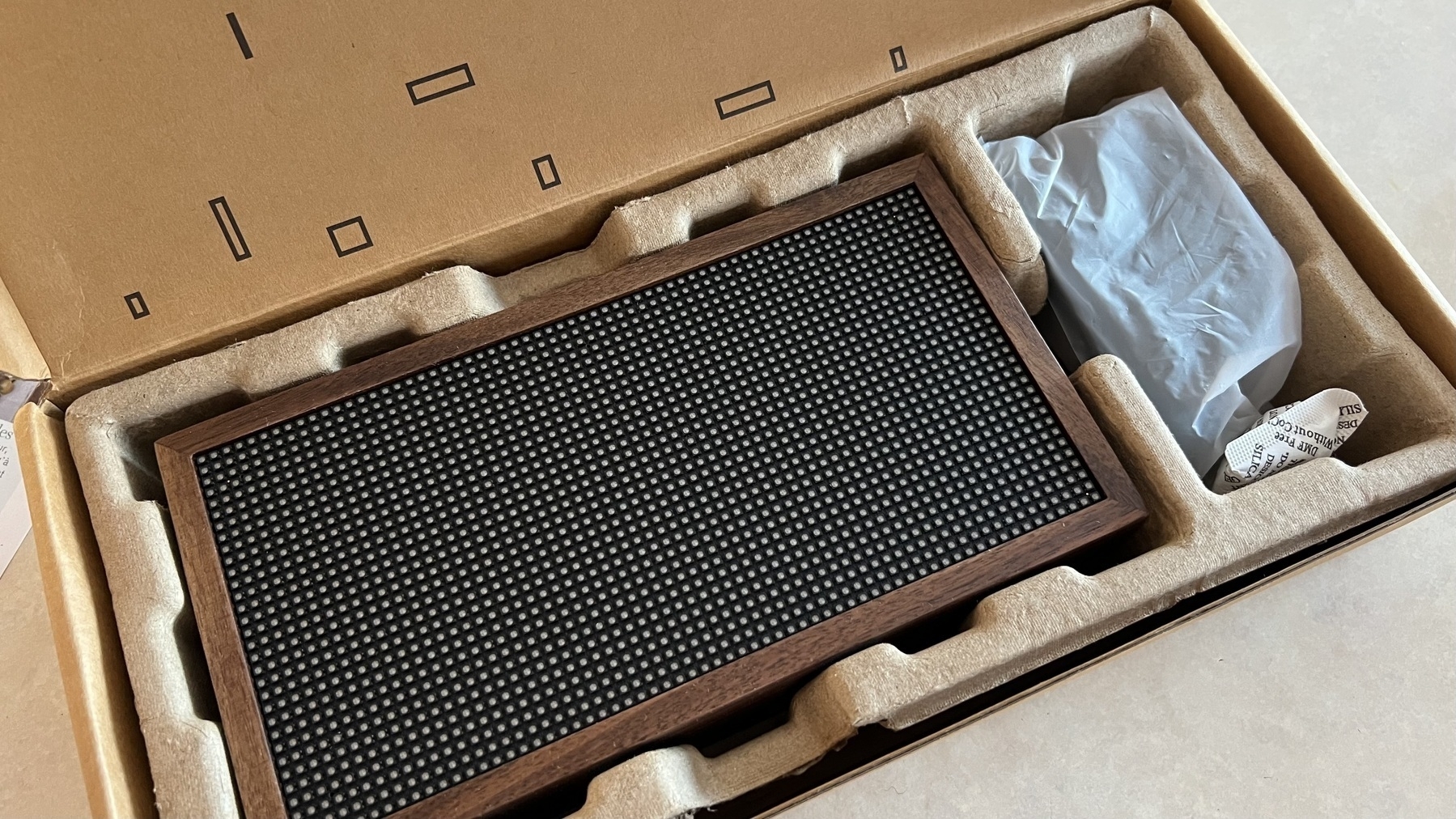
Tidbyt is an intelligent wireless LED-based panel that displays content configured from the Tidbyt app available on a smartphone. Physically, the device feels high quality and well-designed and is framed with real wood, reminiscent of mid-century furniture.
Content is configured using applets that you put together on a canvas. The display content will switch from one applet to another in the order defined on the canvas. Applets can be set to display only on a specific schedule, but the scheduling options are rather limited. It’s very simple to set this up.
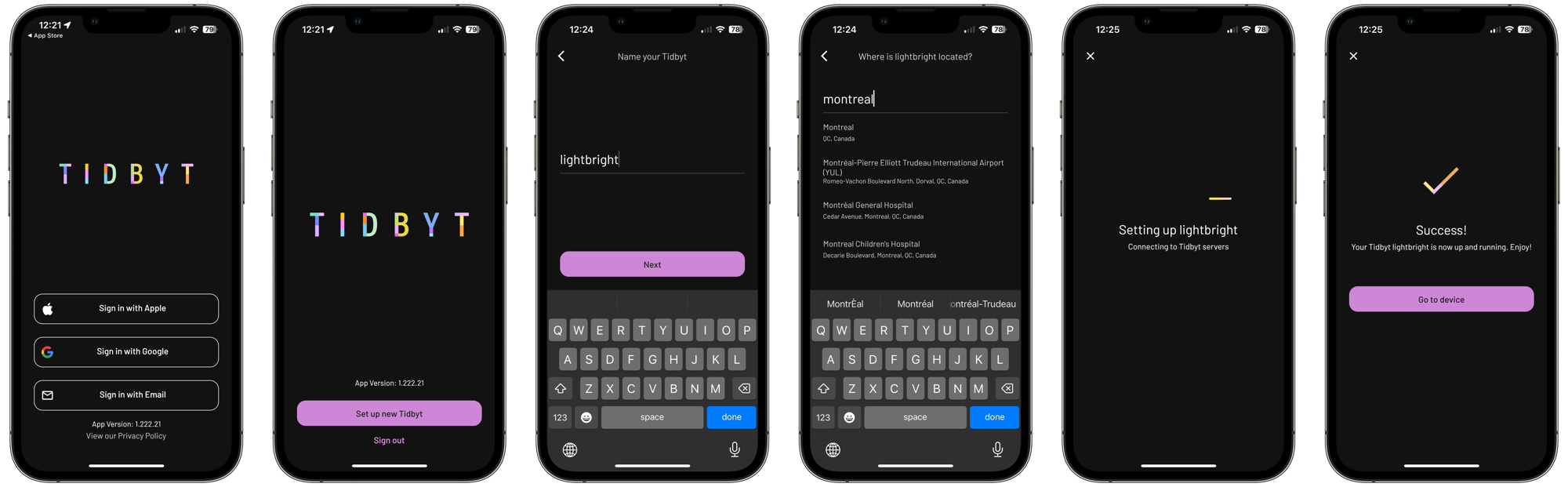
Once the display is plugged into power via its USB-C cable, it will wait for the configuration to be done from the smartphone, a six-step process. Bluetooth is required to detect the display, and a Wifi network is required for the display to get its data from the Internet. 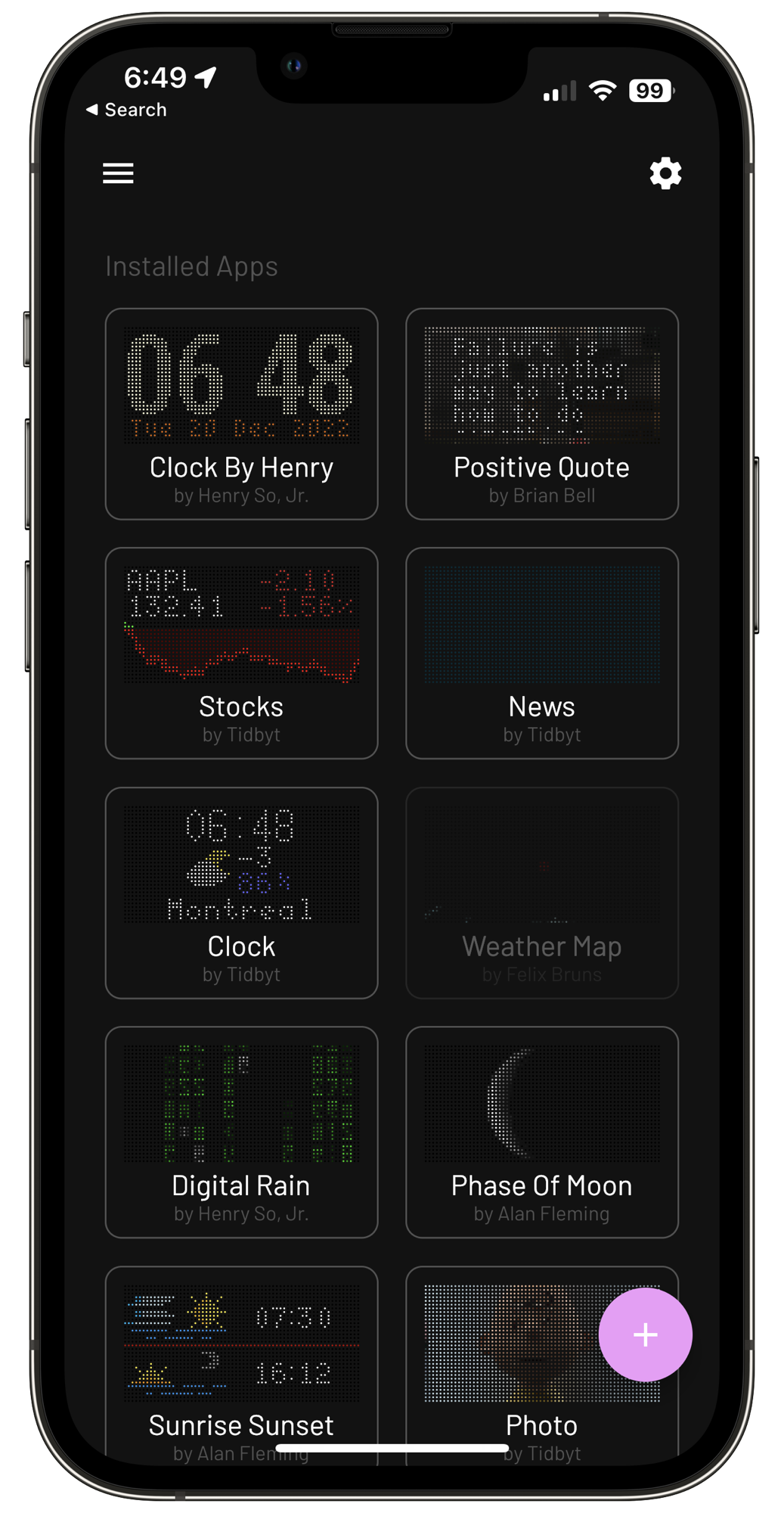
The applets catalogue is growing but still is relatively limited. Thanks to an SDK and open APIs, developers constantly add new ones. The display is bright and can be adjusted according to a manual setting or time of the day. There is a night mode, too, if you want to put the device in one bedroom.
The screen resolution seemed low at first, but from a distance, it is surprisingly good, enough to display small images.
All in all, the Tidbyt makes a great addition to my home office, and people at work have already noticed it during Teams meetings and are asking questions about this little thing sitting on the shelf behind me.
So what do have here… quick and dirty review coming soon. 🤓🤗
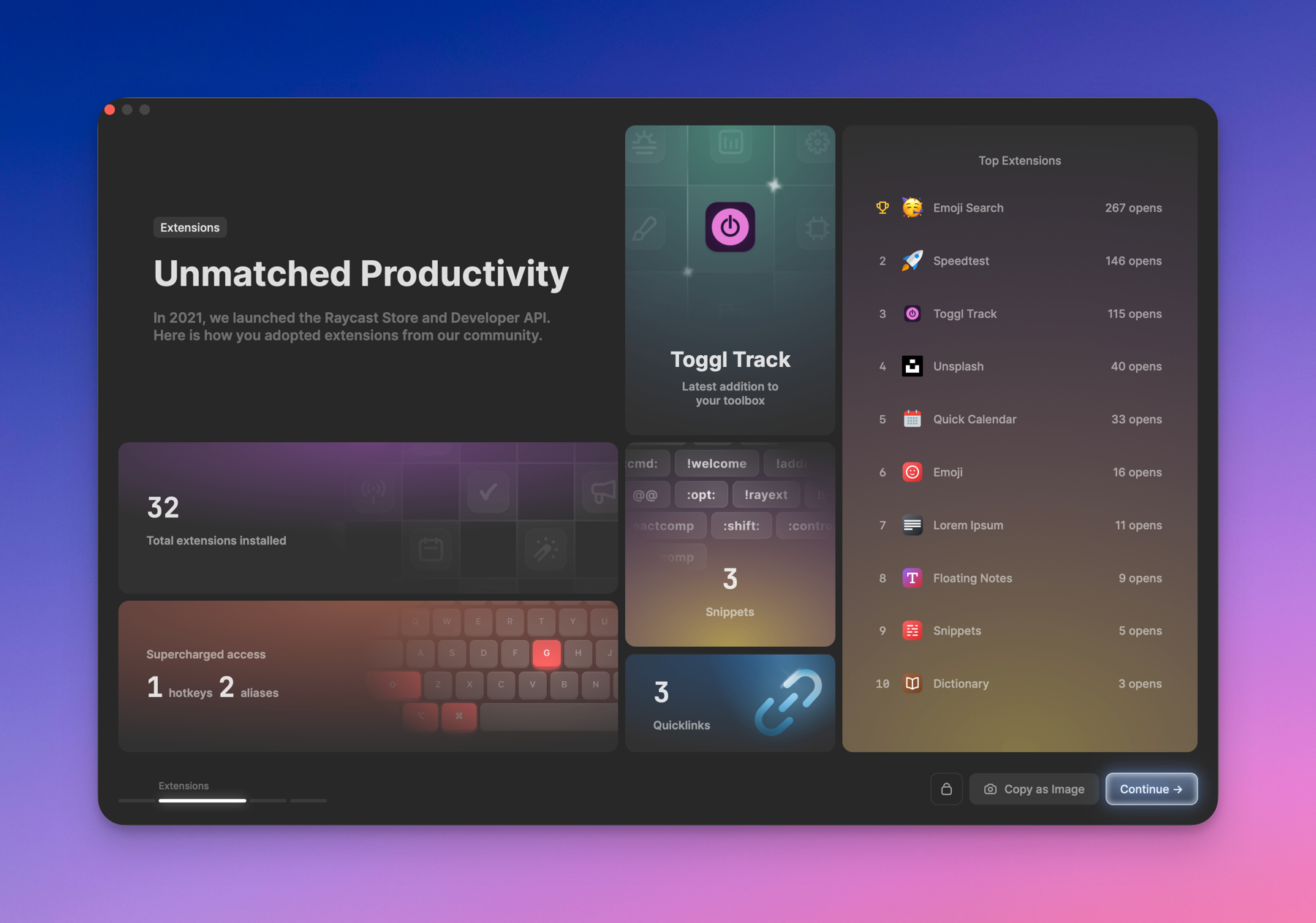 If I look back at my software usage in 2022, three stars stand out:
Things 3 returned after more than a year of trying Apple Reminders and Craft Daily notes. It was a futile exercise. Things 3 is beautifully supporting my content creator workflow. Managing to-dos has never been so enjoyable.
Screenflow is essential to my YouTube video creation workflow. I don’t use FinalCut Pro, Luma Fusion or anything that sophisticated. I could use Screenshot screen recording too, but Screenflow is really the simplest and most focused video creation app out there that clicks with me.
I love using great software.
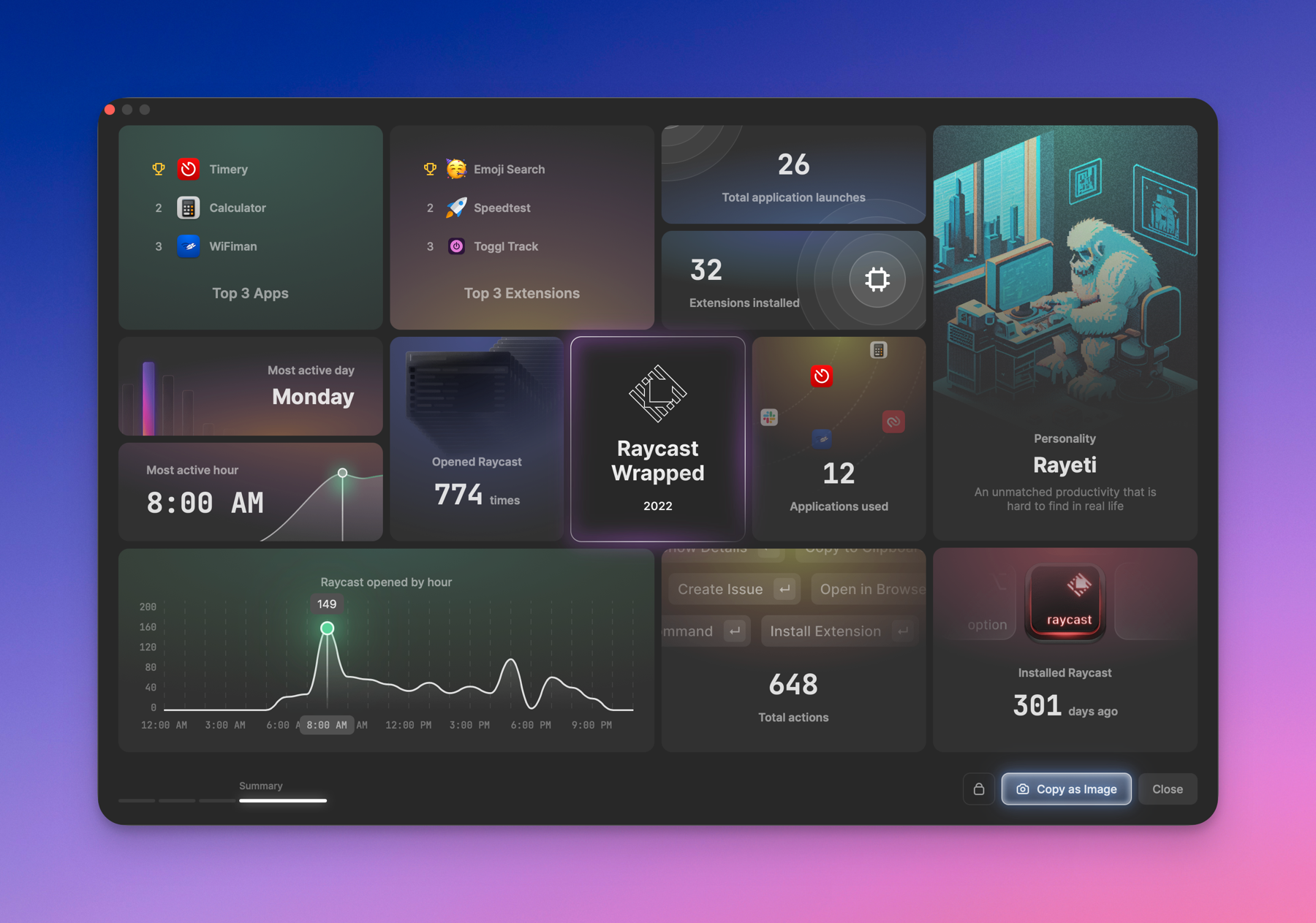 Raycast year in review. Wow. I love this thing so much!
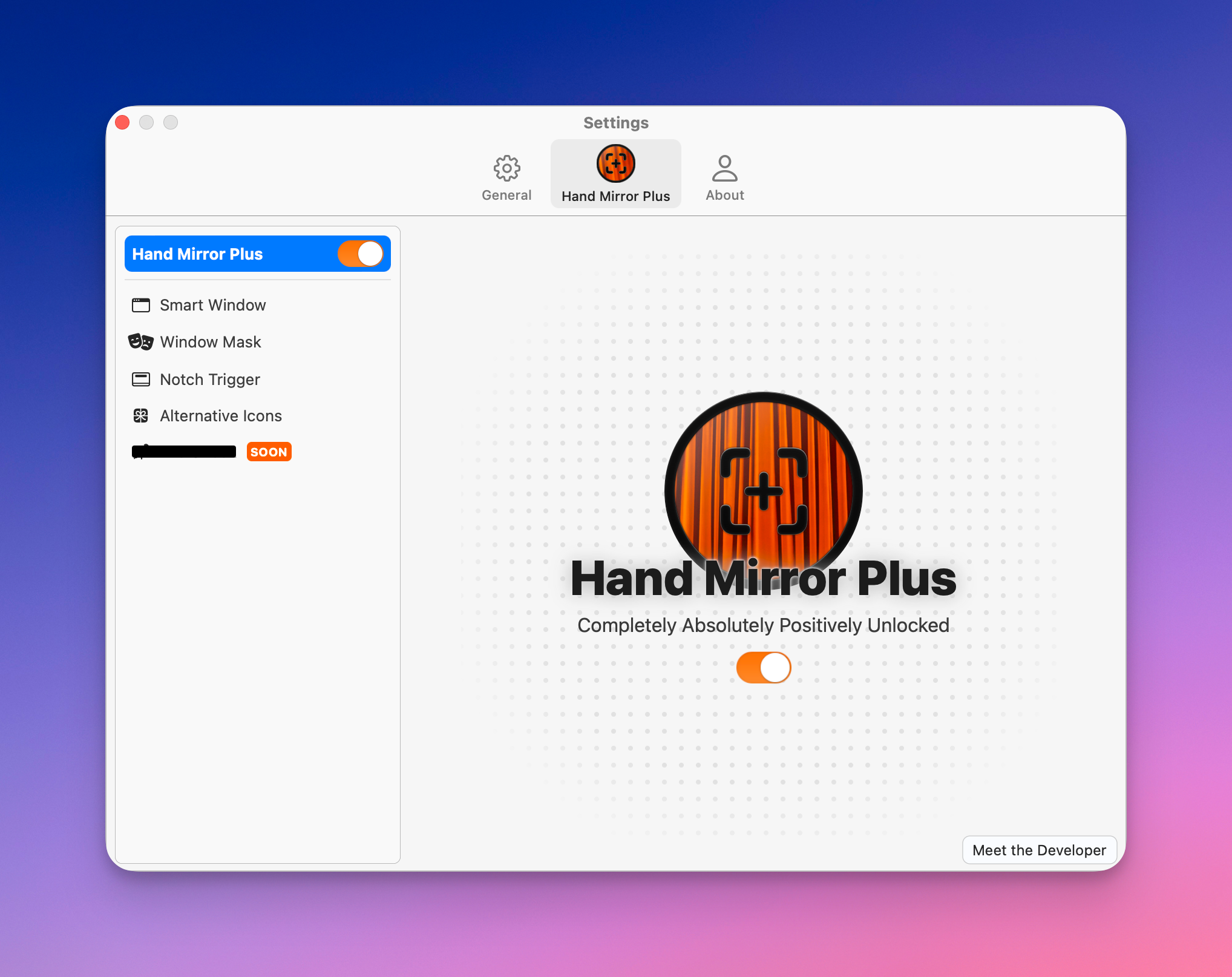
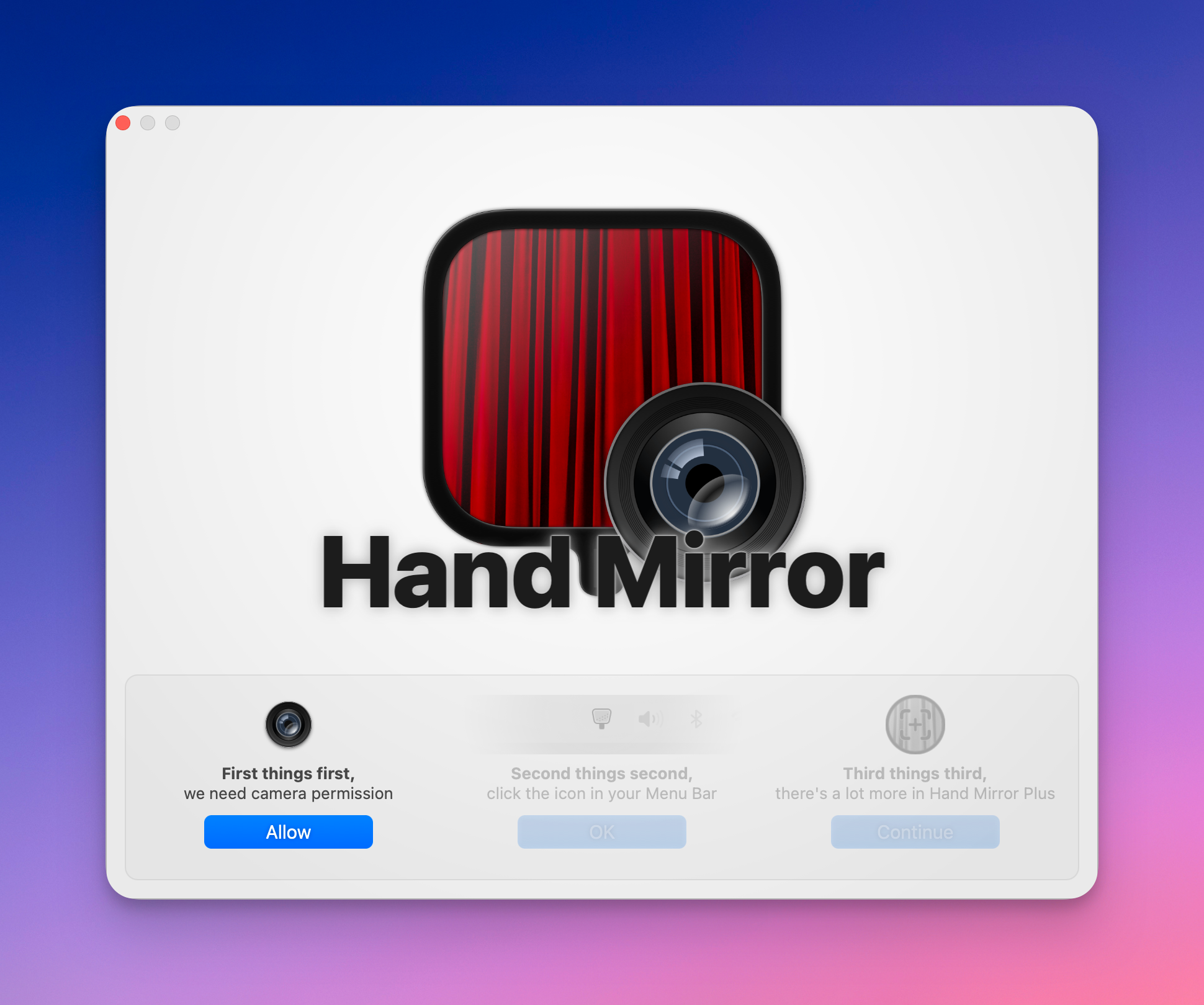
Just got my notice for the Hand Mirror update today. The latest release offers a paid version, for which I gladly paid. Why? Hand Mirror is a great example of useful software with attributes of the work of great craftsmanship. It was an instant buy because of this. The onboarding screen is simply gorgeous.
I just realized that to see the list of people I follow on Micro.blog, I need to visit my own profile page, right? Am I missing something @manton? If so, may I suggest having a link somewhere else, like in the Account section or the Discovery section?
I recently wrote my satisfaction about Readdle’s Documents.app on-boarding experience on the iPad. Now I’m reading about Spark’s cleverness take on emails. Without being as opinionated as Hey.com, Spark is a serious professional email client. Readdle’s home is Ukraine 🇺🇦 too. I’m considering integrating both software in my toolset. All good reasons to show some support to them.
Sorry for your timeline flooding about this Mac Pro thing… probably a big in MarsEdit 5.0. Returning to normal programming now.