Special pre-announcement: I’m mostly done with my preparation for creating YouTube videos. Publishing videos isn’t new for me, but I’m working differently and on different hardware this time. Oh, and I’ll be touching on a different subject matter. I hope it will take off.
A Week of Software Releases in Review
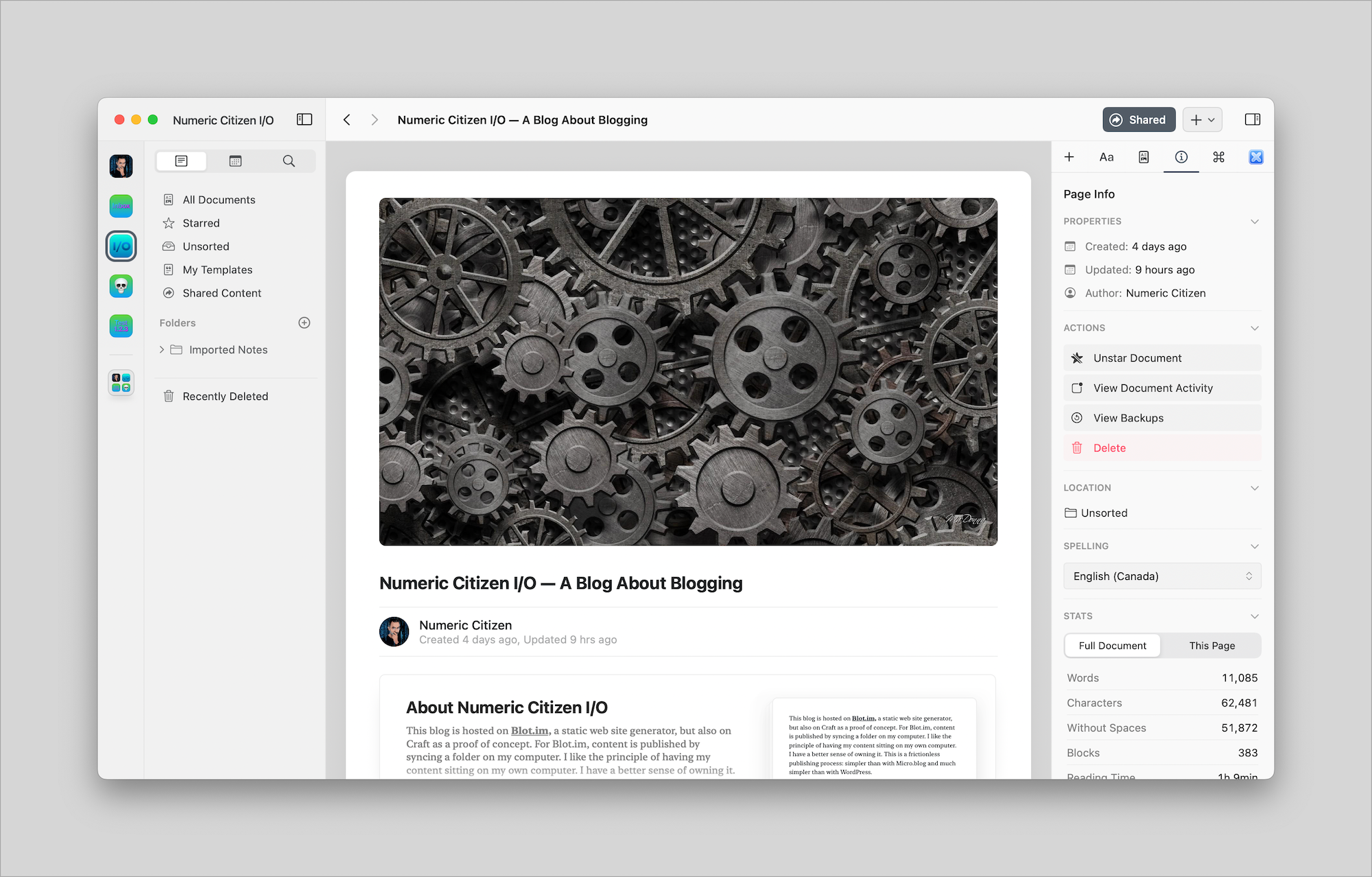
Some weeks are busier than others for software or service updates. This week saw meaningful updates to many applications that I used daily.
- Craft version got bumped to 2.2, a controversial update. Using the updated Share Page feature, my Craft wish list was completely reworked. According to the Craft community channels on Slack, people would rather prefer to see the core experience to be refined and straighten up. I’m one of them. It seems to me that there are many unfinished core features within Craft that are in need of attention. For example, the Share Page is super useful but we still miss the use of custom domain names or notifications from people who post comments. It’s not a deal-breaker but it is annoying and frustrating.
- Matter, the new kid on the block in the read-later service space was updated too. The team behind Matter made a decision to focus more the product by dropping the social portion of it. Good move. The new update makes a lot of sense and is a joy to use on all Apple platforms.
- Microsoft updated the beta version of Teams for Apple Silicon, latest public build May, 19th. Previous release provided a very buggy in-conference experience. According to people on Reddit, it seems to be fixed. I didn’t try it yet.
- Apple’s platforms received a slew of updates. I was eagerly awaiting the Studio Display 15.5 firmware. I did a comparison of the image quality that I posted on Twitter. It’s not perfect but it’s a noticeable upgrade. Some more detailed video on the update.
- Finally, I wanted to mention something about Glass. It wasn’t updated this week, but I had a chance to sit with the team behind Glass in a Zoom Q&A session. It was a nice talk. We had a chance to voice our delights or wishes for where the product should go next.
My Reading Workflow Is in a State of Flux

First, I got back to Pocket and paid for the subscription. Then I added Readwise. Then I found Matter, and fell in love with it. I’m not sure why. I’m still waiting for Readwise Reader application. While waiting for it, what’s the point of Readwise, again? News Explorer is my go-to application for most of my readings via RSS feeds; I can save links as favourites, but I never do so. My reading workflow is in a total state of flux.
Which application or service should I use to bookmark articles that I want to read later? What should I prioritize in such application: organization of links or the reading experience? How is that fact that I collect more than I read should change my application selection? Comparing applications like Matter, Pocket, and Raindrop.io, I find many common features, which brings confusion to me. Matter seems better for reading, but Raindrop.io more complete at organizing links collections. Why can’t I have both in the same application? Craft is my goto application for drafting and writing my articles, but can save links with nice previews. Craft is lacking tags to organize objects and doesn’t offer a reading experience as it doesn’t save content from a link. Craft is of no help here in my reading workflow. And what about highlights, how do I create them and make use of them later? Matter is good at creating highlights, Raindrop.io recently added highlight support too, but that’s it. Oh, and RSS readers like Reeder or News Explorer can save links and add tags too. Finally, I wish I could find a great text highlighting extension for Safari, after all, it’s my goto browser.
To some degree, read later applications or services are still maturing, no solution is complete. This explains that, I guess.
Help, please. 😫
Photo by Javier Esteban on Unsplash
Two quick questions: how do you cope with what’s happening in Ukraine? Are you watching the news?
Venting My Frustration About Microsoft Teams
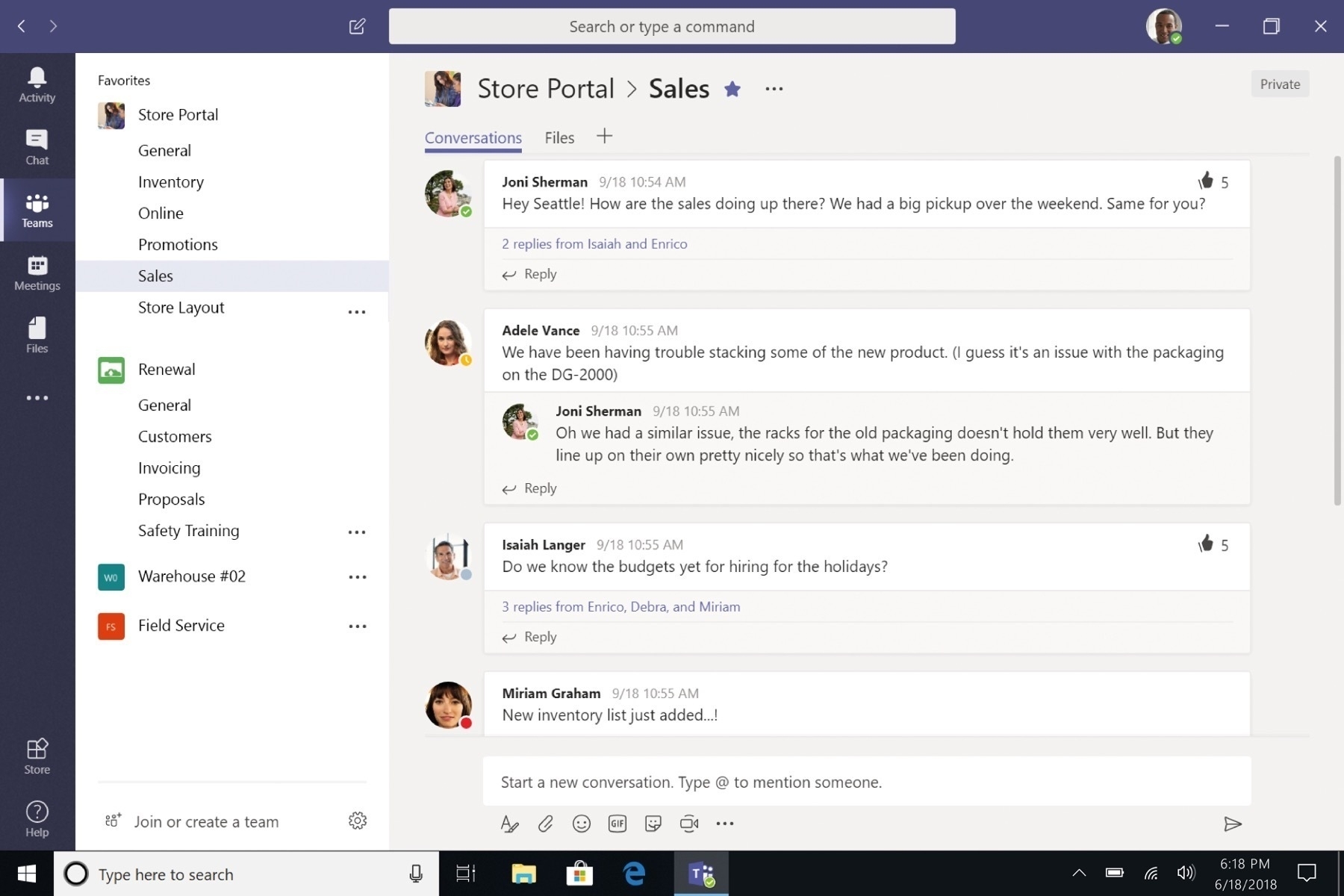
It’s March 2022. Spring is finally here. Moreover, among us, Apple Silicon, first announced in June 2020 and massively available since November 2020. Furthermore, also available is Center Stage, a new feature introduced with the 2021 iPad Pro and now available on the MacBook Pro and more recently the Apple Studio display.
Here’s the thing. Microsoft Teams, currently at version 1.5 still isn’t supporting Center Stage and worst, Apple Silicon. Running Teams on any recent Mac is an execrable experience: slow, bad image quality (compared to Zoom for example) and consume far too much memory. How is it possible for a company the size of Microsoft who’s so slow to move and fix Teams? I don’t buy the argument about Teams being built with the Electron framework. The latter already supports the M1 chip. Microsoft is supposedly working on Teams version 2.0 which will be presumably built on WebView2. They’ve been working on this since June of last year.
It’s highly frustrating. Sorry for the bad mood, but Teams is one of the most used application for work giving me the right to vent my frustration.
Dear Mobile Apps Developers
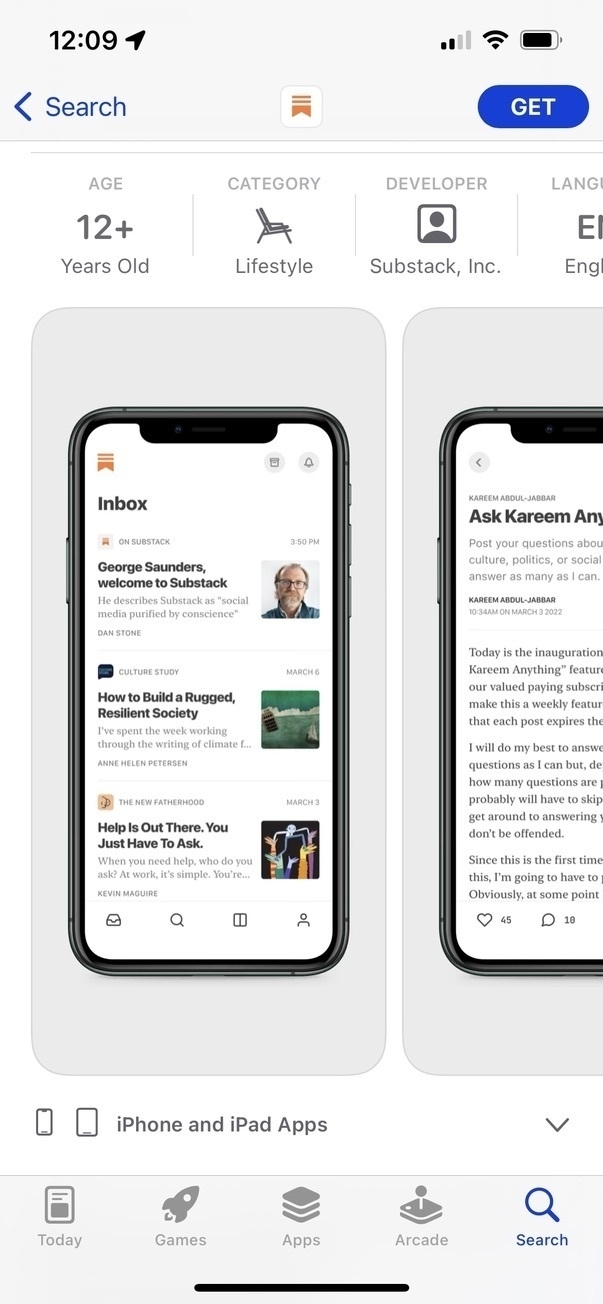
Dear iOS developers, dear @Substack, when building screenshots for the App Store, show us your software, not the device on which it is running. Thank you. With love. The Direction.
A Message for Ukrainians
The news of the Russian criminal invasion of its sovereign neighbour, Ukraine, is appalling. Putin and his regime is committing an aggression that shall be punished, at the right time, at the right place with the right means. I cannot believe that we’re seeing such an invasion in Europe, in 2022. What’s next? Who’s next? We’re all going to suffer at various degrees from this utterly criminal invasion. I pay no respect to Putin, his government, his propaganda machine and every single Russian who support this aggression. This is an act of war against democracy.
No wonder why Ukraine wanted to stay in NATO camp, because Russia is simply an antidemocratic land. Democratic governments and systems are far from perfect, but they are the least imperfect solution.
For now, I’m sending my positive waves of support to the Ukrainians community of Montreal, Canada. I cannot wait for the next demonstration, so I can show my full support of the Ukrainians.
Hitler must be so proud.

Dune Movie - Woah!

Today, I finally saw the Dune movie, by the Canadian director, Denis Villeneuve. As a Canadian myself I’m so proud of him! It’s not a movie review, far from it. Let me just say that when I think about this movie, the word “equilibrium” comes to my mind. The movie is well balanced: storyline, intrigue, visual effects (visual effects serving the story), music, Dune’s world imaginary world. But the best for me were those “ornithopters”. Wow, they were sooooo cool! Can’t wait for the next part.
Have you seen the movie? What do you think of it?
Challenge of the day: exporting posts from WordPress to Ghost
Well, well, well, it seems that data portability among CMS is an issue. Who knew! I’m trying to find an easy way to move a few posts from my WordPress blog into my Ghost website. Exporting data from WordPress seems like an all-or-nothing situation. There are a few plugins available for this. The problem is that the content isn’t easily imported into Ghost. The latter does have a plugin, but it doesn’t support selecting posts. I don’t want to do this manually.
Any idea or suggestions?
Update 2022-02-16: There is a follow-up to my quest, read all the details here
Write.as. Why am I looking at Write.as now? Aren’t WordPress, Micro.blog, Ghost and Blot enough already? Is this a disease? I like the concept of Write.as, but the lack of any native apps bugs me a lot. There is a deal right now running through Feb 16th. Gosh.