From Apple’s AirPort Exterme to Ubiquiti’s Amplify HD

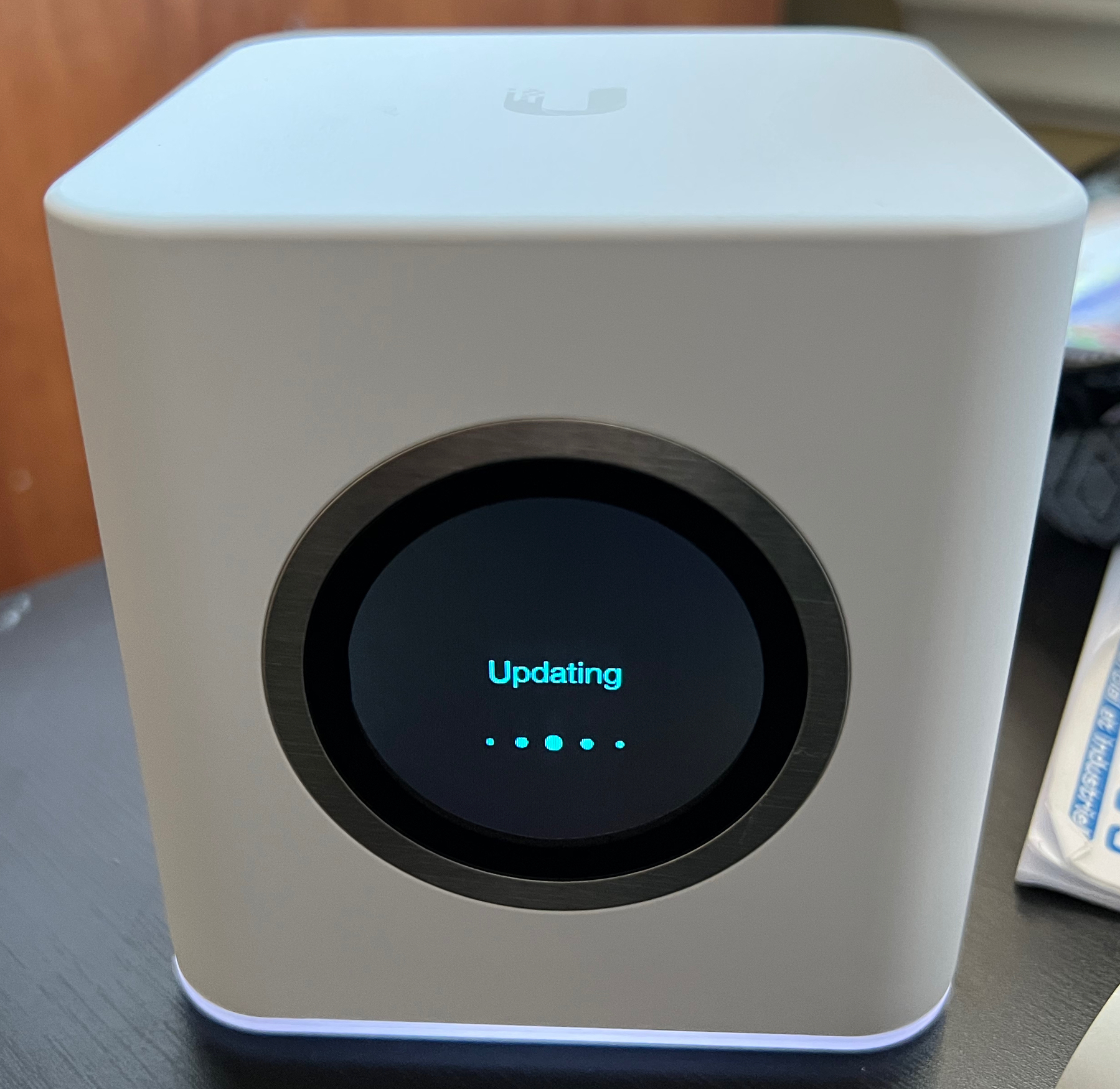
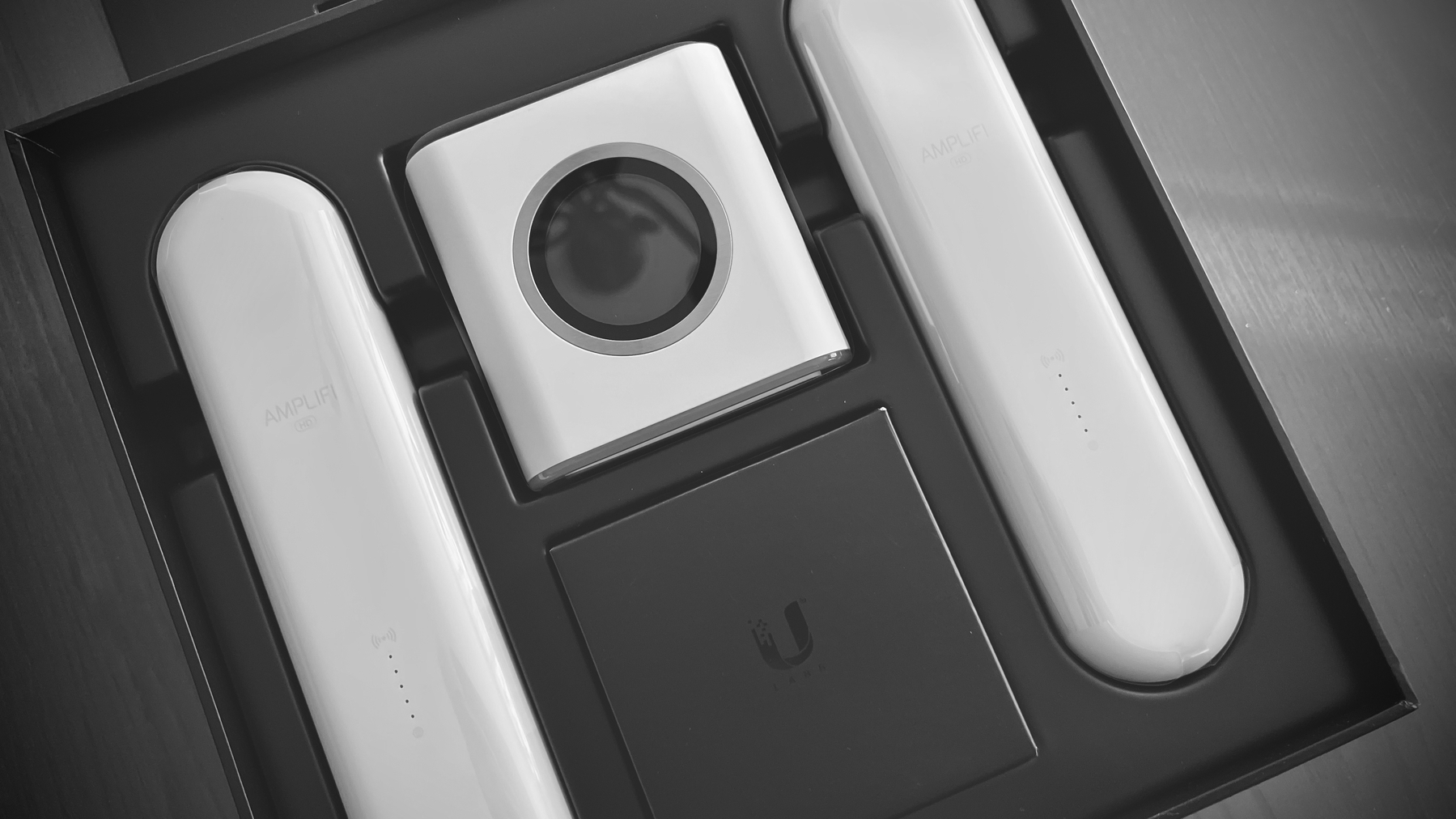
As reported in my previous blog post, I had a chance to perform a “tech refresh” of my sister’s WiFi installation at her house. As a satisfied user of Ubiquiti product, the Dream Machine, I suggested to go with a lower end model, the Amplify HD. She has a big two levels home, with numerous rooms that poses a challenge for good wireless connectivity. It was a delightful experience, from the unpacking to final configuration. It’s a beautiful device with an informative display.

The setup was simple. Turning off the AirPort Express after taking note of the SSID, so I could reuse it with the same password. This prevents the reconfiguration of every device connecting to the WiFi with an already known SSID-password combination. After the initial power up sequence, the router will ask the user to download the configuration application from the App Store. An account has to be created with Ubiquity. Thankfully, Sign In with Apple is available.

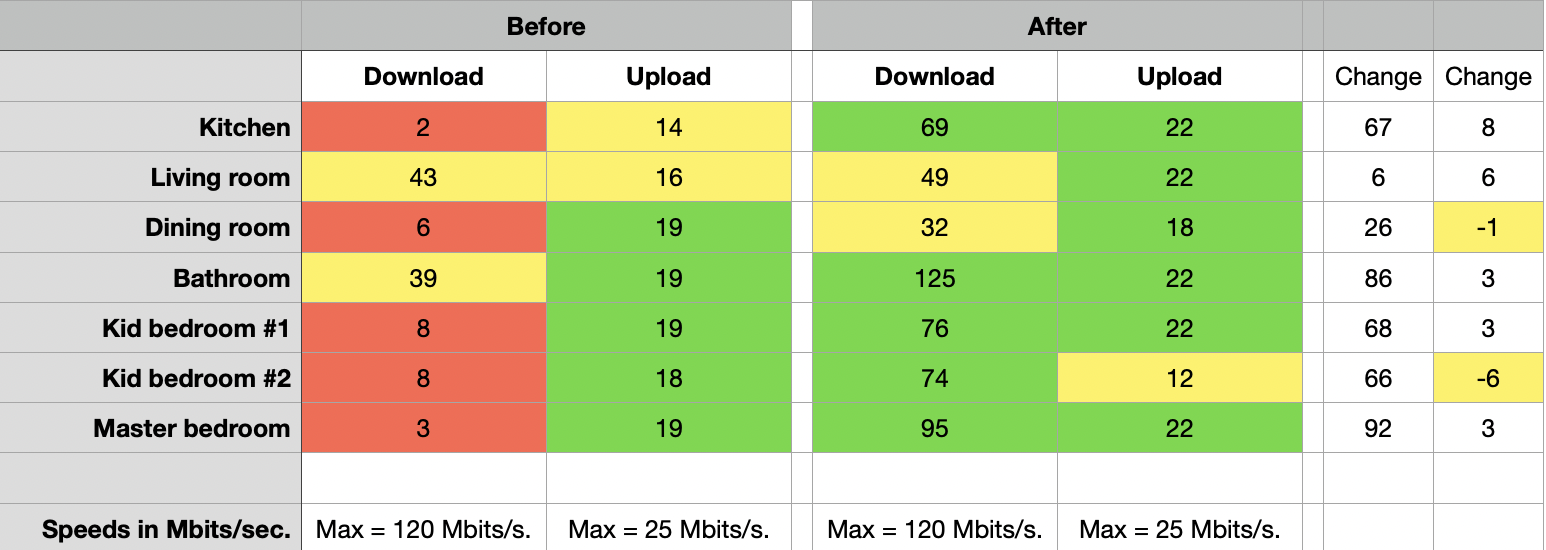
The next phase happens on the iPhone with an initial discovery over Bluetooth. The setup process is quick and flawless. As expected, a firmware update was waiting to be applied. During the update process, it was the right rime to deploy the two WiFi extenders, in strategic places where the WiFi signals used to be weak. Once completed, I could name each devices with a more meaningful name, to represent where were each device. All in all, the process took less than 30 minutes. It’s a very Apple-like experience. The following table shows the situation before and after the new router. Numbers speaks for themselves.

Mission accomplished. Another happy customer. I came back with the old AirPort Extreme. No idea what to do with it.

MP3 Files and the iPhone — Harder Than Necessary

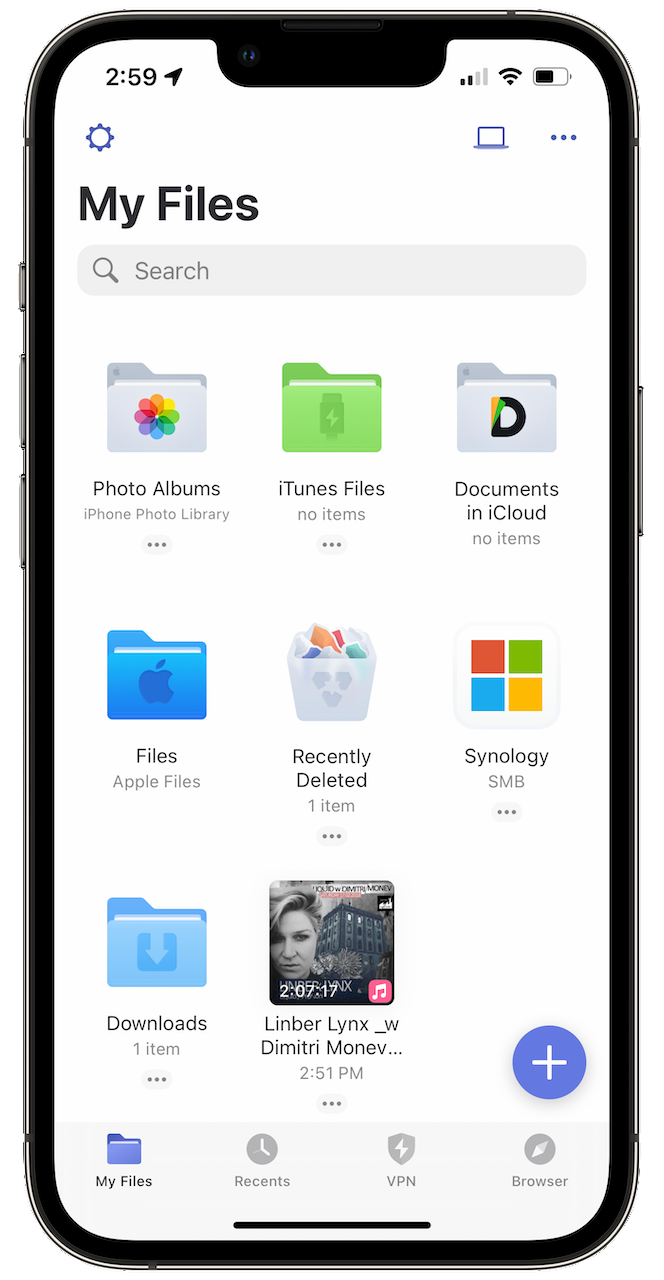
I find it surprisingly hard to find a simple MP3 player for an iPhone these days. I mean, just a simple application capable of downloading an MP3 file locally on the device with good playback controls, simple library management, nothing fancy. Readdle’s Documents (which I know very well) and EverMusic seem to be popular options. Documents offers a good user experience, albeit its multipurpose mission with documents management.

(I’m a moderate consumer of Soundcloud (paid subscription) and use Downie to download files from the service. Those files are stored on my DS720+ Synology NAS.)

What’s your experience in playing MP3 files on your iPhone? I’m curious.

Yep, Notion is Bad

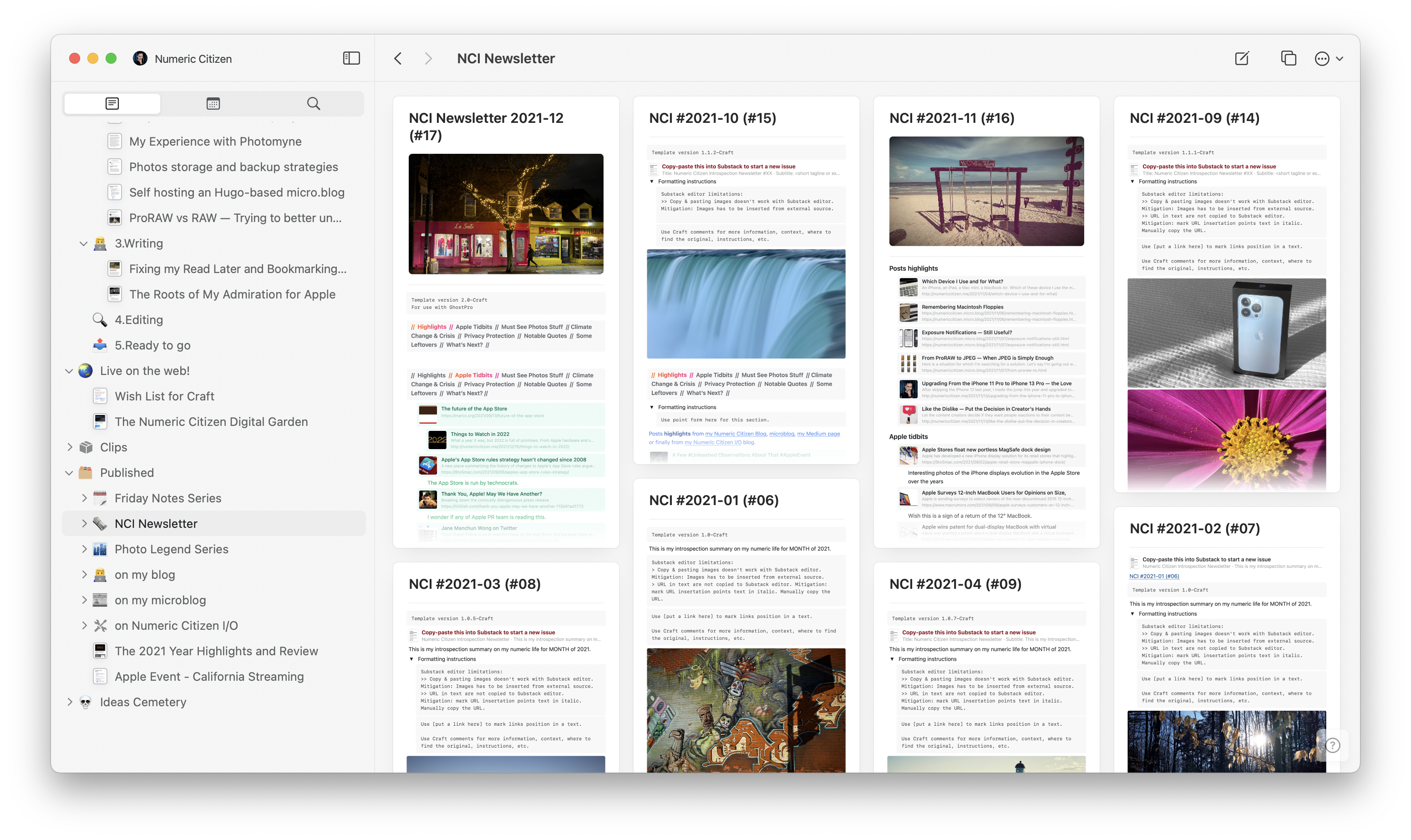
I’m nearly done with my Notion to Craft migration. I know I’ve been lazy; I’ve been using Craft for many months while my old content was still sitting there in Notion. While doing the migration, I realized, again, that I don’t really like Notion’s handling of a document. It just feels unnatural and quirky. Export options are very limited, which makes my job much harder. I’m also losing some metadata along the way (and database content too). I don’t have high hopes for a Craft eXtension to support Notion’s API to help users do this kind of rich content migration. I expect to finish the migration in the coming days.

Give Me Some Time...

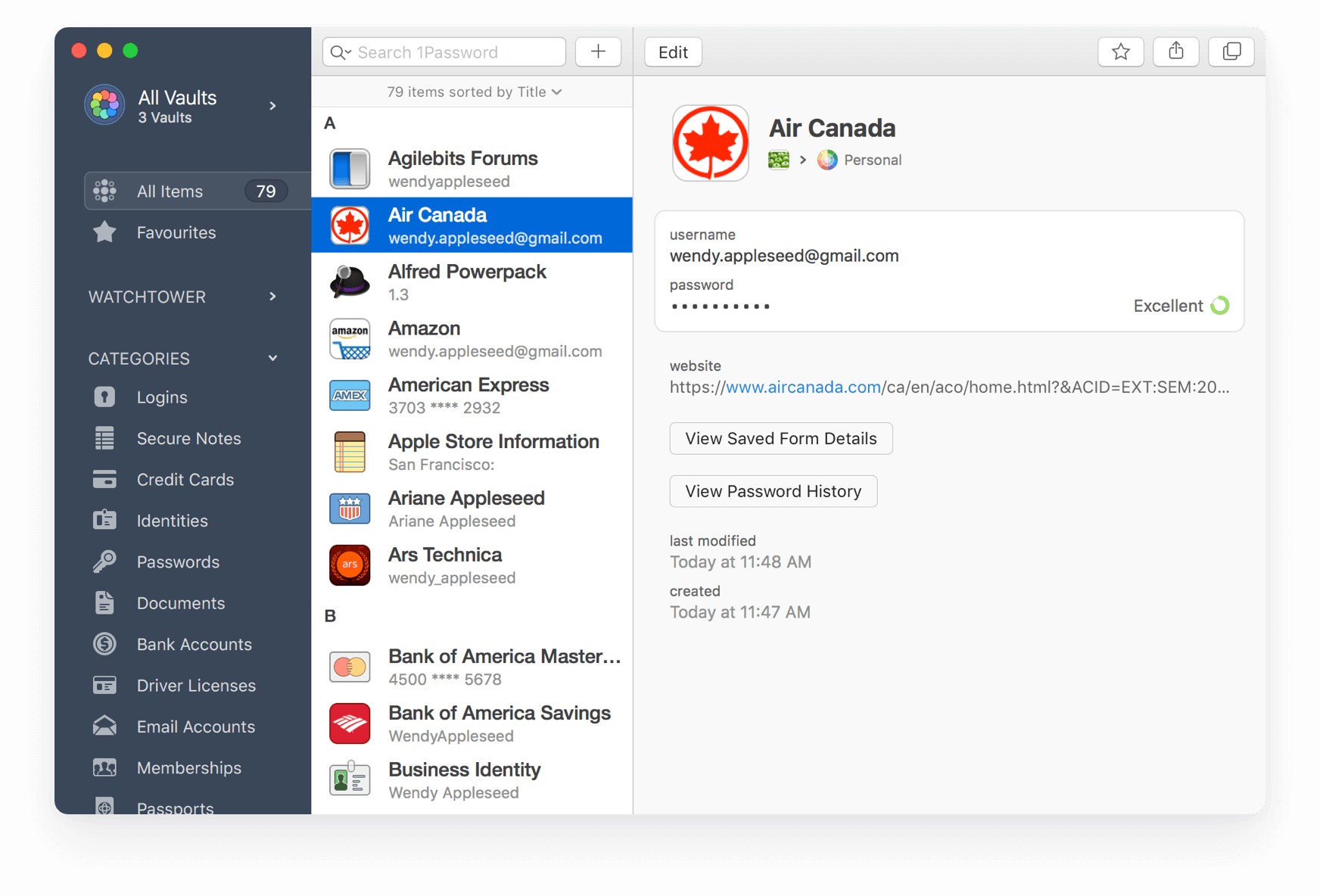
…and I’ll move out of 1Password. It’s on my to-do list for 2022. Gruber’s article is a reminder that time is ticking. I’m just being too lazy to move my stuff out of 1Password and put that in Apple’s Keychain. It takes time, which is a rare resource for me.

I don’t like 1Password’s direction. It seems to me that going the enterprise way is counterproductive for the average users. Corporations and individuals don’t share the same objectives. Why do you think Microsoft is making Teams for personal use?

Taking Advantage of the iPad Screen

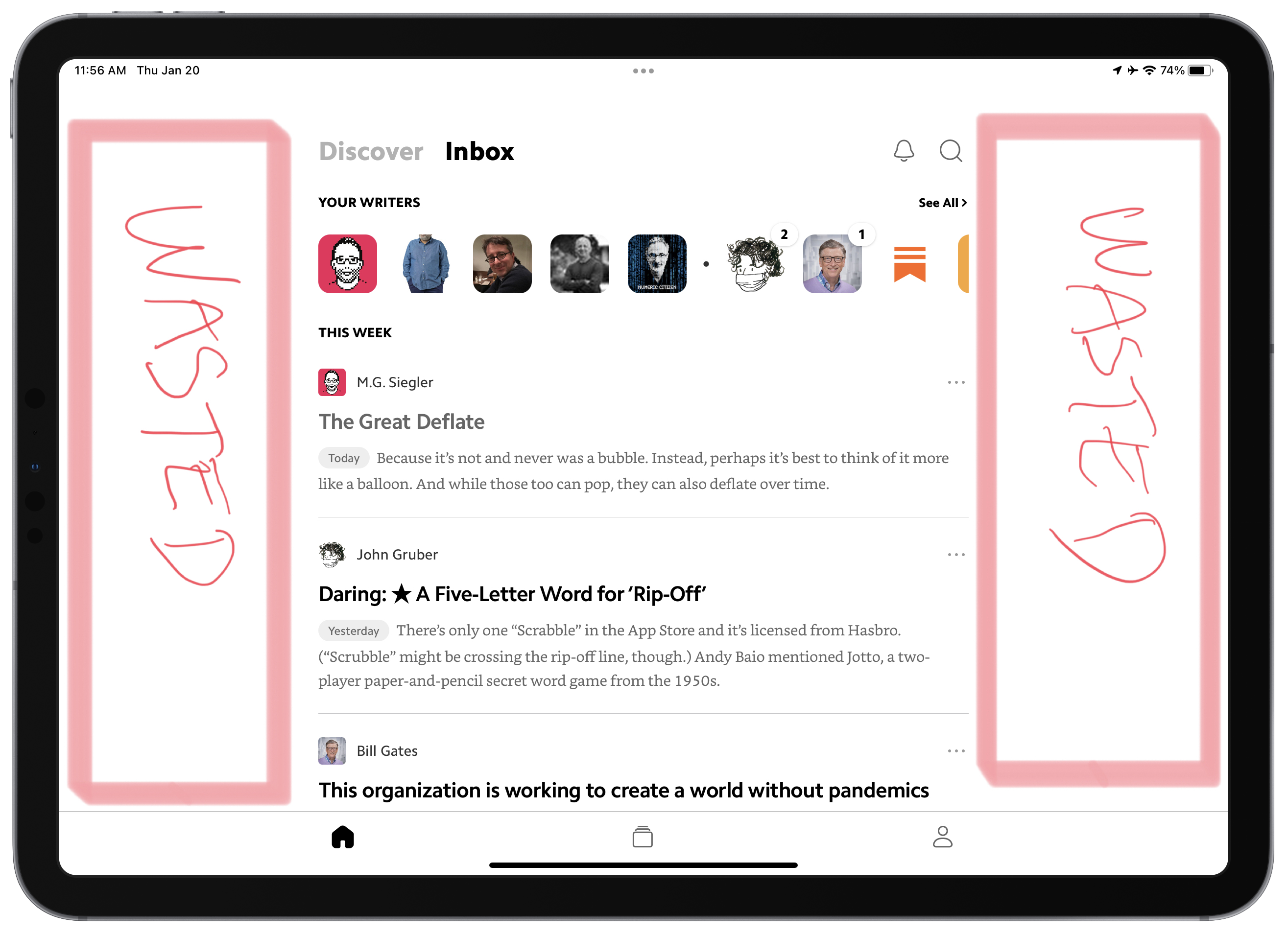
Consider the previous annotated screenshot from Matter. Way too many applications have the same design issue. Why, in 2022, developers cannot fix these wasted space? I see that the content is of the same width if the iPad is used in portrait or landscape orientation. Why not adjust width dynamically? Is it that hard?

I’m a Big Fan of Craft But…

As you probably know, I’m a big fan of Craft. This application is really at the center of everything I do online, as thoroughly documented in my blogger workflow. That being said, I always keep an eye open for competing services, thanks to my Twitter list “Apps & Services”. Notion is one of them. Before Craft, there was Notion, which I loved too. But it felt too complicated or overkill for my needs. Craft is nowhere near Notion in terms of features. There is no comparison, even though I wrote one. Really. Yet, according to their recent tweets, Notion has been on a roll lately, adding features, tweaking things or rewriting a portion of the user experience like the text editing engine. So, where am I going with this?

It is tempting to think: what if I came back to Notion? I still have my account, after all. Things always look better on the other side of the fence, right? The thing is the speed of evolution of Craft, while being considered at a fast pace by some, I’m realistic, and I would argue the contrary. The team behind Craft is surely a fraction of Notion’s. Basic things are hard to come by. Said another way, my expectations aren’t met as fast as I wished. Take this week’s update, which was released earlier this week. While I’m happy to see improvements, there is not much to talk about. The release notes starts by the possibility to “star” a document, so it is easier to find in the navigation bar on the left. The second thing on the list is some improvements to the display of backlinks at the end of a page. While being welcomed by many, it’s not exactly mind-blowing. Sure it is a dot dot release (v2.0.3), but I was expecting so much more, as documented in my Craft wish list. Craft eXtensions, announced with the 2.0 release at the end of 2021 sure looks full of potential, but my expectations lean toward Craft’s core experience, which I find somewhat lacking.

I think I’m being overly demanding. Patience is a virtue.
Exploring the World of DJing

I always liked electronic music, but I’m not a musician. In recent moths, I’ve been exploring the world of DJing. It’s a way for me to feel that I can do music without deep knowledge of musical theory. It’s a fascinating world.

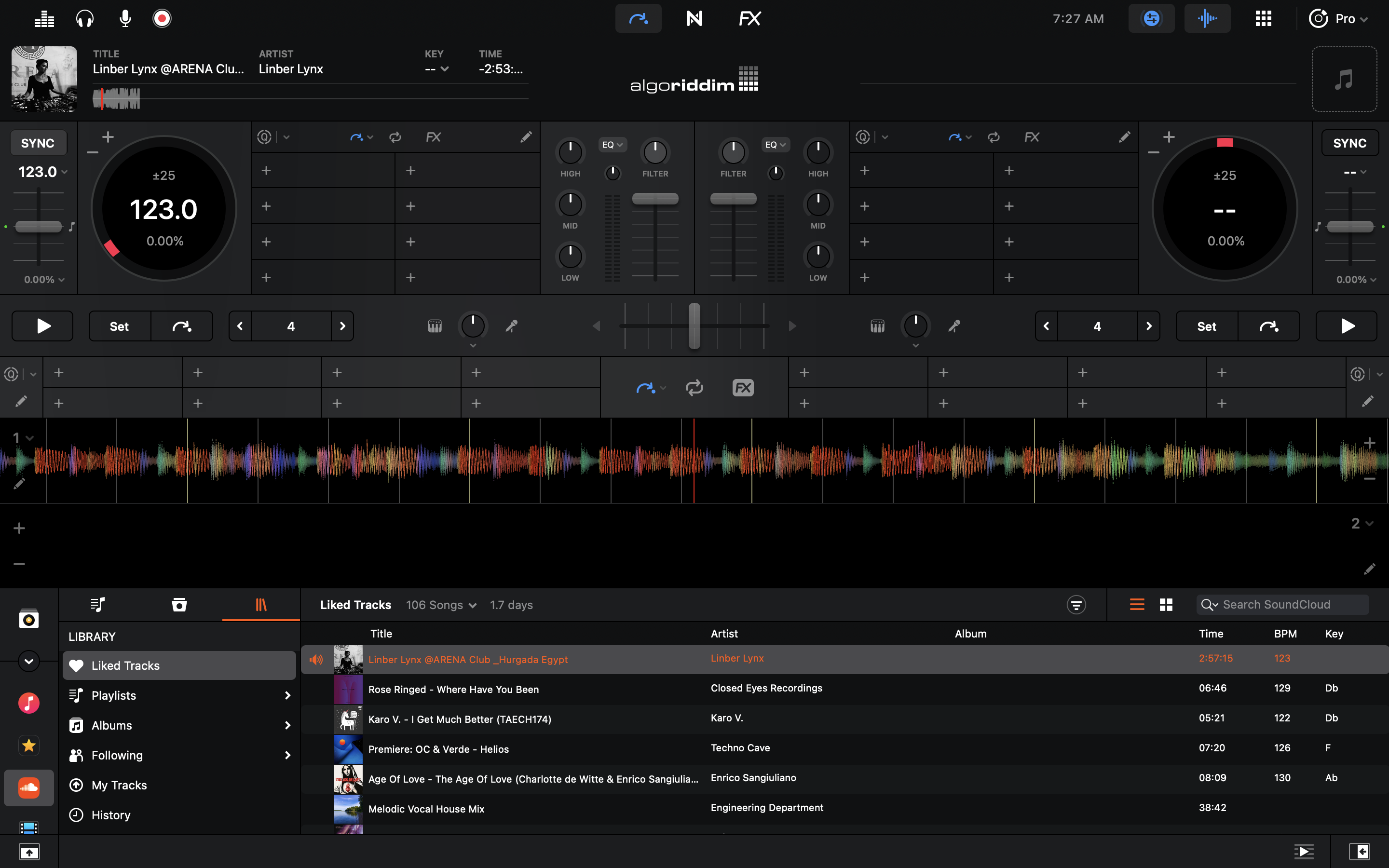
Last year I bought a Pioneer DDJ-400 controller for use with my Mac mini. There is two major roadblocks in my experience so far: finding good quality tracks to mix and selecting the best DJ app. I want to draw your attention to the software side of my story.

Some well known DJ apps are Rekordbox, Serato and DJay. My understanding is that in recent years, software makers all switched to subscription models. Application like Rekordbox will “unlock” some of its features while being used with certain DJ controller models, but to get the whole thing, you have to subscribe to some plan. It’s irritating for someone like me who’s just trying to learn and experiment. But there is another problem: applications design sucks. Rekordbox and Serato are visually terrible. On the Mac, these apps really feels like aliens coming from… I don’t know… even on Windows they probably look aliens. The best looking application is Algoriddim’s Djay, by far. Problem is, the application is lacking many features. For now, my conclusion is that It appears that we cannot have both fully featured applications with a great design.

Working from home since March 2020. Over the months, I made quite a few tweaks to my home office. I’m so much more at ease at home than at the office with a desk, a chair, a lamp, and devices that I chose, instead of being imposed on me.