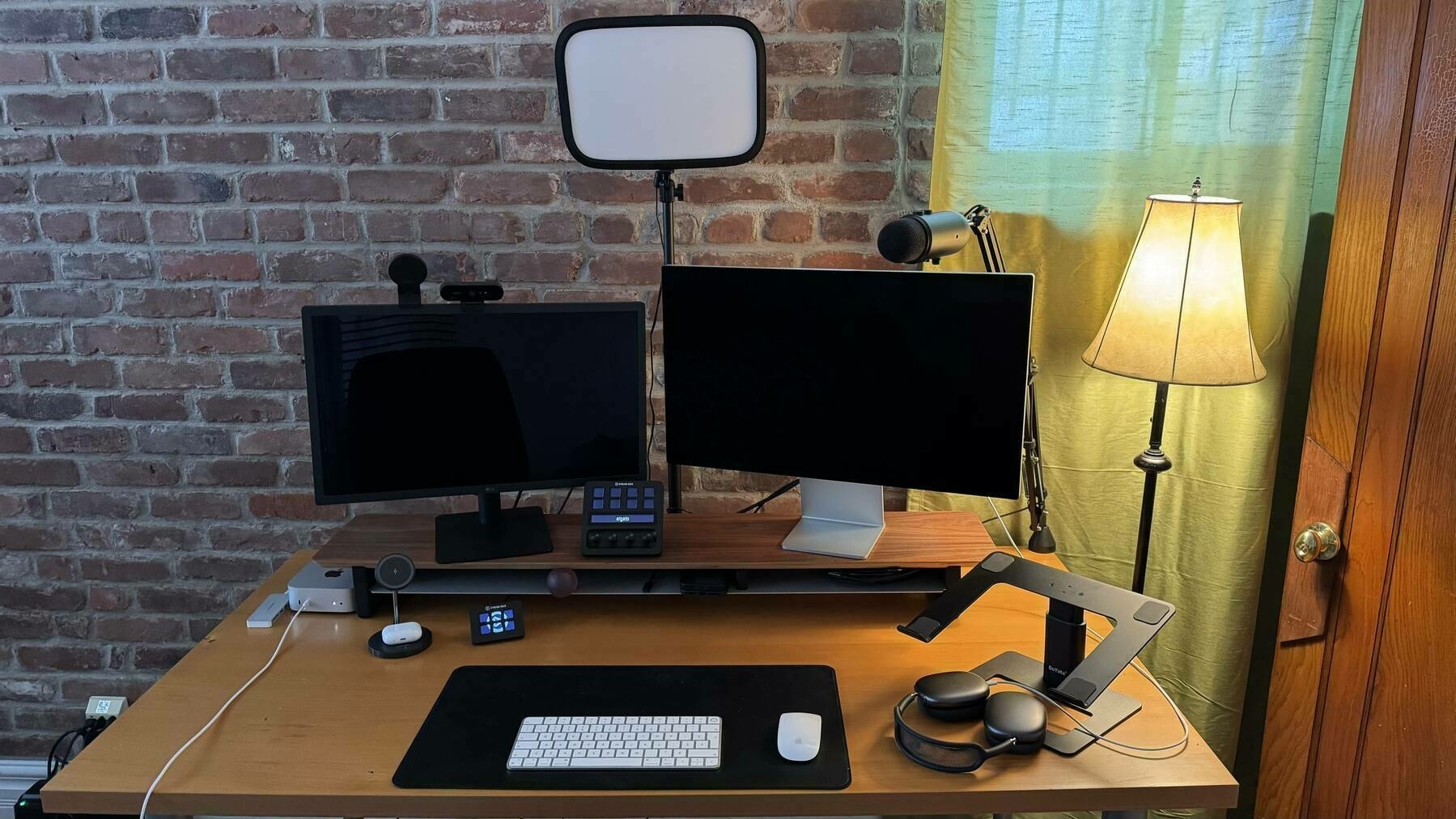
My new home office for the next three months. Not bad at all.
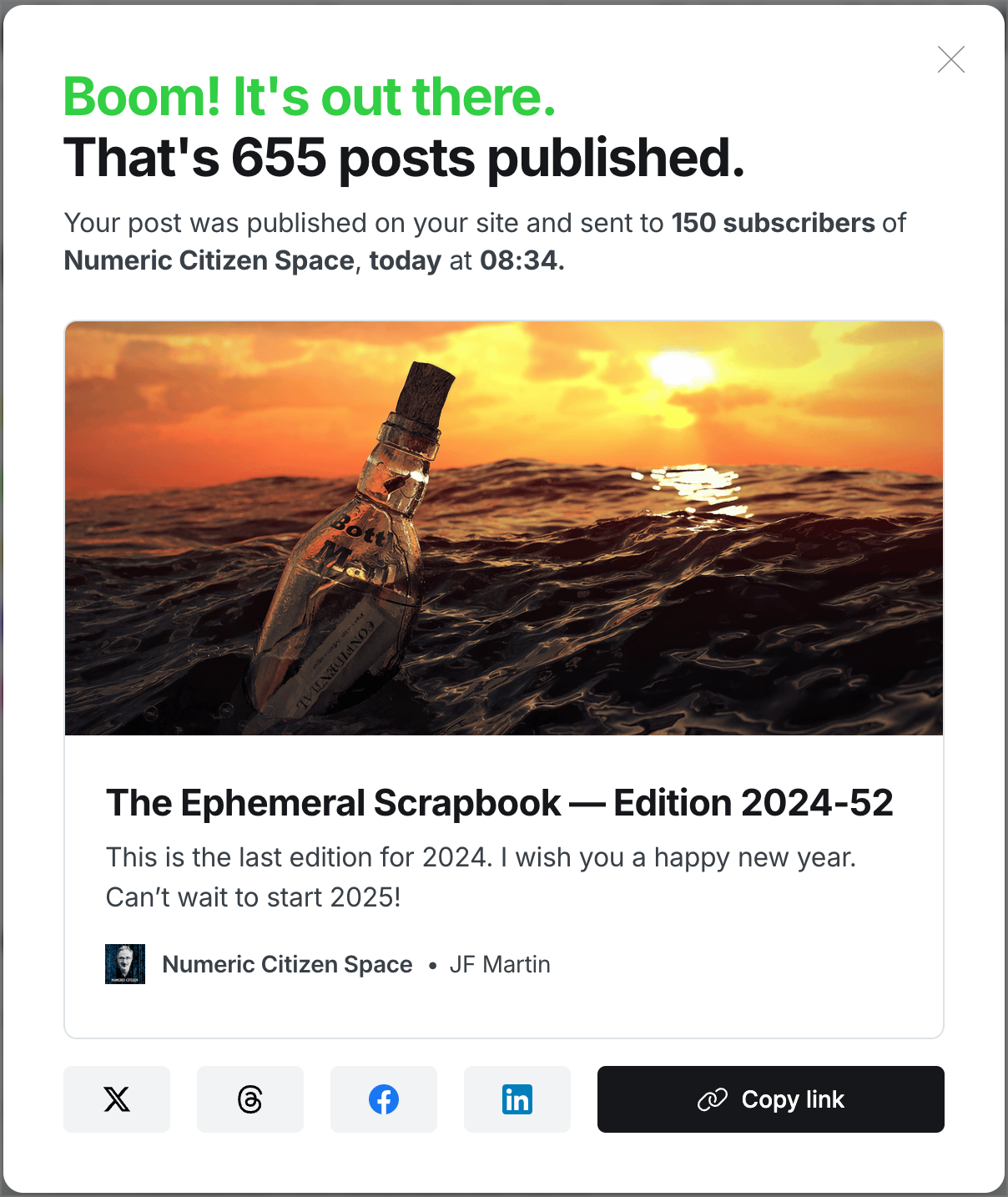
I love this panel that Ghost presents after hitting “Publish and share”. That was the last edition for 2024.
Why doesn’t the Arc Browser provide Kagi search as a default search engine option? 🤔

Look what we’ve got here. Can you tell what is happening here? 👀

When writing, I start in Craft and then export to Ulysses for final review and online posting. It works great, but I’m not always satisfied with Ulysses, which sometimes feels overwhelming. Enter iA Writer, an app that I remember using in its early days and that I liked for its simplicity. This blog post from Greg Morris reminds me of the perpetual questioning of my decision to settle on Ulysses.
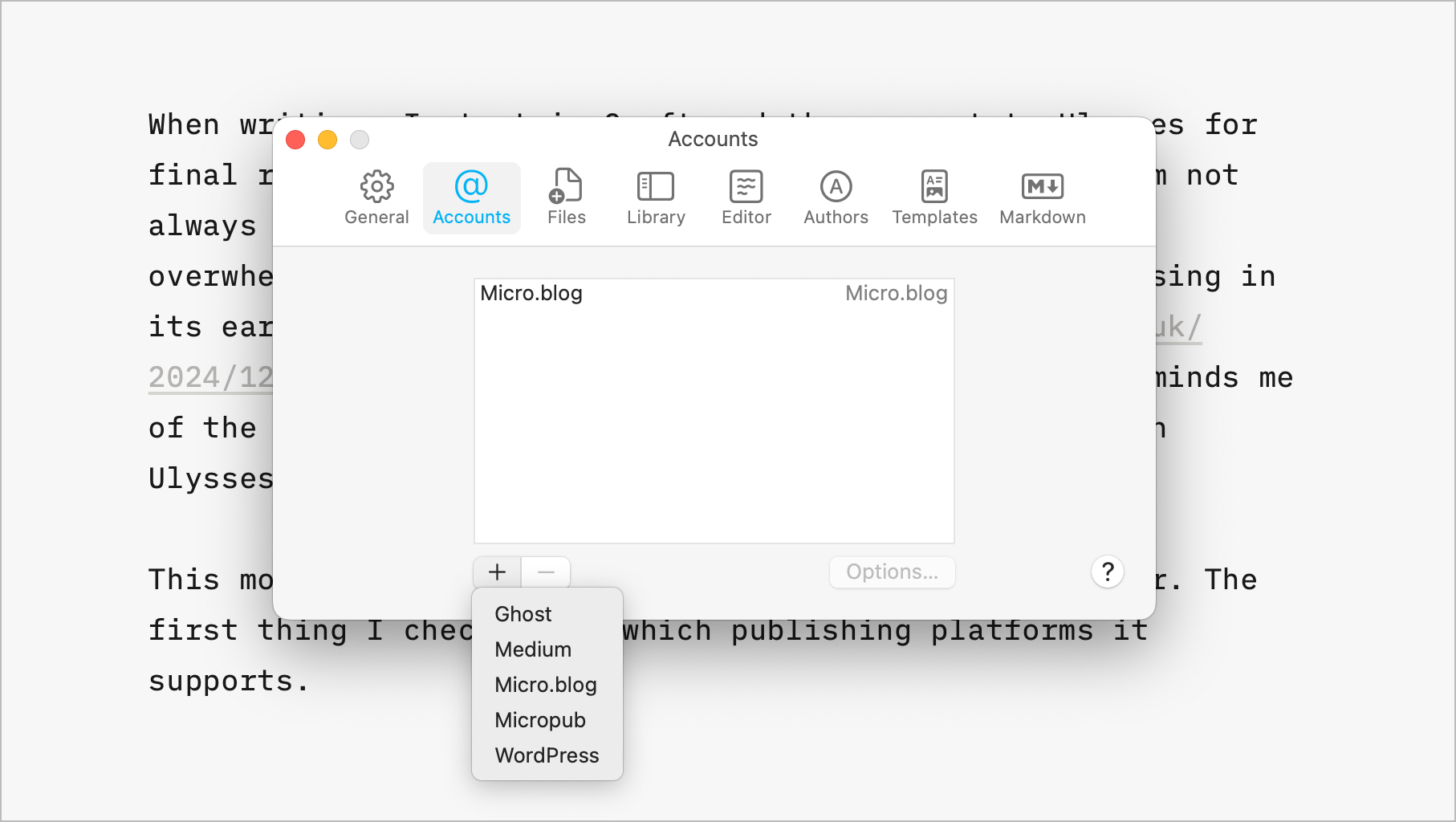
This morning, I decided to download a trial of iA Writer. The first thing I checked was which publishing platforms it supports. To my surprise, it supports all the ones I depend on: Ghost, Micro.blog, and, to a lesser extent, Medium.
This blog post was written on my 15-inch M2 MacBook Air using iA Writer trial edition. Sadly, iA Writer couldn’t post as draft, so I had to manually copy and paste the content into a blank post on Micro.blog.
My Ulysses subscription ends on March 25th, 2025, but this publishing bug is a deal-breaker for now. Back to Ulysses.
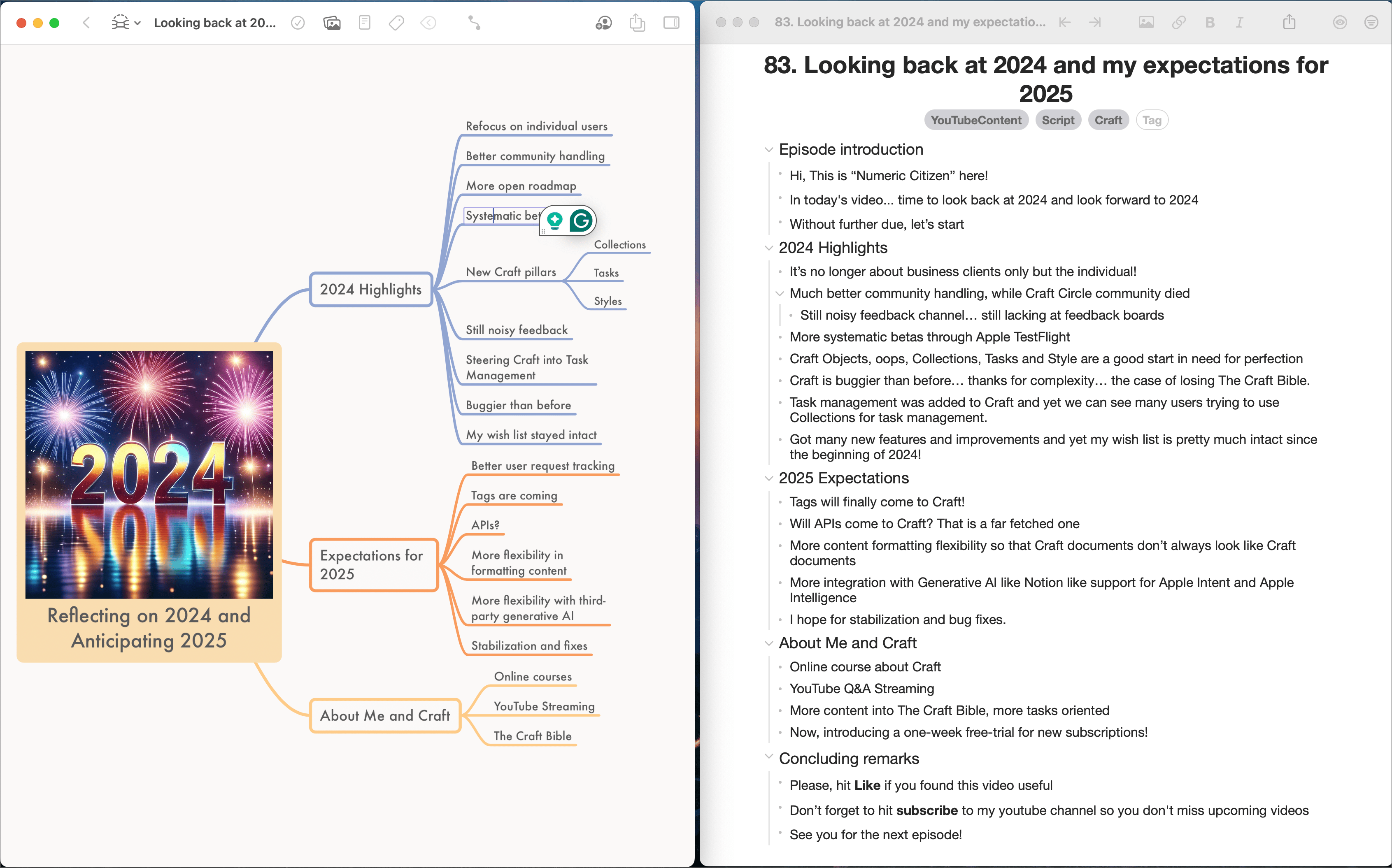
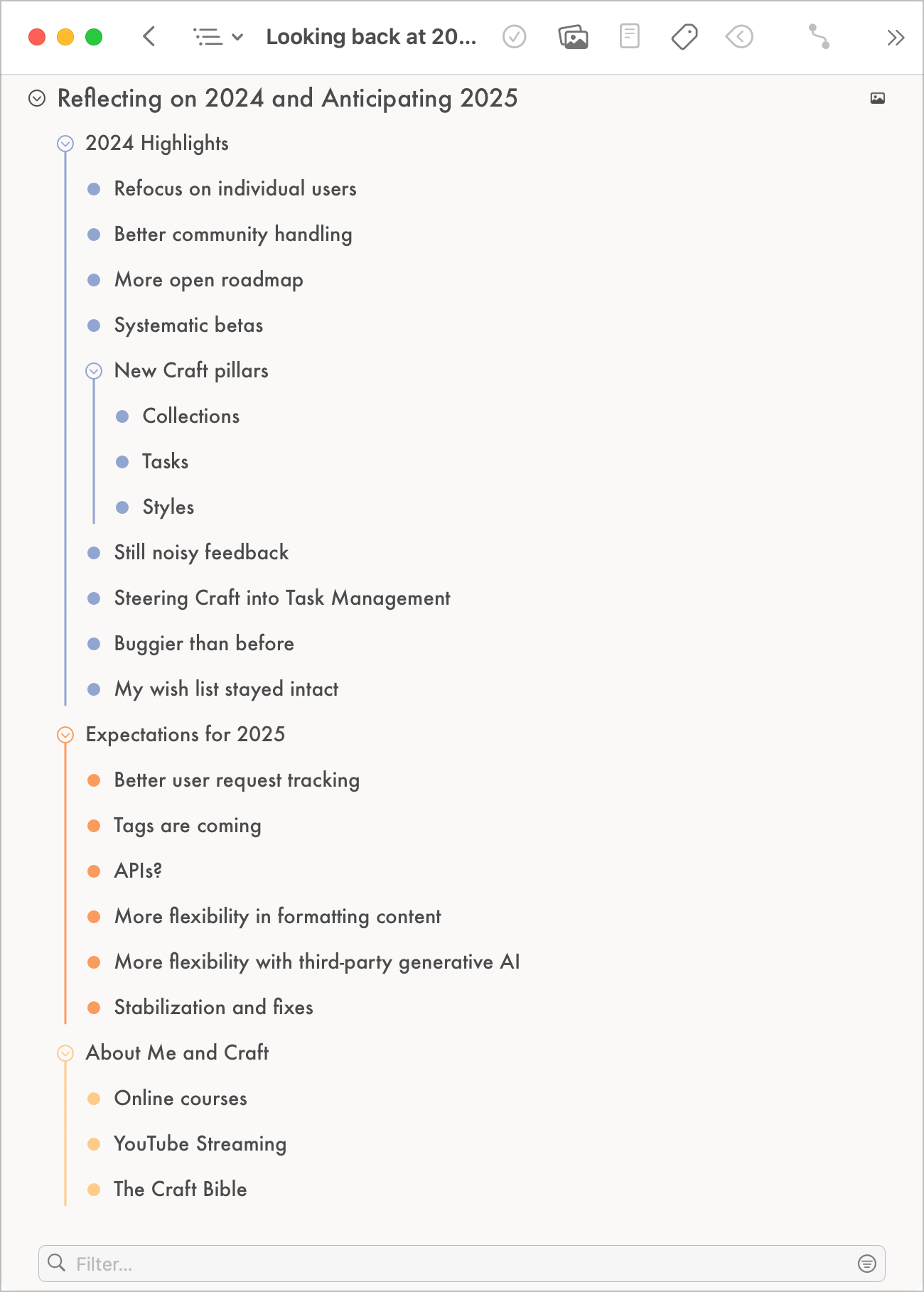
A quick behind-the-scenes post: the same overall content, with two different apps. This is the “script” for this video. On the left, Mindnote Next, on the right, Zavala. This is sort of a cue card for use during video recording, the Mindnote version was much easier to read. Zavala’s version is more for documenting purposes. Even the outline view in Mindnote feels better.
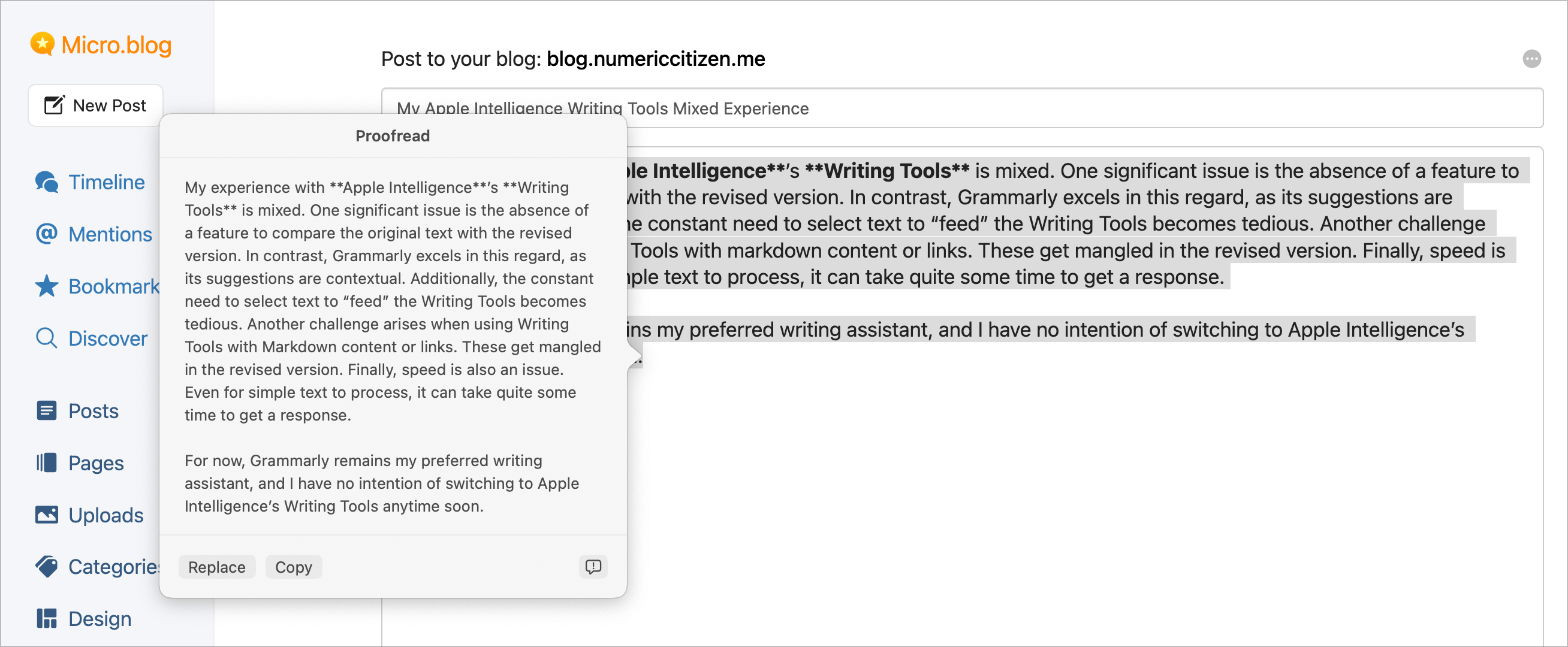
My Apple Intelligence Writing Tools Mixed Experience
My experience with Apple Intelligence’s Writing Tools is mixed. One significant issue is the absence of a feature to compare the original text with the revised version. In contrast, Grammarly excels in this regard, as its suggestions are contextual. Additionally, the constant need to select text to “feed” the Writing Tools becomes tedious. Another challenge arises when using Writing Tools with markdown content or links. These get mangled in the revised version. Finally, speed is also an issue. Even for simple text to process, it can take quite some time to get a response.
For now, Grammarly remains my preferred writing assistant, and I have no intention of switching to Apple Intelligence’s Writing Tools anytime soon.
Adobe Lightroom for Mac is the best Mac app of the year? In light of Apple buying Pixelmator, I find this a bit surprising.
Photo Sharing, The Web and Museums
Here is a thought about recent tweaks to RSS importer on Micro.blog. For example, now it’s possible to import photos in the RSS feed published by Glass. With this, when I publish a photo on Glass, it gets posted on my blog too. The same photo on two platforms. As much as I like the POSSE principle for writing, it doesn’t fit well with my desire to share photos on special places, like a photo-dedicated service. Glass is such a special place, just like Pixelfed. What would be the point of having a single photo spread out on other platforms? I see places like Glass like museums. Pieces of art hanged on the wall of a museum are unique to this place. It makes the place unique. I’m still thinking about all this.
It’s easier for me to discover (and like) a new photographer than discovering a new writer. Information absorption is faster in photography.