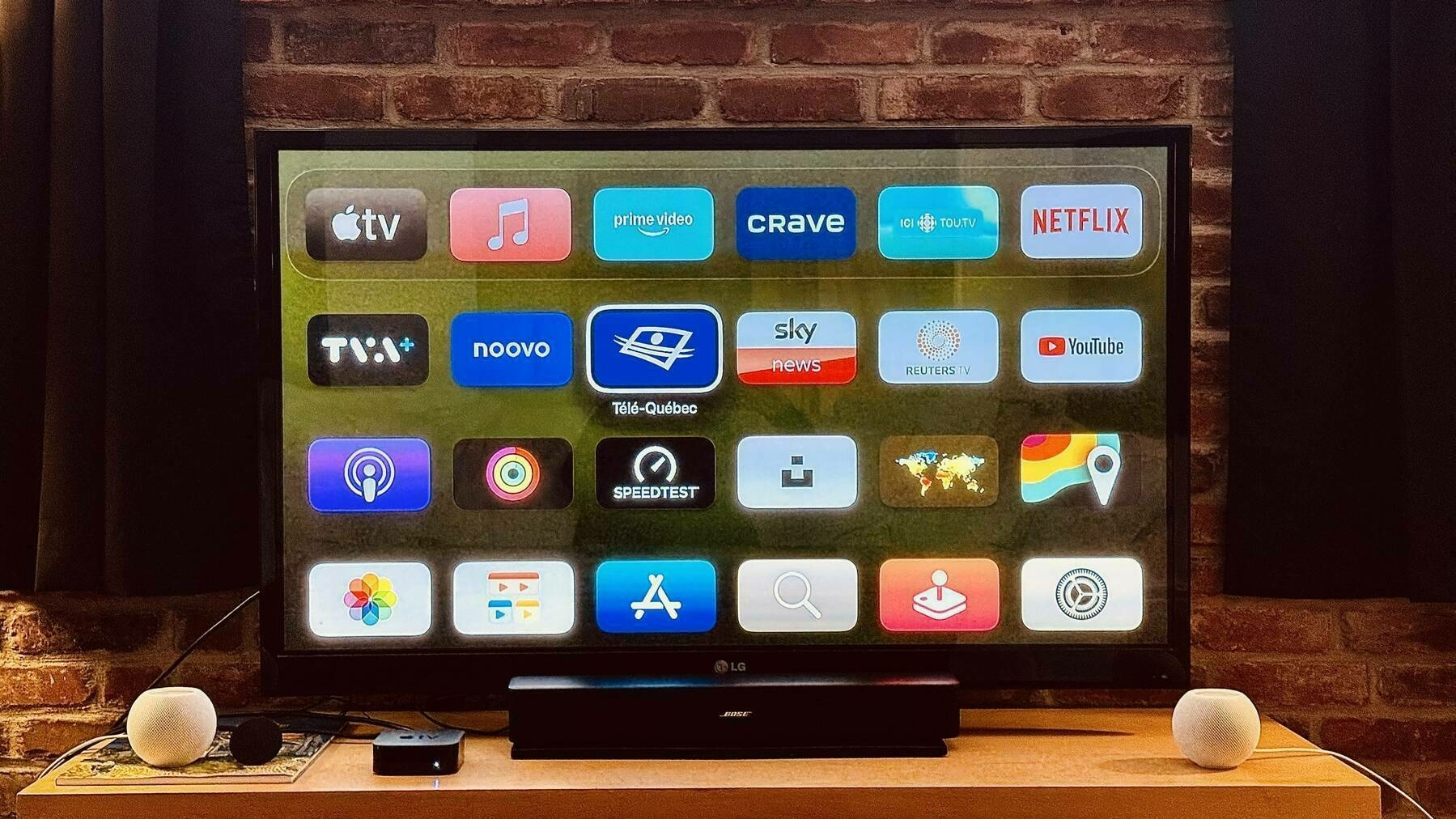
Since moving into our temporary apartment, we’ve been relying entirely on the Apple TV for our “TV content” consumption. One takeaway is the realization that more than ever the TV experience is utterly fragmented, hence de proliferation of “TV” apps.
Can you figure out what’s this? It’s a macro photo of an old maple syrup bottle where we could see those crystals forming at the bottom. Shot on the iPhone 15 Pro Max. Fascinating.
Update: for some reason, the original post didn’t include the actual image.

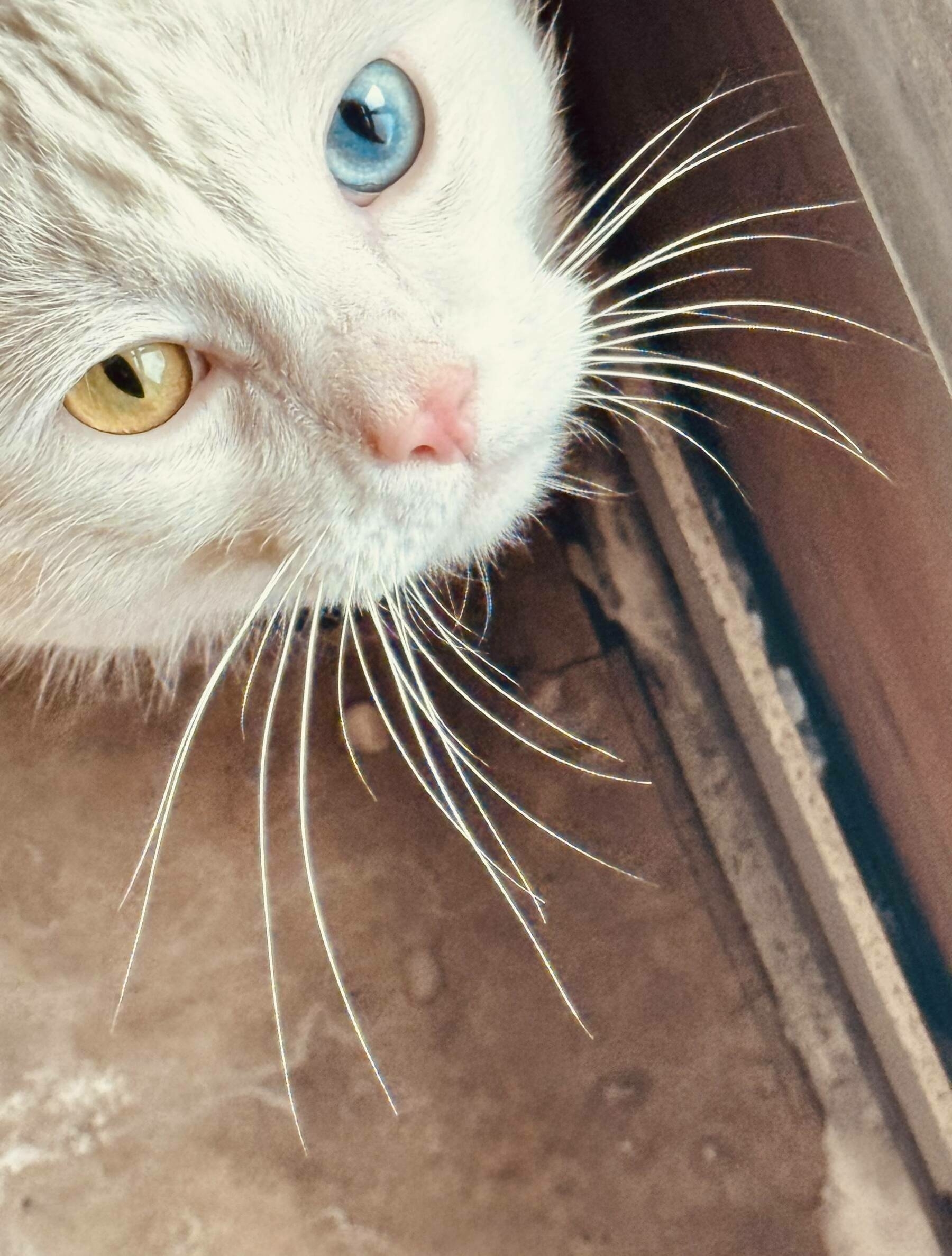
I NEVER take and share pictures of cats… but this one living in the building where I’m currently staying for a few months 🤩… worth enough to push to Pixelfed, too!
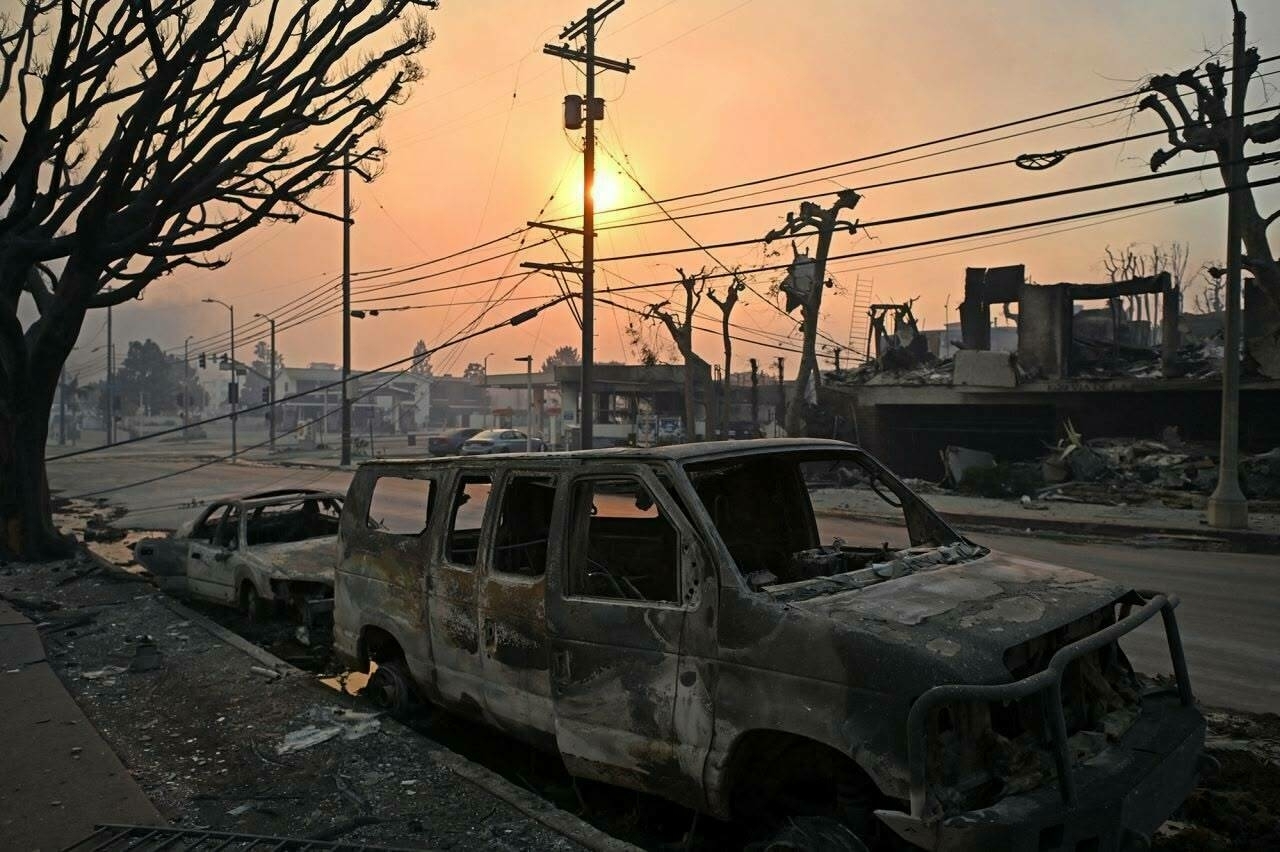
Hell On Earth - Los Angeles & Ukraine
I don’t want to offend anyone here, but what is happening right now in Los Angeles is certainly devastating. It’s really looking like hell on earth. At the same time, we can easily find the exact same hell in Ukraine and many more people are displaced or killed by a totalitarian and evil regime. It’s hard to fight climate change, but we can and must fight what Russia1 in its current form and to for what it brings to this world. Two images, two tragedies.

-
the US does a lot already, but sadly that is not enough bot in money and speed. ↩︎
Who's Right? Apple Intelligence or Grammarly
While working on the next edition of the Ephemeral Scrapbook newsletter, I wanted to proofread and rewrite some text portions. I first started with Apple Intelligence Writing Tools then pasted the results into Craft. Grammarly instantly took the ball and verified the pasted text, highlighting everything wrong that needed some attention. Is Apple Writing Tools sloppy or Grammarly too picky? Writing in English is not an easy thing for me to do. And it’s not easy for generative AI either, apparently. From what I understand, Grammarly tries to be less wordy and is very iterative in its text proofing execution.

Here is the final tweaked version:
1️⃣ First and foremost, I want to extend my warmest wishes for a prosperous and fulfilling new year. I genuinely hope you find success and happiness in your professional and personal endeavors. 2️⃣ Secondly, this marks the inaugural edition of this newsletter for 2025, and I’ve decided to introduce a few changes. Firstly, I’ve decided to eliminate the summary at the beginning of each newsletter. This section provided an overview of the number of blog posts, photos, and other content I’ve shared since the previous edition. While I appreciate the interest in these statistics, I believe it’s unnecessary to brag about them, and it takes a significant amount of time to maintain and update this information. I’ve also officially decided to retire the podcasts section from my newsletter. While I enjoy podcasts, I don’t find them particularly relevant to my current content creation schedule, and I believe it’s not worth dedicating time and resources to them.
Microsoft is putting the “Copilot” tag everywhere… even on Microsoft 365 which will become Microsoft 365 Copilot. It’s fascinating to see a company like to playing with the branding of its services.

On Posting Images to Pixelfed from Micro.blog
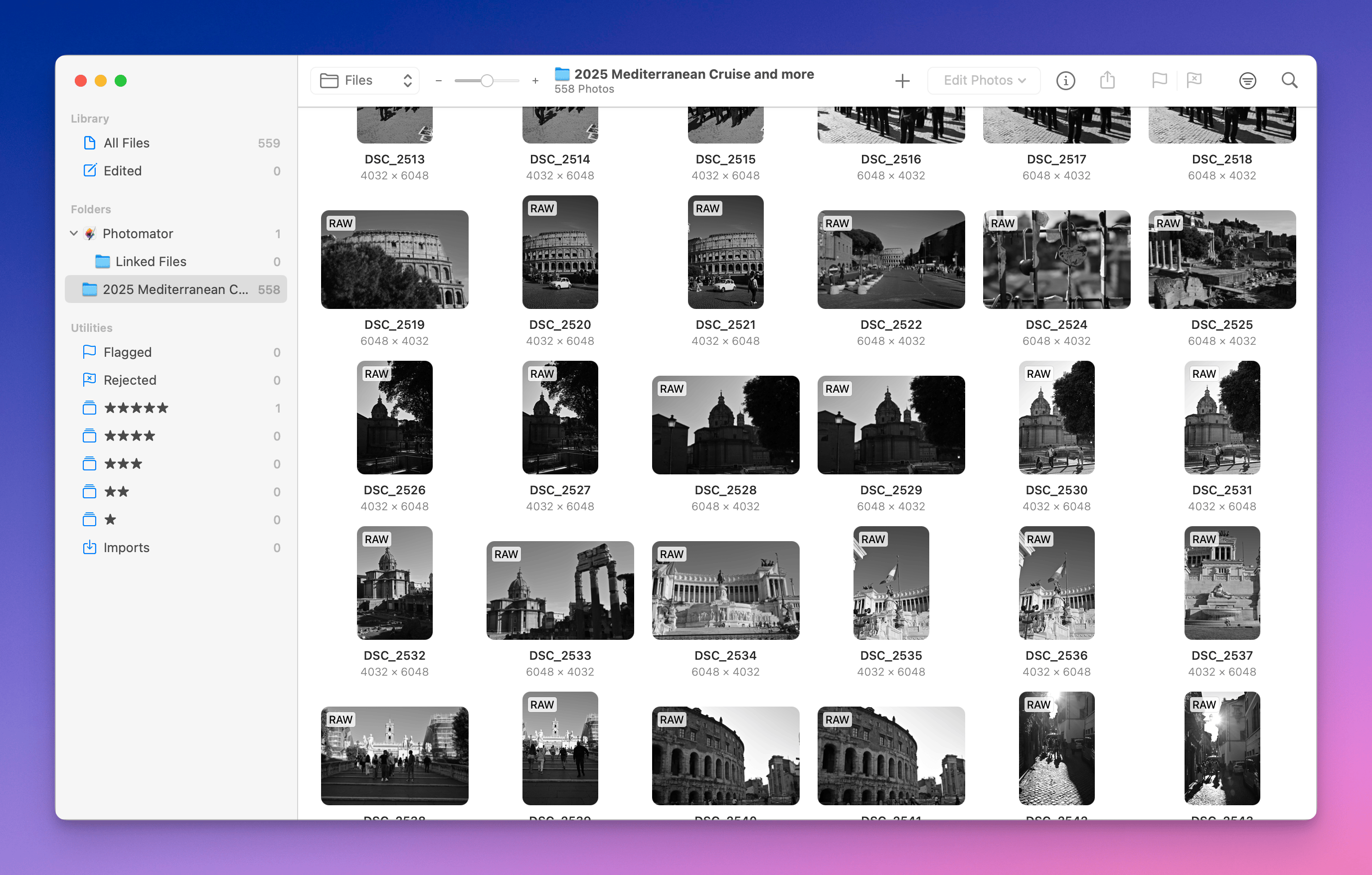
My brief testing of posting images to Pixelfed from Micro.blog is positive (image1, image2). My blog visual theme (Tiny Cards) supports image posts without being too fancy. The only thing is the lack of image collection selection when posting from Micro.blog. This has to be done after posting. Might come later, if we call @manton attention! Posting from Micro.blog app is similar to Pixelfed app. The nice thing is that Micro.blog automatically generate an image description, something that is done manually with Pixelfed.
For 2025, I’ll use this workflow and see how it goes. I created a new image collection for the occasion: Travel.















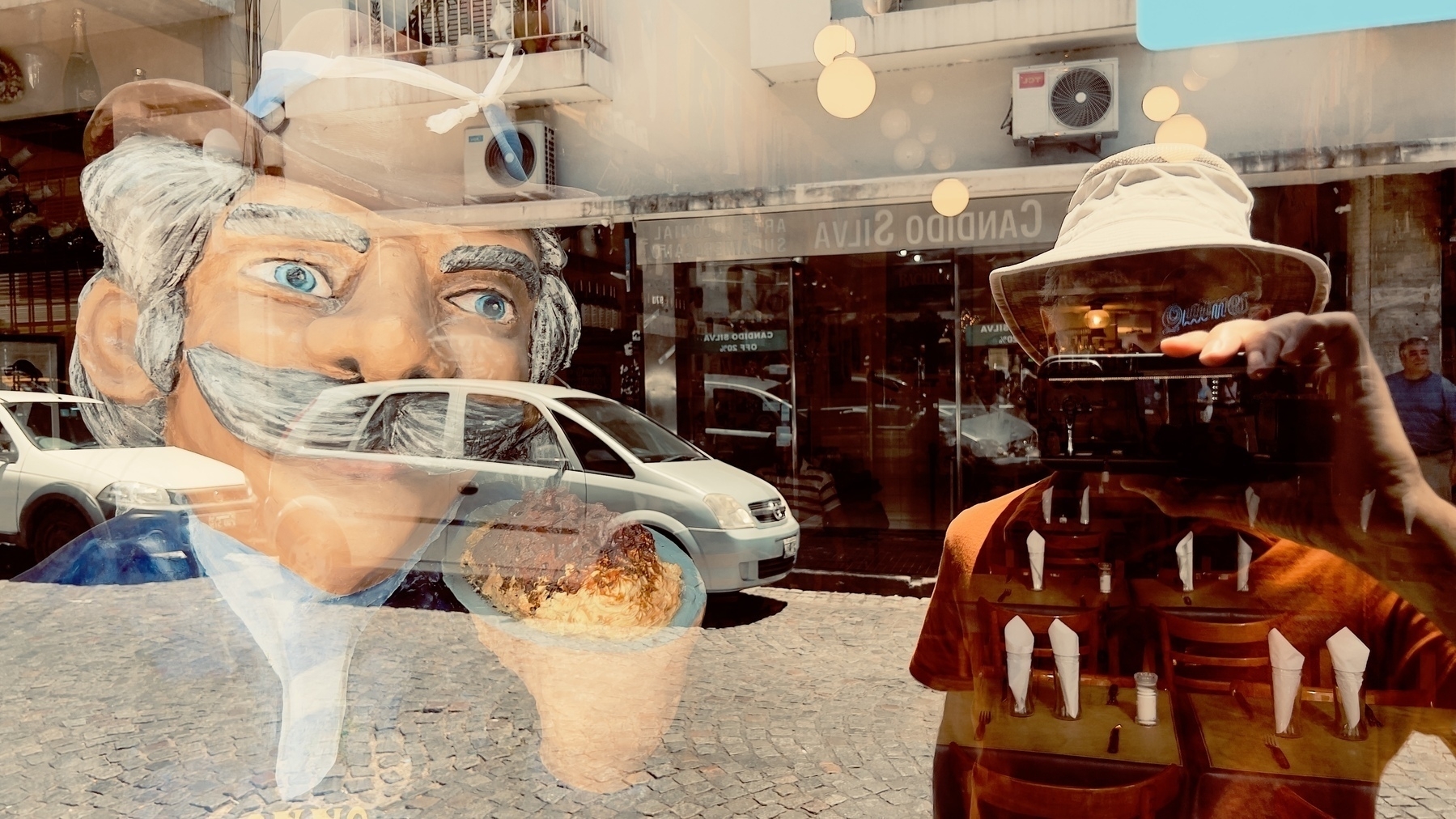
Two years ago in Buenos Aires. #travel #Argentina

A somewhat old photo of me in front of a coffee shop somewhere in Brazil. I’m also testing cross-posting to Pixelfed.
Where The Social Web Fails
Dislike buttons on YouTube, or elsewhere for that matter, should come with a mandatory “here’s why I don’t like this” explanation text field. In this specific case, 2 people out of 18 didn’t like my video. Why? How can I improve myself if you don’t tell me what’s wrong? This is the part of social web that I feel doesn’t work.
