Time to move off Apple’s Intel iMac? (#apple #adobe #lightroomclassic #applesilicon)

With Adobe finally releasing Lightroom Classic for Apple Silicon Macs, This could enable me to move off my 2017 21.5” Intel Mac for once. The prospect of Lightroom catalogs and data migration is not enchanting though. There the issues of plugins migration too. Is it time for me to go all-in cloud with Lightroom CC only? Not sure it is the right time either.

I have a few incentives for selling my iMac: one being to help me finance a shiny new 2021 12.9” iPad Pro with 1 TB of RAM. This could serve as my iPadOS 15 test bed for the second half of summer. I still have quite some time to think about all this as these devices are back-ordered for at least the second half of July.

You thoughts?

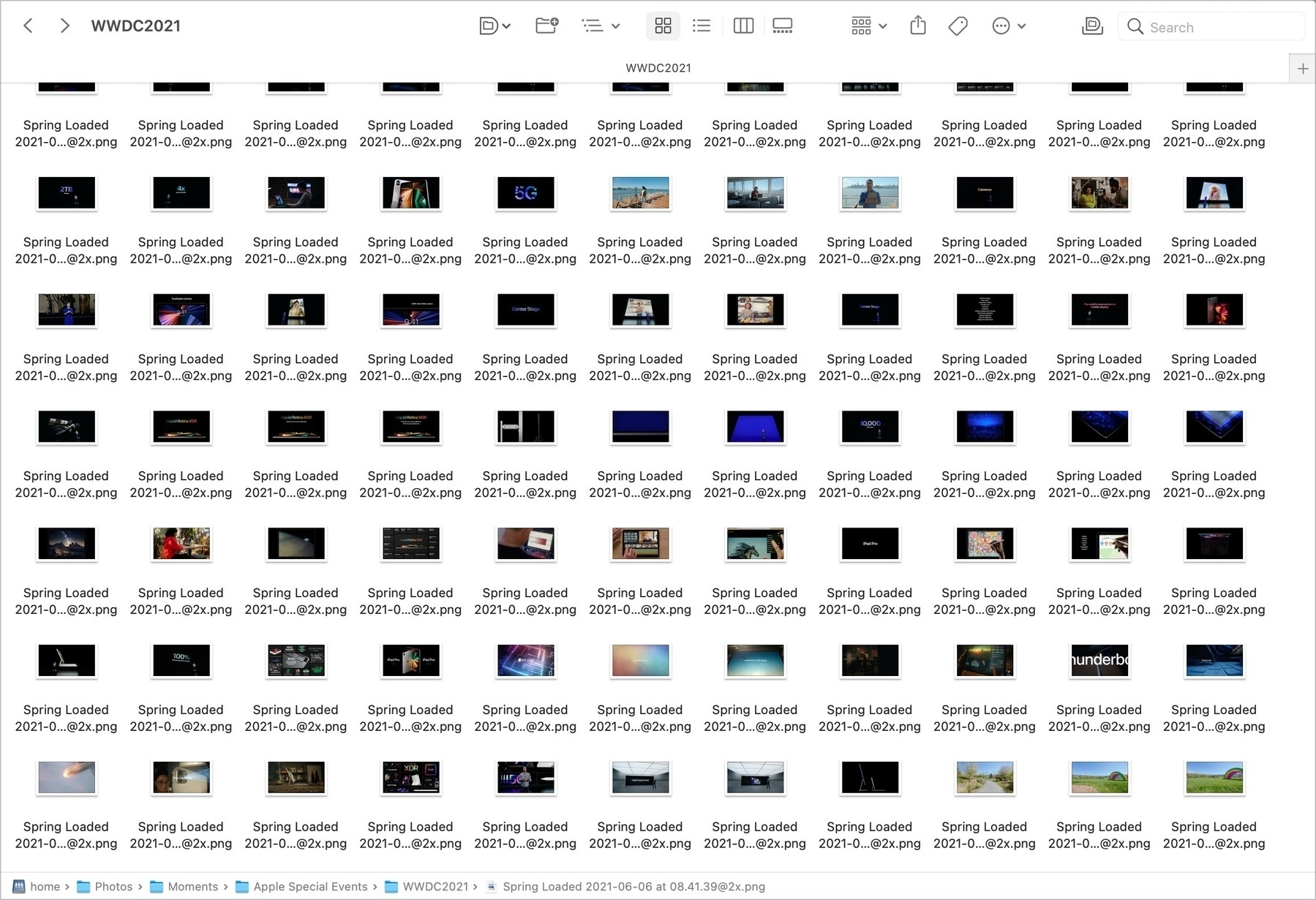
It’s always fun to re-watch a previous Apple Event. Just did the Spring Loaded one and used CleanShot to capture the best moments creating a library of 260 shots, all stored in Synology Photos, ready to be used, just in case. Tech is fun.

One quick question: do you think Apple already has a plan B to enable sideloading of applications, ready to go just in case? After all, they already allow this on macOS so they know how to do it. I don’t see it as a major rework of iOS. #apple #appstore

Where is Adobe Lightroom Classic for Apple Silicon? (#photography #adobe #lightroom)

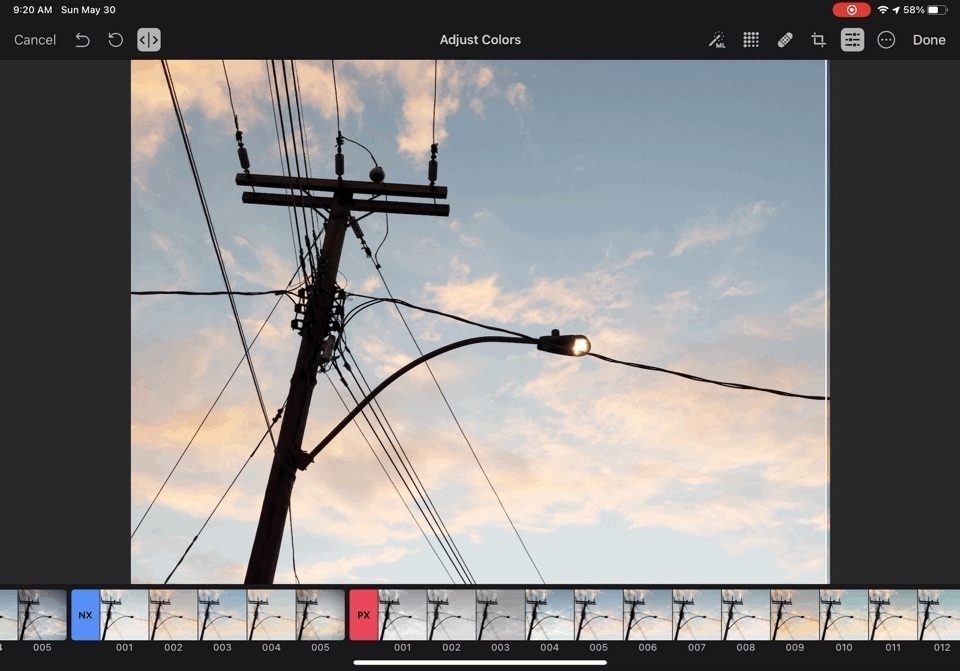
That’s a serious question. I mean, we do have Lightroom CC for M1 Macs… (performance is good but not stellar compared to Intel version. There’s still work to be done by Adobe to take performance further). The absence of the optimized Lightroom Classic version is troubling. What does it mean about Lr or even Adobe? Is Adobe relying too much on cross-platforms libraries or components that are much harder to re-compile for the M1 chip? I find this fascinating that such a big company is falling behind compared to much smaller players… I’m thinking about Pixelmator here.

I’m waiting for this optimized version to complete my migration from Intel iMac to the M1 Mac mini.