I don’t buy commercial Christmas cards. (#adobe #sparkpost #creativity)

Adobe Spark Post

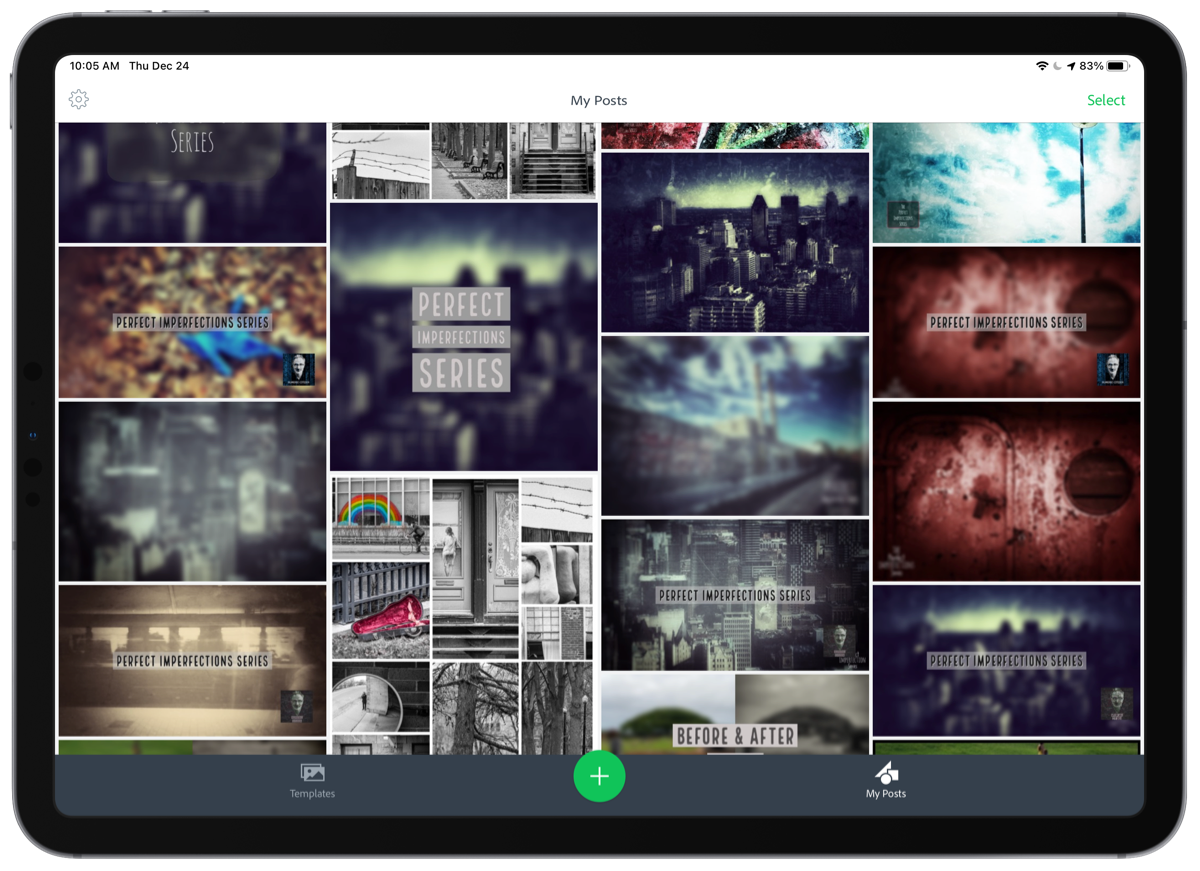
Every year, a few days before Christmas, I spend some time to create all my own and original Christmas cards for my beloved ones. It’s a pretty simple process involving two different apps. One is Unsplash and the other is Adobe Spark Post. I usually start by browsing Unsplash for finding the right photo for inspiration. Once I settle on one picture, I download it and launch Adobe Spark to create the initial montage. I make sure to reserve some space for the best wishes text. This year, I’ll do things a bit differently as my cards will be digital-only. I’ll send them via iMessage. Some people would prefer to have a printed version, but 2020 being… well… 2020, I’ll go ahead with a digital version only.

I’m a big fan of Adobe Spark Post. For some reason, I don’t see a lot of noise around it on the web. I use it for many other things than creating Christmas cards, as the picture above can show. You can read my review of Adobe Spark Post here on my main blog.

Learning by example can be addictive (#photography #adobe #lightroomCC)

LightroomCC Discover Feature

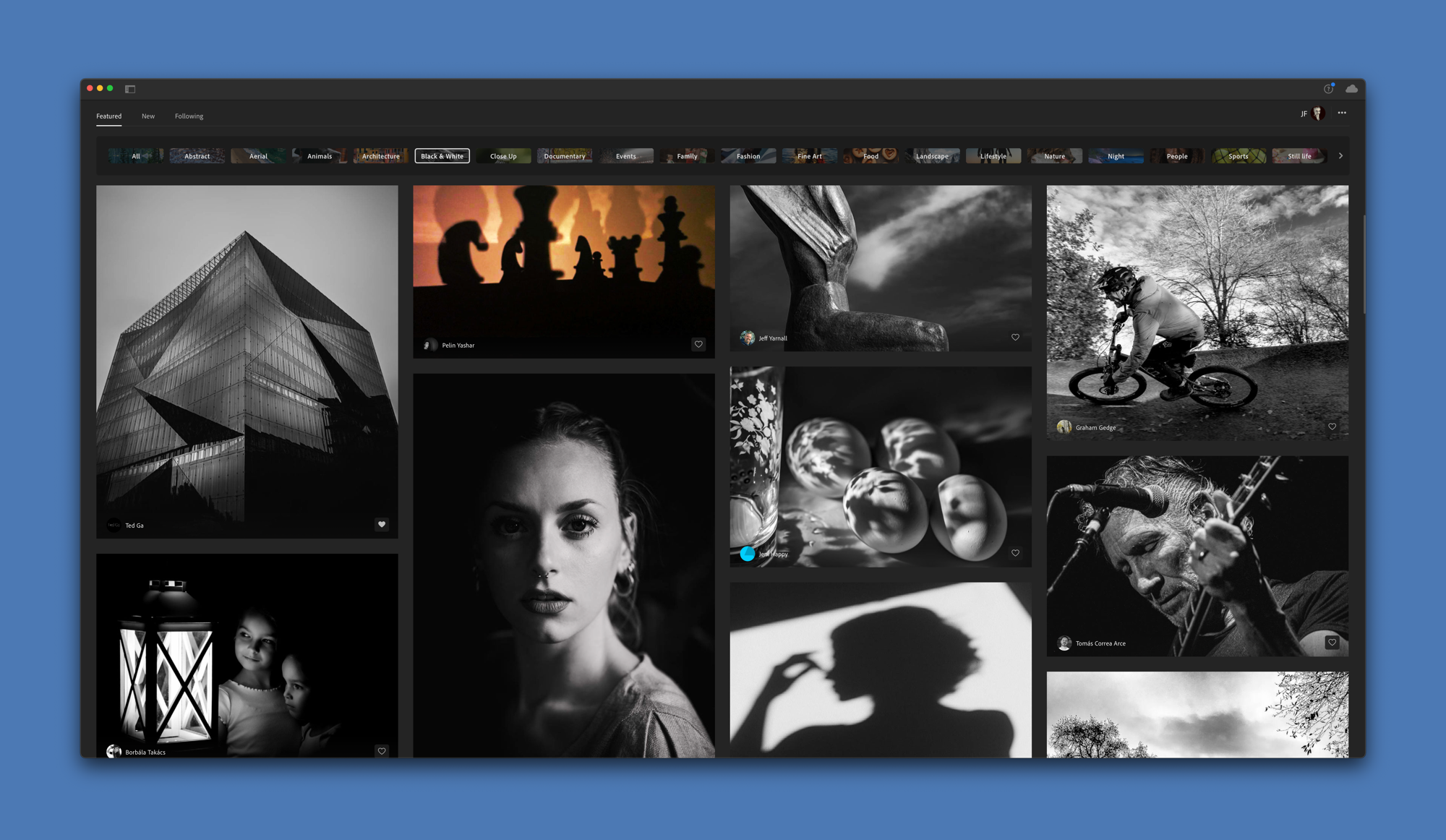
After installing Lightroom CC on my M1 Mac mini, I spent some time with the Discovery feature. It’s a place where you can see other photographer’s photo edits. I find it fascinating and very helpful in learning how artists decide to process their photos. There are probably as many ways to edit a photo as there are photographers. The discovery feature has been introduced this year and can be very addictive. Be aware.

You can one of my many edit session by hitting this link.

ProRaw and the Gradual Gradation of Grays – On my @Om (#photography #iphone12promax #proraw #apple)

The steel sider Late in the night

ProRaw and the Gradual Gradation of Grays – On my Om:

When reviewing these images on a big iMac Pro screen, I was gob-smacked by the details that were visible to the naked eye. I was able to get my shades of black and whiter whites from the files. The gradual gradation of grays is part of my editing process, and I didn’t need to do anything much to achieve that. You can feel the fog dancing among the trees. You can feel the sunshine trying to fight its way through the damp.

Man, I wish I had an iPhone 12 Pro Max, right now. From this article, my favourite pictures are the ones with trees, proudly standing. And yes, black & white is often my favourite way to look at a scene. The pictures above are mine.

Tempted by Vimeo, again. (#vimeo #YouTube #experiment)

My Main Vimeo page

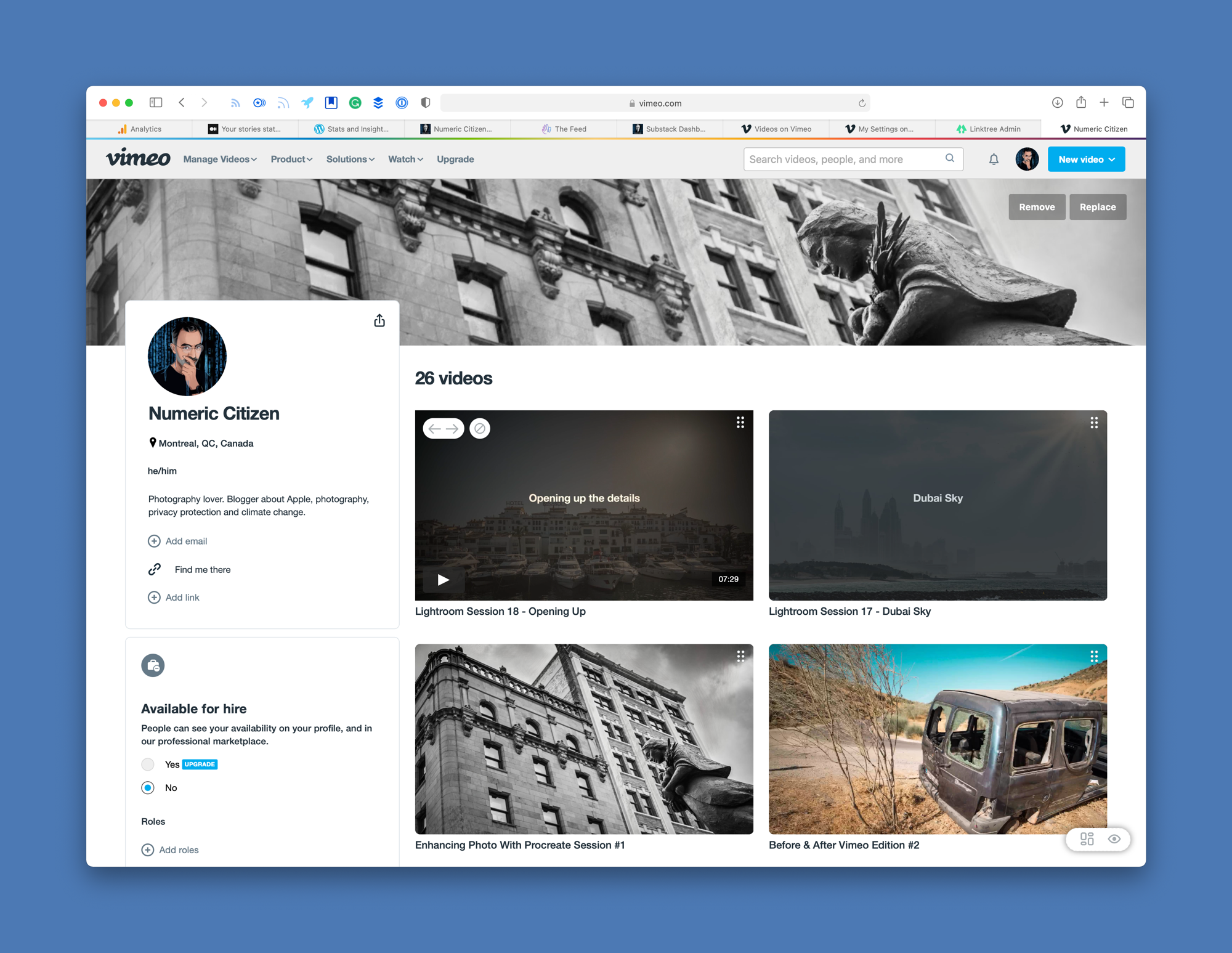
I have too many projects on my plate to complete and experiments that I want to try. Today, I’m thinking about subscribing to Vimeo, again. I used to have an active account where I would publish photo processing session recordings with voice over. These sessions are still available by the way (one example here). I stopped doing those because they were time consuming to create and publish.

Subscribing to Vimeo’s first paying tier is not cheap. I know what you’re thinking, why not use YouTube which is free!? First, I don’t like YouTube and the business model behind it. I don’t like to depend on Google for my stuff. Vimeo is better in my opinion as a video content platform, for what I want to do. I prefer their embedded video player compared to YouTube’s. I don’t want ads on my feed and on my content. For all these reasons, Vimeo > YouTube.

My Vimeo page: https://vimeo.com/numericcitizen

Now you know. 😎

I'm less and less using my Intel-based iMac. And that's ok. (#m1chip #applesilicon #apple)

Thomas q m2zuB8DqwyM unsplash

As more and more applications get the universal binary treatment to support M1 Macs, my iMac usage outside of my daytime job has decreased significantly. The list of apps that I cannot use on my M1 Mac mini is shrinking every week. It’s a good sign. Things are moving faster than I initially thought. Yesterday, I decided to let go the weird idea of not installing Intel-only applications on my M1 Mac mini, and everything is really working just fine.

What do you use as a shortcut menu utility on macOS? (#apple #macOS)

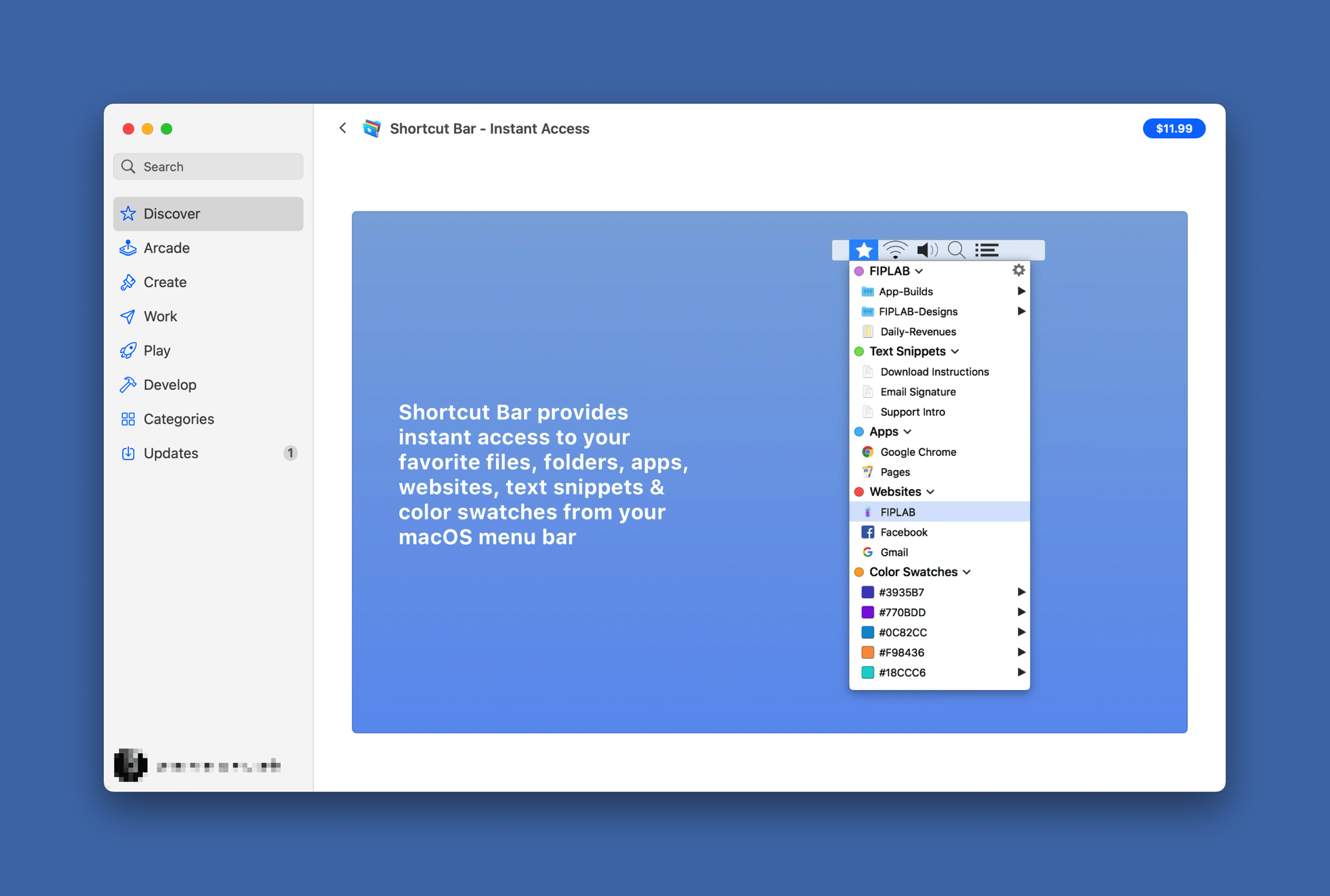
instant bar Mac App Store page

I’m currently writing a piece about the tools and services I use to help me be more efficient in my blogger workflow. Currently looking at Shortcut Bar - Instant Access on the Mac App Store. I had this utility in my list that I never bought but the features are exactly what I would like to get. Is there any alternatives to this utility? It’s a bit on the expansive side and is not yet updated for M1 Macs and Big Sur look and feel.

My still pristine M1 Mac mini is a thing of the past 😔 (#apple #m1chip #macmini #rosetta2)

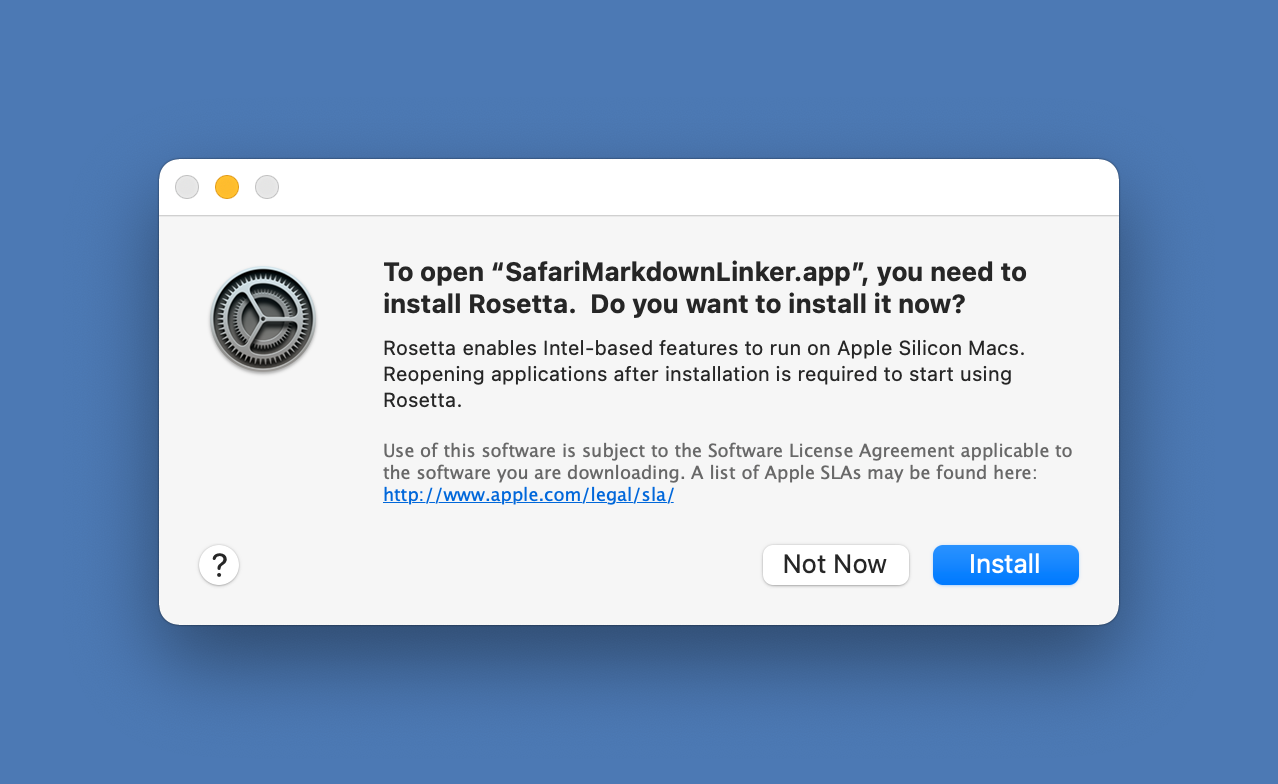
Install Rosetta 2 dialog box

Can you believe it, up until today, I was still resisting the installation of any non-native applications on my M1-based Mac mini. I refrained myself from letting in any Rosetta-dependant apps to run. I shouldn’t have made a big story about this non-issue, but it’s was more psychological than anything else.

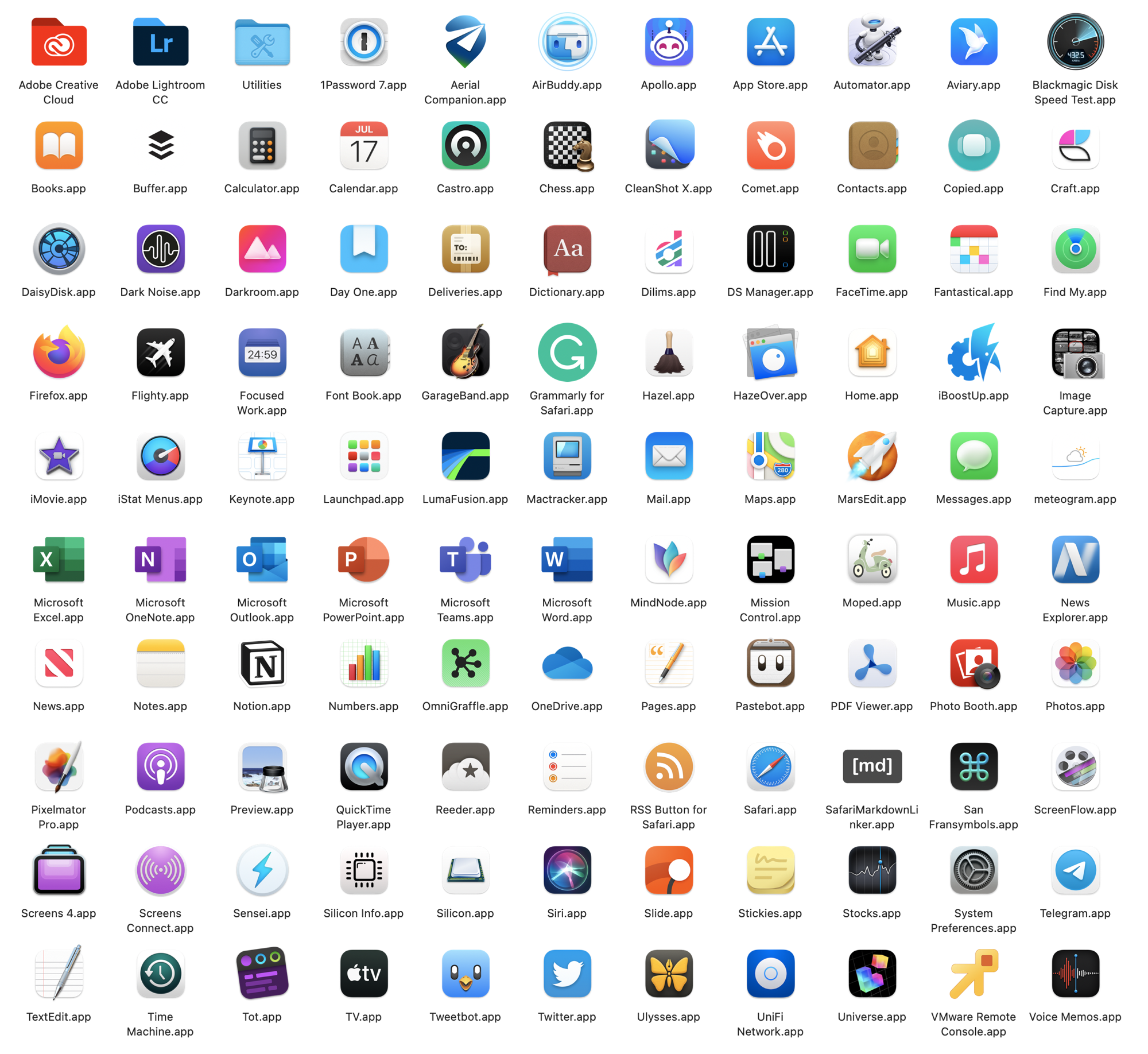
The list of non-native apps is small, but it started to negatively affect my ability to complete specific tasks. These apps waiting in line were: SafariMarkdownLinker (Safari Extension), Grammarly (Safari Extension), Adobe Creative Cloud installer (required to install the native version of Lightroom CC), 1Password.

Today, I finally let it go and went ahead with installing these remaining pieces of my application landscape. I feel good, and everything is working just fine, as expected.

A few thoughts on Twitter's Space feature (#twitter #experience #audio)

Experiencing Twitter Space

Today, unexpectedly and for the first timr, I had a chance to experience Twitter’s Space. It’s a virtual room of twitter users who can speak to each other. When there is an open space, a small icon appear at the top of your timeline among twitter fleets. Tapping on it allows you to enter the space. By default your mic is disabled. You have to request permission first in order to be able to speak. There is a speaker who controls people’s requests to speak. People who are listener can react using emojis. It’s pretty interesting, much more interesting than audio tweets in fact.

I spent maybe ten minutes chatting with the space owner about things like COVID-19, confinement in Christmas time and how to use Twitter space. Others in the room were just listeners. It was pretty cool. I can see myself using this instead of doing a podcast for example. It’s easier to setup up, doesn’t require a distribution platform to maintain. I could setup a space to talk about Apple, photography, privacy or climate change. Can’t wait to try it out with my followers, once the feature officially rollout.

Where does our data go when we die? (#digitallife #death #legacy)

Nikko macaspac 6SNbWyFwuhk unsplash

What happens with your numeric assets when you die? I mean, think of your online presence: Facebook, Instagram, Twitter, etc. Where all that stuff ends up a few years after you die? That’s the type of question “Where Does Our Data Go When We Die?” tries to answer. It’s something that I find interesting and a big challenge, something that I wrote about in my piece titled “A Guide for Preparing to Leave Your Numeric Legacy”. Long read yet very important subject.