The modern business card? (#blogger #writer)

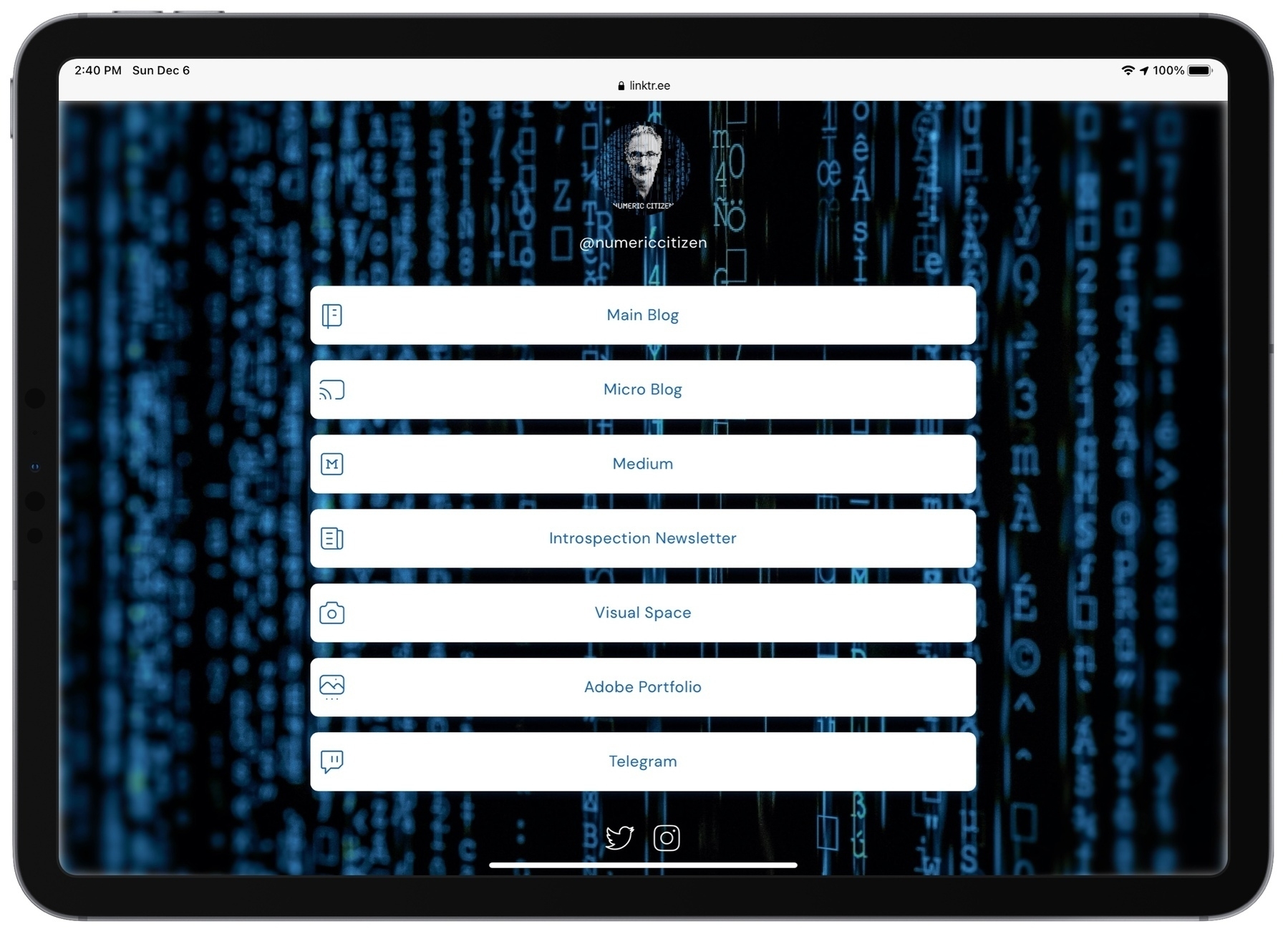
Over the last two years, I expanded my online presence. Maybe a bit too much; it’s hard to keep up. I came across something interesting recently: Linktr.ee. According to their website, the purpose of the service is to “Connect audiences to all of your content with just one link”. It’s exactly a case of “you don’t know you need it until you see it!”. Building the mini-website is quick and easy. There are enough layout options to make your page look like your own. I opted for the paying tier which enables more design choices and better analytics. Hope you like it and pay a visit to learn the breath of my online presence. I think of it as some form of a modern business card.

I started to replace my links to the following one which makes things simpler in places like my Twitter profile page. Check it out: https://linktr.ee/numericcitizen

The Unifi Dream Machine gets a major update! (@ubnt #udm #update)

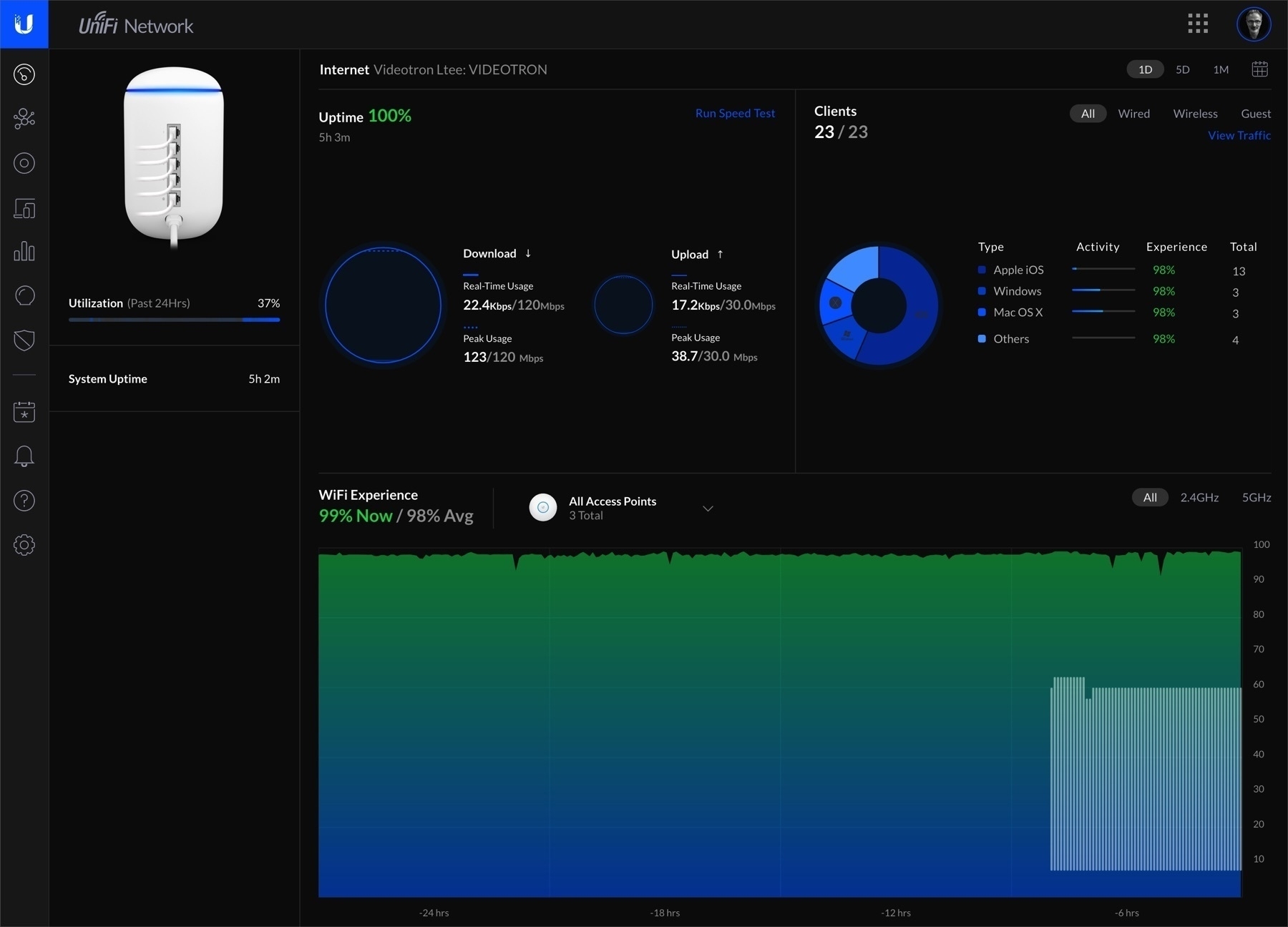
My home router got an update this week, version 1.8.3. I’ve been running the Unifi Dream Machine since spring without any issues. This update was long in the works and highly expected. Among the changes, a redesigned and simplified controller dashboard with real-time statistics which are really helpful. The device management UI also received a redesign. Some of the previously available information has been removed or moved around. CPU, Memory consumption and internal temperature are higher than before (around +10%-30%), though. Overall, its’a solid update. Oh, and it is running an 4 cores ARM processor.

Remember, this router replaced an aging Apple AirPort Extreme. If you are still looking for a great home router, please, do yourself a favor and buy this one. This post is not sponsored.

Using Twitter Fleet, why not! (#twitter #creativity)

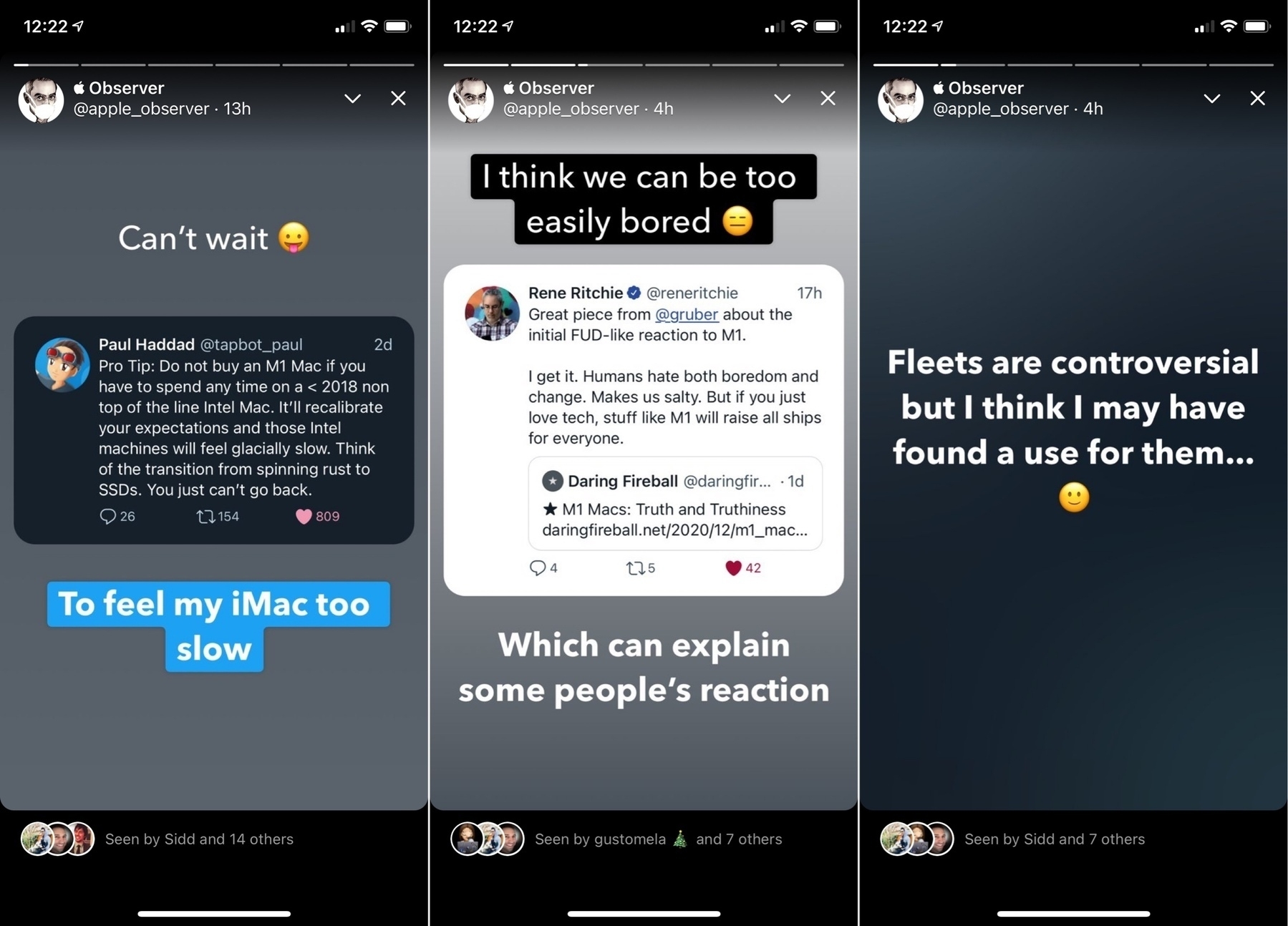
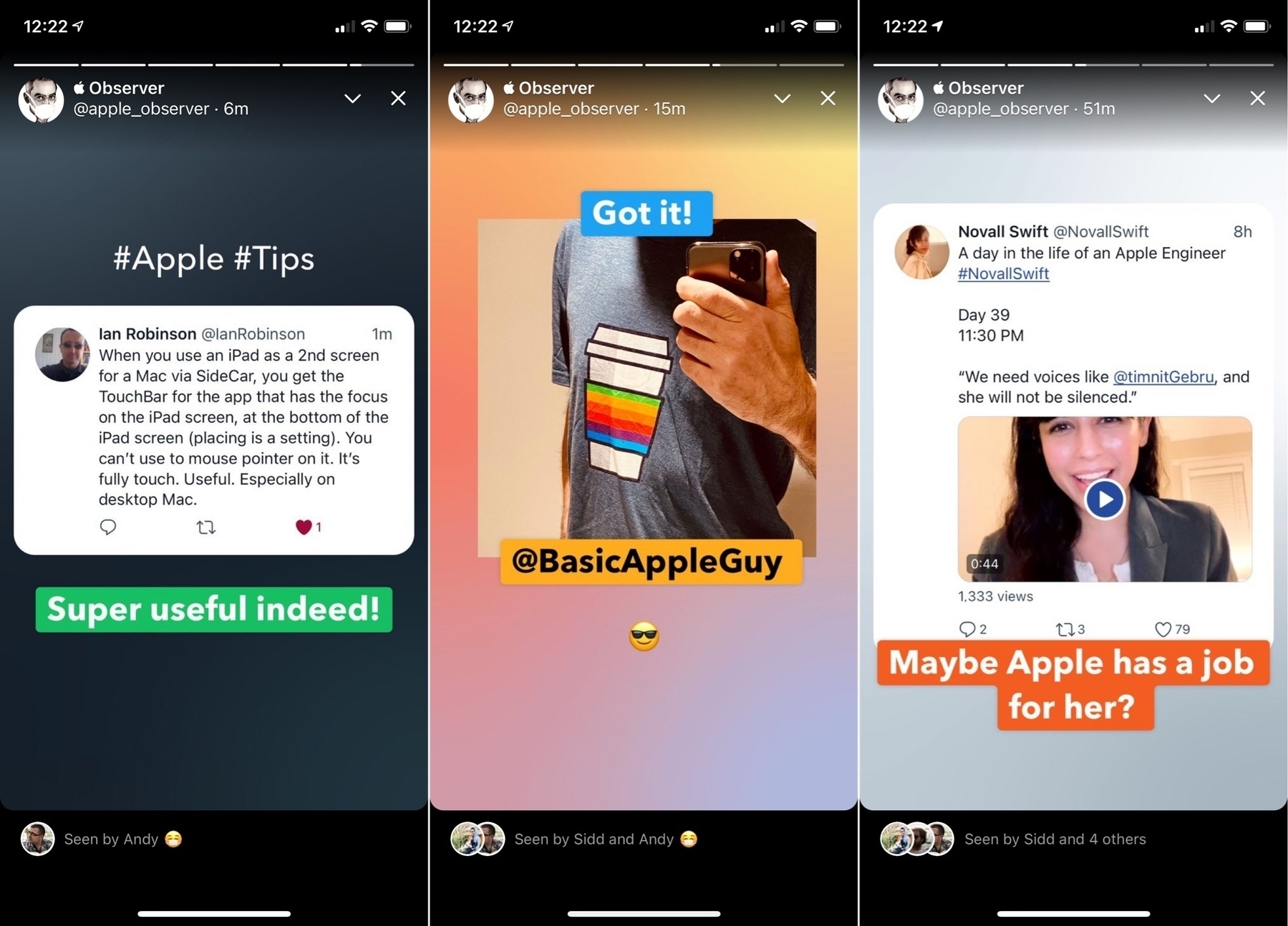
As you know, Twitter came out with « Fleets », its clone of Snapshat’s Stories. People don’t really like it. Or do they? My timeline is constantly filled with my followers posting fleets. I guess some do like them. I decided to give it a serious try. I think they add another dimension to Twitter that I happen to find interesting for highlighting purposes. It’s simple to use, just enough design flexibility. There are is one drawback: they only show up on the iPhone (not the iPad or the web), which I find strange and somewhat arbitrary.

Following are screenshots of my experiment. Let’s see where it goes from here.

Let's meet! Here is a free idea for calendaring app makers (talking to you guys! @macguitar @flexibits)

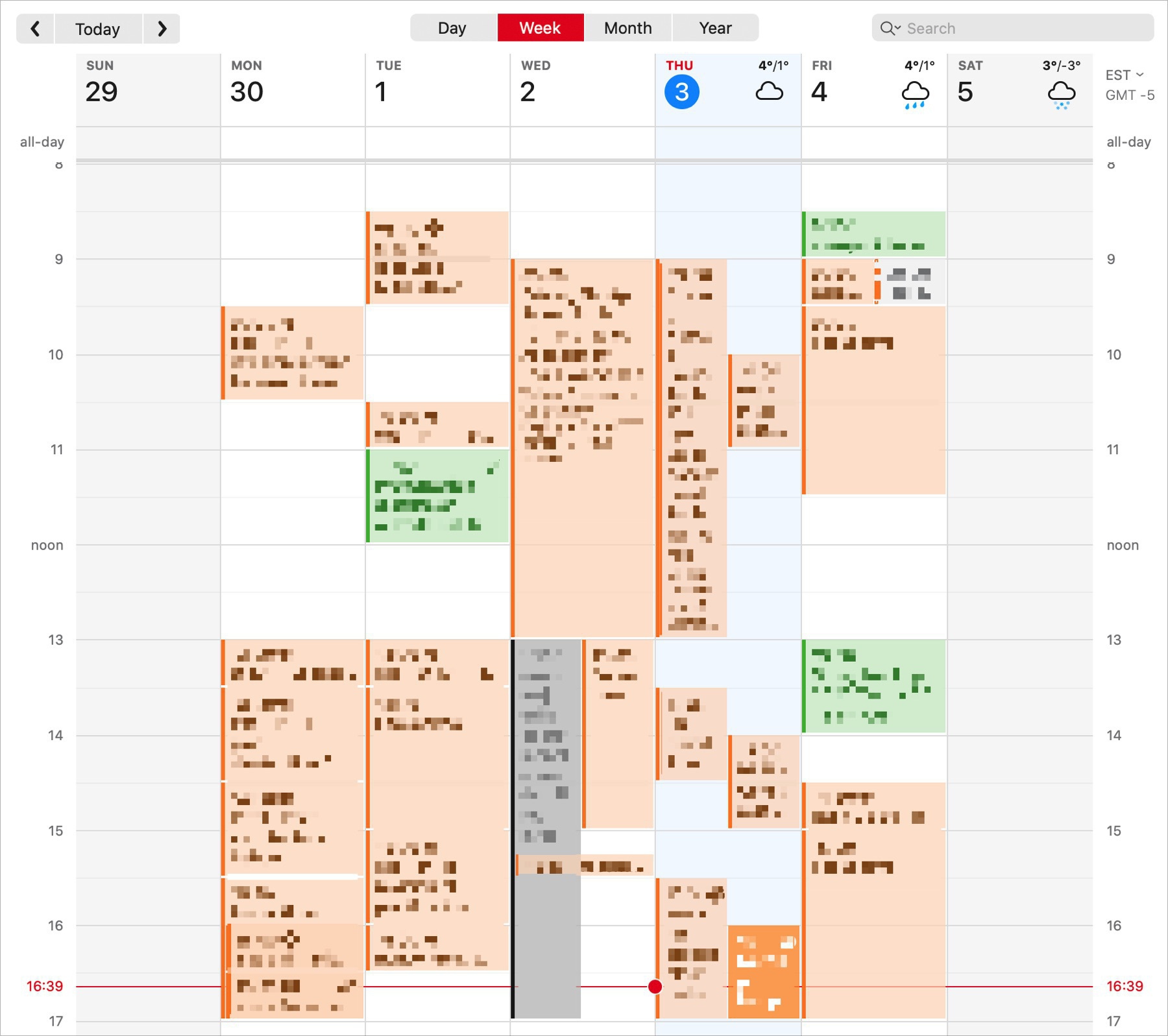
Let’s play a game. One of your customer calls you and ask for a meeting (virtual or in person). Before answering this request, you have to look at your calendar to see your free/busy time. It’s a time consuming and error prone process. What if your favorite calendaring app could generate a map of your weekly schedule with all sensible information masked out, like in the following example (made with Fantastical). This could be sent as a PDF file to the customer, would save a lot of time. It’s surprising that, to my knowledge, no calendaring app offer this option. I would pay to get this.

Oh I love that one from @gruber (#apple #applesilicon #m1chip)

Gruber publishes a piece today about how hard it can be for some people to accept that Apple is yet again did the unthinkable.

This one is simply priceless: “Intel and AMD have learned and struggled for a few years here figuring out how to make decent PC chips. Apple hasn’t just magically figured this out. They’re not going to just walk in.”

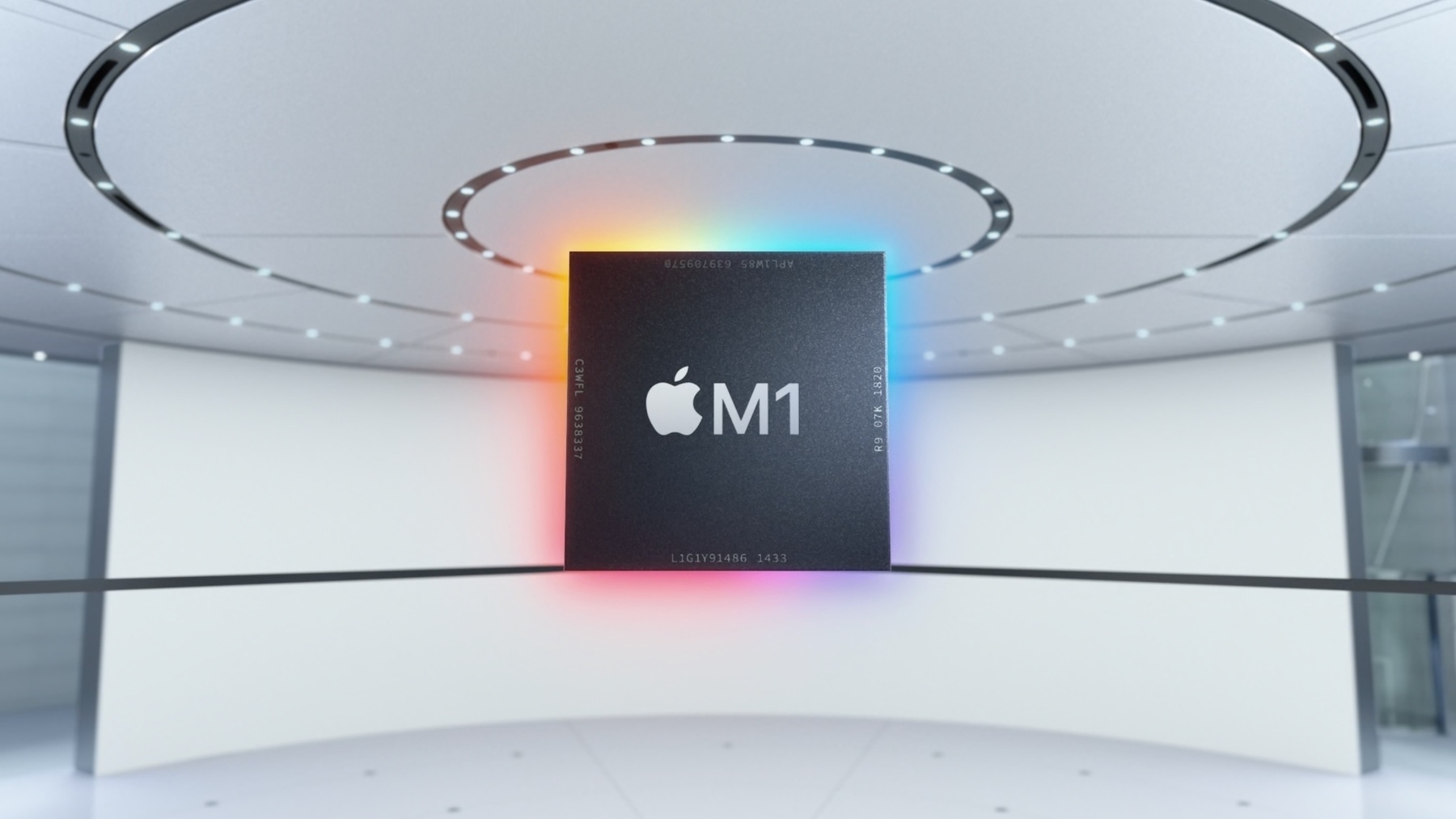
It’s a liberal transposition of a famous quote on how Apple, a PC guy, just can’t walk in and make a great phone. With the M1 chip, yes, Apple just walked in and did it. Again.

Many pundits were quick to jump the gun on software compatibility issues, the translation layer called Rosetta, the meager 8 GB of RAM, the lack of ports, etc. As proven by the numerous independent reviews, none of these “issues” are affecting the value of what Apple just did.

It will take a few years before Intel and their friends finally realize what just happened in late 2020 and recover from it. Years.

Dear Microsoft... (#microsoft #privacy #privacyprotection #surveillance #office365)

Following this statement from Microsoft, here is one question for you, Microsoft: why haven’t they thought, at the very beginning, that this Office 365 feature wasn’t a good idea to begin with? Here is another question: Who do you think you are to devise a “Microsoft Productivity Score”? “a tool that helps organizations measure and manage the adoption of Microsoft 365” — Microsoft

There is a difference in semantic here: measuring adoption vs measuring productivity score. What is “being productive” anyway? The road to hell is paved with good intentions, as they say.

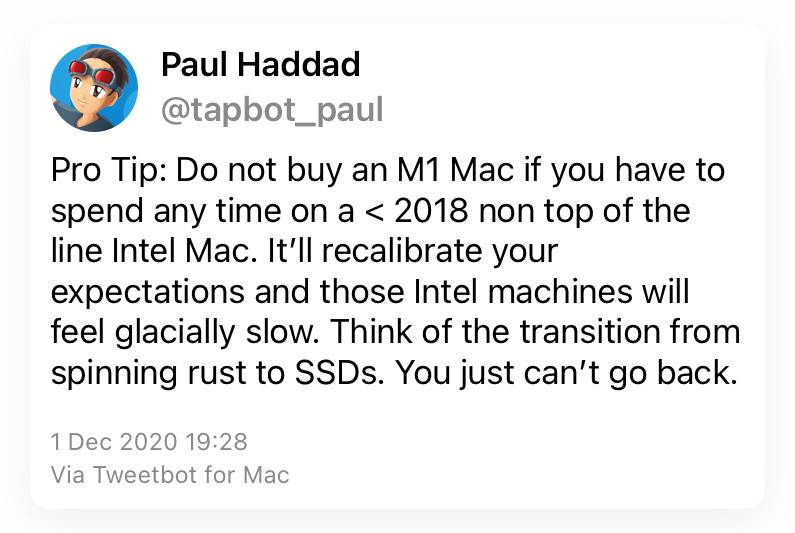
I'm already afraid (#apple #m1macmini #applesilicon #intel #imac)

Just saw that tweet today. It’s too late. I’ll be installing my new M1 Mac mini along the side of my 2017 iMac. Thwy will be both in direct competition. I’m afraid that I’ll find my beloved iMac too slow. I’m not there yet. I’m still waiting for my new thing to get delivered. I’m getting myself mentally ready for the shock. I’ll have to keep my iMac for a while for my daytime job.

About those iOS Apps screenshot on the App Store (#apple #appstore #iosdev)

I hate those screenshots montage. They lack emphasis on the application itself, the product. They waste precious space. At the very least, why not put a video showing the application in action. People don’t like to read long application description page. Is it Apple’s fault. Probably. Not sure. Apple is not enforcing their own rules on these screenshots.

This post was triggered by another Matt Birchler post.

Don’t touch this screen (yet!) (#apple #mac #macos)

Steve Jobs once downplayed flash memory based MP3 players when the iPod was just beginning its ascension. We know what came after the iPod with a small drive. The iPod nano, an MP3 player using flash memory. If you see a stylus, they blew it. The iPad eventually came with support for a stylus… oops, a pencil. What came after that? Support for a mouse with iPadOS 13.4. See the trend? Are you getting it?

Now, about the Mac. Sure Apple could have used this historic moment to a add touch screen to the M1 MacBook. It didn’t happen. I, myself, was one of them, thinking it was about to happen as exposed in this blog post. My short experience with macOS Big Sur updated design screams out loud that we are far closer to a touch supported Mac than Apple is willing to admit.

I don’t know when, but it will come, in a perfectly chosen moment by Apple. Apple likes to move forward, one step at a time. The next window of opportunity is next year with a redesigned MacBook body. This year’s was about the internals while keeping familiarities: performance, battery life and transition. Next year is about redefining the way we look at the MacBook and enhance the way we always knew how to interact with it. The Big Sur update this year is just the first step toward a touch friendly operating system. In a typical Apple way, they will have thoroughly thought about all this and we will be amazed about why it wasn’t done this way before. Next year has the potential to be exciting.

This blog post by Matt Birchler triggered this one you just read. 👀😎