Weekly Posts Digest from Numeric Citizen Microblog
4 min read
Give Me Some Time…
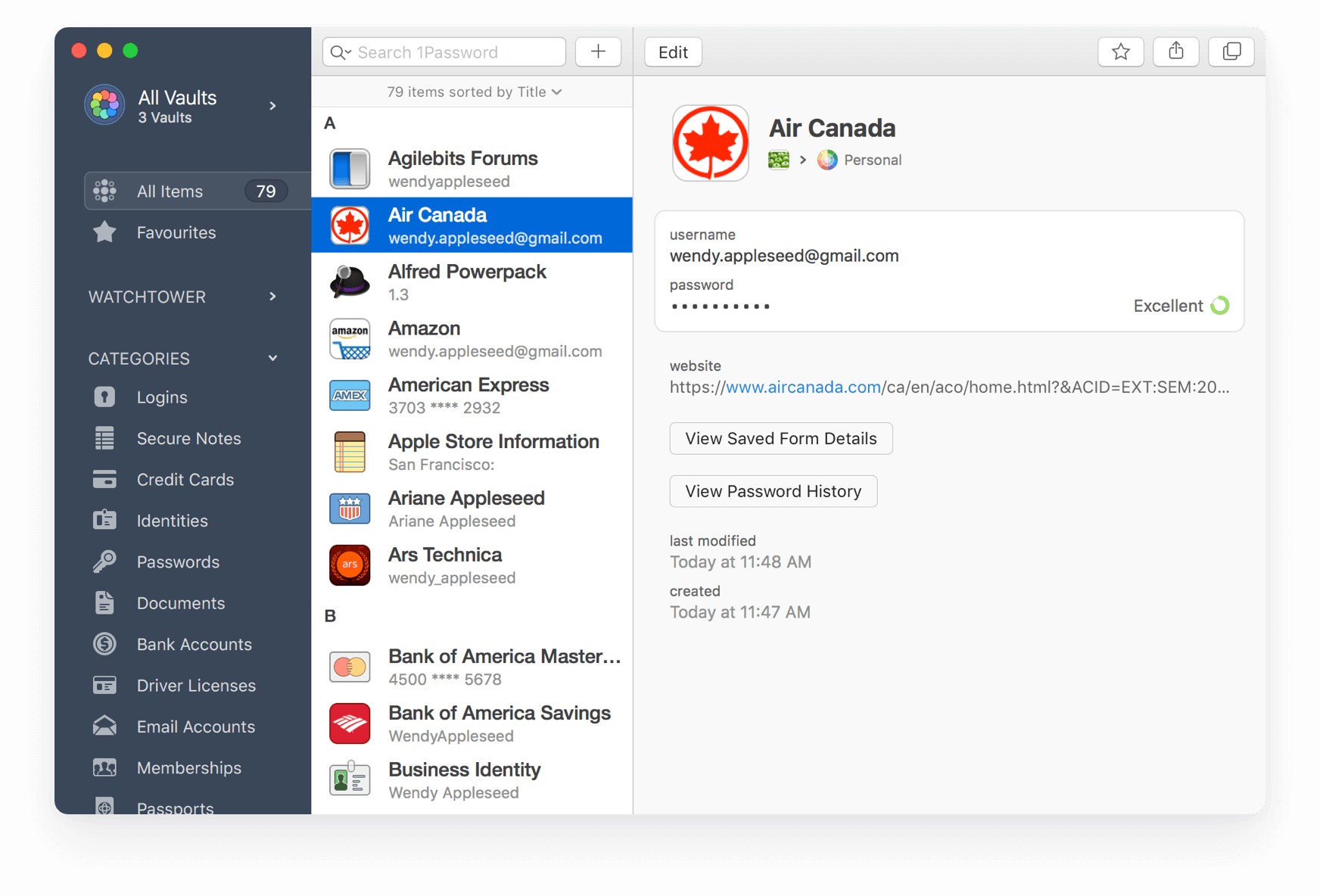
…and I’ll move out of 1Password. It’s on my to-do list for 2022. Gruber’s article is a reminder that time is ticking. I’m just being too lazy to move my stuff out of 1Password and put that in Apple’s Keychain. It takes time, which is a rare resource for me.
I don’t like 1Password’s direction. It seems to me that going the enterprise way is counterproductive for the average users. Corporations and individuals don’t share the same objectives. Why do you think Microsoft is making Teams for personal use?
Yep, Notion is Bad
I’m nearly done with my Notion to Craft migration. I know I’ve been lazy; I’ve been using Craft for many months while my old content was still sitting there in Notion. While doing the migration, I realized, again, that I don’t really like Notion’s handling of a document. It just feels unnatural and quirky. Export options are very limited, which makes my job much harder. I’m also losing some metadata along the way (and database content too). I don’t have high hopes for a Craft eXtension to support Notion’s API to help users do this kind of rich content migration. I expect to finish the migration in the coming days.
2022-01-23
It’s the Time of the Month to Start Crafting the Next Edition of My Monthly Newsletter
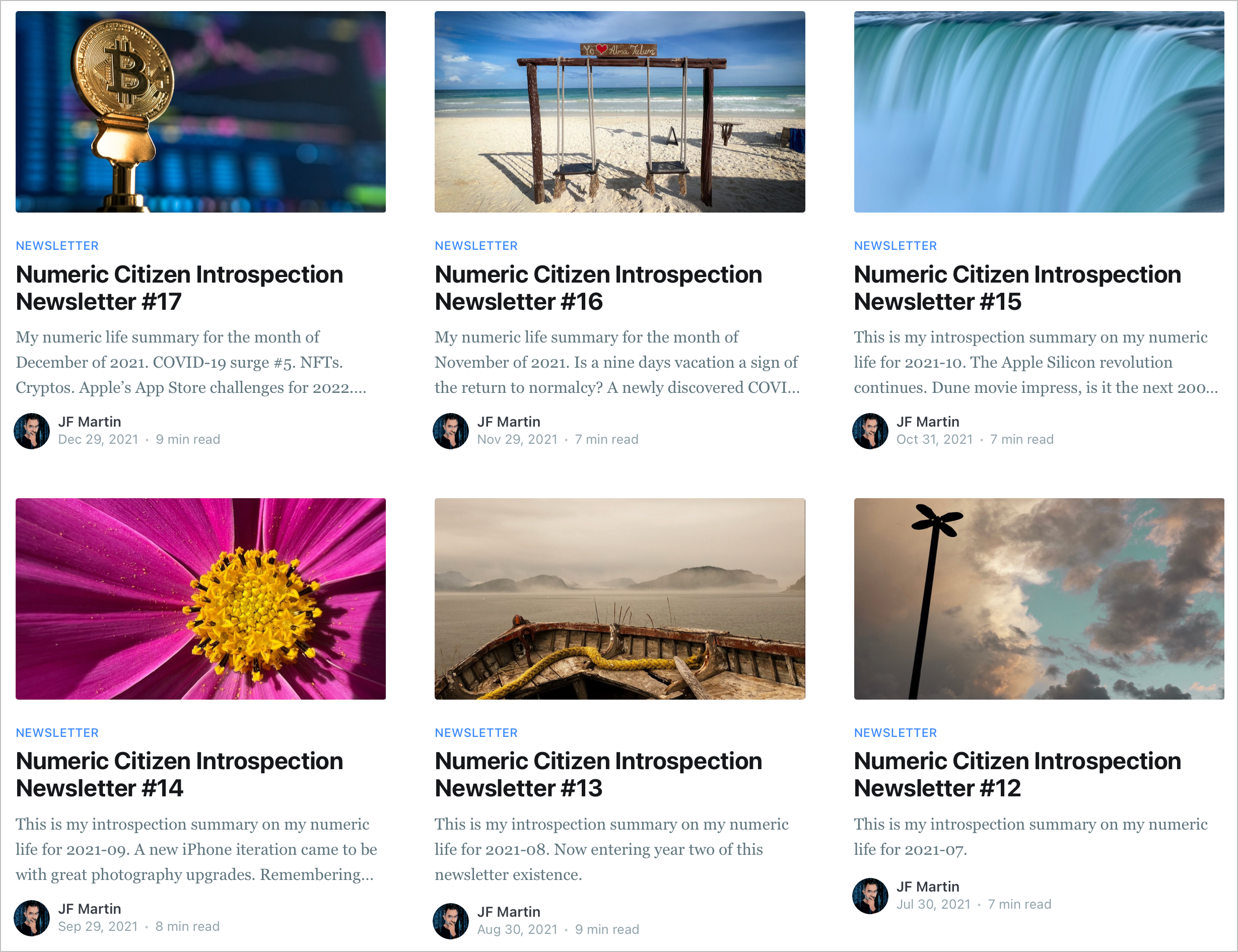
Well, it’s the time of the month where I start to work on the next edition of my monthly newsletter (it’s free BTW). I spend about ten to fifteen hours each month to put this together using my past readings and discoveries, Craft and Ulysses. Each time, it’s a pleasure to create. I think I should put together an article about the workflow I use to create each newsletter. Would you find this interesting?
MP3 Files and the iPhone — Harder Than Necessary
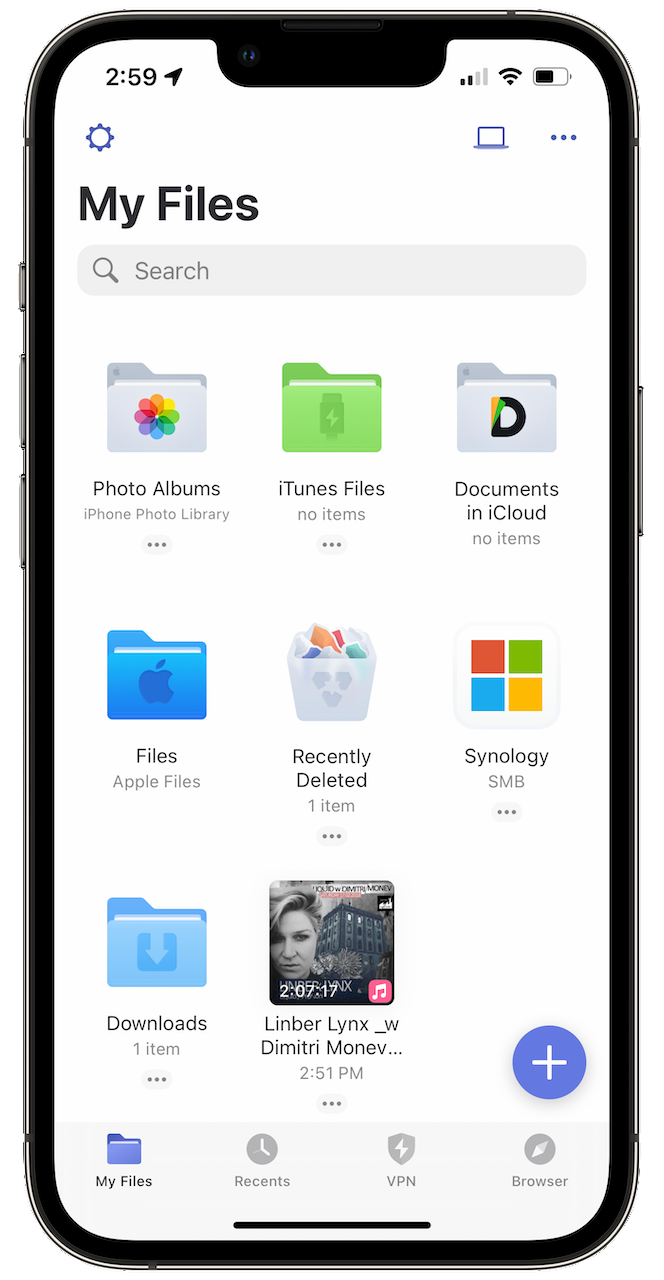
I find it surprisingly hard to find a simple MP3 player for an iPhone these days. I mean, just a simple application capable of downloading an MP3 file locally on the device with good playback controls, simple library management, nothing fancy. Readdle’s Documents (which I know very well) and EverMusic seem to be popular options. Documents offers a good user experience, albeit its multipurpose mission with documents management.
(I’m a moderate consumer of Soundcloud (paid subscription) and use Downie to download files from the service. Those files are stored on my DS720+ Synology NAS.)
What’s your experience in playing MP3 files on your iPhone? I’m curious.
On HomePod mini with a screen - STOP!
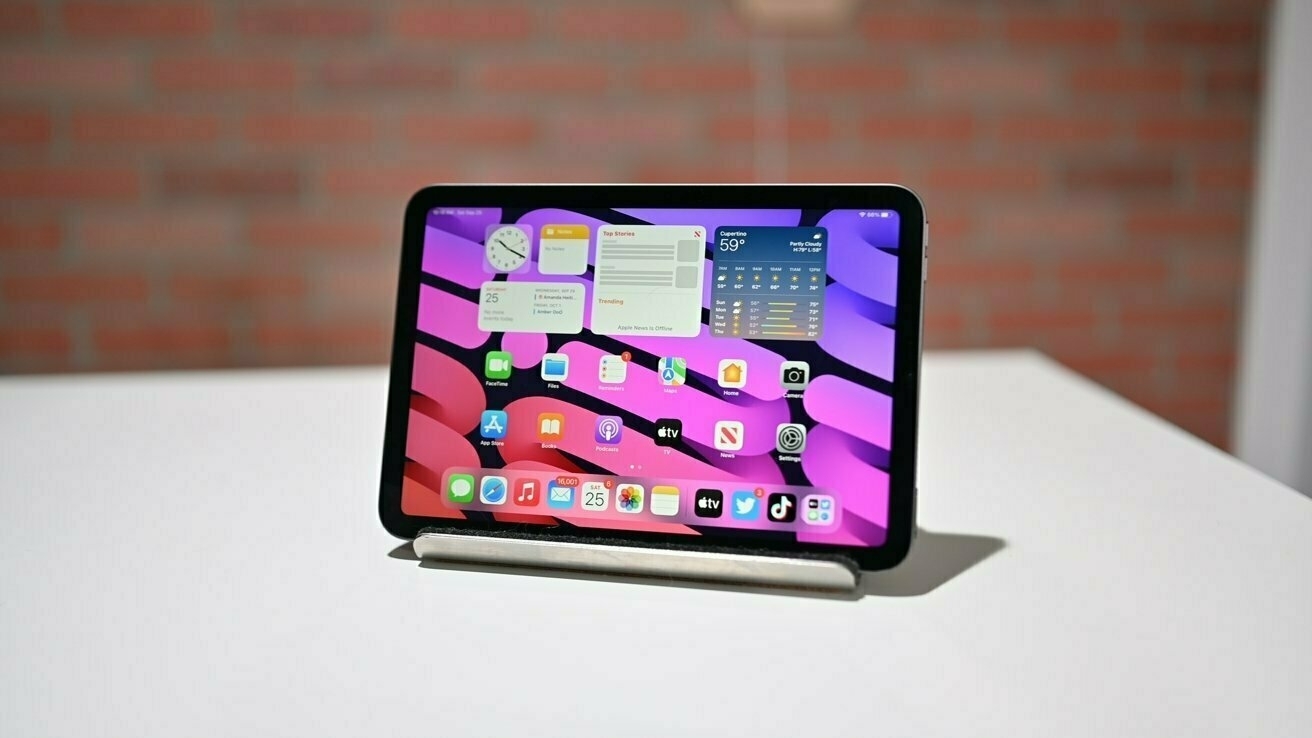
Consider this recent article from 9to5Mac: Concept: How Apple could turn HomePod mini into a delightful and adorable smart display - 9to5Mac.
Please, stop thinking that a screen on the HomePod mini makes sense because it just doesn’t. Why? Well, by looking at where we put these devices in our house, most of the time, you wouldn’t be able to see the screen from a distance. What Apple really wishes is that you buy an iPad mini with a Smart Folio cover for that purpose.
Universal Control — Finally!
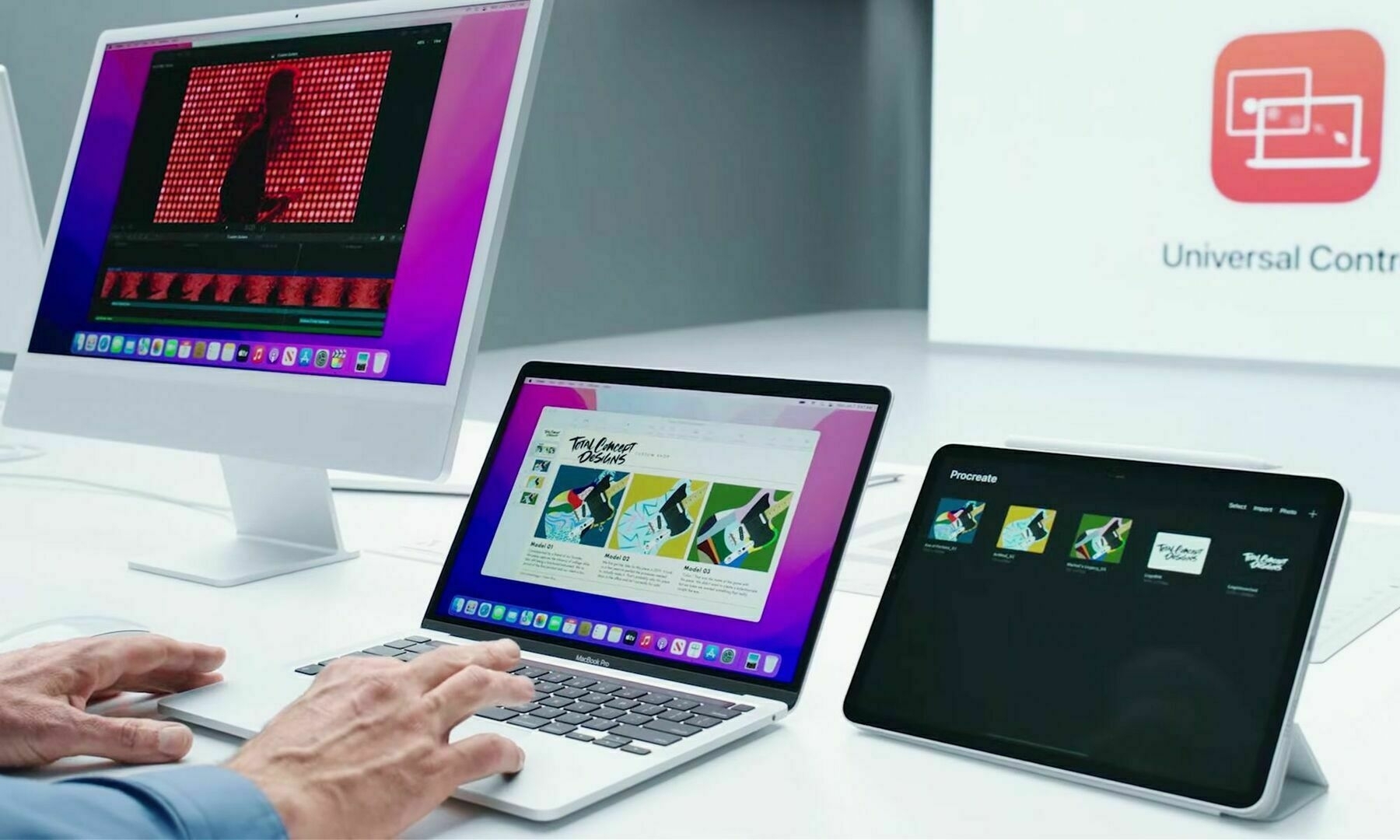
I’m a big fan of Apple’s Sidecar. I frequently use it for work. When Apple announced Universal Control at the 2021 WWDC keynote, I was blown away by the technical challenge it might have represented for Apple’s engineers. It really makes for great demos. Then, I started to wonder if this feature would enable new workflows, and I failed to find meaningful ones. With Sidecar, the iPad acts like a passive device most of the time, and I’m happy with this configuration. Then, following the release of iOS 15.4b1, videos (like this one from MacRumors) demonstrating Universal Control in action started to pop up. I changed my mind.
Under a Universal Control configuration, the iPad acts like an intelligent extension of the Mac desktop. It’s like Sidecar Pro Max (just kidding here). The iPad becomes a second computing device readily available to the Mac. The user simply and seamlessly can take advantage of this second screen in a matter where the computing power of the device adds up to the Mac, the screen, the system memory. It’s absolutely clever.
I can see myself using Craft on the MacBook Air and Ulysses on the iPad Pro, all using the MacBook’s keyboard and trackpad. Or vice versa. Clever. Really.
I’m considering updating my M1 MacBook Air and my iPad Pro to this beta.