Big. (#apple #bigsur #macos #macosbigsur #update)
Big Sur update is certainly big. Full of goodies and the enabler for the next decade of excitement for the Mac.
Big Sur update is certainly big. Full of goodies and the enabler for the next decade of excitement for the Mac.
Ars Technica put together a massive review of Apple’s macOS Big Sur. It is quite impressive. It’s exactly the kind of review that I’m looking for. Visuals and internal architectural features are exposed, explained but rarely justified, only when it serves a purpose of contextualizing the matter. Kudos for the author: Andrew Cunningham
Now, I’m so anxious to get this thing running on my upcoming Mac mini. Big Sur is not only a refresh of the user interface but also an important sum of things under the hood that is being upgraded and modernized.
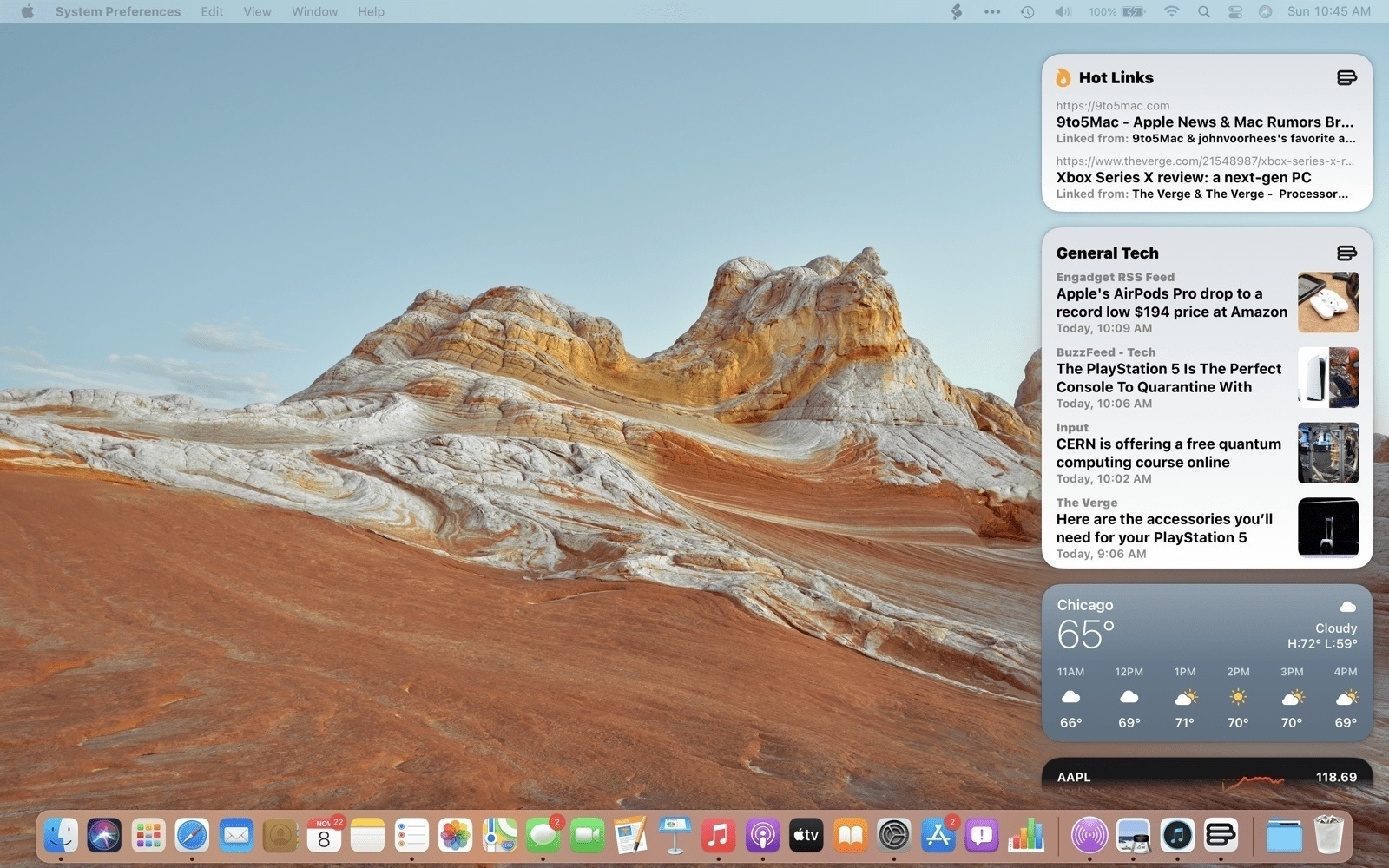
Maybe I’m wrong with my perception of the disaster Apple created with the introduction of widgets in combination with notifications center (read my comment here on micro.blog). After reading the excellent MacStories.net review of Big Sur, I finally saw the combination in action. Notifications are see big improvements and look closer to what we get on iOS.
Still, Apple lost the opportunity to make widgets available in their own space, something like what we used to have, the Dashboard. It’s ridiculous to confine widgets in such a small space, considering modern screen sizes. Oh, and I hope the interaction feels much more fluid on M1-based machines because the last time checked on a 2017 MacBook Pro, with Big Sur beta 10, it was super laggy
Picture credits: from MacStories’ review of Big Sur.
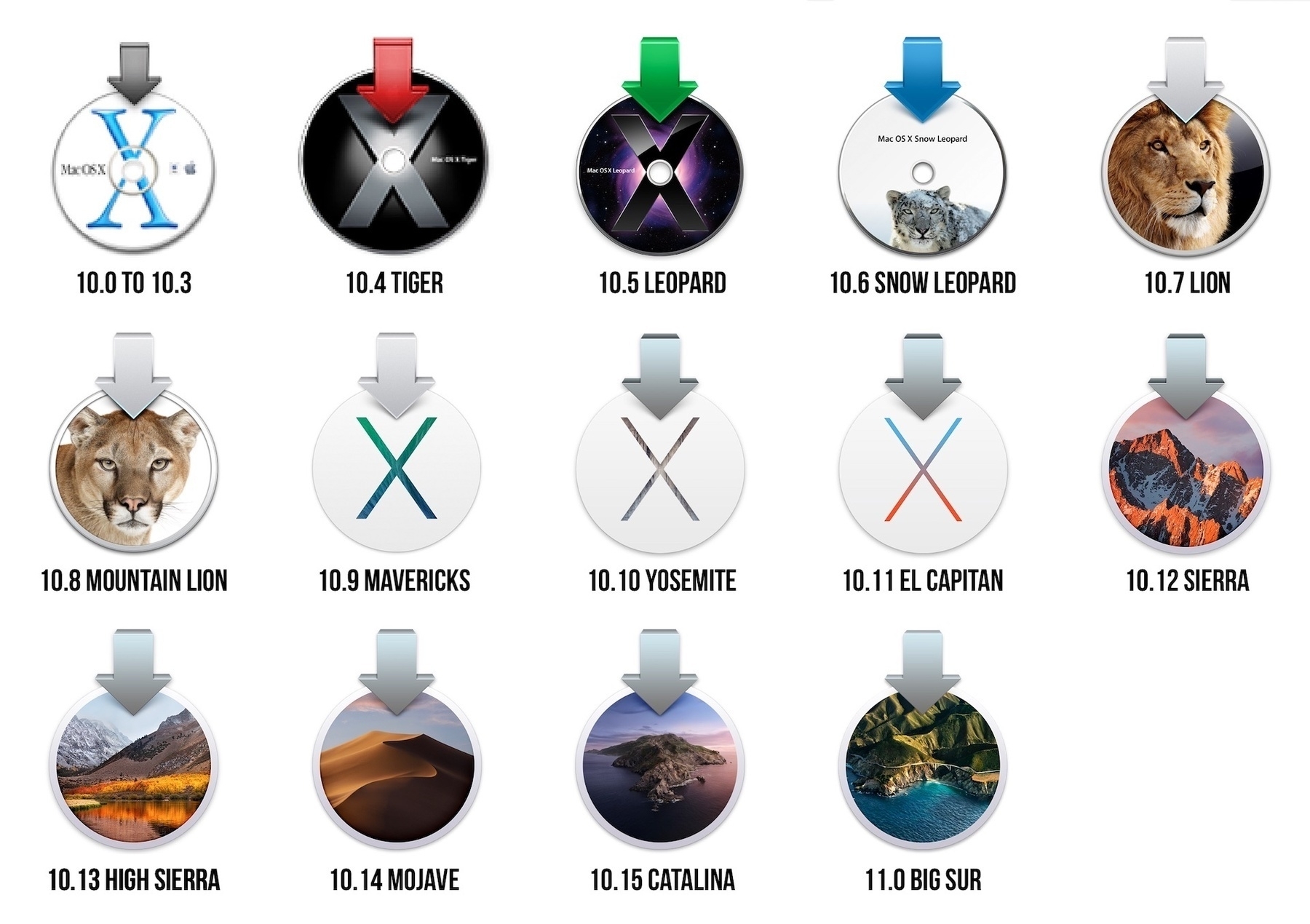
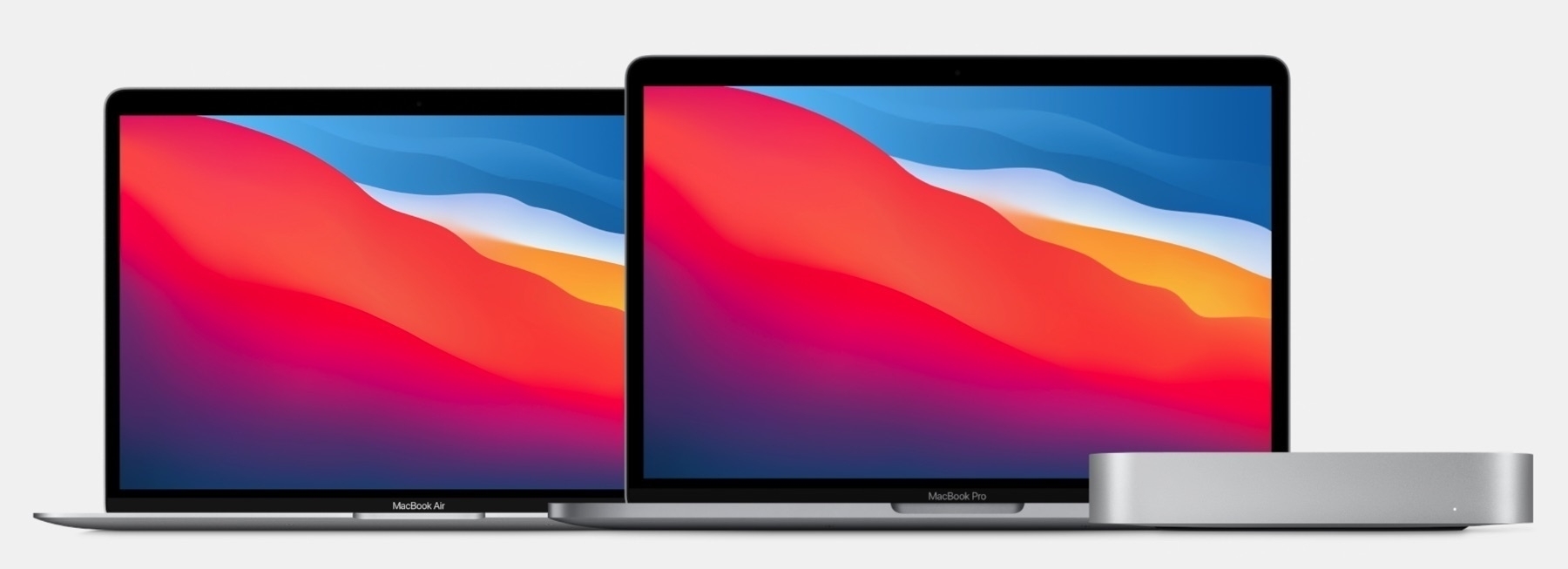
“The new M1-based MacBook Air, 13-inch MacBook Pro, and Mac Mini are best thought of not as three different computers, but rather three different manifestations of the same computer.”
Astute observation by @Gruber in his commentary post on “One More Thing" event. People are trying to figure out why there is so few differences between the three Macs Apple announced this week. Sometimes, the answer is simple.
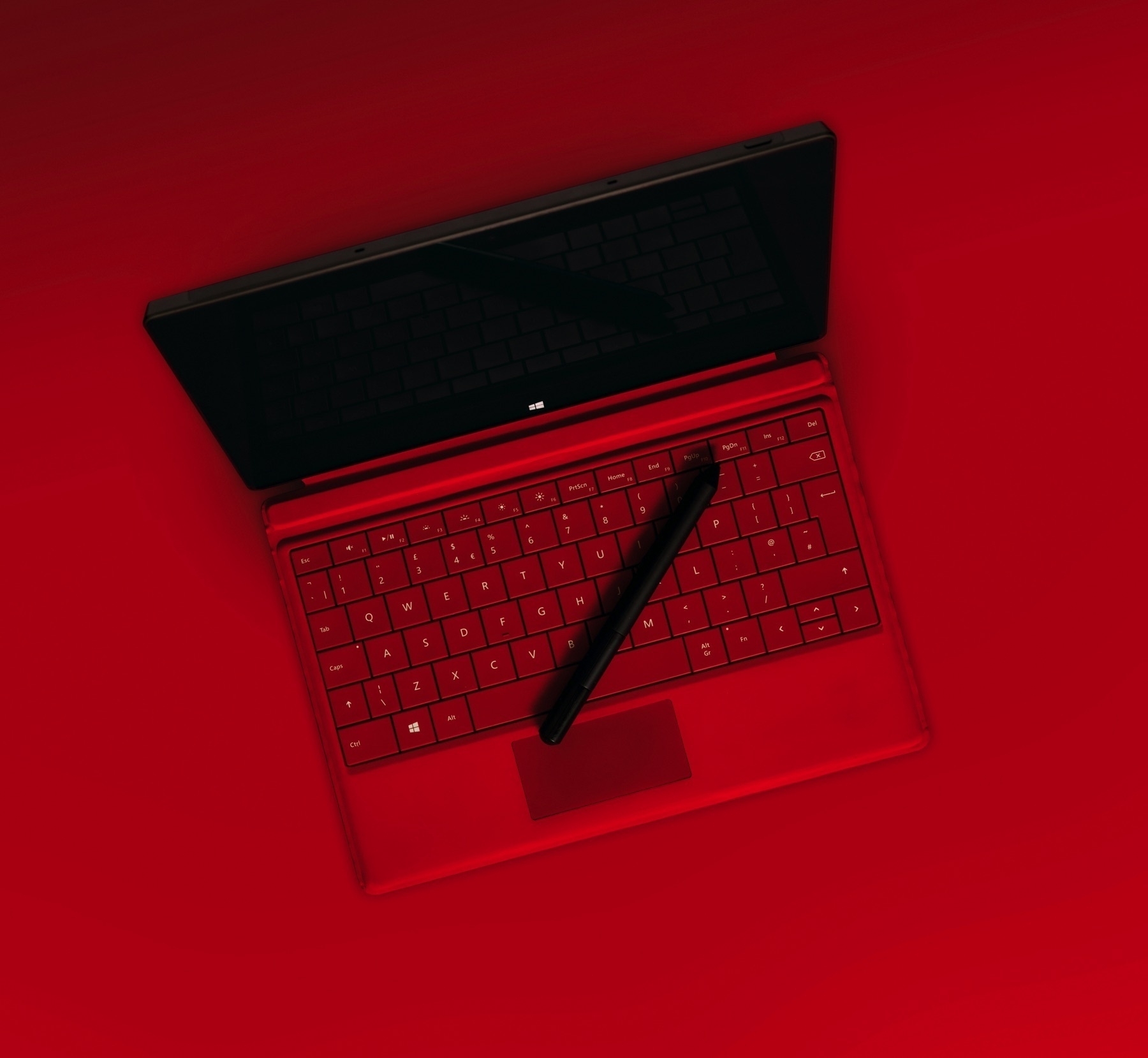
PC laptops introduced pencil support, touch screen, screen-based touchpads, et. al. because these are the only things they could do to try to stay on top in a commoditized technology platform. I will take in a heartbeat 3X or 5X performance gain and 6 more hours of battery life over the gimmicky features. This is one of the many reasons I’m so upbeat with the M1-based Macs.
Photo credit: Alexander Andrews on Unsplash.
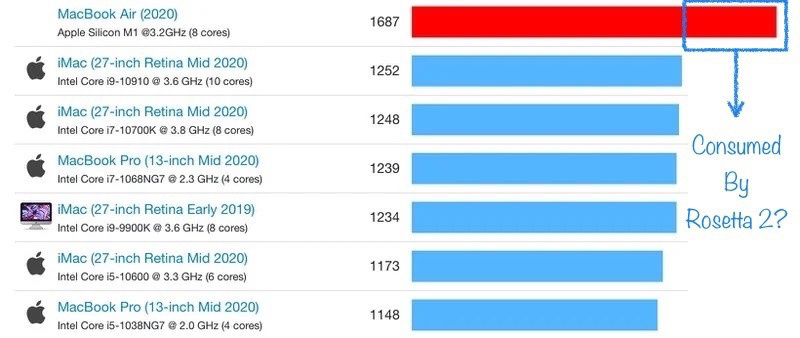
Twitter is ablaze since yesterday when first benchmarks of the MacBook Air were published. They show the M1-based and fan-less Mac to surpass the top of the line iMac! It’s impressive if not mind-blowing!
Now here is a simple theory: native apps will certainly perform really well but non-native apps will run under the Rosetta layer, which happens to consume CPU cycles. This performance room being consumed by Rosetta, the actual performance of a non native app will probably fall down to a more reasonable level.
Impressive nonetheless.
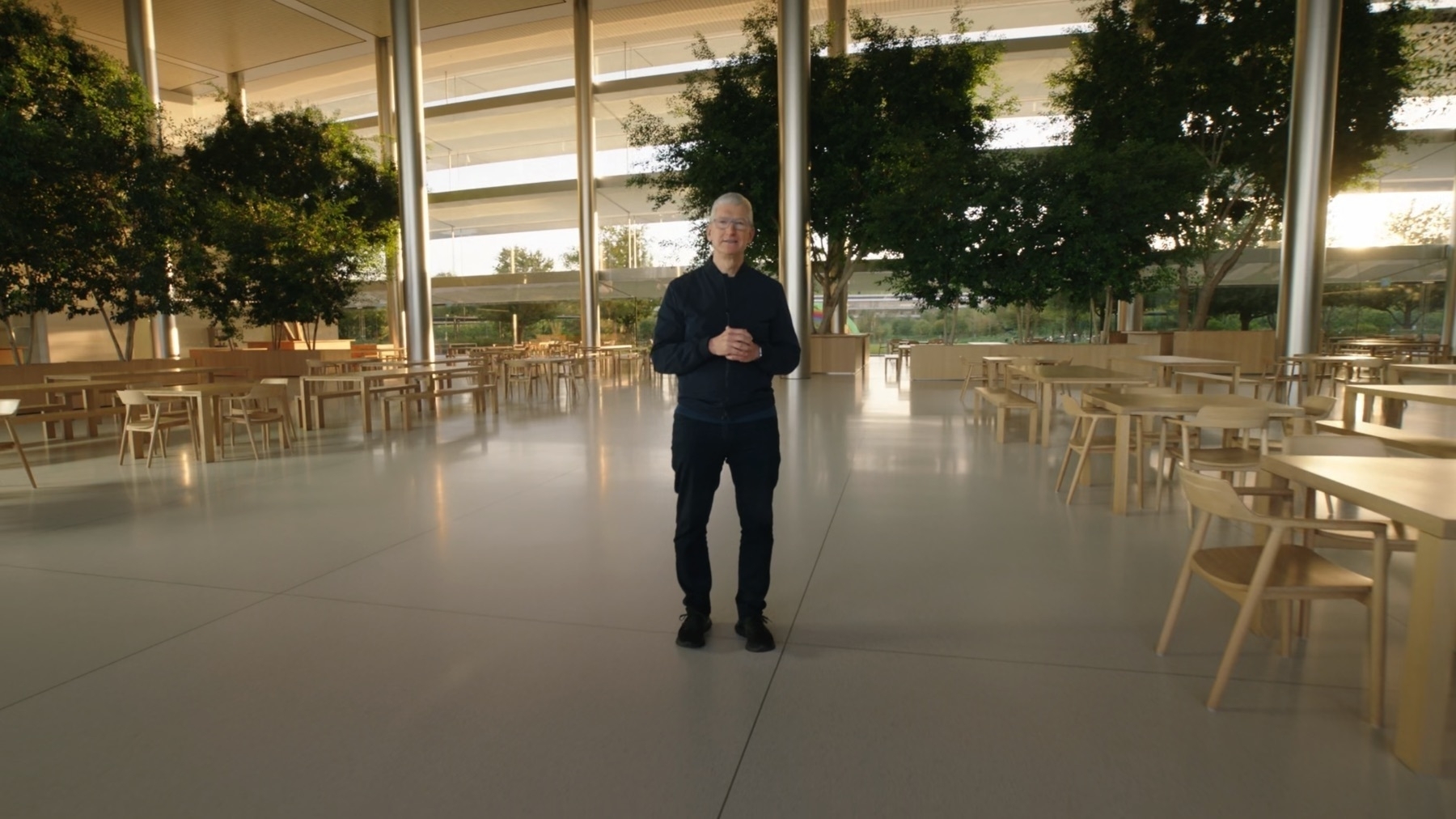
Recently published benchmarks of the upcoming M1-based Macs are impressive enough for me to take a deep breath and make a decision. A week ago, I didn’t think of this as a possibility. But here we are.
I’m going to make the plunge into the world of Apple Silicon-based Mac, Big Sur and universal apps. It’s the beginning of a new era, and I want to be part of it, experience it. I’m not waiting for the reviews next week.
I’ll get a Mac mini equipped with 16 GB of RAM and a 1 TD SSD. Expected delivery date is mi-December at the earliest, just in time for Christmas holidays. I never owned a Mac mini, BTW.
I’ll use my 4K LG display that is currently plugged into my iMac. I’ll be testing universal apps as they come out. Applications like Adobe Lightroom CC, Omnigraffle and Pixelmator Photo will certainly take advantage of the M1 processor.

I recently wrote and published a very critical view of Tim Cook’s Apple. It’s not pretty, but it is my honest take. Now, looking at Apple’s strategy execution for 2020 which is close to an end, I must confess that I’m really impressed. Apple delivered. On all fronts. There are a lot of unknowns, for sure. Yet, I have the felling that Apple set the stage for its next phase of growth for the next decade.
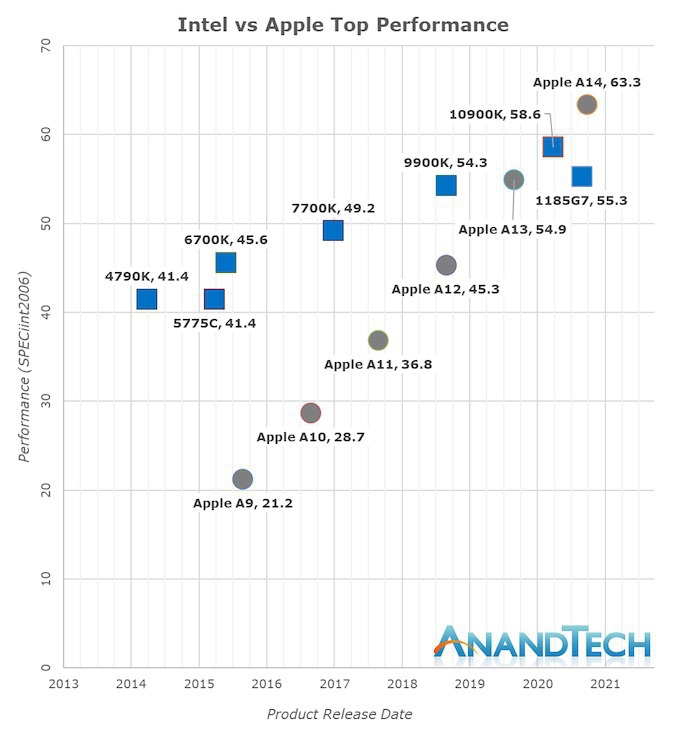
The graph put together by Anandtech is a wakeup call for Intel and the Wintel world, for that matter. These trajectories are incredible, impressive for Apple, worrisome for Intel. We are on the verge of a major shift in the portable landscape. Apple seems unstoppable.
Why no clock-speed information about the M1 processor? How are iOS-based apps be presented on the Mac App Store? Why so little difference between a MacBook Air configurations, CPU-wise, RAM-rise compared to MacBook Pro? What “virtualization technology support" actually means for normal users and tech enthusiasts? Why not bring back the 12" form-factor, an ideal candidate for power-efficient M1 processor? Will there be updates to Intel-based iMac Pro and Mac Pro? Why no 32 GB RAM configuration option for the MacBook Pro? What kind of performance levels should we expect to reach for non-Metal optimized graphic apps? Why does Apple can’t understand the need for an updated FaceTime camera in 2020?