I read the “Making Something Wonderful” book during my vacations. It’s full of great reading moments, for sure. Albeit not as personal as I would have liked, that last picture of Steve Jobs glasses took me off-guard and got me on the verge of crying. Go and find them.
the leaker also claimed that the “Action” button will replace the volume up button for taking photos in the Camera app, with force-sensitivity enabling a light press to auto-focus the camera, a hard press to take a picture, and a hard/long press to record video.
Ok, this is a rumour, but it’s an interesting one. If Apple does this, it would bring the iPhone 15 Pro / Max closer to traditional camera behaviour. Coupled with the upgraded cameras and possible addition of the periscope lens, Apple seems geared to make the next iPhone iteration another potential winner.
Going on vacation for a week. Leaving my MacBook Air behind, but bringing my iPad Pro with Magic Keyboard with me. It’s the only time that I use the iPad Pro with its Magic Keyboard since getting my MBA in 2021, otherwise, it’s my MacBook Air while at home.
I’m late in my readings. I’m not sure what to think of this weird take about the iPad and Mac future from Jason Snell.
The key to the Mac’s survival isn’t a new Air–it’s the next iPad Pro
Would it be such a cataclysm if I could simply reboot that iPad into macOS or run macOS inside a virtual machine?
Yes, it would be. What a weird idea. I’m nearly baffled by this article. How many of these ideas and requests are age-dependent? How does the younger generation view those perceived limitations of the iPad or the Mac?
For us who have experienced both computing paradigms, it is tempting to ask for one paradigm to borrow some of the other paradigm traits. Does it make them better? I’m resigned and unexcited to the prospect of getting the touch screen trait on the Mac, but having to reboot an iPad to get the Mac experience is ludicrous, IMO.
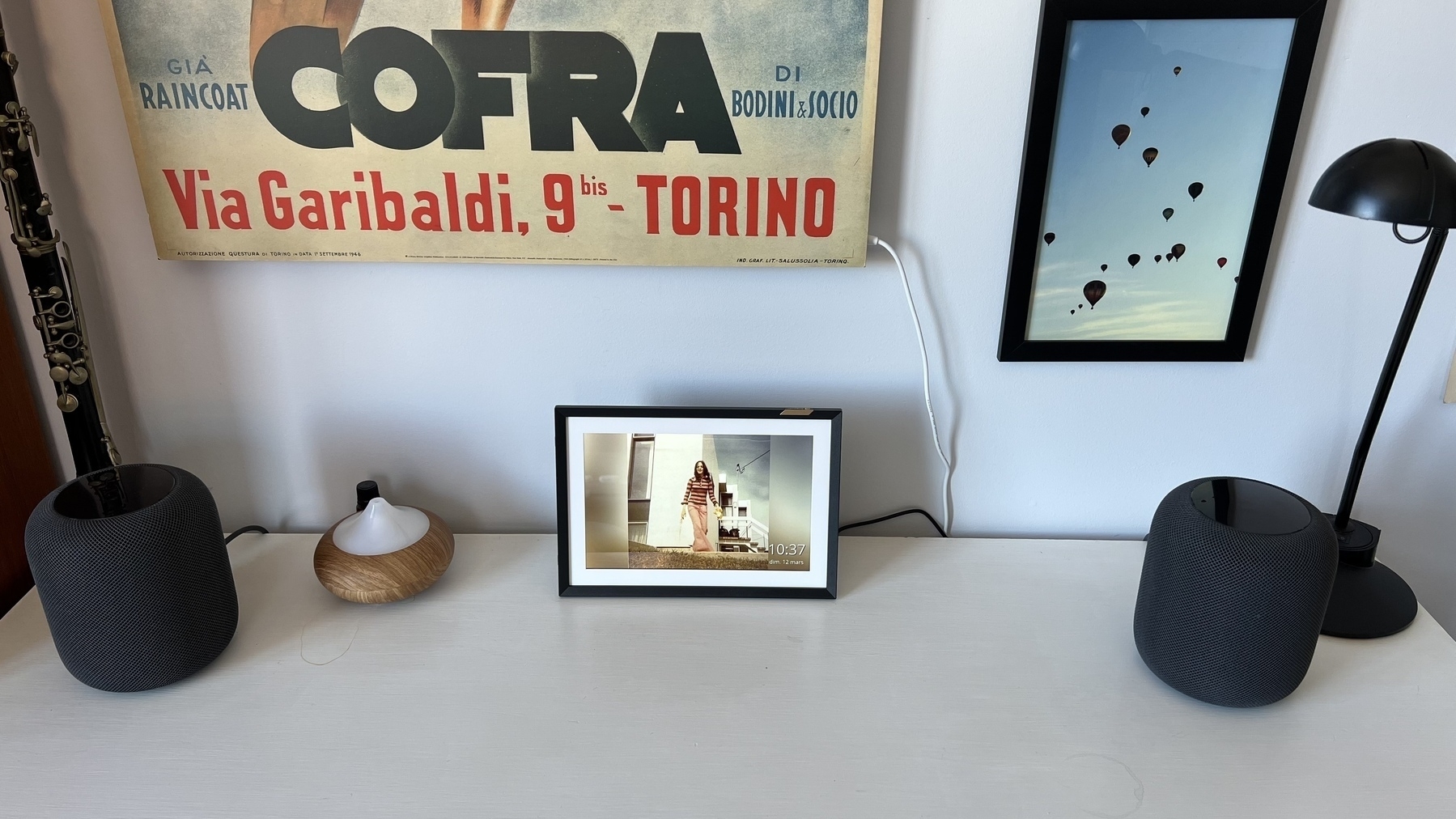
Even if Apple releases a HomePod with a screen in a form of a “iPad-like” device, I don’t see them beating Nixplay digital photo frames anythine soon. I recently got one for my home office and I’m really impressed with this very focused product. From the unboxing, to the frame setup and to the moment of my first uploaded photos started displaying on it, it was a great user experience. Very Apple-like.
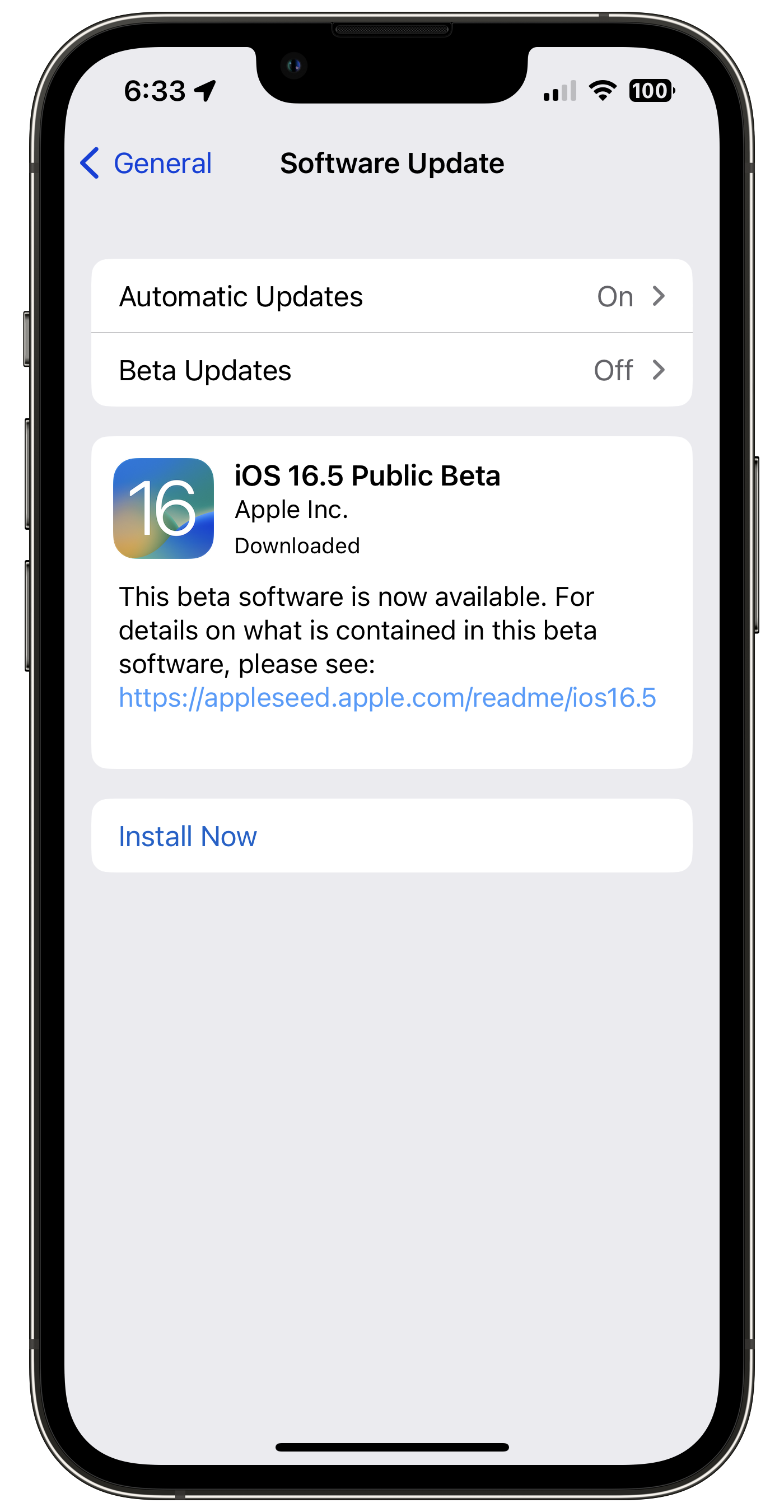
If the Beta switch is OFF, why do I get offered the latest beta of iOS 16.5? 🤔 Bug? Nope, because I had the beta profile from iOS 16.4 still in place.
Make Something Wonderful | a book from the Steve Jobs Archive
Coming to digital platforms on April 11.
A curated collection of Steve’s speeches, interviews and correspondence, Make Something Wonderful offers an unparalleled window into how one of the world’s most creative entrepreneurs approached his life and work. In the pages of this book, Steve shares his perspective on his childhood, on launching and being pushed out of Apple, on his time with Pixar and NeXT, and on his ultimate return to the company that started it all.
Can’t wait for this. I guess this is a way to get as close to him as possible?
Apple, please do a real but simple password manager. I join my voice to many, like John Gruber and Cabel Sasser. I even suggested Ricky Mondello who’s working on the Safari team and very much involved in the password management side, to consider doing such a password manager outside of Safari on the Mac or Settings on the iPhone.
Is Apple refraining from doing so because they see the future as passwordless, thanks to passkeys? Probably but it is a long road to get there, so what do we do in the meantime? As Gruber said, password management is probably as important as tips about using your iPhone, which has its own app on the home screen.
Why a dedicated music app for Apple Music Classical? When we first learned that Apple would launch a different app for Apple Music Classical, I was surprised and wondered why not add a big tile in its current Apple Music app. Apple explains this in more detail here about the reason:
Classical music is different. It has longer and more detailed titles, multiple artists for each work, and hundreds of recordings of well-known pieces. The Apple Music Classical app is designed to support the complex data structure of classical music.
I get it. It makes sense. Now, here is another question: could there be a need to create more “genre-dedicated” apps offering different browsing and listening experiences? How much could an app be different for electronic music? How about creating an app dedicated to music videos? All of these apps could tap the Apple Music back end. This needs more time to think about.
Oh, no iPad app, at launch, really?
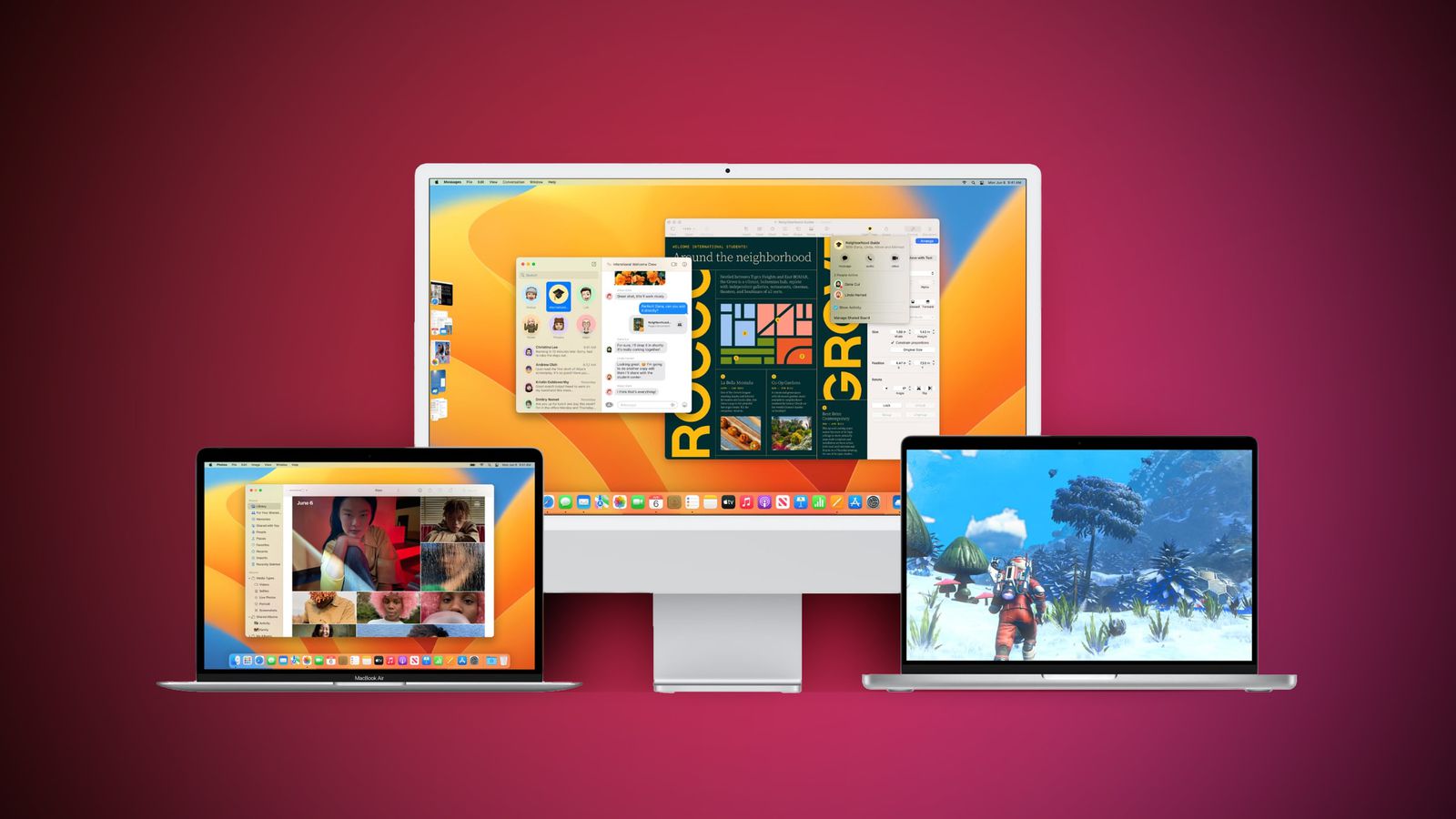
Time to update all my devices. There are many.🙃 I’m always impressed by how effective Apple can be to keep the beat going on and on for releasing so much new software all at once. If you’ve been in software development, you probably already know this is a major undertaking, each, and single time. Kudos to Apple.