Another Day, Another Discovery: TimeStory

After Anybox earlier this week, now is the turn of TimeStory to make its debut on my list of apps under consideration. About TimeStory, from the application’s website:

TimeStory is a Mac app for illustrating events on a timeline, designed to help you easily create plans and roadmaps, capture history, tell stories, and more.

I spent quite some time today on a project at work using TimeStory. I’m blown away by the simplicity and the craftsmanship that went into this app. It’s very focused, which makes it easy to learn. At every step of my experimentation with the app, I was met with an evident interaction and response from TimeStory. I built something that took me a few hours instead of days in MS Project. Consider me impressed.

I’m on the seven-day free trial. I’ll probably buy the app for two reasons: it brought me real added value in my workflow, joy, and some rewards along the way. Also, I can see a few use cases in my personal numeric life, for my Apple Rumours hub, for example.

We need more apps like this. Very focused, not trying to impress with undeeded features. On the Mac only. Native: AppKit + Swift. No subscription.

Oh, and I love TimeStory’s About page. It’s always interesting to learn about the behind-the-scenes story of an app. I hope this app continues to evolve and improve for as long as possible.

😅 Moving all my newsletter subscriptions to Inoreader (instead of Hey Mail) for a better reading and annotation experience. Unsubscribing to many along the way. That’s one of the many benefits of switching to Inoreader. Hey Mail isn’t that good for reading newsletters after all, when you compare it to other solutions (including Matter, Readwise Reader, etc.). Substack doesn’t make it easy to change the subscription email, BTW. 👨‍💻

Testing Micro.blog Bookmarking Feature

For the first time today, I diligently tested Micro.blog’s bookmarking feature. I don’t know if this is a popular feature among MB users, but I wonder if I should find a place for MB bookmarks in my workflow. Let’s see a typical workflow.

So, I start reading an article from my now favourite RSS reader: Inoreader. I decide to open the source website and use the bookmarklet to save the page into MB bookmarks. After a few minutes, MB diligently created a readable article archive stripped of all the noise. Think of it as an MB version of Instapaper.

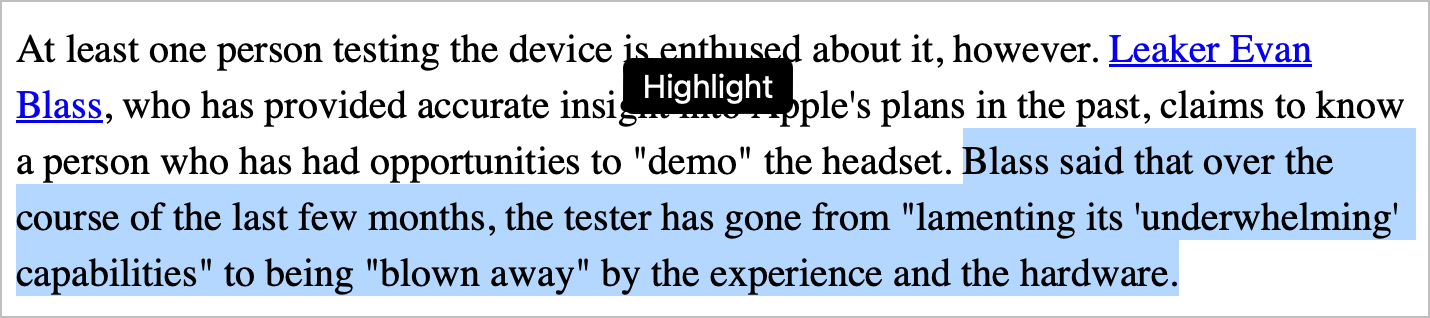
I open the newly created archive and start my reading. I find an interesting or very valuable passage that I select in the browser. MB shows a very gentle overlay titled “Highlight”. I click on it, and sure enough, the text gets highlighted. But that’s not all.

MB can display a list of all my highlights. If I find a highlight that I want to create a linkpost for, I simply click the “New post” button underneath it. And voilà, I can start writing my linkpost right there.

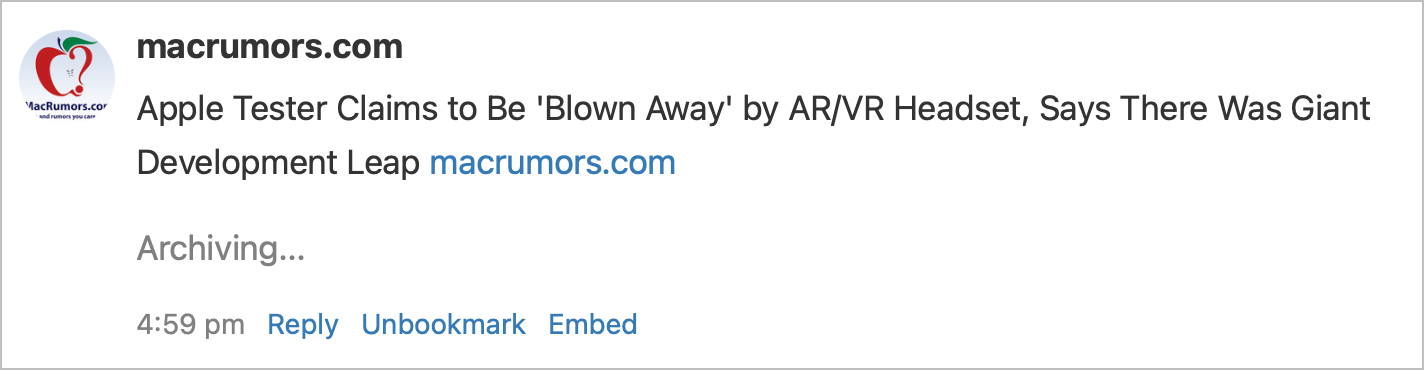
Moreover, MB offers a simple way to save a bookmark by entering the article’s URL into the provided field at the top of the “Bookmarks” section on the MB website. Very handy.

Bookmarks can be embedded in a blog post too. Just click “Embed” underneath a specific bookmark.

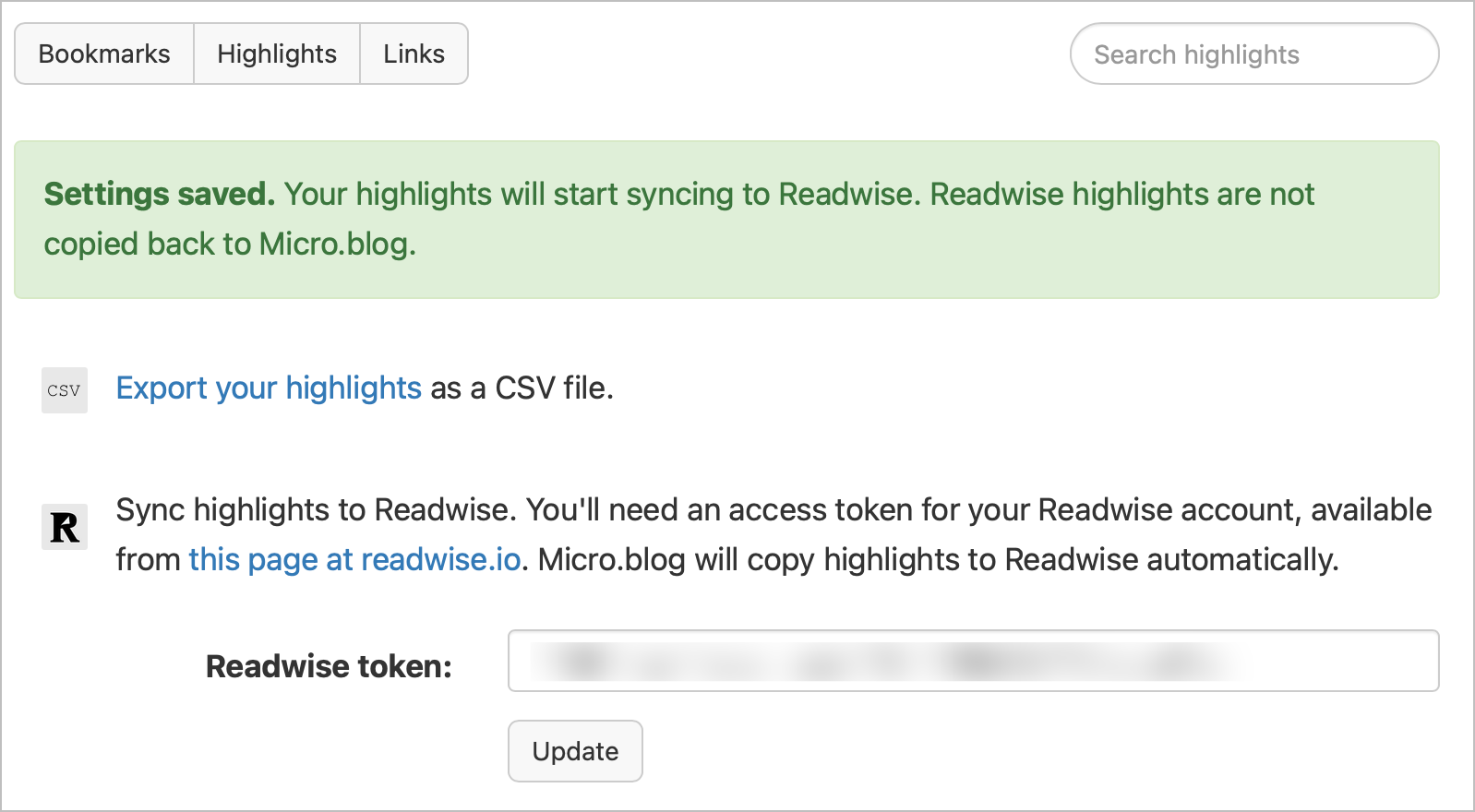
The only downside, for now, is the lack of data portability: bookmarks and highlights can’t be saved or exported outside MB.

The bookmarking feature is part of the Premium subscription tier.

Coming out of another rabbit hole…

👨‍💻 I’ve been extensively testing Inoreader recently and I have to say that as much as I like the service, I find the support for third-party services seriously lacking.

Inoreader supports many third-party services like Blogger, Telegram, Buffer, Evernote, LinkedIn, Hootsuite, Pocket, Google Drive, Instapaper, OneNote, Hatena Bookmarks and Dropbox.

It certainly a long list of services but the problem is that I don’t use any of them. I recently cancelled Buffer and Pocket. I’m surprised to see Blogger but not WordPress or Ghost. Who’s using Hootsuite these days?

I wish Raindrop.io or Notion would be supported, after all, both of these services support offer APIs. Too bad because with better integration often come more efficient workflows.

Building something around tags, IFTTT and RSS could unlock some form of automated workflow. For example, tagging an article would generate an article in a custom RSS feed built using Inoreader which would trigger an applet on IFTTT monitoring this RSS feed which in turn could create an entry in Things 3. The latter part is a challenge, though. IFTTT can’t talk to Things, but it can talk to Google Sheet.

Nothing is perfect I guess. 🤷🏻‍♂️

AI Comes to WordPress… Who Knew

The pervasiveness of AI is starting to look troubling at best. This week as I was heading to my WordPress admin page, I got this message at the top.

Who knew? I was curious so I read the official “AI Engine” plugin page on WordPress.org. Here’s something that I found dubious.

Five stars reviews only so far. I won’t have the pleasure to test this plugin or implement any of this on my website as I’m getting ready to move out of WordPress this year. Now, who’s next, Ghost?

The official plugin page can be found here.

👉 It’s Friday, and it is time for another quick experiment. For the next few days, I will cross-post from the Micro.blog to my Mastodon account and see how it goes. I’m unsure if I will add more confusion than anything else.

Tonight, following one of my year’s goals of focusing on and reducing my digital footprint, I deleted my Tumblr account, where each post was cross-posted from Micro.blog ➡️ Tumblr. This platform seems like a ghost town.

I’m also testing the new “Show cross-posting” feature to push this post on my Mastodon instance. Zoom zip and hop to @numericcitizen@techhub.social!