Micro.blog Officially Launches Support for Newsletters

So, as expected, yesterday Micro.blog introduced support for newsletters in the premium subscription tier. The official announcement follows:

Today we’re announcing a major new feature for Micro.blog Premium subscribers: email newsletters. Micro.blog can now manage, letting readers subscribe to your blog and receive emails for new blog posts. It’s deeply integrated into Micro.blog and works great for collecting multiple microblog posts together automatically.

Here is why I upgraded my subscription plan almost instantly after the news came out.

First, I’m a big fan of Micro.blog as a publishing platform and also of its foundational principles. I’m totally ok with paying a monthly fee of $10 to support the team behind—I want the platform to thrive. Second, adding support for newsletters is a great idea. Not everyone is using an RSS feed reader or like to read content through a browser. Everyone uses email clients! It’s important to provide different ways of communicating content to the readers. Newsletters are making a comeback.

Enabling newsletter is dead simple as shown below. I chose the weekly newsletter containing all the posts for the past week. Email go out at 9AM, local time, each Saturday morning. It’s a good way to start the weekend, isn’t it?

As you can see, the settings are quite simple. There is no formatting option (yet). Having a choice between all text vs excerpt would be a useful one. Speaking of formatting, one thing that I’m curious about, though: how does one newsletter look like? I couldn’t find an example in the documentation. Furthermore, how can we preview the next newsletter issue? It seems that, in case the first option is selected (one email for each post), the author has 30 minutes after posting to preview the email as explained here:

@timapple The preview works the same for the weekly and monthly option except it only creates it 30 minutes before it’s ready to send. Micro.blog will send you a preview email automatically with a link to edit it then. — Manton Reece https://micro.blog/manton/12238527

How does Micro.blog newsletter feature fit in my workflow? Micro.blog newsletter joins two other services that I depend on: Mailbrew to create something very similar in nature to Micro.blog offering and Ghost for my monthly newsletter (previously on Substack). On Mailbrew though, my summary newsletter also brings in content published on other platforms (WordPress, Blot, Ghost, Smugmug, etc.). It’s the ultimate weekly posts summary newsletter. Ghost, for my introspection newsletter, is like Substack, but better. I see Micro.blog offering as being a convenient way for my readers to get my content into their mailbox. It won’t replace Mailbrew or Ghost, obviously.

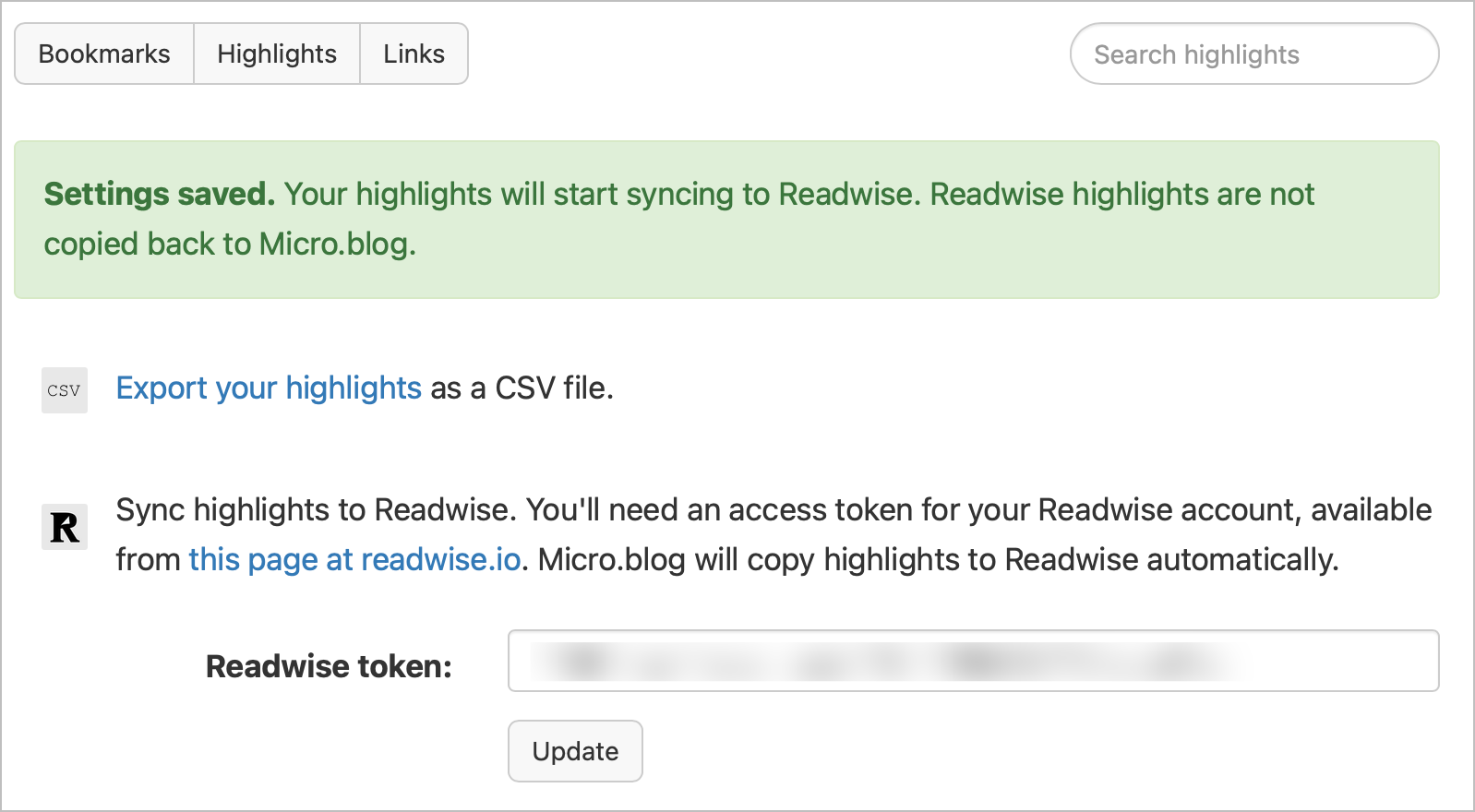
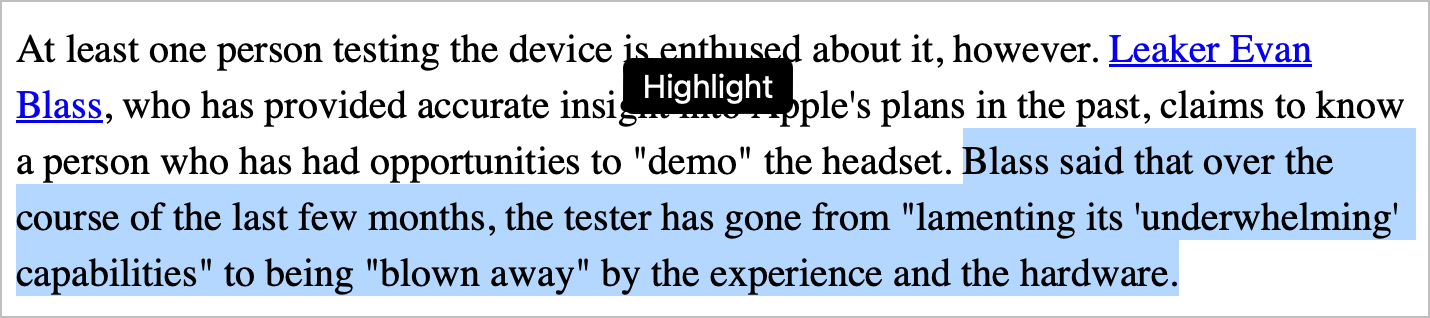
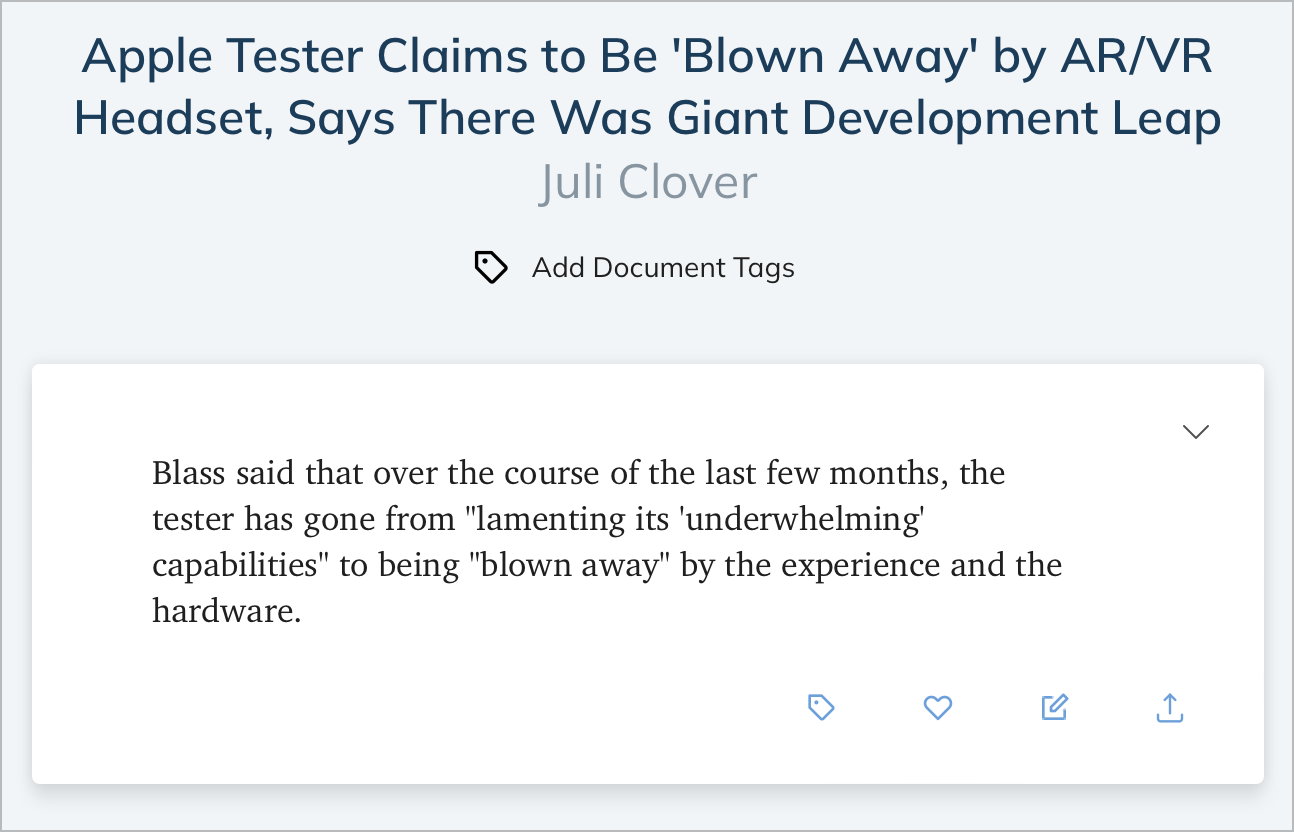
By subscribing to the premium tier, I also get a few goodies that could prove to be useful: bookmarking archiving and highlighting. The former allows for the bookmarking of a post on my timeline. The latter allows me to highlight some text while reading a bookmarked post or URL. Highlighted text can be conveniently used to create a link post easily. One thing that I would love to see is a browser extension for selecting text in any website. I’m not holding my breath, though.

All in all, I’m pretty happy with this addition to an already great service for content creators like me. Oh, and don’t forget to subscribe to the weekly digest! So, to those who subscribe, I guess this post is the first to get through the newsletter feature of Micro.blog!

Don’t miss the YouTube video explaining the feature.

About Micro.blog Upcoming Update — Newsletter Support

Apparently, it looks like tomorrow, Micro.blog is going to add support for newsletters. A few weeks ago, I can’t remember exactly, Manton posted a screenshot (which I can no longer find) where a “newsletter” item was shown on the left sidebar on the Micro.blog main site.

I’m very curious about Micro.blog take on newsletter. Micro.blog is all about simplicity without being too simplistic. If the feature is available to entry-level paid tier, I’m might enable it and use it myself. Right now, I’m using Mailbrew to gather all my published posts via the RSS feed to generate a newsletter. There is one thing though, are we starting to feel a bit of newsletters fatigue?

Can’t wait for tomorrow.

On My Photographic Style

The photo thumbnails are from a personal trip to Austria in 1998. When I look back at these photos, I have to come to a conclusion that my photographic style didn’t really change in 30 years. It feels a bit depressing. It is basically revolving about architecture, nature. Very rarely about people, these are too hard to capture; I don’t have a good sense of timing, and I’m shy. I’m rarely doing street photography. The only addition to my subjects in recent years is urban exploration. Do we come into this world with a pre-determined photographic style?

Here is my Glass page.

And my SmugMug page.

Oh and my Unsplash page!

Changing my Mind

Boooooo… Well, it looks like I changed my mind. I didn’t remember that I wrote this blog post following the release of Ghost 4.0. At the time, I didn’t see the benefit, but now, it’s quite another story. I really love Ghost and I think I made the right choice for a few significant reasons:

  1. Ghost comes with APIs, which enable all sort of possibilities to improve my workflow.
  2. Ghost editor is much more powerful than Substack’s. This week, they started to release new cards type: GIF and Button. They promise another ten before Christmas! Yeah!
  3. I prefer Ghost’s design in general over Substack.

In case you didn’t know, my newsletter website is reachable here: https://numericcitizen-introspection.blog

Testing Synology Photos as a digital assets management solution (#synology #beta #dsm7)

Synology Photos Beta

I’m currently testing Synology as a storage solution for all my non-personal, non-photographic digital assets that I often use to complement my blog posts. After testing Synology Moments, their previous solution for photo management on DSM 6.2, Synology Photos in DSM 7.x is a step in the right direction, a big improvement. I like what I’m seeing. It’s fast. The ability to use folders as well as albums to organize my collection is a big plus. I’ve yet to find a bug. There is an iPad version of their Synology Photos. It’s not perfect but it works. Lacking is support iPad multitasking, which is a shame but not a deal-breaker.

In order to test this solution, I’m using my DS720+ running DSM7 beta inside a virtual machine. DSM Virtual Machine Manager allows the execution of a Virtual DSM which is very cool for testing future releases of their software. I’m impressed by the relative speed of this setup running on 6 GB of RAM, 2 x 6 TB SATA drives and a Samsung M2 NVMe 512 GB cache drive.

Stay tuned for more.

Will Apple SharePlay Really Take Off?

Readdle software released an update to PDF Expert with support for Apple’s SharePlay. Using FaceTime, up to 32 people can share and annotate a PDF. According to the documented workflow on The MacObserver website, while in a FaceTime call, opening a PDF file with PDF Expert enables the SharePlay feature.

I tried the SharePlay experience using Music and screen sharing to see how easy the SharePlay workflow is to master. Each of my test with Apple Music ended up with a popup saying the selected content couldn’t be shared (probably controlled by the owner of the music track-not surprising at all). With screen sharing, I had more success and the feature worked as expected.

I think this is all cool and SharePlay brings Apple’s ecosystem closer to what is possible within Zoom or Teams.

What I’d like to see is more application support for SharePlay. Apple’s Keynote would be another winner where people could watch the same presentation together. I find it surprising that’s not already the case. Maybe an upcoming update to iWork will fix that.

l’ll definitively play with this more in the coming days because I think SharePlay has a lot o potential, especially in the business space.

Photo editing while on the beach

On my iPad Pro, in split-screen view: on the left, Lightroom. On the right, Apple’s Photos. Same photo in DNG format (ProRAW) edited with available features and possibilities of each application. Lightroom wins, obviously. Recent update to Lightroom adds editing masks which makes a big difference in achieving desired results. Picture taken with iPhone 13 Pro. On the beach. While in vacation. Cheers. 😎🍹

A New Home, Same Purposes

I’m done putting the final touches to my new home, a place where I continue sharing my newsletter and publish new posts under the Friday Notes and Photo Legend Series. Instead of using Substack, I’m now on Ghost(Pro). And I love it! I hope you stay with me in this transition.

Considering bookmarking this link: https://numericcitizen-introspection.blog or adding it to your favourite RSS reader: https://numericcitizen-introspection.blog/rss/.

RTFM (Read The Fuckin Manual They Say!)

When I got my first AirTags, I was anxious to get this wallet from this KickStarter project: “Snapback Slim Air - A Wallet for AirTags”. This is my Snapback Slim Air. With the AirTag inserted.

Can you see the problem? The AirTag hardly stays in place and has the tendency to pop out of its place. Not great at all. I always found the fitting to be so so. Then, today I got an email from KickStarter with the following promotional photo. Can you see what I’m doing wrong?

I happen to insert my AirTag the wrong side. Duh! The white side (the best looking one IMHO) must be inside and the silver side exposed outside. Ooops. Here’s the result.

As you can see, the fitting is a bit better but not that much better. I’m already looking for alternatives. Any suggestions?