Apps cannot be installed errors (#appstore #apple #bug)

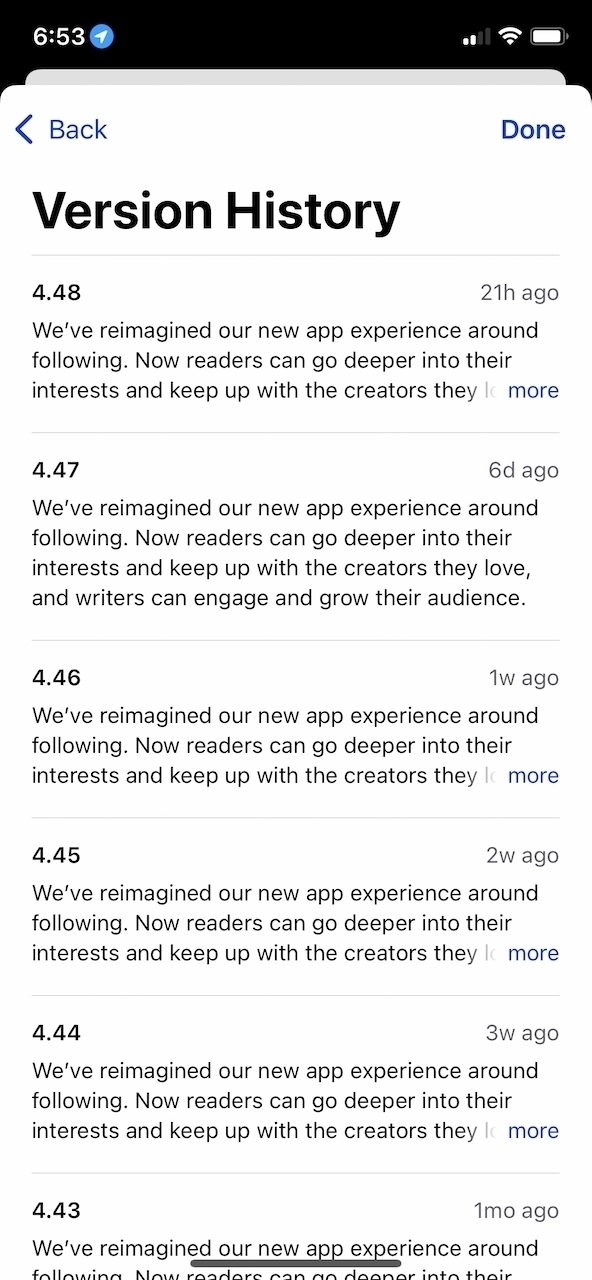
Since running macOS Big Sur, I quite often get these “Unable to Download App” error when trying to update my apps on my M1-based Mac mini. I need to try a few times or even reboot the machine in order to fix this issue. The app is being downloaded, but the installation phase is failing at the very end. Version 11.2 of Big Sur didn’t fix the issue. And it’s not related to an app being open or in use.

Is anyone getting these too? It’s kind of annoying.

Desktop vs Laptop vs Mobile vs Tablet (#blog #bloggerlife #analytics)

Here is something absolutely fascinating and surprising to me. According to my main blog’s visitors statistics, thanks to my recent switch to Plausible, over the last thirty days, the distribution of devices type used to visit my blog puts the tablet far behind the desktop, the laptop and the smartphone. One would think the tablet form factor to be much more popular.

The iPad is massively popular. I’m still in love with this form factor after all these years. These numbers doesn’t jive.

Apple’s macOS Big Sur updates on the path of iOS updates? (#apple #macos #bigsur)

After the release yesterday of macOS Big Sur 11.2, Apple today released the first beta of macOS Big Sur 11.3. It does look like macOS is following the trails of iOS with updates that brings many small features, improvements and tweaks. We’re not used to that, as before Big Sur, macOS updates used to be mostly about bug fixes. I’m happy to see Apple change course for macOS, if this update is any indication.

And here goes beta 1 of iOS 14.5 (#apple #ios14.5)

iPadOS 14.5 and iOS 14.5 beta 1 is out!

iOS 14.5 beta 1 is out today with a slew of new features and small tweaks. Unlocking your iPhone while wearing a face mask, thanks to your Apple Watch, falls in the category of “finally” moments. In the tweaks category, the Apple logo of an iPad booting up iPadOS “finally” follows the device’s orientation. Updates to Apple Card too to support shared cards. Now, if only this could come to Canada!

Our secret? Optimizing workflows (#blogger #writer #tools)

I like to see other people talk about their own writing or blogging workflows. Here’s an interesting tidbit from Greg Morris about using Apple’s Shortcut to publish to WordPress:

“Shortcuts is a really robust way to publish to WordPress and not have to use the WordPress app or third-party app.”

Apple’s Shortcuts are also an important part of my blogger workflow. Since I’m using Ulysses, which supports publishing directly to WordPress, I don’t need a shortcut for that. But for many other small things, it is a valuable tool in my arsenal. Shortcuts are an interesting technology within the iOS and iPadOS ecosystem.

Design is how it works (#apple #design #ux #ui)

From John Gruber’s Apple report card:

“I’m reminded of all the UI and interaction designs and changes in iOS and MacOS that are just bad. There’s a real sense that _ Apple’s current HI team, under Alan Dye, is a “design is what it looks like” group, not a “design is how it works” group_. Exhibit A: What MacOS 11 Big Sur has done to document proxy icons. Arguably it looks better to hide them. (I disagree, but I can see the counterargument.) Inarguably, they work far worse now — harder to use for people who use them, and much harder to discover for people who don’t yet know about them.”

Gruber often has an effective way of putting out his take on Apple’s issues. If you look and use macOS Big Sur for a while, you should get a feel that only the visual parts were redesigned, not the way it works in response to the user behaviour. Big difference.

What the hell is going on with Flickr? (#Flickr #photography)

This morning I got the most recent update to the venerable photo sharing service: Flickr. The only addition to this update, support for iOS 14 widgets. Finally! It’s quite a change from the usual “Bug fixes and improvements.”. Even if I’m no longer actively using Flickr, I was happy to see that widgets were finally supported. So, I frantically updated the apps to have a look at the possibilities. What a let down. Sure, all three sizes are supported, but we cannot change any widget settings! How about being able to set the source for pictures or even stats or anything! Nope. I call this pathetic.

No wonder why I left Flickr and services like Unsplash took over the world. Over the years and during its tumultuous history, Flickr was a series of promises left without real and deep actions to transform the platform. They brag about having two million groups. It takes just a few minutes to see that a vast majority of these groups are ghost towns. And don’t get me started with the general design of the app and the website.

Today is about data privacy (#privacy #dataprivacy #privacyprotection #apple)

Today, January 28th, is data privacy day. I didn’t know that. Now I know, thanks to Mr. Phillip Schiller. I paid a visit to Apple’s privacy web page. What I found is a super nicely designed page with highlights of Apple’s ecosystem privacy focused features. To me, Apple’s privacy stance is a product, not a feature.

“Privacy is a fundamental human right. At Apple, it’s also one of our core values. Your devices are important to so many parts of your life. What you share from those experiences, and who you share it with, should be up to you. We design Apple products to protect your privacy and give you control over your information. It’s not always easy. But that’s the kind of innovation we believe in.” — Apple