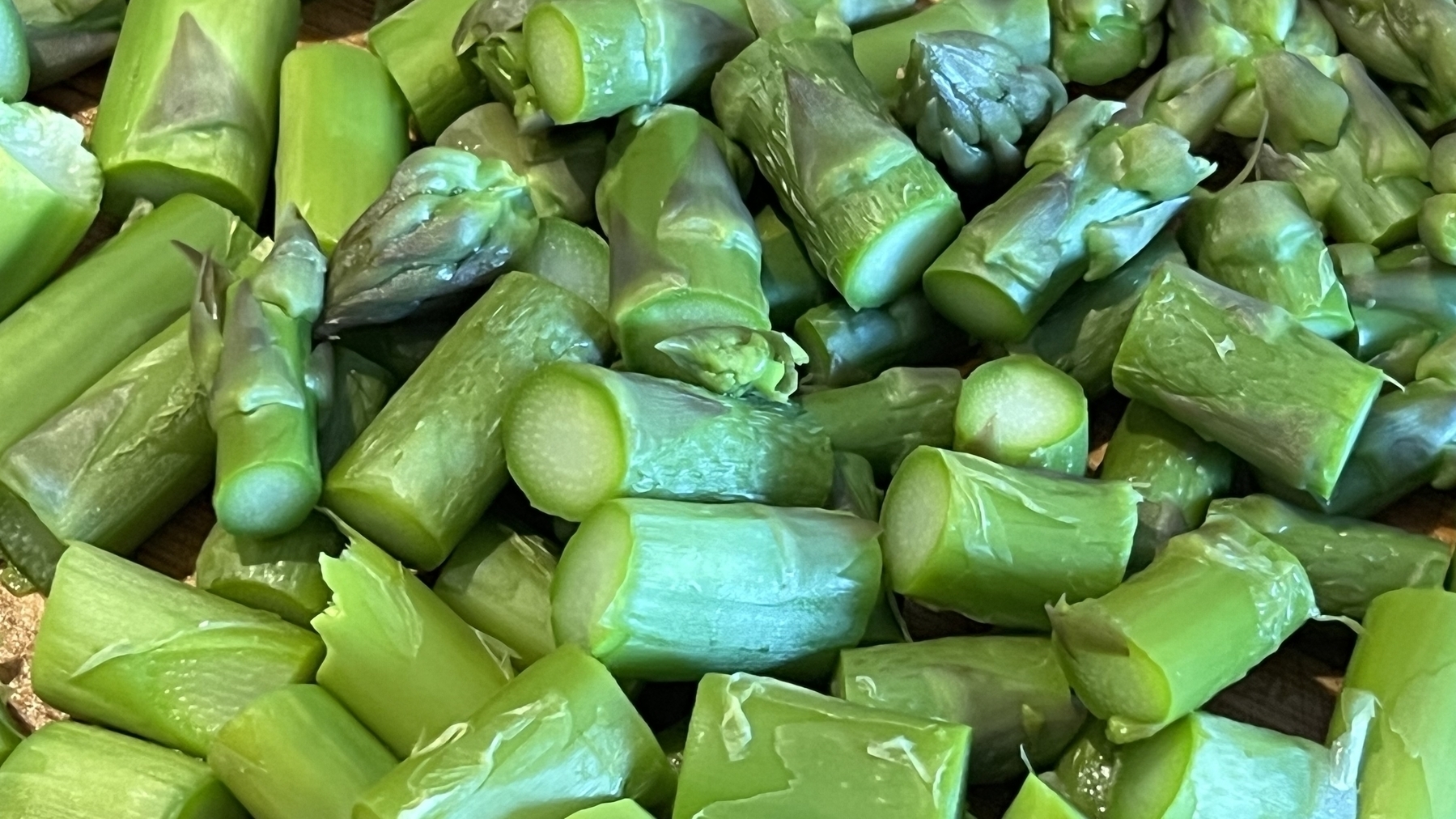
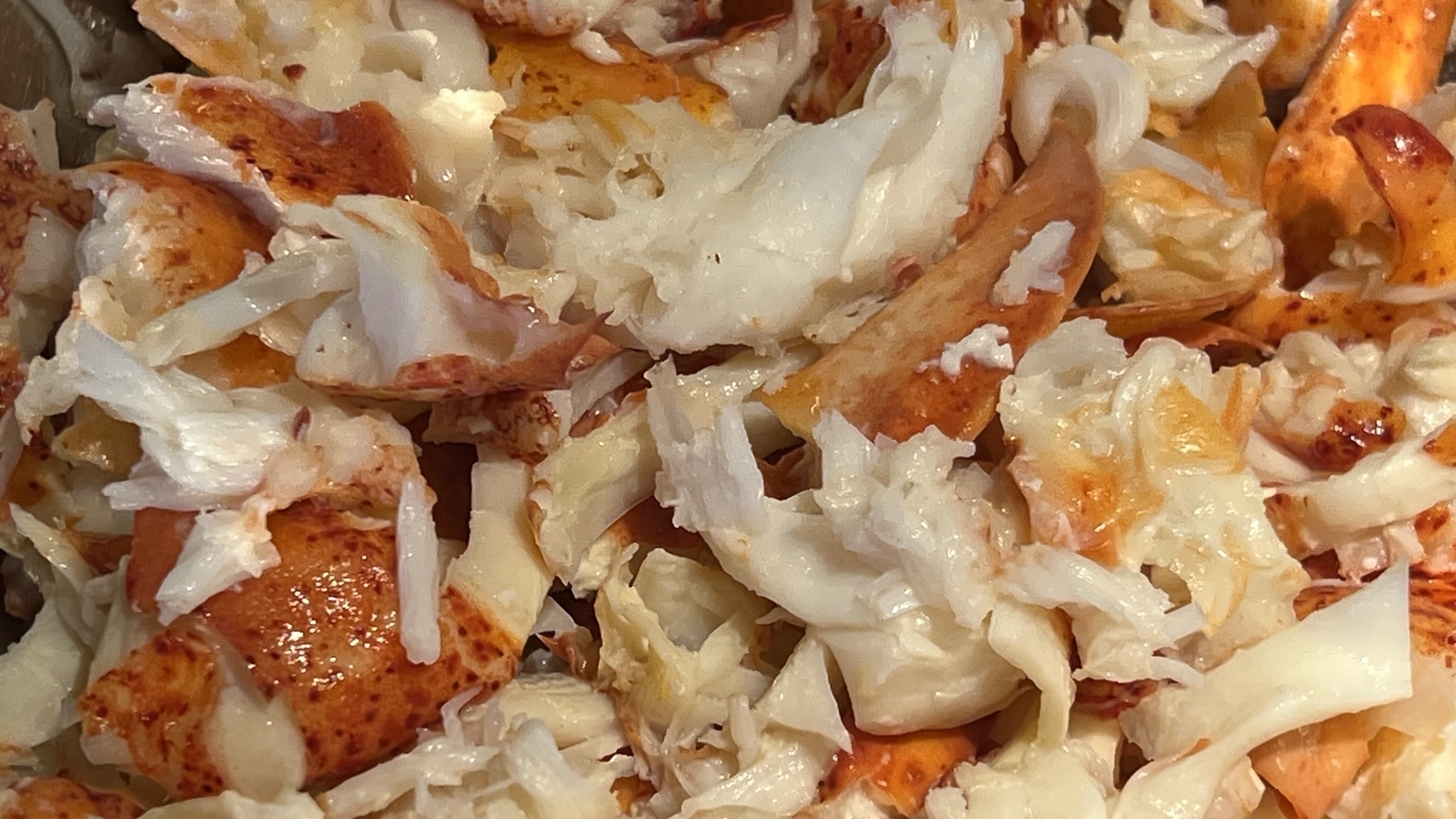
I never share my food over here but god this was delicious: aspergus, lobster for a risotto! Nothing left on the table. Sorry.


I never share my food over here but god this was delicious: aspergus, lobster for a risotto! Nothing left on the table. Sorry.


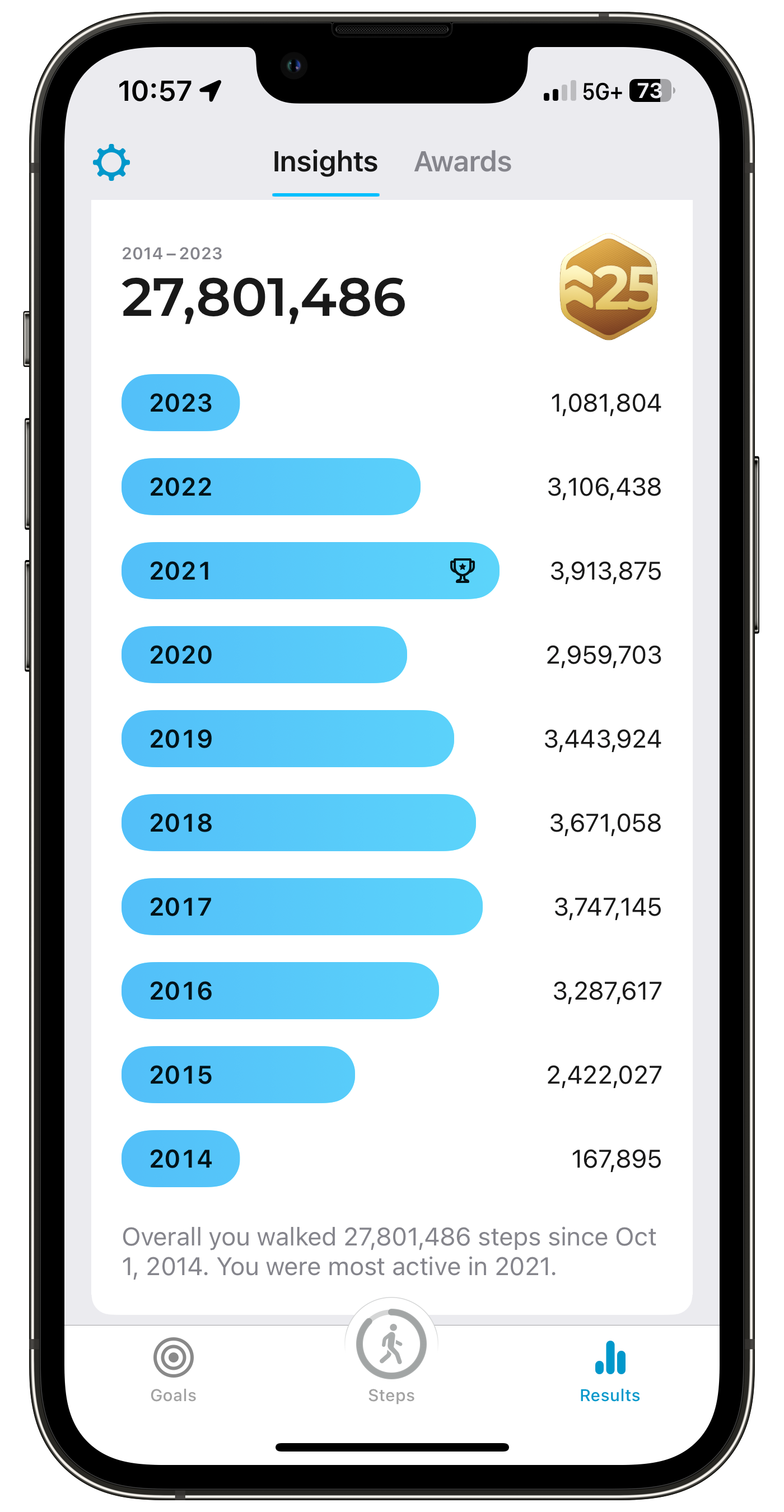
One of the best activity-tracking apps focused on steps tracking is StepsApp. I always find something new each time I use it. It is such a well-crafted piece of software. A vast array of widgets come with the app too. I paid for it. That being said, I’m not proud of my activity trend for the last two years. 😒
Eventually I’ll have to make a few decisions … 🤔🤦🏻♂️
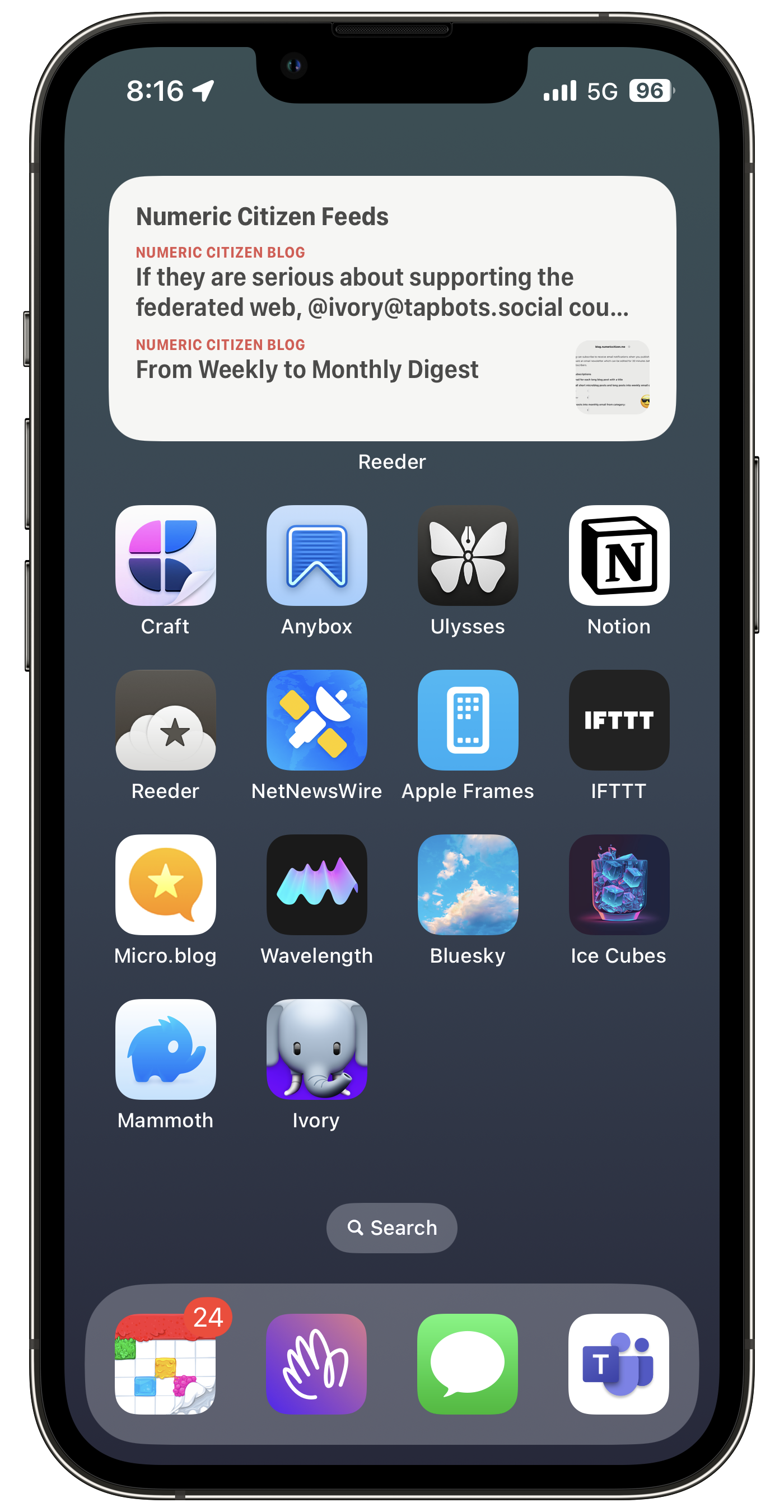
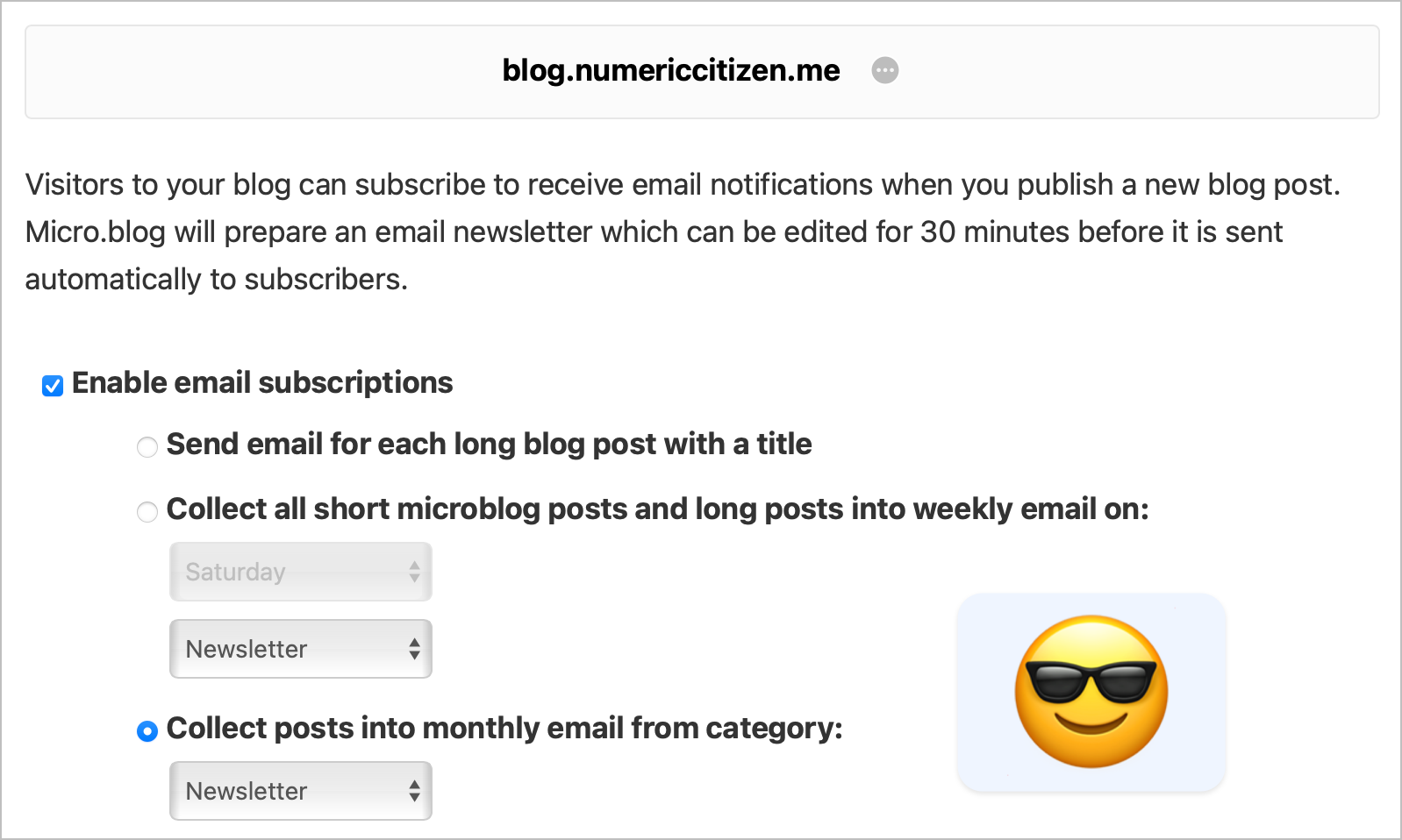
Following the announcement of the tweaked Micro.blog newsletter functionality, I’m switching to a monthly digest instead with a specific category as the sole source for its content. Three reasons for this change: first, the digest will become a more intentional set of creative gestures instead of being the result of a weekly and automatic content spit out without any distinction. Second, monthly means less noisy than weekly. Third, less is more. Let’s try that. 🙂
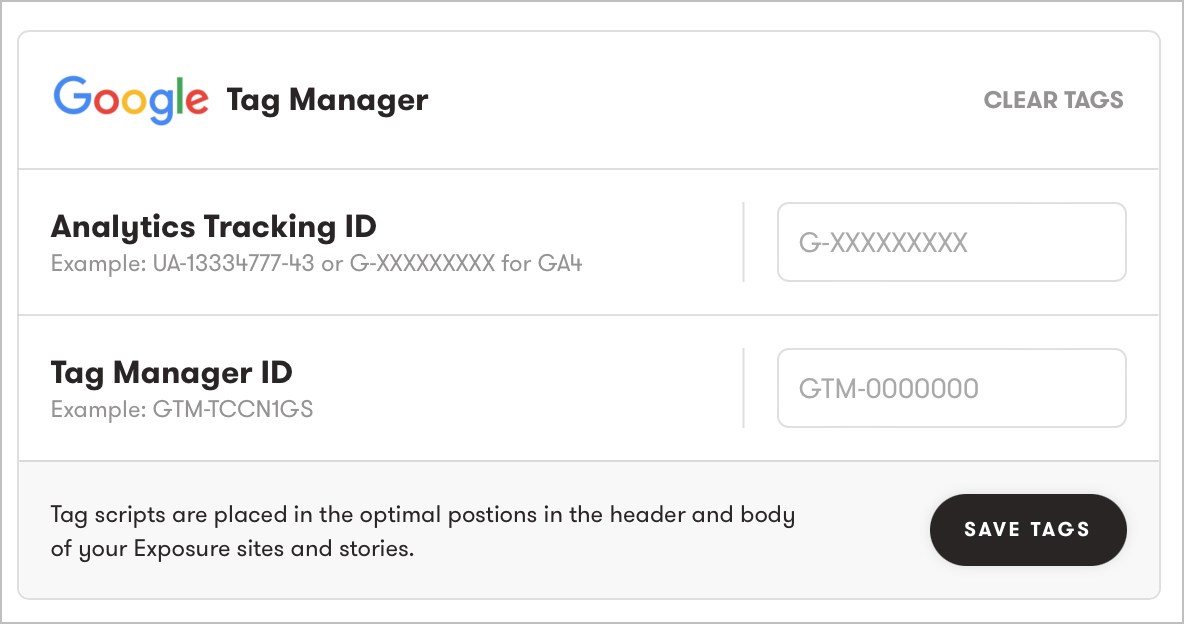
Exposure asks me to upgrade to the business tier subscription to support Plausible analytics via custom HTML headers. Thanks but no thanks. My current subscription is already expensive enough, and I am barely able to justify the price. I’m not going to support something that I think should be builtin, like Google Analytics. Plausible is an external service and would require minimal changes on Exposure part to implement. They are being greedy here.
From my experience (today I shared a visual story named “Cemeteries”), I don’t get much exposure with Exposure, which I find highly ironic.
Quick follow-up to my blog post earlier today about using Craft to create photo journals. Sometimes, I look too far to find the perfect solution when there is one in front of my eyes: Exposure. I’m already paying for a subscription! My next photo journal will be created on Exposure.
Last year, I went to Italy for my three-week summer vacation. What a trip it was. I built this travel journal with Craft to test Craft’s limitations. I concluded that Craft is great for building beautiful documents (and small websites), but for serious photography work: it’s far from perfect and needs big improvements. Can you imagine that nine months later, after so many releases, no single Craft release addressed any of my feedback? None!!! I’m going to Morocco in June. I guess I’ll look elsewhere for sharing a travel journal.
Photomator is an alternative to Lightroom. Pixelmator Pro is an alternative to Photoshop. Source: The Difference Between Photomator and Pixelmator Pro
That’s probably the best way to understand the difference between Pixelmator Pro and Photomator. I’m a big fan of the latter. I plan to use Photomator exclusively to process my iPhone photos for my upcoming trip to Morroco.
Currently using Photomator for a small project. I love this piece of software. I bought it for 99CAN$ for a lifetime purchase. I prefer Photomator design in general when editing a photo. It’s more approachable to me. Editing with masks is super easy to use, and it creates great results. The Mac version was the one last piece of the puzzle missing. Now we get the full picture (pun intended).
It makes me wonder if I will ever get out of the Adobe subscription trap. The one missing piece from Photomator is the library management. I cannot rely on iCloud Photos Library for this.
This wasn’t a review, obviously. Just a glimpse of my enthusiasm for this great Mac app.