Unsplash is growing fast — and I like it even more! (@unsplash #photography)

Cleanshot  Safari app  2021 01 08 at 12 06 48

Unsplash started the year 2021 with a bang; they are introducing a visual search feature. How cool is that! Use cases for this feature are aplenty. Imagine you come across a great picture on Unsplash and would like to see if there are any more variants of it. Here comes the new visual search feature. Here is another one that could be a game-changer. Suppose you happen to find a picture online that is tied by a very restrictive license. Copy this image URL and paste it in the visual search of Unsplash to see if there are any similar pictures. Voilà! As the Unsplash library doubles every year, the probability of finding an alternative image increases. Lastly, the visual search feature helps you determine if a specific image on the way comes from Unsplash. It is useful to find the creator of the image when no credits are given.

Next week - back to a "normal" day job (#blogging #writing #personalnews)

Annie spratt DnbWWWTclSM unsplash

Next week marks the end of a three-week vacation. I’m lucky. Three weeks where I forgot about my work and became a full-time blogger, writer, content creator. Time flies. There is a need for normality, I guess, and this means returning to work.

Expect a less frequent publishing schedule. Don’t worry; I won’t go very far, thanks to our new confinement and curfew starting this very Saturday. Oh well.

Use case for multi-user support on iPad (#apple #ipadOS #iPad)

Daniel romero C9wxJJIdycg unsplash

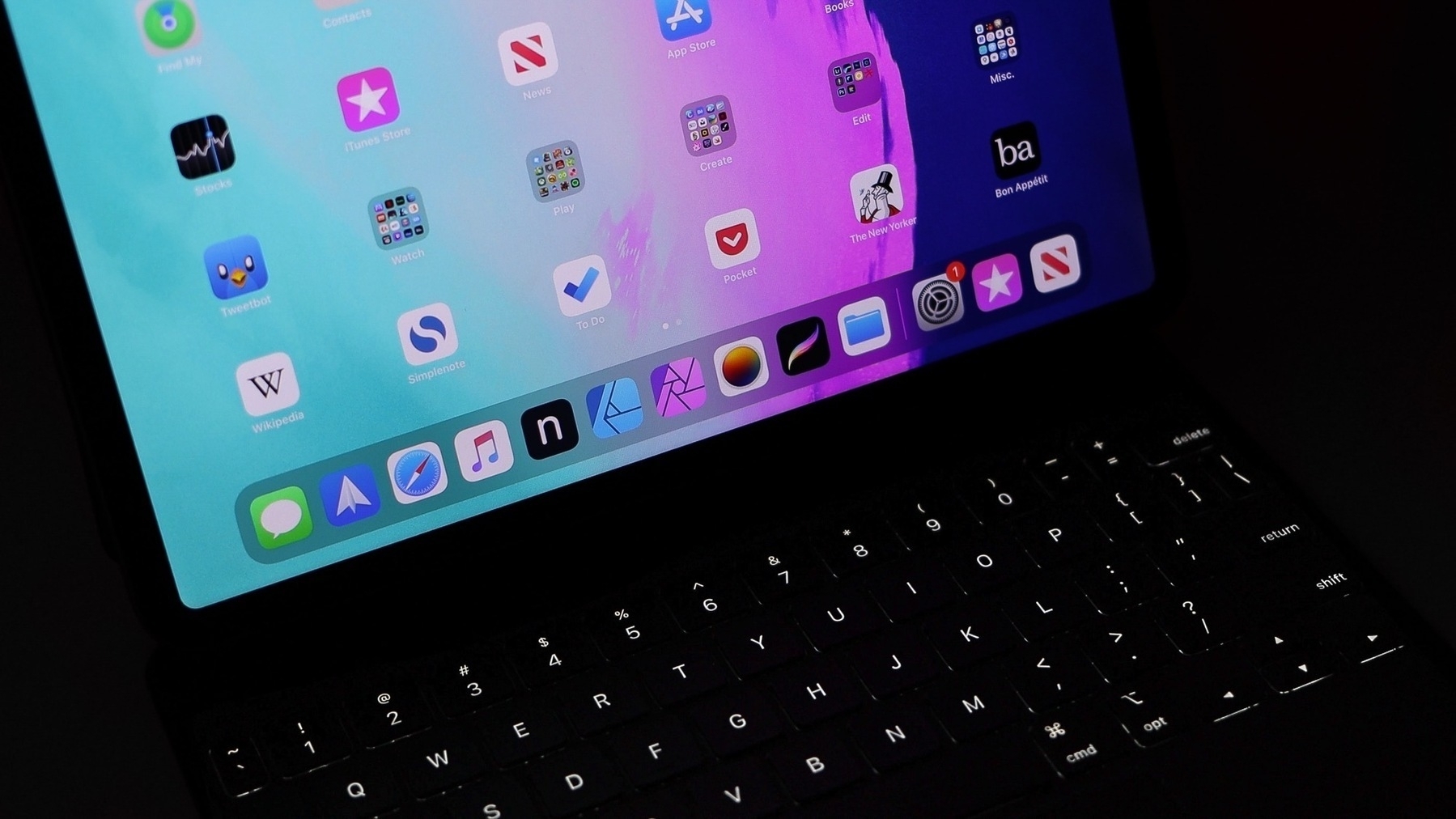
In his predictions for iPad in 2021, iPadInsight puts multi-user support on top of its list for iPadOS 15 without mentionning a real use case beyond the obvious. Let me explain.

Do we ask multi-user support on iPad because it is something we take for granted on “traditional” computers? Or is because there is a real use case for that feature, beyond the classroom or the conference room? Does the multi-user support solve the problem of your friend borrowing your iPad while keeping him or her from seeing your stuff?

Enabling multi-user support on the iPad has profound implications. How would the instant-on, instant-use experience be impacted by having multi-user enabled? Is the security enclave capable of holding more than one user FaceID? How iCloud Drive data be handled if users both have their data in icloud, the same way as on macOS? What about apps collections being different from one user to the other, how the iPad homescreen change upon logoff-logon? How fast? What kind of pressure does this feature put on the iPad system memory? Would this feature enabled on the Pro line only?

For me, the iPad is a personal device, just like the iPhone. Apple likes it this way, for their bottom line. That’s my guess.


Another wild Microsoft rumour about Outlook (#microsoft #rumours #outlook #office365)

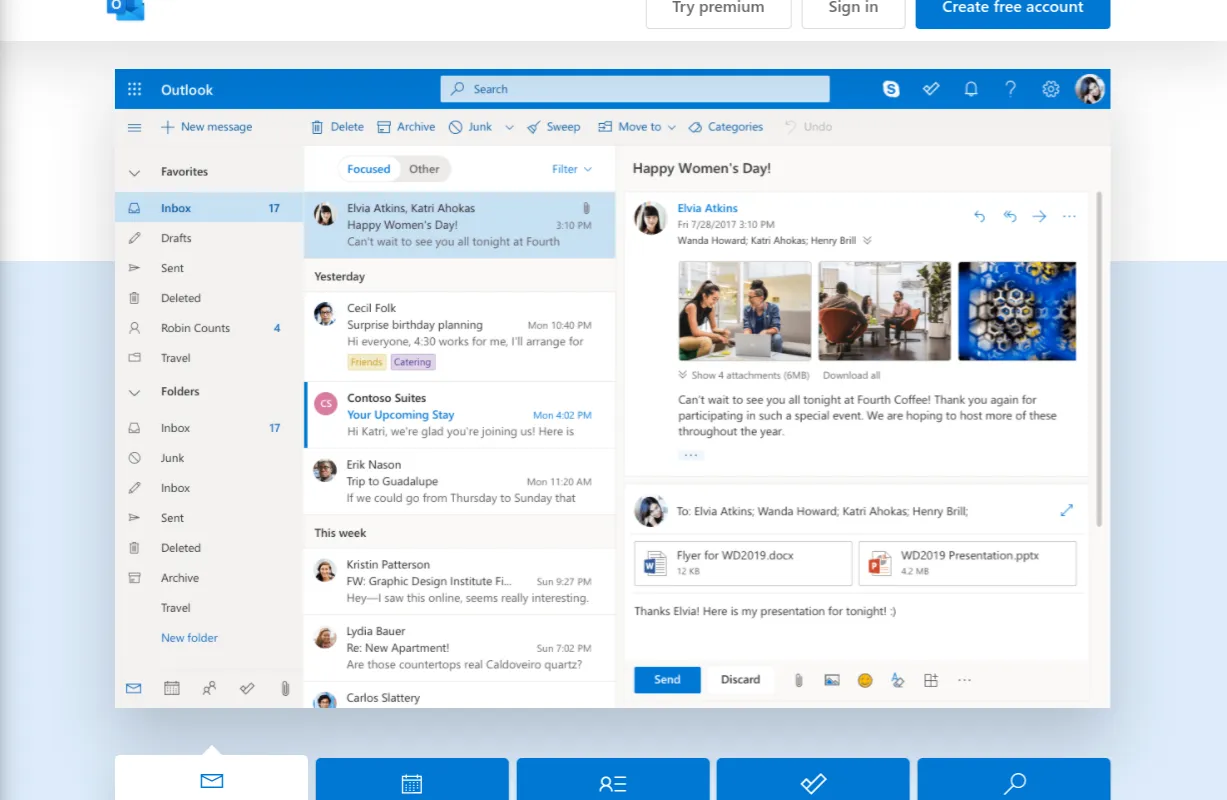
Microsoft converts Outlook website into a progressive web app

Here is another wild one: Microsoft is reportedly working on making Outlook a progressive web application for all platforms. Progressive web application isn’t new and Microsoft already makes a version of Outlook in this format. What is new is that it would replace all native versions of the Outlook client: no more are native versions of Outlook for Windows or the Mac.

I’m not sure if this is good or bad news. I’m always wary about cross-platform tech. There is always something lost in translation. The other question that comes to my mind, why is Microsoft moving way from native applications in its ecosystem?

Yet, not all is lost, a good side effect of this move would be to reduce memory consumption on the client. As use can see in this tweet, the native version of Outlook can use large chunk of your computer memory.

About this rumoured big Windows visual overhaul (#microsoft #windows)

Newwindows10startmenu png

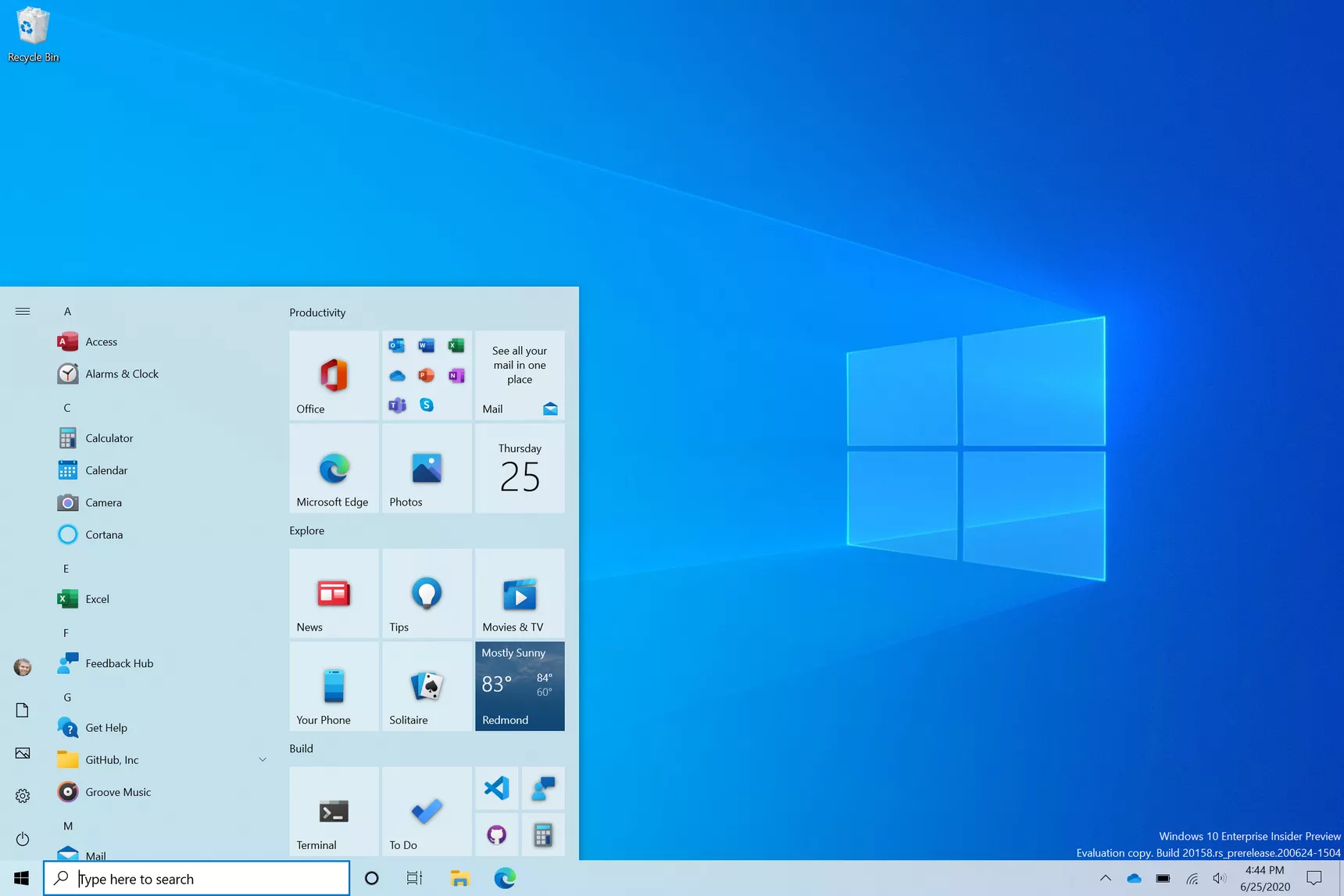
If only Microsoft could finish the job started with Windows 7. Windows 10 user interface is a bunch of previously used visual elements that Microsoft doesn’t care to clean up. For example, consider the computer settings area. On the surface, the iconography speaks the recent visual langague defined by Microsoft. But, as you try to go deeper to change a less frequently used setting, you’re back to a pre-Windows 10 era. I don’t believe Microsoft will do this “major” refresh as recently reported by Windows Central, not in a way they refused to do in the last ten years, anyway.

As a side note, colour me Apple fanboy if you want, but many pundits will grumble when Apple is actually refreshing the user interface like they did with macOS Big Sur (or iOS 7, remember?). At least, it is either consistently clean or consistently ugly, depending of your aestheticism tastes. You won’t as easily find a macOS Yosemite visual asset in macOS Big Sur or even macOS Catalina. Inconsistencies do exist in macOS but they are usually limited to very specific visual tweaks (like to trafic lights placements).

Wordpress.com: six years already (@wordpress #blogger #bloggerlife)

Six years anniversary on Wordpress.com WordPress ExactMetrics

I got this notification in the Wordpress.app this morning. Six years already. Over the years, I became a paying subcriber of their Business plan. Automattic offers great support when you need it. But in the least year or so, I noticed a change in the way they do business with us, paying members. There are a lot of reminders about additional services available to us. which aren’t free, by the way. They keep advertising their ExactMetrics service that I don’t need with tricks that I don’t appreciate as shown in the second screen shot above. Recently, they started to advertise WordPress courses on the main admin page on WordPress.com. I really don’t like the trend. And this story by Alan Ralph doesn’t help either.

Thoughts on Flash and the iPad (#apple #iPad #adobeflash)

Steve Jobs iPad 2010

I want to pick from this blog post from Initial Charge. I remember a small story when the iPad came out in 2010. After a few days of playing with it, I went to the office to show it to a few of my coworkers when I got my iPad. After a few minutes of demonstration, I got two remarks. One was about the lack of a USB port. The second was about the lack of support for Flash-enabled websites. On that one complaint, I remember arguing about the simple fact that moving your mouse cursor around would trigger some flash-based animations like making a button bigger or showing up a menu on many websites. There was no such thing as a “mouseover” event on the iPad, so those websites that were dependant on this would break the interaction experience. At this very moment, I thought Adobe Flash was doomed. More than ten years to get rid of this crasp. That was long.