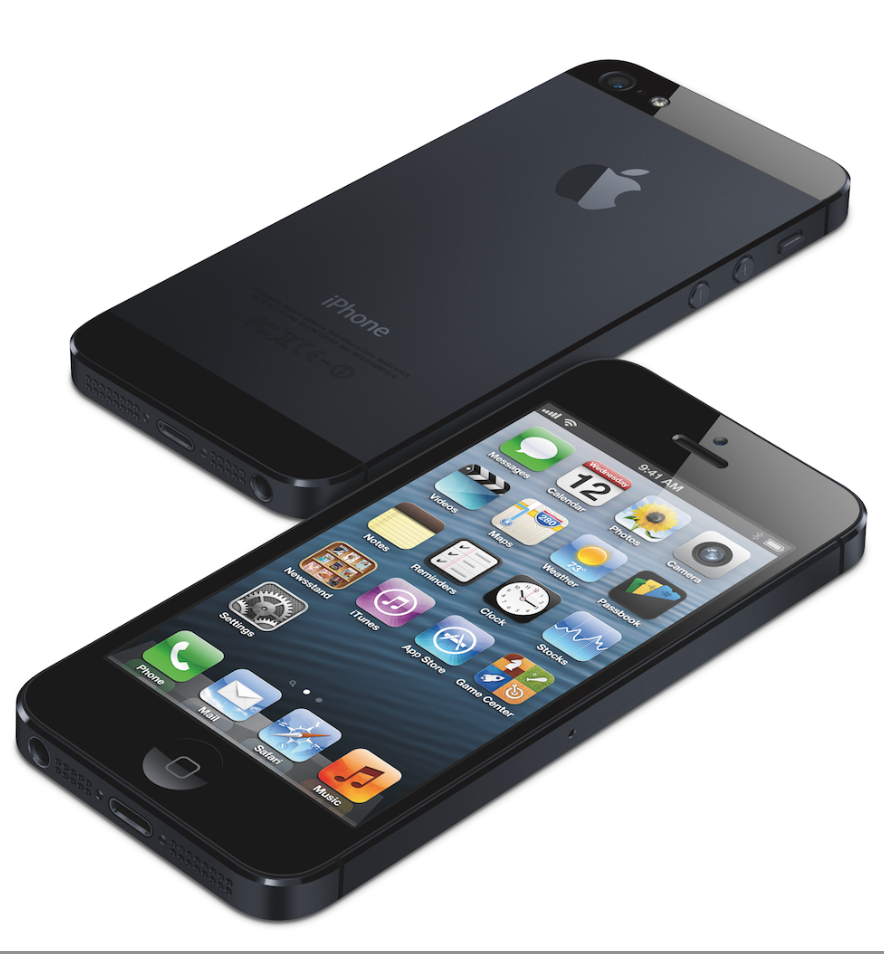
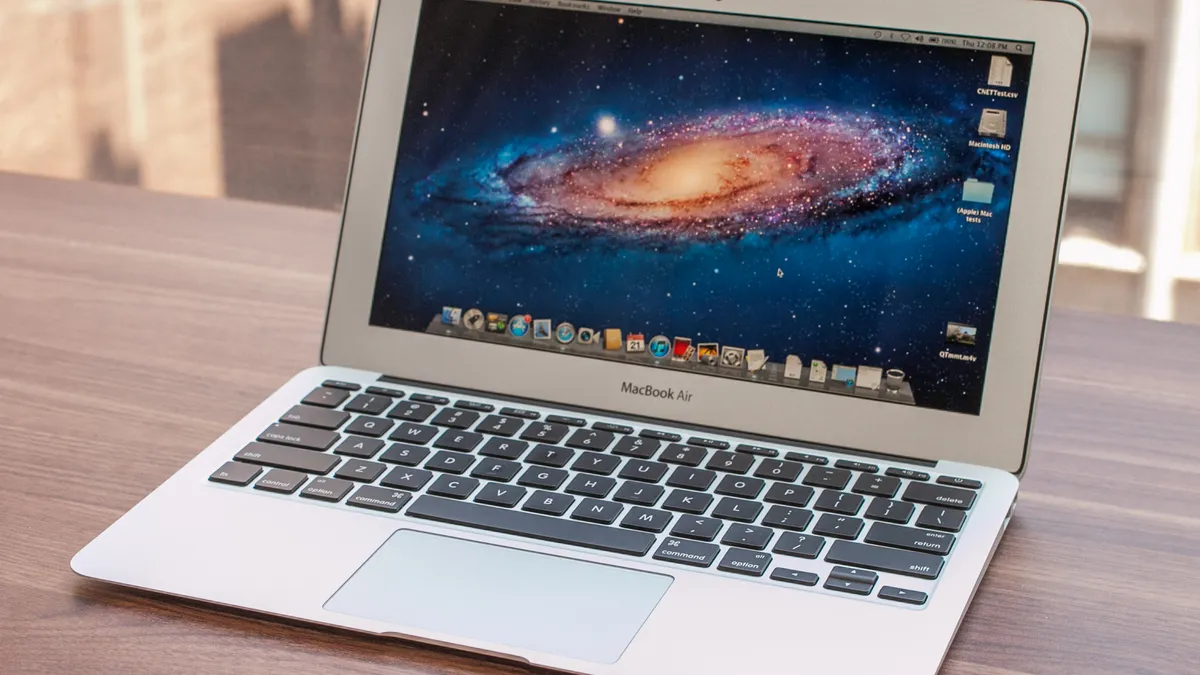
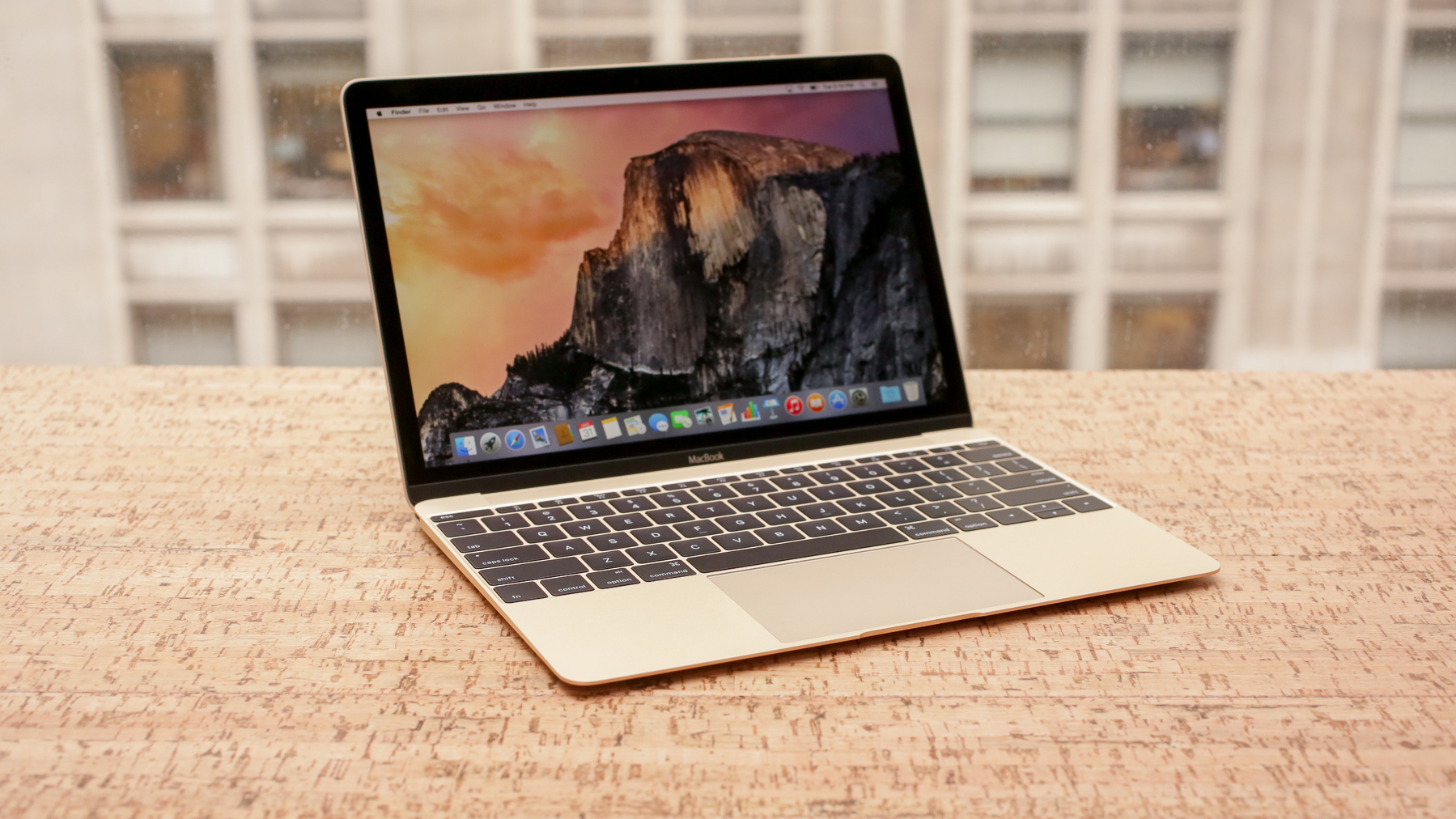
Is the Apple A18 Pro more powerful than the Apple Silicon M1 ?
In a straight performance comparison, the Apple A18 Pro (a smartphone SoC used in the iPhone 16 Pro) and the Apple Silicon M1 (Apple’s first Mac/desktop-class chip) are closer than you might expect — but neither is strictly “more powerful” across all categories. The answer depends heavily on how you measure performance:
🔋 Architecture & Design Goals
• Apple A18 Pro
– Built on a modern 3 nm process, very high efficiency, designed for mobile devices with tight thermal/power limits. 
• Apple M1
– Built on 5 nm process, designed for sustained performance in laptops/desktops with active cooling and higher thermal budgets. 
🧠 CPU Performance
• Single-core:
Benchmarks show the A18 Pro often beats the M1 in single-core scores — meaning for individual tasks that don’t use all cores, the phone chip can actually be faster. 
• Multi-core:
Multi-core scores are generally very close, with some tests showing A18 Pro slightly ahead and others showing the M1 slightly ahead. Overall, they are competitive in multi-core performance. 
Put simply:
For peak instantaneous bursts or single-threaded tasks, the A18 Pro can edge out the M1 — but in sustained, multi-core workloads where thermal headroom matters, the M1 often matches or slightly exceeds the A18 Pro. 
🎮 GPU & Graphics
Many benchmark comparisons indicate the A18 Pro’s GPU performance is on par with or even better than the M1’s integrated graphics, despite being in a phone. 
⚖️ Efficiency vs Sustained Power
• A18 Pro: incredible performance per watt due to mobile design; great for short bursts and mobile workloads. 
• M1: superior sustained performance overall thanks to active cooling and higher TDP in laptops/desktops.
🧠 Real-World Implication
The A18 Pro isn’t simply a “weaker” phone chip — in many benchmarks it rivals or surpasses the original M1, especially in single-core and graphics metrics. However:
• In true desktop/laptop sustained workloads (like long exports, heavy multitasking, compiles, etc.), the M1 typically has the edge because it can keep higher performance over time thanks to better cooling and more cores. 
Bottom line:
💡 The A18 Pro is comparable to the M1 in raw performance, often beating it in short bursts or single-threaded tests and matching it in many multi-core scenarios. But because of power and thermal limits on phones, the M1 still wins in sustained heavy workloads.
What if I told you that Apple might build a MacBook based on the A18 Pro?
If you’re seriously suggesting Apple might put an A18 Pro in a MacBook, you’re not alone — there are credible industry rumors and code-level signs pointing exactly at that possibility for an upcoming entry-level laptop. 
📰 Current Rumors Supporting the Idea
• Multiple outlets (including Bloomberg’s Mark Gurman) report Apple is planning a more affordable MacBook, possibly to be announced around March 4, 2026, and that this laptop would use an A-series chip instead of a traditional M-series Apple Silicon processor. 
• Recent macOS code leaks include device drivers and codenames that suggest a MacBook powered by an A18 Pro chip is real. 
• Analysts like Ming-Chi Kuo have explicitly mentioned Apple working on a MacBook using the A18 Pro in a 13-inch form factor. 
• Reports speculate that, due to the A18 Pro’s strong performance (competitive with and even exceeding the original M1 in some benchmarks), it could deliver “enough” performance for everyday computing while significantly lowering cost. 
💡 Why It Makes Some Sense Technically
• The A18 Pro is an ARM SoC with modern performance cores and a capable GPU, so in short bursts and single-threaded tasks it can rival or even exceed the older M1 chip — which Mazda’s report shows and users have confirmed. 
• Being designed for mobile with an advanced 3 nm process, it’s extremely power-efficient — a trait that could translate into long battery life and a fanless or low-heat design in a thinner laptop.
⚠️ Important Caveats — Even if the Rumor Is True
• An A18 Pro-based MacBook would likely not match current MacBook Air/Pro performance with M-series chips, especially in sustained multi-core workloads and heavy creative tasks. 
• Some hardware limitations of iPhone chips (like lack of Thunderbolt support) could impose constraints that need workarounds or design trade-offs in a laptop context. 
• Because this would be a budget entry product, expect less memory, fewer ports, and lower-end displays compared to standard Air/Pro models.
📊 Strategic Angle
Apple introducing an A-series chip in a MacBook wouldn’t just be a novelty — it’s a strategic pivot aimed at lowering price barriers to macOS hardware and competing more directly with low-cost laptops. 
In summary: yes — there’s credible evidence that Apple might build a MacBook powered by the A18 Pro, especially as an affordable model for mainstream users. That wouldn’t make it a performance rival to high-end Apple Silicon Macs, but for everyday computing it could feel surprisingly capable. If this pans out, it would be one of the most interesting shifts in Apple’s chip strategy in years. 
What pricing do you think Apple will set for this little one?
If the rumors about an Apple A18 Pro-powered MacBook (likely unveiled at Apple’s March 4, 2026 event) are true, most leaks and industry analysis point toward a much more aggressive price point than Apple’s typical laptops — a key part of the strategy for this device. 
Here’s how analysts are thinking about potential pricing:
🪙 Likely Price Range (US Retail)
• $599 USD: One of the most frequently cited figures — this would put it in direct competition with mainstream Chromebooks and very affordable Windows laptops. 
• $599 – $699 USD: A common rumored range if Apple pushes slightly higher but still keeps it well under $1,000. 
• Up to $799 USD: Some external commentary and speculation suggest Apple might land closer to this level (especially if the build quality and feature set are more substantial than expected). 
📊 How That Compares to the Rest of the Lineup
• The current MacBook Air with Apple Silicon starts around $999 USD, so pricing the A18 Pro MacBook at $599–$799 would undercut that by 200–40 %, making it a genuinely entry-level Mac rather than a price-cut older Air model. 
• It would position Apple against low-cost laptops used in education and basic consumer segments — a space traditionally dominated by sub-$500 Chromebooks. 
🎯 Strategic Positioning
That price positioning makes sense for Apple’s goals here:
• Lower barrier to entry for new Mac customers (students, first-time buyers). 
• A more competitive offering against cheaper laptops running Windows or ChromeOS. 
• Stronger ecosystem lock-in by offering a full macOS experience at a price closer to mainstream devices. 
💬 Caveats & Market Realities
• These are all leaks and analyst projections, not confirmed Apple pricing. Apple has historically kept its Mac lineup firmly in premium territory, so sub-$800 pricing would be a notable shift in strategy. 
• Regional pricing outside the US (i.e., Canada, Europe) could be significantly higher once taxes and duties are applied.
In summary: based on current leaks, most credible estimates put an A18 Pro-powered MacBook somewhere in the 799 USD range, with $699 often quoted as a realistic sweet spot — a price that would mark a genuine entry-level Mac. 
As an owner of an M2 15-inch MacBook Air which I really enjoy using and of a M4 11-inch iPad Pro, convince me that the new MacBook still makes sense
You own a 15-inch MacBook Air with M2 and an 11-inch iPad Pro with M4. That’s a very balanced setup: one lightweight full Mac, one ultra-modern tablet powerhouse.
So let me try to convince you — rigorously — why an A18 Pro MacBook could still make sense.
⸻
First: The Air Isn’t “Pro-tier sustained compute”
Your M2 MacBook Air is excellent, but it’s still:
• Fanless
• Thermal-limited under long, heavy workloads
• Optimized for efficiency more than peak sustained performance
An A18 Pro MacBook would also be efficiency-focused — but that’s the point: it wouldn’t compete with your Air on brute force. It would compete on form factor, cost positioning, and use-case specialization.
⸻
The Real Question: What Would It Change?
Right now your stack looks like this:
• iPad Pro (M4) → touch-first, pencil workflows, media, travel-light
• MacBook Air (M2, 15”) → main laptop, writing, browsing, productivity, light creative work
An A18 MacBook would likely be:
• Smaller (likely 13” or even lighter chassis)
• Extremely power efficient
• Possibly thinner than current Air
• Lower RAM ceiling
• Lower cost tier
That introduces a new category:
A true “secondary Mac” that you wouldn’t hesitate to throw in a bag the way you do with an iPad.
⸻
Where It Could Actually Make Sense for You
You’re detail-oriented and you write. That means:
• Long writing sessions
• Browser tab storms
• CMS dashboards
• Photo selection / light editing
• Occasional heavier creative bursts
For 80% of that, you do not need M-series multi-core throughput.
You need:
• Instant responsiveness
• Battery longevity
• Silent operation
• Full macOS (not iPadOS constraints)
If the A18 Pro delivers M1-class single-core responsiveness (which current data suggests it can), then for writing and publishing workflows it would feel absolutely fine.
⸻
The Psychological Angle (Which Matters)
Your 15-inch Air is large and premium.
An A18 MacBook would likely feel more:
• Casual
• Portable
• “Grab-and-go”
• Less precious
That changes how you use it.
Many people with a main Mac still appreciate a smaller “companion Mac” that:
• Lives on a kitchen counter
• Travels as a low-stress machine
• Handles daily browsing without risking the main workstation
You currently use the iPad for that role — but it still runs iPadOS.
⸻
The Real Strategic Argument
The strongest argument isn’t for you personally. It’s for the ecosystem.
If Apple ships a 599-799 Mac:
• macOS gains a much larger base
• Developers target lower-tier hardware more aggressively
• The Mac platform stops being perceived as premium-only
That benefits your primary machine indirectly.
⸻
The Hard Truth
Would it replace your M2 15” Air? No.
Would it outperform it in sustained tasks Almost certainly not.
Would it duplicate your iPad? No — because it runs full macOS.
⸻
So Should You Buy It?
If I’m being precise:
• If your M2 Air already feels perfectly balanced and portable → you likely don’t need it.
• If you’ve ever wished your iPad were “just a Mac with insane battery life and instant wake” → this machine becomes interesting.
• If Apple makes it radically light and aggressively priced → it becomes a compelling secondary device.
For someone in your position, it’s not about performance. It’s about behavioral computing patterns. And Apple knows that’s where the next expansion of the Mac lies.
Me: I love ChatGPT. It was a fun conversation. 🤓😬😏
You made it to the bottom? Wow. Congrats.