For those braves people who are running macOS 27 beta 6, Mac App Store updates are not working. Anyone with same behaviour?
Real followers, please stand up!
In followers rot, Matt forgot to cover followers that are trying to get your attention and hoping that you will visit their profile and get hooked to them by starting to follow you and like everything you post online. They are active but don’t really care about the content. I have a few of those on Bluesky and Mastodon (and a lot on Twitter, too).
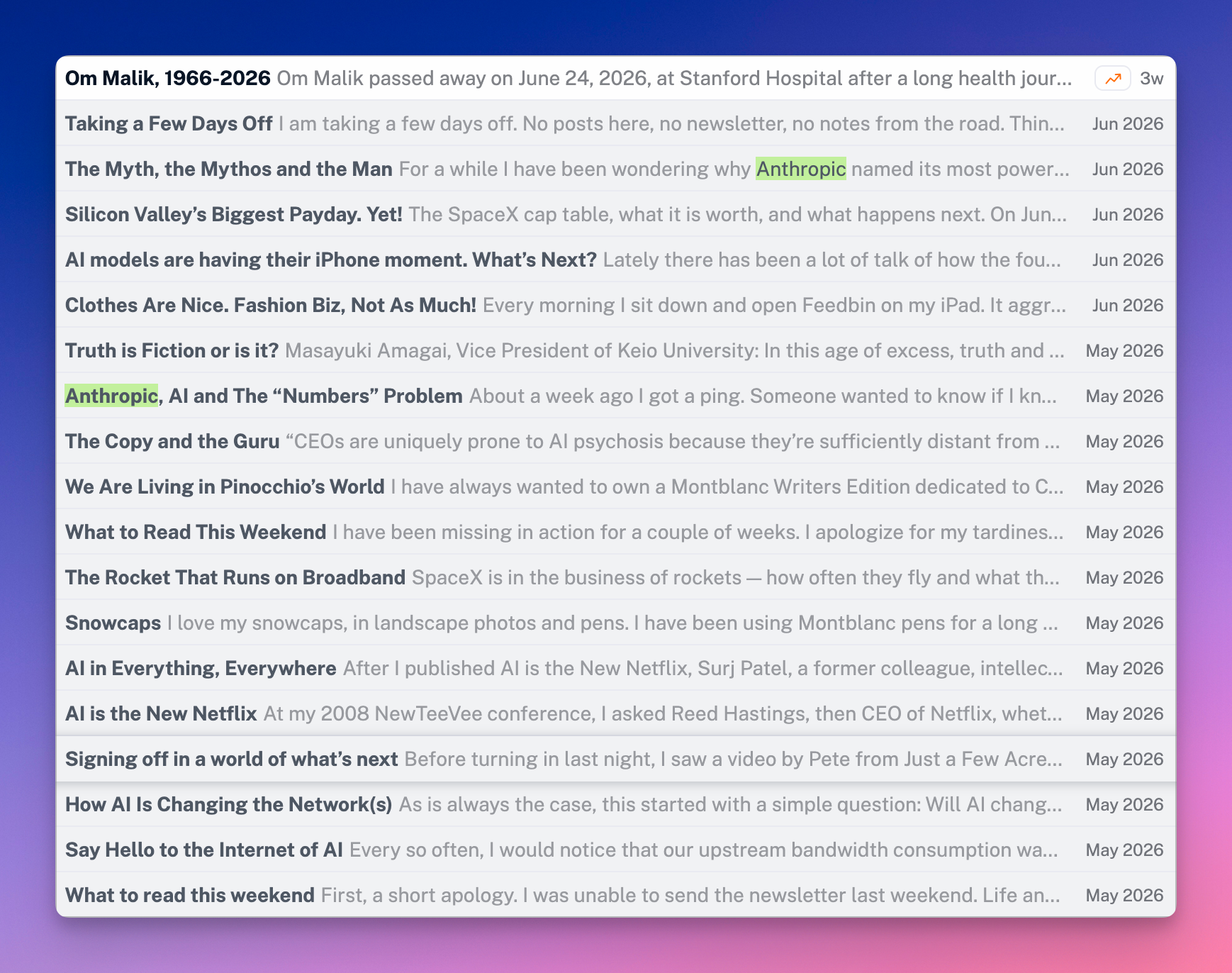
This morning, I spent some time revisiting my RSS feeds and blogroll, and I was sad to delete the RSS feed pointing to Om Malik’s website. Such a loss. 😔
Happy ignorant here
I wanted to open a link pointing to a post on x.com. Clicked on it. After a few seconds, X website opened but right after the App Store launched to the download the app for reading content on X. I went back to the website, dismissing the App Store. Clicking to play the shared media again launched the App Store. I went back to watch the video. What an awful experience.
I wondered if installing the X app would make the experience more tolerable. The login / signin screen scared the shit out of me when I started remembering all the bad things about social networks, Musk, etc. but then I started thinking that even if things like the dark web is bad, some people still need to visit this place for investigation. Was I investigating this morning when opening up X? I certainly was looking to understand something.
Having to create a new X account, then being exposed to ads, tracking, etc. killed my desire to understand. It’s ok not to understand everything. I’m a happier ignorant.
In the TV series “Silo” there is a woman who seems to be responsible for retrieving and refurbishing old computer equipment or various devices. It makes me think that with the current situation, where electronic device prices are soaring, the periods of price drops for a computer or smartphone are over. One day, society might see the latest-generation devices become inaccessible to the general public, who will then have to settle for rebuilt or refurbished devices.

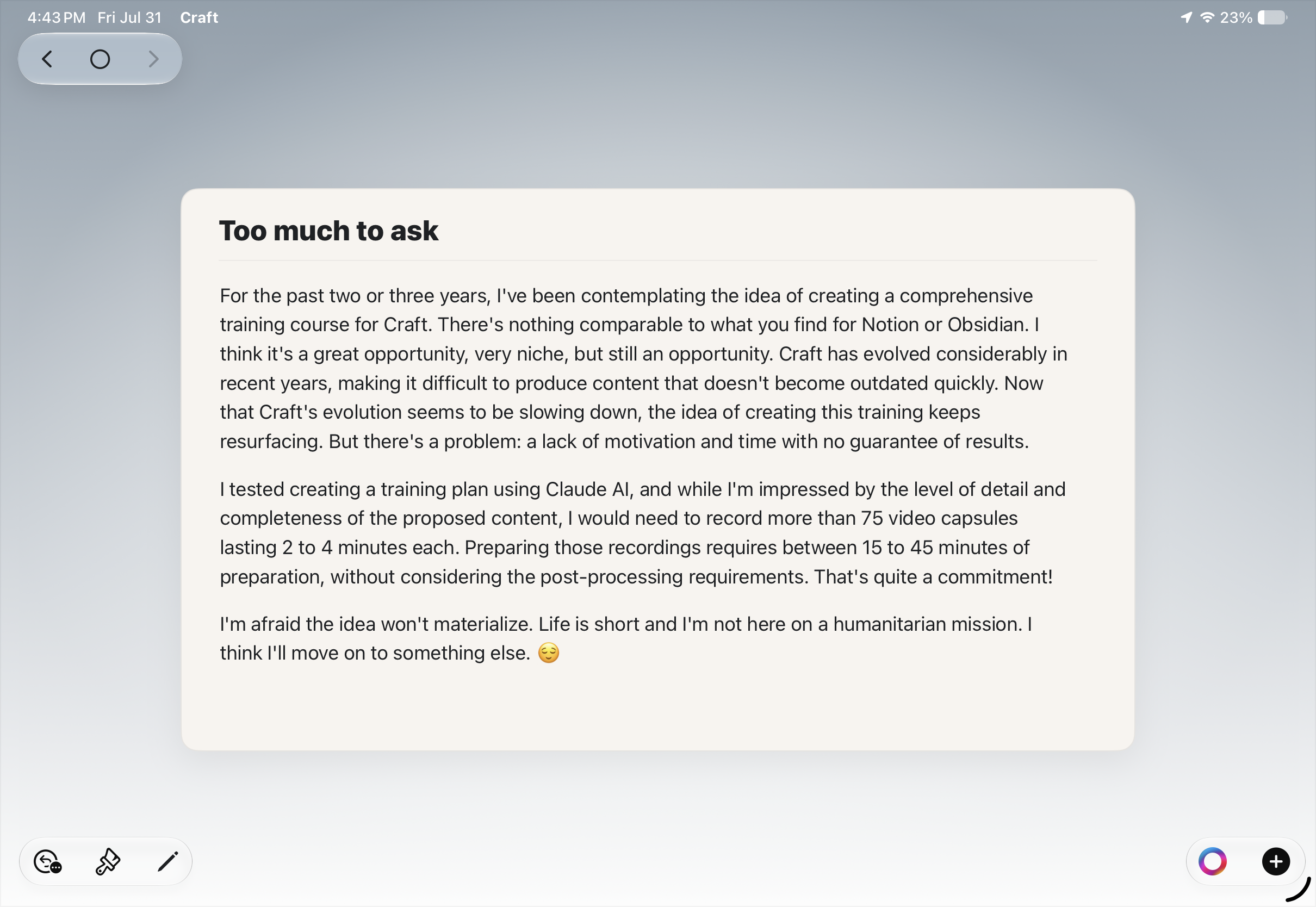
Too much to ask
For the past two or three years, I’ve been contemplating the idea of creating a comprehensive training course for Craft. There’s nothing comparable to what you find for Notion or Obsidian. I think it’s a great opportunity, very niche, but still an opportunity. Craft has evolved considerably in recent years, making it difficult to produce content that doesn’t become outdated quickly. Now that Craft’s evolution seems to be slowing down, the idea of creating this training keeps resurfacing. But there’s a problem: a lack of motivation and time with no guarantee of results.
I tested creating a training plan using Claude AI, and while I’m impressed by the level of detail and completeness of the proposed content, I would need to record more than 75 video capsules lasting 2 to 4 minutes each. Preparing those recordings requires between 15 to 45 minutes of preparation, without considering the post-processing requirements. That’s quite a commitment!
I’m afraid the idea won’t materialize. Life is short and I’m not here on a humanitarian mission. I think I’ll move on to something else. 😌
I don’t want to link my WhatsApp account with my Facebook account. I don’t use Facebook. Inuse WhatsApp mostly while abroad during vacation. I know I would make a favour to Meta if I did link both in the name of convenience. I’m probably being naive here, though. Postponed indefinitely.
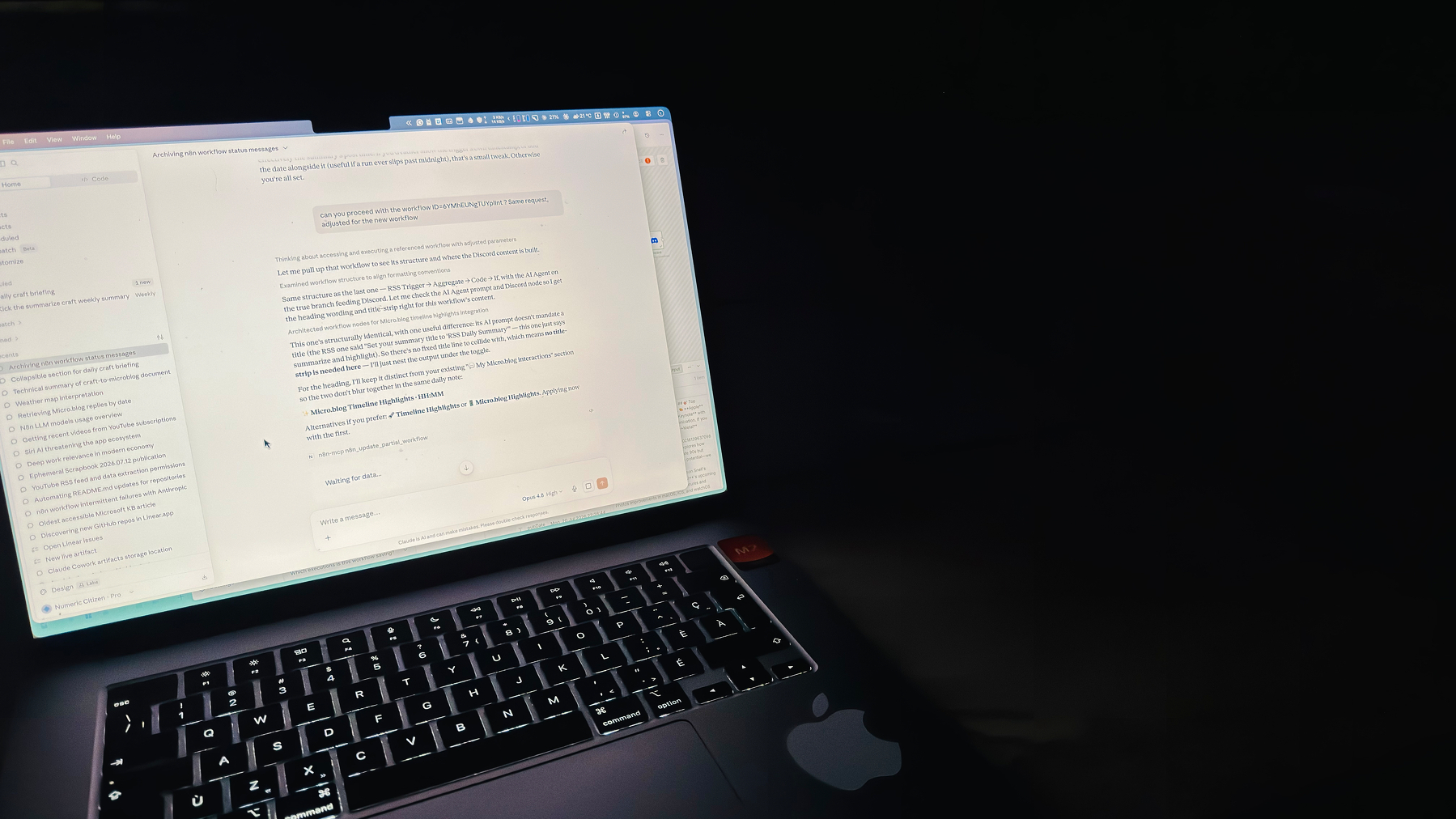
Always liked working outside on my terrasse during summer. Such a nice and comfortable temperature.
A Permanent digital artefact: Om Malik RSS feed
I’ll keep Om Malik’s RSS feed in my Inoreader account forever because I think it perfectly reflects his personality and contribution to this world.
Perhaps Meta Should Not Have Spent Decades Being Creepy — Pixel Envy
Meta is in the business of asking for forgiveness instead of seeking permission. It will release these regardless of public approval, and with the belief it can control how that continuous recording is used.
How much of this corporate behaviour would change if Meta had a different CEO instead of this creepy one?