I’m considering selling my RODECaster Video S. I never recorded a video with it. I realized that software-only solutions and setups are more flexible and easier to operate. I’m not a hardware guy when it comes to video production. 😔
The guessing game
I’m really looking forward to Apple’s new home device. I wish it would be called “the HomePod” because it reflects what the device is about. Now that Apple already uses that name for their rather dumb speaker, reusing it would be tricky, but not impossible. Apple could rename the current HomePod and the HomePod mini, yet it’s tricky. HomeHub might be the second-best name and would fit the personal-hub concept John Ternus discussed recently. Your iPhone is your personal hub, while the HomeHub is your home hub… duh. You can see a great device design approximation on YouTube from ‘fpt’. It’s rather cute.
I’m already trying to figure out where I will install it in my house.
Being selective with AI
Lately, because token usage in subscriptions has become costlier, I’ve become more selective about the models I choose for prompts. I switch between models like Haiku, Sonnet, and Opus based on the complexity of the prompt and the effort needed to produce a high-quality response. Is anyone else adopting this approach?
Human made
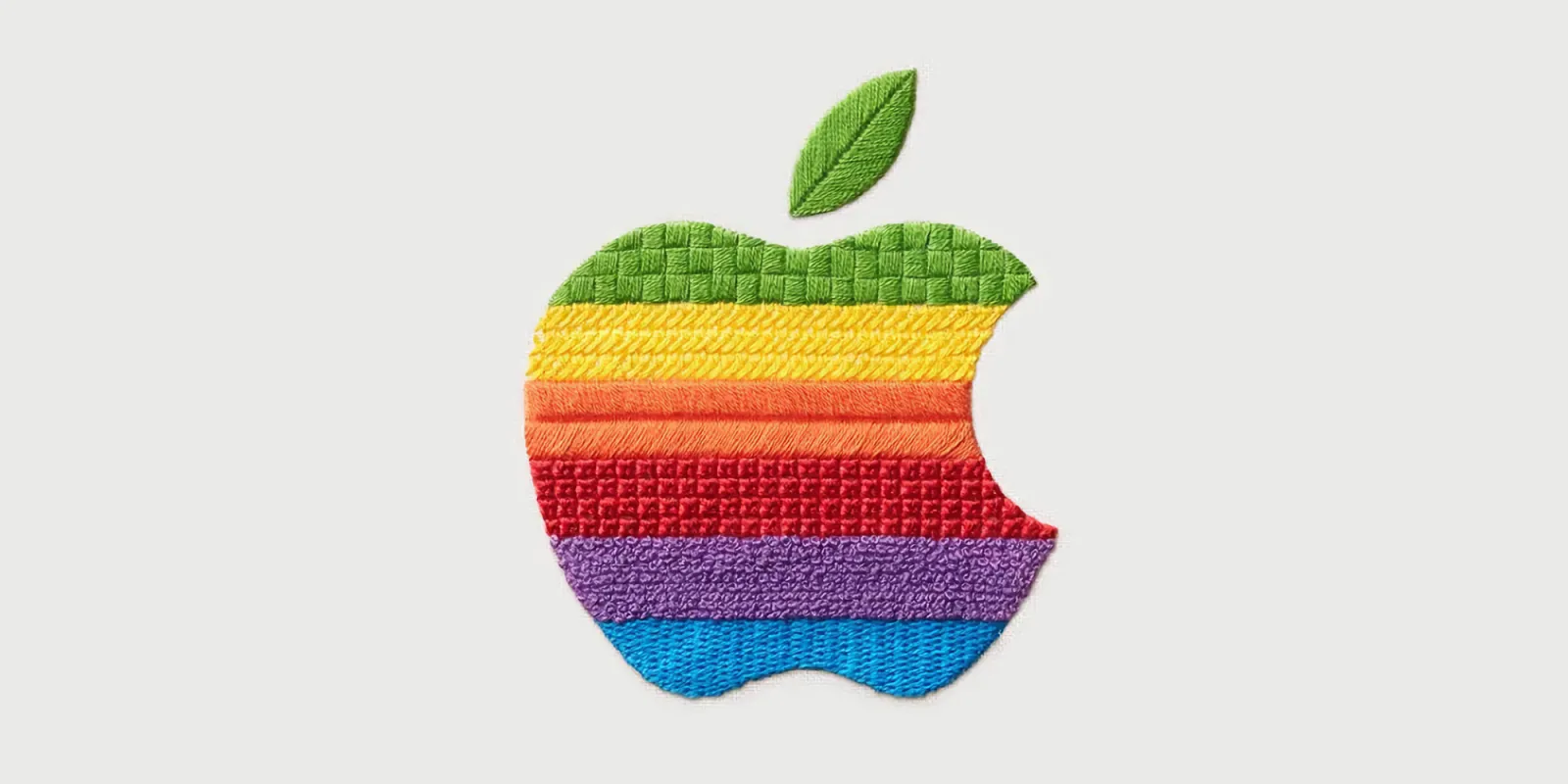
In a recent social media post announcing Apple’s next event on October 13, we see people actually creating a very likable Apple logo. Not AI. Thank you, Apple, for caring.
Staying informed and in shape
In recent days, as we head into colder, wetter fall weather, I restarted my daily treadmill routine while listening to educational videos on YouTube. It’s the best I can do to keep learning new things while staying in good shape. I conclude my exercise session with stretching and meditation using Apple Fitness+.

Watched: Silo S2E3, Solo 📺 Resumed watching the Silo series on Apple TV. Season 2 seems less enticing, but the following seasons, especially season 4, received very positive reactions.
About memory prices surge
Memory gold rush bonanza makes billions for Micron — Blocks and Files
Even with additional industry DRAM cleanroom space plans, with robust demand trends including new upside requests from customers, we do not have line of sight to when supply and demand will return to balance.
That’s not great news for all of us.
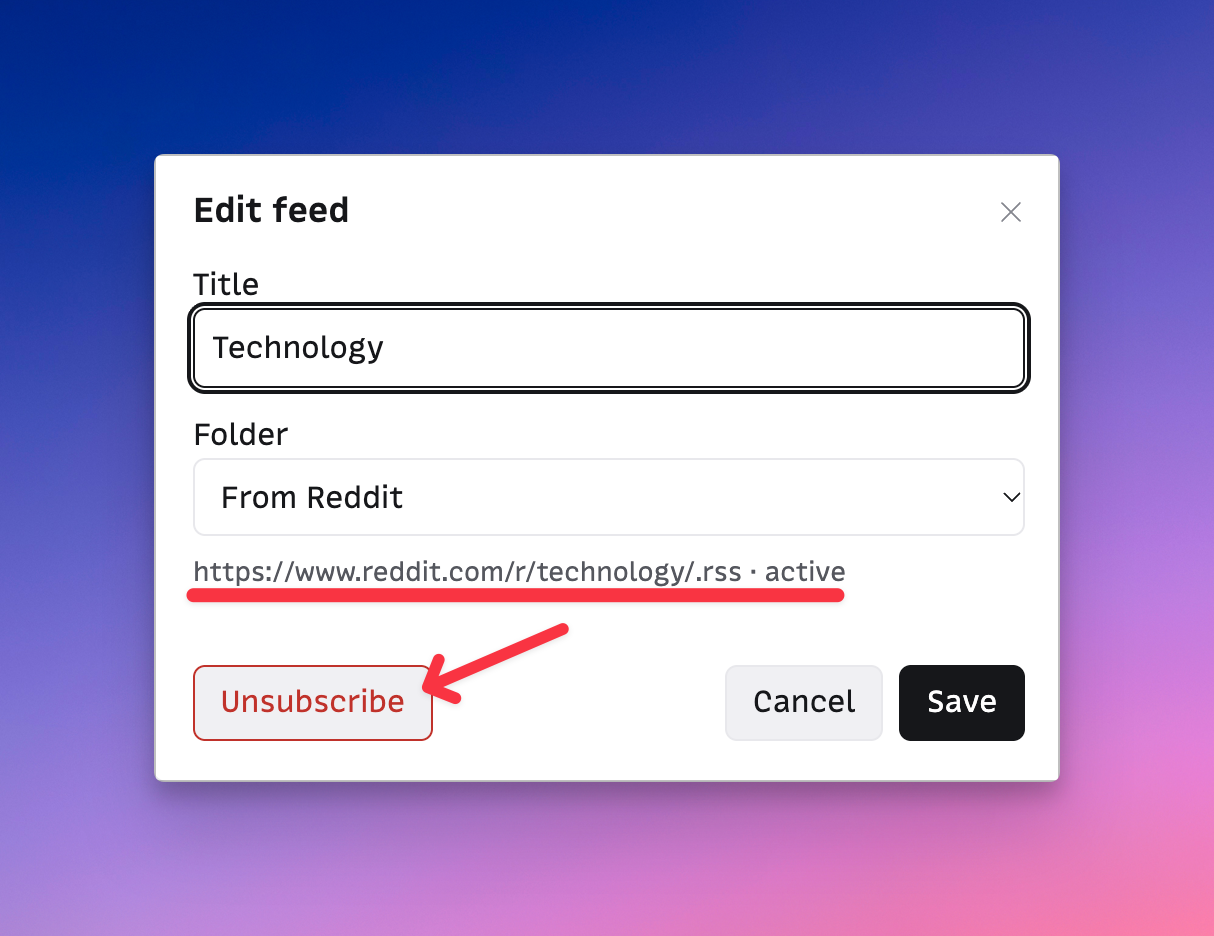
Bye bye Reddit RSS feeds. How long before bye bye Reddit altogether?
I sometimes exceed my token usage limits within a session, and I’m willing to go over 100% if I feel the remaining tasks are light and short. But when I see some AI enthusiasts paying 200$ a month for Claude, I wonder what the hell they’re doing in life if it’s not their main day job! It’s a lot of money!

Maybe OpenAI is crossing a redline for me
Another set of thoughts about OpenAI’s recent announcements, which trigger all sorts of reactions in me.
- OpenAI seems to be trying to be more like Apple; it’s obvious in their slides during their keynote.
- I think OpenAI shows courage by doing live demos of things that are clearly not ready for prime time. Since people would like Apple to return to live events, I’m not sure I want to see those kinds of failures, as they might overshadow the message.
- I saw a different Sam Altam during the keynote, who appeared more enthusiastic than usual, but it felt a bit off.
- Many of the new features are available only to Pro plans, which I’m not willing to subscribe to because they are too expensive.
- They make progress on their desktop app, but it still feels bloated, just like Anthropic’s desktop client. None of them are native apps, yet they brag about AI coding capabilities and still depend on Electron. Go figure.
- You might find Dots a cute name for agents, but the last thing I want from AI is to be cute. I would argue that I want an invisible AI.
- I still don’t see a use case for agents like Dots or Muse (Meta). I don’t trust that technology to take over my digital life, even for the simplest task. I don’t feel good about asking an AI bot to check off an item on my to-do list. And I certainly don’t want an AI bot to do shopping for me. BTW, who’s responsible for buying errors: the bot, the AI company or the one paying for it?
I haven’t felt this anti-AI attitude as strongly as I do this week. I wonder why.