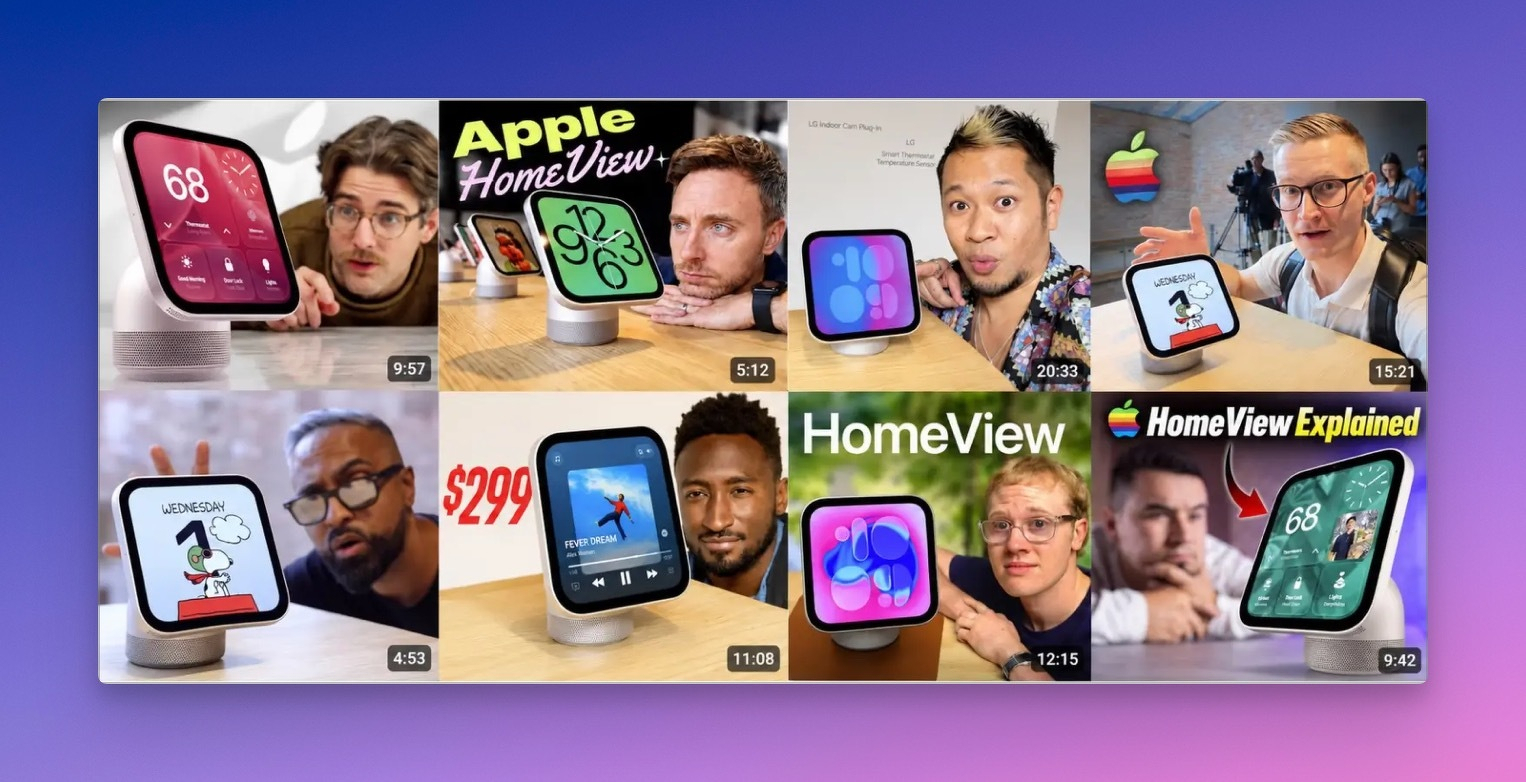
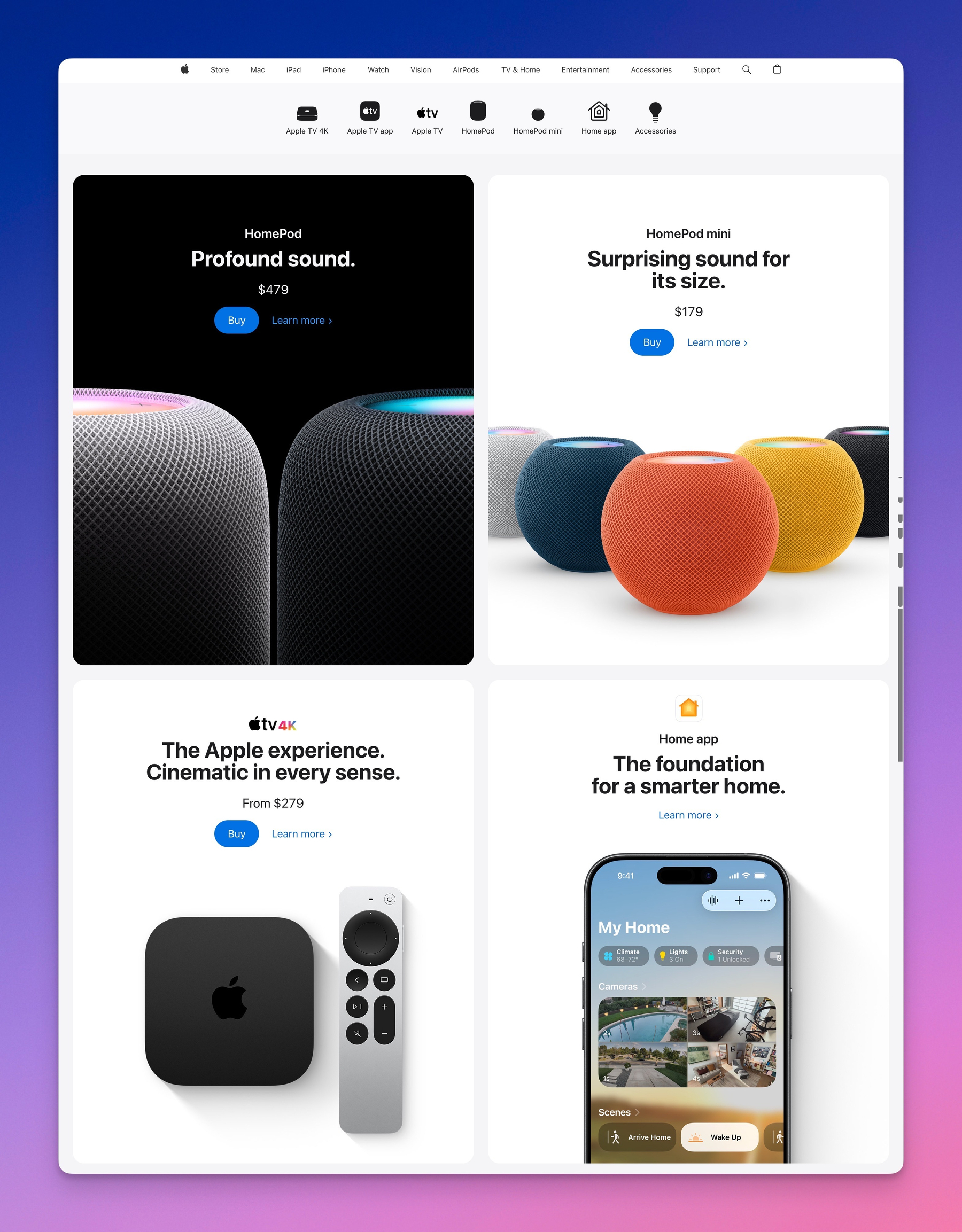
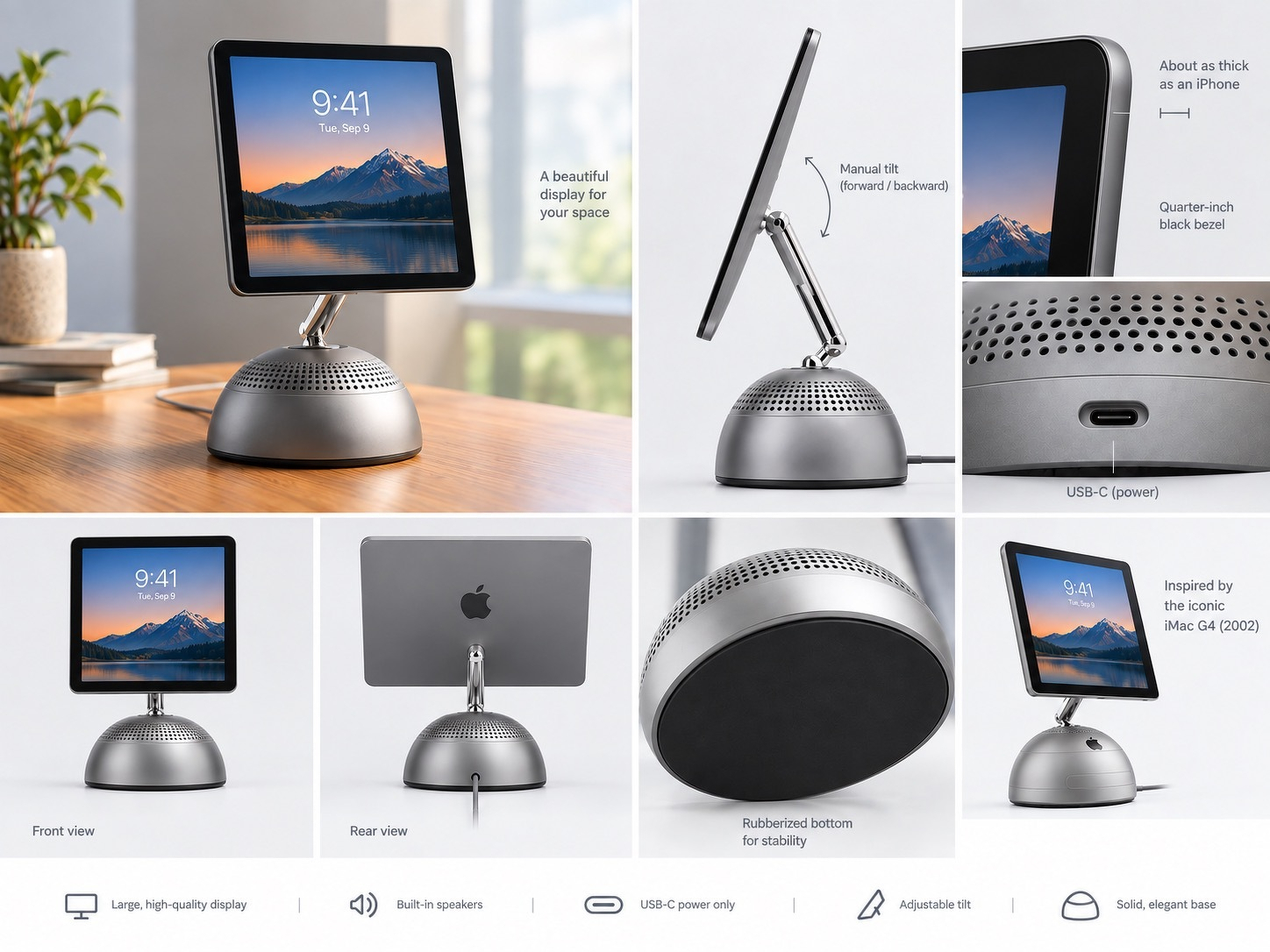
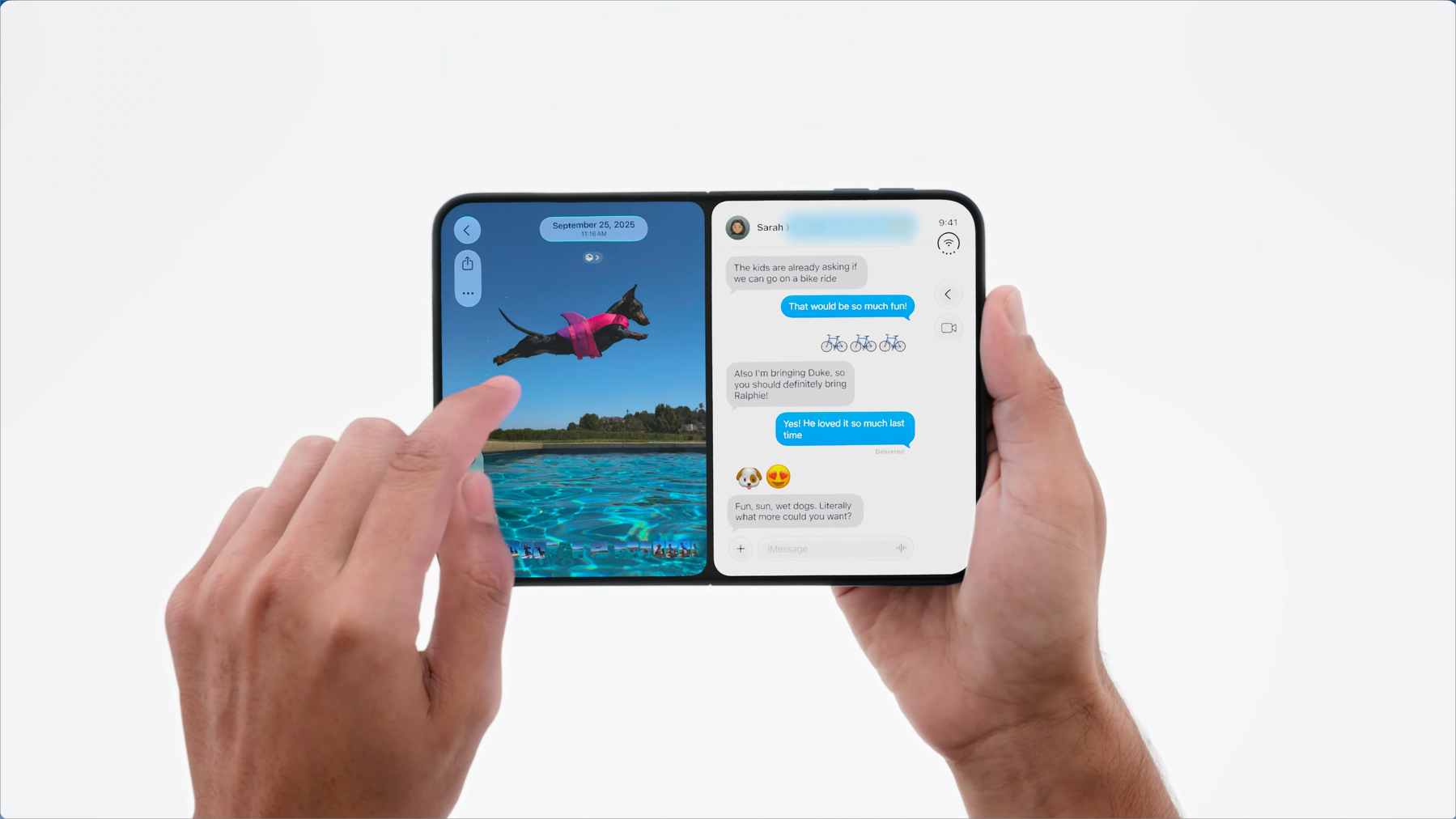
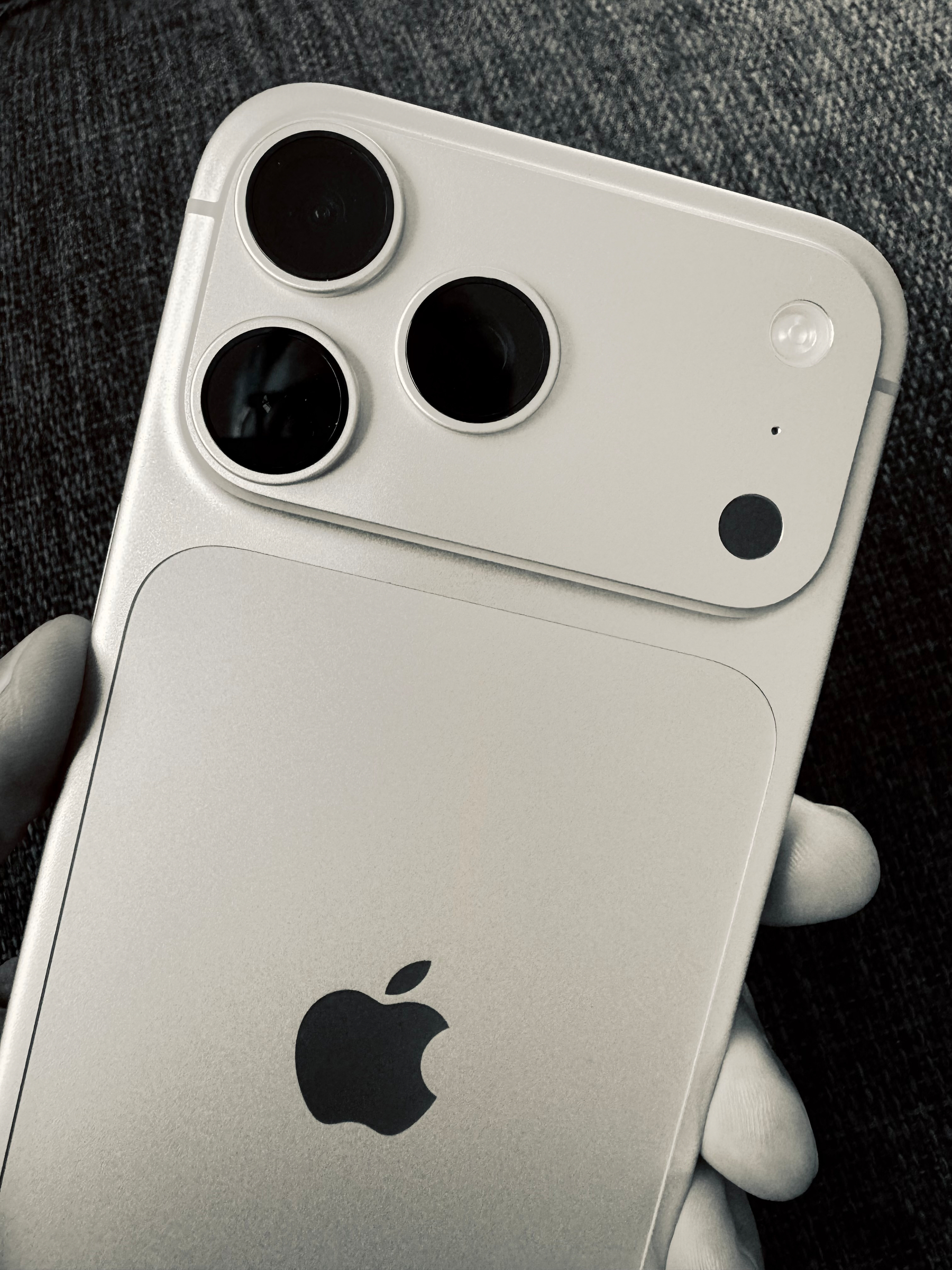
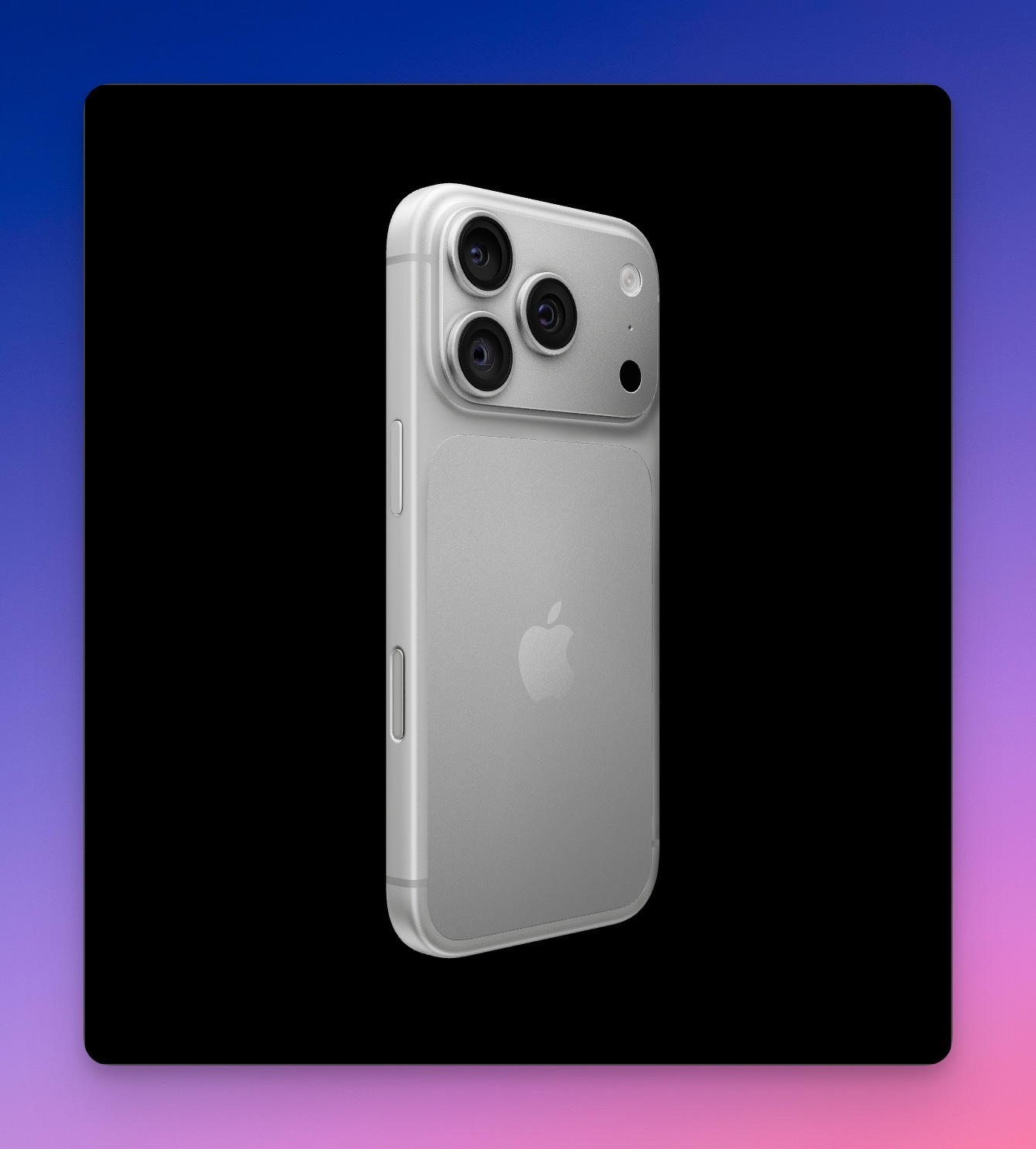
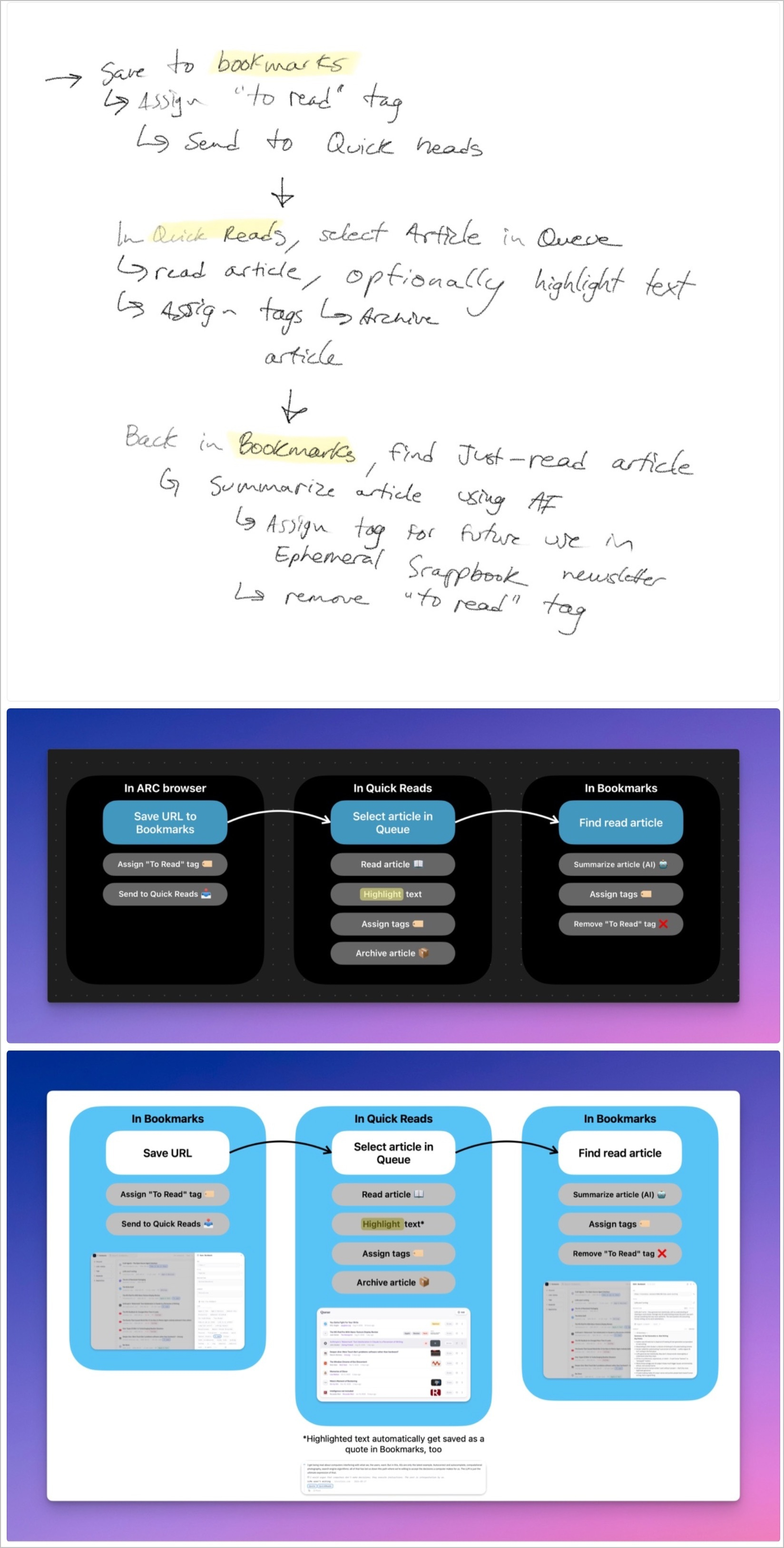
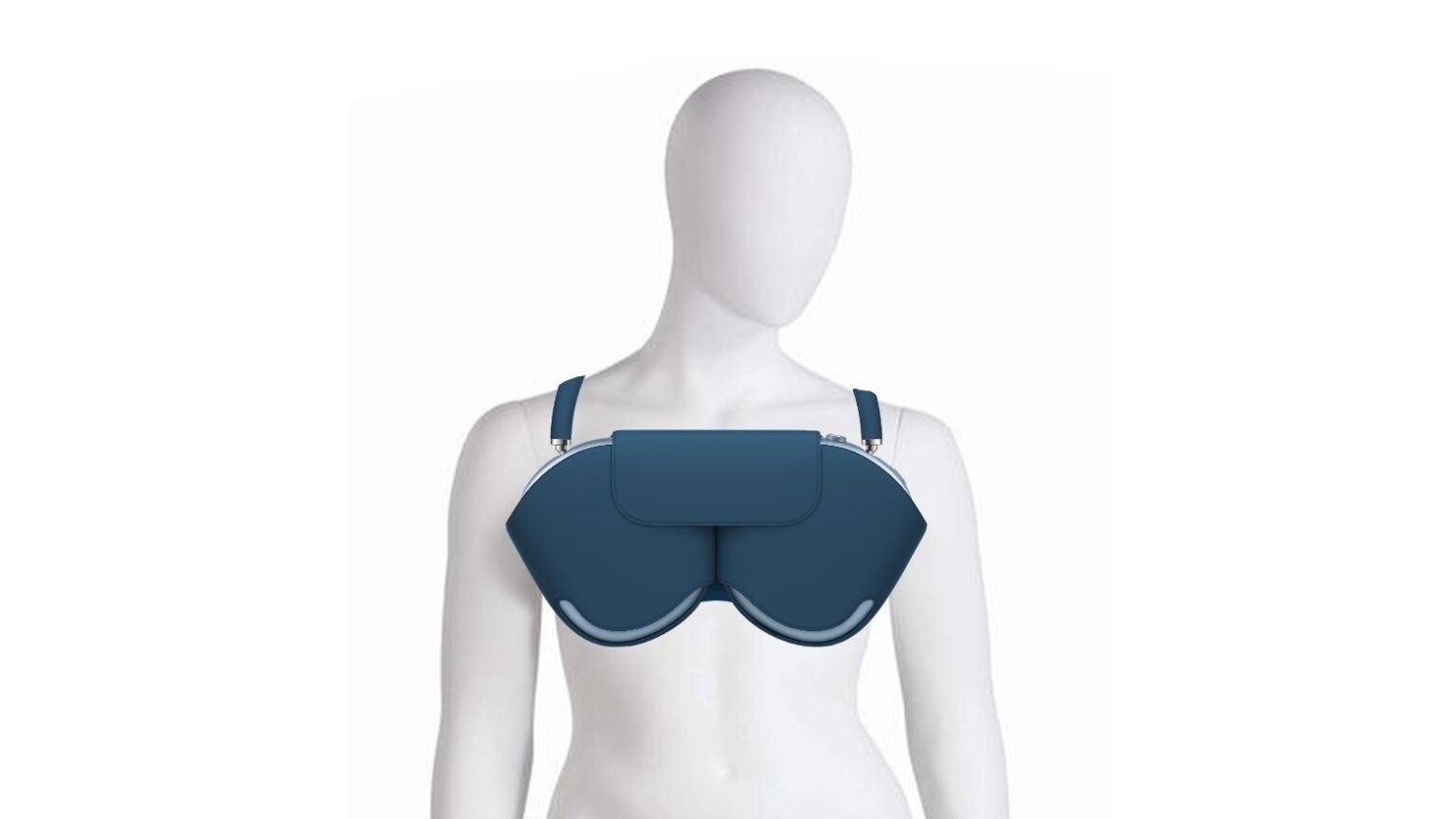
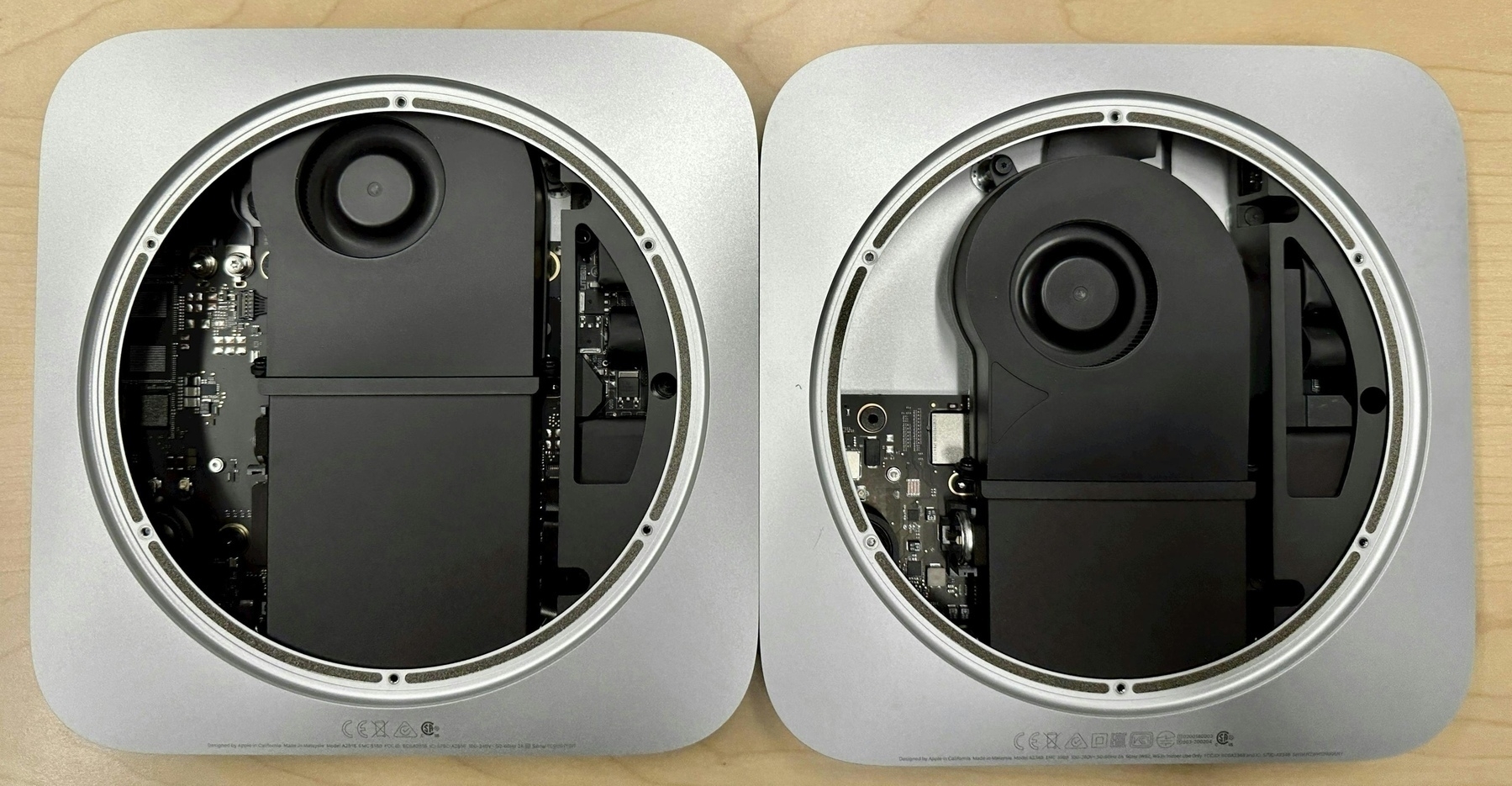
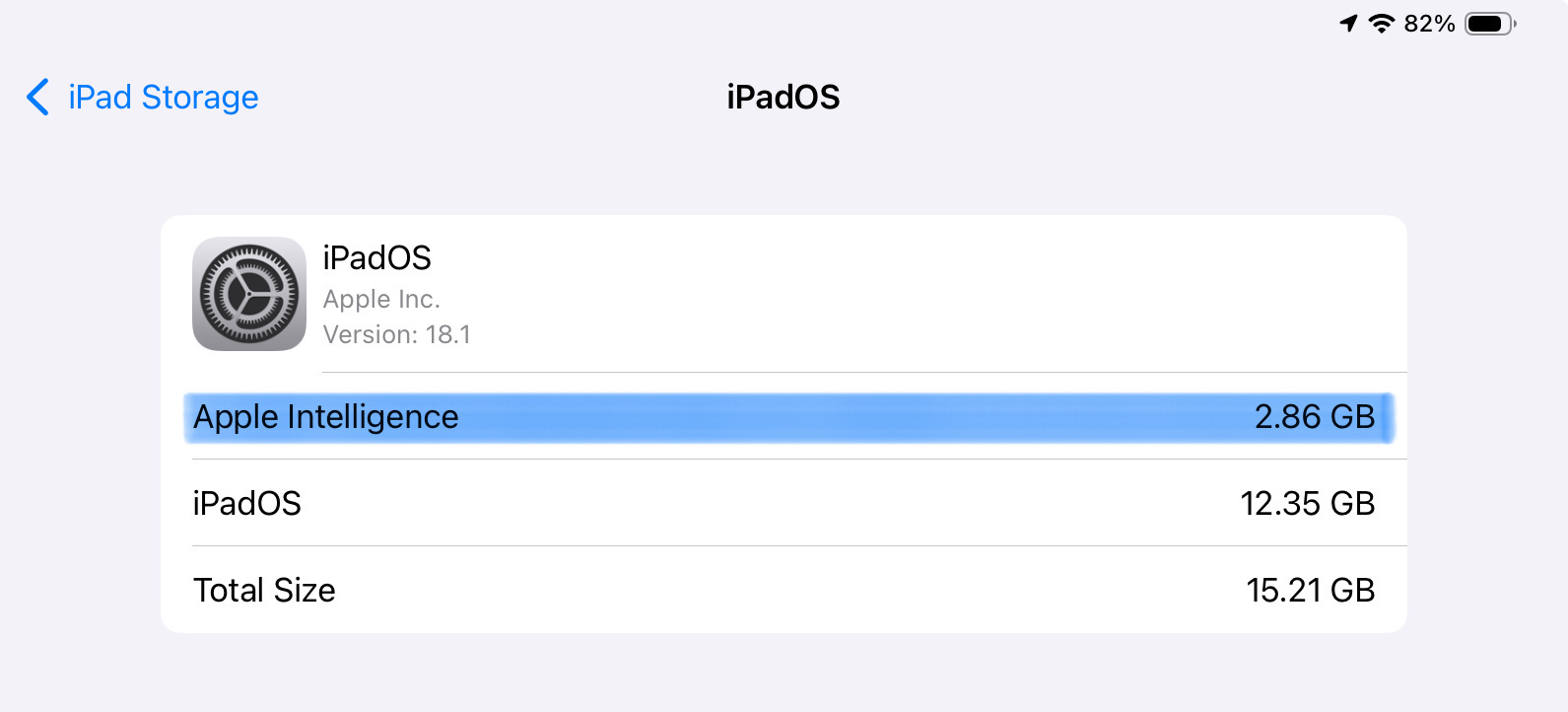
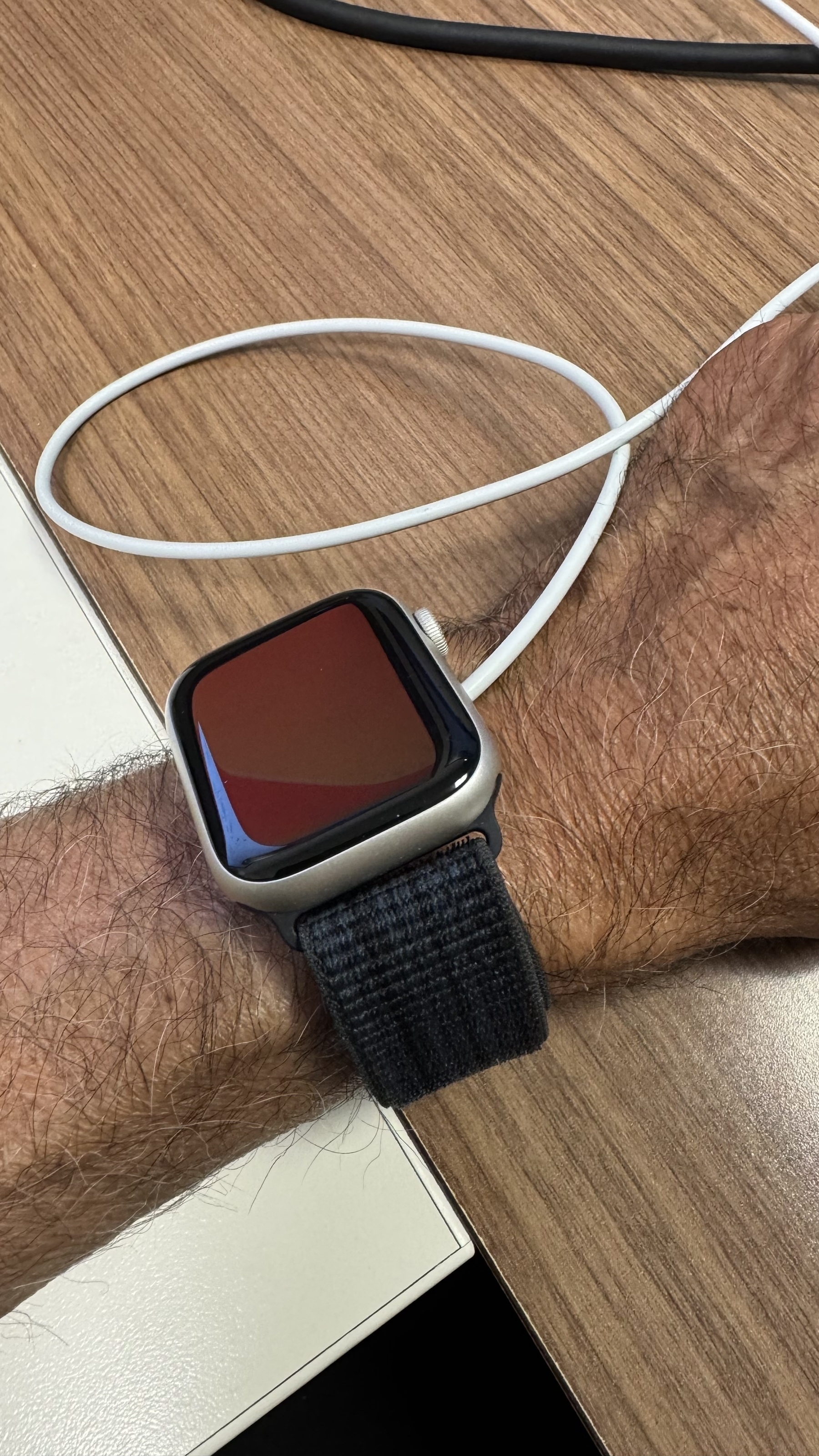
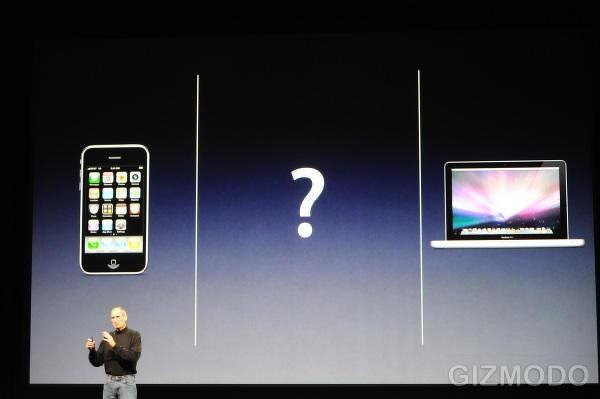
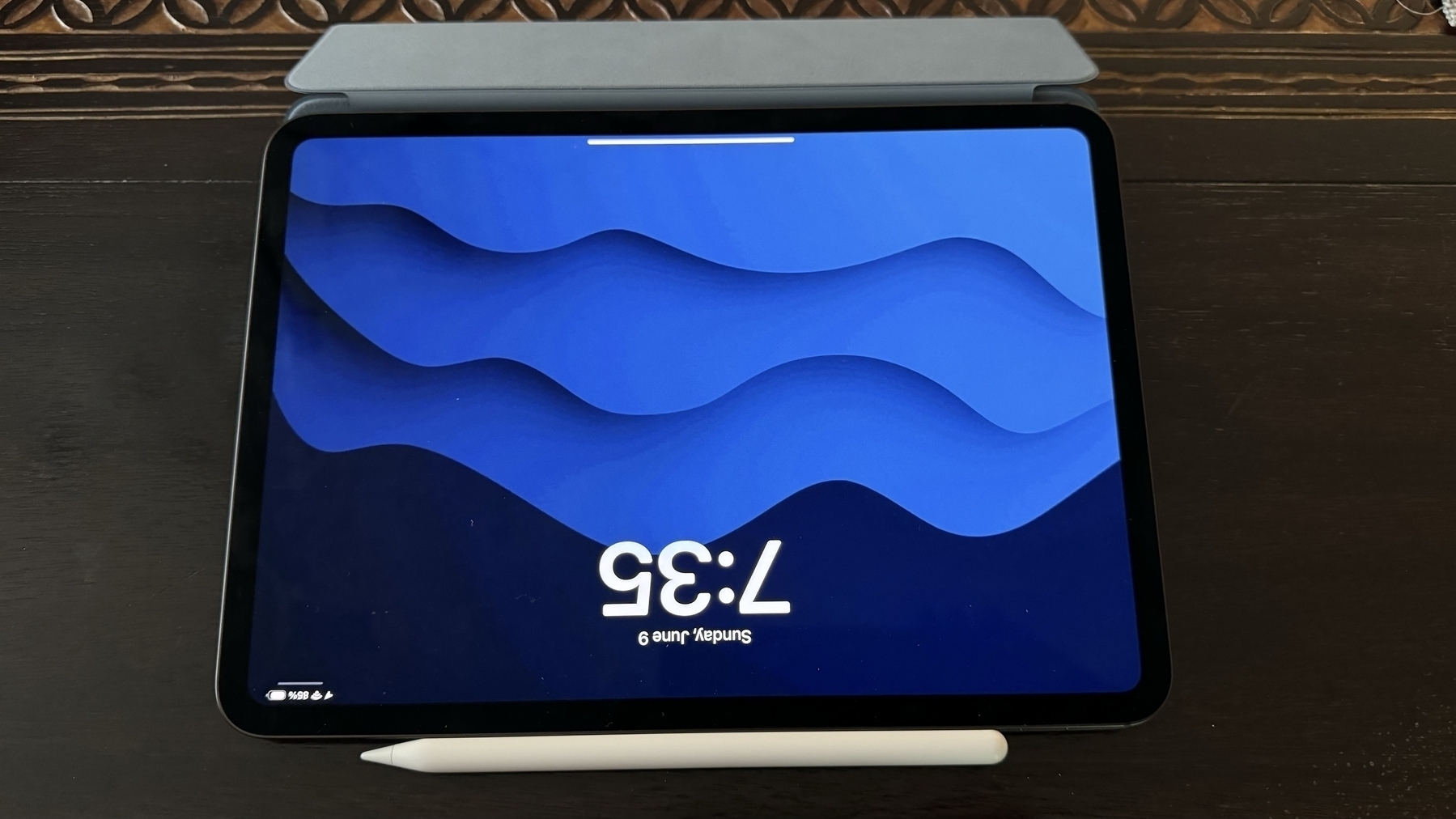
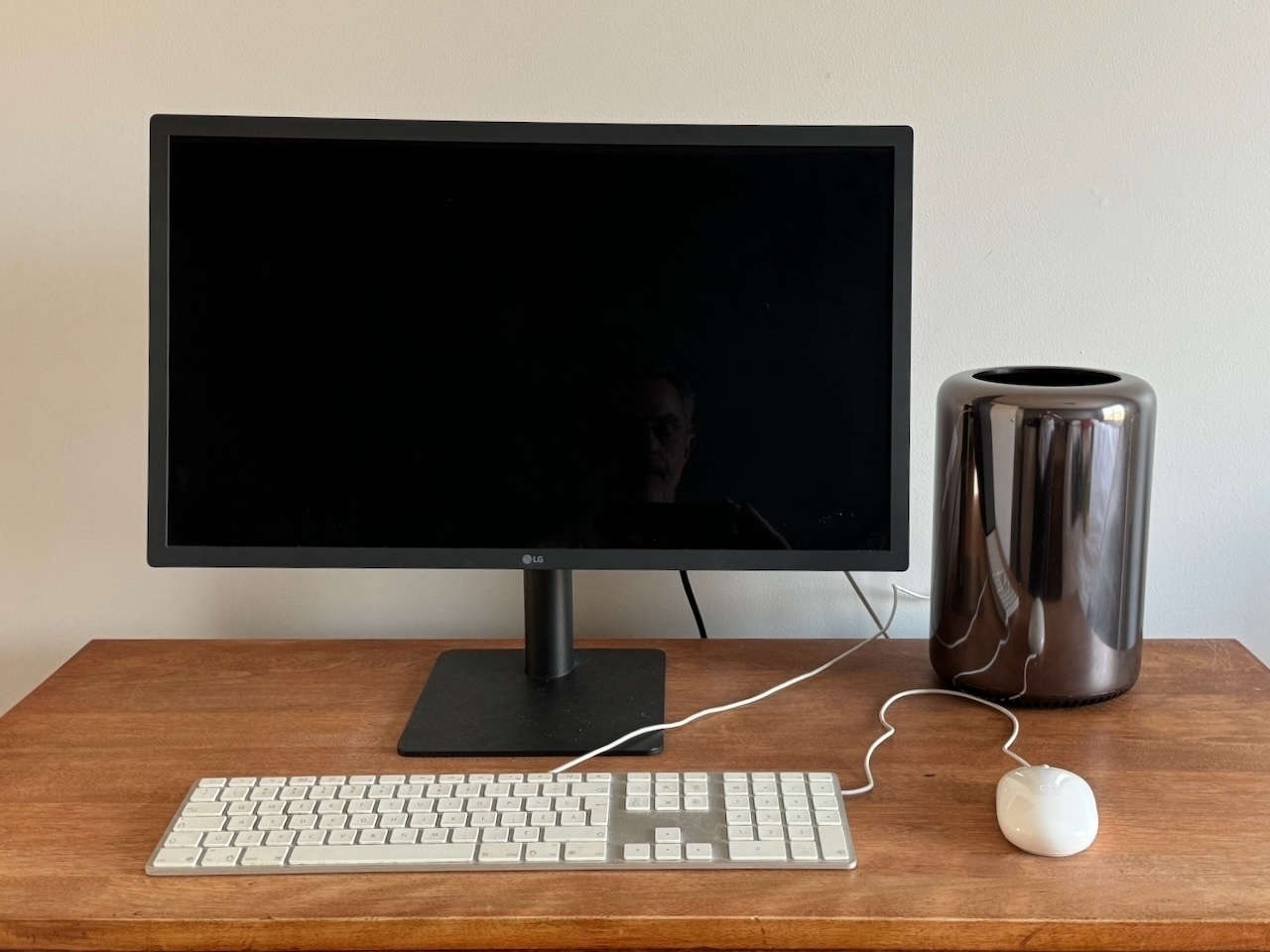
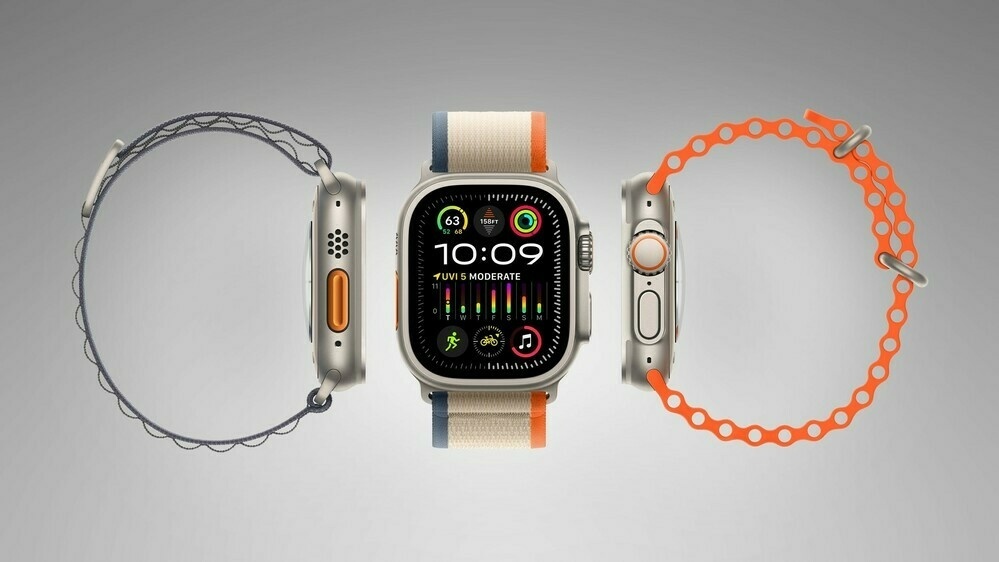
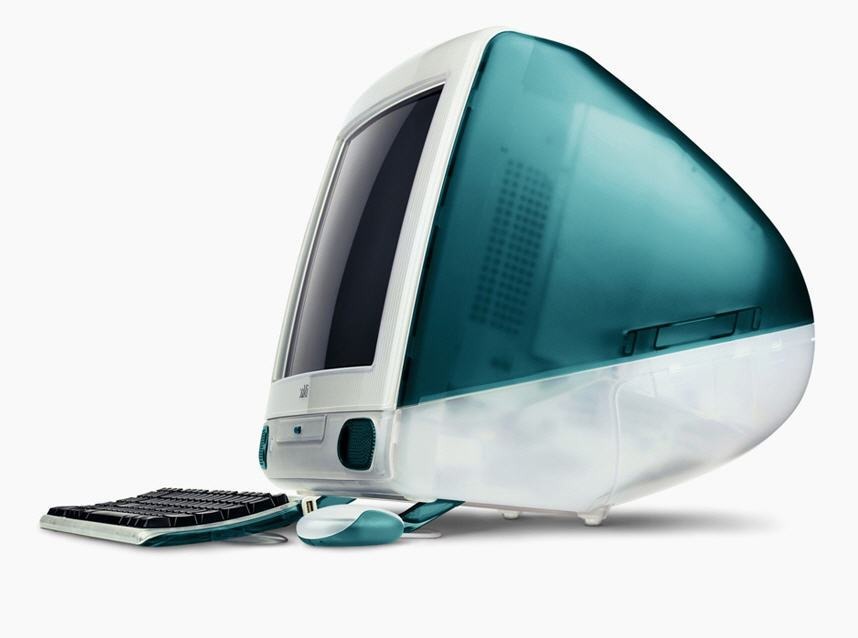
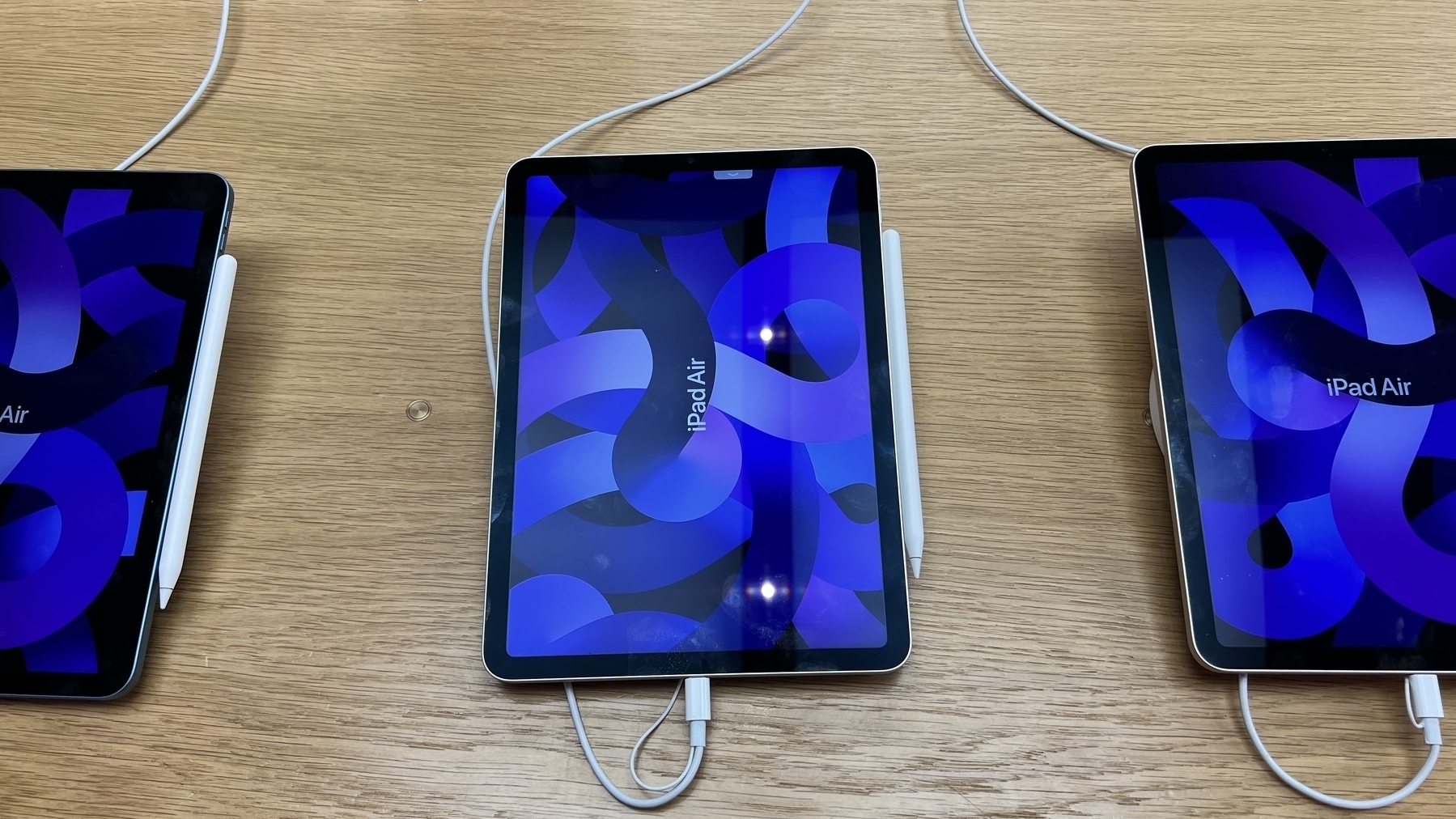
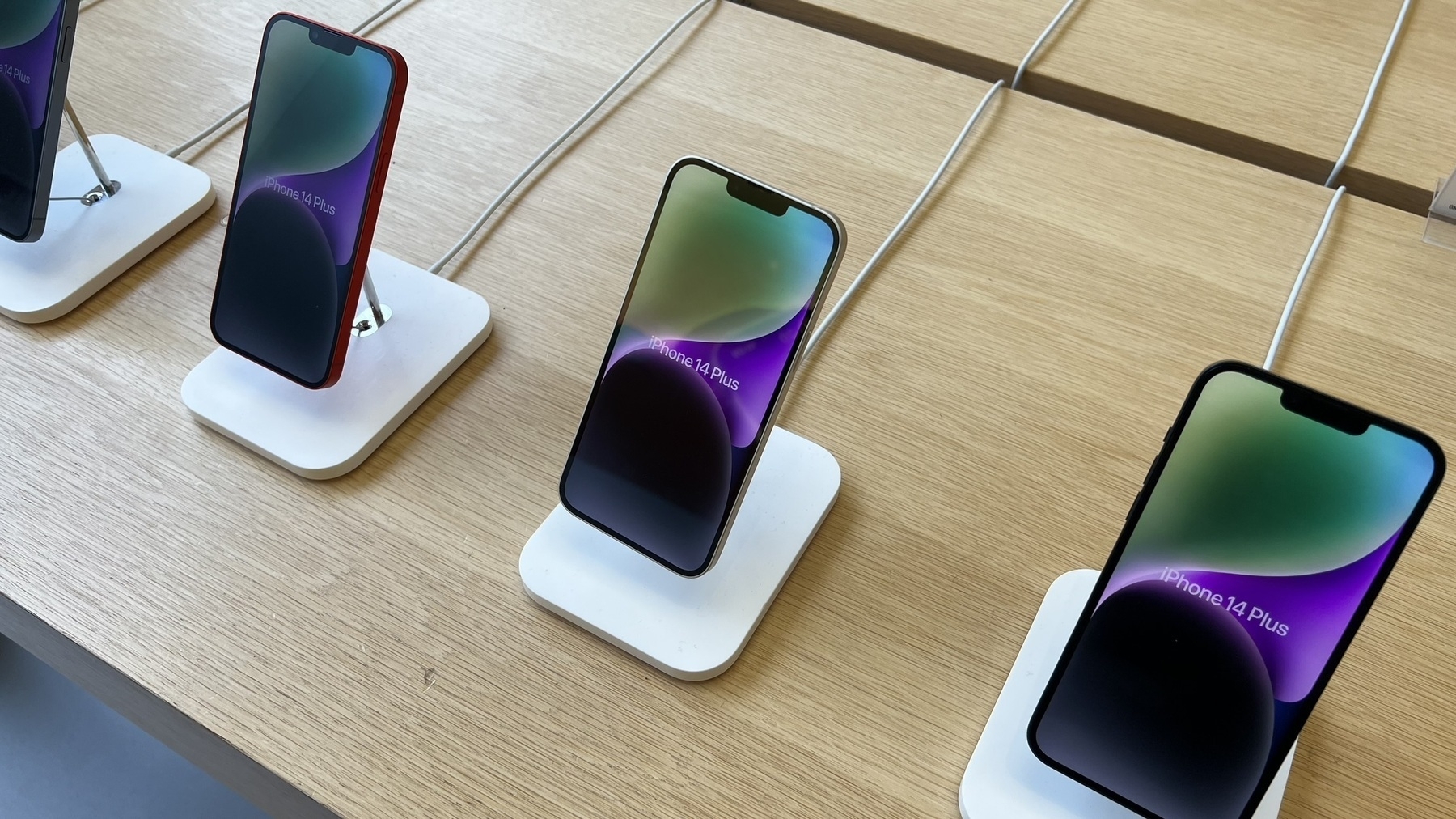
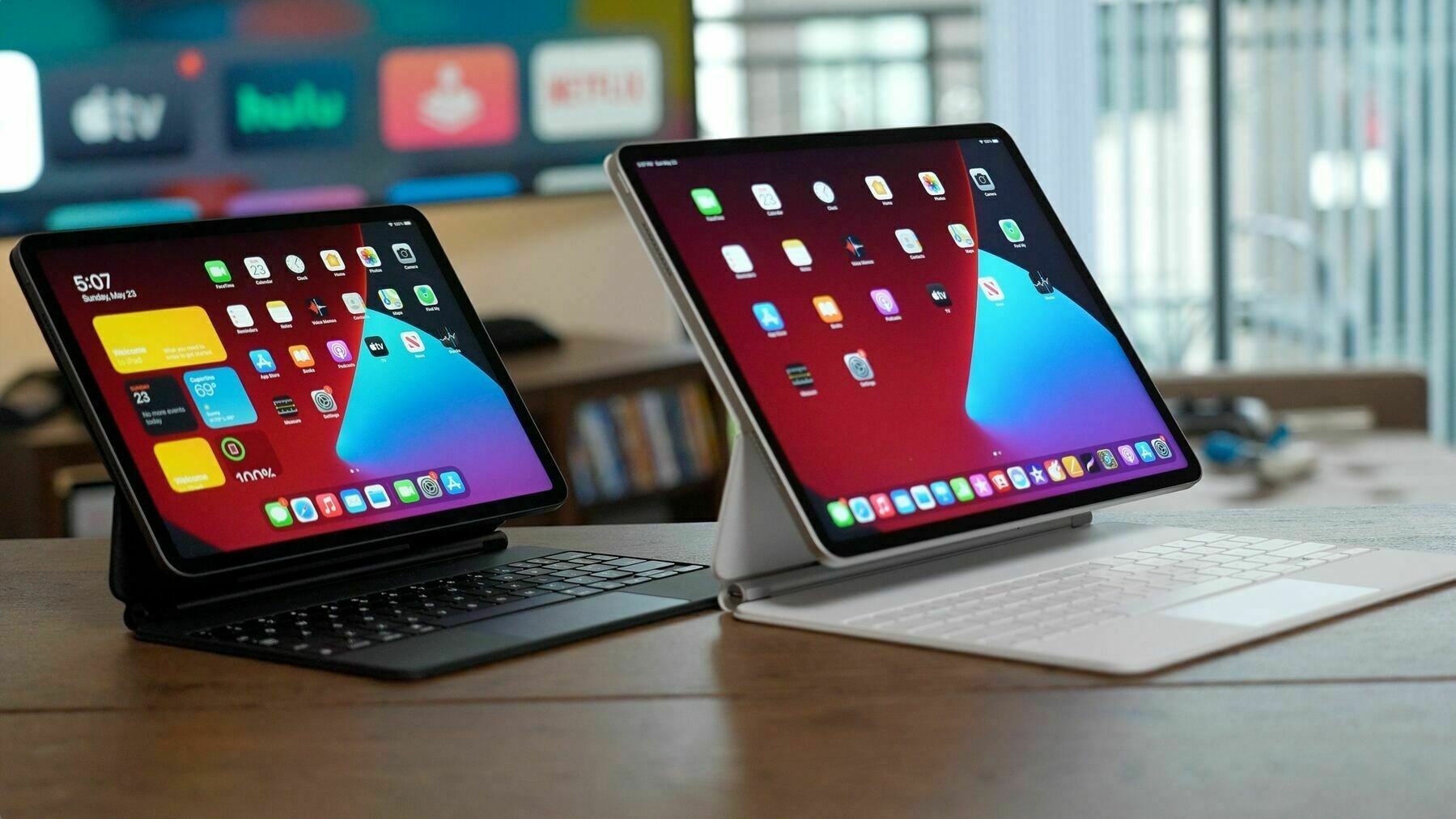
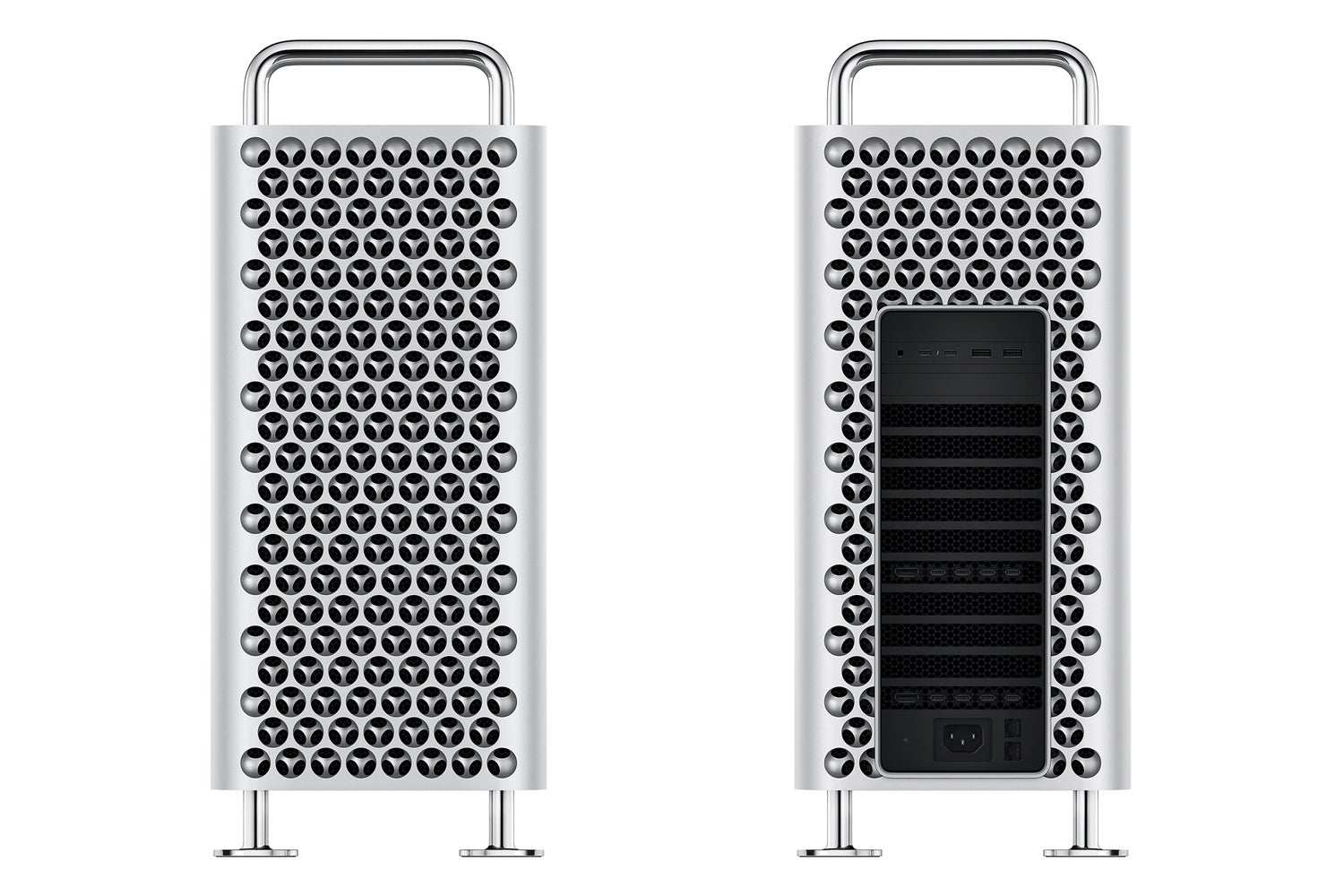
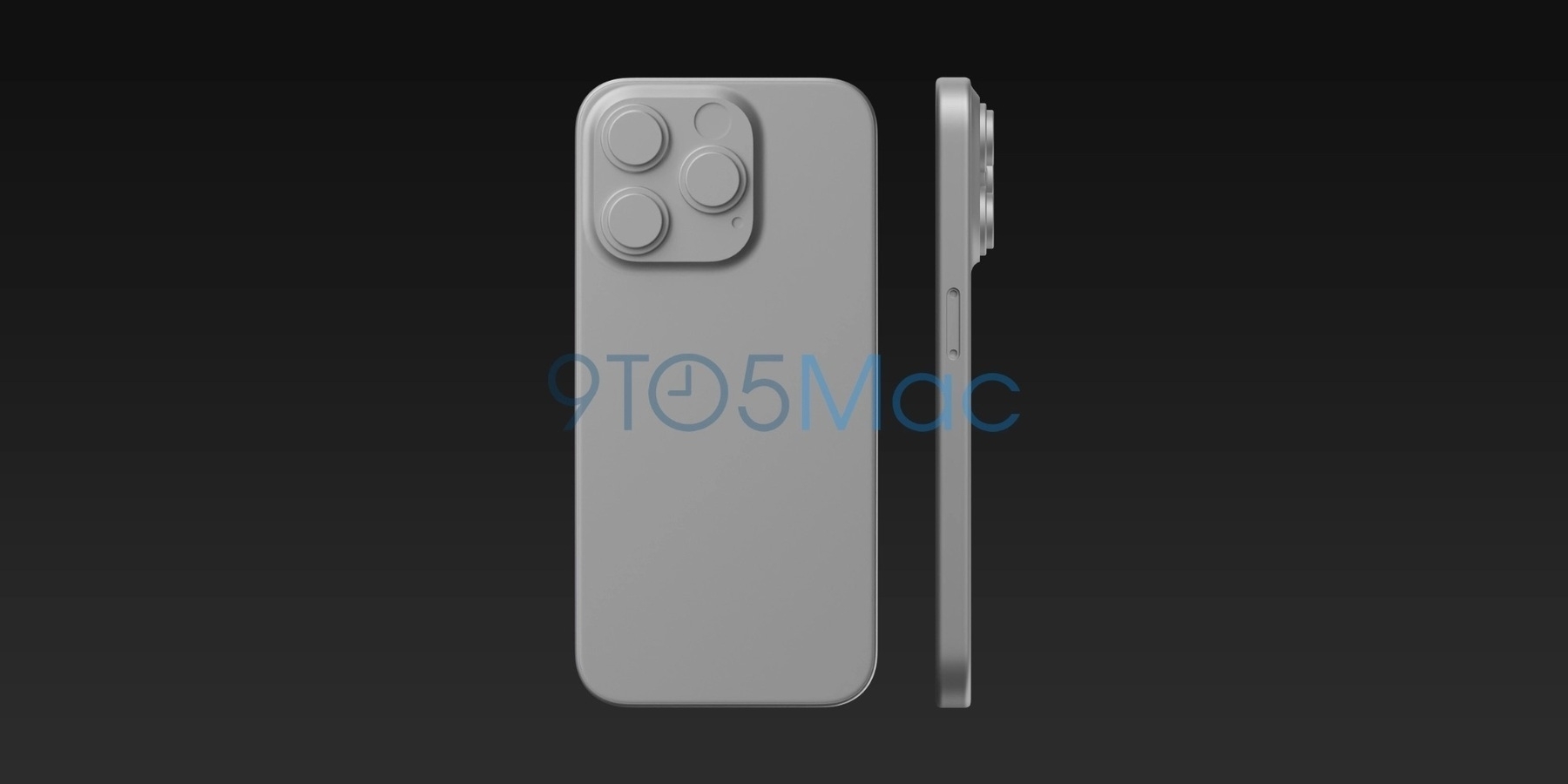
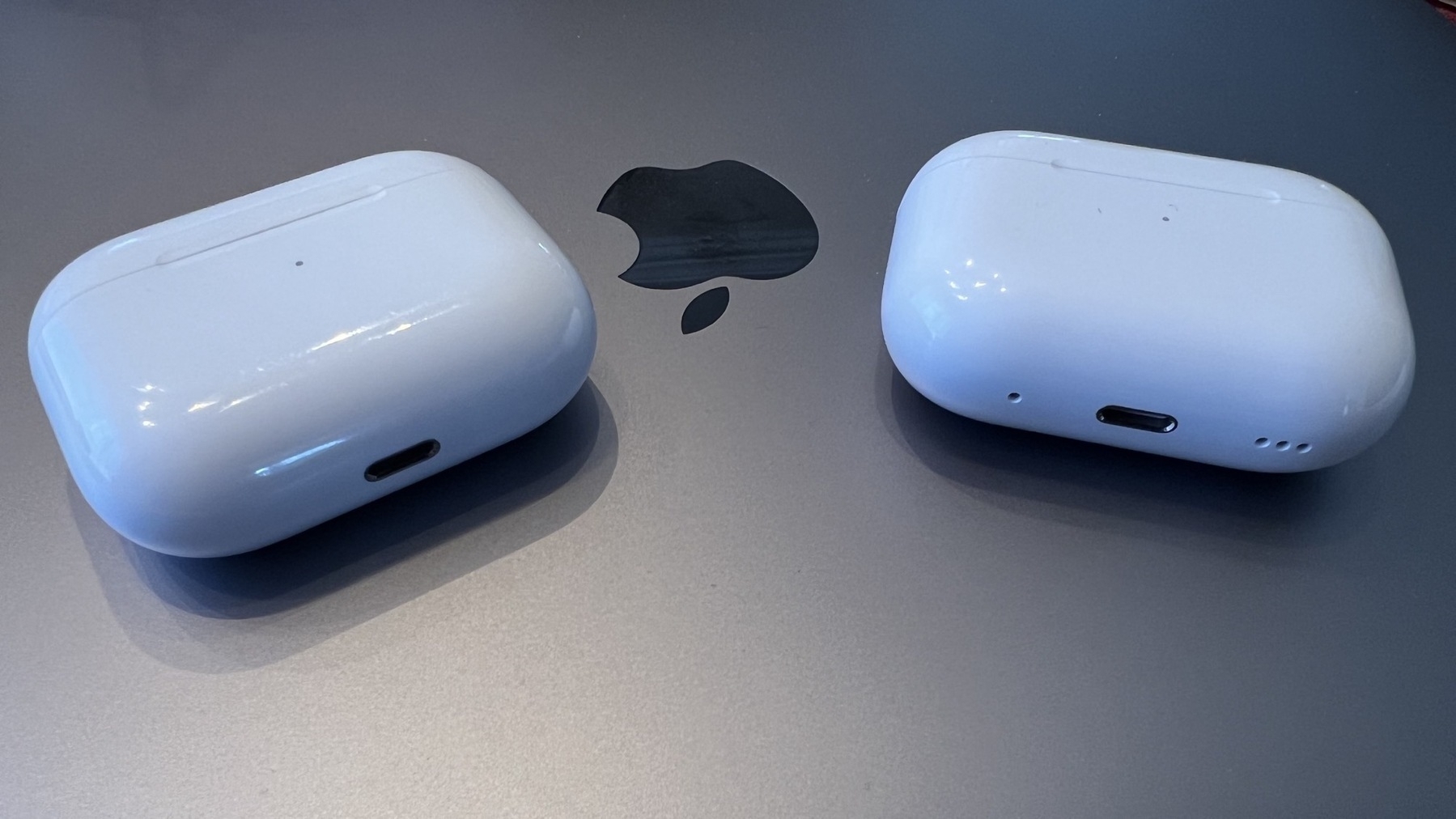
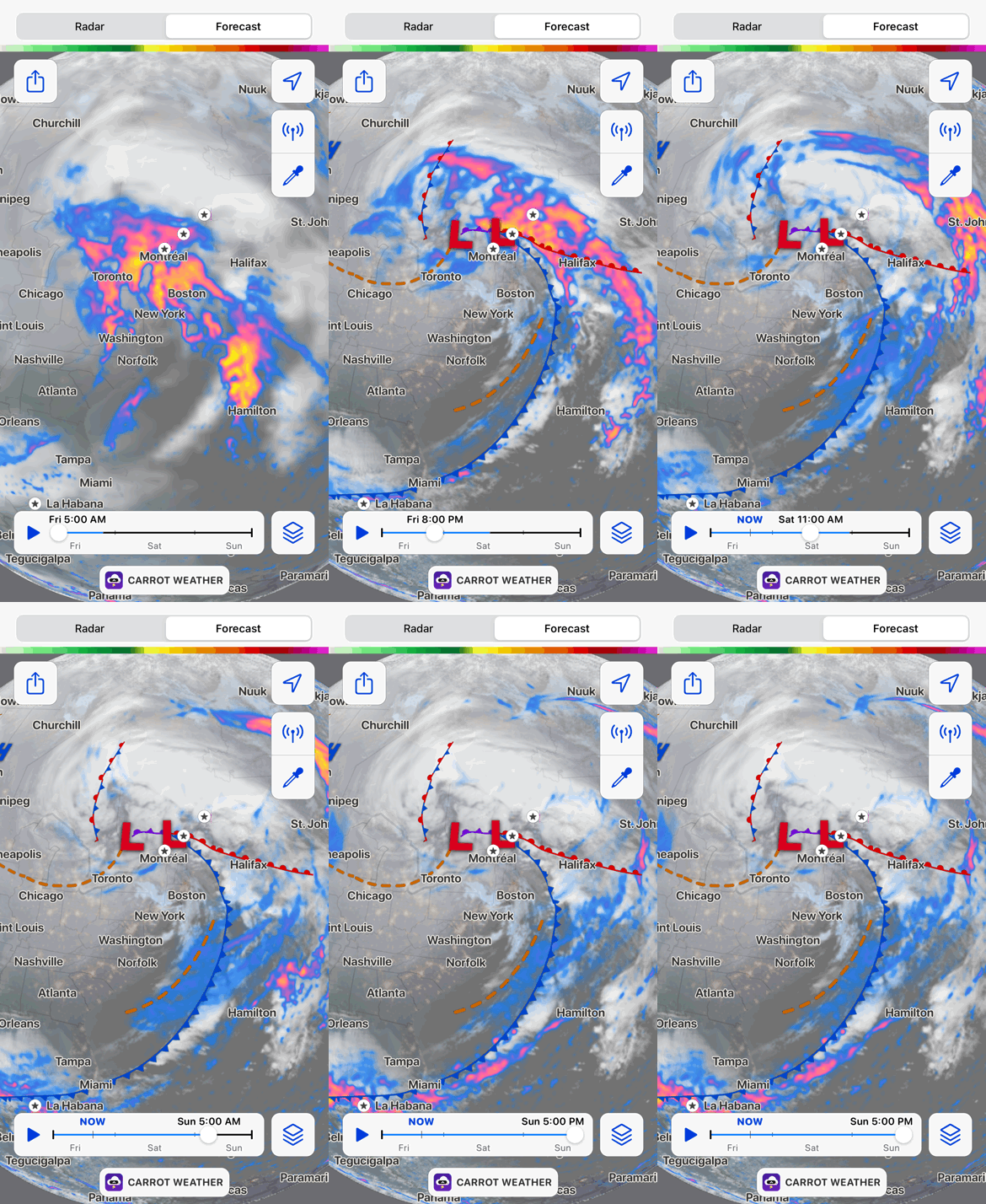
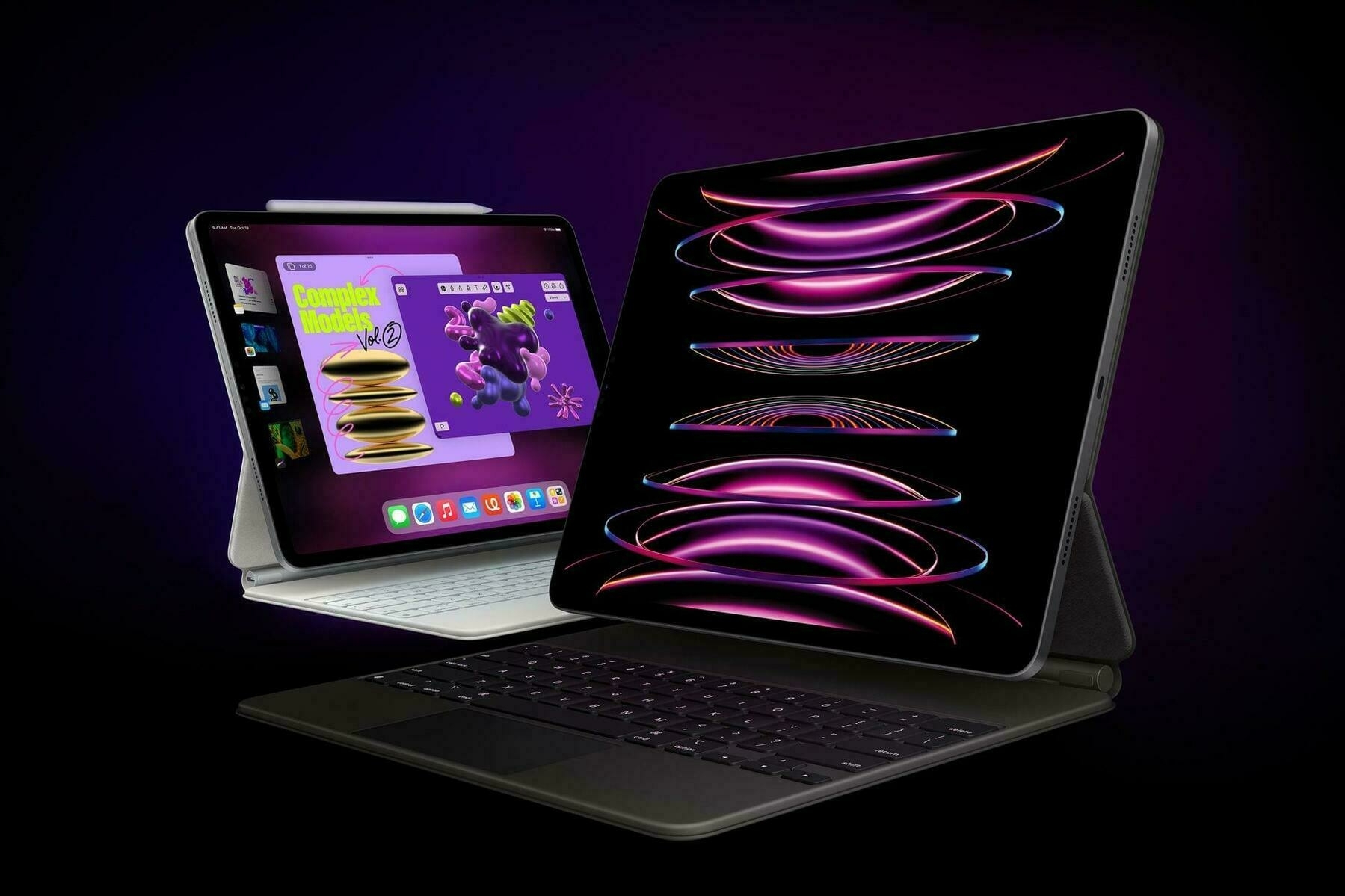
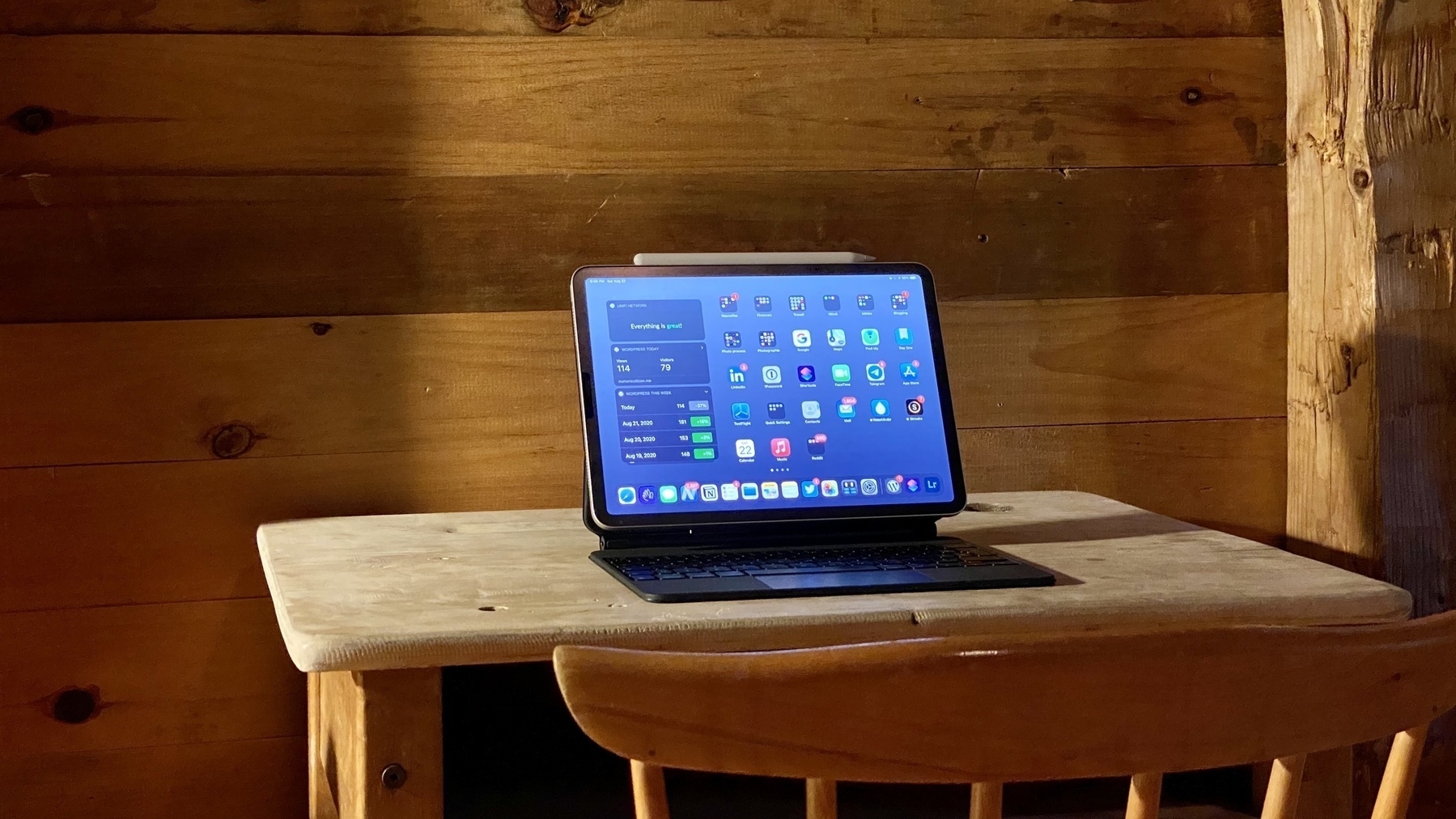
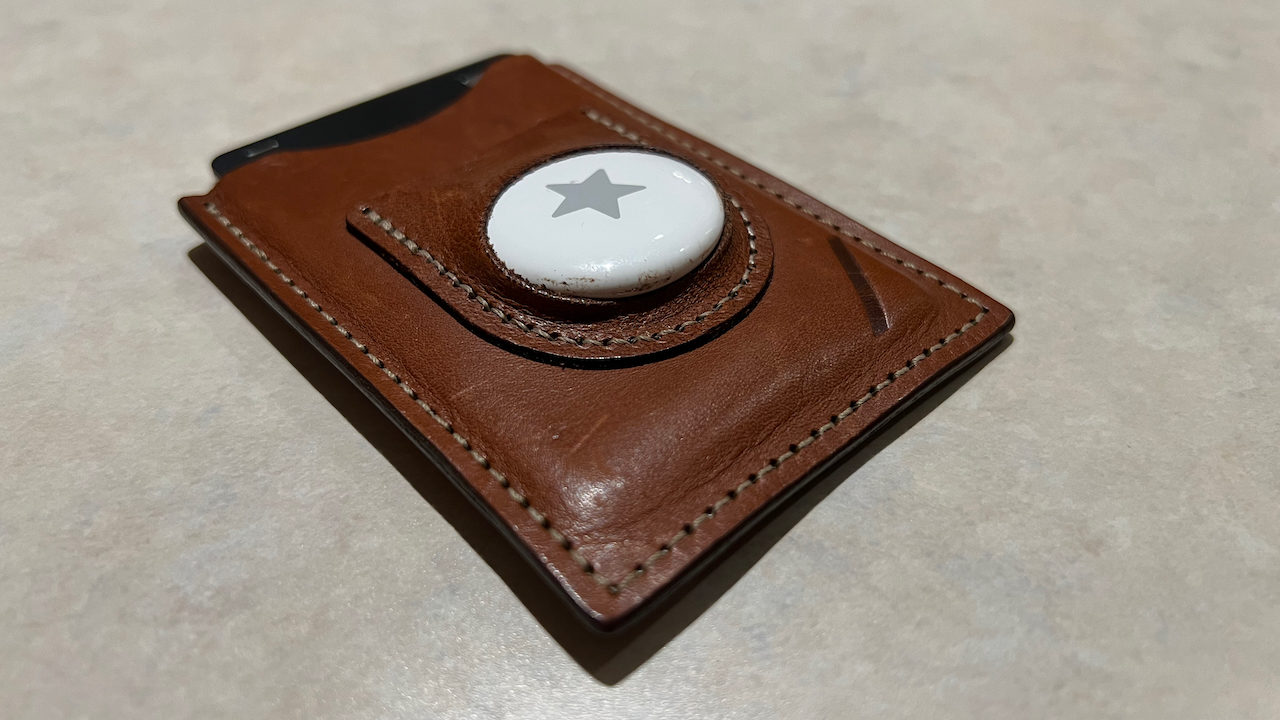
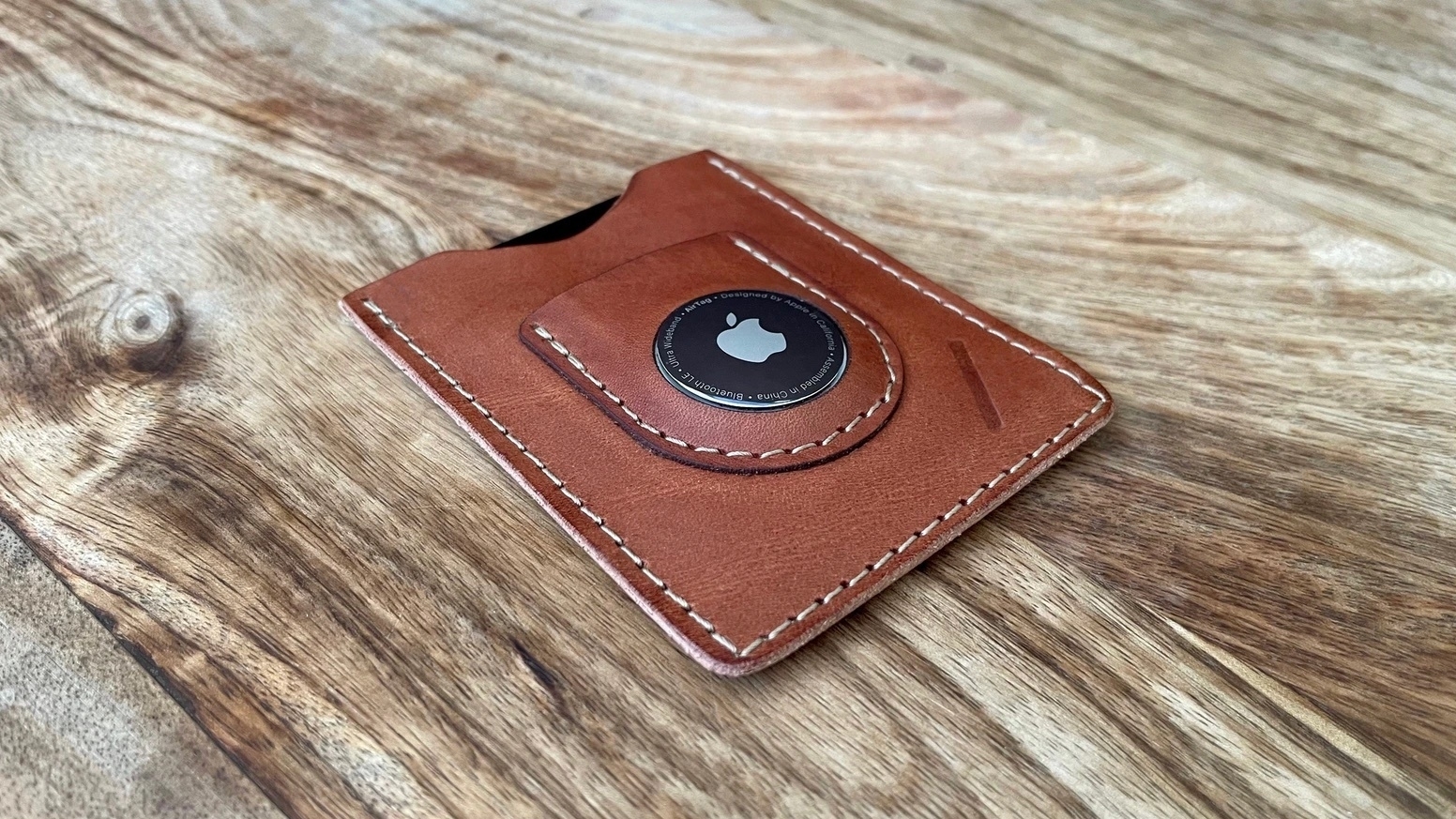
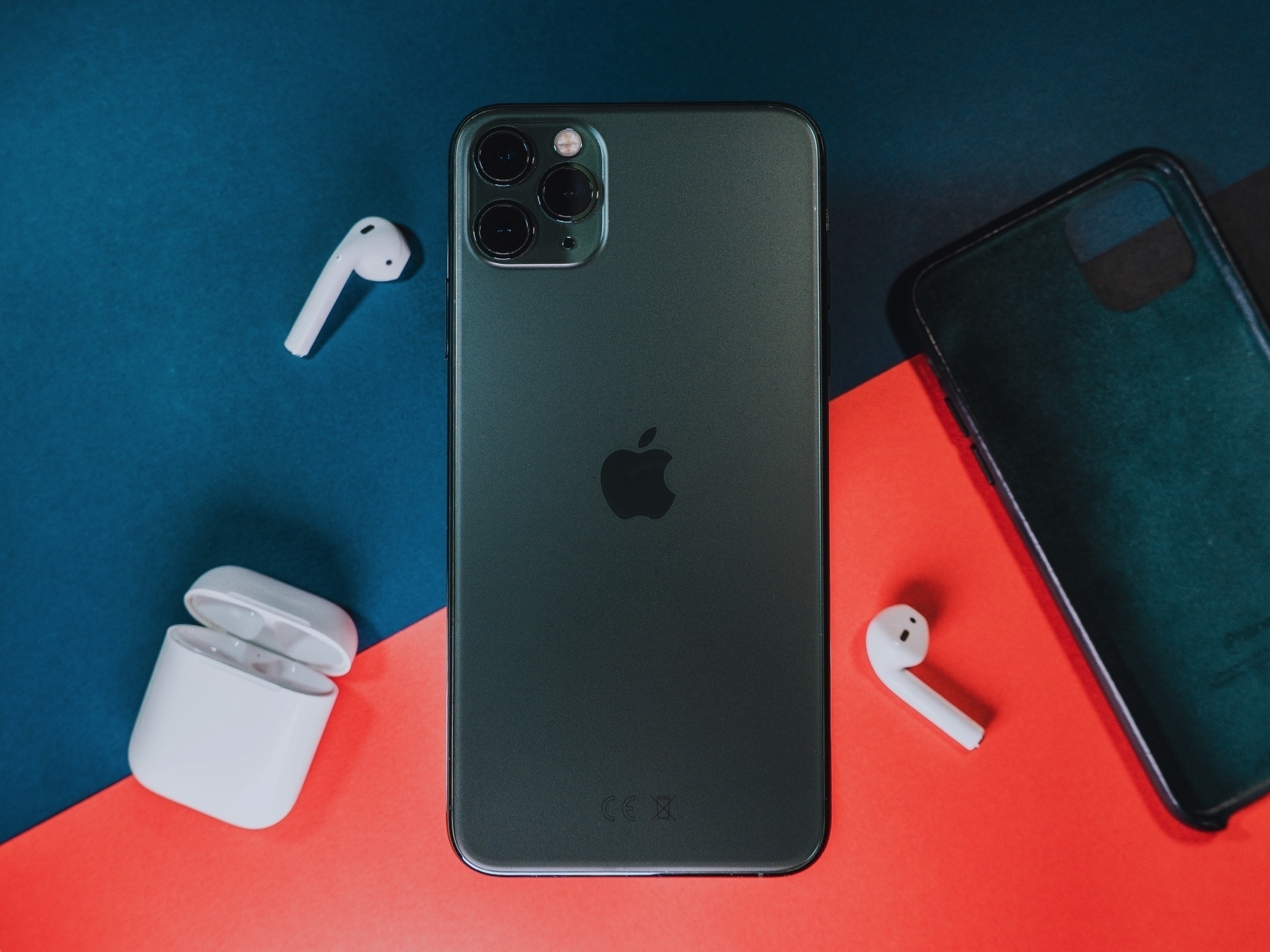
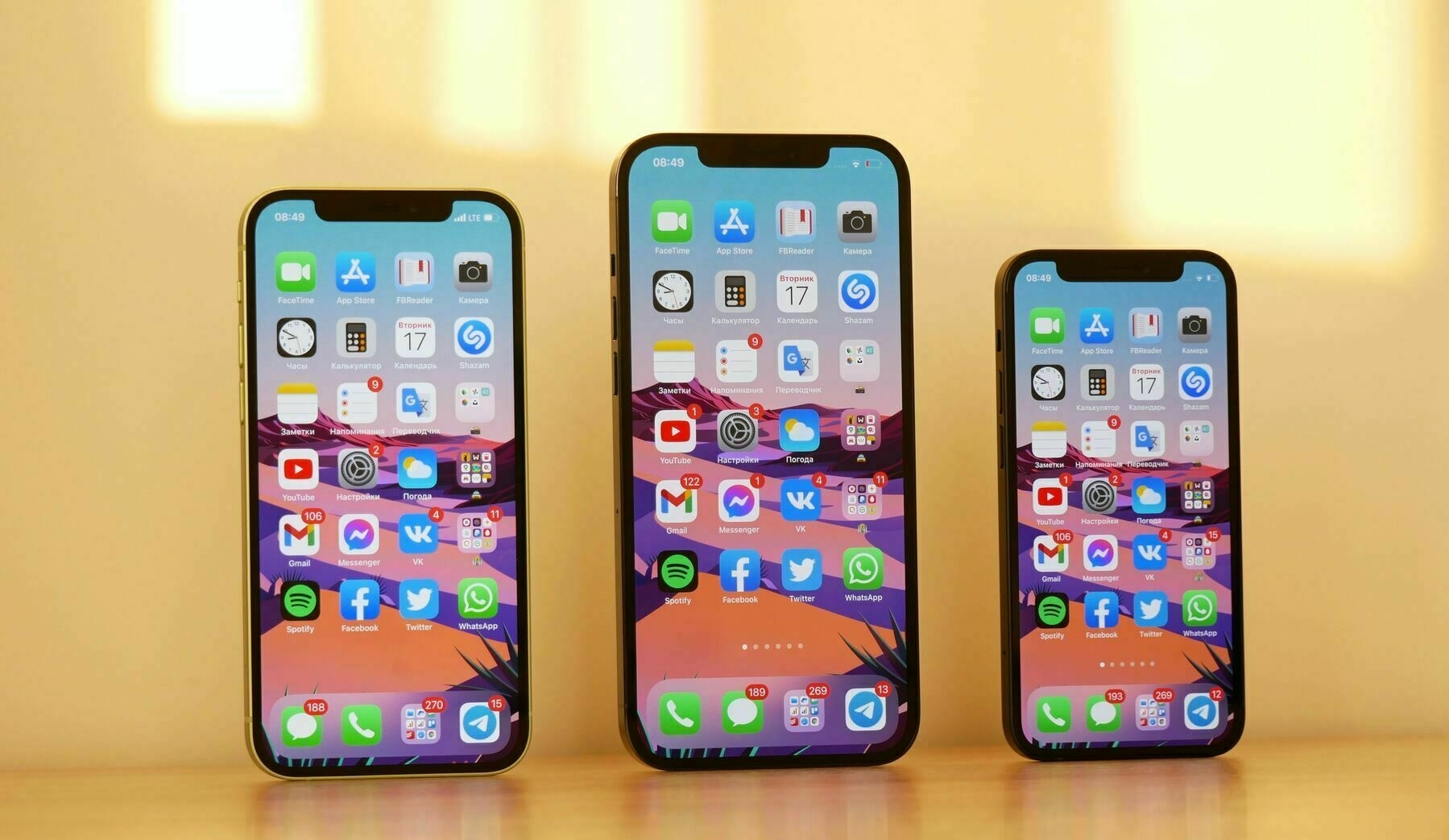
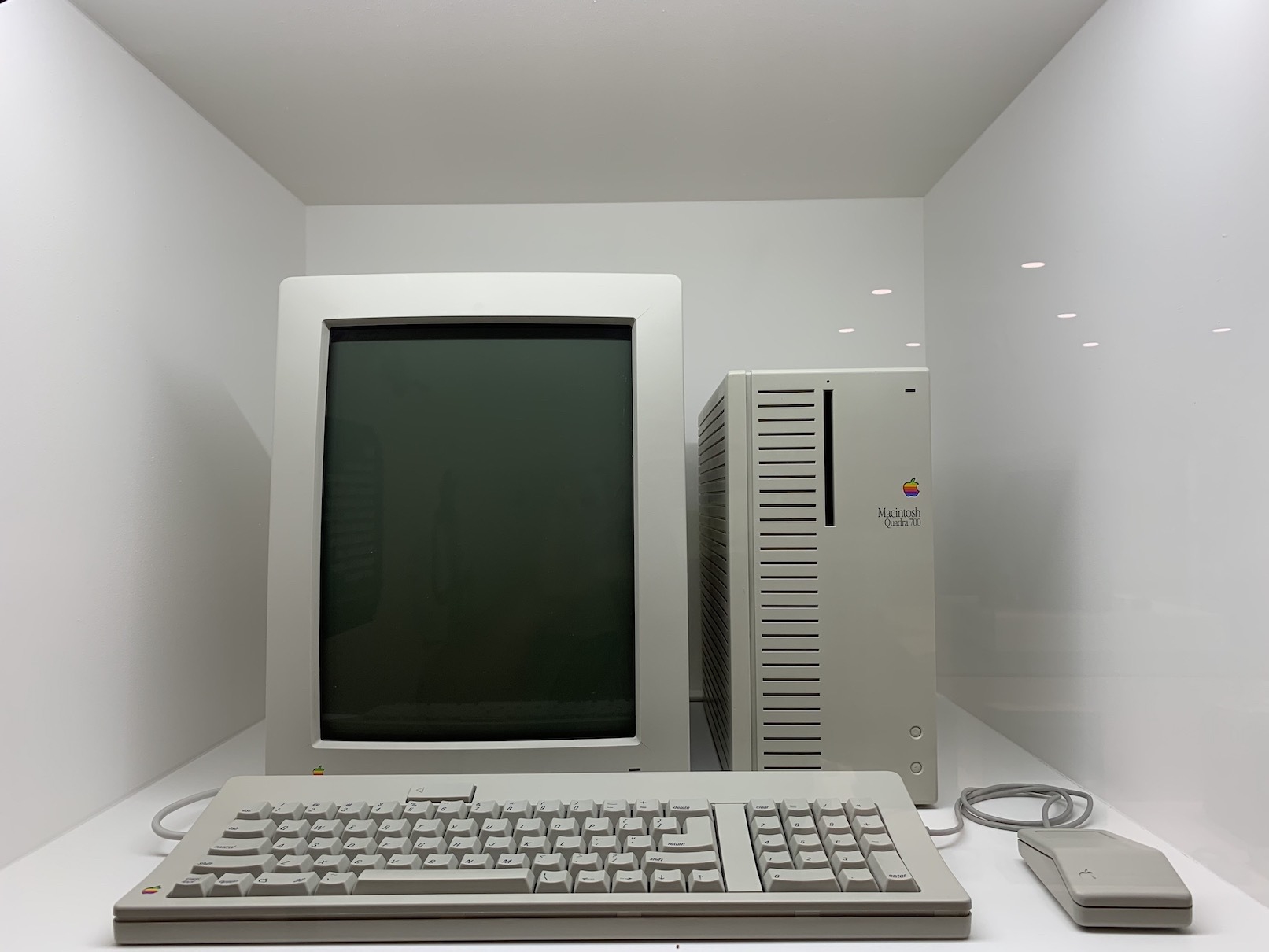
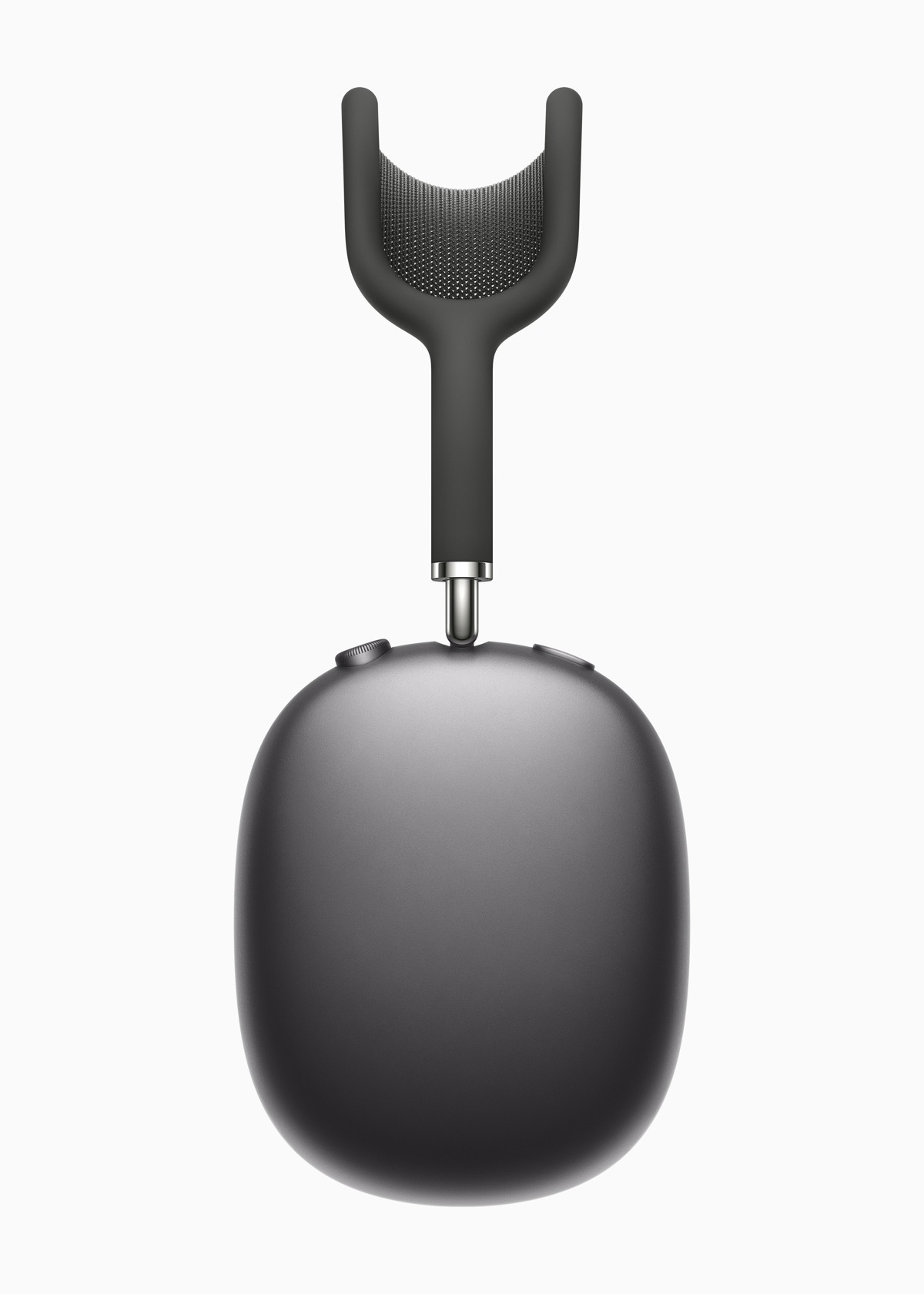
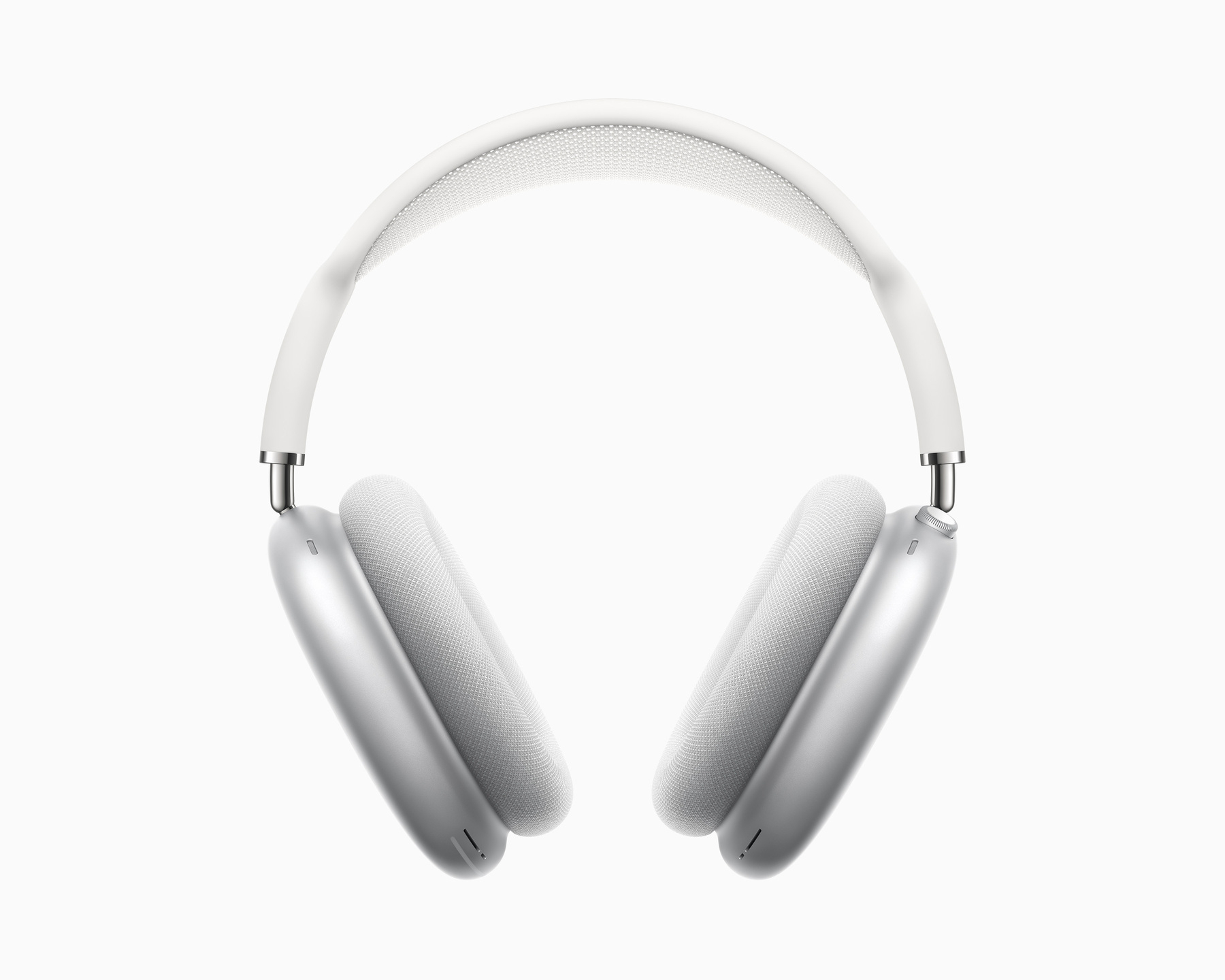
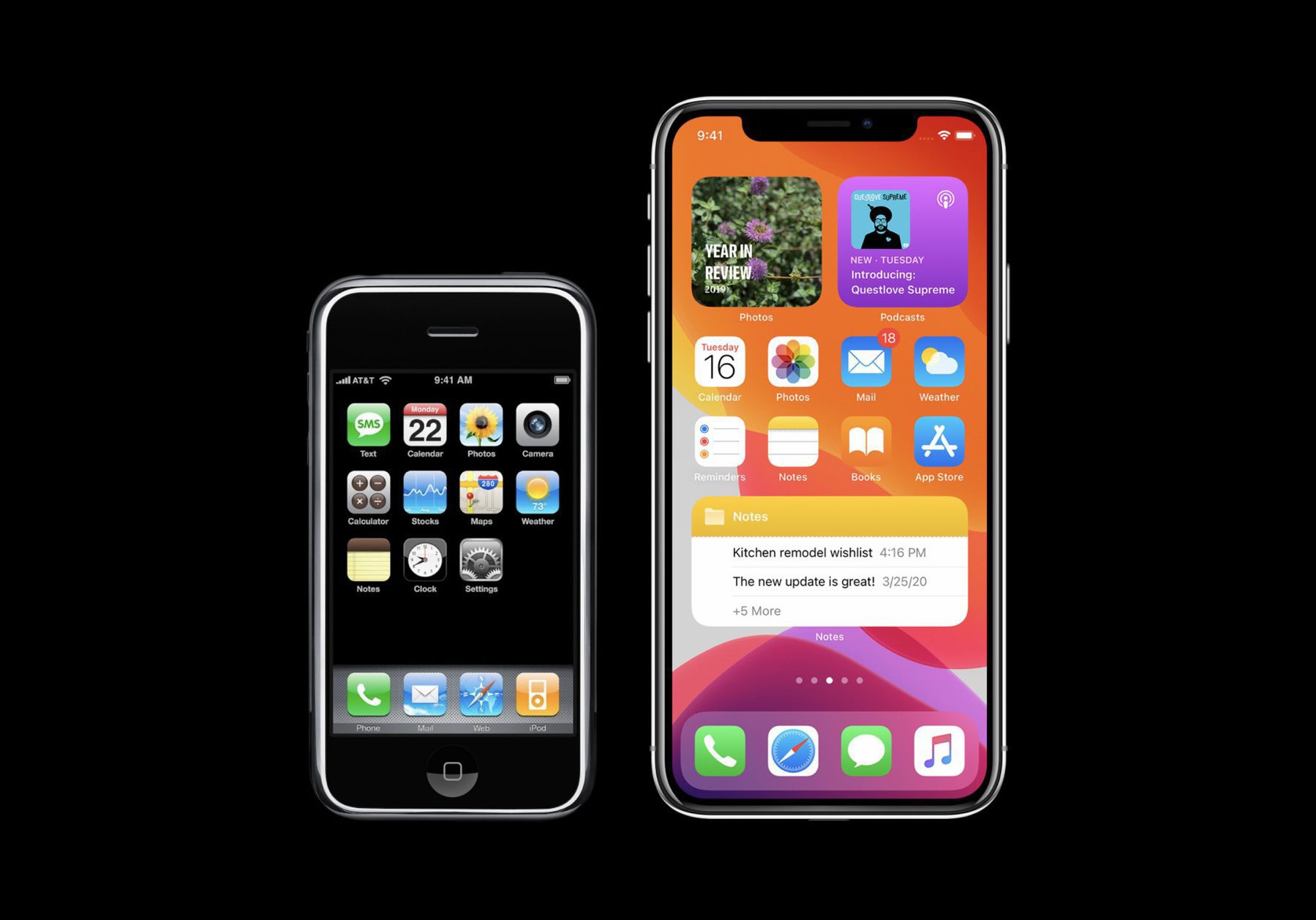
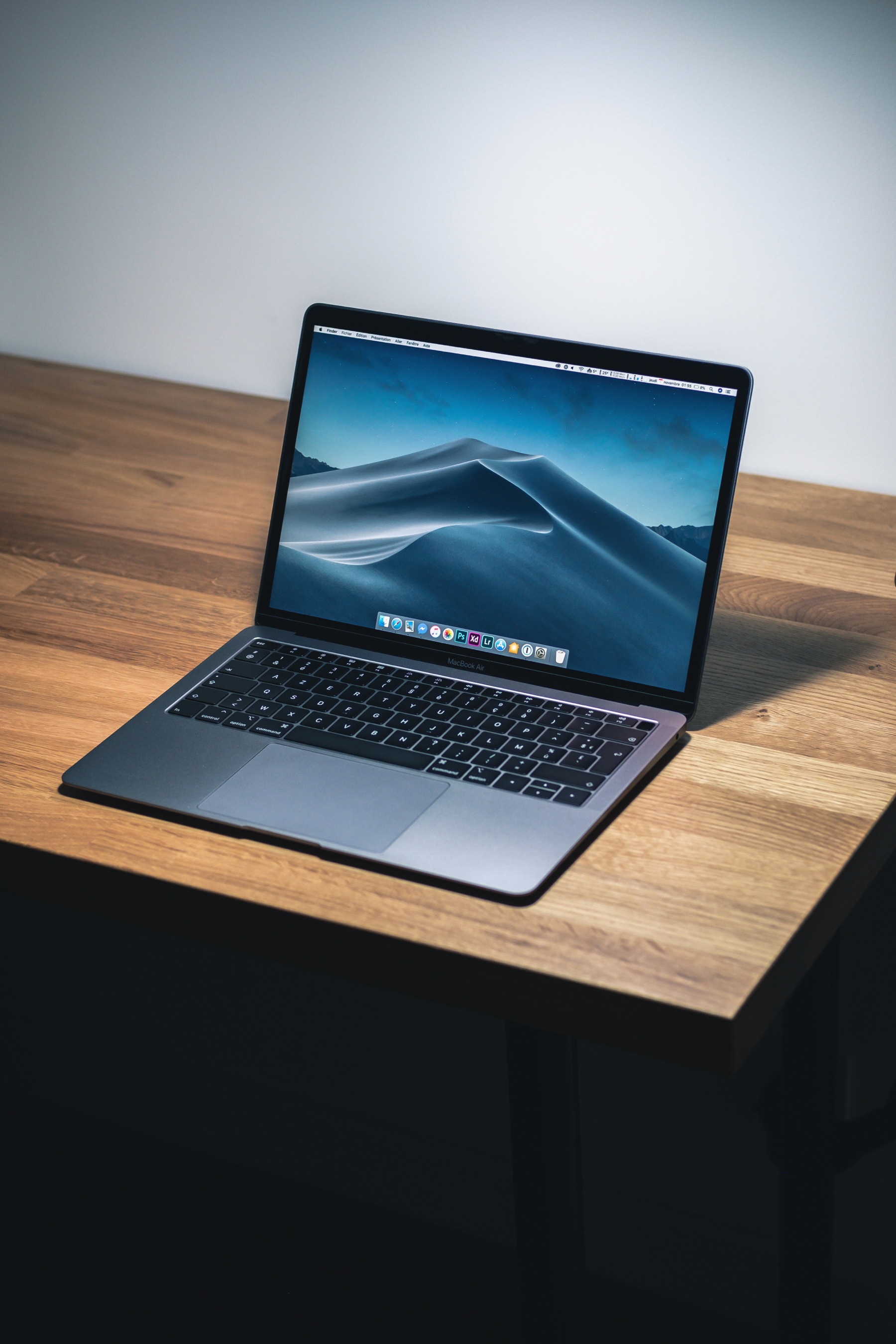
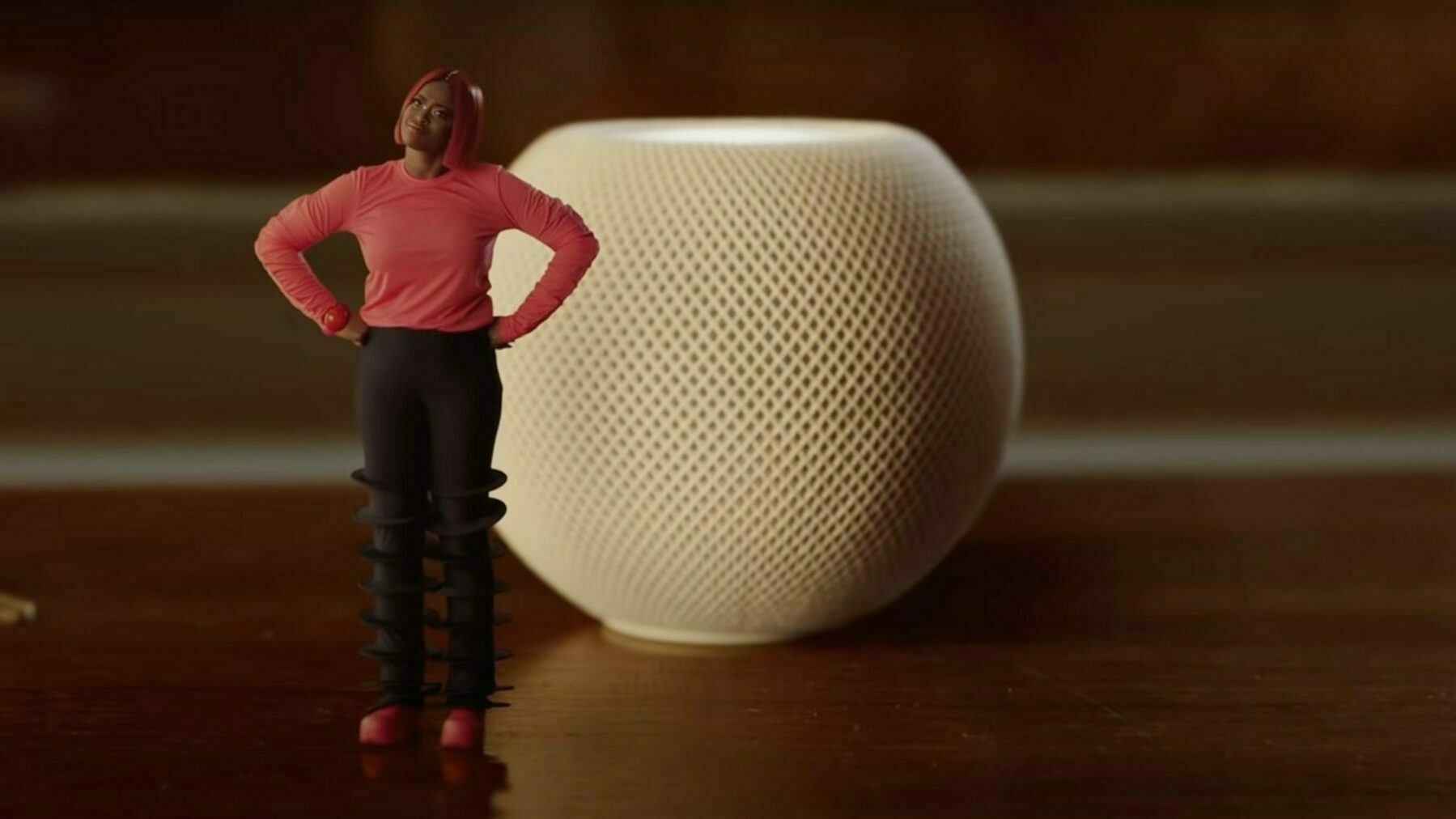
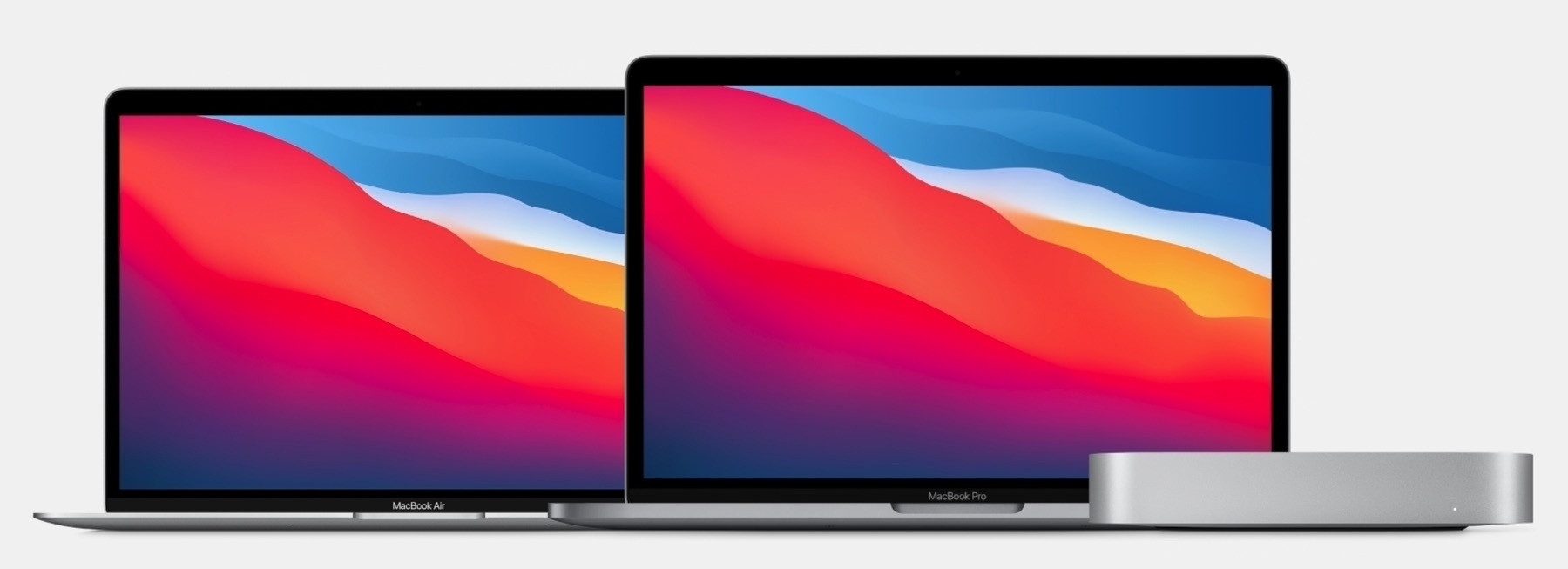
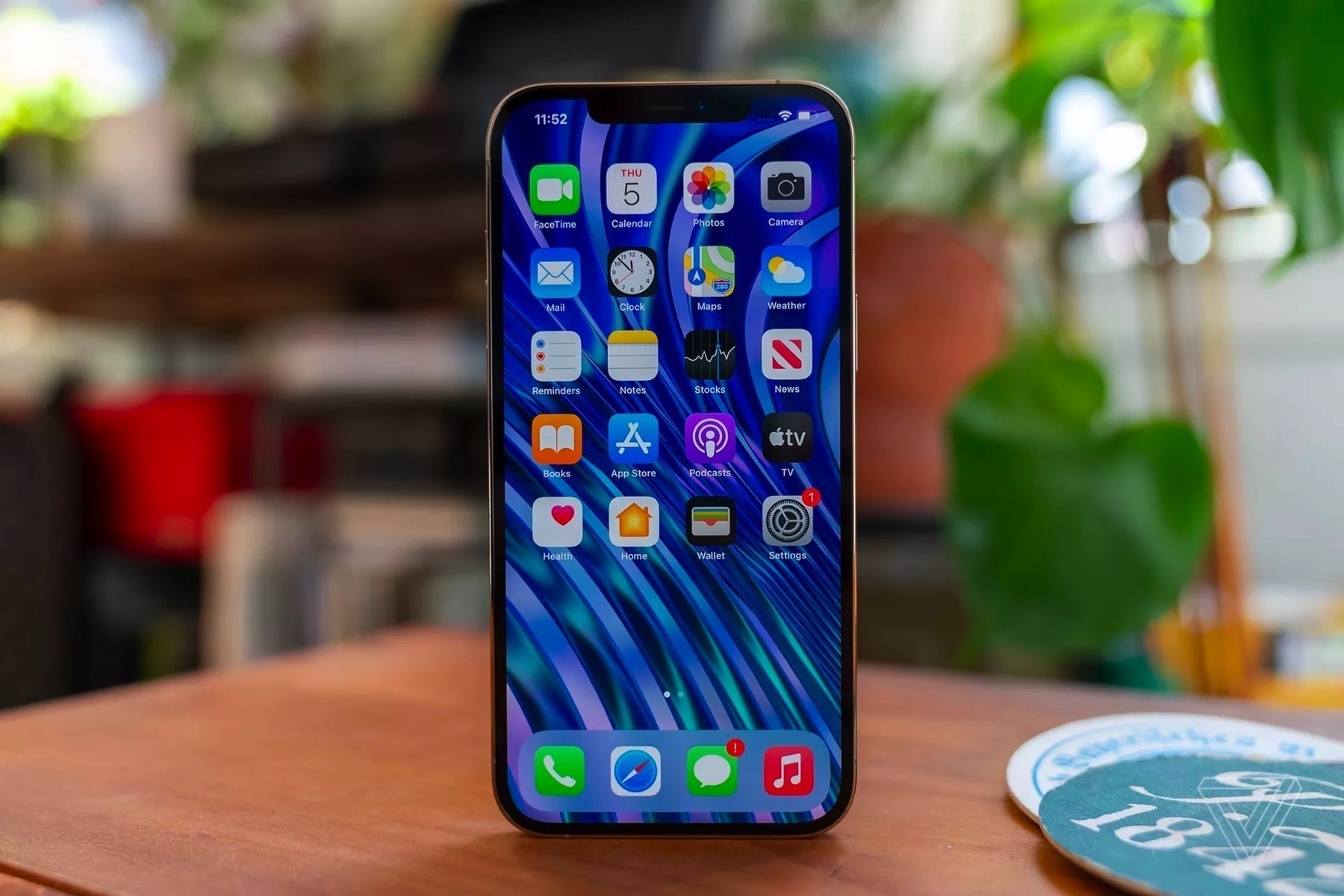
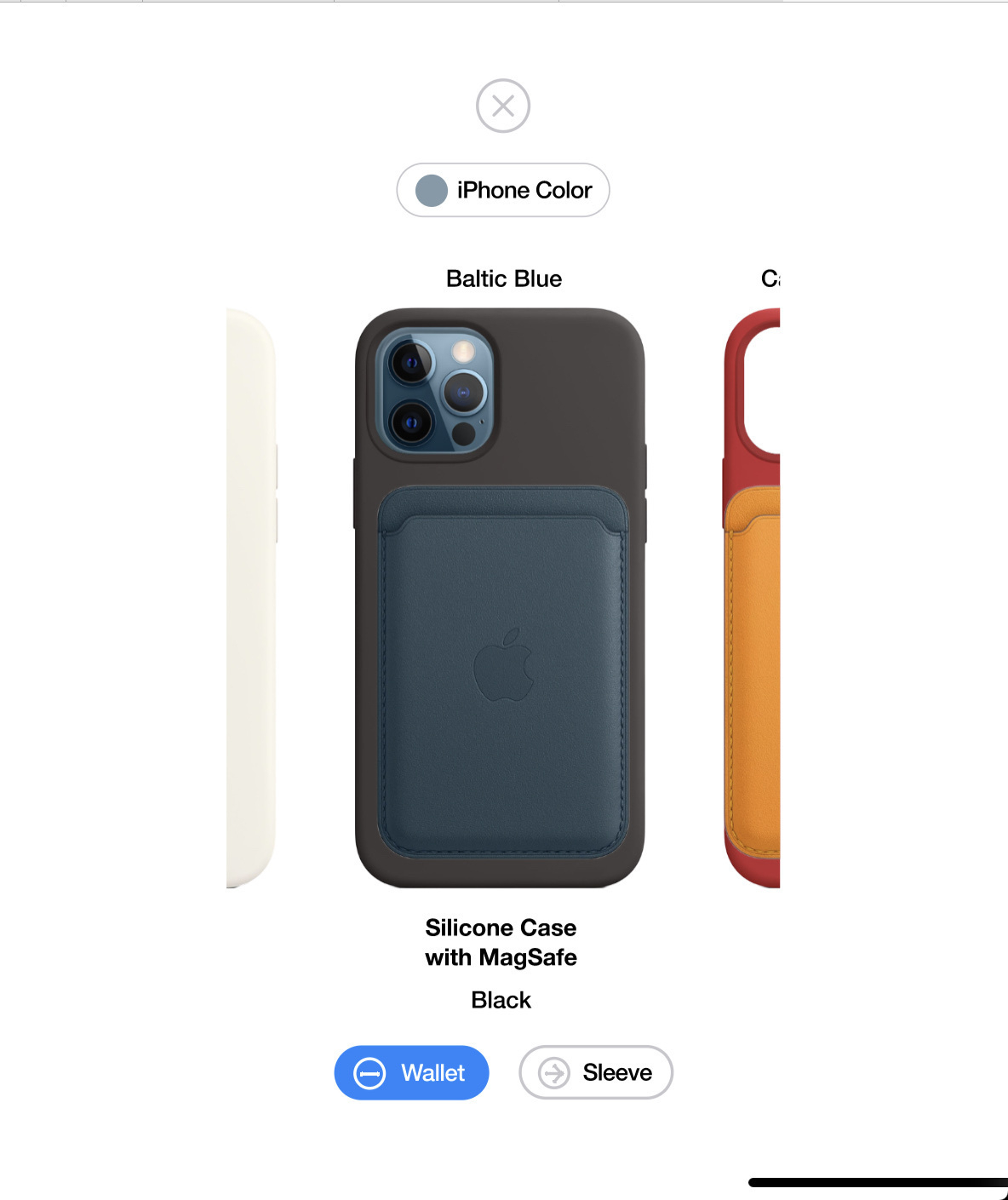
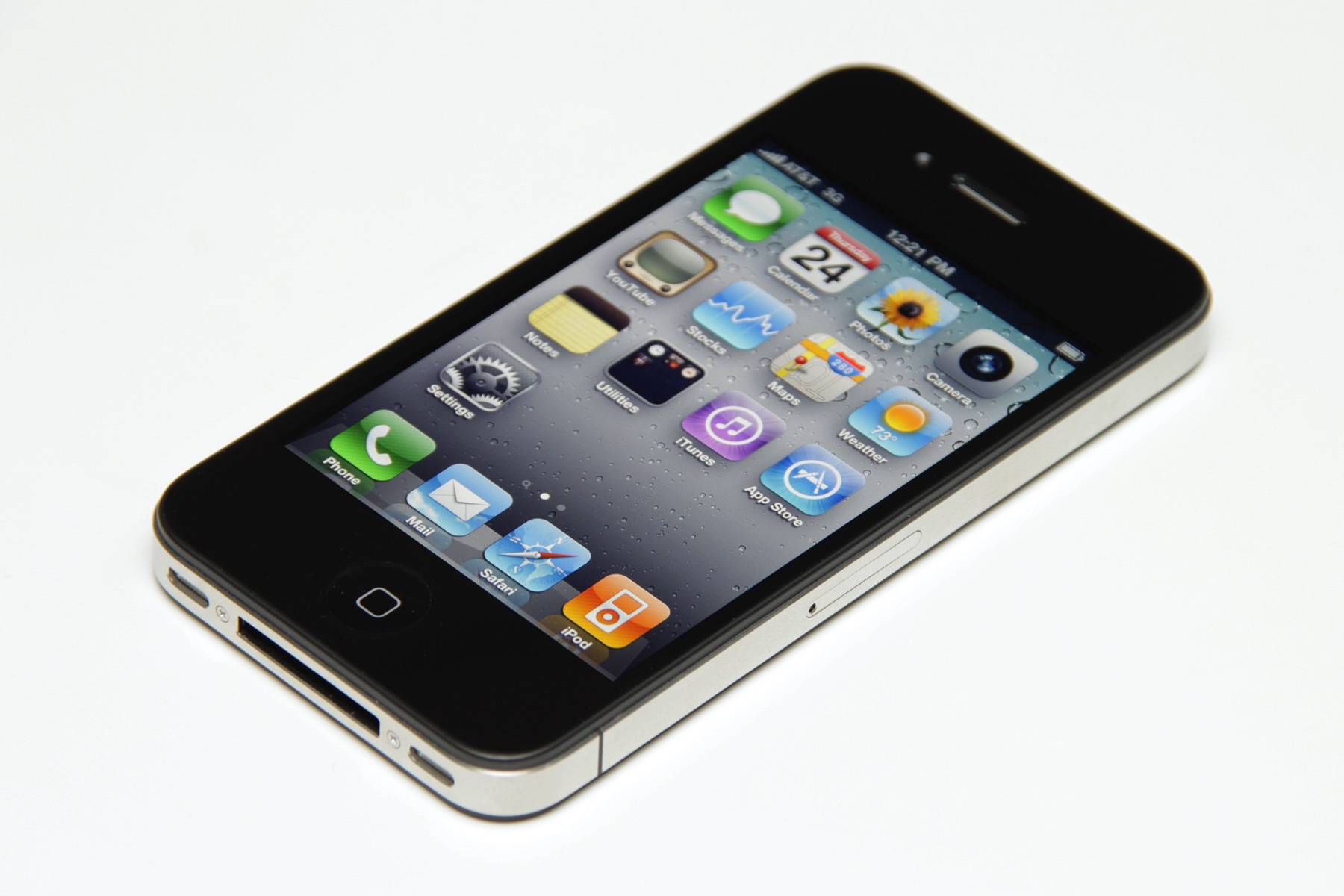
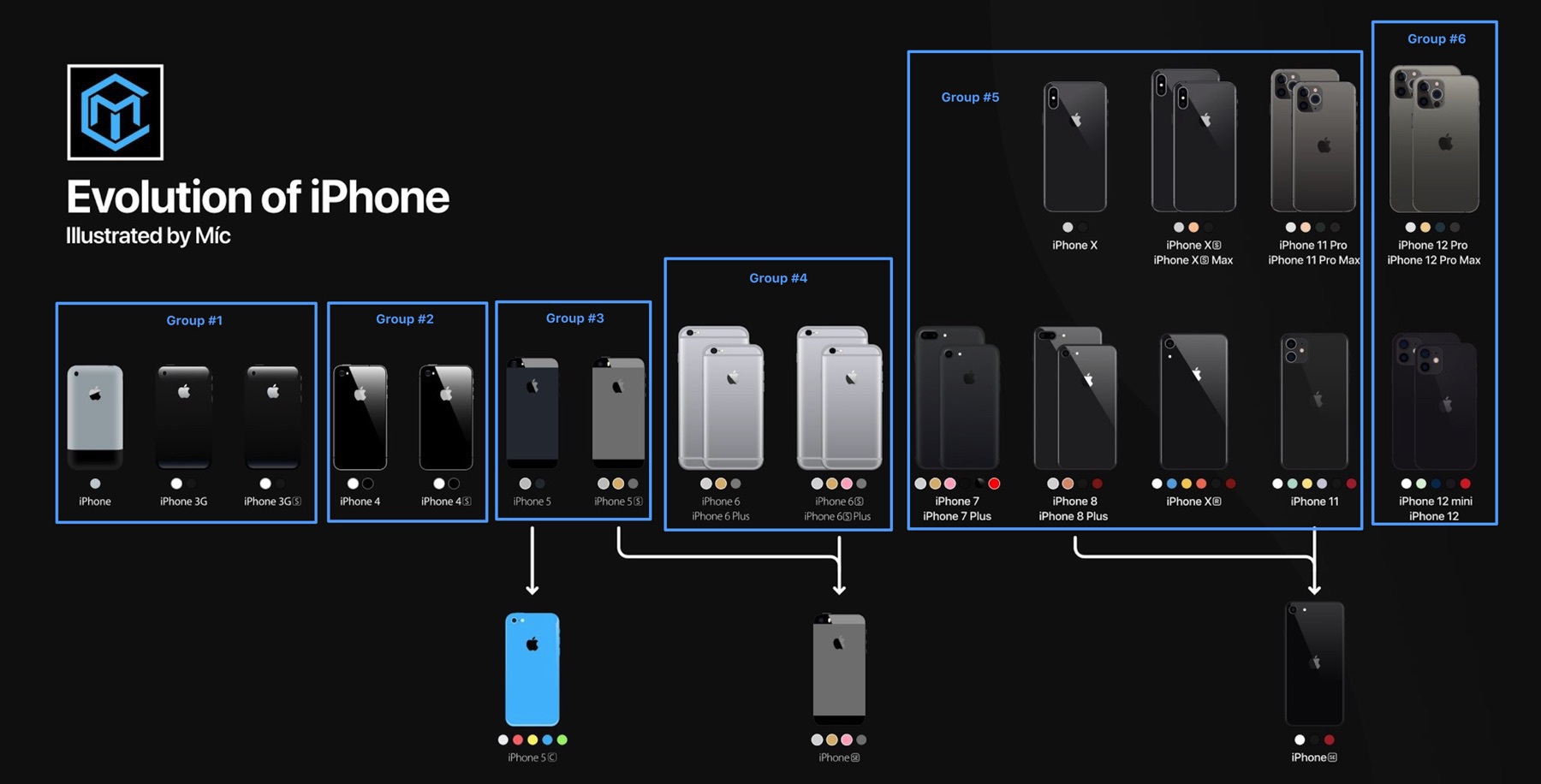
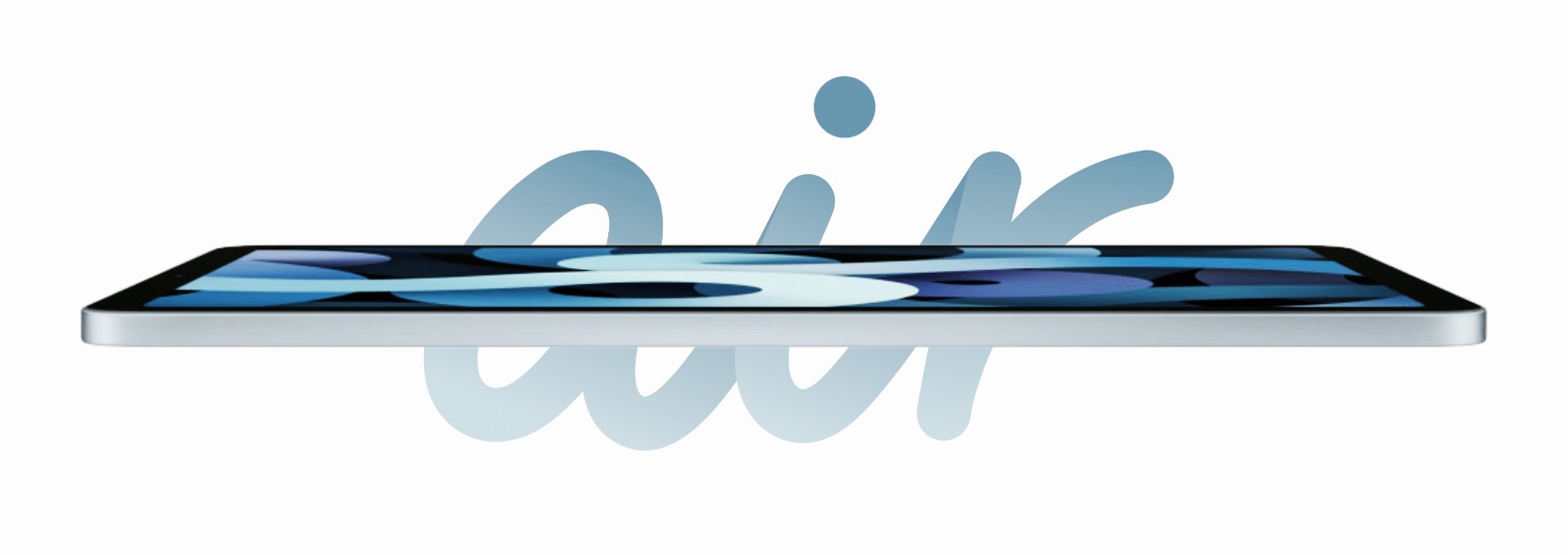
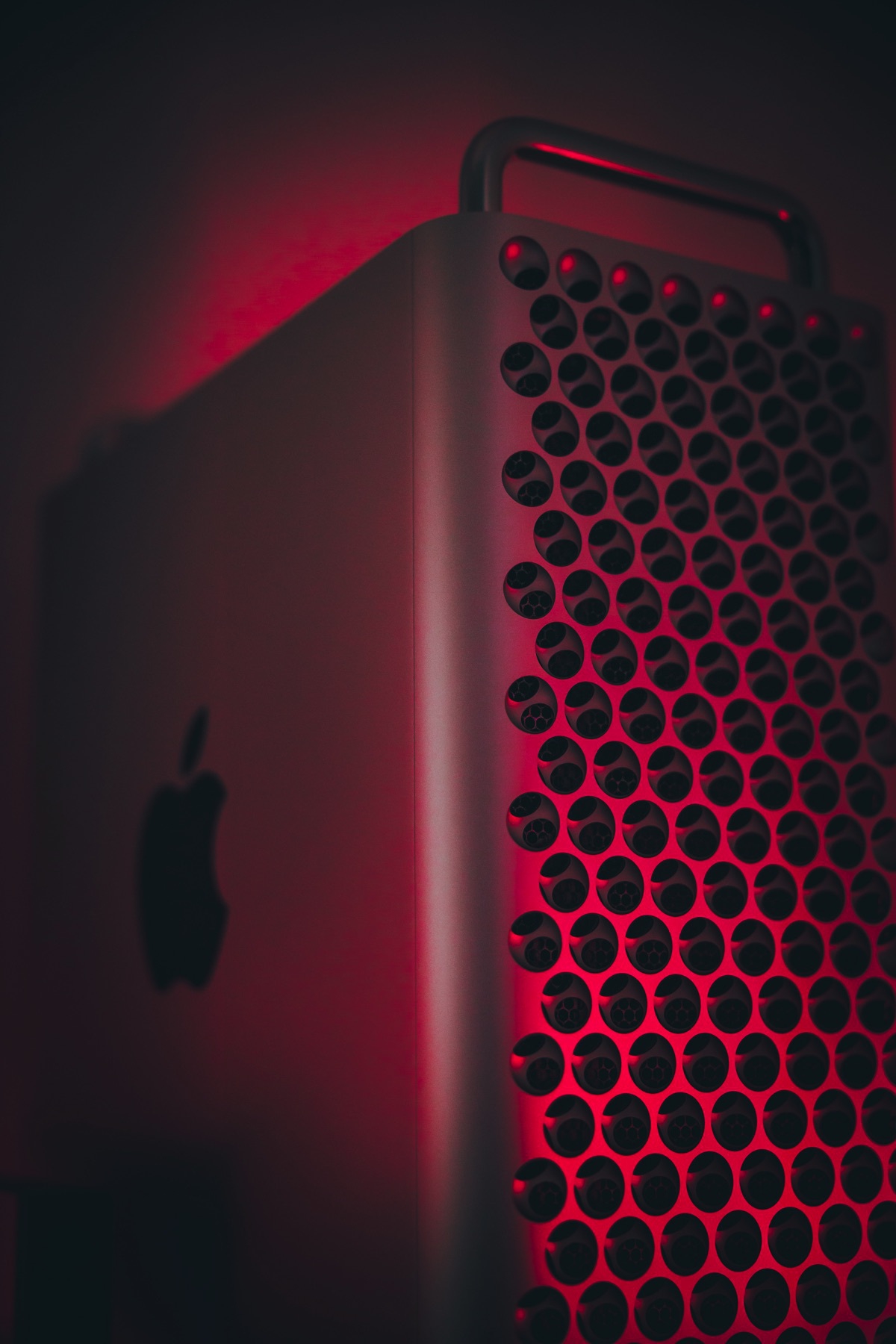
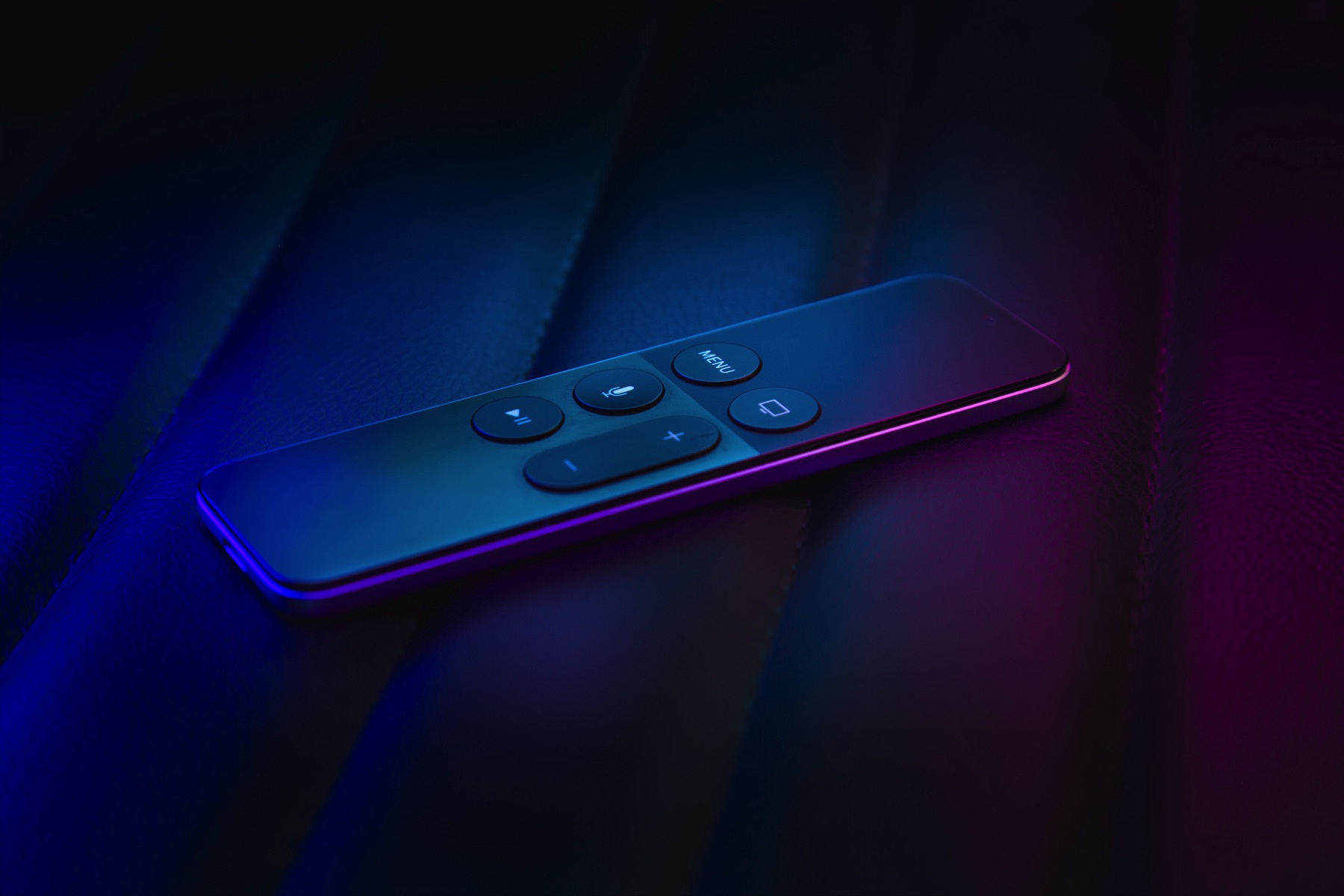
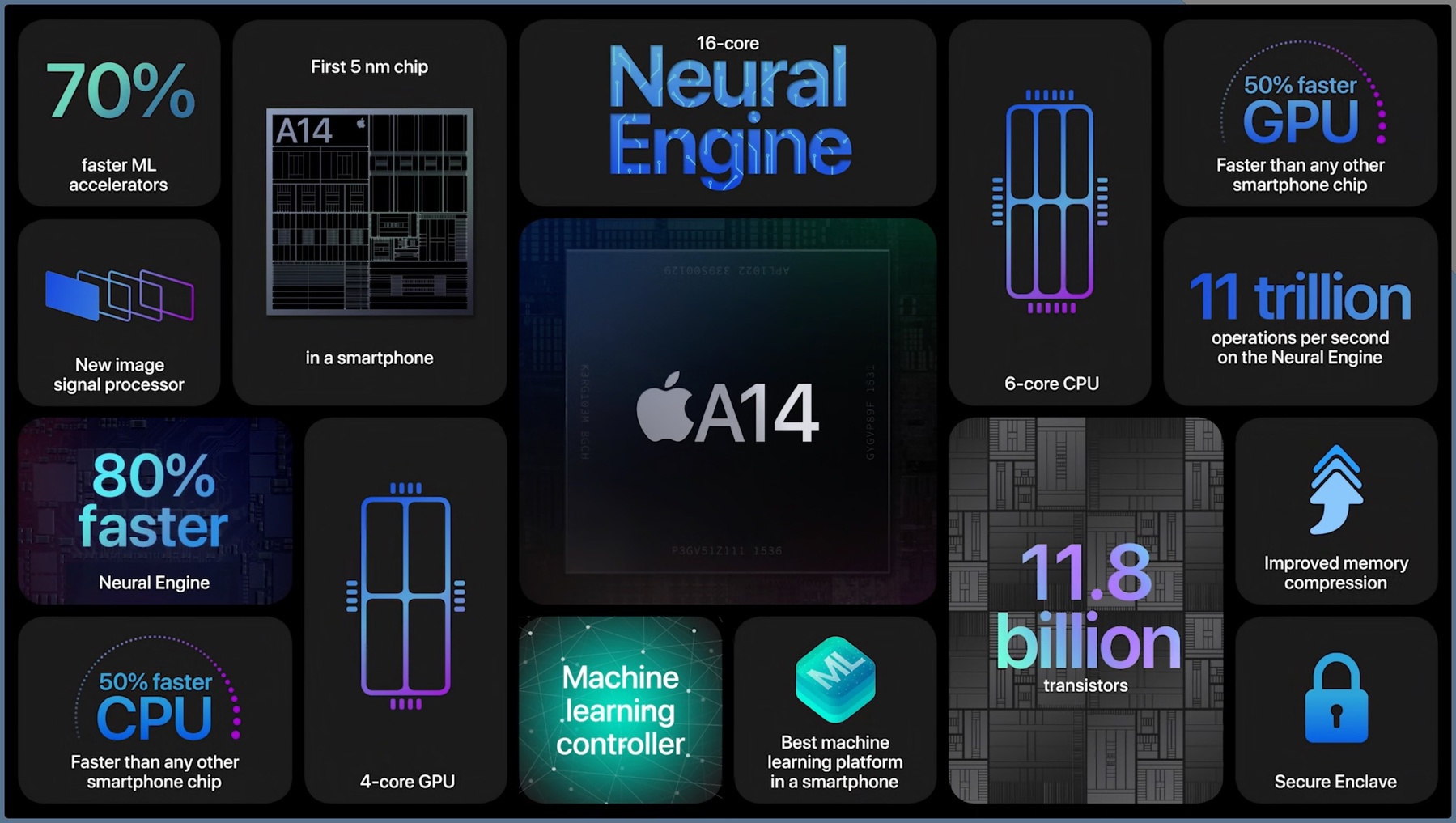
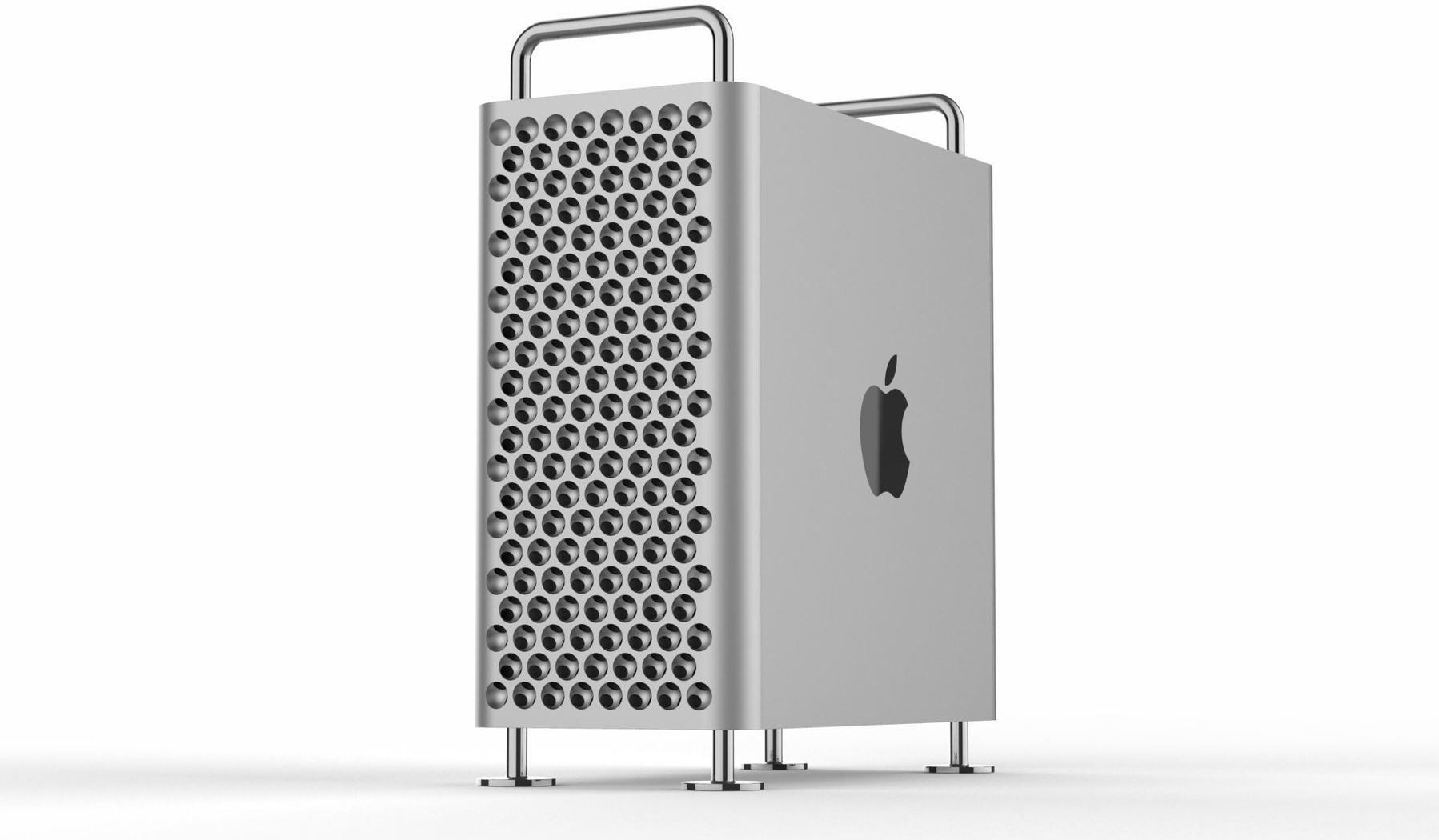
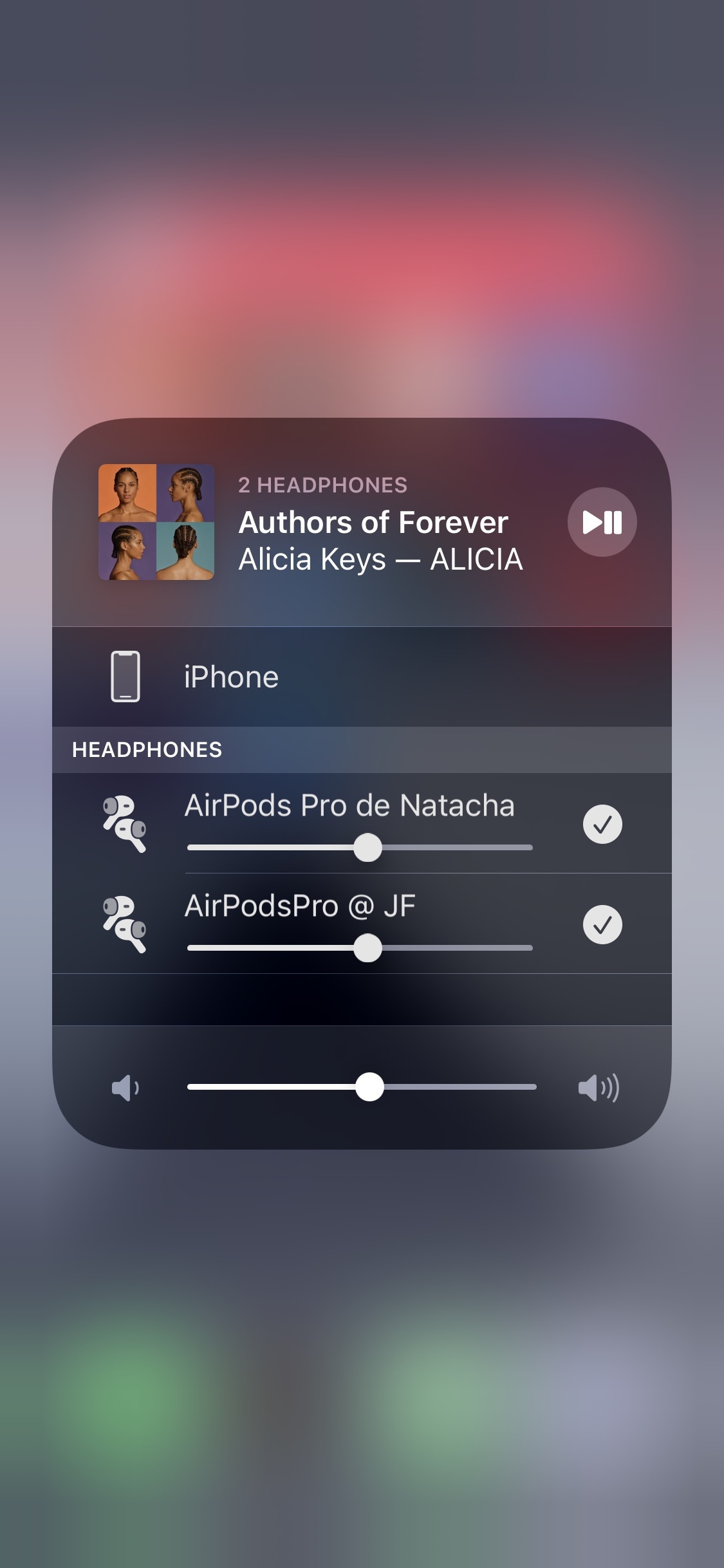
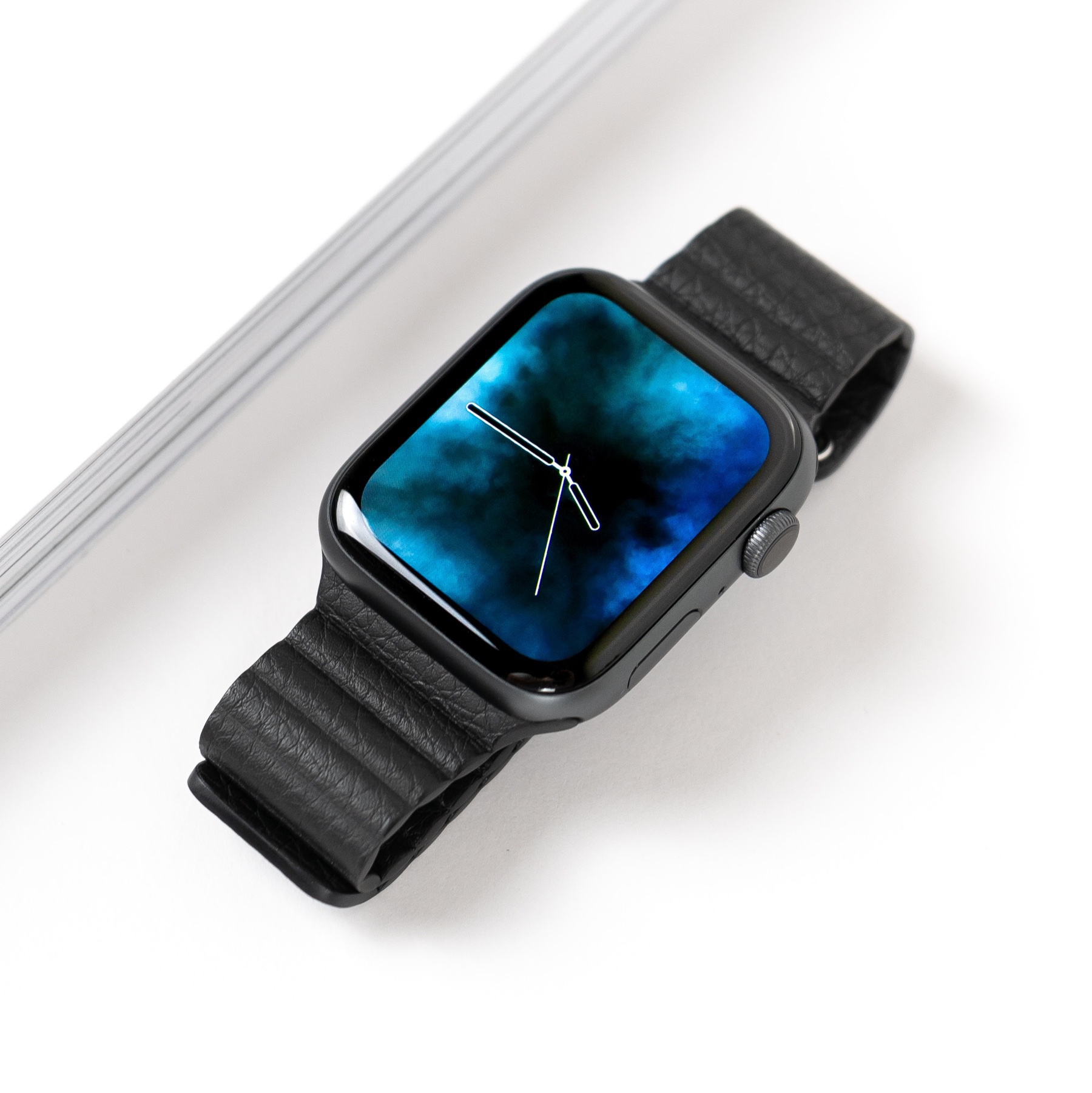
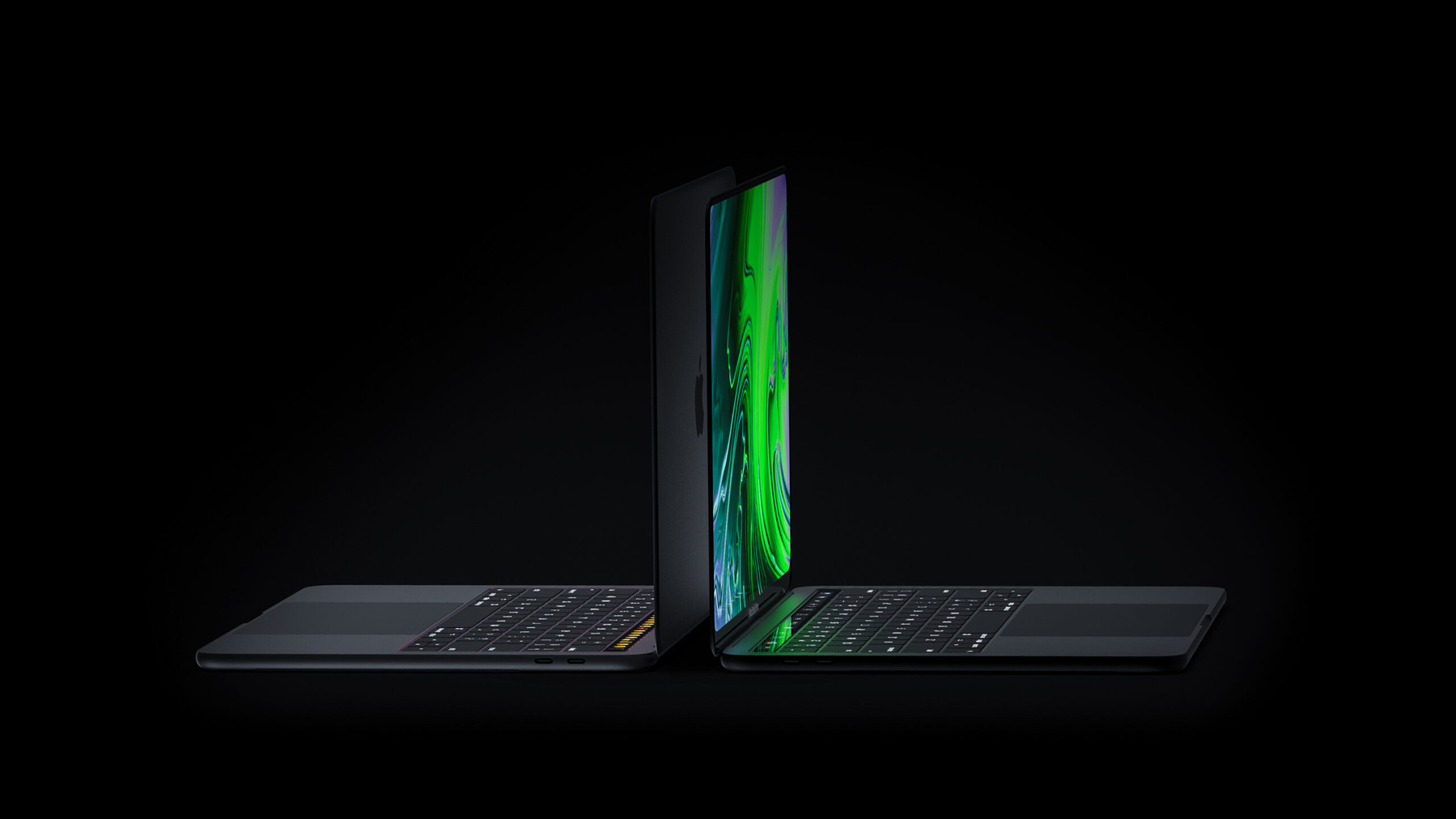
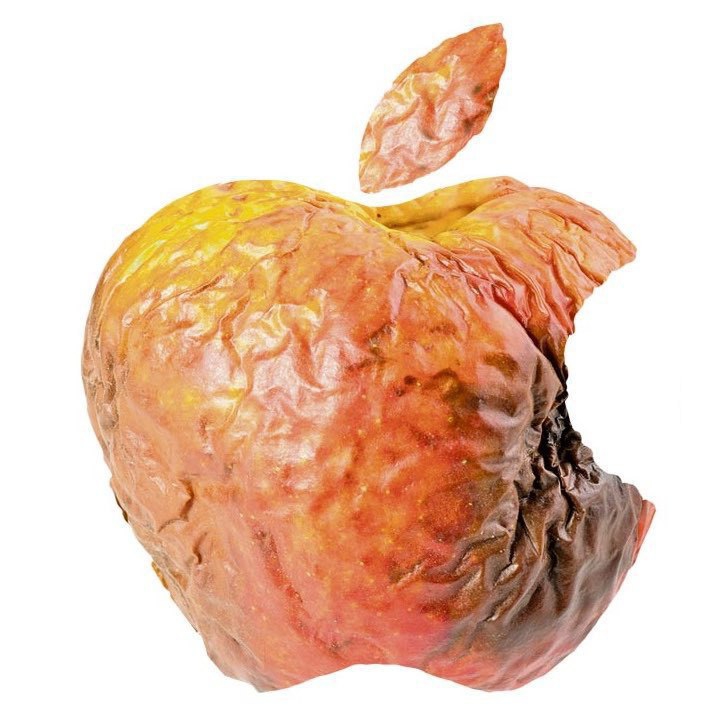
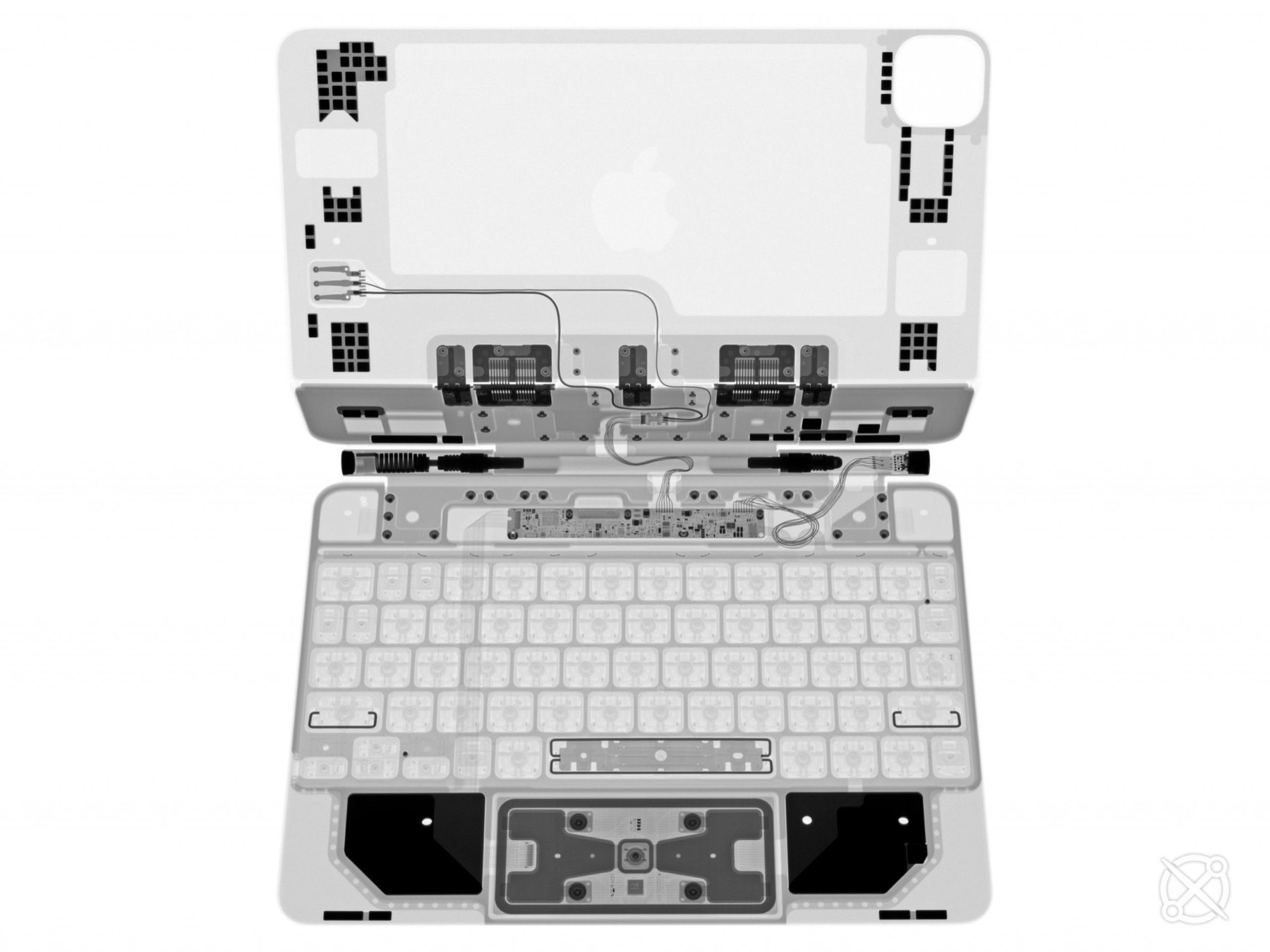
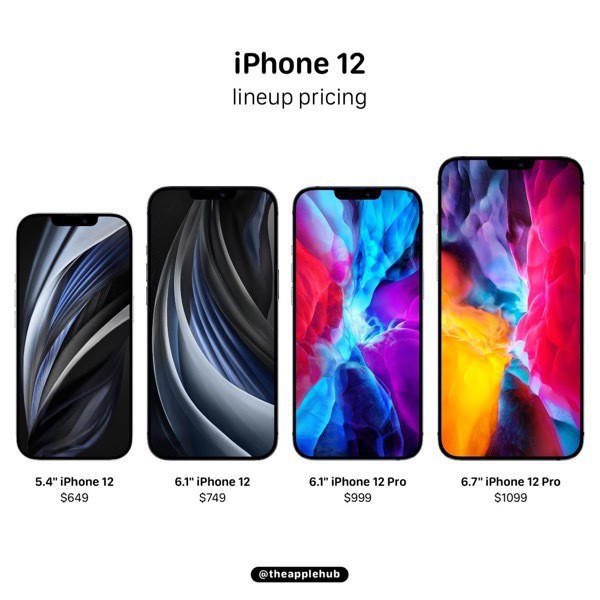
Inspired by basicappleguy on Mastodon, here’s my rating of each Apple product. Design, usefulness, feature focus, maturity, and usage frequency are the key factors here.

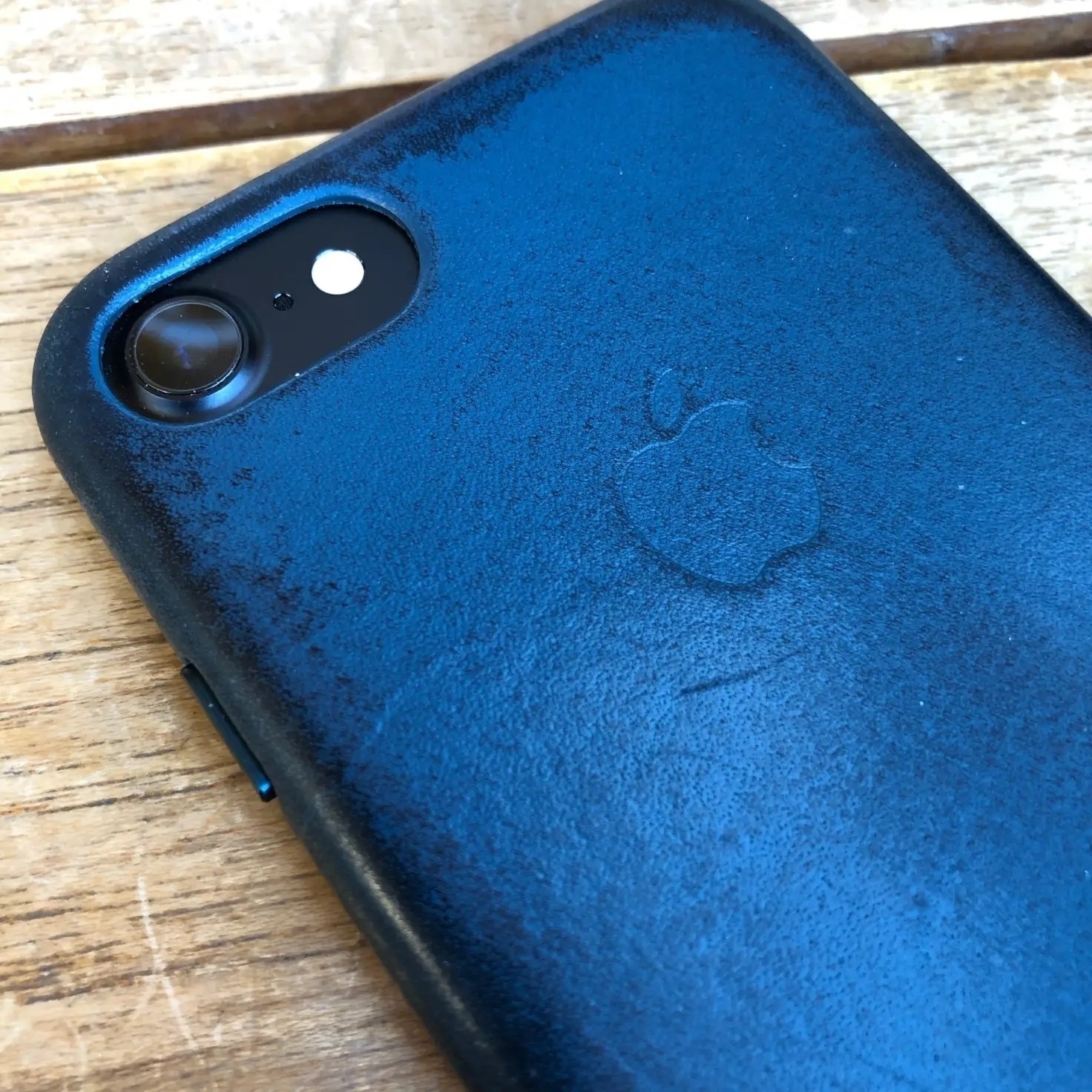
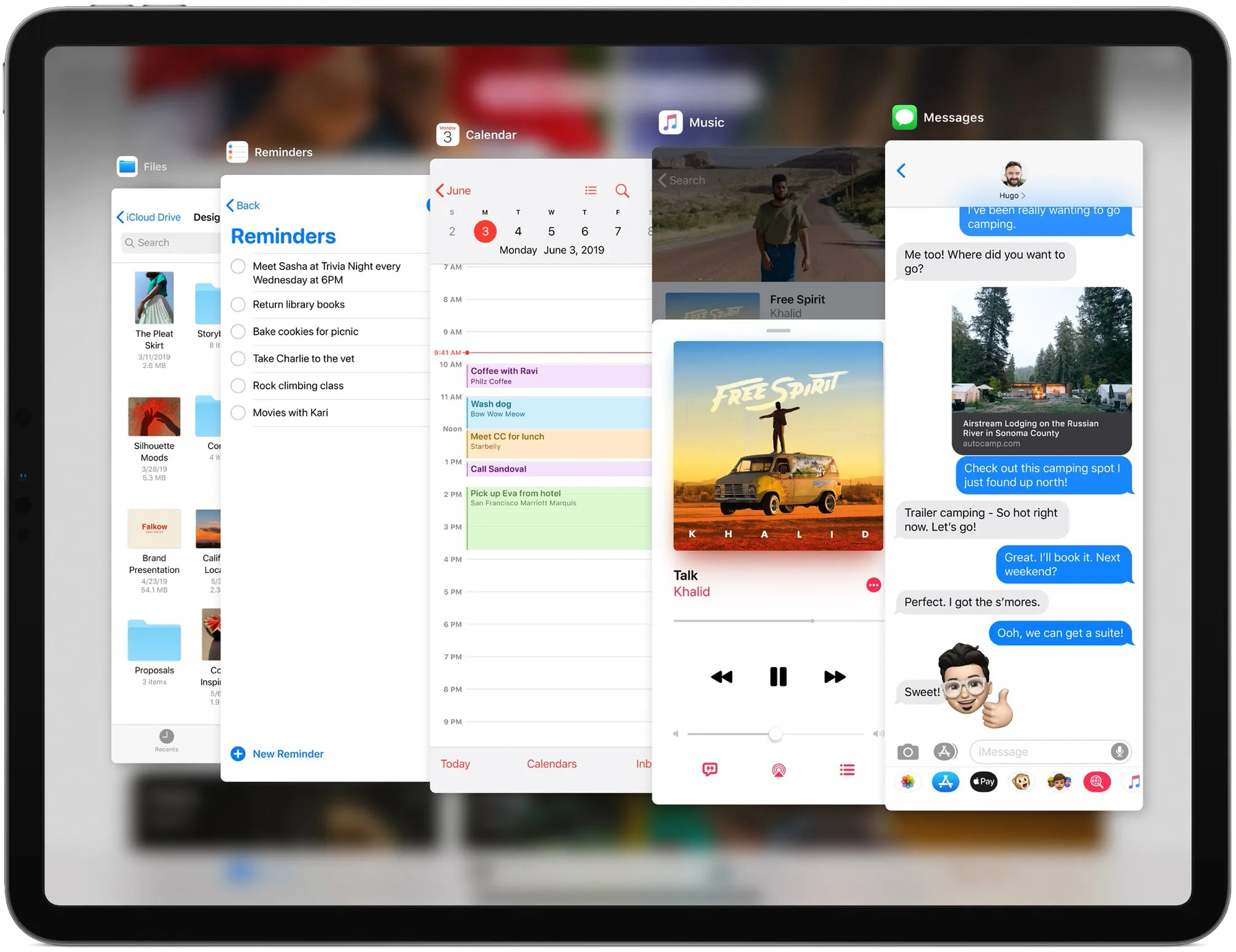
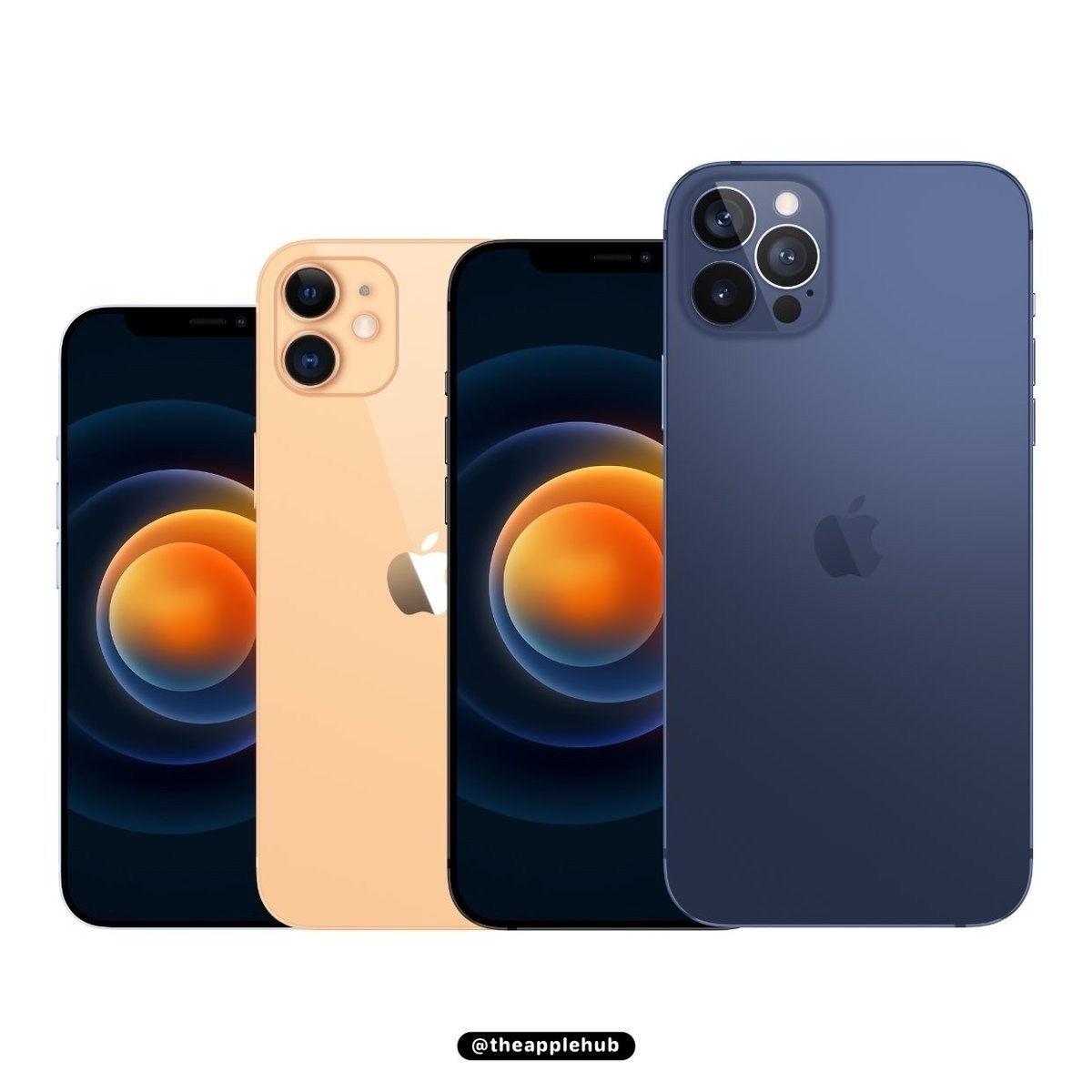
  1. iPhone
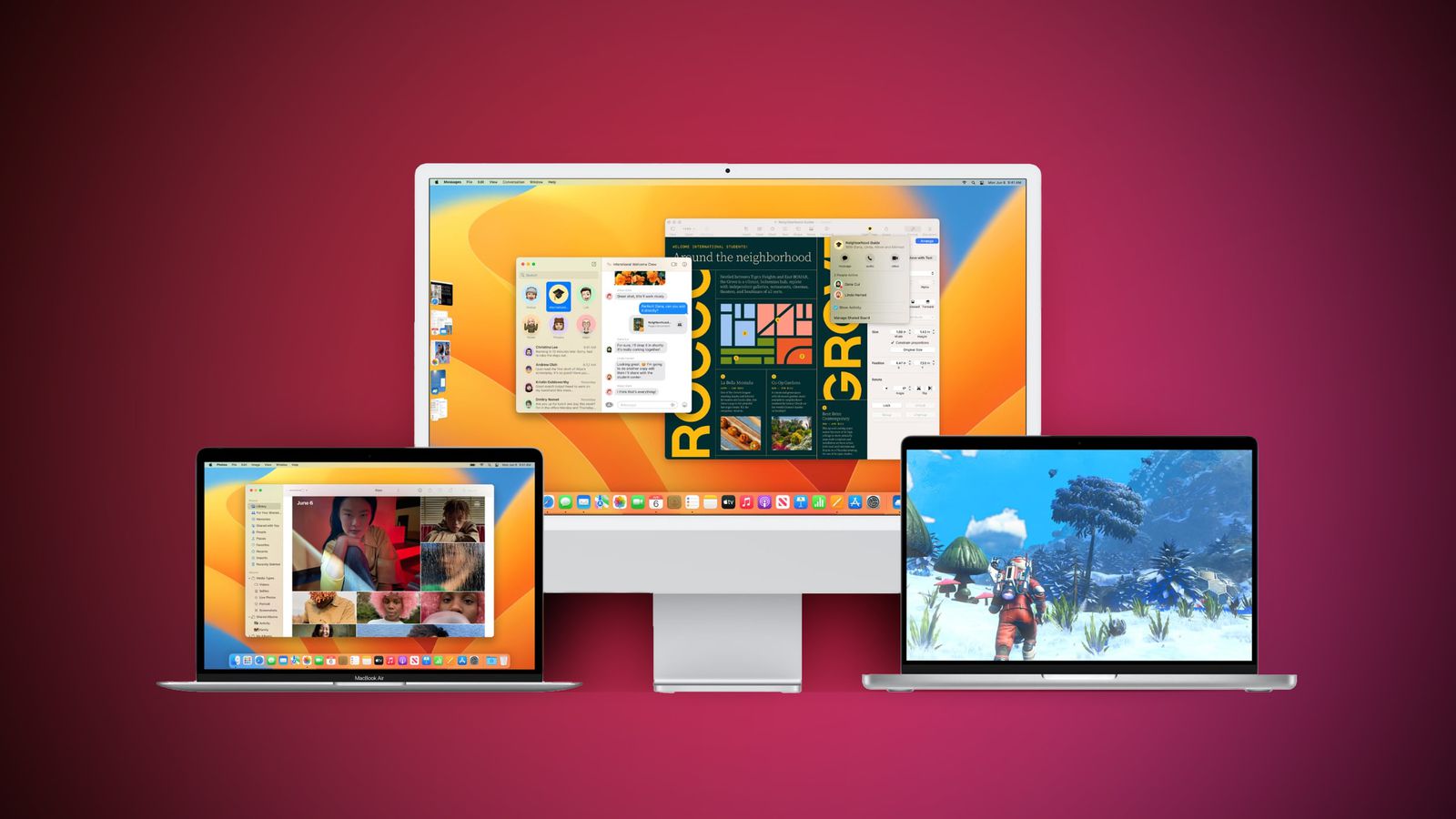
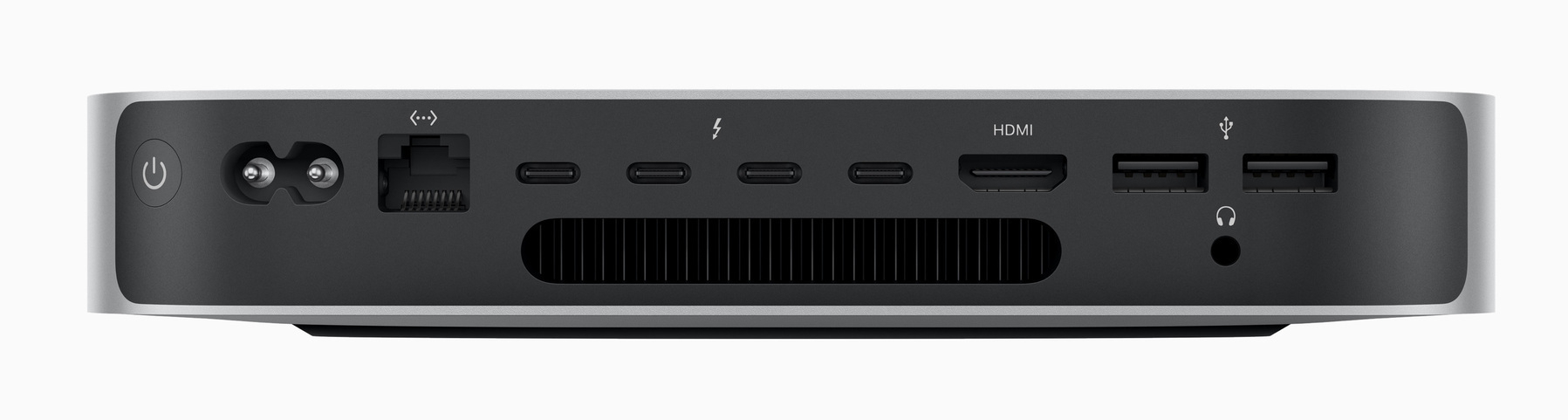
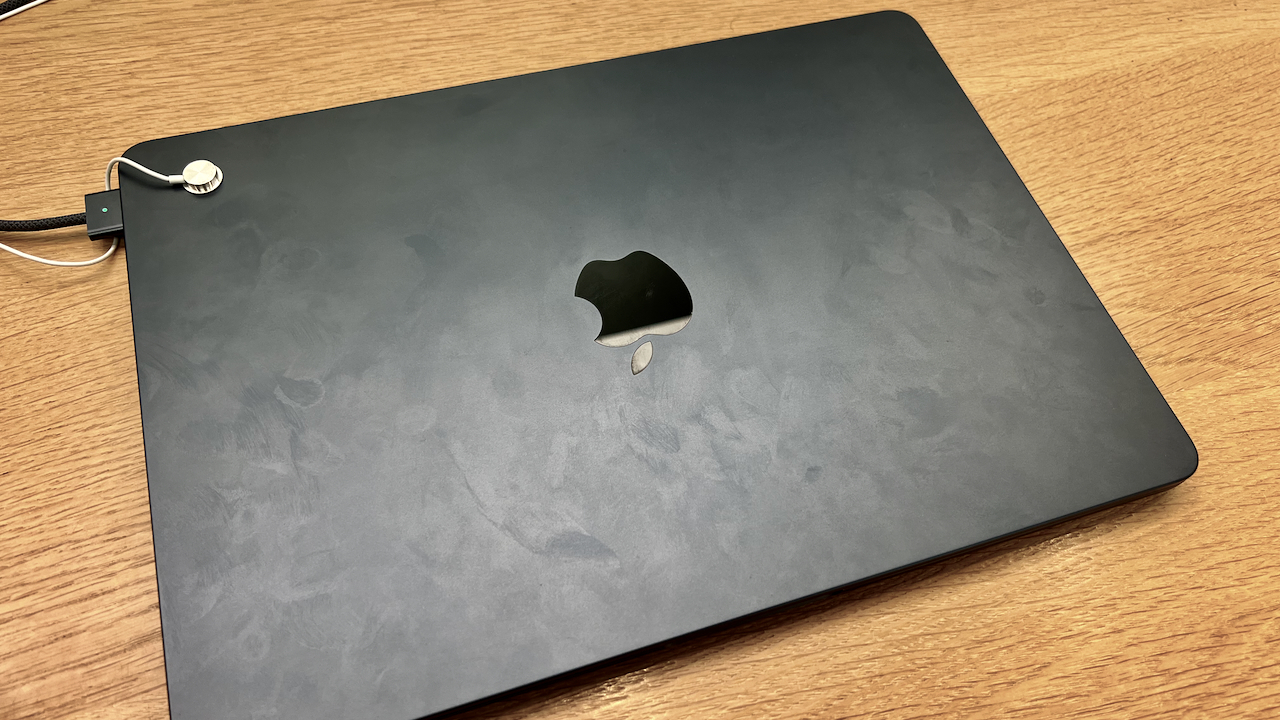
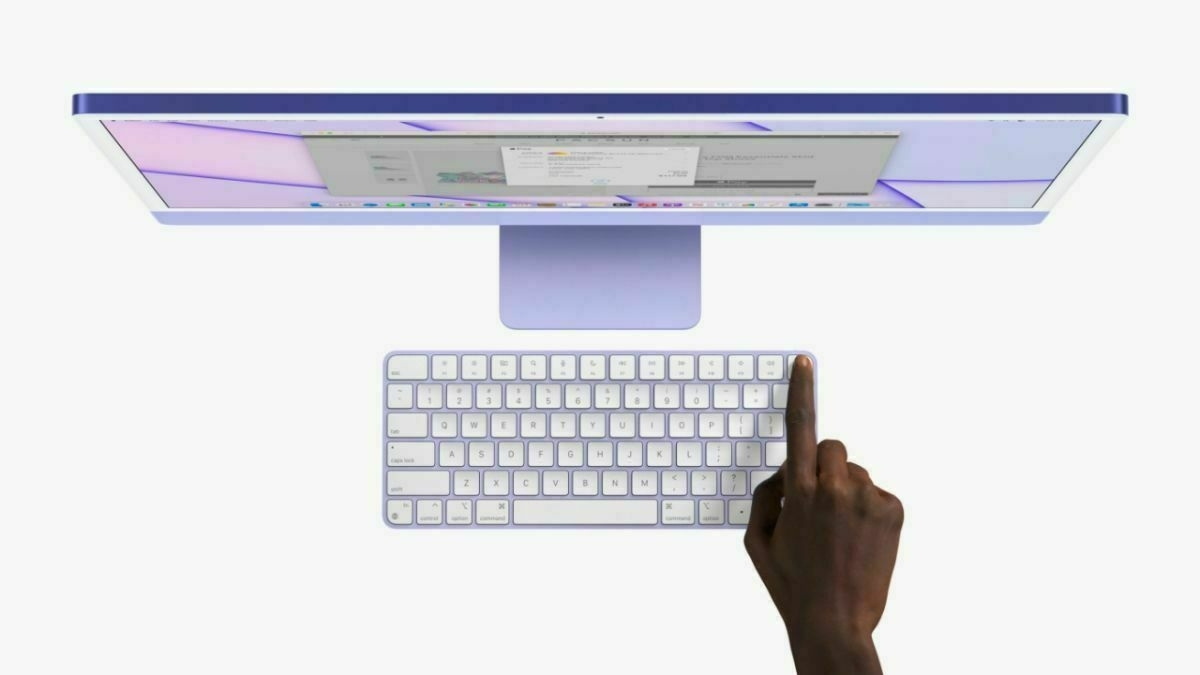
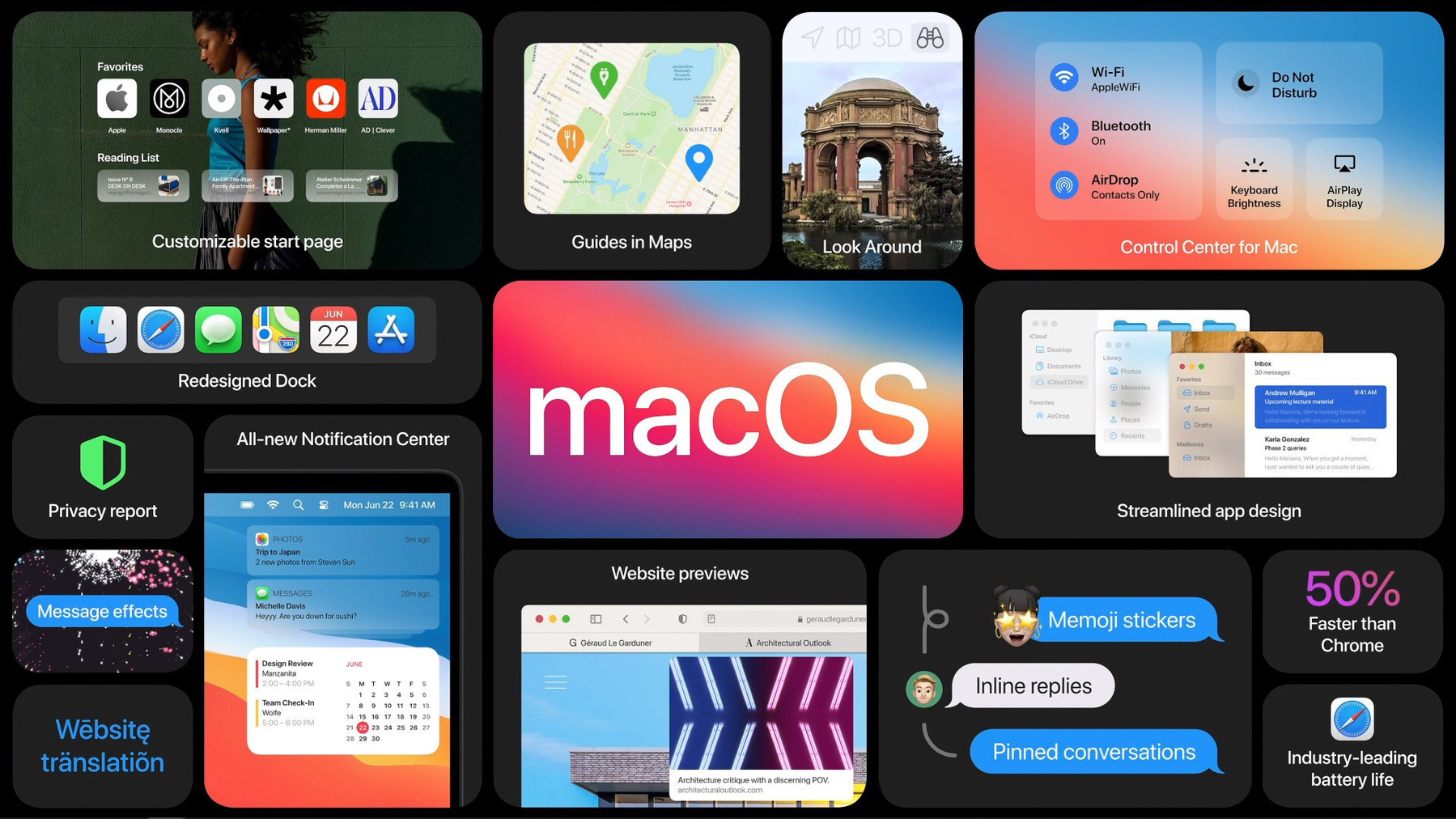
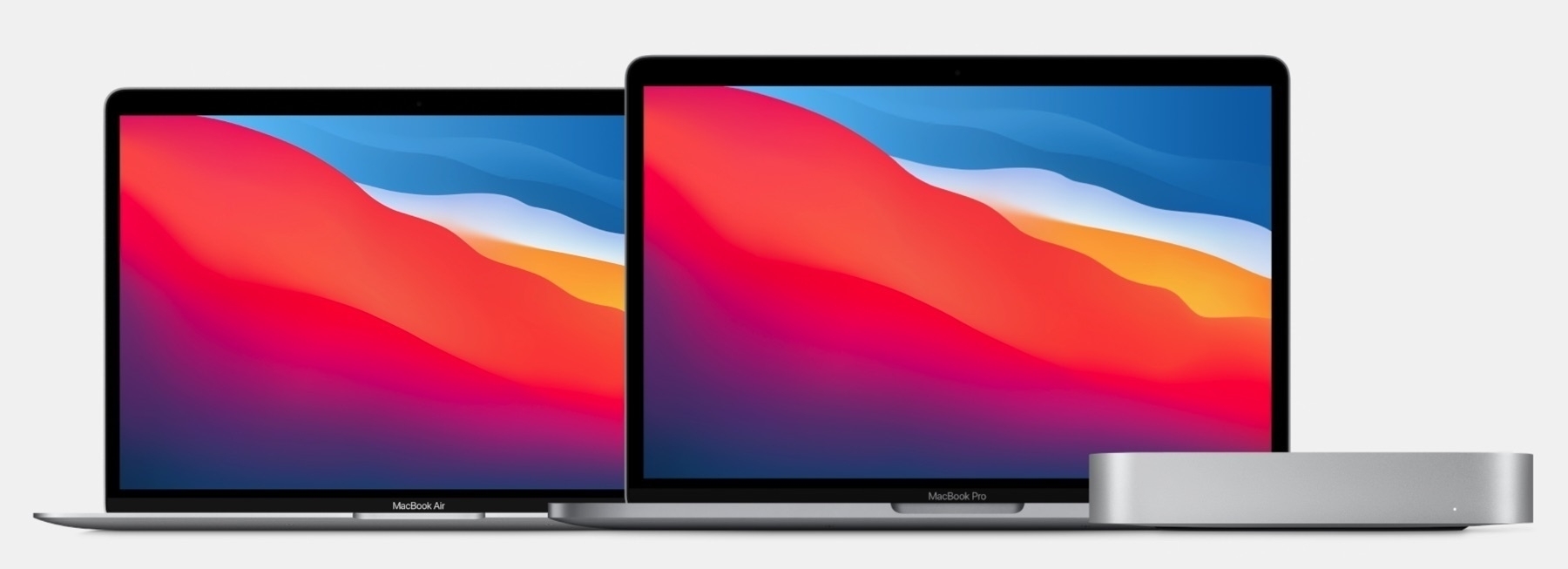
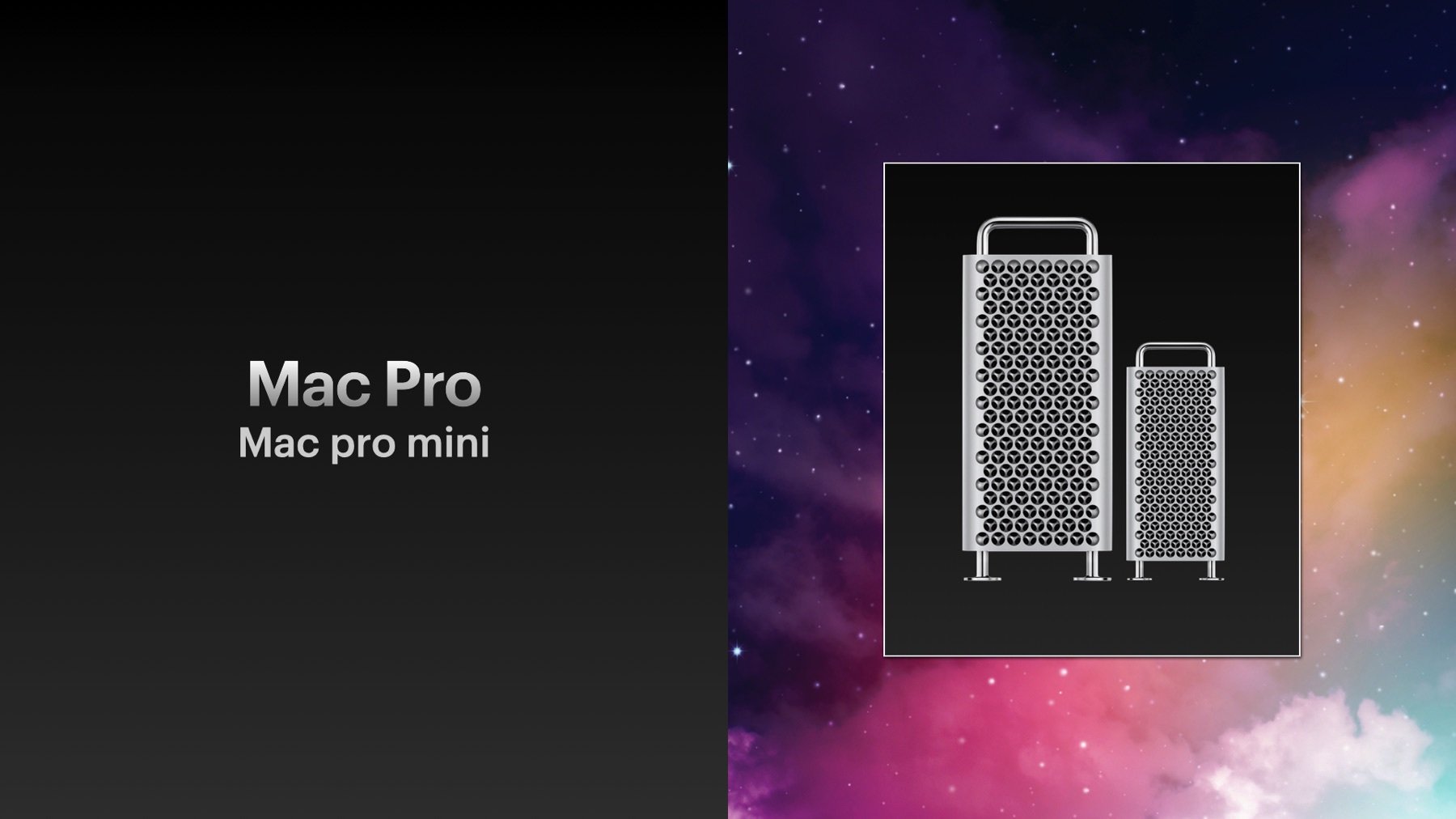
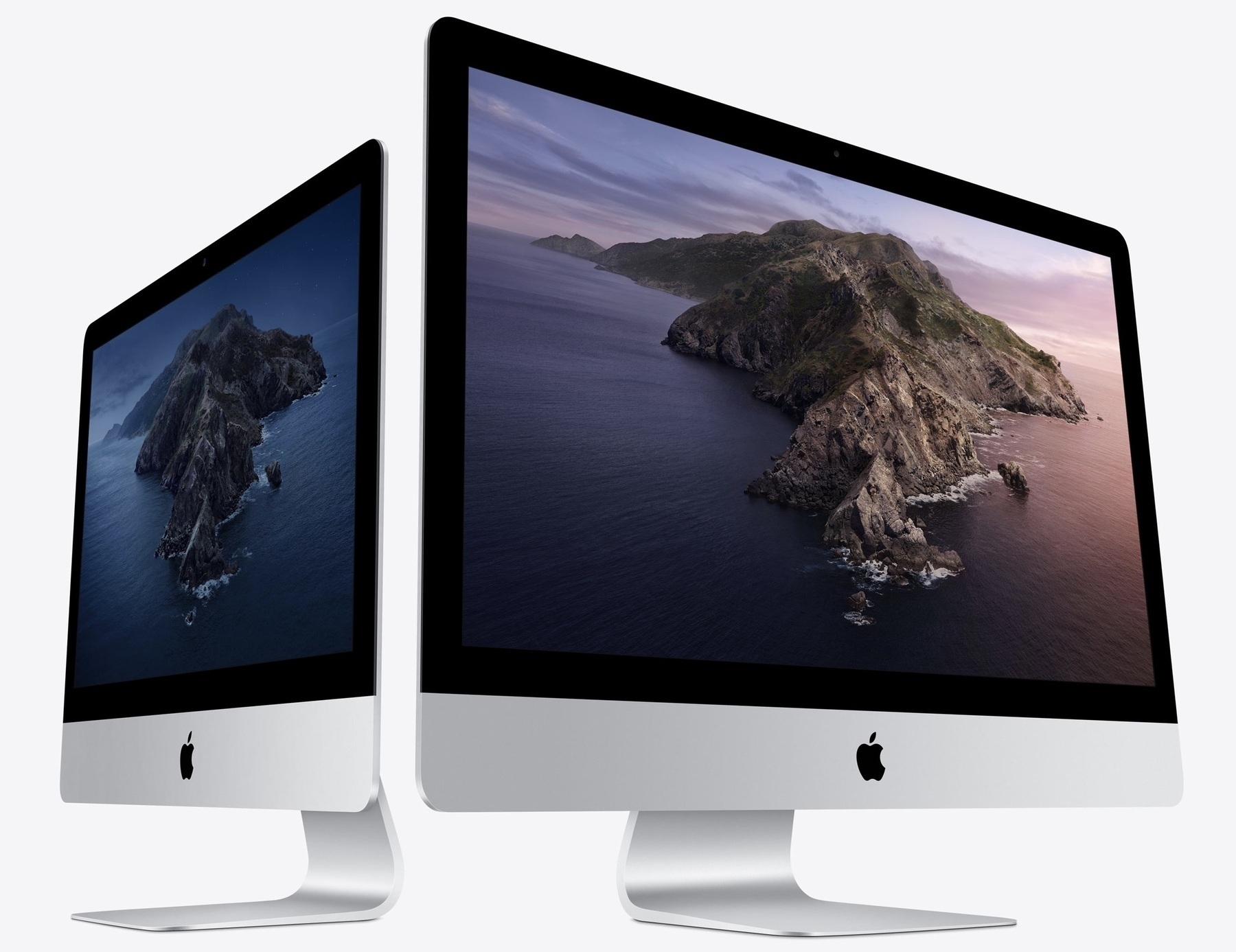
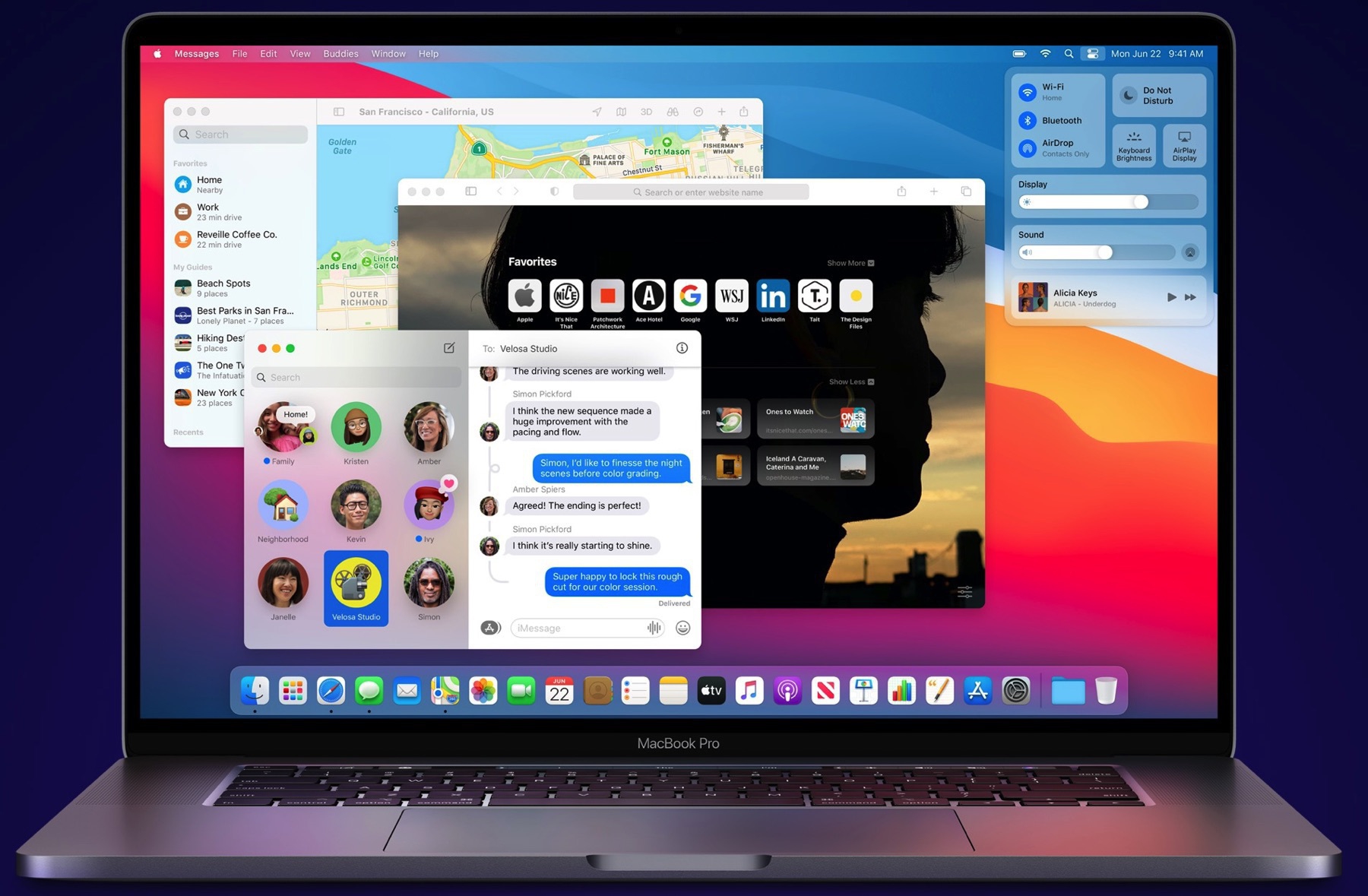
  2. Mac
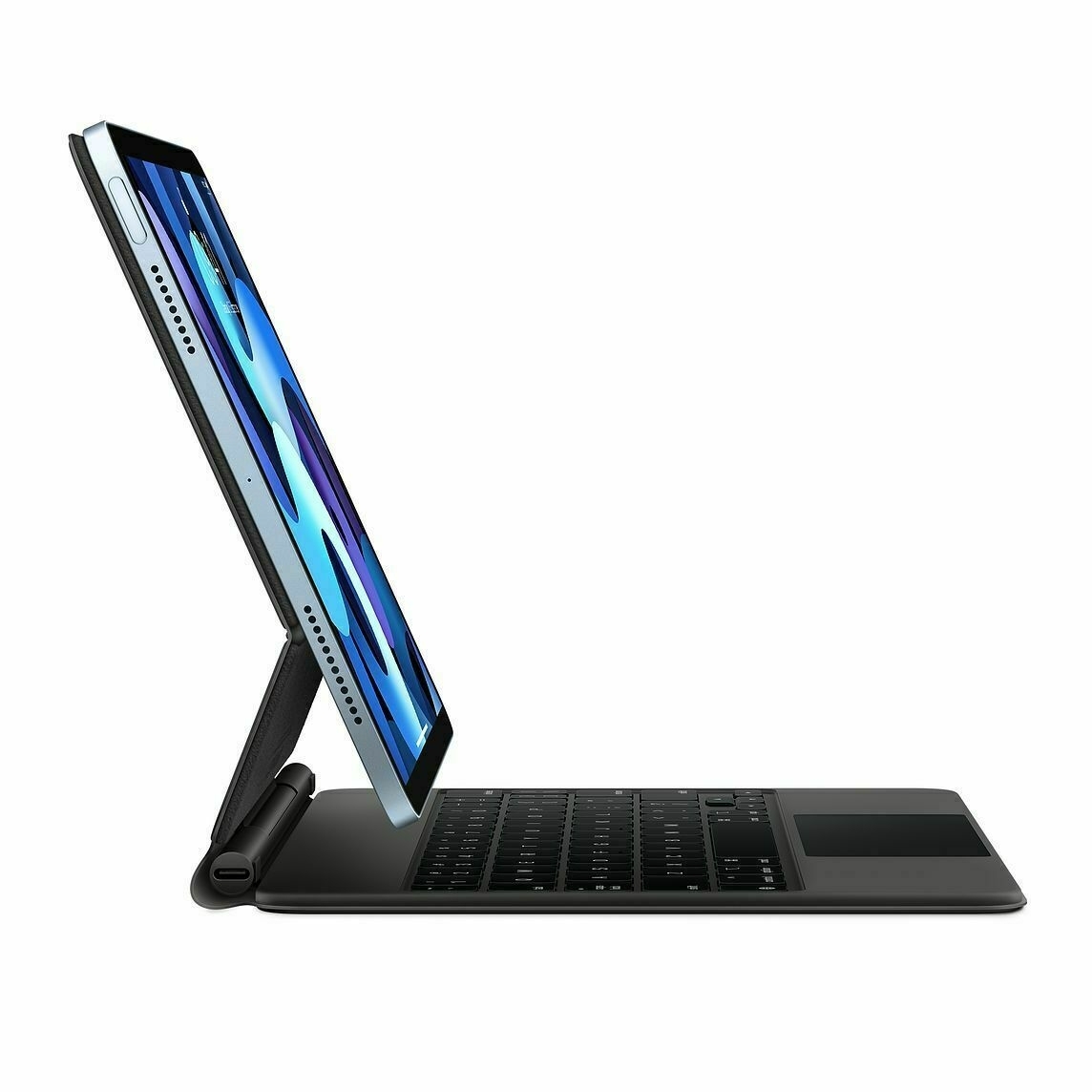
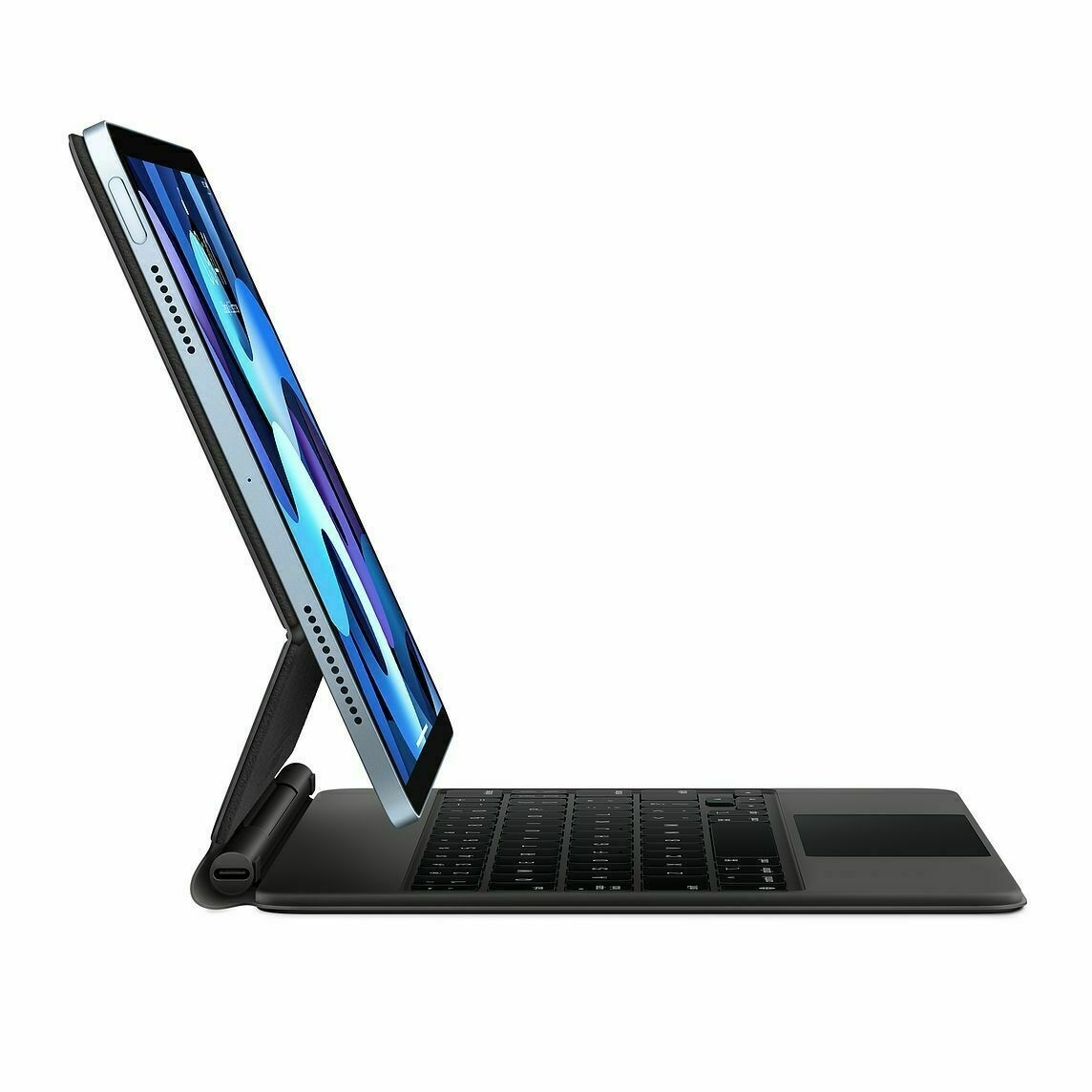
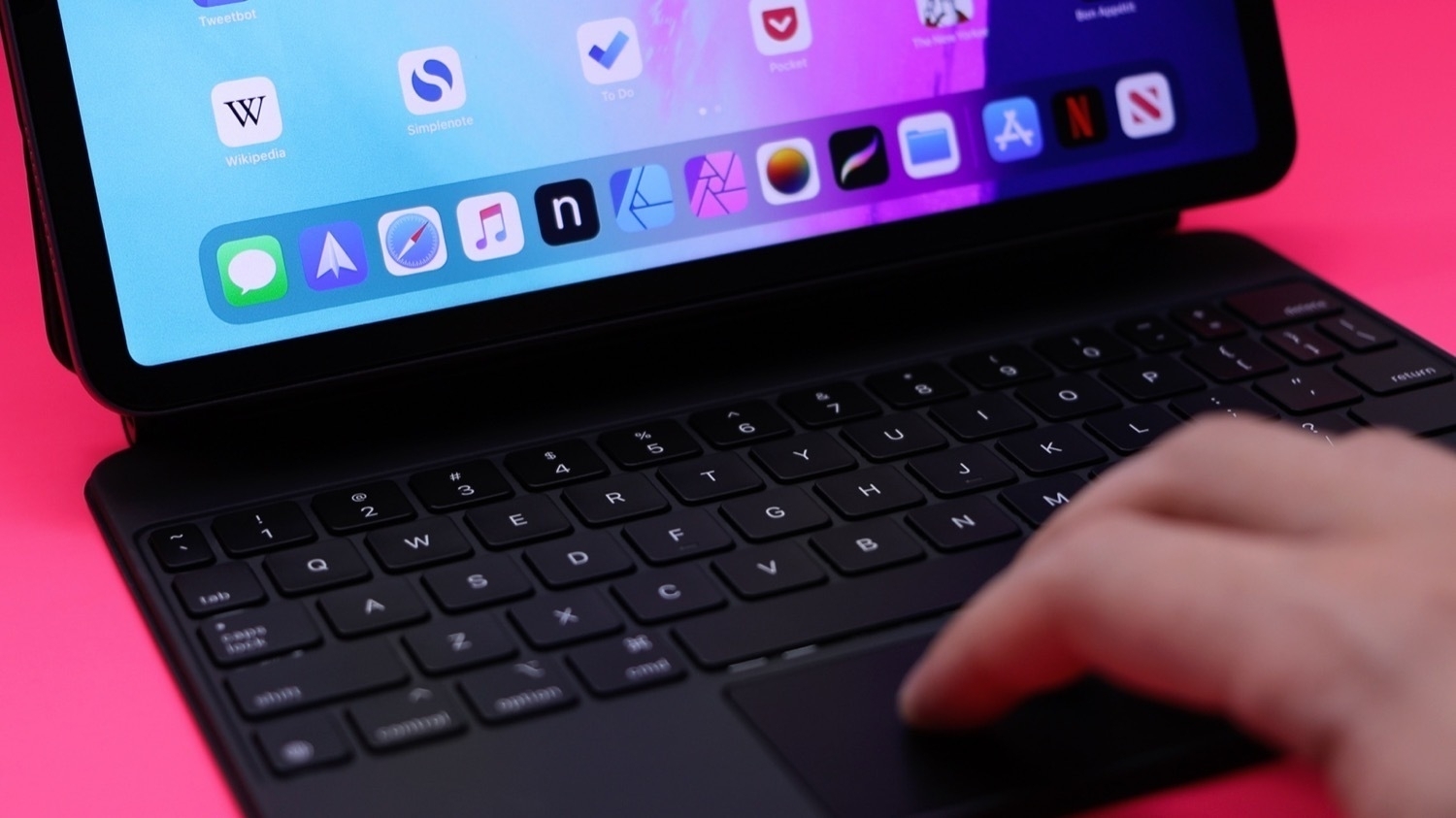
  3. iPad
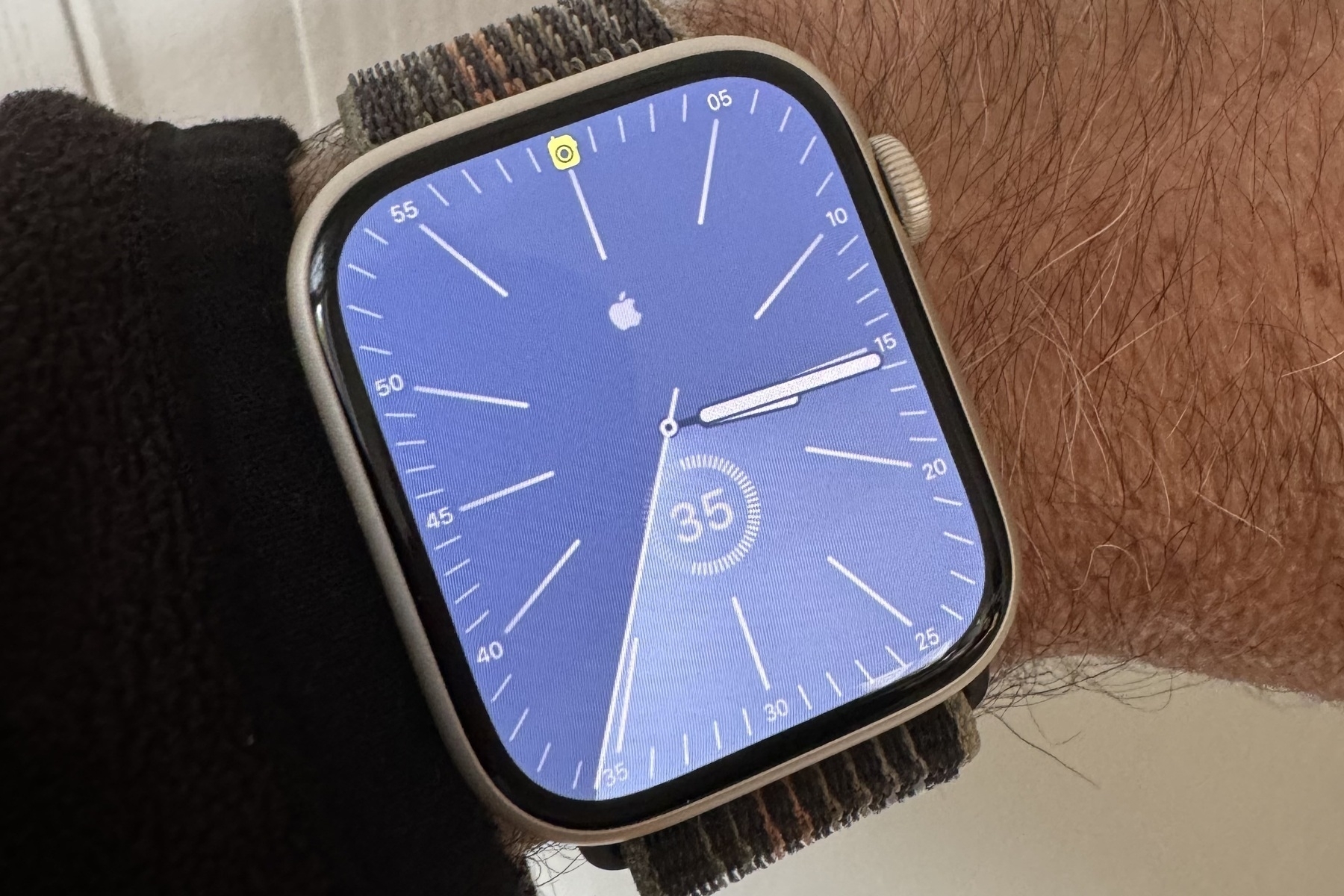
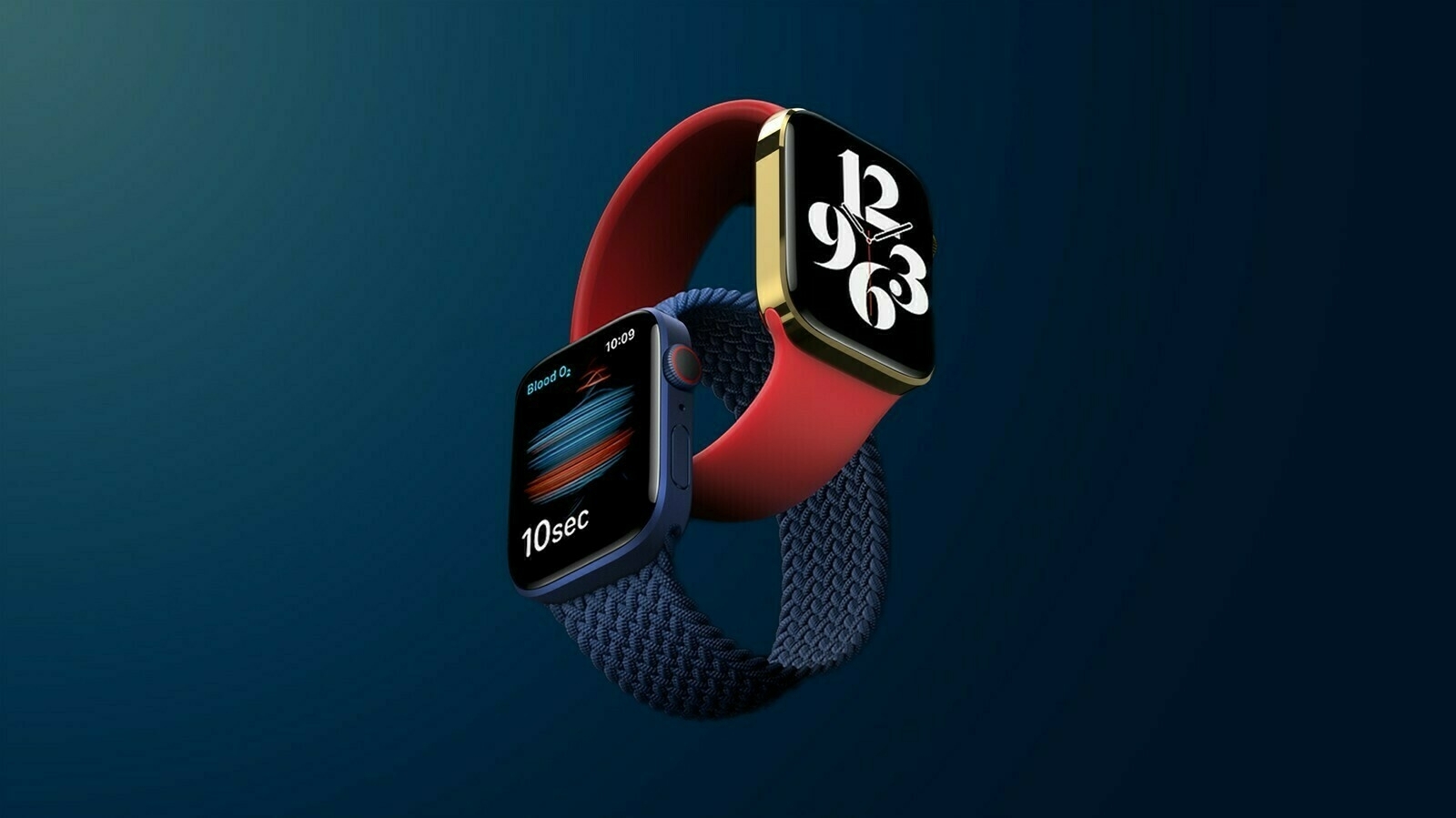
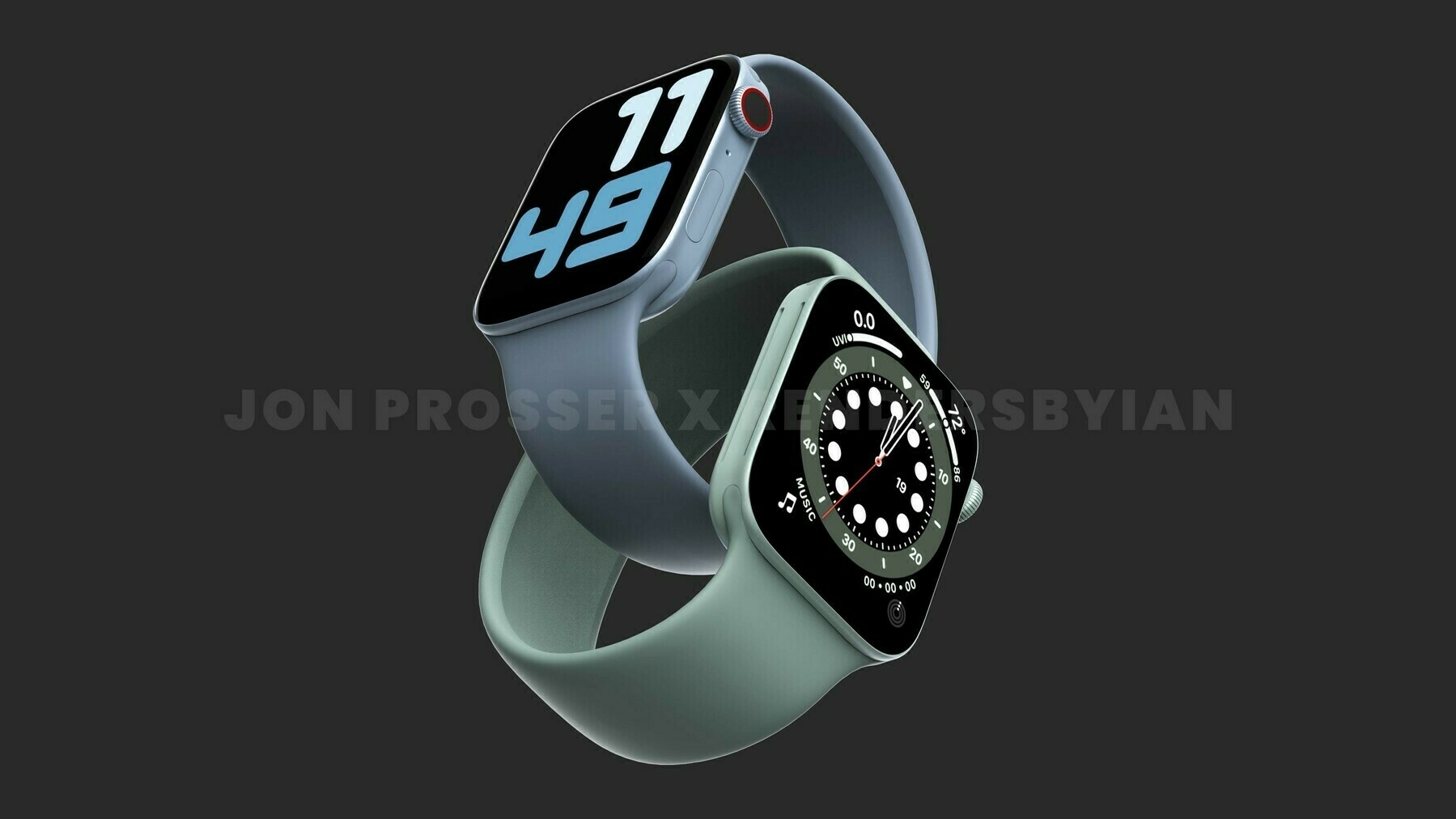
  4. Apple Watch
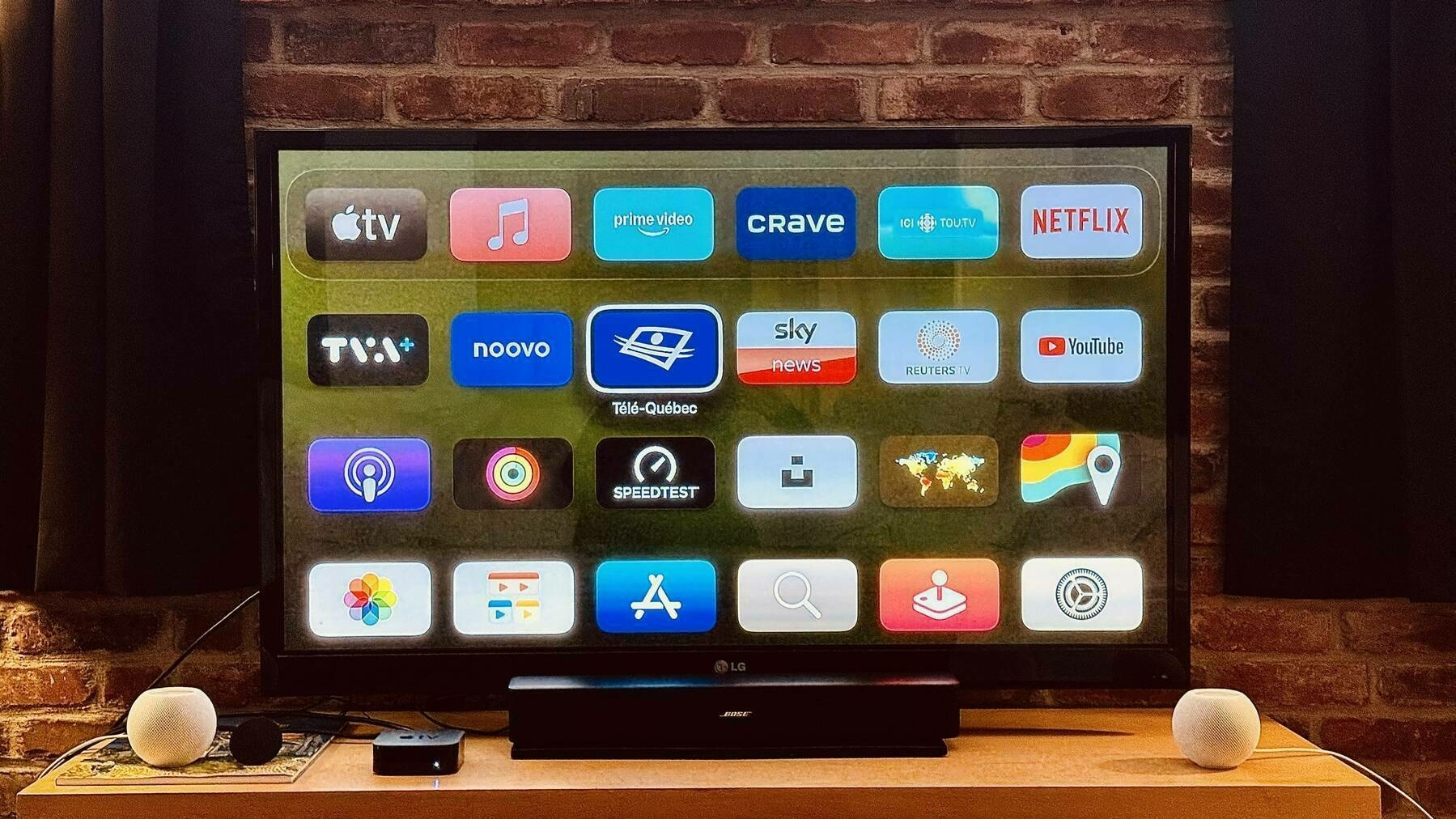
  5. Apple TV
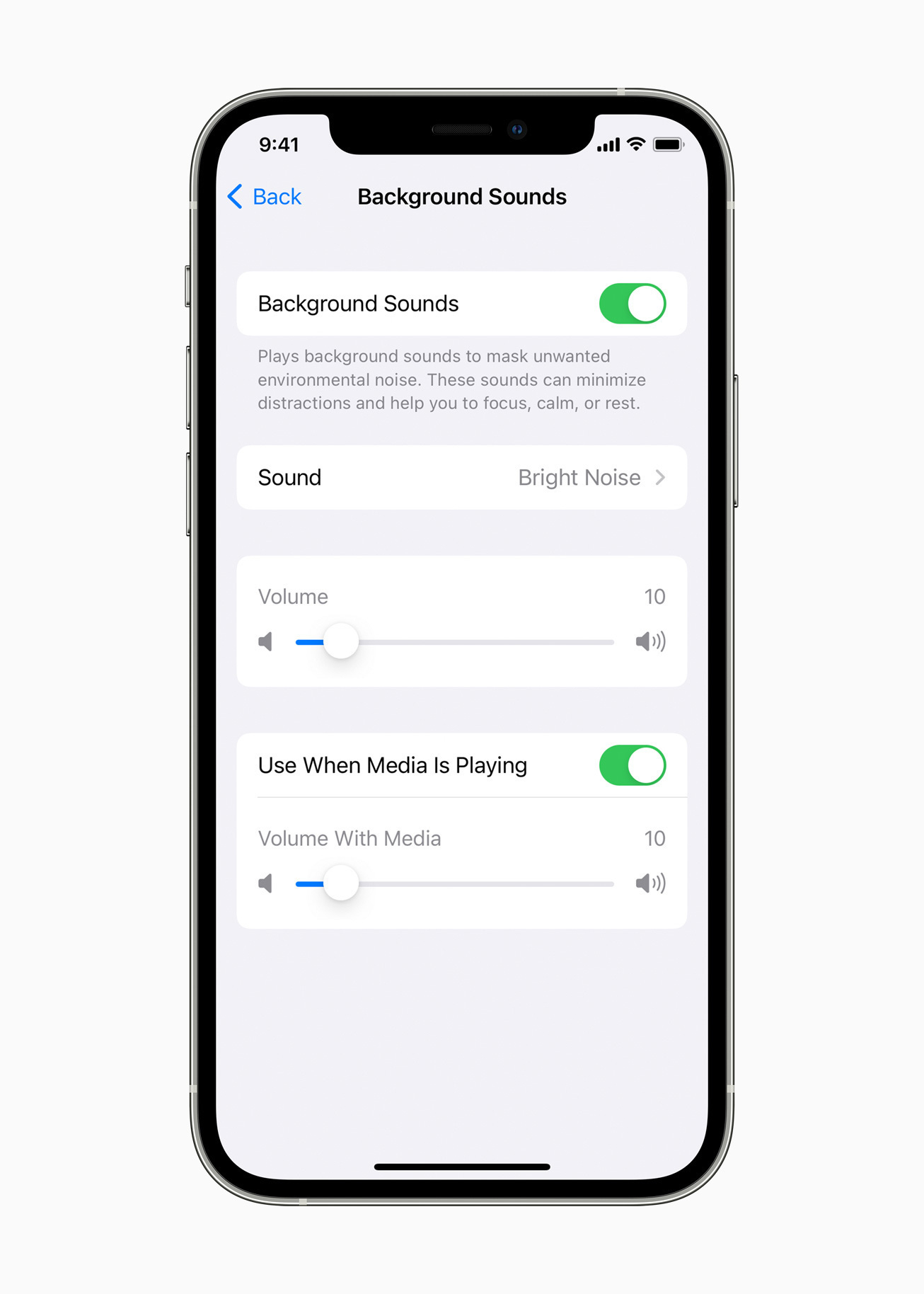
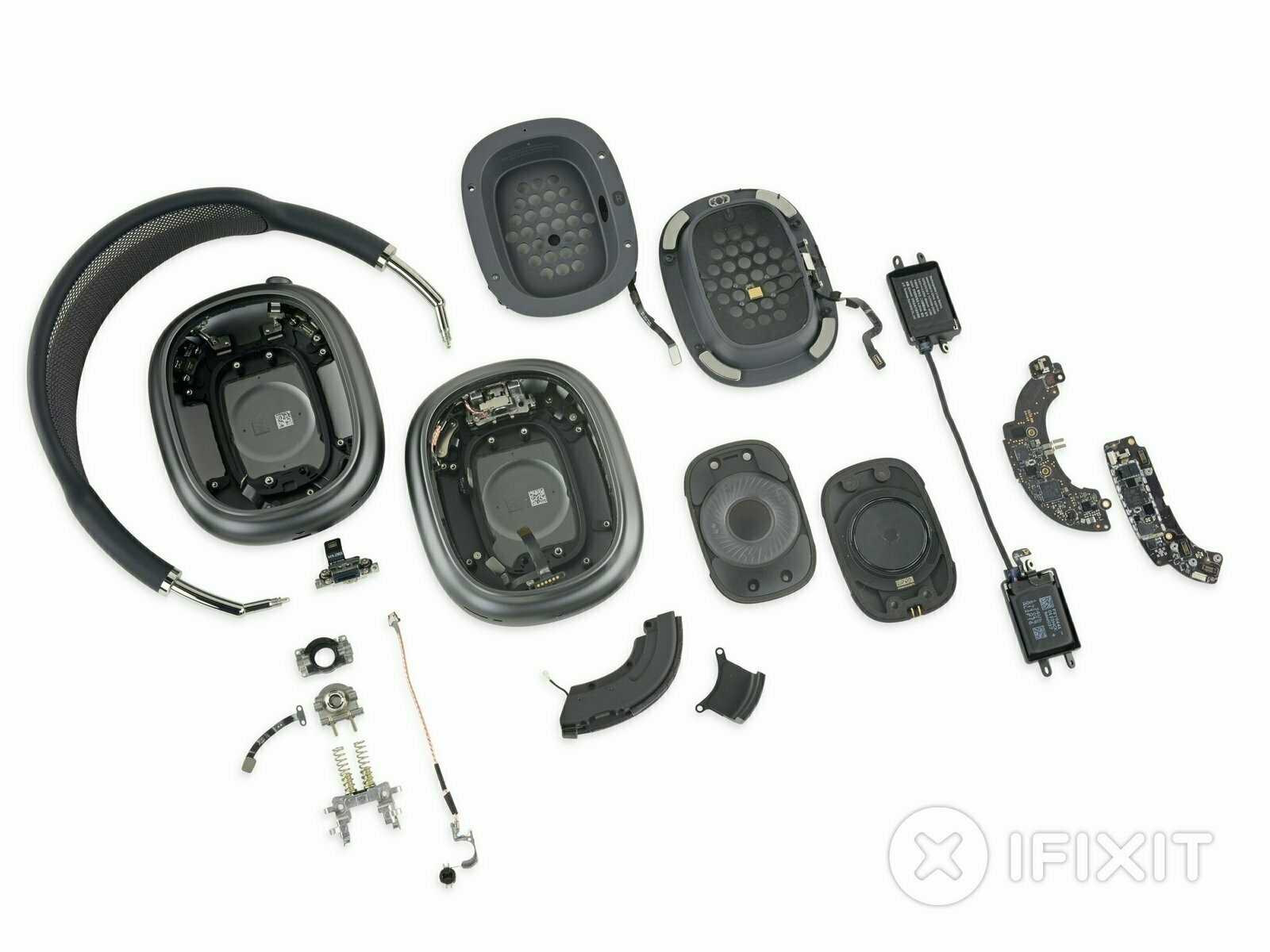
  6. AirPods
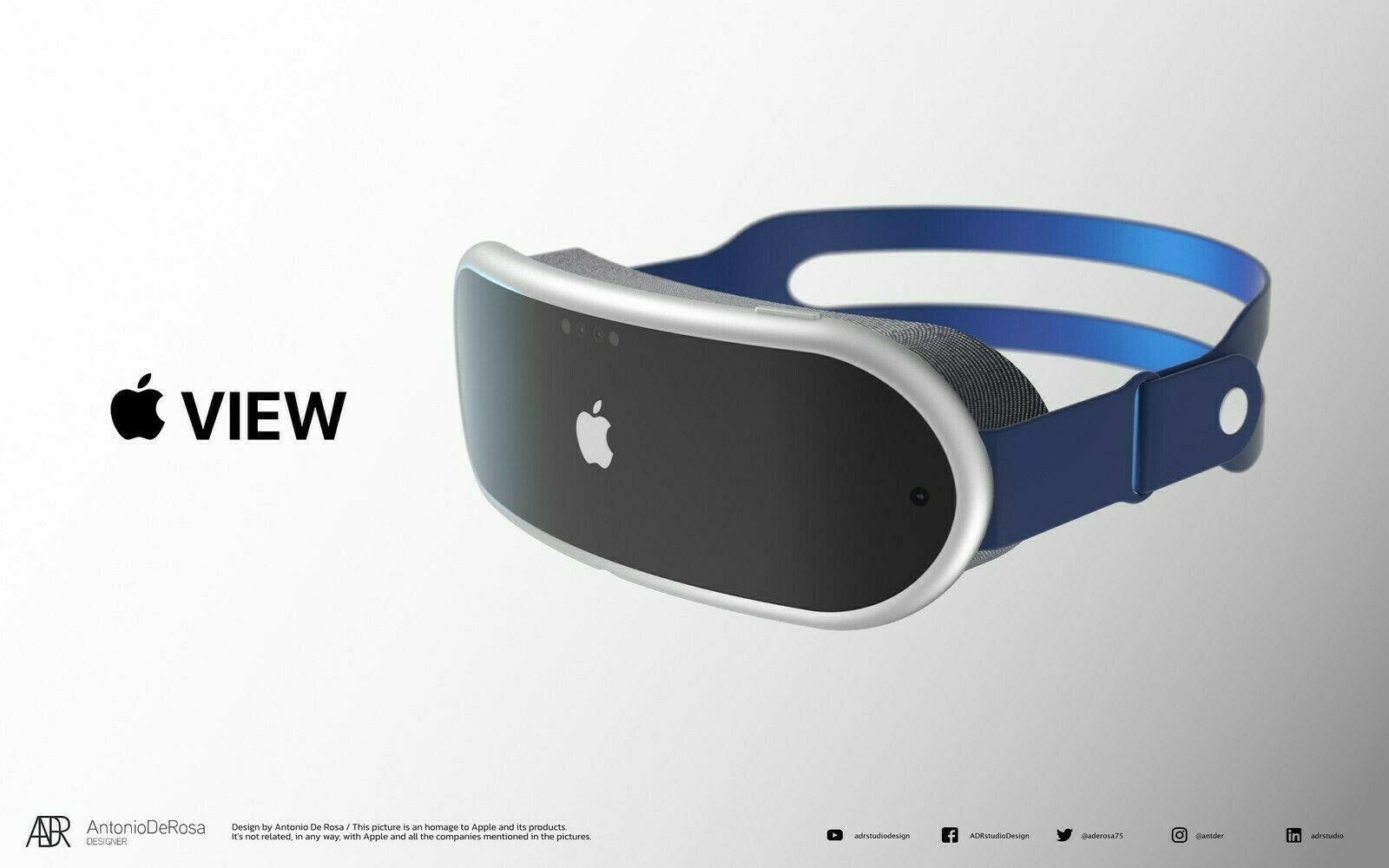
  7. Vision Pro
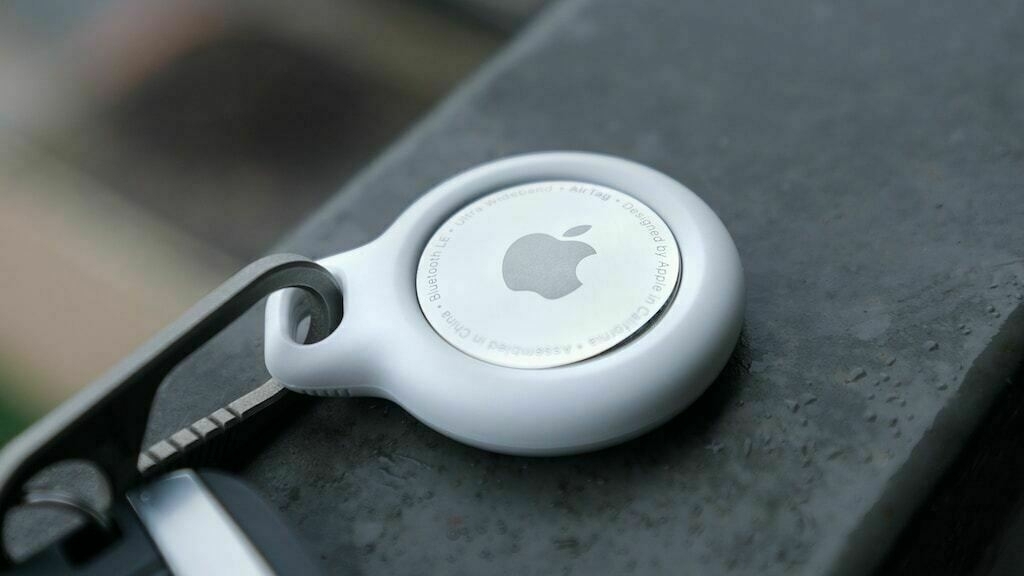
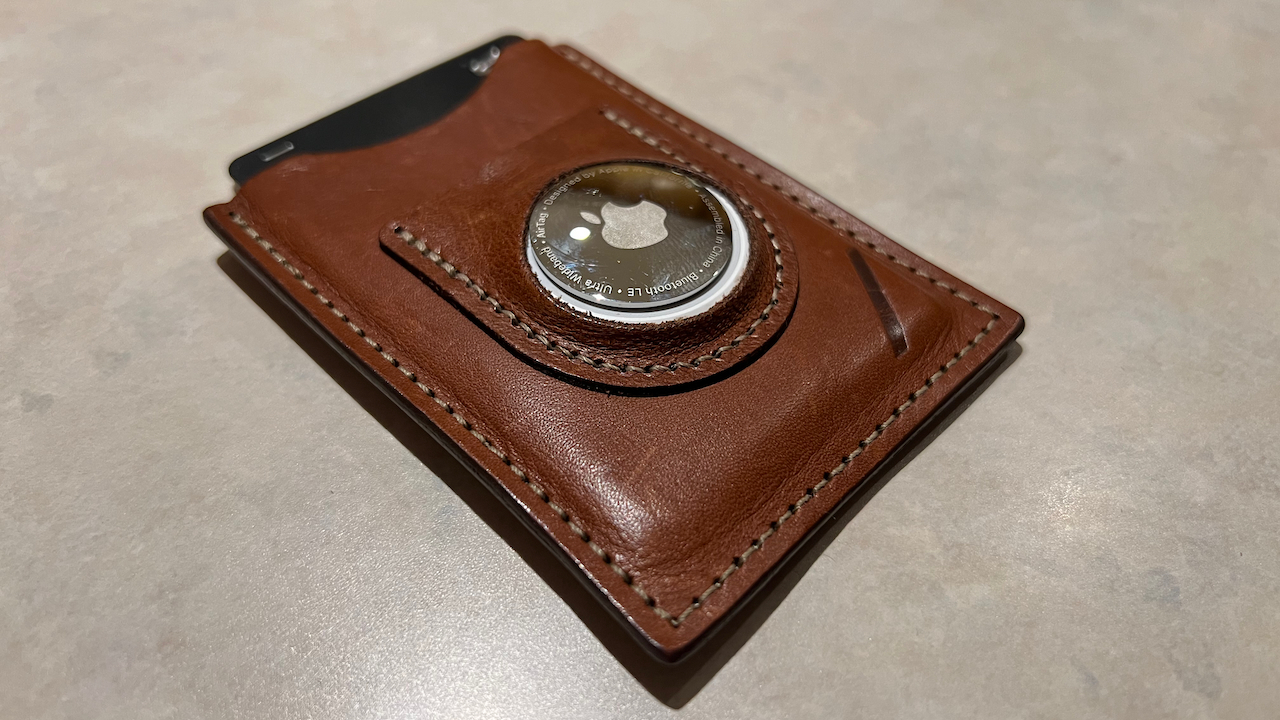
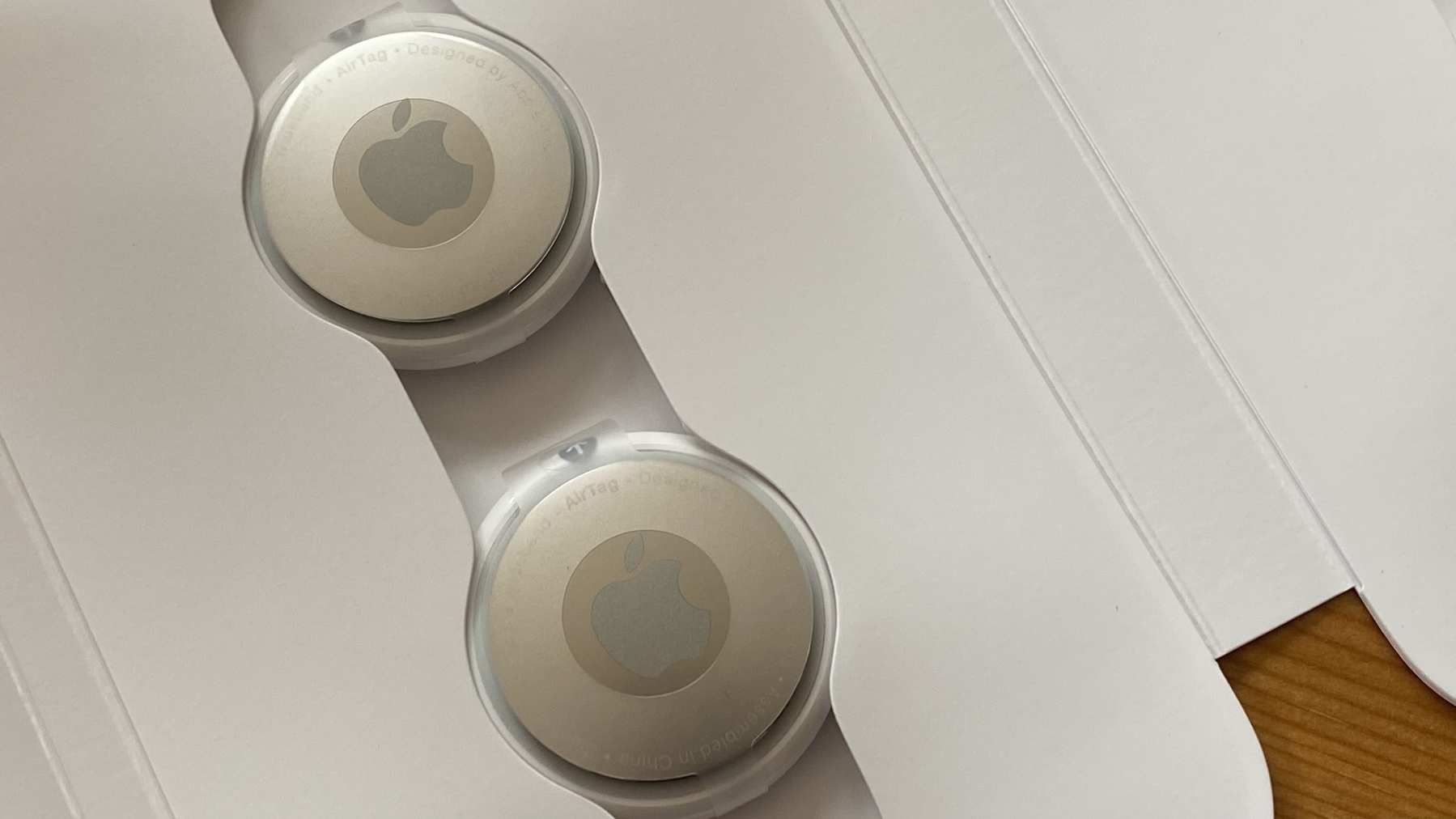
  8. AirTag
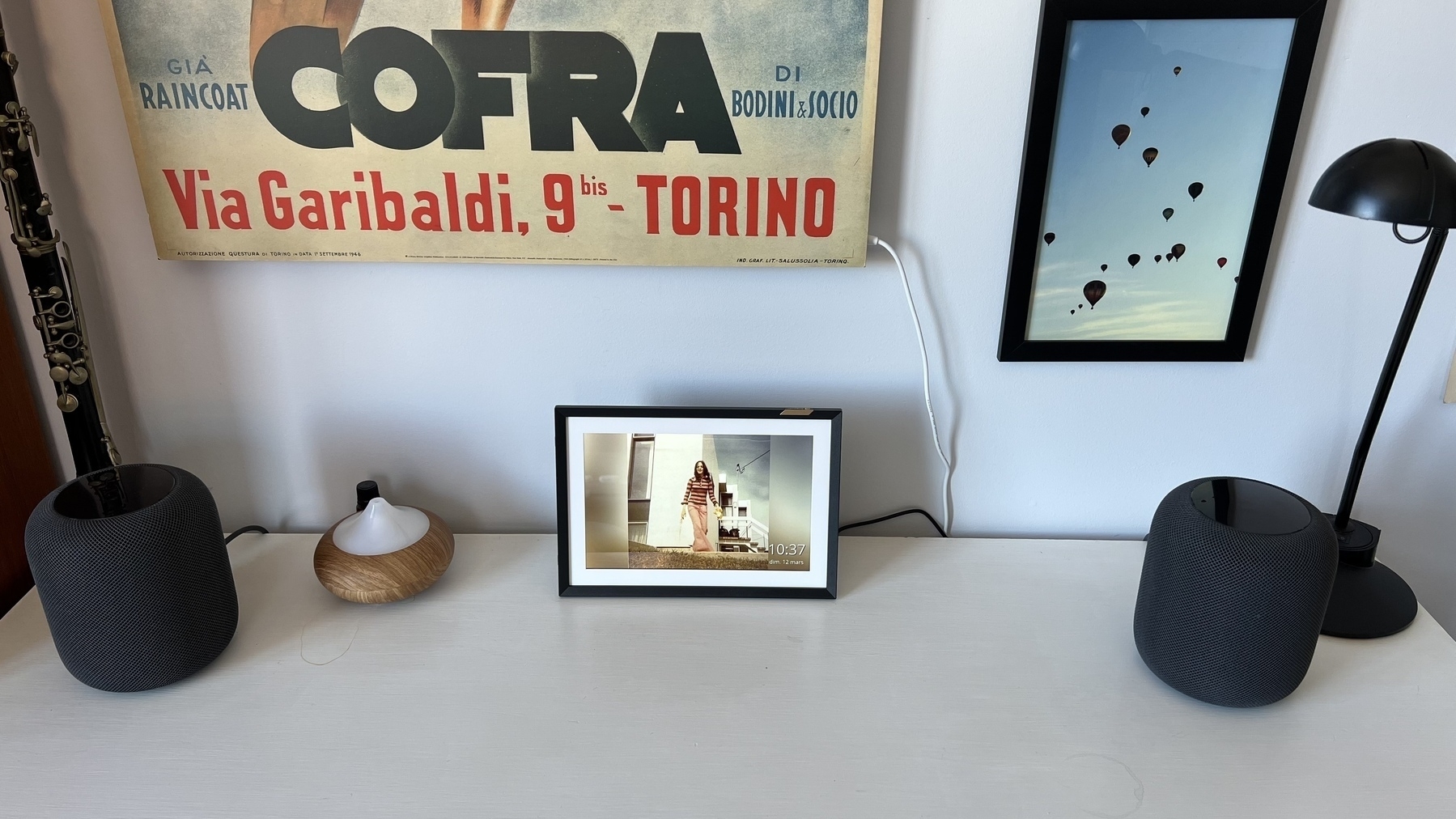
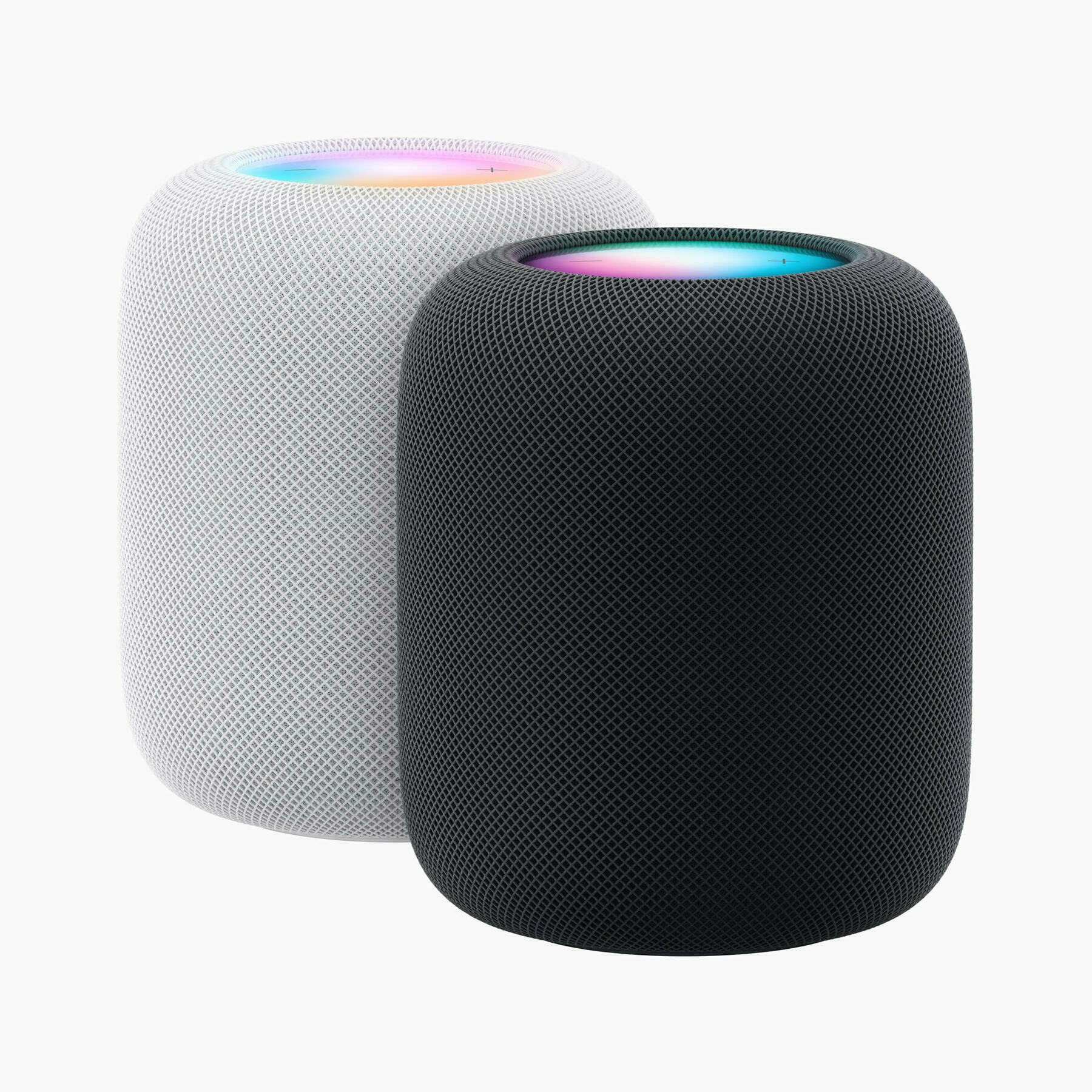
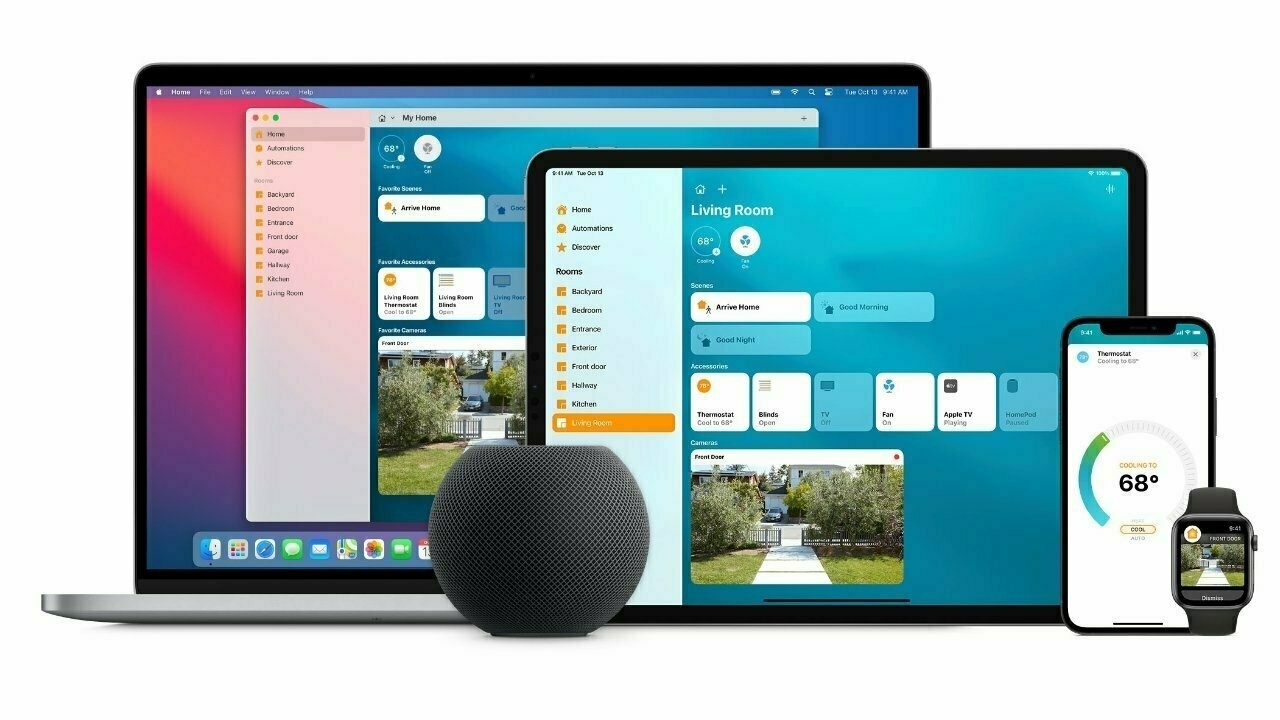
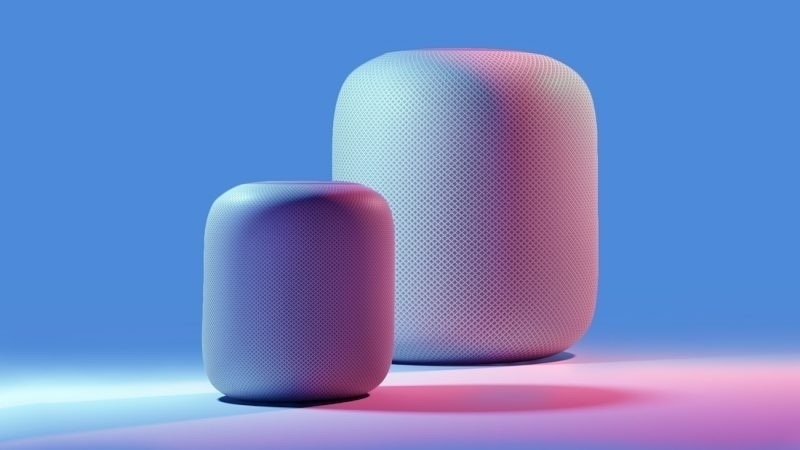
  9. HomePod

This diagram tries to illustrate the how modern AI, Claude AI in particular, compares to traditional computing paradigm. Models more or less are processors, Agents are more or less the operating system and Applications are more or less Skills. It’s interesting, but I’m wary about agents because they open up too many pandora boxes.

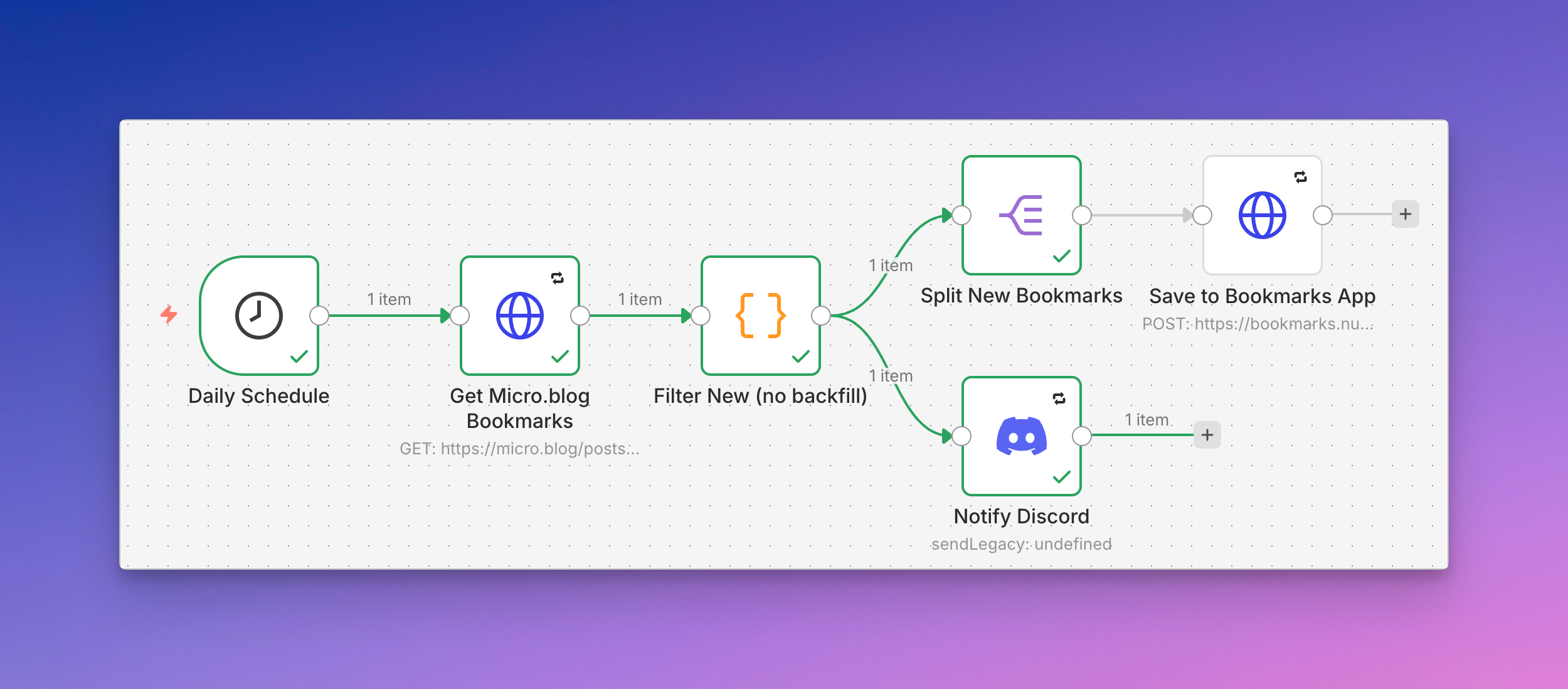
I made two important changes this morning for my automation-related operating environment:

  1. Using DigitalOcean monitoring, I created two resources alerts (CPU > 50% for 5 min, Disk usage > 70% for 5 min). Alerts will make me look into n8n automation misbehaviours.
  2. I switched my AI nodes to use Claude AI Haiku 4.5 instead of Sonnet 4.5 to reduce costs for comparable results. I don’t think my summarization tasks needs more powerful LLM.

When Things Go Wrong With AI-Generated Code

My first bad experience: the code generated by Claude Code made my dashboard unresponsive in my browser. Eventually, the data stopped updating. After a ten-minute debugging session, I asked Claude Code to revert the change, and it did so promptly. But then I started getting execution failure notices on Discord. A lot of notifications. Then I started investigating…
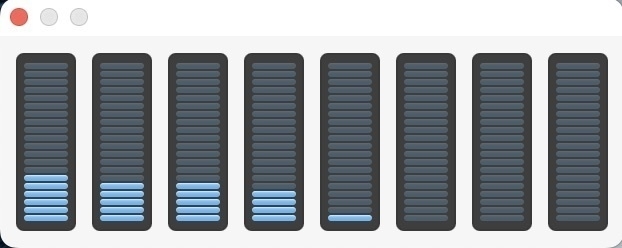
It appears the browser was making frequent refresh requests to one of my workflows, which depleted my Claude pay-per-use credits. Bummber. Looking at my n8n dashboard, I saw that one of my workflows was failing because of that. Logs were confirming the problem with the interaction with Claude AI. As shown on the graphs below, my instance CPU usage went through the roof. Ouch. Now I know what happened, and the problem was fixed. Now, I should find a way to rate-limit this type of behaviour. That’s for tomorrow, I guess. 😅

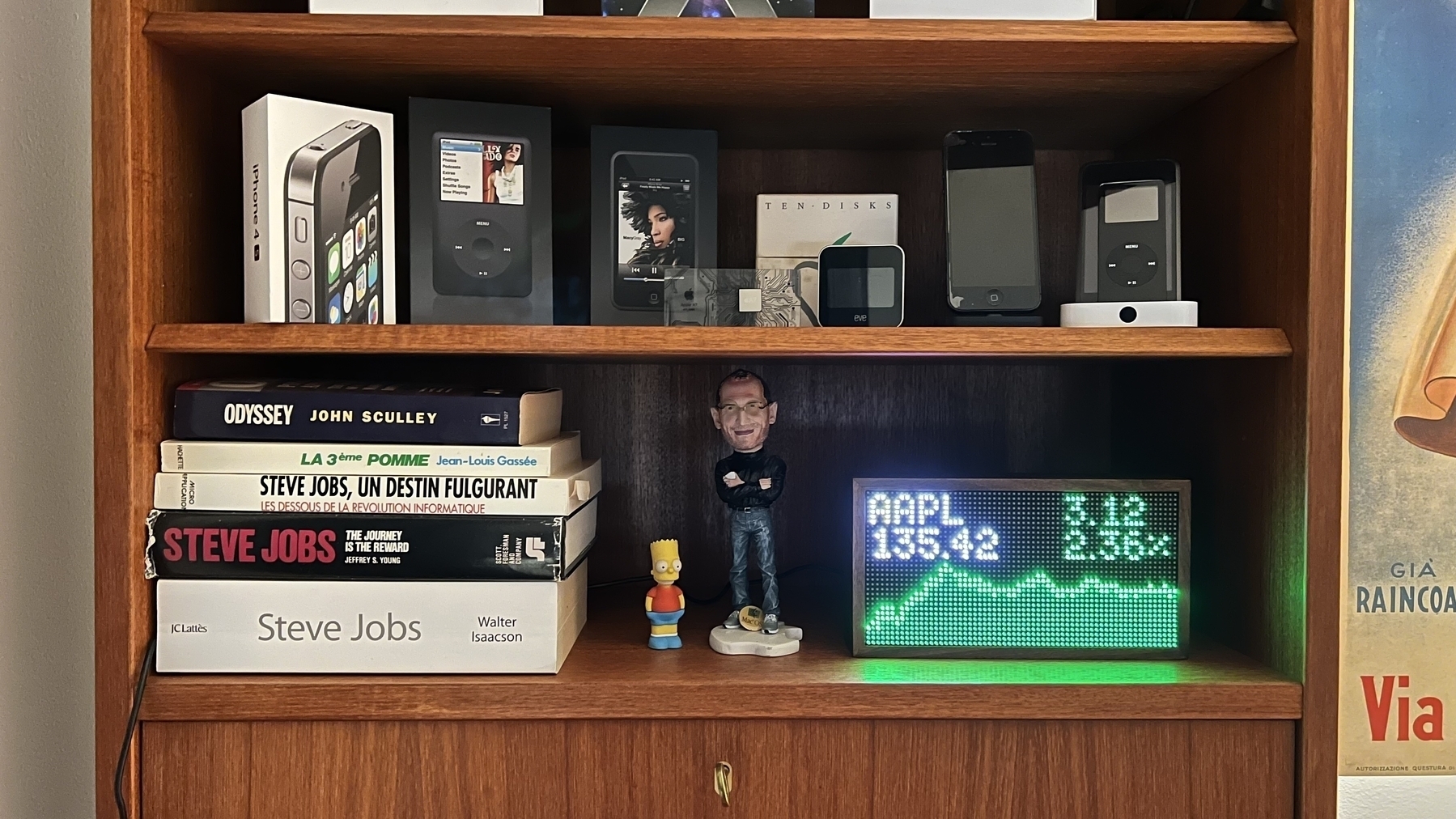
Ten days into 2026, I have achieved much more than I anticipated. If I maintain this pace, I will complete my list of wild ideas soon. It’s not just about checking items off the list, but also about learning a lot along the way. It’s very fulfilling.

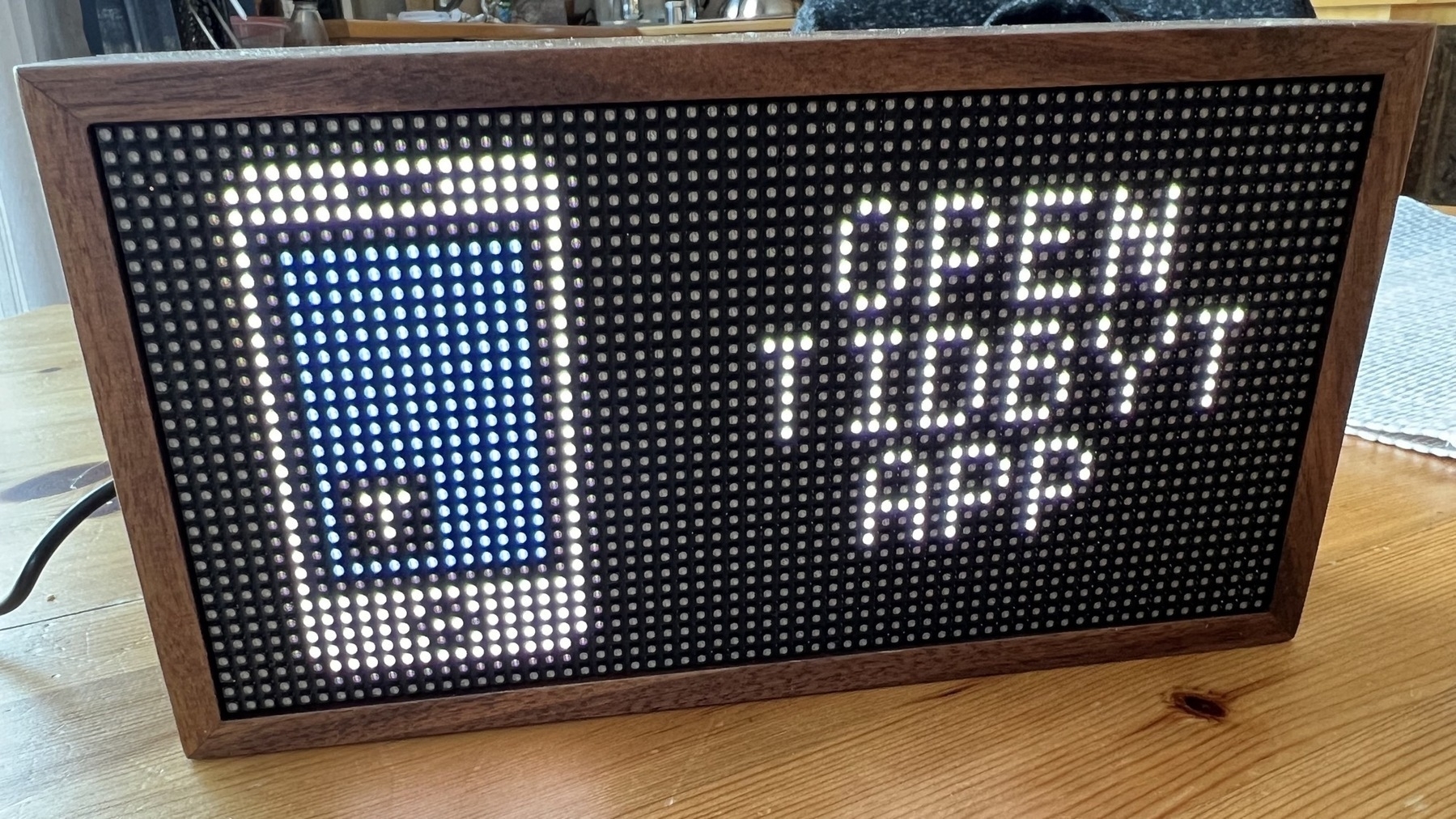
I’m making good progress on my personal dashboard idea. While people may criticize LLMs and enjoy coding for fun, for me, it opens up possibilities I couldn’t have imagined before.

One of the frustrating aspects of LLMs is their lack of consistency unless you develop specific skills, which can take time to implement effectively. For example, I wanted to generate documentation for my most recent n8n automation workflow, but Claude was unable to do it, and I can’t remember the prompt that finally made it possible. I should have saved it somewhere for easy retrieval. I’m wasting precious credits. 🤦🏻‍♂️


My Defaults as of 2026-01-10

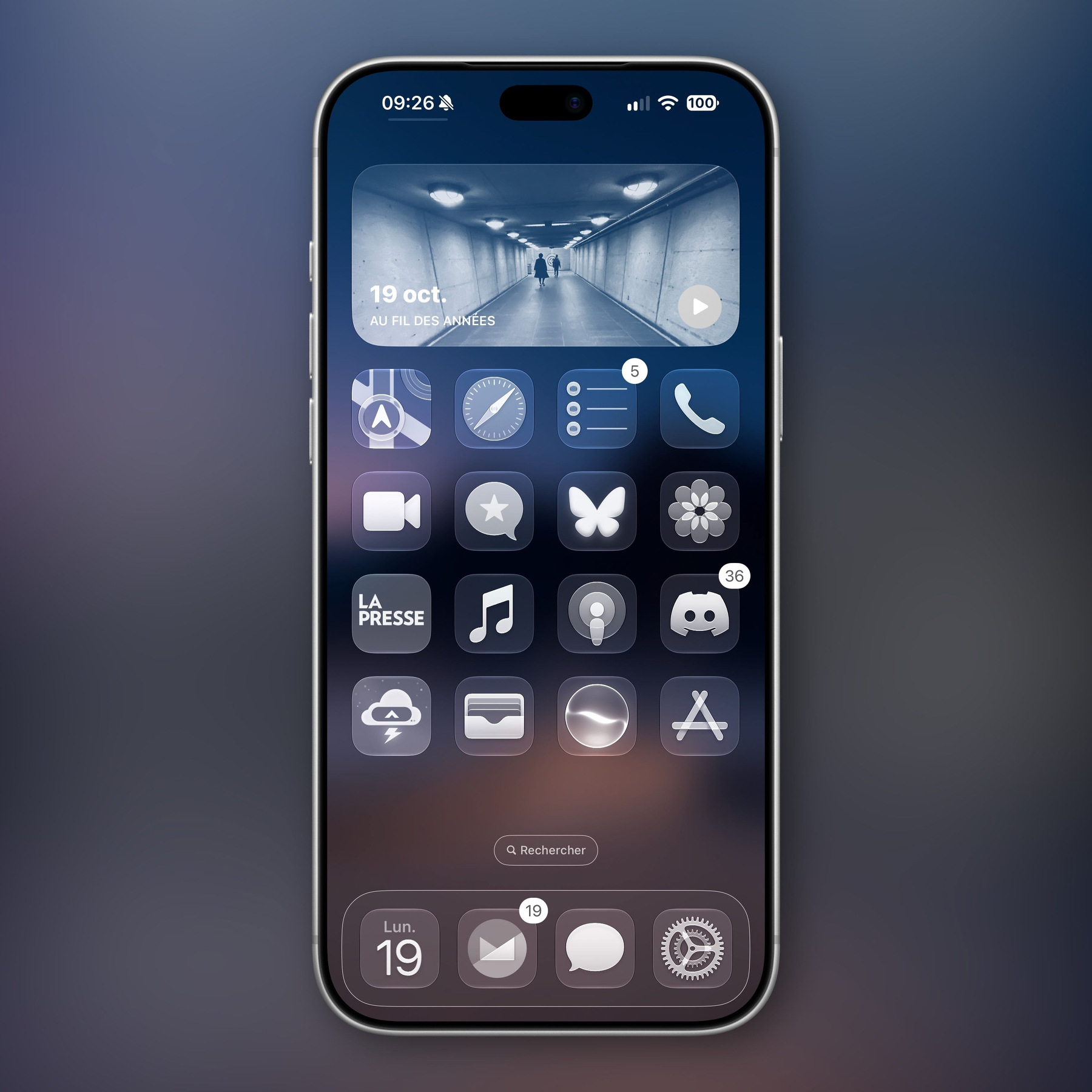
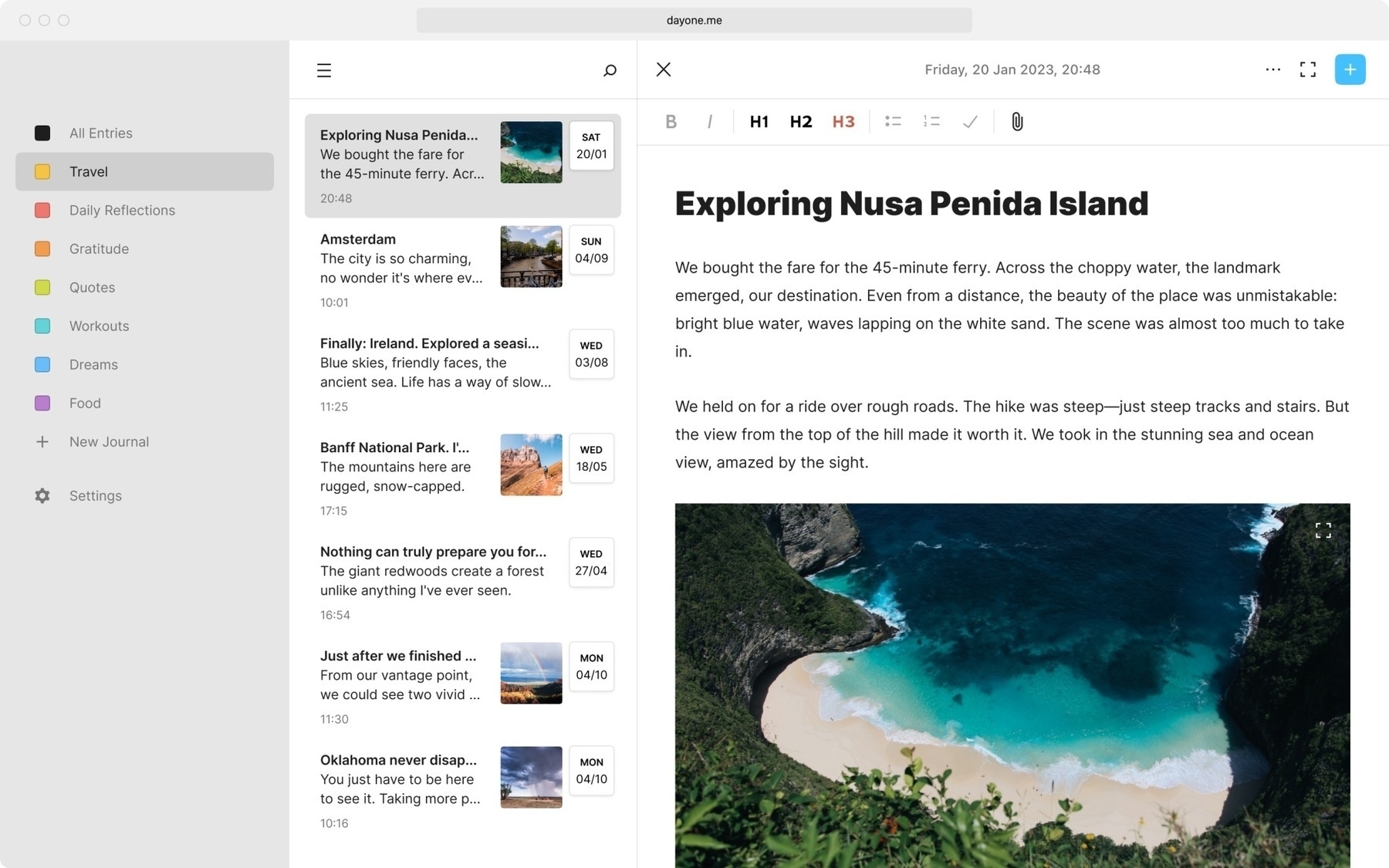
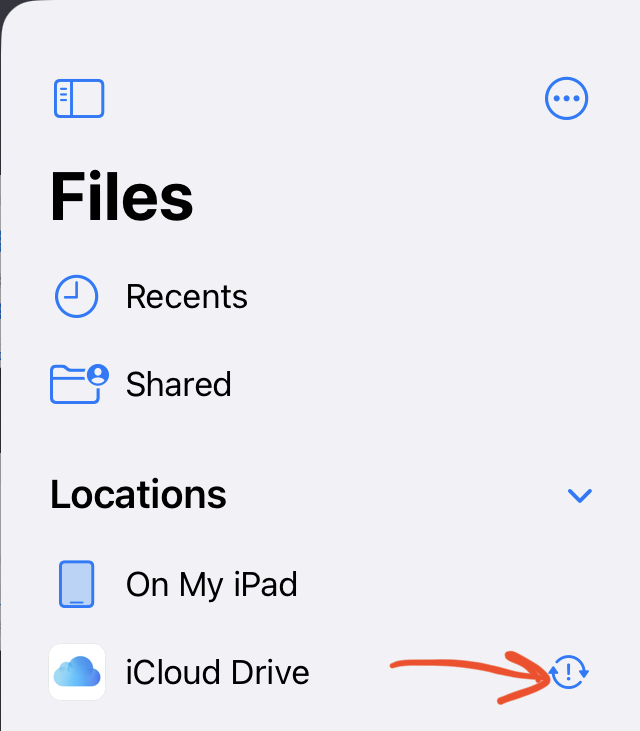
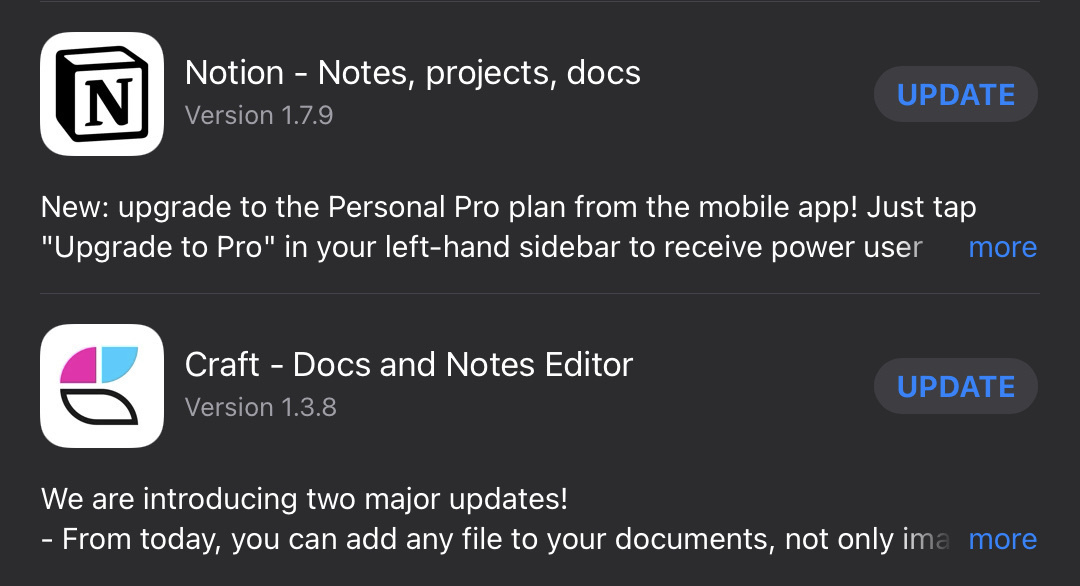
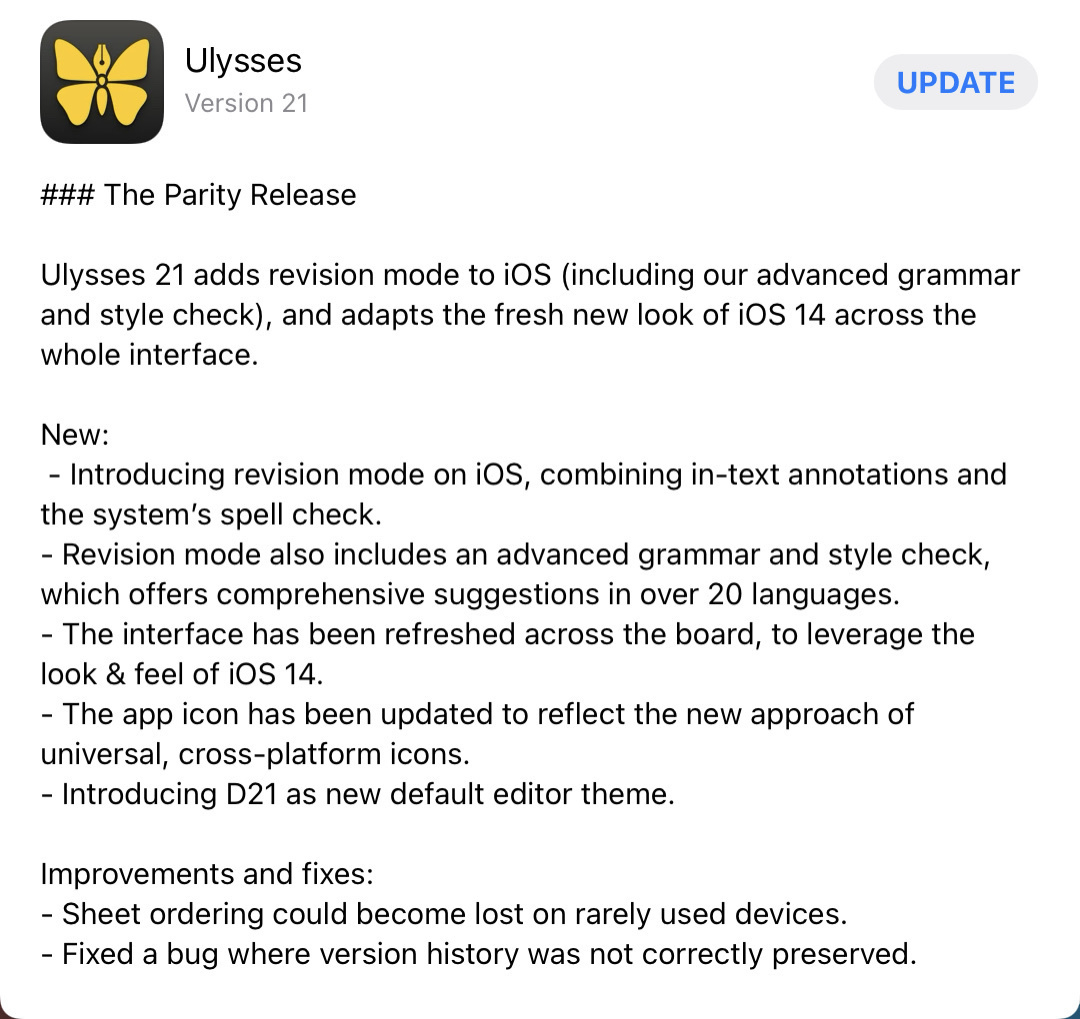
Changes from the last edition are in bold. ✉️ Mail Client: Fastmail 📨 Mail Server: Fastmail 📝 Notes: Craft + Apple Notes ✅ To-Do: Things 3 📷 iPhone Photo Shooting: Camera.app 📚 Photo Management: Photos.app + Photomator 🗓️ Calendar: Calendar.app 🗄️ Cloud file storage: iCloud 📰 RSS: Reeder connected to Inoreader 📇 Contacts: Contacts 🕸️ Browser: Mobile Safari + ARC Browser on Mac + ChatGPT Atlas 🧠 AI: ChatGPT + Claude AI 🔎 Search: Kagi Search 💬 Chat: iMessage (WhatsApp when abroad) 🔖 Bookmarks: AnyBox 👓 Read It Later: Inoreader 📜 Word Processing: Ulysses, Craft 📊 Spreadsheets: Numbers 🛝 Presentations: Keynote 🛒 Shopping Lists: Reminders 🧑‍🍳 Meal Planning: None 💰 Budgeting & Personal Finance: Numbers 🗞️ News: La Presse (Apple News for English news) 🎶 Music: Apple Music 🎧 Podcasts: Apple Podcasts 🔐 Password Management: iCloud Keychain & Apple Passwords 👨🏻‍💻 Blog hosting: Ghost, Micro.blog, Scribbles.page 🌐 Web Services: Cloudflare, Chillidog Hosting, DigitalOcean