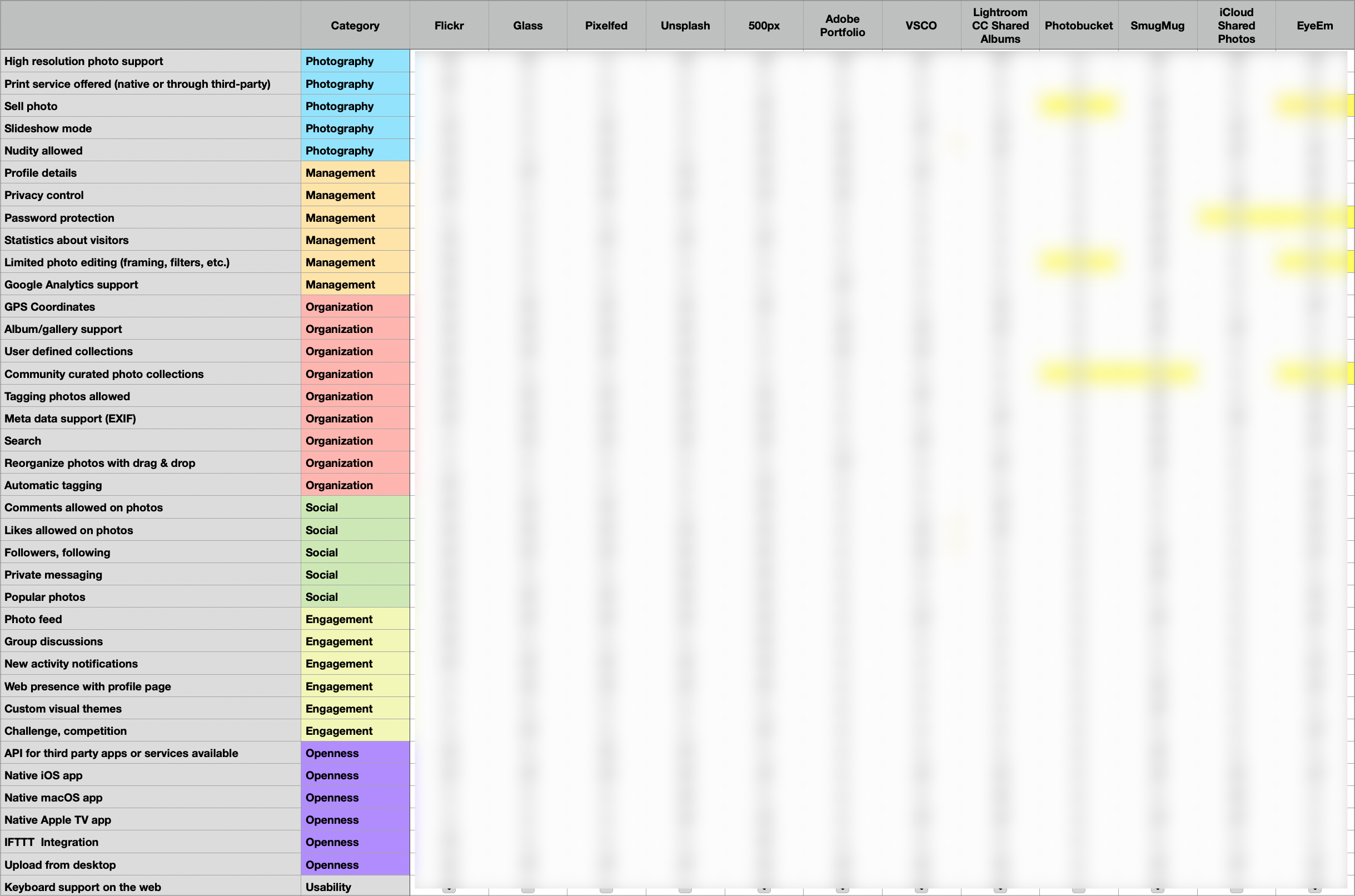
I need to find the time to update and finish this photo-sharing services comparison table. Anyone interested in the completed table?
My Updated Defaults as of 2025-03-12
So many things changed since my previous update.
- ✉️ Mail Client: Fastmail
- 📨 Mail Server: Fastmail
- 📝 Notes: Craft + Apple Notes
- ✅ To-Do: Things 3
- 📷 iPhone Photo Shooting: Camera.app
- 📚 Photo Management: Photos.app + Photomator
- 🗓️ Calendar: Calendar.app (Personal Life) + Fantastical.app (Work Life)
- 🗄️ Cloud file storage: iCloud
- 📰 RSS: Reeder connected to Inoreader
- 📇 Contacts: Contacts
- 🕸️ Browser: Mobile Safari + ARC Browser on Mac
- 🧠 AI: ChatGPT + Perplexity
- 🔎 Search: Kagi Search
- 💬 Chat: iMessage (WhatsApp when abroad)
- 🔖 Bookmarks: AnyBox
- 👓 Read It Later: Inoreader
- 📜 Word Processing: Ulysses, Craft
- 📊 Spreadsheets: Numbers
- 🛝 Presentations: Keynote
- 🛒 Shopping Lists: Reminders
- 🧑🍳 Meal Planning: None
- 💰 Budgeting & Personal Finance: Numbers
- 🗞️ News: La Presse (Apple News for English news)
- 🎶 Music: Apple Music
- 🎧 Podcasts: Apple Podcasts
- 🔐 Password Management: iCloud Keychain & Apple Passwords
The Unexpected Challenge of Moving a Custom Domain From iCloud+ to Fastmail
Did you know that you can use iCloud+ with a custom email domain? Yep, that’s right. This is what I was doing for hello @ numericcitizen.me until this week when I started my migration to Fastmail. But there is one challenge that I didn’t expect: I wanted to bring this custom email to Fastmail, too. Custom email domains with iCloud+ is managed only on the iCloud website.
Having Apple Advanced Data Protection (ADP) is cool and nice but can make managing iCloud+ Custom domains a pain. As a reminder, to use ADP, you must turn off iCloud web access. I’m not really sure why. As soon as this is turned off, you can no longer manage your custom email domains that you might have configured for use with iCloud+. To complete my migration to Fastmail, so that I could write and respond from that custom email address from Fastmail, I first had to remove that domain from iCloud+, but it’s only possible on the iCloud website. To do that, ADP must be turned off. Once done, you can re-enable iCloud website access, then remove the custom email domain. After some cleaning up of Apple-related DNS records, you can re-enable ADP and disable iCloud website. Only then I can go on Fastmail Settings and configure my custom email domain.
Now you know.
Now that my migration from HEY Mail to Fastmail is essentially completed, I started writing an article about the whys, the hows and the gotchas. That’s the type of article that I love to put together. It will take time, but it will be well worth my time. My goals are to help others quit HEY Mail because it’s a great way to send a message to their owners. I’ll use the Fastmail referral program to get some form of potential compensation to pay for the service (I hope). While you wait for that article, I’ll share my referral link here and tell you this: if you are on the fence, trust me, Fastmail is really good.
And just like that, AI summaries arrives in Inoreader and they are called Inoreader Intelligence! While you can’t ask to generate summaries automatically for a specific RSS feed (yet?), the addition of manually triggered customizable summaries is super handy.
Migration to Fastmail Going FAST
Spent a few hours in Fastmail to get it ready to fully replace my HEY Mail subscription. Got my new email domain name set up in Cloudflare. The Screener functionality that I liked in HEY is now fully operational and is based on a Contacts Group. The Paper Trail is also set up and based on another Contacts group. Basically, if an email uses a contact not in the Screener, it will be moved in The Screener label. The same happens for the Paper trail. If I want a specific email to go to the Paper Trail, the contact is created and added to the right contacts group. One email account (Gmail) has been configured for Fastmail to pull content from it (no need to use email forwarding, so everything is configured from Fastmail. My Gmail account is a low-volume account so that I can tweak things before connecting my primary email accounts (both are Apple-provided).
I’m not sure if I’ll actually need to set up a paid subscription to Fastmail, maybe paying for one month will be needed to fully evaluate the capabilities, though, but from my current experiment with this service so far, I must say that I really like what I’m seeing. It’s certainly fast.
While browsing Substack yesterday and this morning, I stumbled upon a writer from Ukraine that I’m eager to follow. Isn’t it surprising that I can’t subscribe to his content via an RSS feed? I’m quite impressed by how this platform is so tightly controlled. It’s too bad.
Emails Shuffle
I’m making progress in cleaning up my email mess. I closed my Yahoo Mail account, which I only used for Flickr when the authentication backend moved from Flickr to Yahoo1. I closed two Gmail accounts: one of the two was used when I was developing iPhone apps between 2009 and 2013. This means I have three fewer email redirections for HEY Mail. Most of my newsletter subscriptions are now redirected to Inoreader, which is another dependency removed from HEY Mail.
So, what’s left in HEY Mail? Two email redirections: one .me email account1 and my primary iCloud mail account. These are my biggest email accounts. Of course, I also have my HEY Mail account that I use in a few dozen places. That’s the last part to move out. The question is: which email account should I use instead of my HEY Mail? Is this where Fastmail comes into play? Or should I merge them into one of my Apple-hosted mail accounts? If I choose the latter, I don’t see the point of using Fastmail unless I want to replicate the Paper Trail functionality of HEY Mail. Even then, Apple’s latest updates to Mail offer something similar. I should probably try the latest betas on my Mac and see how well it performs. Stay tuned for the next update on my emails shuffle.
There is something so satisfying in closing online accounts and deleting data. It’s really hard to explain. This process only happens when moving things around (like moving from one email provider to another).