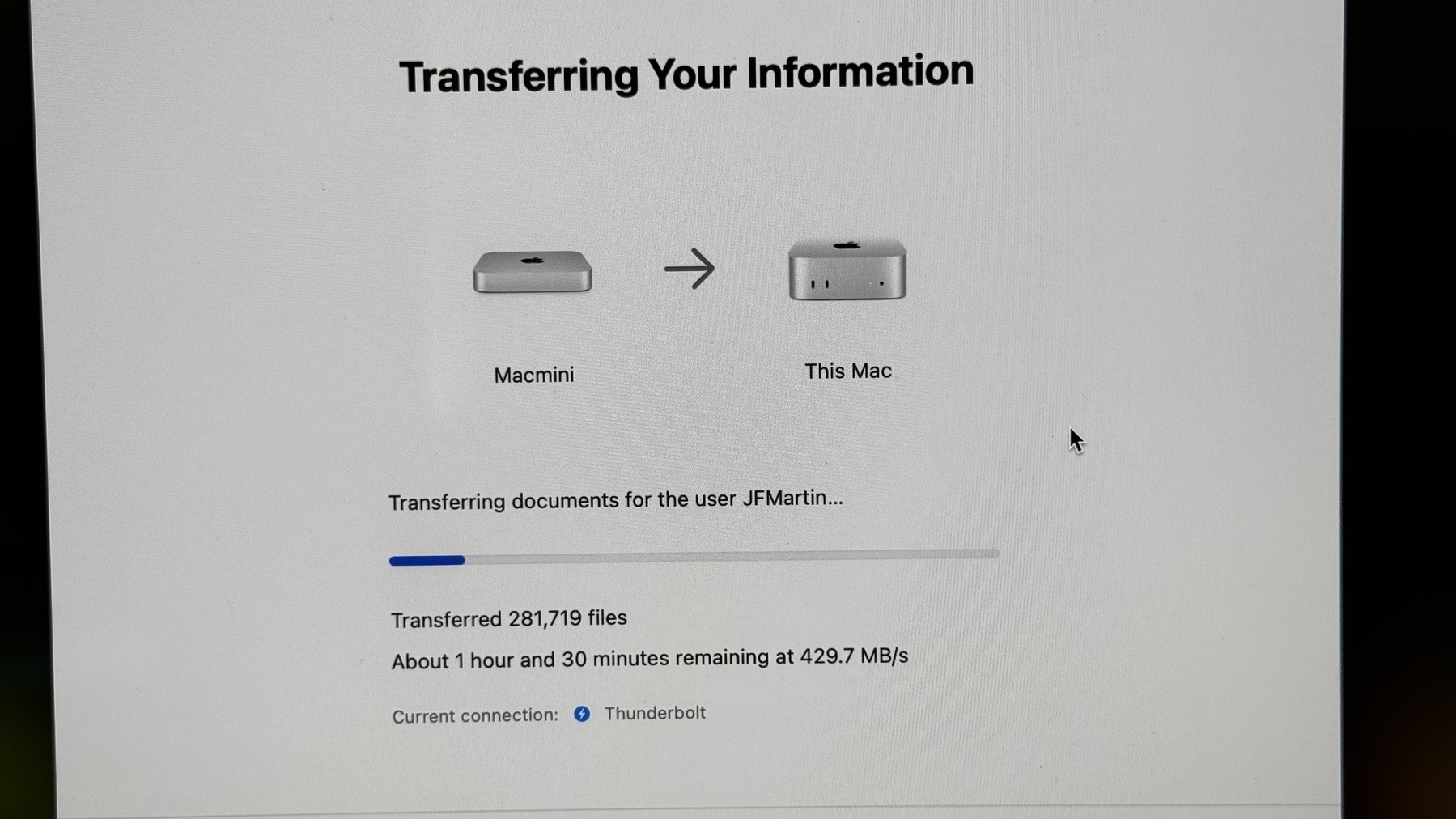
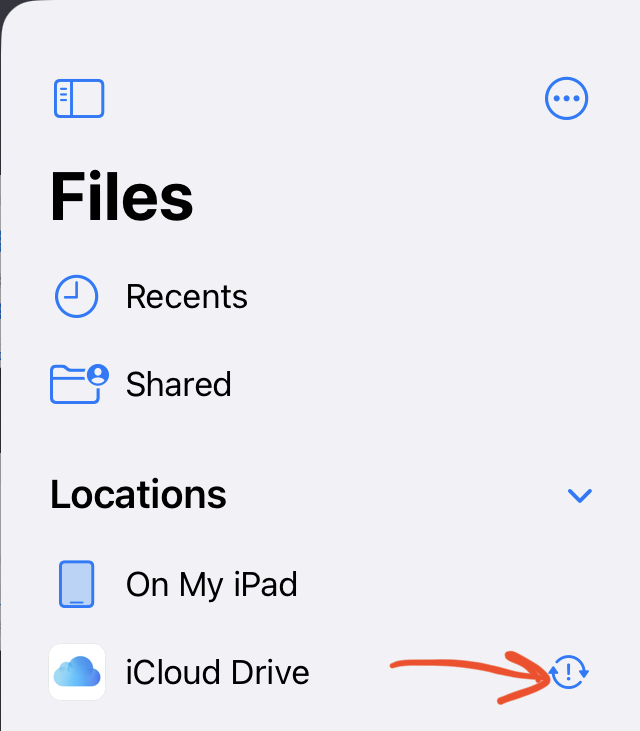
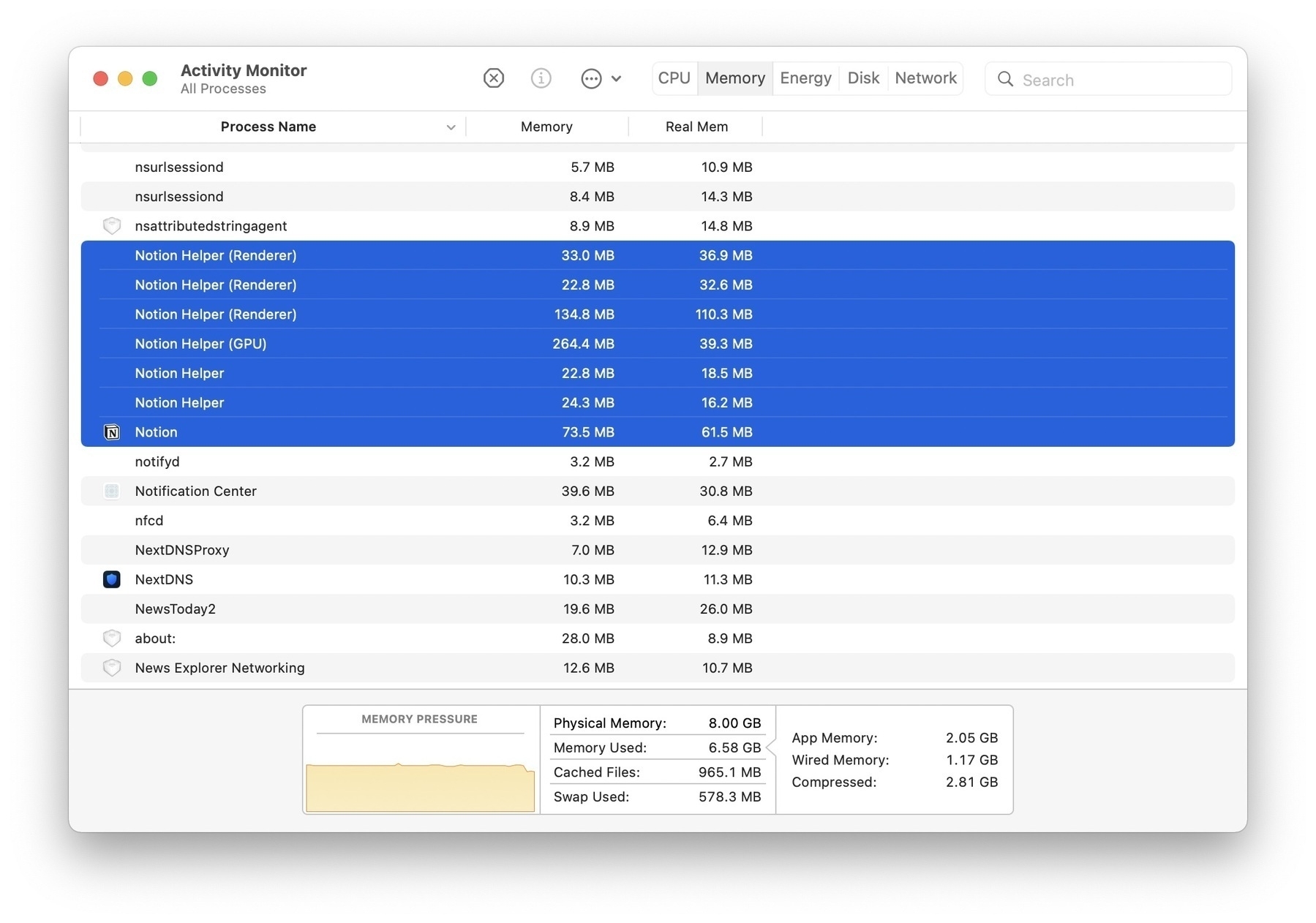
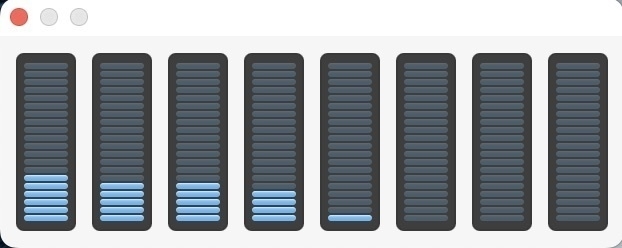
I’m not sure it was a good idea to put my GitHub repos inside iCloud Drive Documents folder. Some of my projects have more than 50K files inside of them, thanks to dependancies. The fileproviderd process consumes quite a lot of CPU cycles at times.
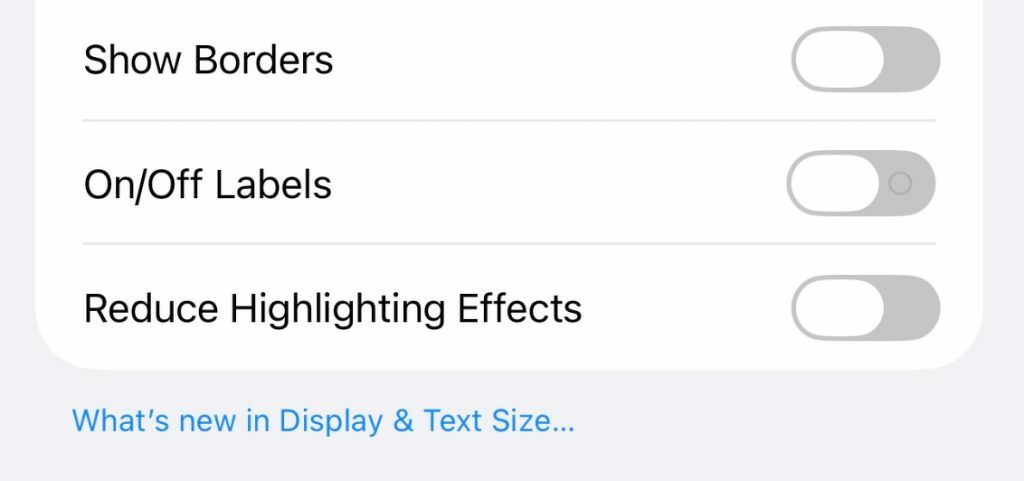
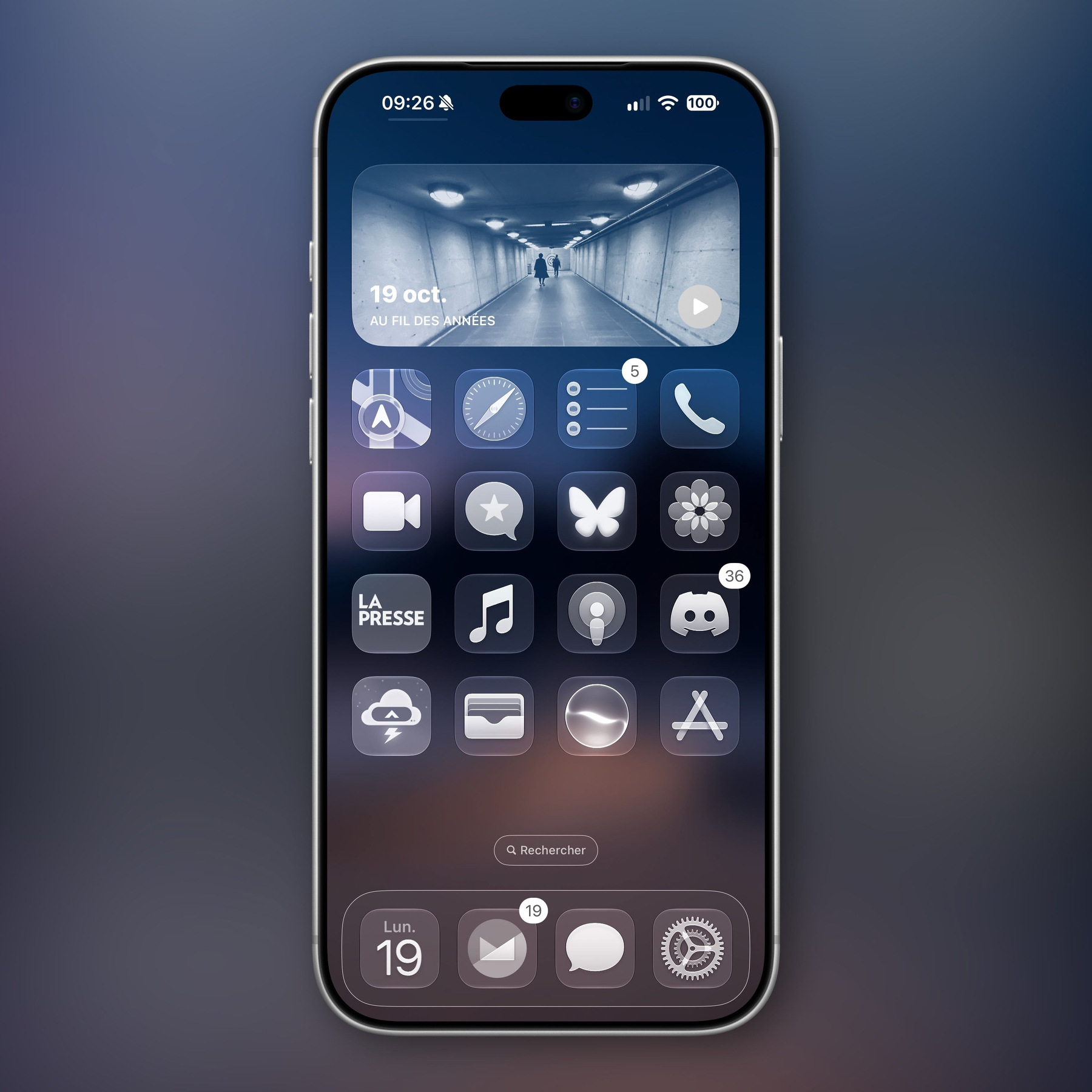
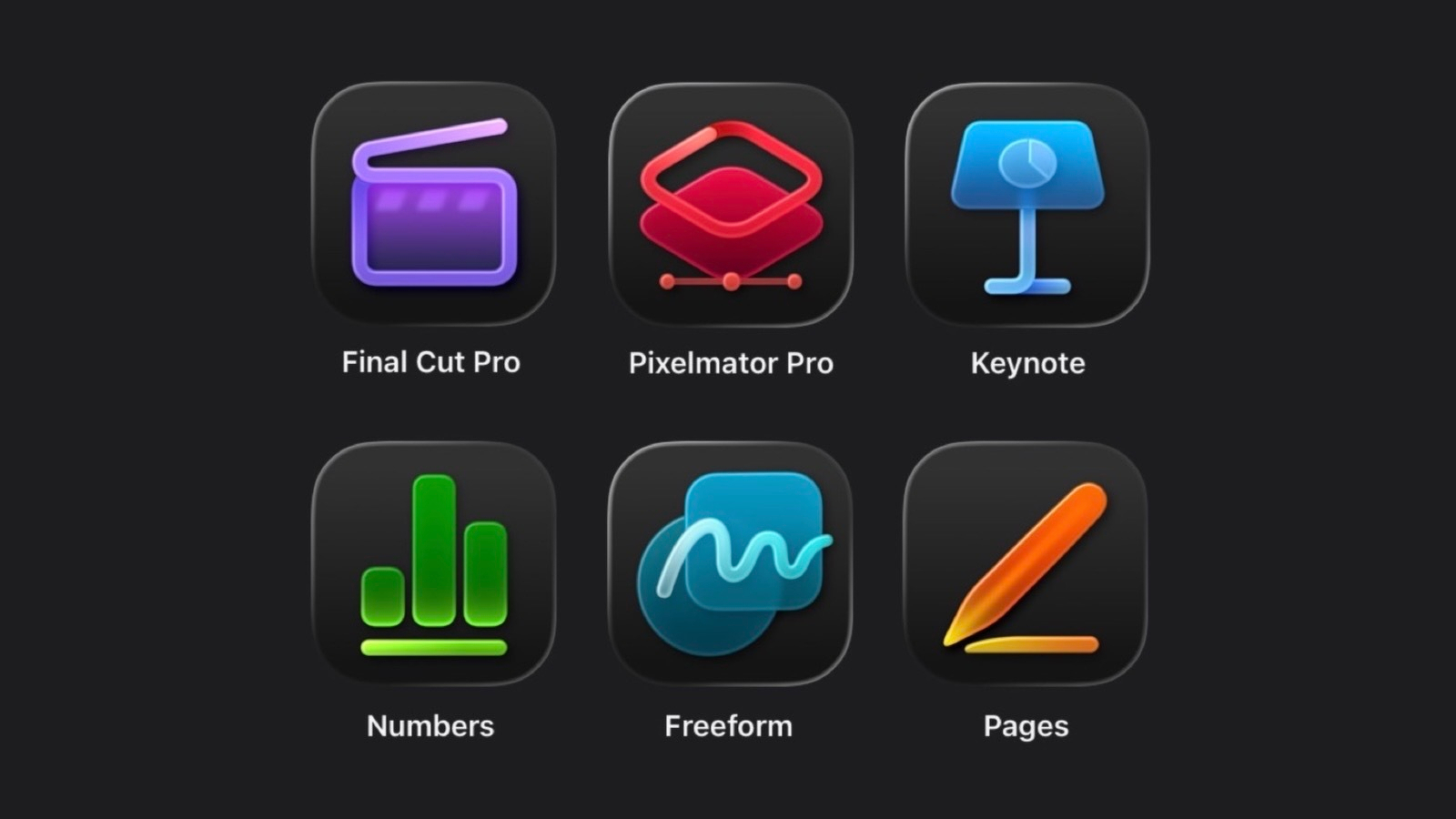
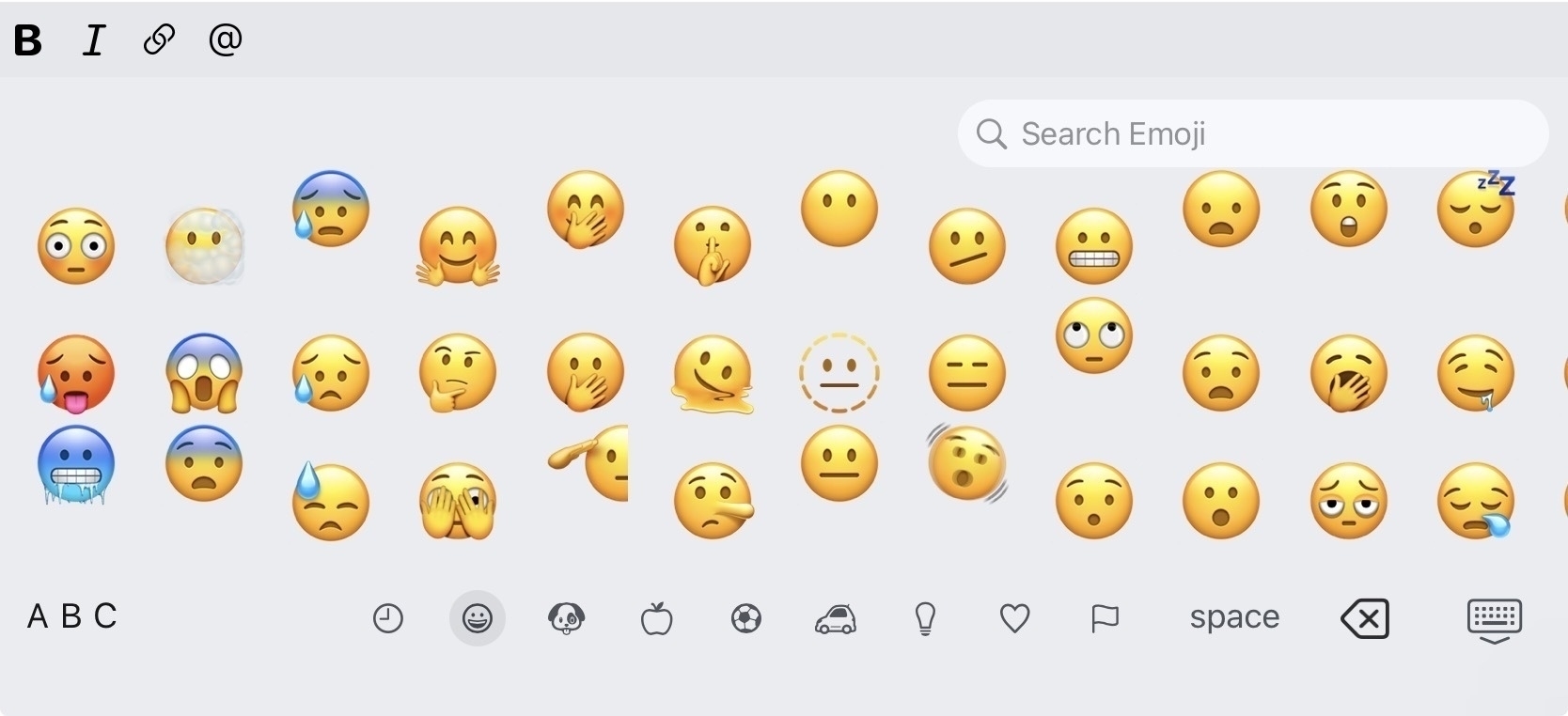
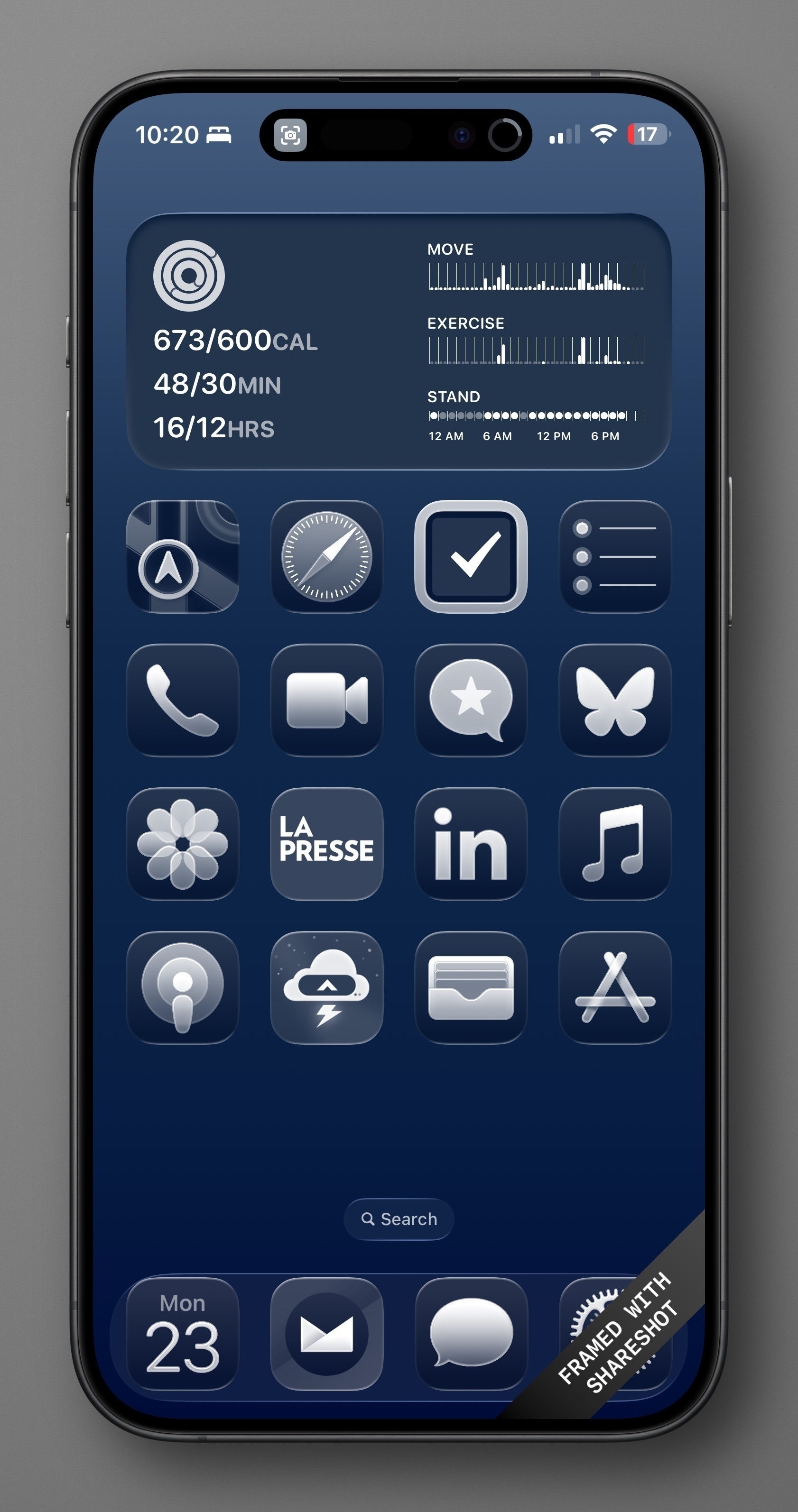
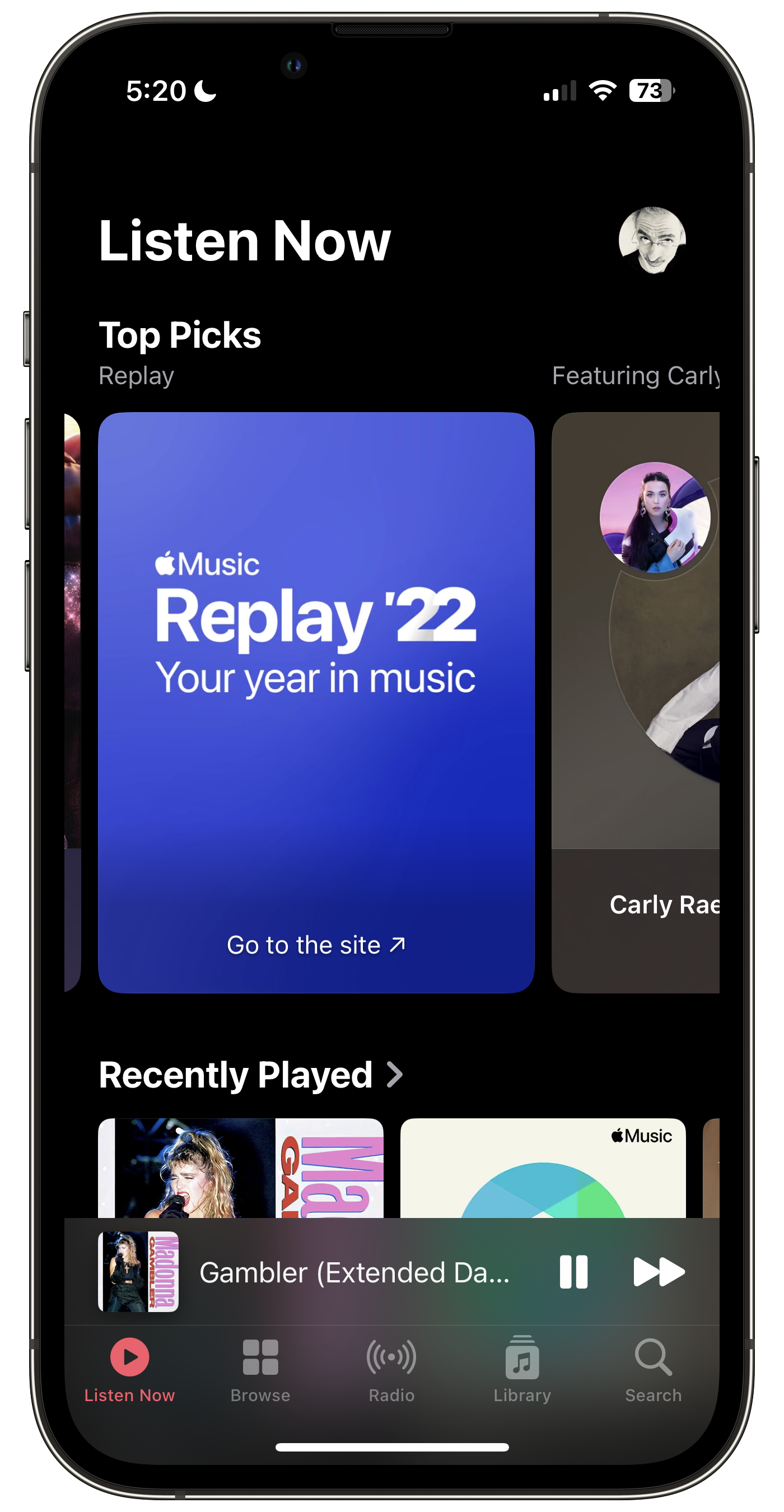
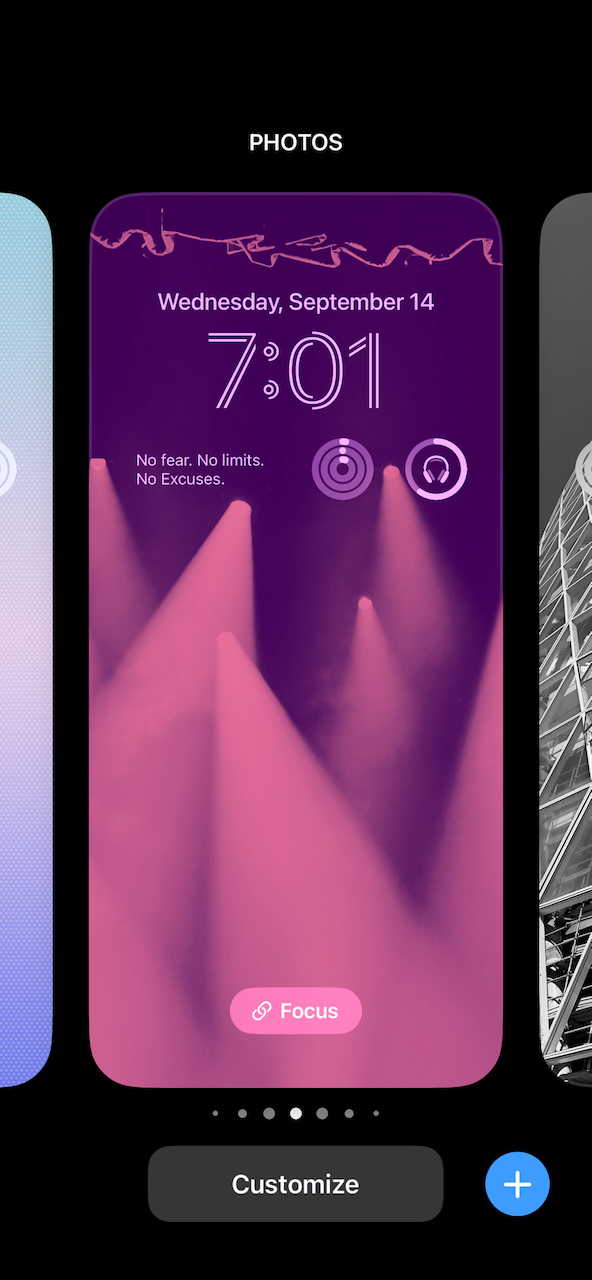
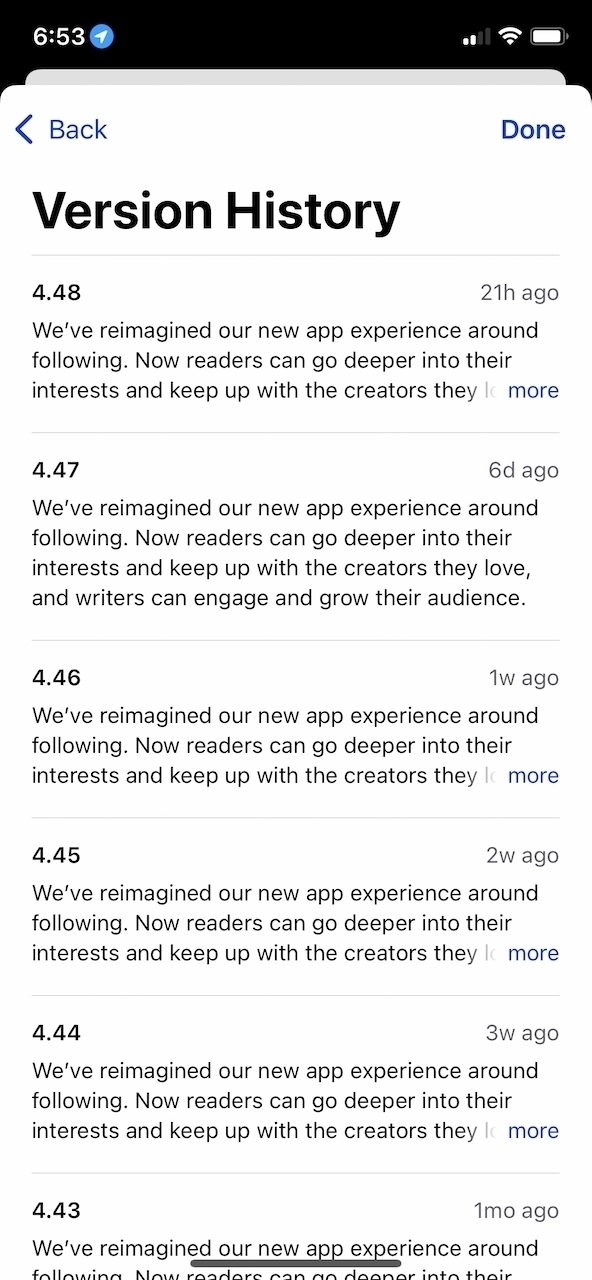
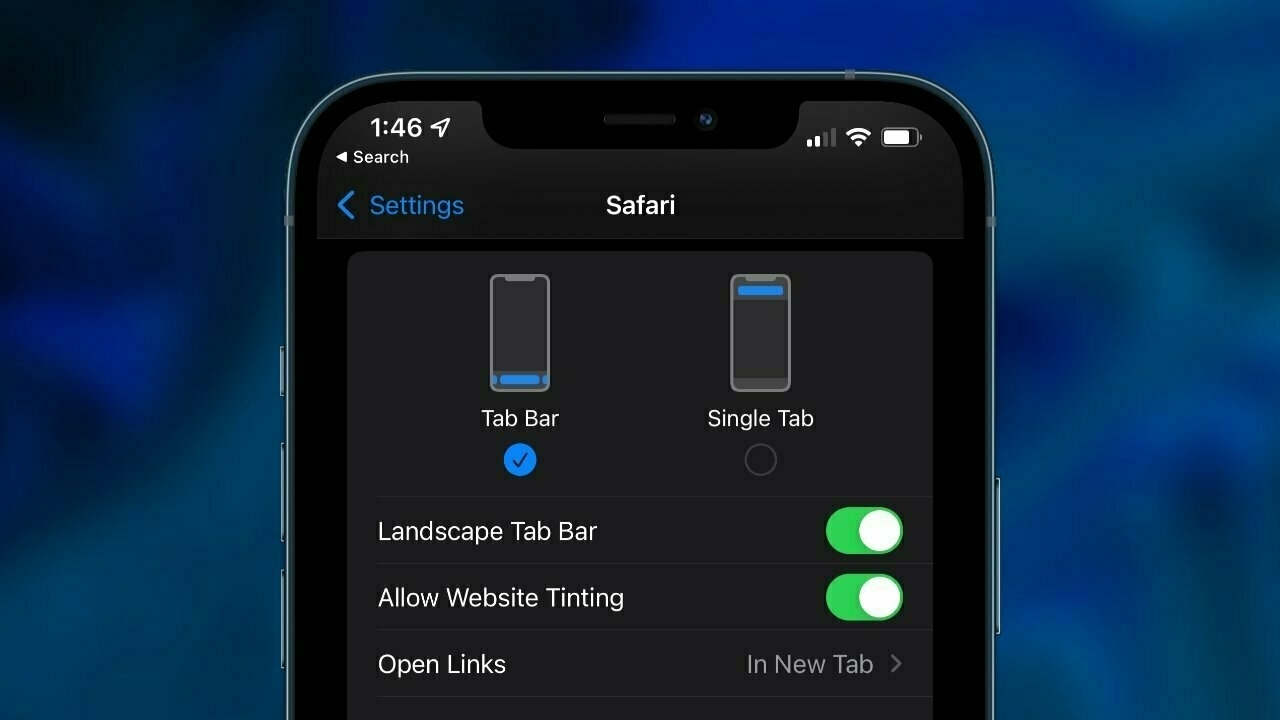
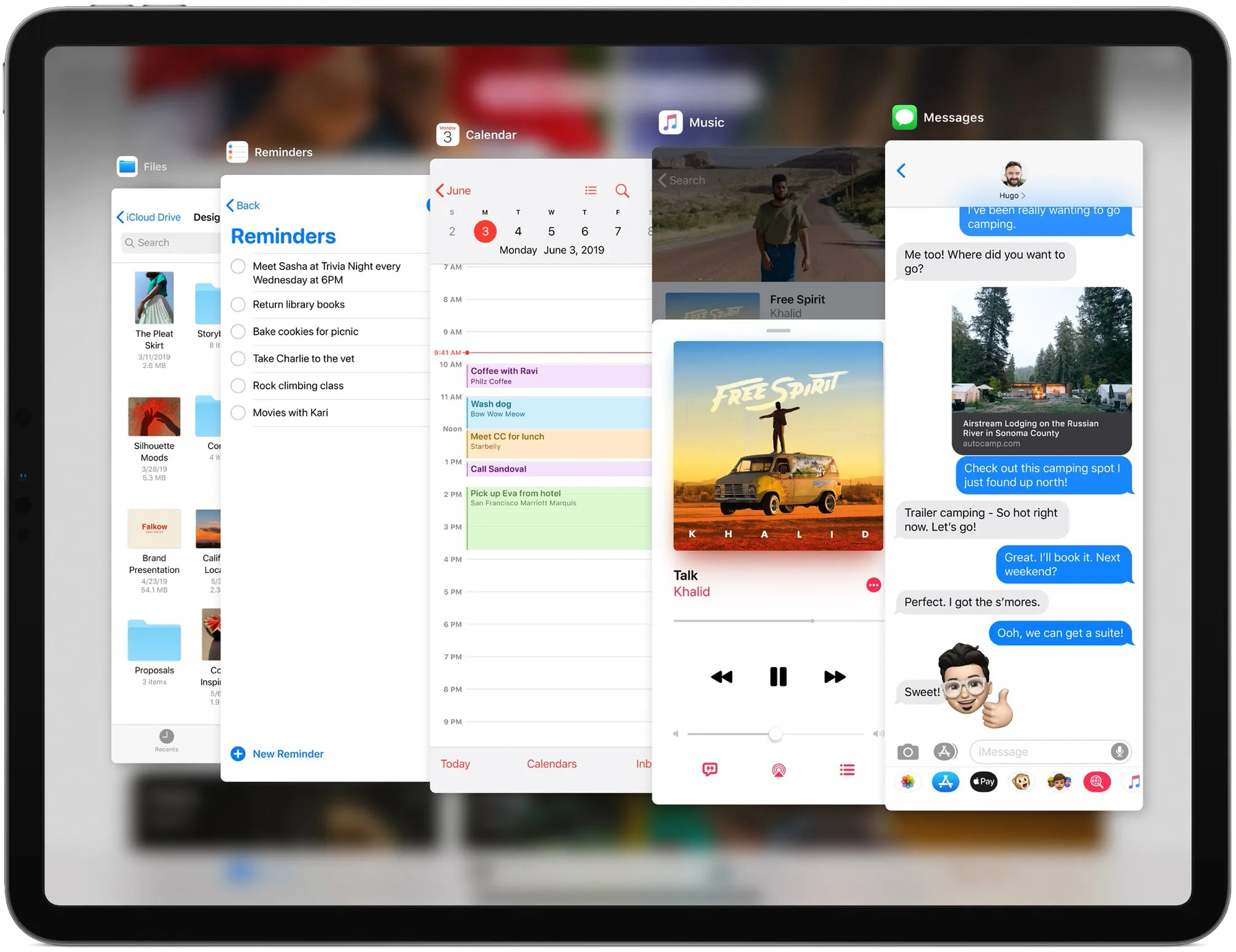
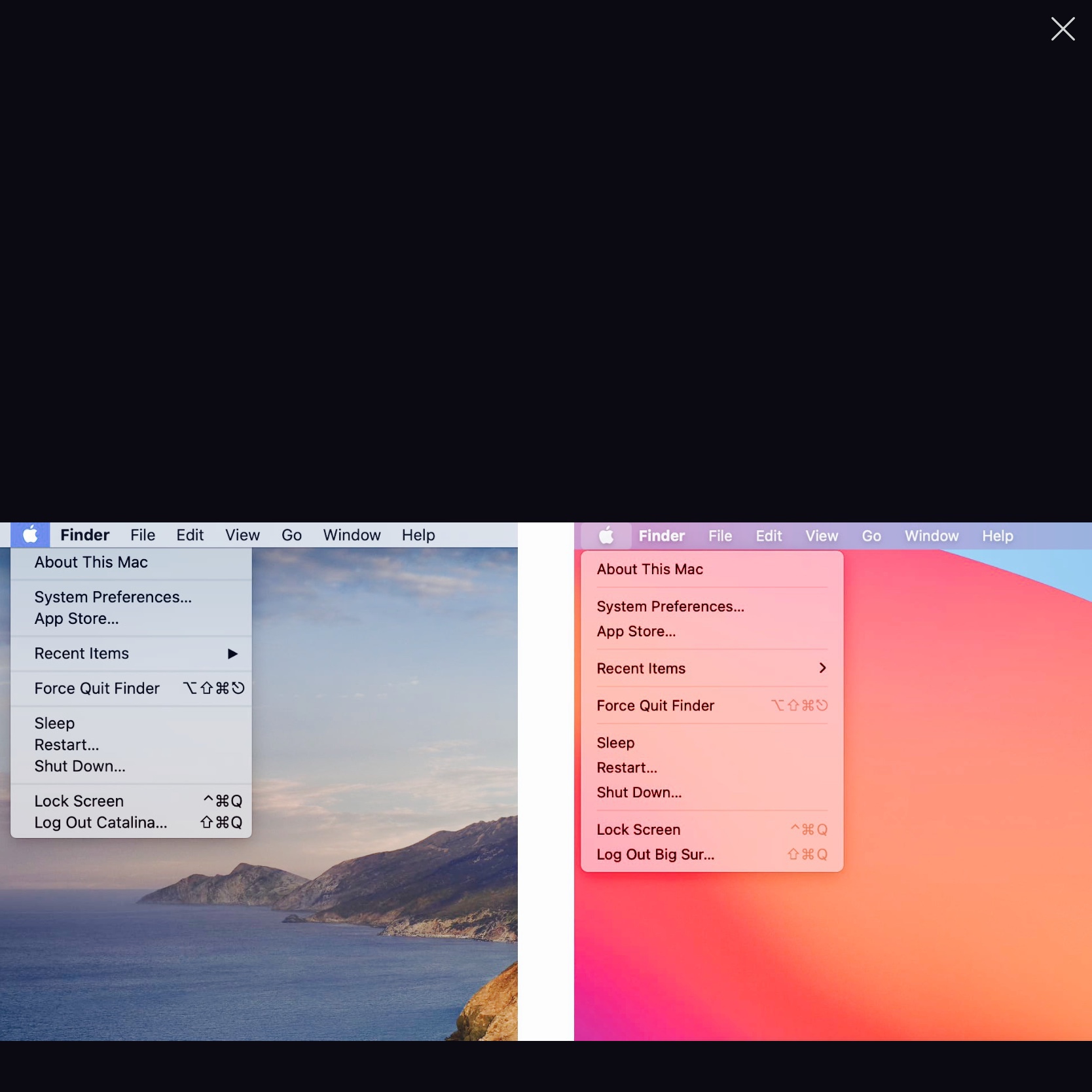
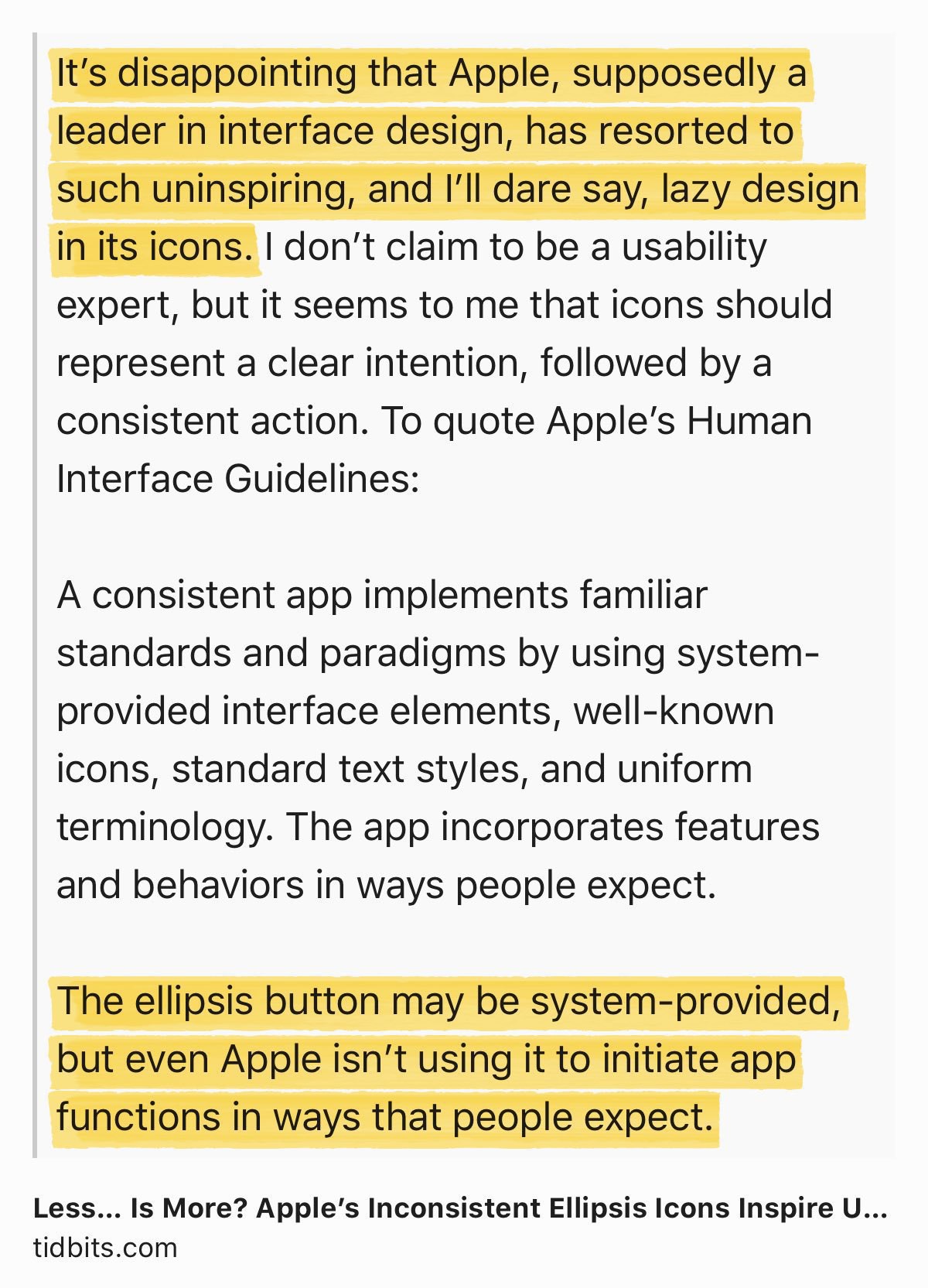
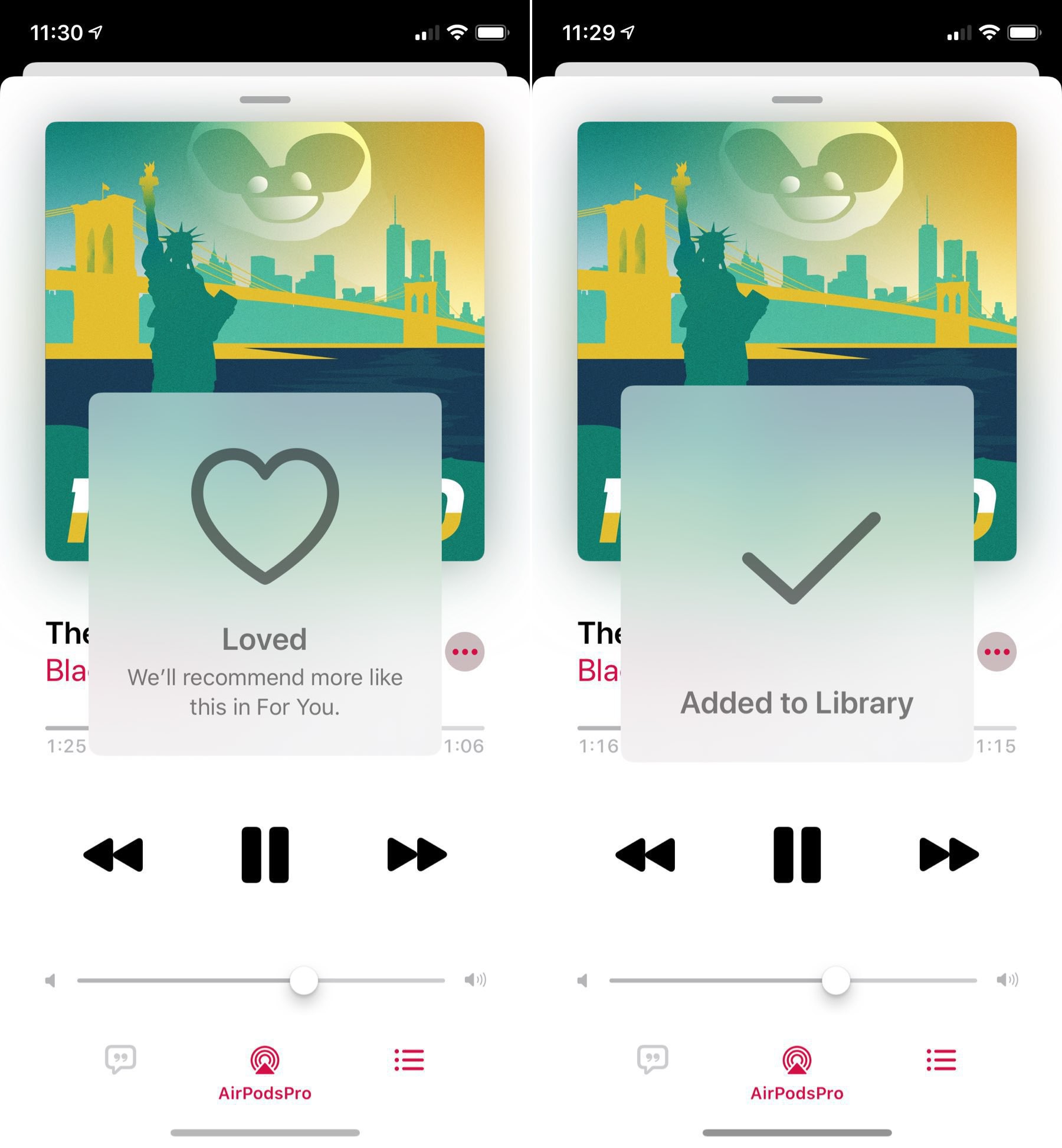
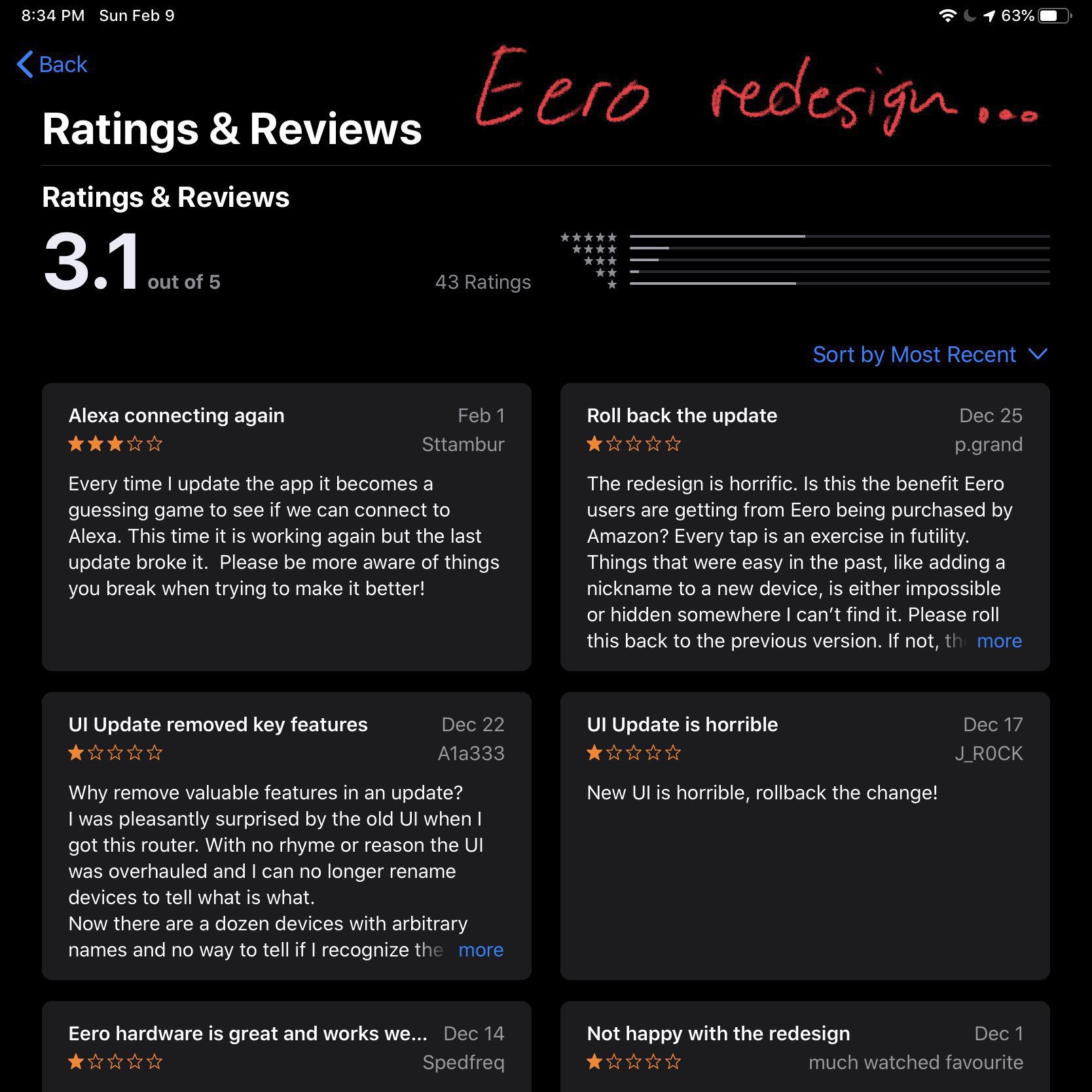
I visited some friends this weekend and talked about Apple’s latest software updates. The general sentiment seems to be that they don’t like the updates (iOS 26 as well as the “new weird and fuzzy look”). Apple no longer delights users. 😔

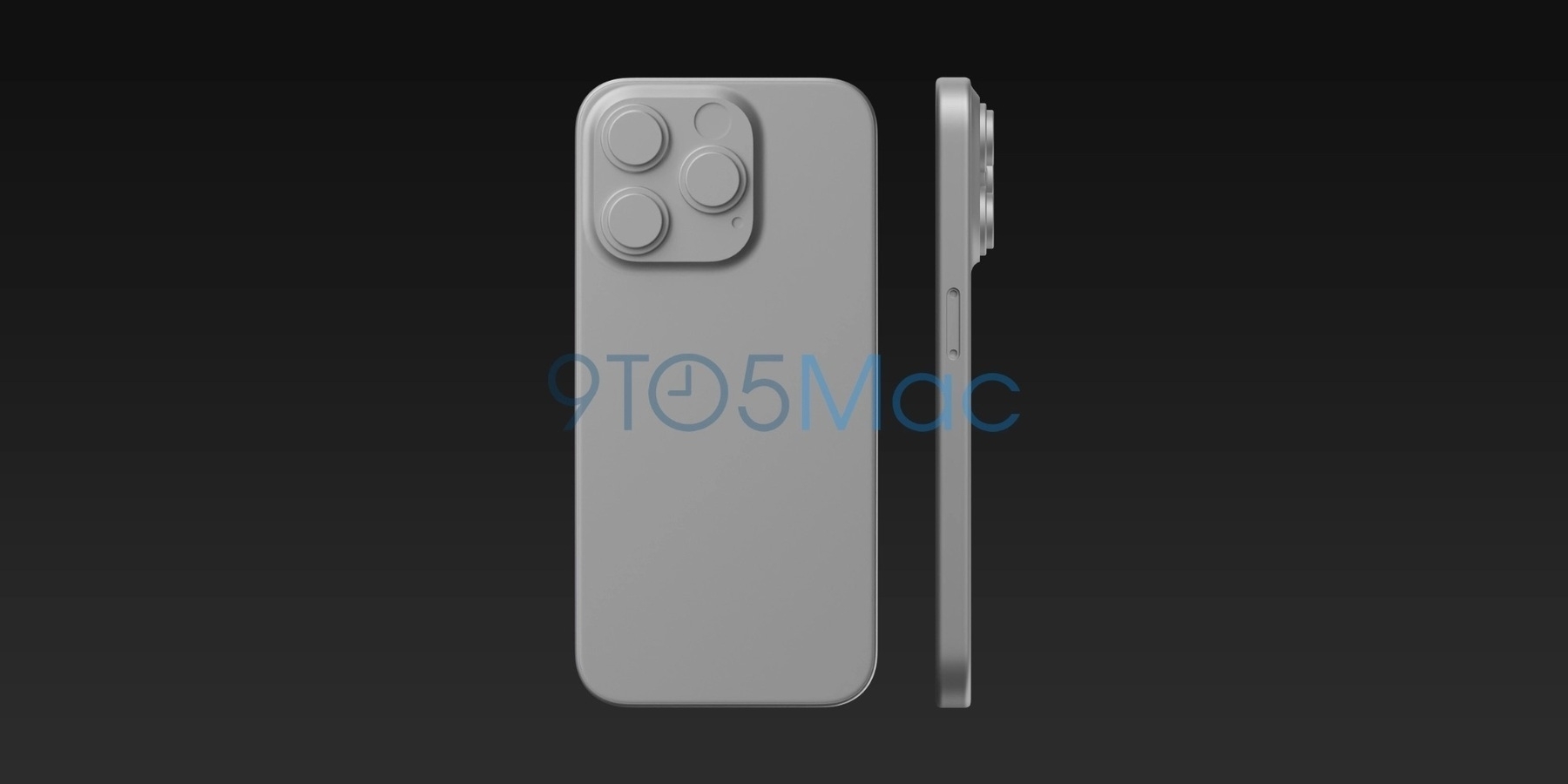
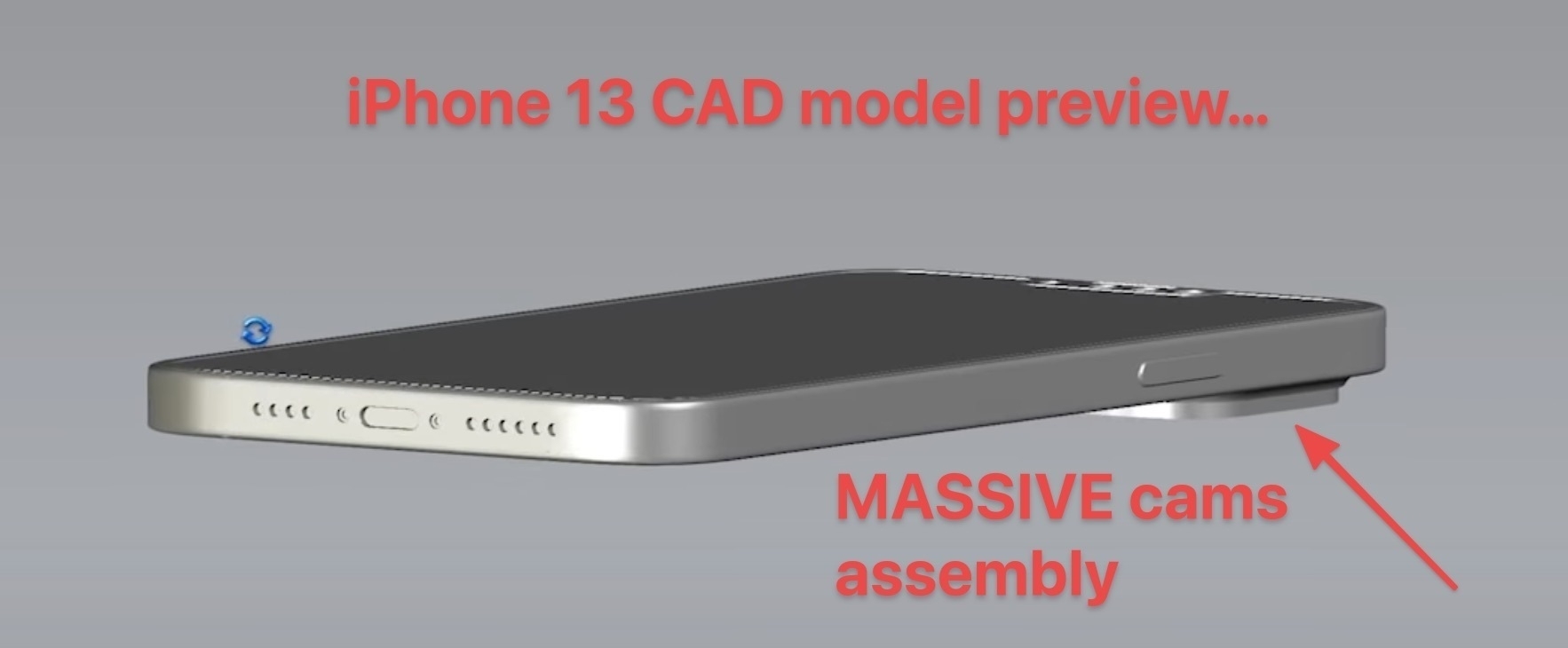
iPhone 18 Pro: Leaker Reveals Alleged Size of Smaller Dynamic Island — MacRumors

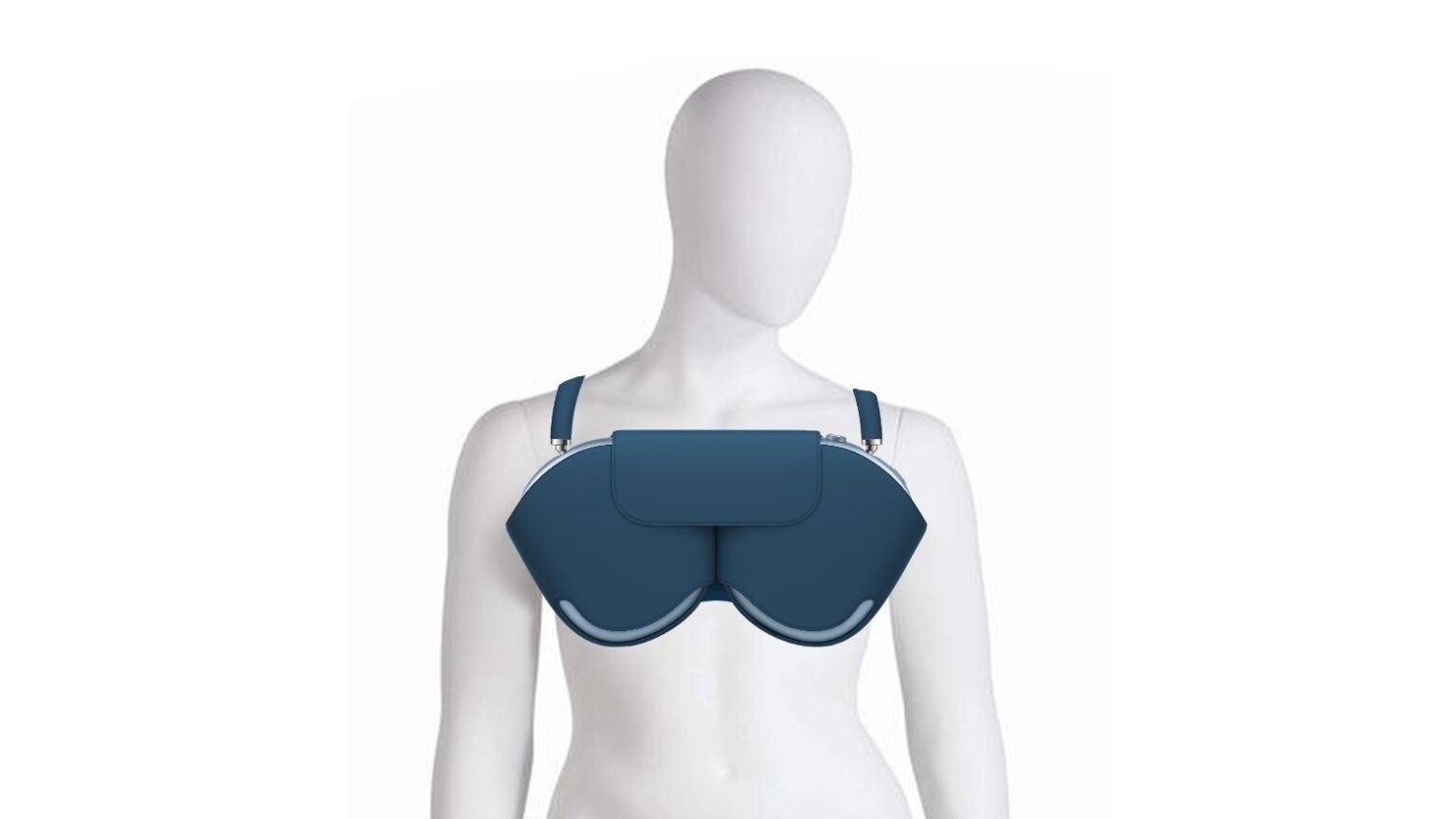
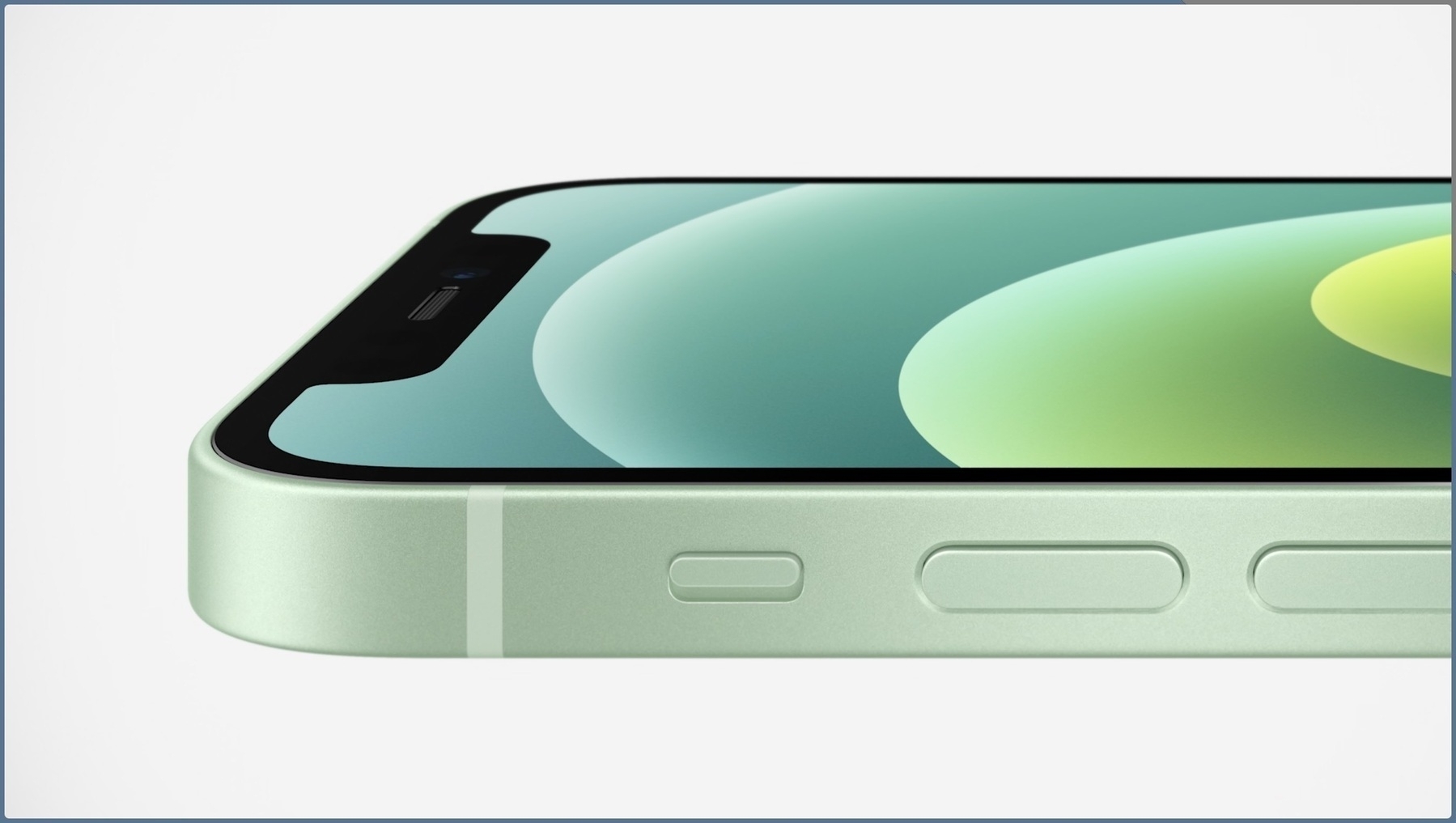
The account “Ice Universe” today claimed the Dynamic Island cutout on the iPhone 18 Pro models will be approximately 35% narrower than it is on the iPhone 17 Pro models. Specifically, they said it will have a width of around 13.5mm, down from around 20.7mm, and they shared the mockup image above to show what it would look like.

When Apple eliminates the camera and sensor cutout from the display, maybe next year or the year after, what will happen with the dynamic island? My take is that the dynamic island continues to show content popping up from the top of the screen, just like before.

Intel puts consumer chip production on back burner as datacenters make a run on Xeons — The Register

If you notice PC prices creeping up over the next few months, the rising cost of memory won’t be the only reason, because on Thursday Intel said it is reallocating foundry capacity from client chips to meet surging demand for Xeon processors used in AI servers.

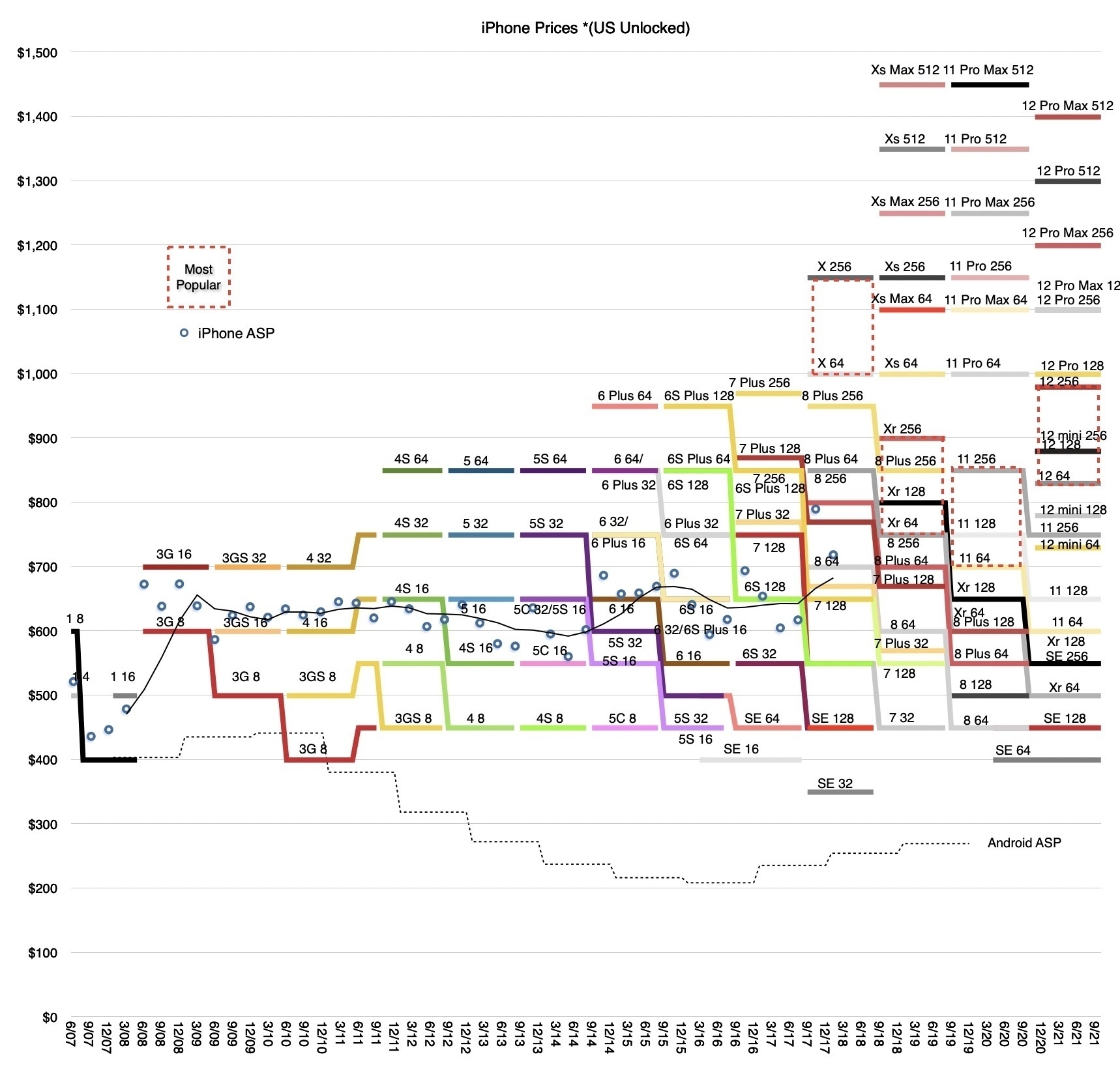
I wonder if Apple can manage to keep iPhone prices stable this fall with the release of the iPhone 18. They are certainly facing headwinds.

So far this year, AI and Claude Code have completely changed my plans to learn writing extensive Apple Shortcuts. In fact, I would even argue that Apple has to find a way to enable a Claude Code like experience to write Apple Shortcuts (and why not AppleScript while at it).

Asking Claude Code to suggest new features and improvements for my photo-sharing app is a lot of fun. Reviewing the list, I see several valid suggestions. However, as a “product manager”, I must decide what gets implemented and what does not. It’s kind of a power trip. You know “A thousand no for each yes”? 😎

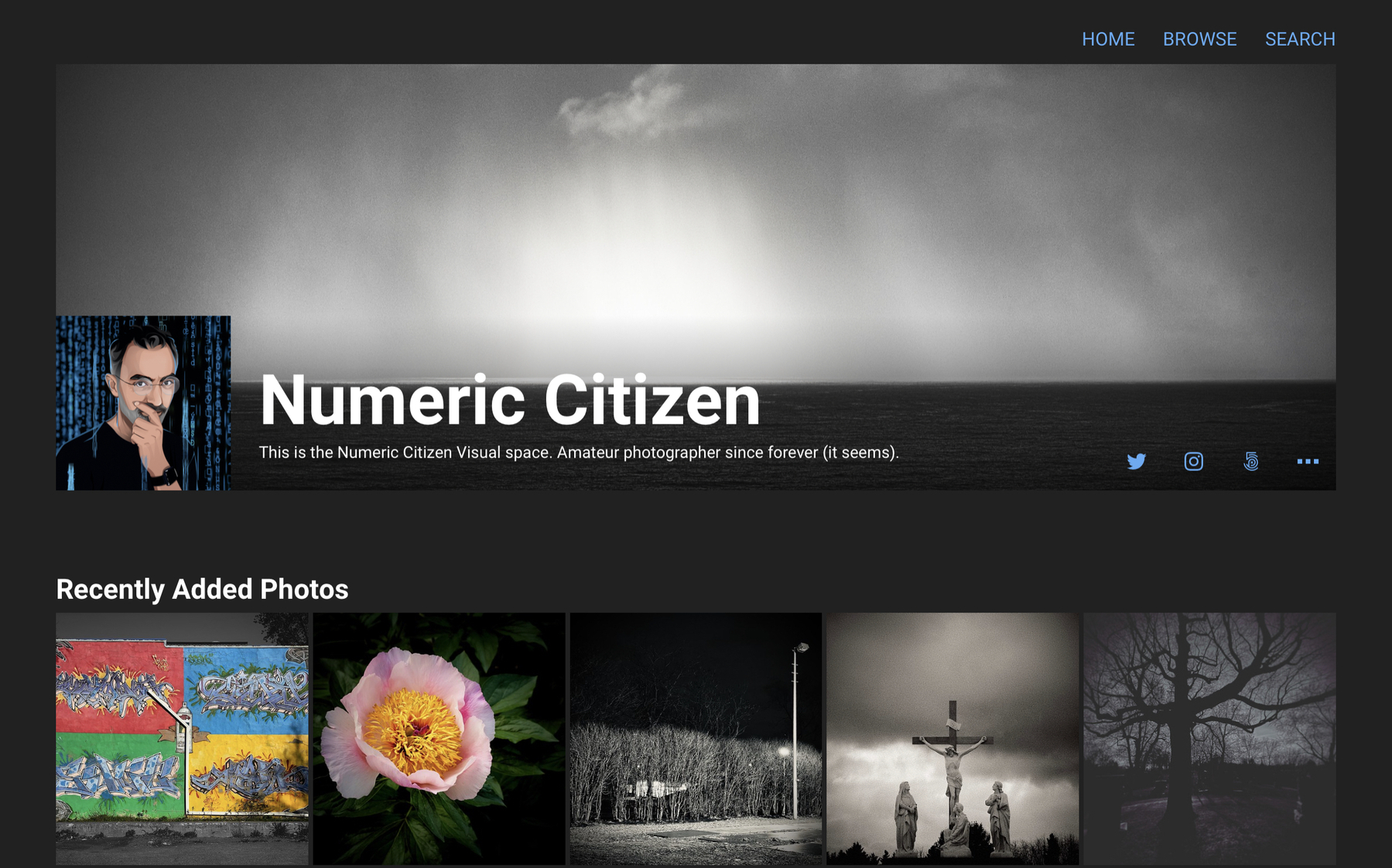
I'm rebuilding Flickr!

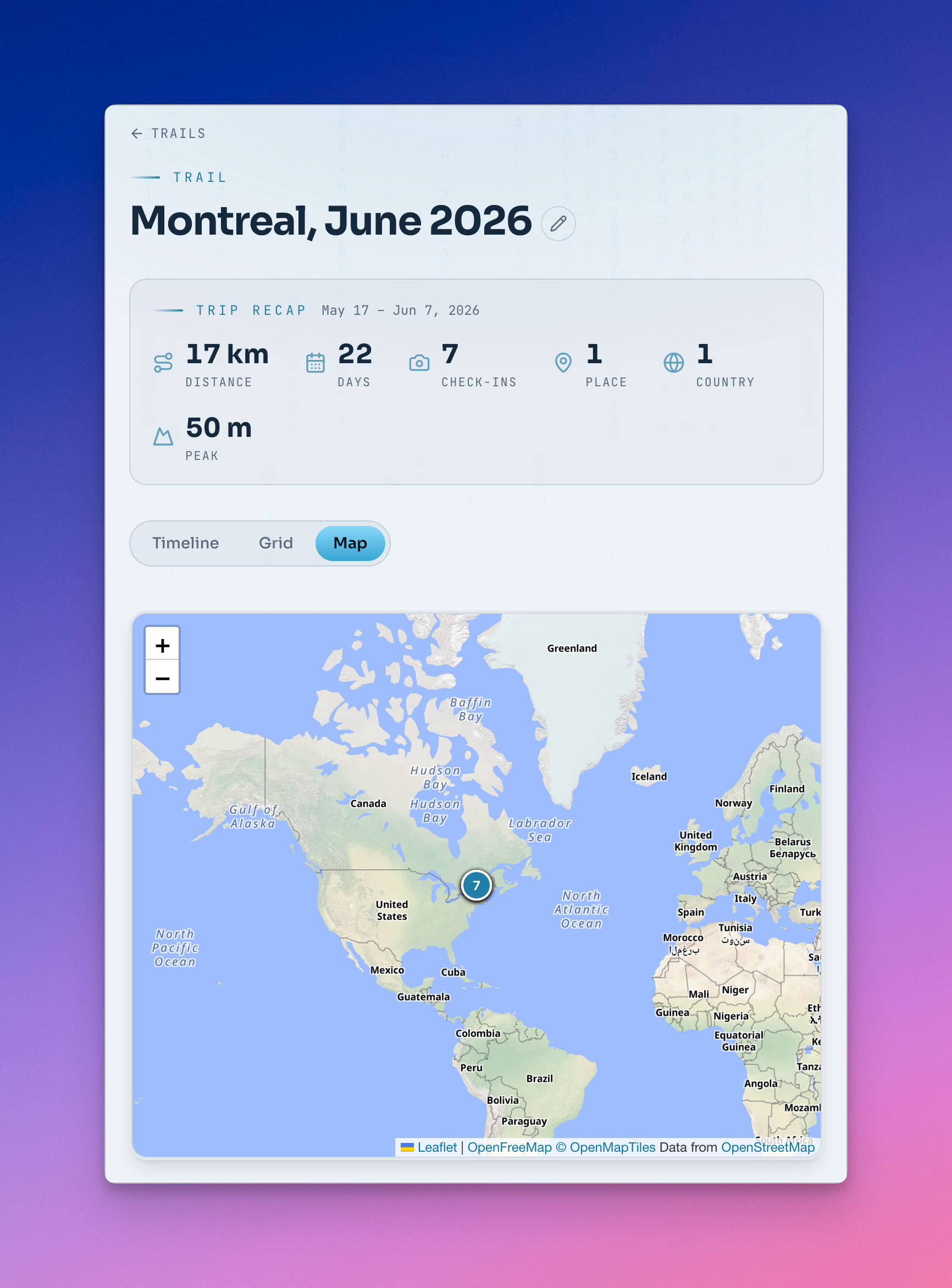
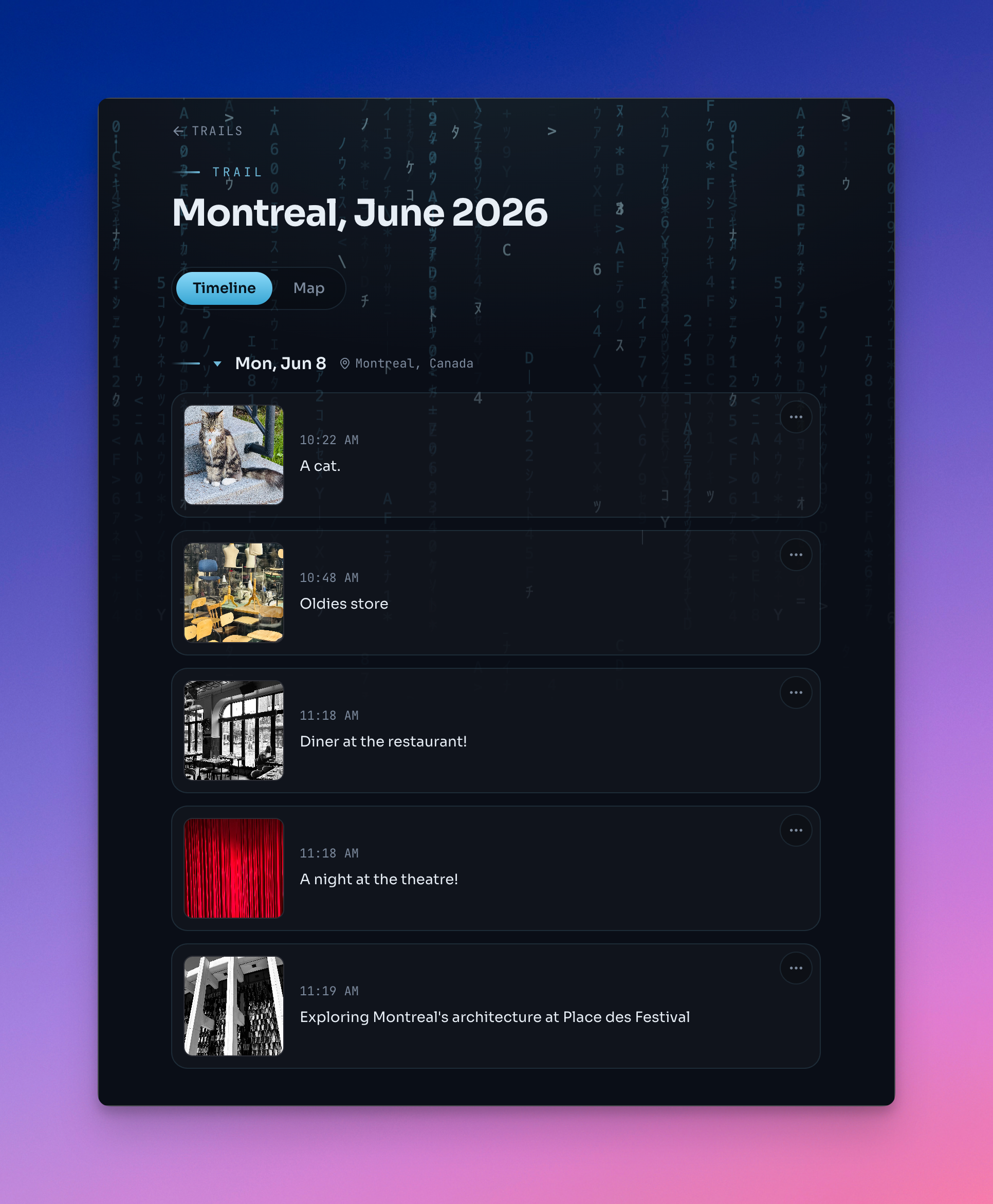
Well, maybe not, but here’s a description of my recently created photo-sharing webapp. And I have many more ideas to improve this.

Photo Sharing WebApp - Feature Overview

A modern, full-stack travel photo gallery built with Next.js 15, featuring intelligent photo management, interactive maps, and seamless cloud storage integration.


🌟 Highlights

  • Zero-Database Architecture: Uses Vercel Blob for photos and Redis (via Vercel KV) for metadata
  • Privacy Controls: Public, unlisted, and private album visibility options
  • Interactive World Map: Displays photo locations extracted from EXIF GPS data
  • Responsive Design: Optimized for all devices from mobile to desktop
  • Admin Panel: Complete photo management without leaving the browser

Album Management

  • Collapsible Albums: Each travel album can be expanded or collapsed independently
  • Smart Defaults: Most recent album automatically expands on page load
  • Album Metadata: Title, description, and date for each collection
  • Privacy Levels:
    • Public: Visible to everyone on the homepage
    • Unlisted: Only accessible via direct link
    • Private: Visible only to authenticated admins

Photo Display

  • Grid Layout Options: Three display modes to suit your preference
    • Comfortable: Spacious 2-5 column grid with square thumbnails
    • Compact: Dense 3-6 column grid for maximum photos per screen
    • Masonry: Pinterest-style layout preserving original aspect ratios
  • Layout Persistence: Grid preference saved in browser localStorage
  • Newest First: Photos automatically sorted by upload date (newest at top-left)
  • Rounded Thumbnails: Modern, elegant aesthetic with subtle shadows
  • Hover Effects: Smooth scale and brightness animations on interaction
  • Upload Date Display: Shows when each photo was added (in comfortable/masonry modes)
  • Full-Screen Experience: Distraction-free photo viewing
  • Navigation Controls:
    • Keyboard arrows (← →) for previous/next
    • On-screen navigation buttons
    • ESC key to close
  • Photo Captions: Optional descriptions displayed below photos
  • Smooth Transitions: Animated photo changes with loading states
  • Mobile Optimized: Touch-friendly controls and responsive sizing

Interactive Features

  • World Map Integration:
    • Leaflet-based interactive map
    • Clustered markers for photos with GPS coordinates
    • Click markers to view photos from that location
    • Automatic bounds fitting to show all locations
    • Album information in marker popups
  • Random Featured Photo:
    • Displays a random photo from all albums on homepage
    • Changes on each page load
    • Shows caption if available
  • Mini Thumbnails:
    • Collapsed albums show preview of first 5 photos
    • Smooth animation on expand/collapse
    • Photo count badge for albums with 6+ photos

Content Syndication

  • RSS Feed: Subscribe to new photo uploads at /feed.xml
  • Analytics: Vercel Analytics integration for visitor tracking

🔐 Admin Panel Features

Authentication

  • Vercel Authentication: Secure login using your Vercel account
  • Protected Routes: /admin and sub-routes require authentication
  • Session Management: Logout functionality with redirect

Album Management

  • Create Albums:
    • Title (required)
    • Description (optional)
    • Date (optional, ISO format)
    • Privacy setting (public/unlisted/private)
  • Edit Albums:
    • Update all metadata including privacy settings
    • Inline editing interface
    • Cancel without saving
  • Delete Albums:
    • Confirmation dialog before deletion
    • Automatically deletes all photos in album
    • Removes both metadata and blob files

Photo Management

  • Bulk Upload:
    • Multi-file selection support
    • Drag-and-drop interface
    • Progress tracking for each file
    • Batch processing with individual status indicators
    • Total size calculation before upload
  • Upload Features:
    • Automatic EXIF extraction (GPS, camera, capture settings)
    • Optional captions (for single photo uploads)
    • Format support: JPG, PNG, WebP, and more
    • Visual upload progress bar
    • Success/error status for each file
  • Photo Organization:
    • Clickable photo count badges link to management page
    • Grid view of all photos in an album
    • Displays metadata: upload date, GPS, camera info
    • Empty state with call-to-action
  • Delete Photos:
    • Individual photo deletion from management page
    • Confirmation dialog with photo caption
    • Removes both Vercel Blob file and metadata
    • Instant UI update on successful deletion

Admin Dashboard

  • Album Overview:
    • List of all albums (sorted by date, newest first)
    • Photo count for each album
    • Privacy status indicators with icons
    • Quick access buttons (Edit, Upload, Manage, Delete)
  • Status Indicators:
    • 🌍 Public: Green badge with globe icon
    • 🔗 Unlisted: Yellow badge with link icon
    • 🔒 Private: Red badge with lock icon
  • Responsive Layout: Optimized for tablet and mobile management

🛠️ Technical Architecture

Frontend

  • Framework: Next.js 15 with App Router
  • Language: TypeScript for type safety
  • Styling: Tailwind CSS with custom configurations
  • Icons: Lucide React for consistent iconography
  • Image Optimization: Next.js Image component with automatic optimization
  • State Management: React hooks (useState, useEffect)
  • Client-Side Rendering: Dynamic imports for map components (SSR bypass)

Backend

  • API Routes: Next.js server-side API endpoints
  • File Upload: FormData with multipart handling
  • EXIF Parsing: exif-parser library for metadata extraction
  • Image Processing: Automatic format conversion and compression

Storage & Database

  • Photo Storage: Vercel Blob (CDN-backed object storage)
  • Metadata Storage: Redis via Vercel KV Marketplace integration
  • Database Client: ioredis for Redis connections
  • Data Structure:
    • Albums stored as JSON array in albums key
    • Photos stored per album in photos:{albumId} keys
    • No SQL database required

Deployment

  • Platform: Vercel
  • Environment:
    • BLOB_READ_WRITE_TOKEN: Vercel Blob access
    • KV_REDIS_URL: Redis connection string
  • CDN: Automatic edge caching for photos and pages
  • Domain: Custom domain support with automatic SSL

📊 Data Models

Album

{
  id: string;                          // album_timestamp_random
  title: string;                       // "Japan 2025"
  description: string;                 // Trip description
  date: string;                        // ISO date "2025-01-15"
  createdAt: number;                   // Unix timestamp
  visibility: "public" | "unlisted" | "private";
}

Photo

{
  id: string;                          // photo_timestamp_random
  albumId: string;                     // Reference to album
  blobUrl: string;                     // Vercel Blob URL
  caption?: string;                    // Optional description
  uploadedAt: number;                  // Unix timestamp
  metadata?: {
    gps?: {
      latitude: number;
      longitude: number;
      altitude?: number;
    };
    camera?: {
      make?: string;                   // "Canon"
      model?: string;                  // "EOS R5"
      lens?: string;
    };
    capture?: {
      dateTaken?: string;              // When photo was taken
      exposureTime?: string;           // "1/1000"
      fNumber?: number;                // 2.8
      iso?: number;                    // 100
      focalLength?: number;            // 50mm
    };
    dimensions?: {
      width: number;
      height: number;
    };
    orientation?: number;
  };
}

🎯 User Flows

Visitor Journey

  1. Land on homepage → See random featured photo
  2. View interactive world map with photo locations
  3. Browse albums (newest expanded by default)
  4. Click photo → Open lightbox viewer
  5. Navigate with arrows or keyboard
  6. Subscribe to RSS feed for updates

Admin Journey

  1. Navigate to /admin → Vercel auth redirect
  2. View dashboard with all albums and photo counts
  3. Create new album: Click “Create Album” → Fill form → Set privacy
  4. Upload photos: Click “Upload Photos” → Drag files → Add captions → Upload
  5. Manage photos: Click photo count badge → View grid → Delete unwanted photos
  6. Edit album: Click “Edit” → Update metadata/privacy → Save
  7. Delete album: Click “Delete” → Confirm → Album and all photos removed

🚀 Performance Optimizations

  • Image Optimization: Next.js automatic WebP conversion and lazy loading
  • CDN Caching: Vercel Edge Network caches photos globally
  • Code Splitting: Dynamic imports for heavy components (map)
  • Responsive Images: Multiple sizes served based on viewport
  • Minimal JavaScript: Client-side JS only where needed
  • Fast Page Loads: Static generation where possible
  • Efficient Queries: Single Redis calls for album/photo lists
  • LocalStorage: Grid layout preference cached client-side

🎨 Design Philosophy

Visual Design

  • Color Palette: Blue gradient accents with dark mode support
  • Typography: Clear hierarchy with responsive font sizes
  • Spacing: Generous whitespace for comfortable reading
  • Shadows: Layered depth with hover elevations
  • Animations: Subtle 300ms transitions throughout
  • Icons: Consistent Lucide icon library

User Experience

  • Progressive Disclosure: Collapsed albums reduce cognitive load
  • Keyboard Navigation: Full keyboard support in lightbox
  • Touch Optimization: Tap targets sized for mobile
  • Loading States: Spinners and skeletons during data fetches
  • Error Handling: User-friendly error messages
  • Confirmation Dialogs: Prevent accidental deletions

Accessibility

  • Semantic HTML: Proper heading hierarchy
  • Focus States: Visible keyboard focus indicators
  • Alt Text: Image descriptions for screen readers
  • Color Contrast: WCAG AA compliance
  • Responsive Design: Works on all screen sizes

📈 Use Cases

Personal Travel Blog

  • Document trips with organized photo albums
  • Share adventures with family and friends
  • Keep private memories secure with privacy controls

Photography Portfolio

  • Showcase work by location or project
  • Professional presentation with grid layouts
  • Metadata display for technical details

Family Photo Sharing

  • Create unlisted albums for family-only access
  • Easy upload from mobile devices
  • No complicated software required

Educational Projects

  • Demonstrate modern web development practices
  • Showcase Next.js 15 App Router patterns
  • Example of cloud storage integration

🔮 Future Enhancement Ideas

Photo Features

  • Bulk photo deletion (select multiple)
  • Photo reordering (drag-and-drop)
  • Photo editing (crop, rotate, filters)
  • Download full-resolution images
  • Print/photo book export

Search & Discovery

  • Full-text search across captions
  • Tag system for categorization
  • Timeline view (chronological)
  • Favorites/highlights collection

Social Features

  • Photo comments system
  • Social media share buttons
  • Individual photo permalinks
  • Public photo embeds

Analytics

  • View count tracking
  • Popular photos dashboard
  • Storage usage metrics
  • Visitor analytics

Mobile App

  • Native iOS/Android apps
  • Offline photo viewing (PWA)
  • Camera integration for uploads
  • Push notifications for new albums

💡 Why This Architecture?

Serverless-First

  • No server maintenance: Vercel handles infrastructure
  • Auto-scaling: Handles traffic spikes automatically
  • Global CDN: Photos served from edge locations
  • Cost-effective: Pay only for usage

Modern Stack

  • Type Safety: TypeScript catches bugs at compile time
  • React 19: Latest React features and optimizations
  • Next.js 15: App Router for improved performance
  • Tailwind CSS: Utility-first styling for rapid development

Cloud Storage

  • Vercel Blob: Purpose-built for media storage
  • Redis: Fast key-value storage for metadata
  • No database: Simpler architecture, fewer failure points
  • Atomic operations: Redis ensures data consistency

📝 Technical Decisions

Why ioredis instead of @vercel/kv?

The Vercel KV Marketplace integration provides a standard Redis URL, which works better with the ioredis package. This offers more flexibility and standard Redis features.

Why client-side rendering for the homepage?

The random featured photo and map interactions require JavaScript. Client-side rendering provides the most interactive experience while keeping the codebase simple.

Why separate manage page instead of edit-in-place?

Separating photo management from display keeps each view focused and performant. The upload page stays lightweight for quick uploads, while the manage page provides detailed controls.

Why not use a traditional database?

For a photo gallery, the access patterns are simple (list albums, list photos). Redis provides sub-millisecond reads and sufficient storage for metadata, while Vercel Blob handles the large files. This eliminates the need for PostgreSQL/MySQL.


🏗️ Project Structure

voyages-photo-gallery/
├── app/
│   ├── admin/
│   │   ├── manage/[albumId]/       # Photo management page
│   │   ├── upload/[albumId]/       # Photo upload page
│   │   └── page.tsx                # Admin dashboard
│   ├── api/
│   │   ├── admin/
│   │   │   ├── albums/
│   │   │   │   ├── [albumId]/      # Update/delete album
│   │   │   │   └── route.ts        # Create album
│   │   │   ├── photos/
│   │   │   │   └── route.ts        # Delete photo
│   │   │   └── upload/
│   │   │       └── route.ts        # Upload photos
│   │   ├── albums/
│   │   │   └── route.ts            # Get all albums (public)
│   │   ├── photos/
│   │   │   └── route.ts            # Get all photos (public)
│   │   └── auth/                   # Login/logout
│   ├── feed.xml/
│   │   └── route.ts                # RSS feed generation
│   ├── layout.tsx                  # Root layout with Analytics
│   ├── page.tsx                    # Public gallery homepage
│   └── globals.css                 # Global styles
├── components/
│   ├── AlbumSection.tsx            # Collapsible album component
│   ├── GridLayoutToggle.tsx        # Layout switcher
│   ├── Lightbox.tsx                # Photo viewer
│   └── WorldMap.tsx                # Interactive map
├── lib/
│   └── db.ts                       # Redis database functions
├── types/
│   └── index.ts                    # TypeScript type definitions
├── middleware.ts                   # Auth protection
└── package.json                    # Dependencies

🎓 Learning Resources

This project demonstrates:

  • Next.js 15 App Router patterns
  • TypeScript in React applications
  • Tailwind CSS utility-first styling
  • Vercel deployment and storage
  • Redis data modeling
  • EXIF metadata extraction
  • Responsive design principles
  • File upload handling
  • Authentication middleware
  • Dynamic routing
  • Client/server component separation

Perfect for developers learning modern full-stack web development!


📄 License

MIT License - Feel free to use this as a learning resource or starting point for your own projects.


🤝 Contributing

Built with Claude Code - AI-assisted development for rapid prototyping and feature implementation.

Technologies: Next.js 15 • React 19 • TypeScript • Tailwind CSS • Vercel • Redis • Leaflet

Built by: AI enthusiasts exploring the intersection of modern web development and AI-assisted coding