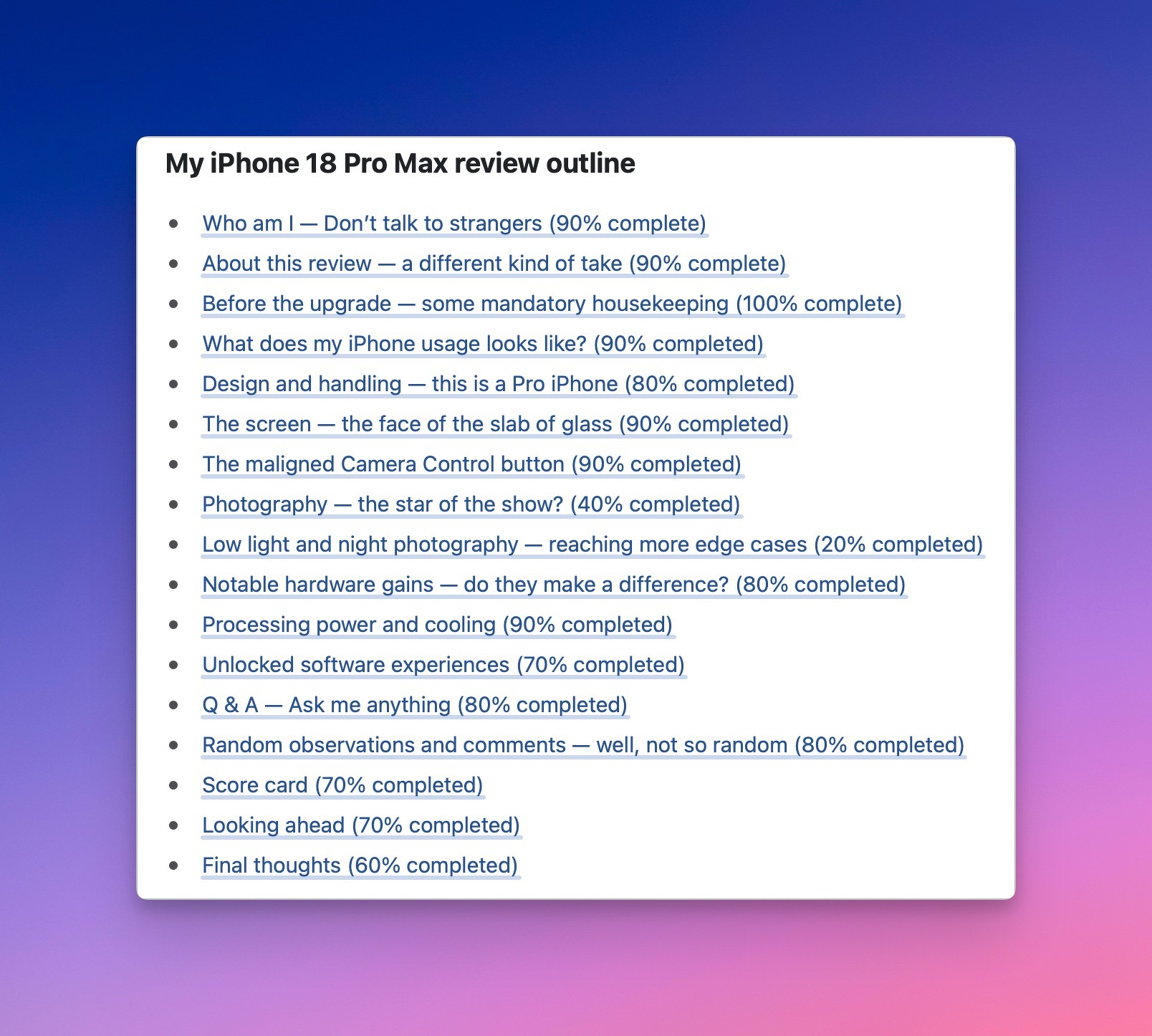
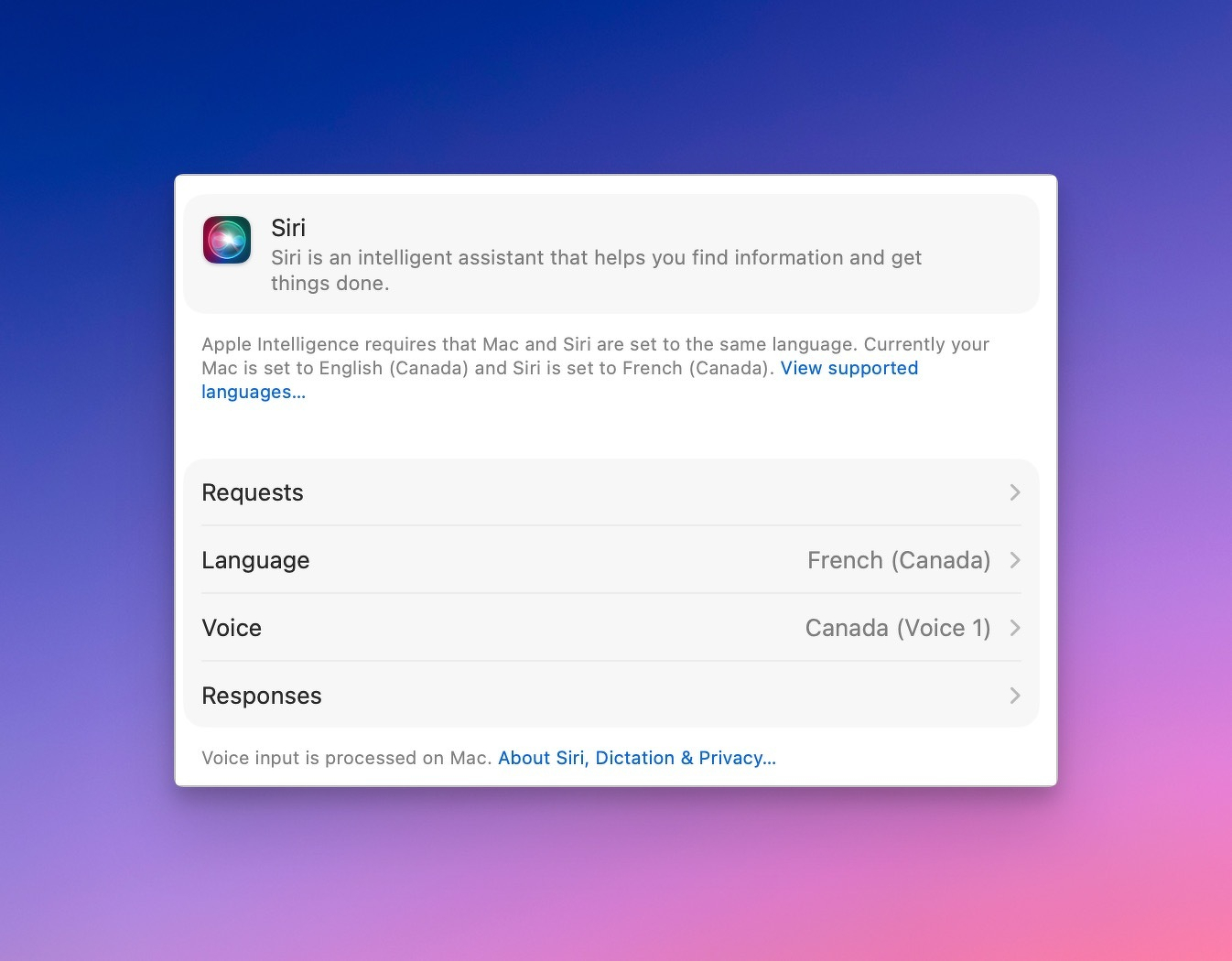
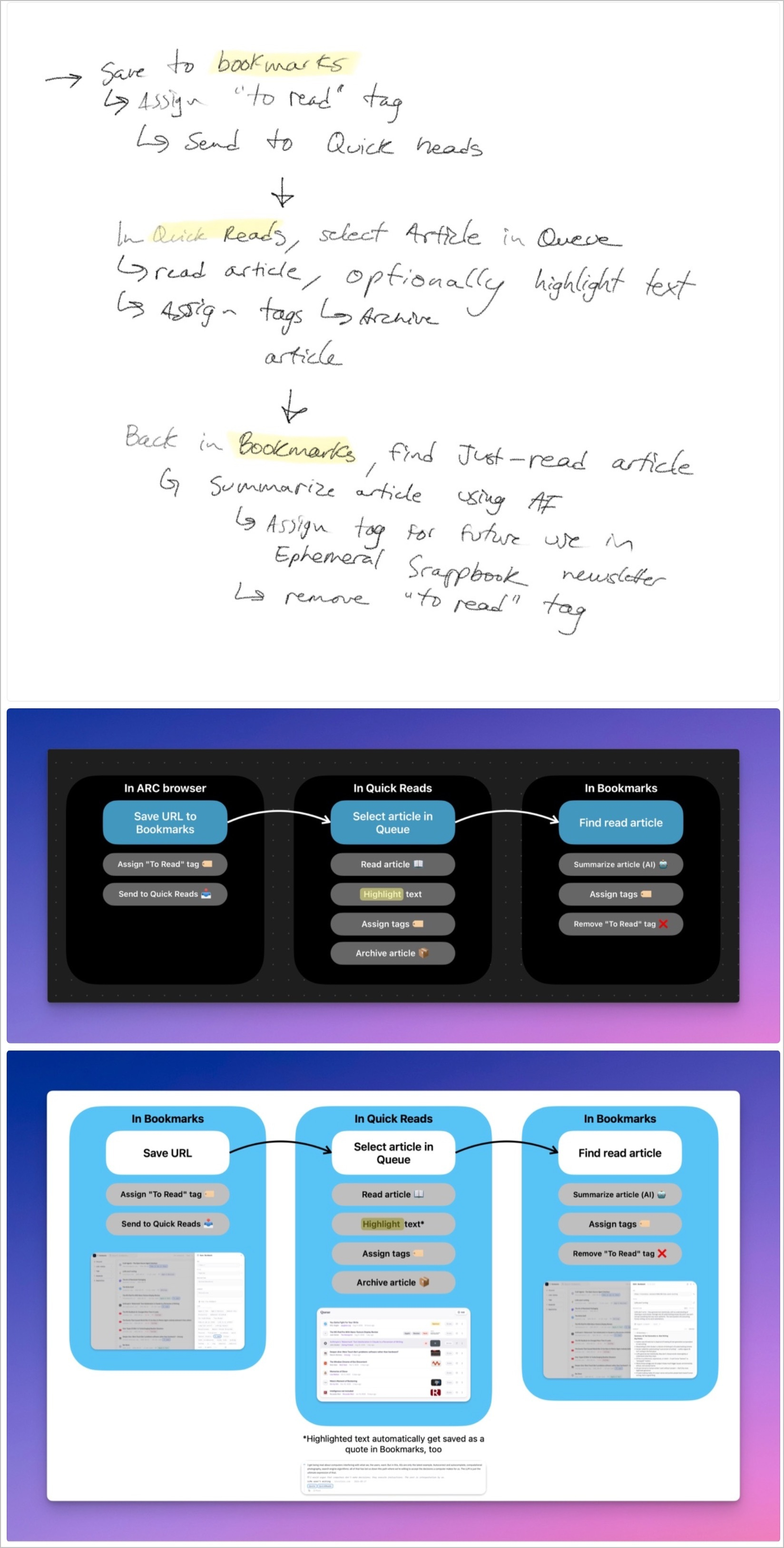
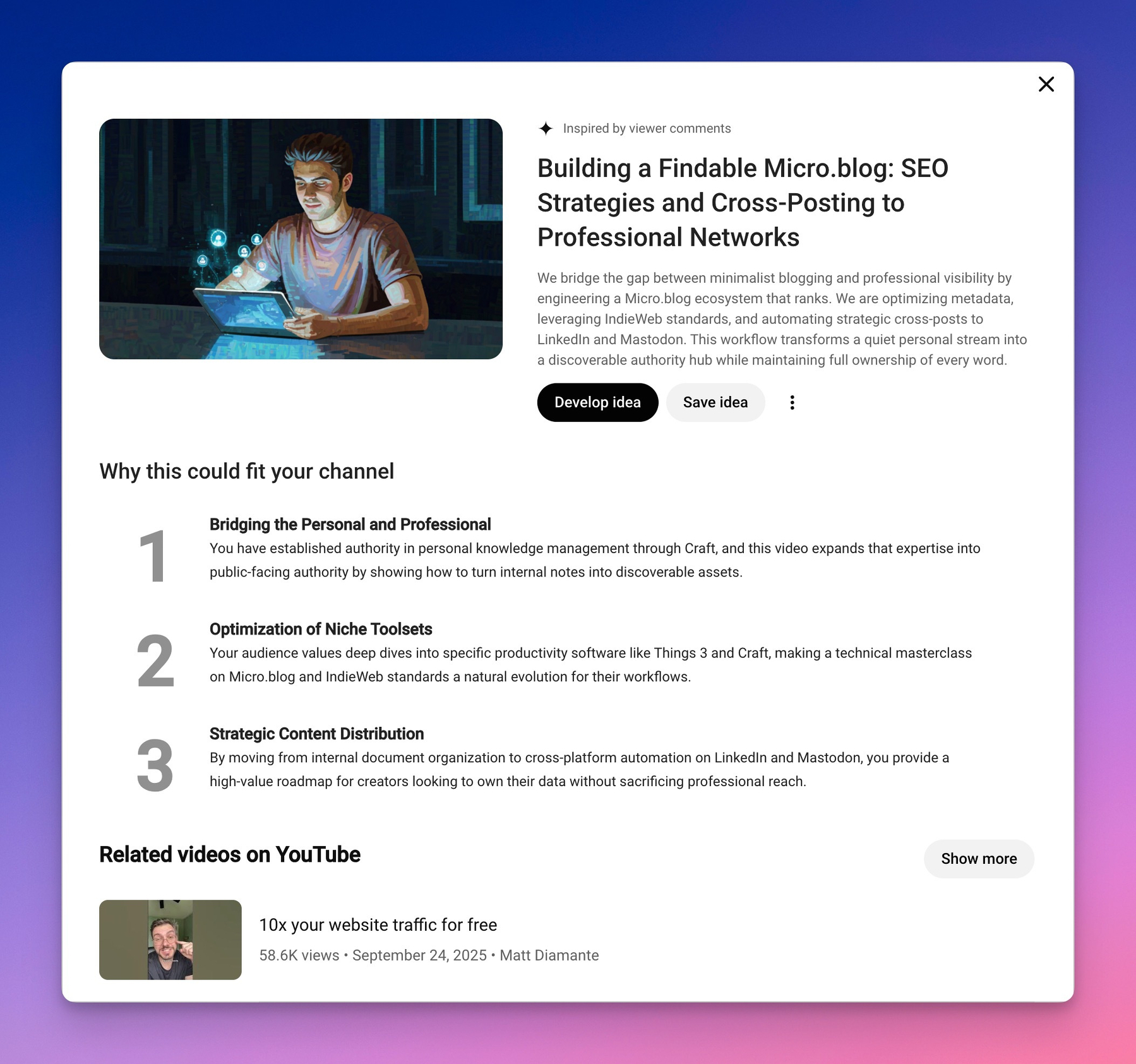
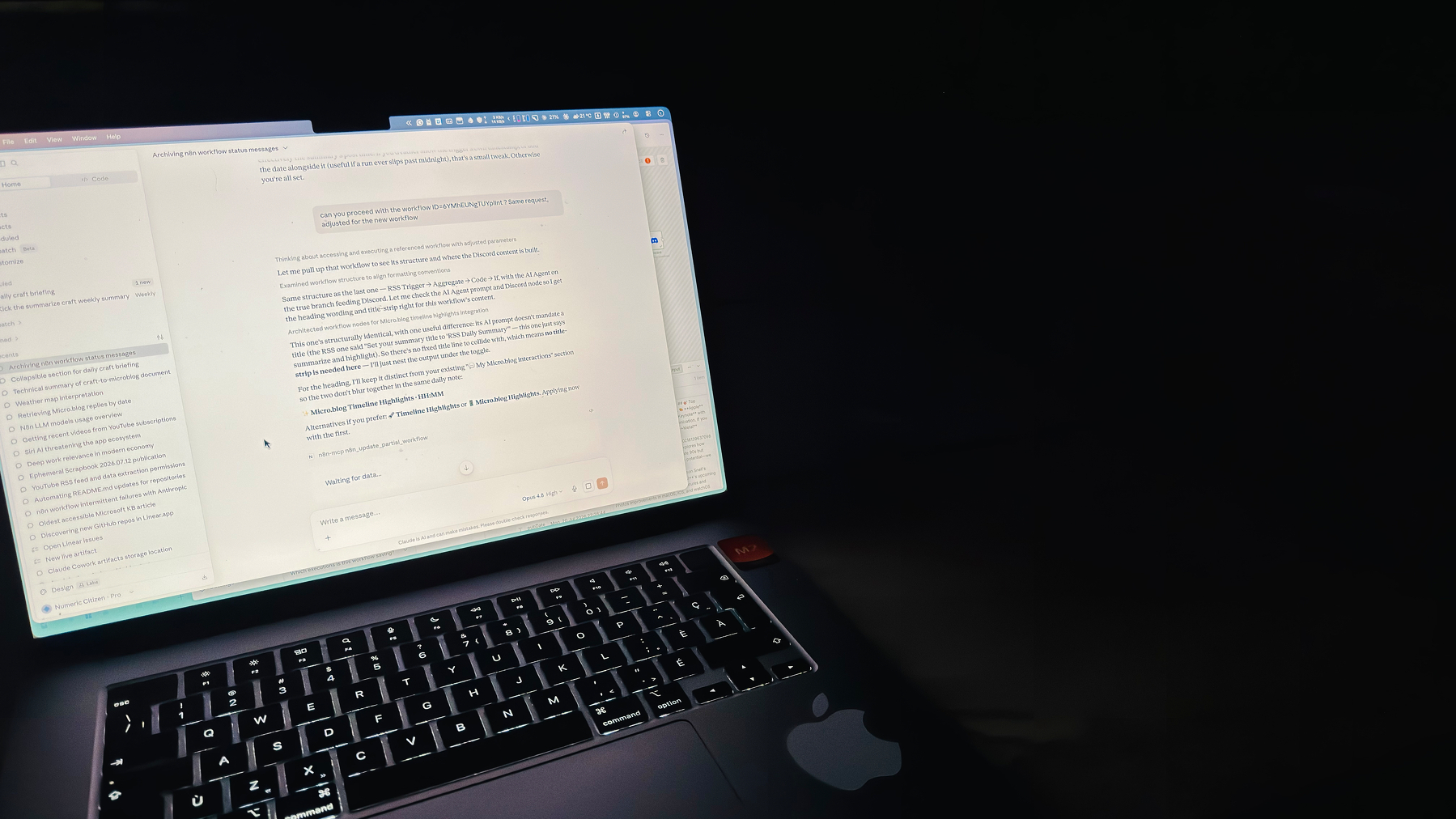
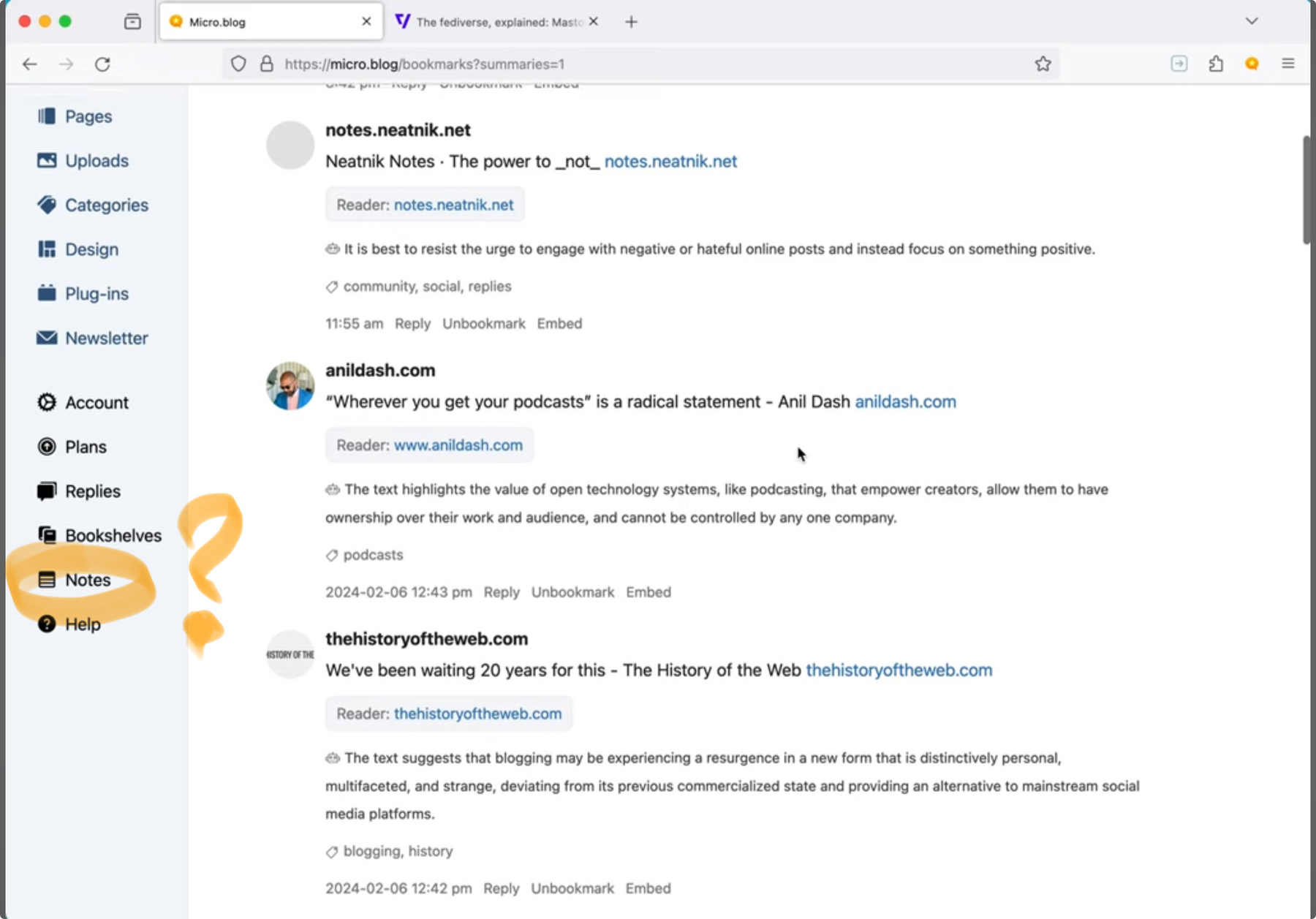
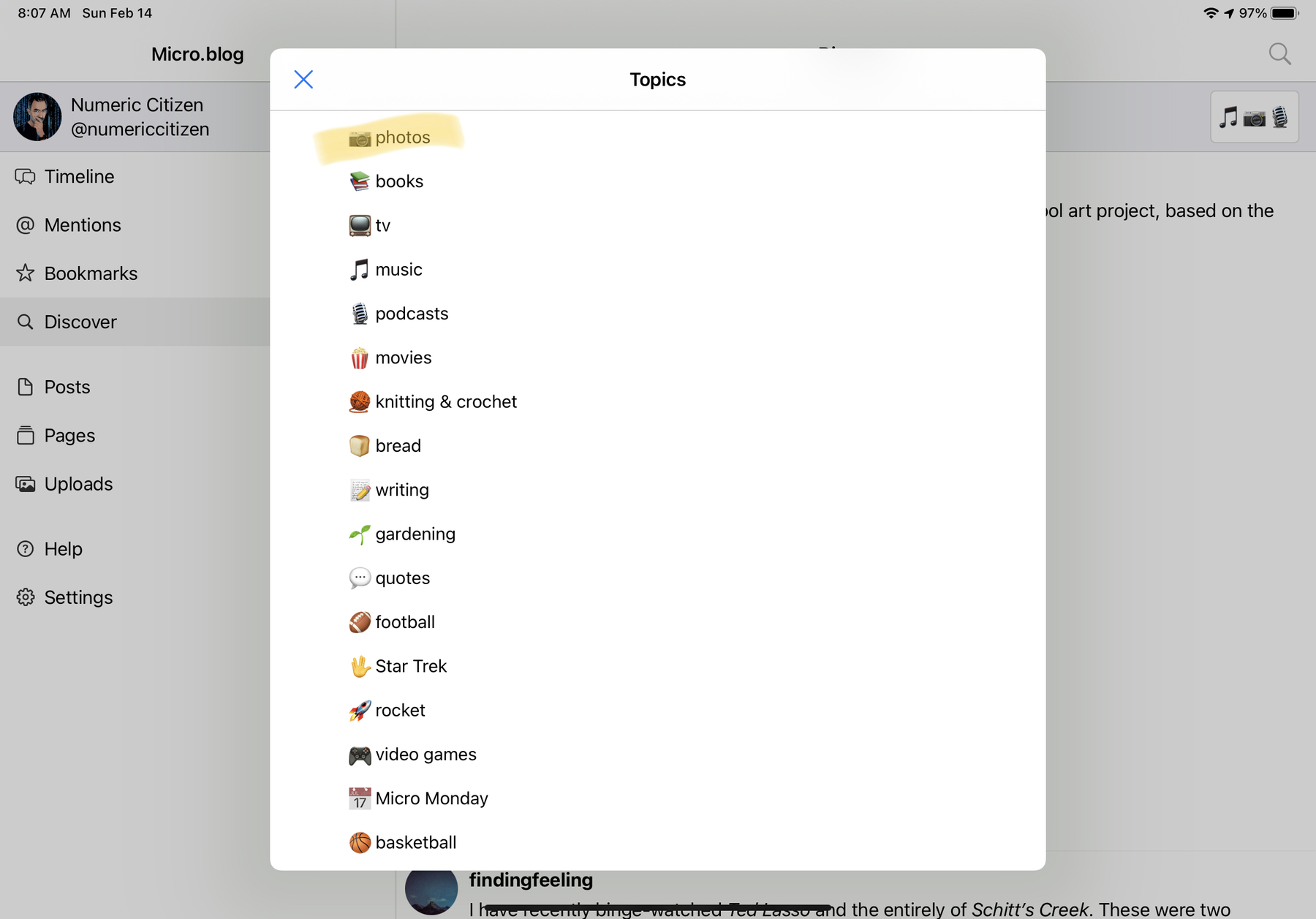
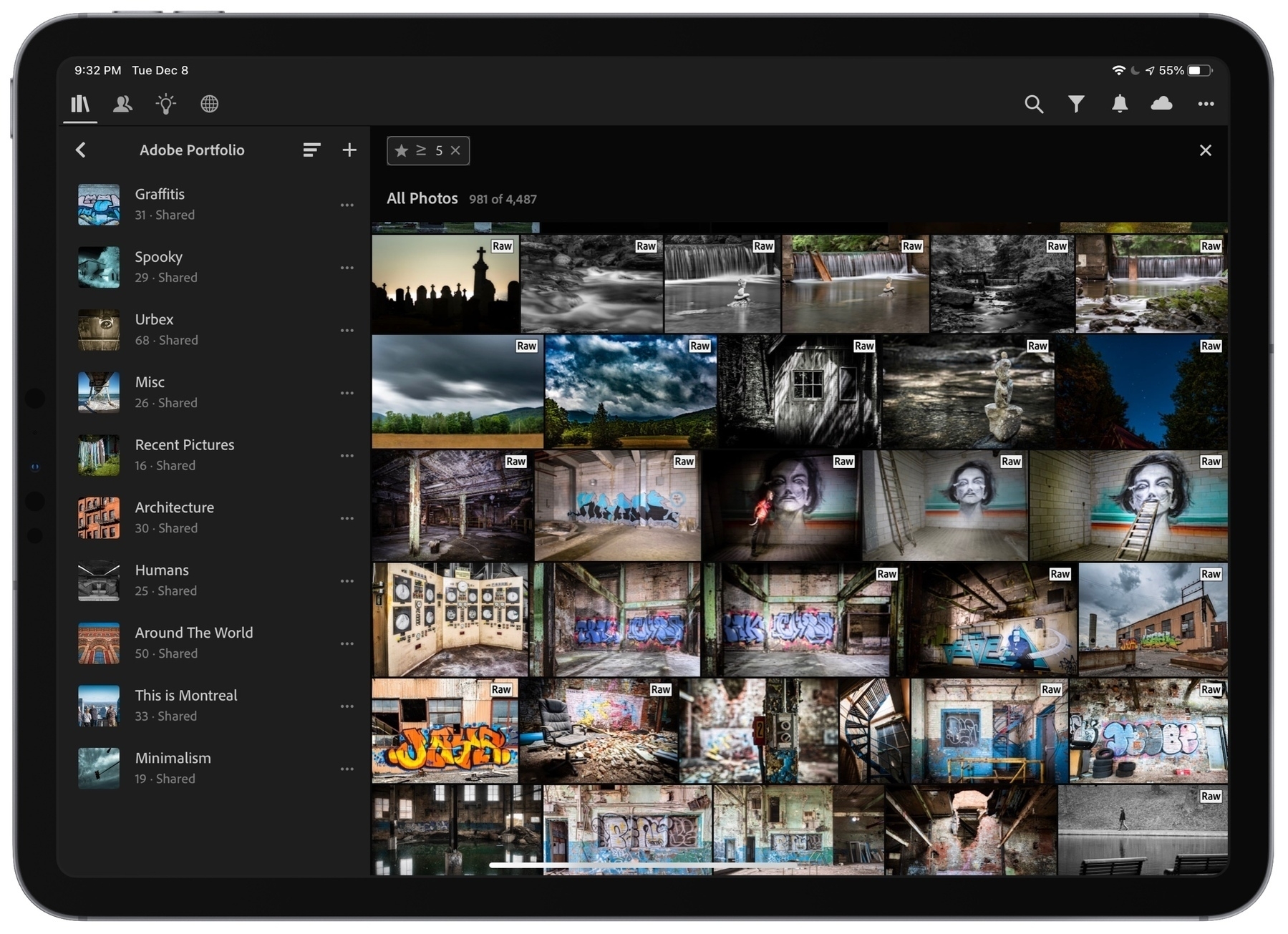
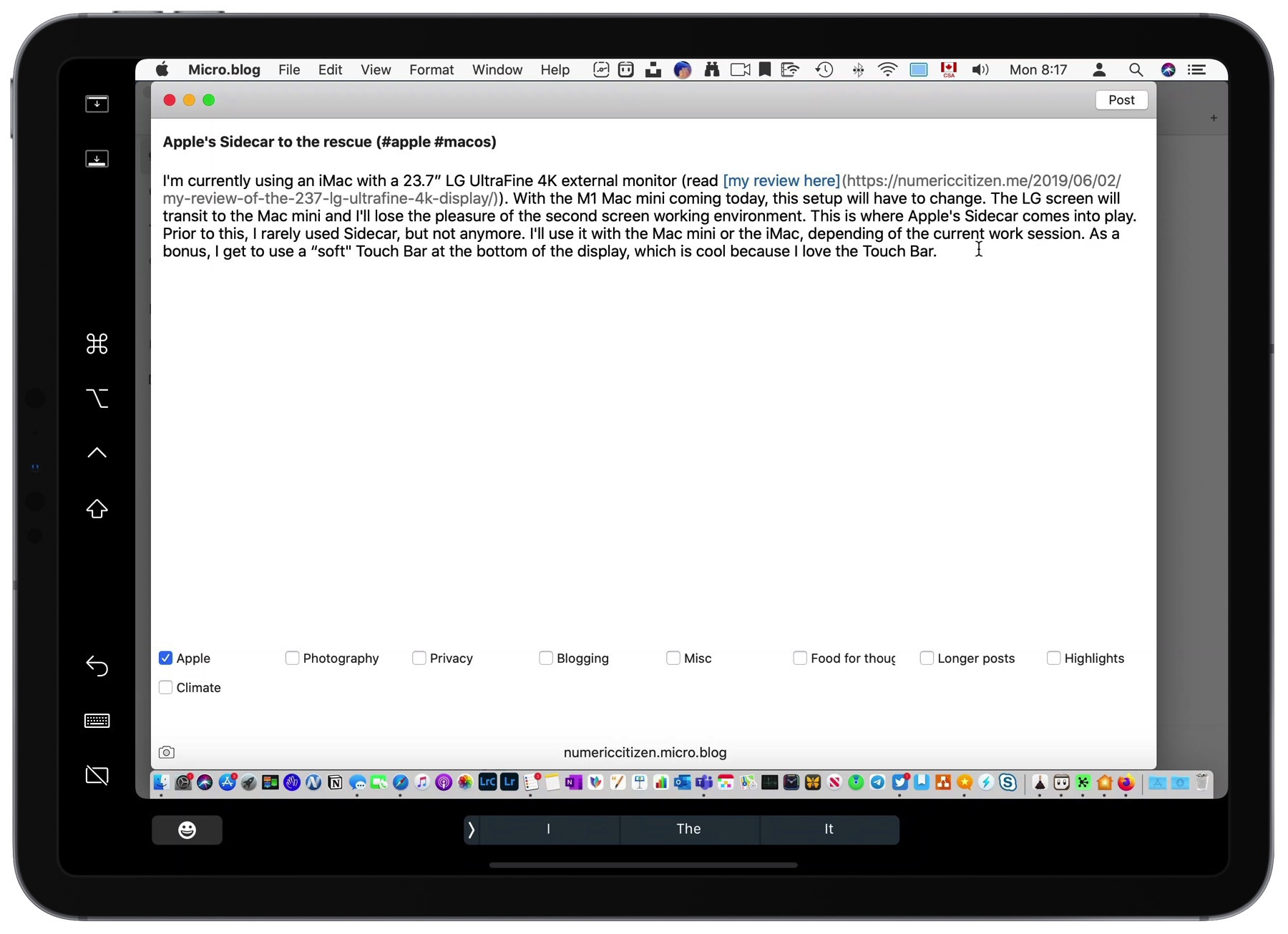
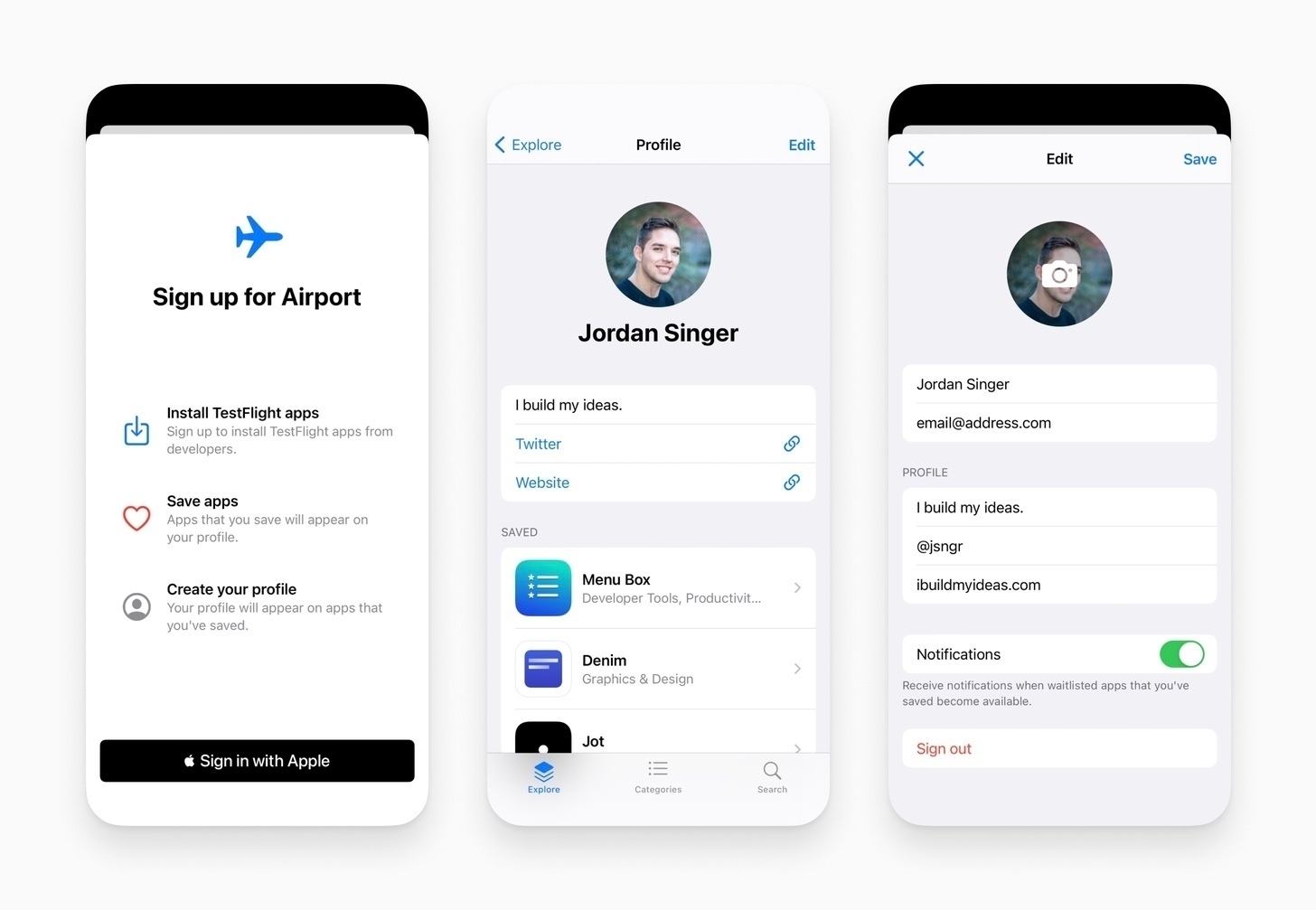
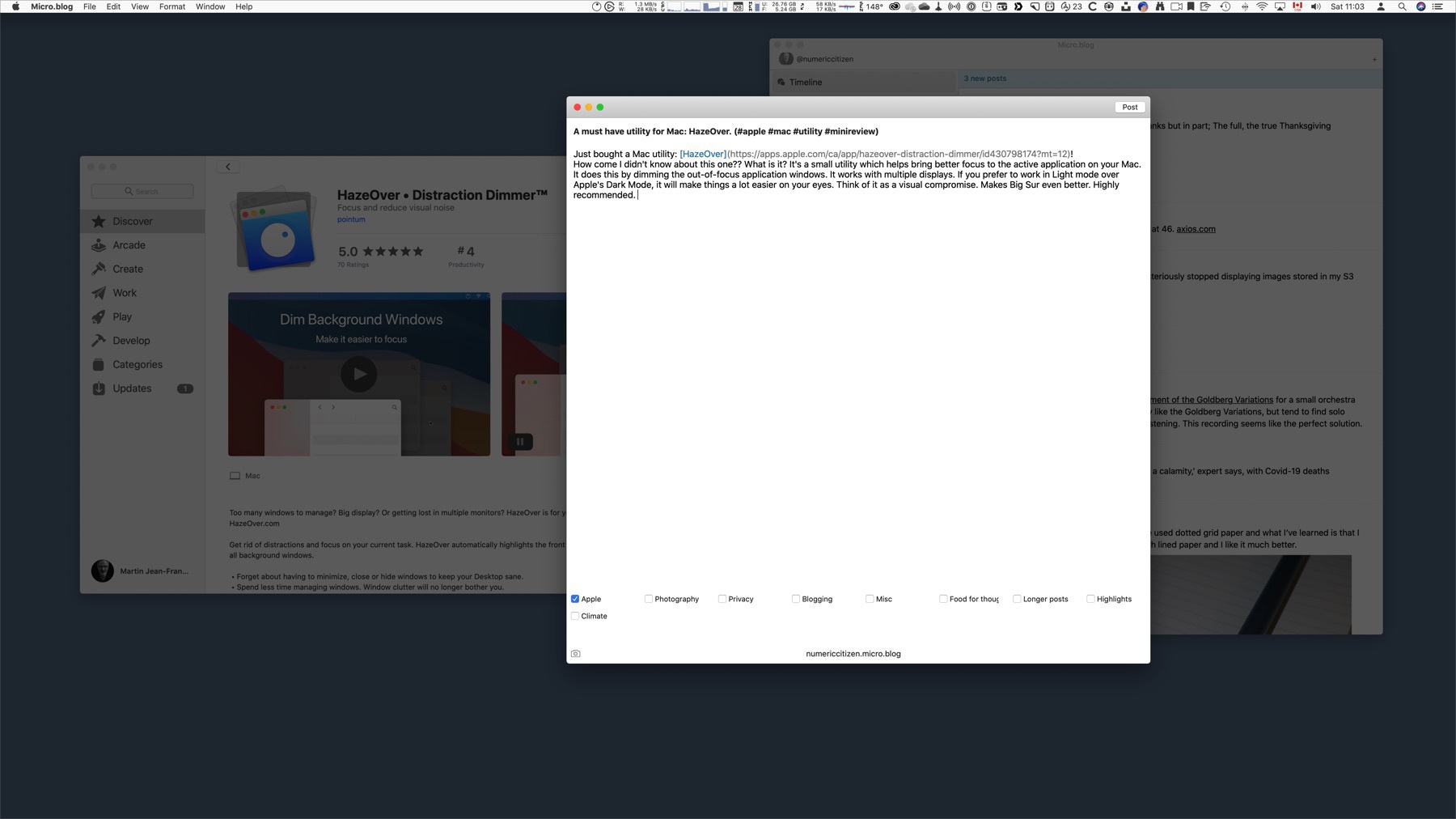
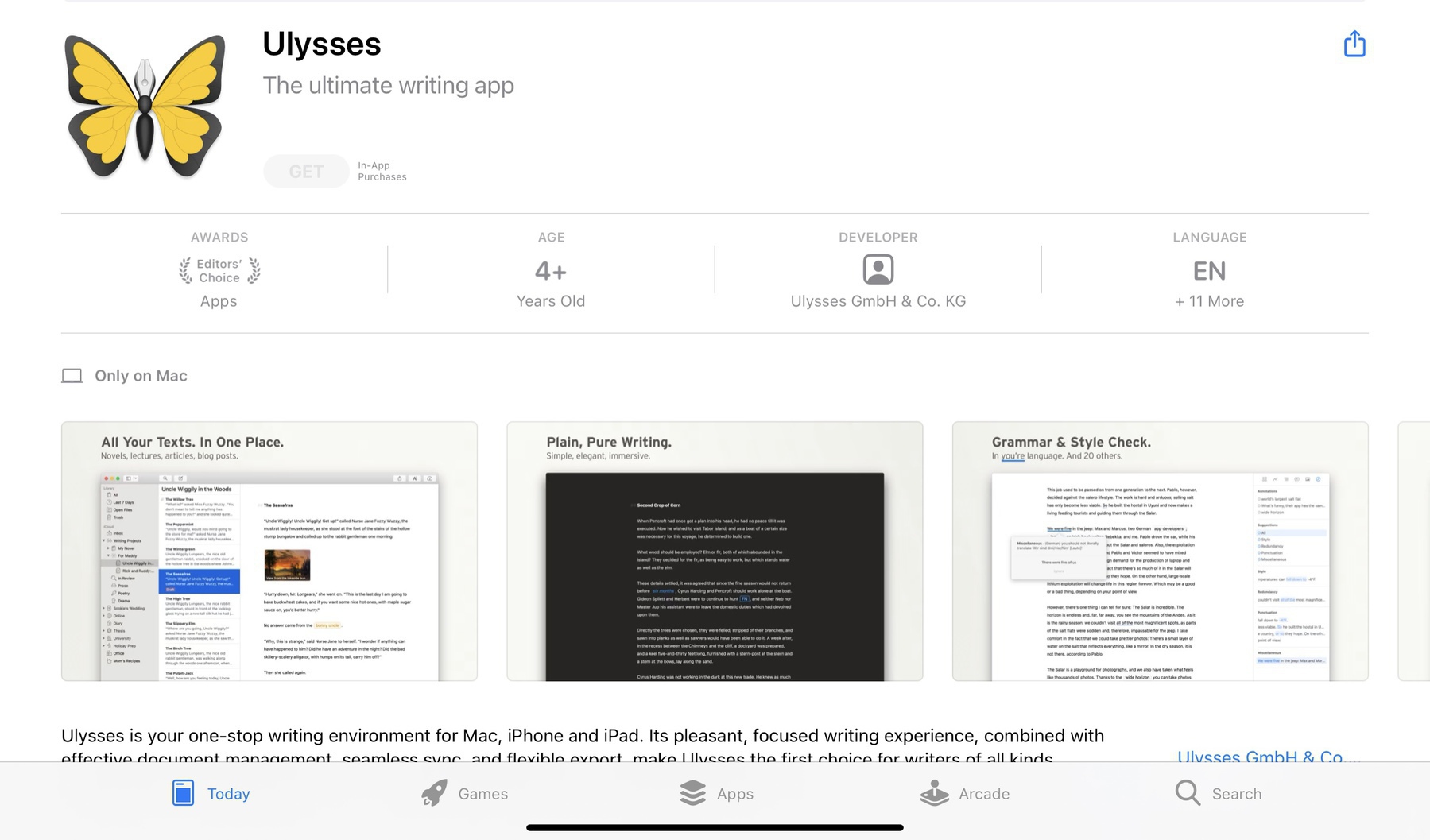
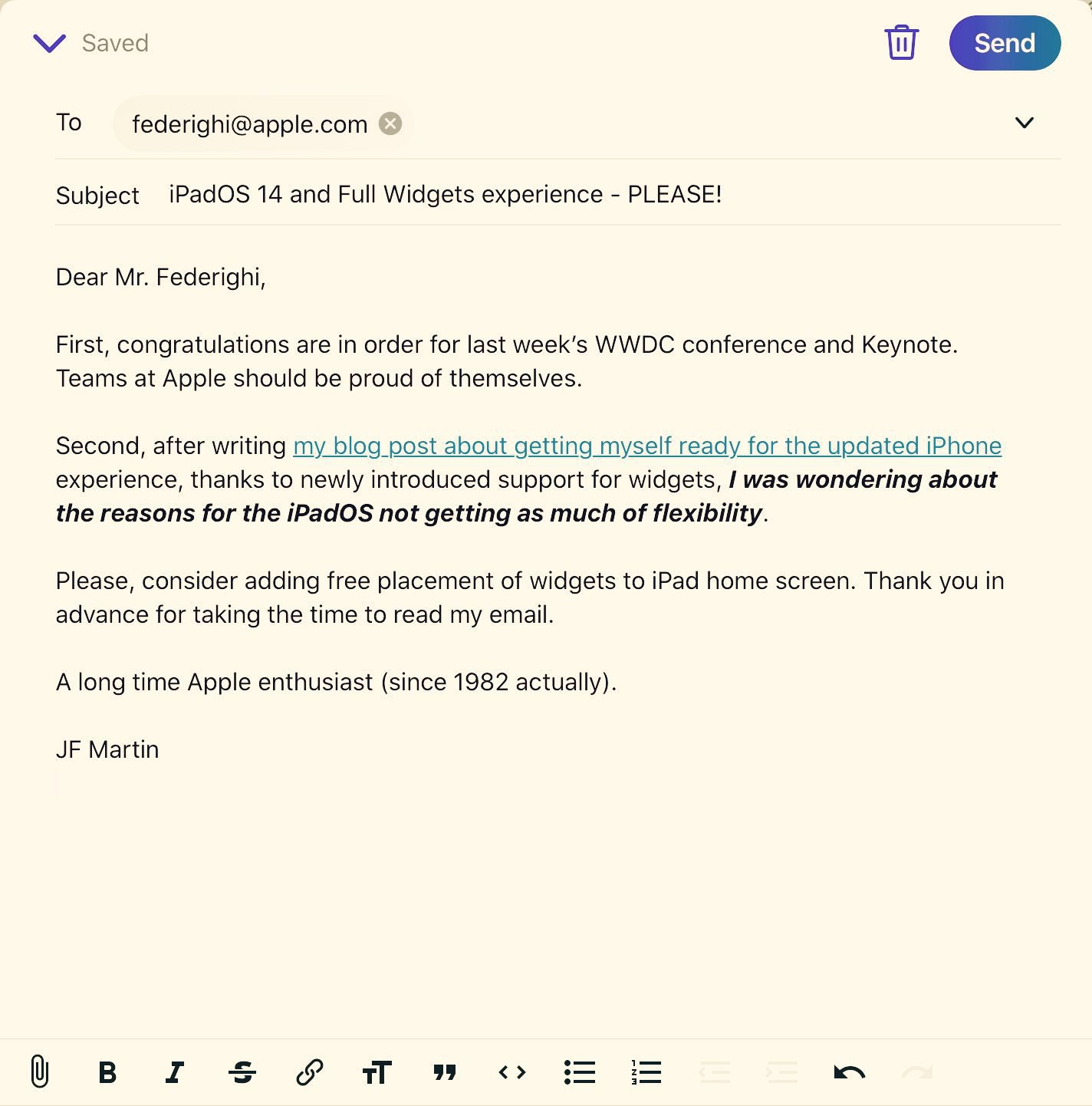
Added a new and much-needed feature to my micro.blog front end. See my prompt below.
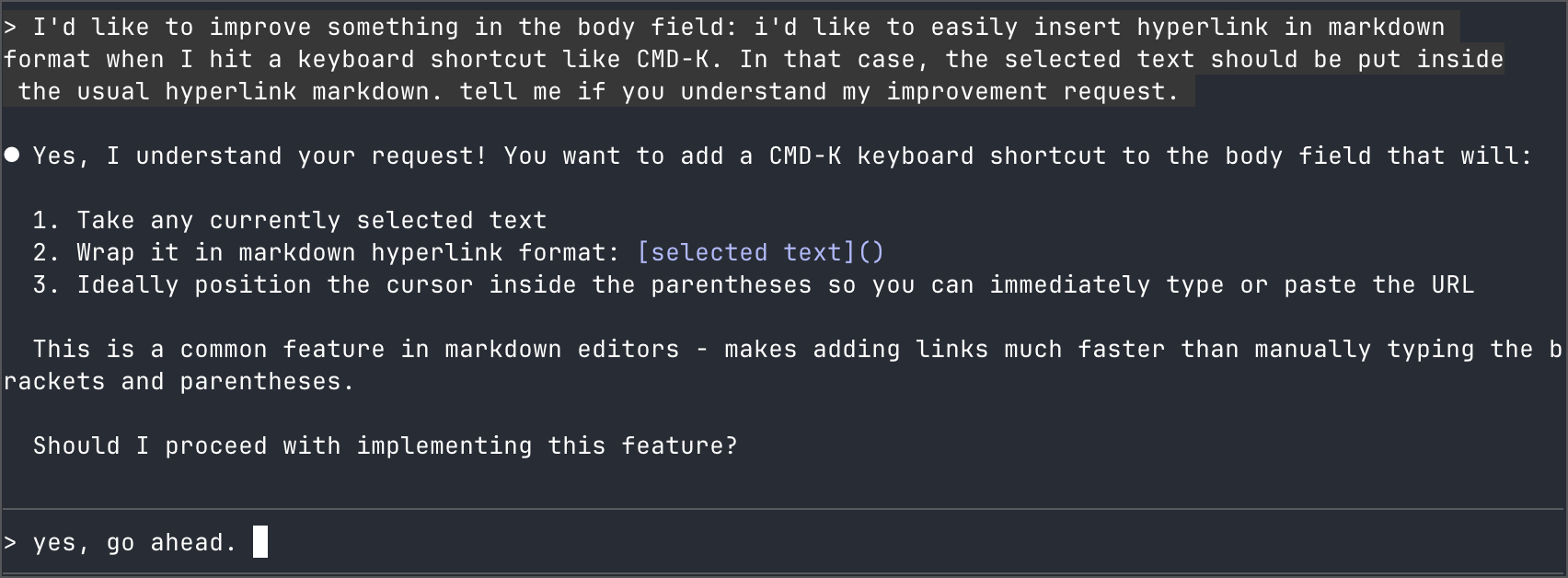
Added a new and much-needed feature to my micro.blog front end. See my prompt below.
I just finished reading about the service openrouter.ai. I was curious to understand the purpose of this service as well as its business model. I saw several instances of this service being used in n8n workflows. The problem I see with this service is that it makes the consistency of the quality of responses from the requested LLMs even more unpredictable. Each request could be handled by LLMs with different characteristics and performance from one time to another. I’ll pass on this, but I still learned something tonight.
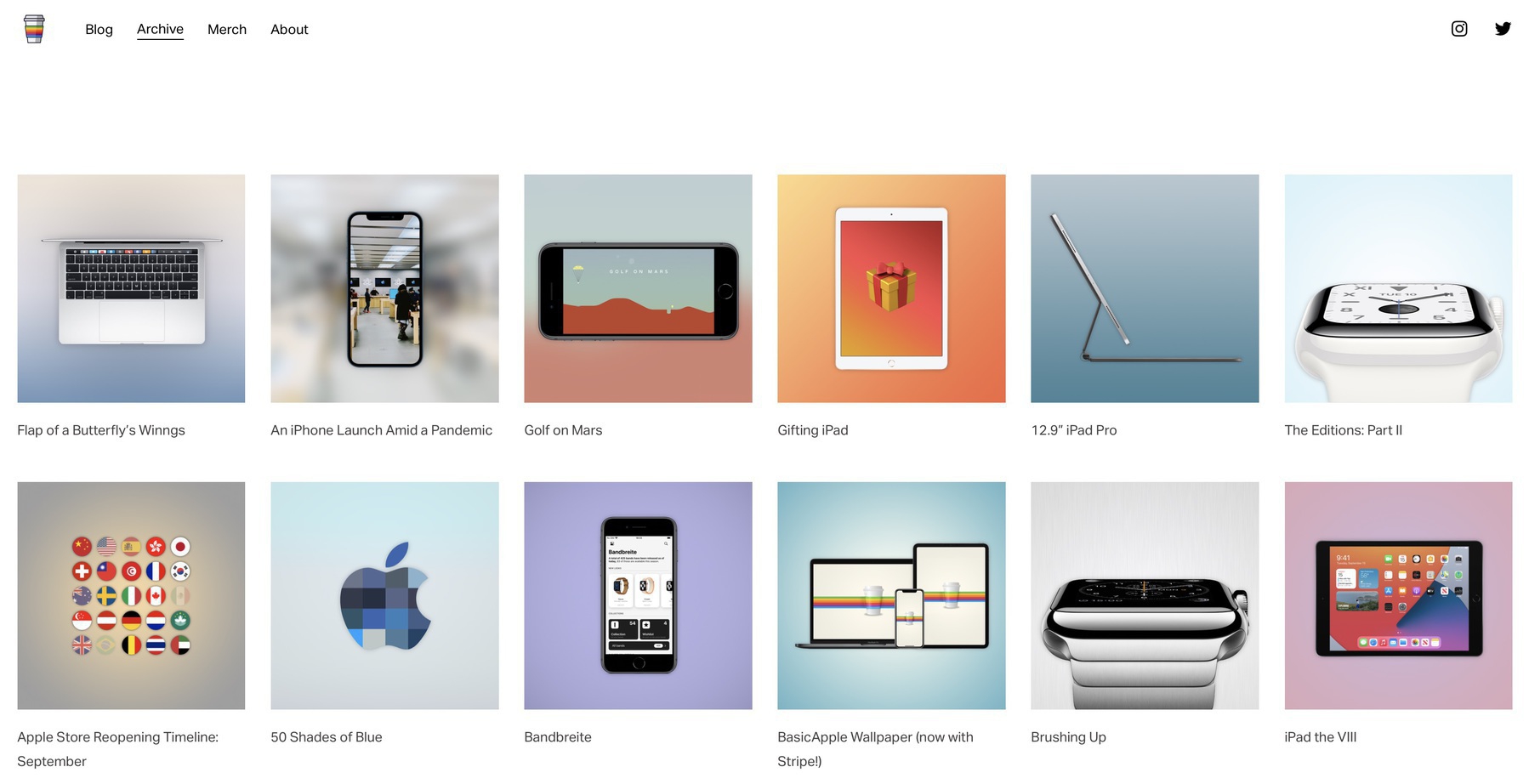
Another update to my blog: the blog post categories are no longer listed on the main page header. Categories are shown on each blog post. I think that’s enough. Categories are available in the Archive page. This makes the home page less busy.
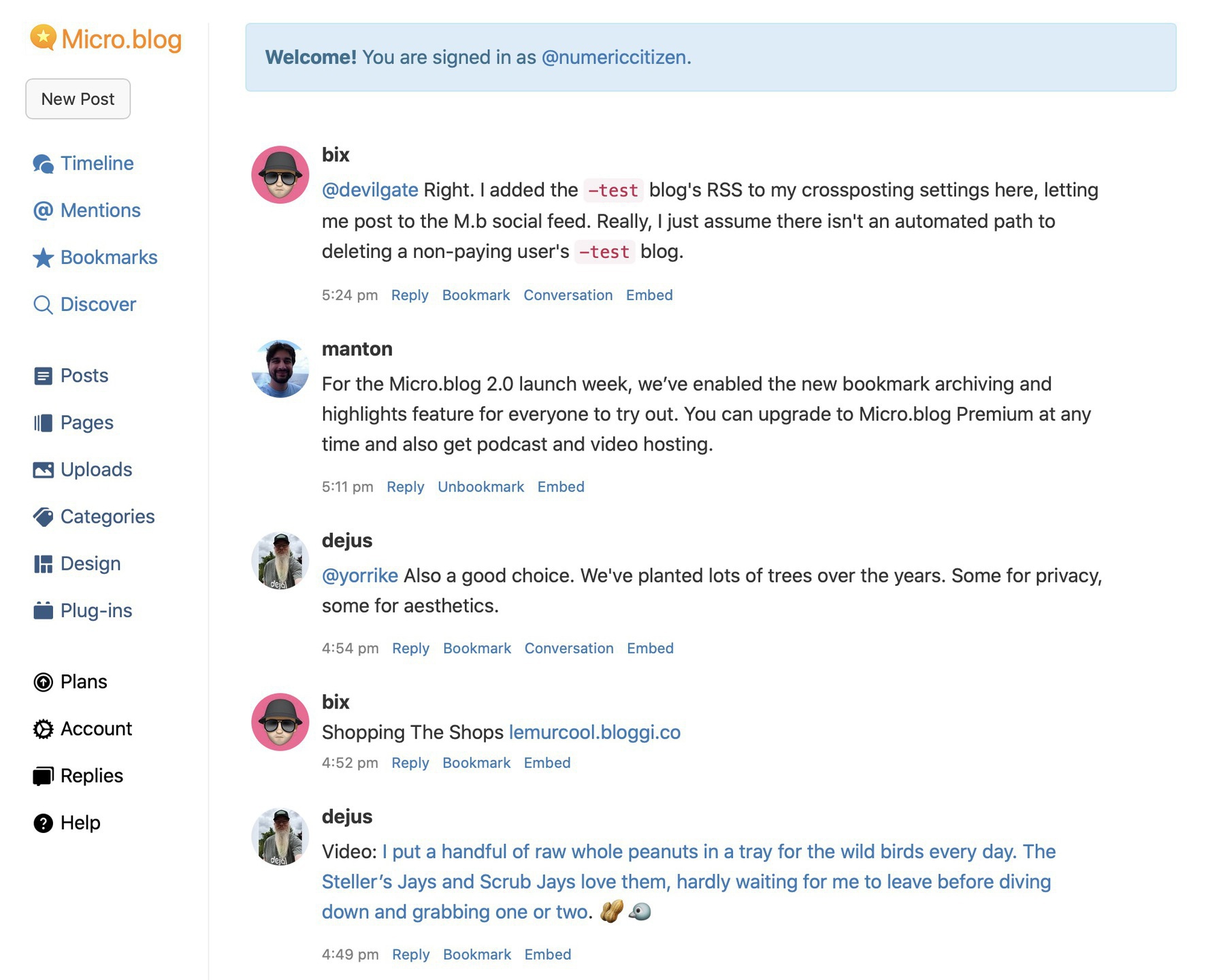
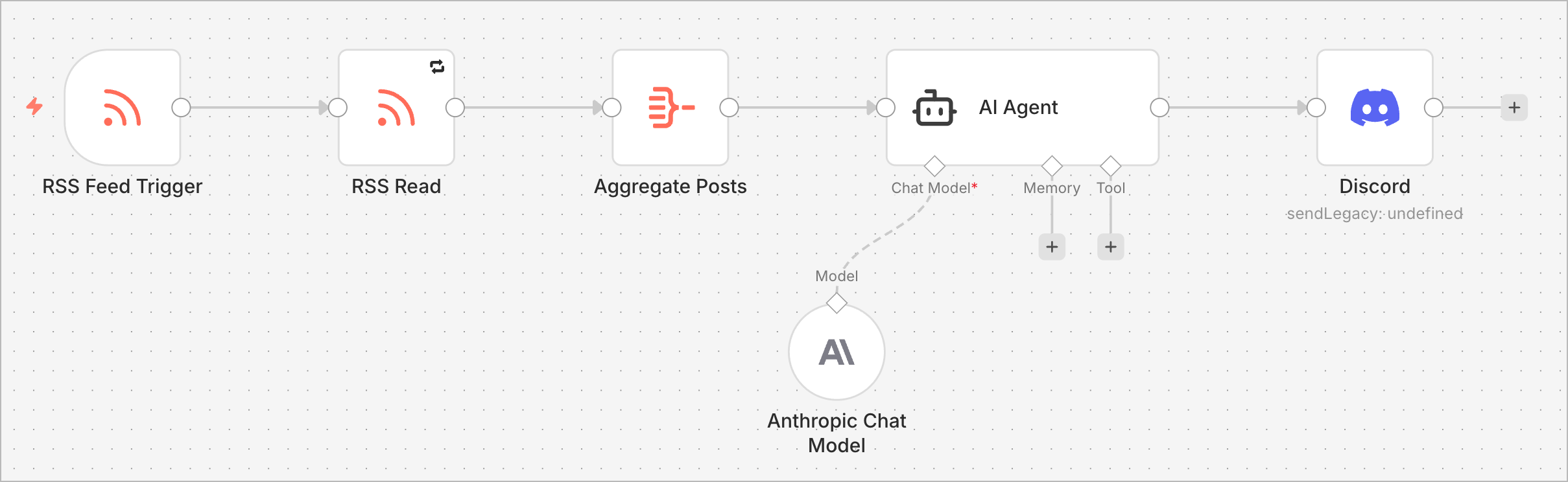
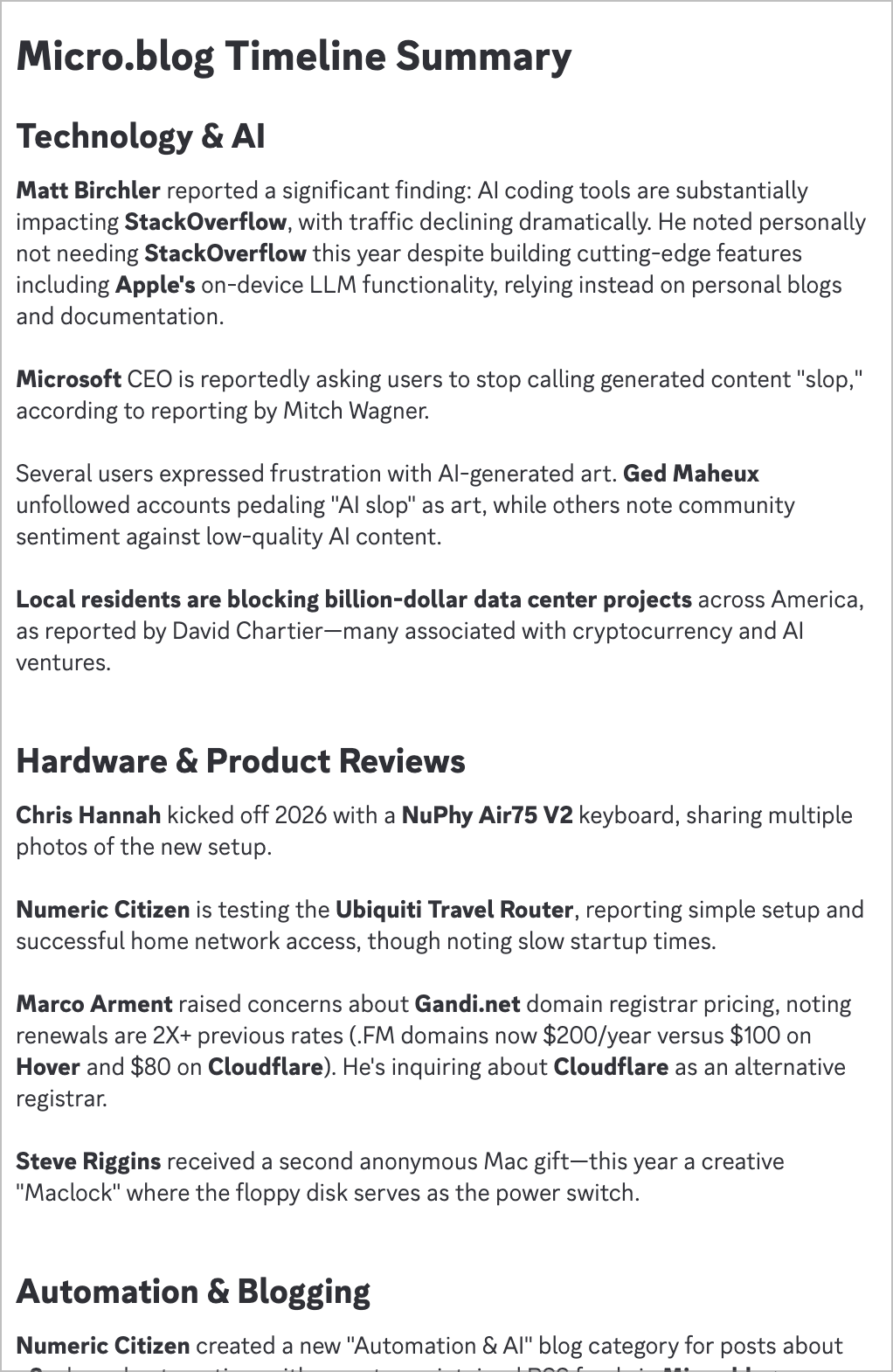
My latest n8n workflow automates summarizing my Micro.blog timeline (via its private RSS feed) and sends the results to my Discord server every hour. Pretty cool, right?
Today, I created a new blog post category. Now, all blog posts related to automation (usually n8n-based) or AI will be assigned the “Automation & AI” category. I went back to my blog posts and updated a few of them to reflect this change. You can follow the blog posts with this dedicated RSS feed, which is automagically created and maintained by Micro.blog.
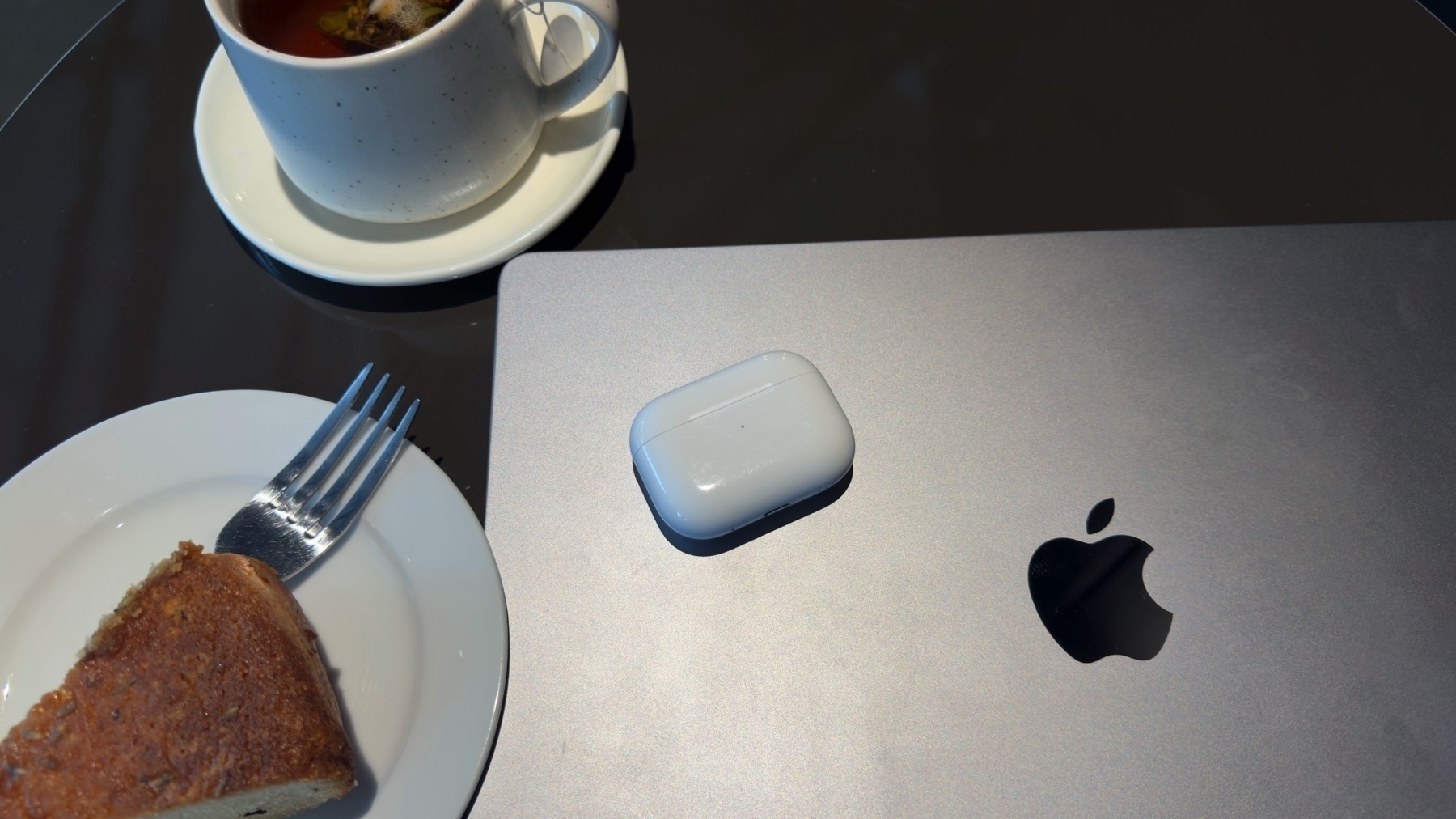
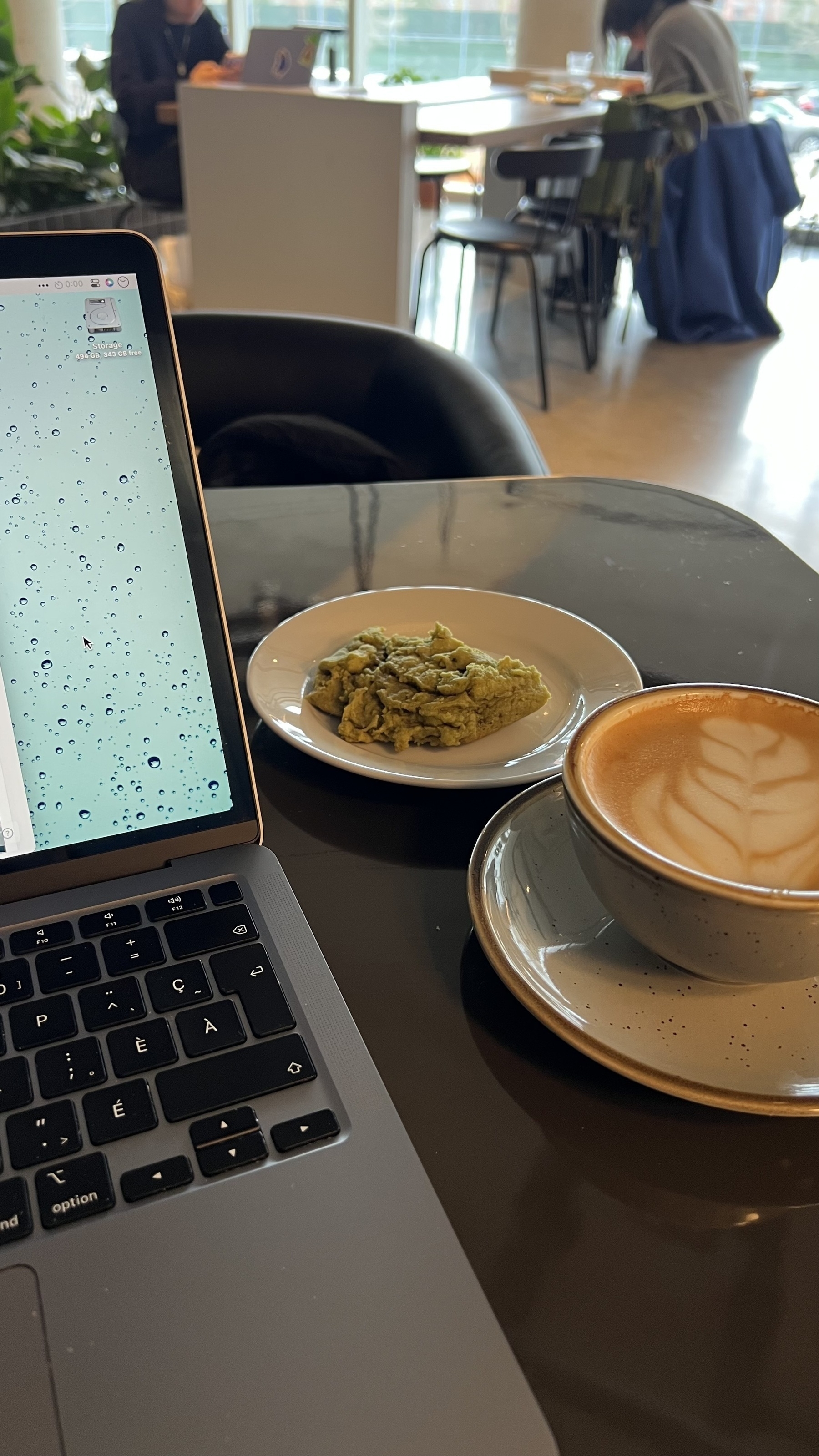
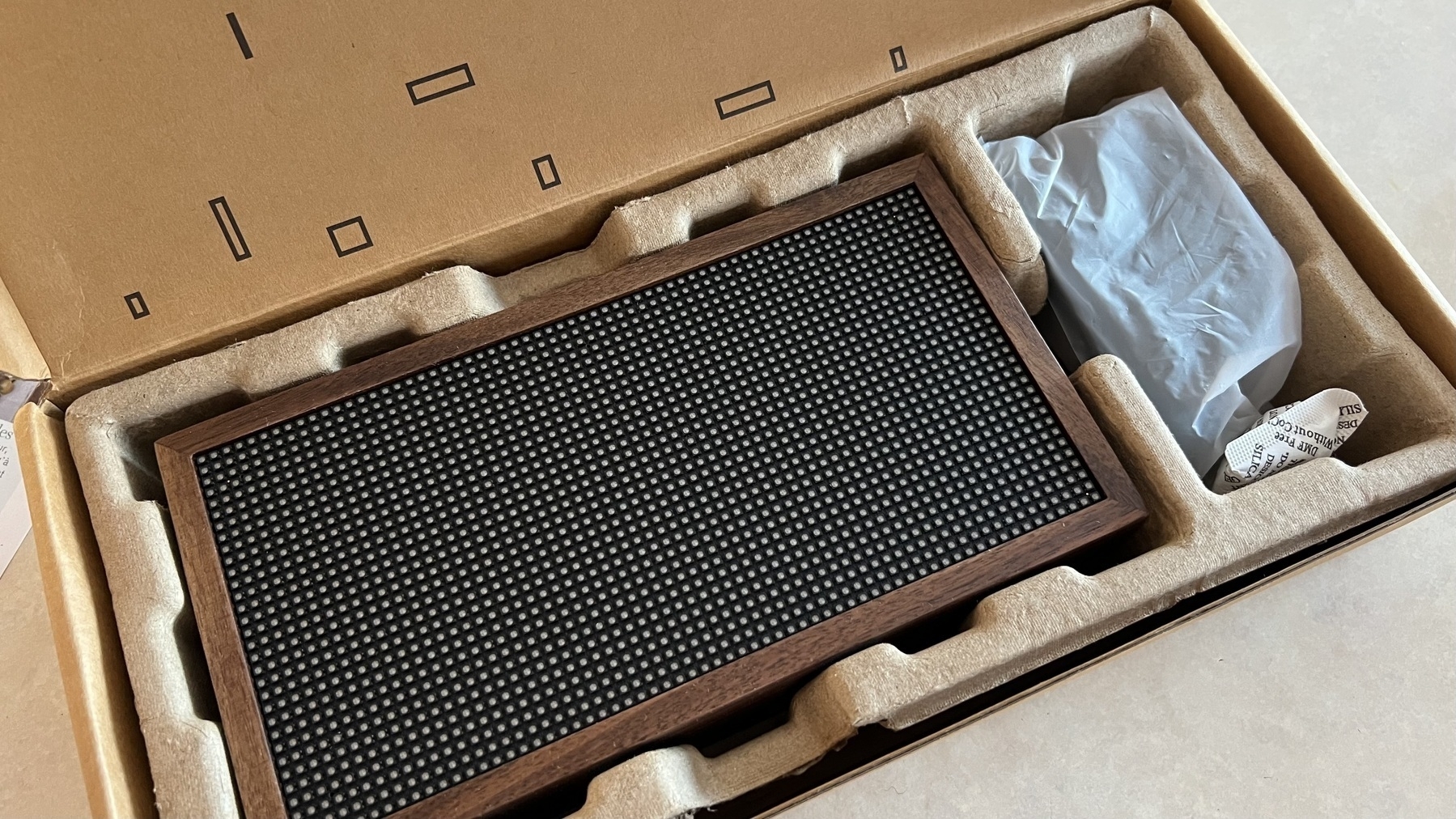
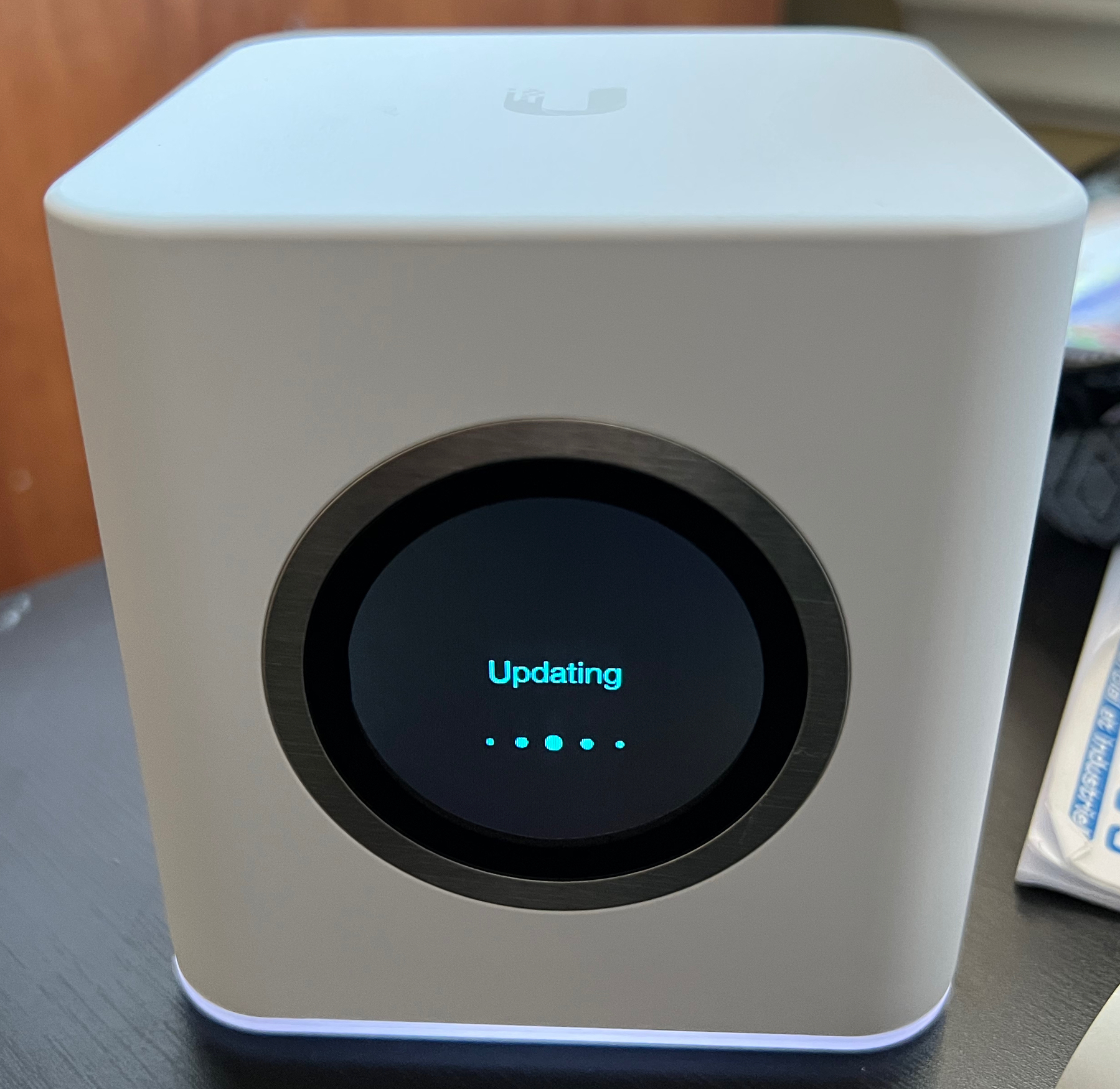
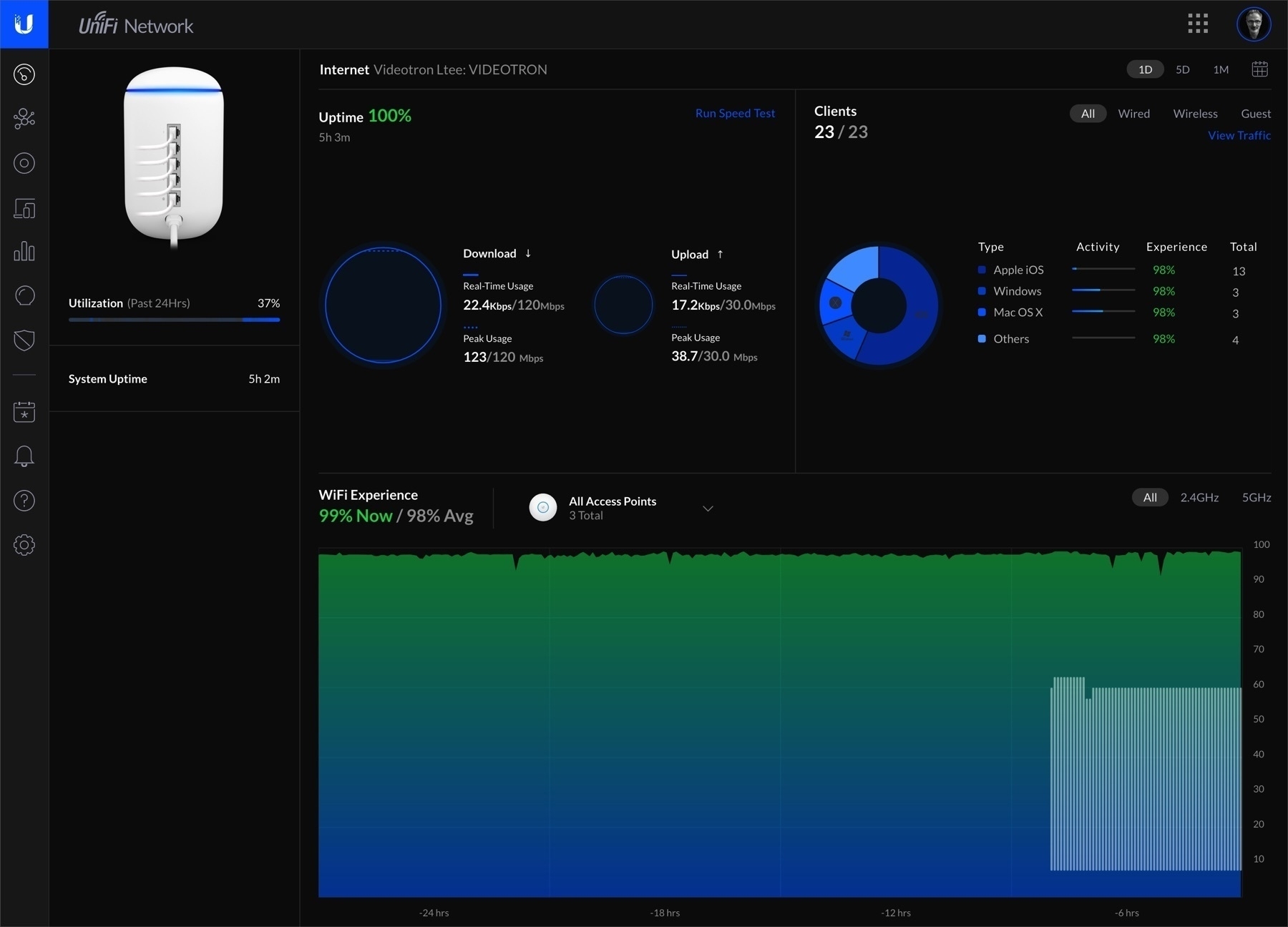
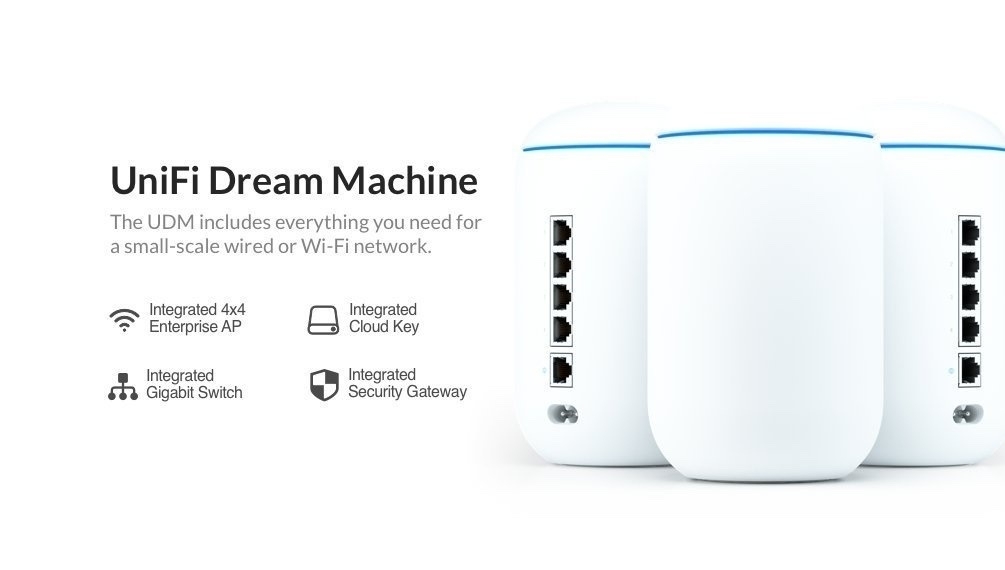
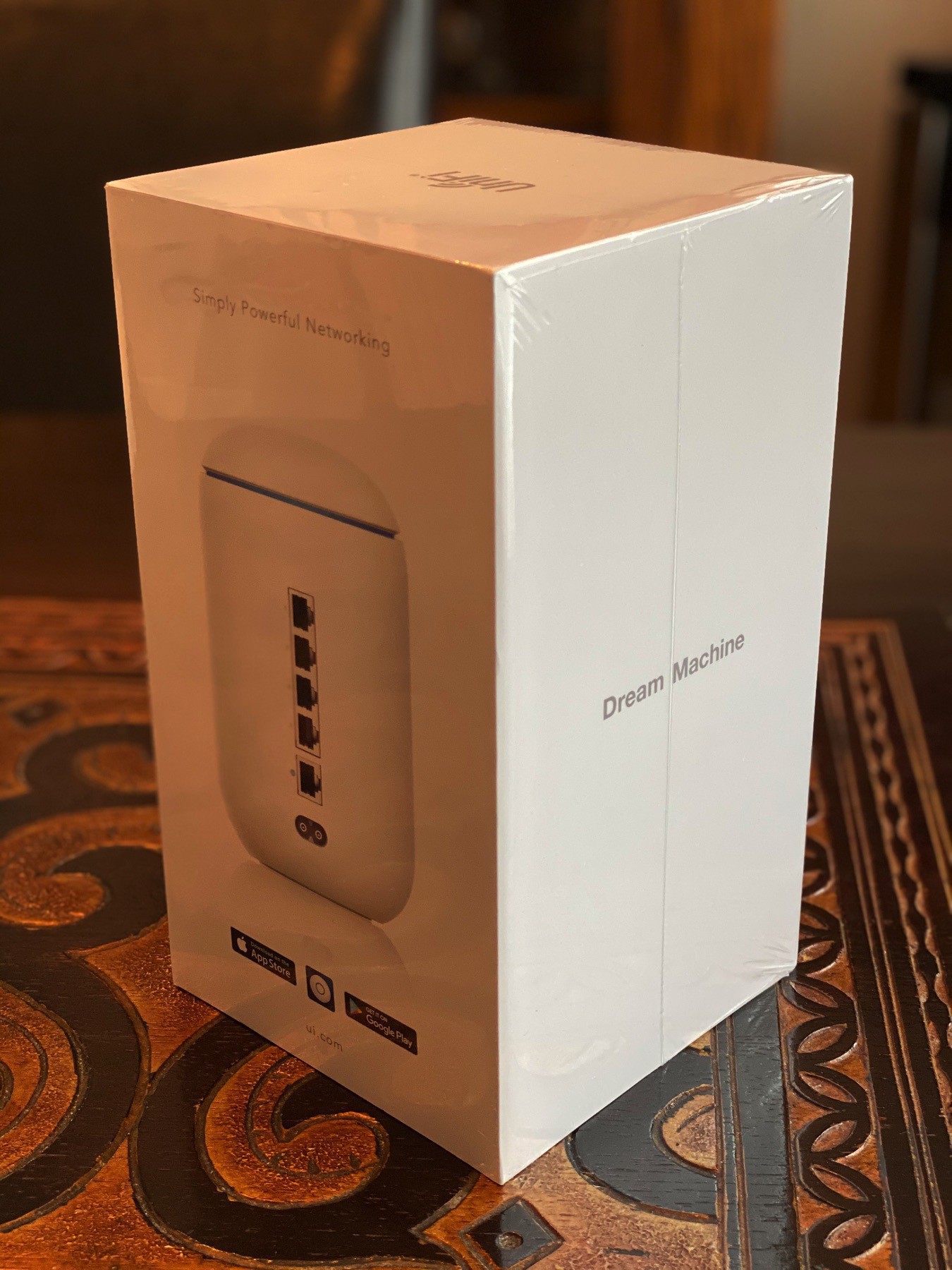
I am currently testing the Ubiquiti Travel Router in a café near my home. The setup operation is simple, and I have full access to my home wifi network, which is one of the goals of this purchase. The only small drawback for now is the slow startup of the device.
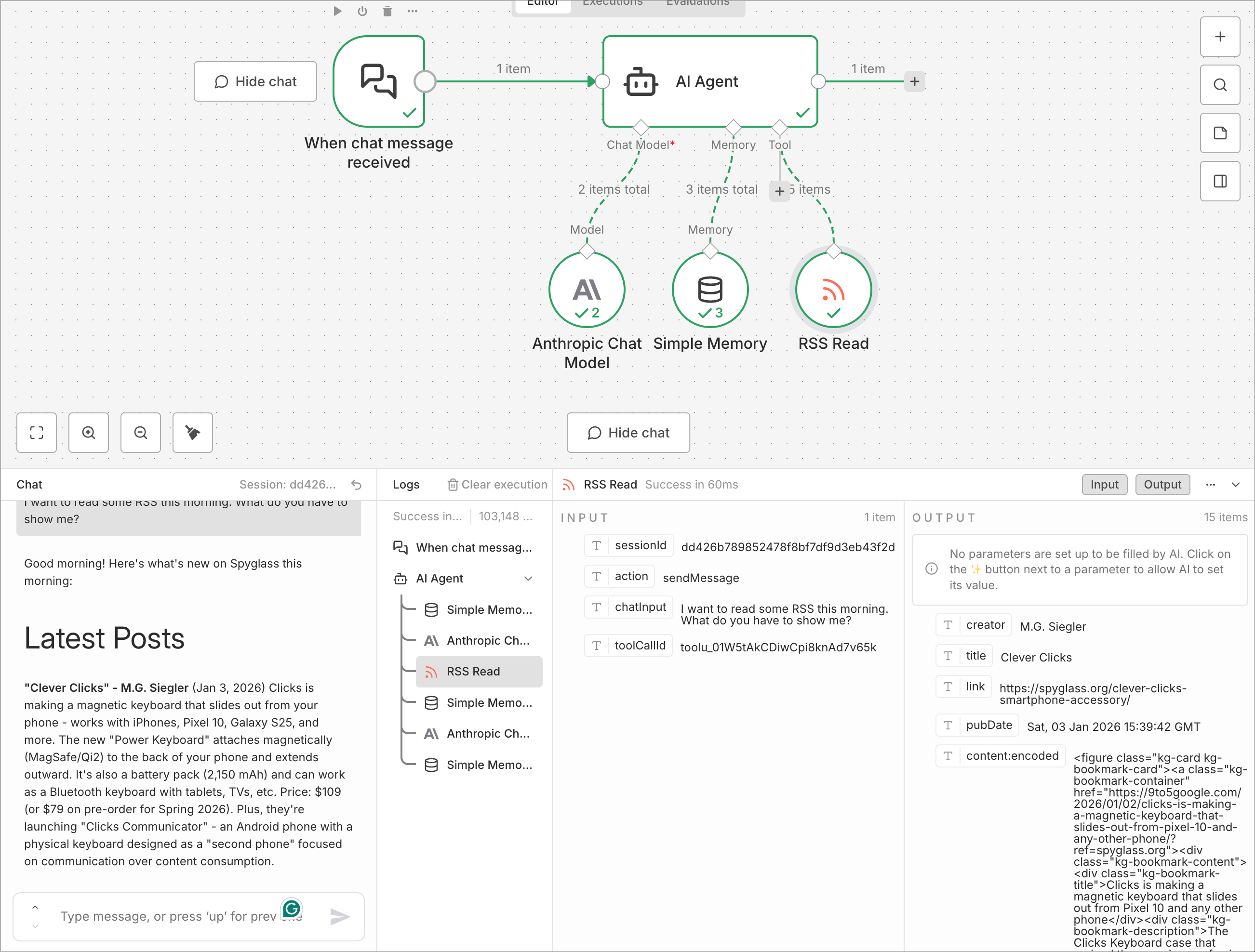
I’m discovering this powerful n8n node this morning. This means I could trigger that workflow from an external source, such as a Telegram message, and receive a response with some RSS content.
Today, I’m excited to share my latest idea and creation: a website collecting my Micro.blog posts, monthly digests. What, another website? Yup.
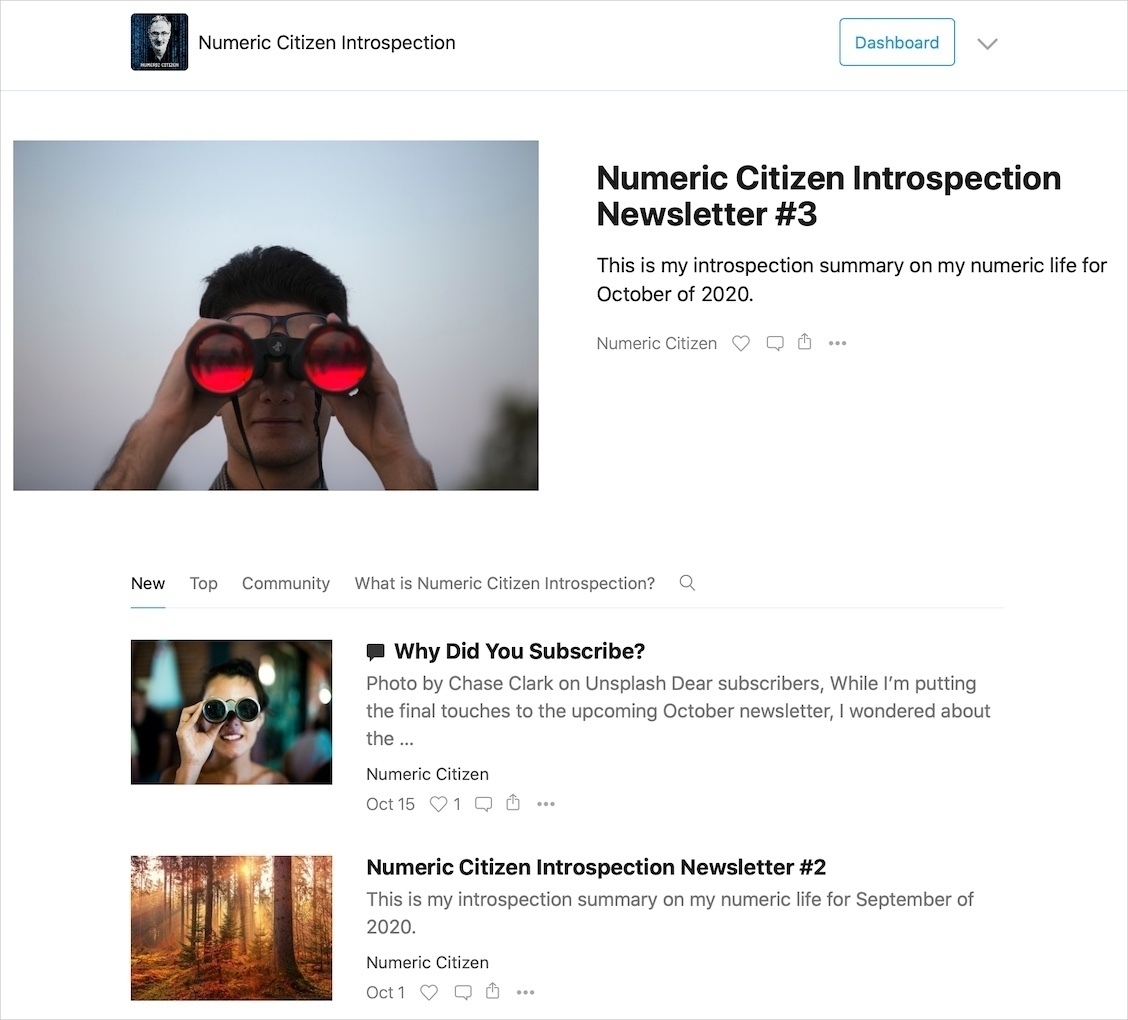
In case you didn’t know, Micro.blog has a newsletter capability. My blog offers readers the opportunity to subscribe to a monthly blog post digest delivered to their inboxes. Plus, each digest is also available as a webpage (here’s the index page if you are curious). It’s a great way to get a quick overview of everything I published for a specific month. Of course, the whole thing is searchable.
But one day, I tried feeding one digest into ChatGPT and started asking questions about it. It was a revelation. Eventually, I asked for a structured summary, and ChatGPT promptly complied, returning a beautifully formatted summary. I spent quite some time reading the output, and I was blown away by how accurate and complete it was. This is where the idea of creating a new website to store and share those summarized digests. I think it’s a great way to get up to speed with my blog for newcomers or for people who might have missed a few months.
So, here we are, digests.numericcitizen.me is born. For now, you’ll find the summary of last month, but each month will be added as a single article. An AI-generated summary (by Micro.blog) describes the current month, and you need to click the title to get all the content. I plan to add some other highlights to this site. Stay tuned and enjoy.
“Start a blog. Start one because the practice of writing at length, for an audience you respect, about things that matter to you, is itself valuable. Start one because owning your own platform is a form of independence that becomes more important as centralized platforms become less trustworthy. Start one because the format shapes the thought, and this format is good for thinking.” - JA Westenberg in The Case for Blogging in the Ruins
Beyond feeling independent, having a blog helps active thinking.
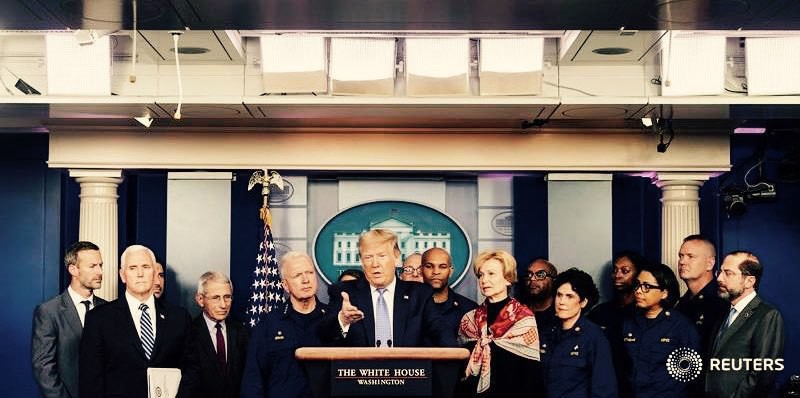
“We’re going to have our very large United States oil companies, the biggest anywhere in the world, go in, spend billions of dollars, fix the badly broken infrastructure, the oil infrastructure, and start making money for the country.”
There you go. That’s the real reason for the invasion, just like Iraq. WMD? Drugs? These are just excuses to get the oil. Only a month ago, the POTUS pardoned the former President of Honduras for trafficking cocaine into the US. As usual, the lies are blatant.
The more it changes…